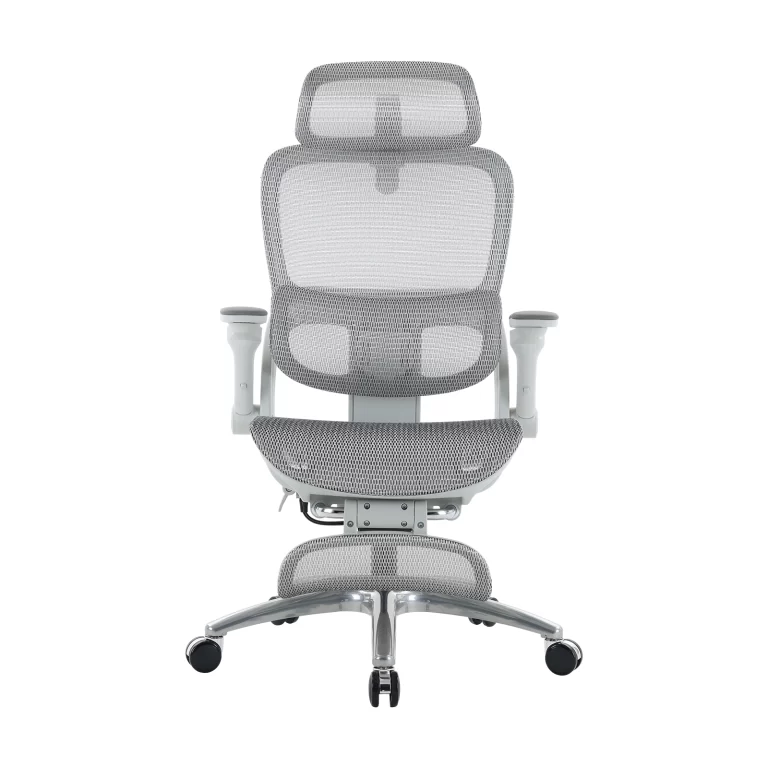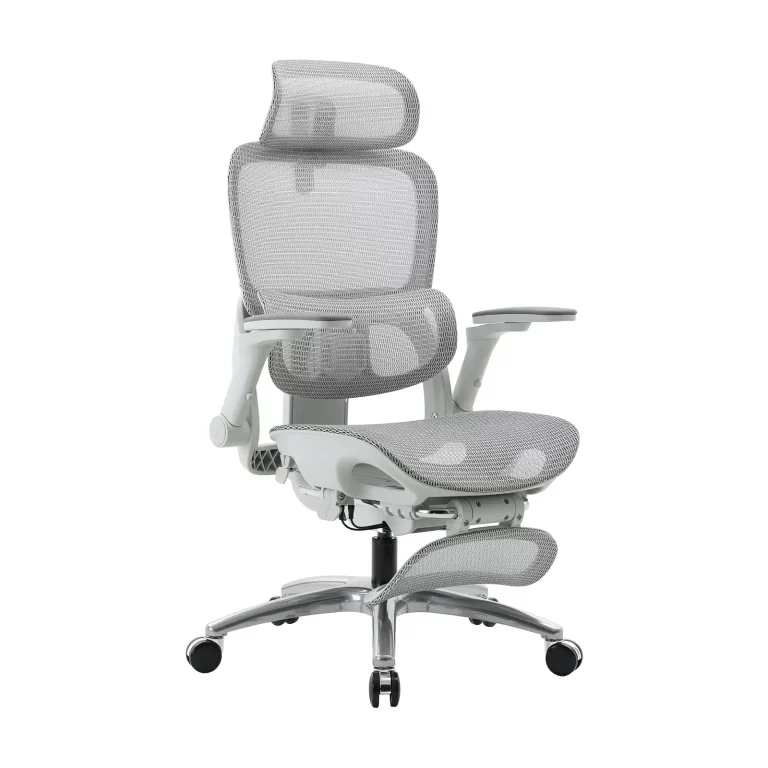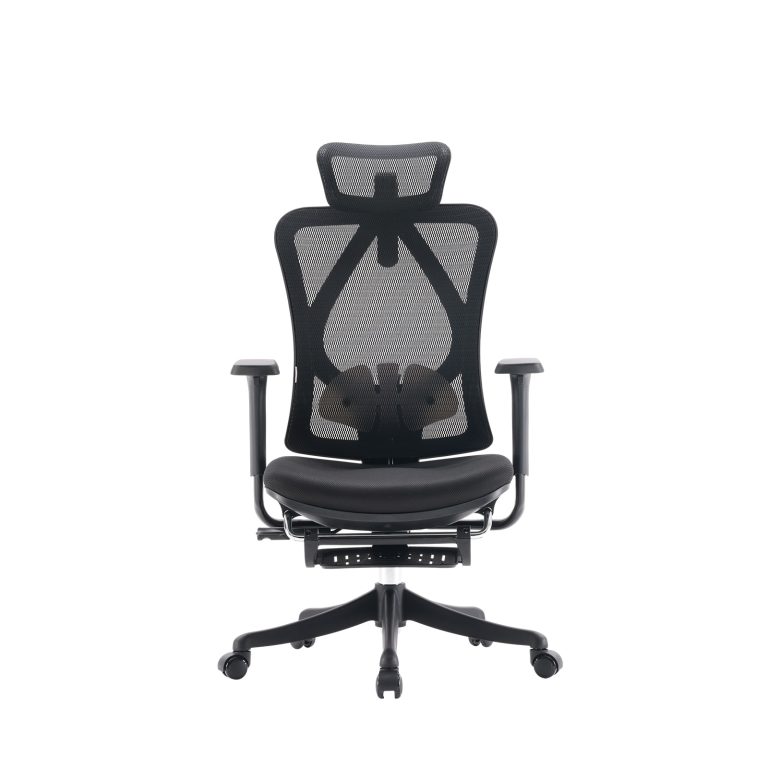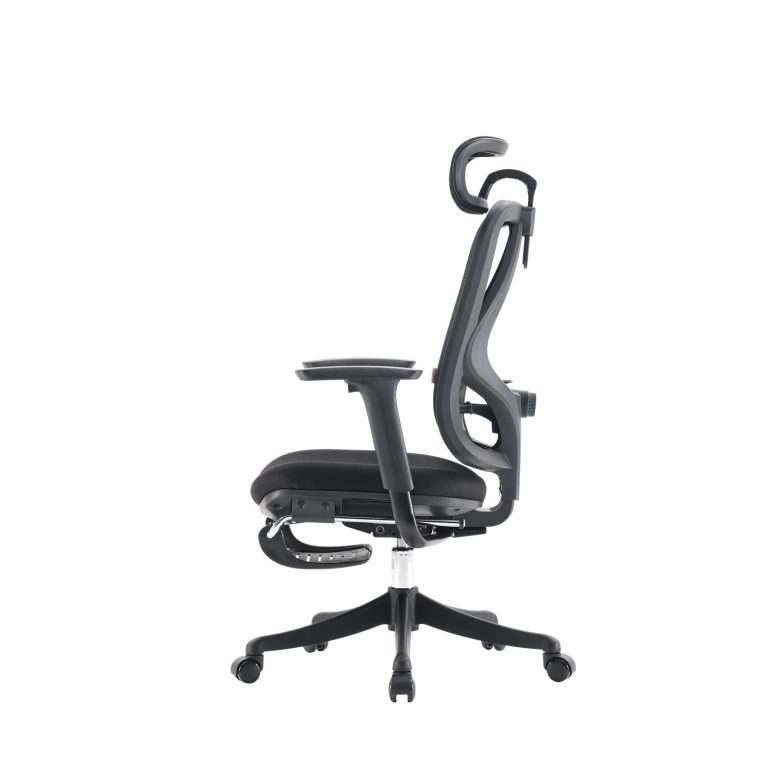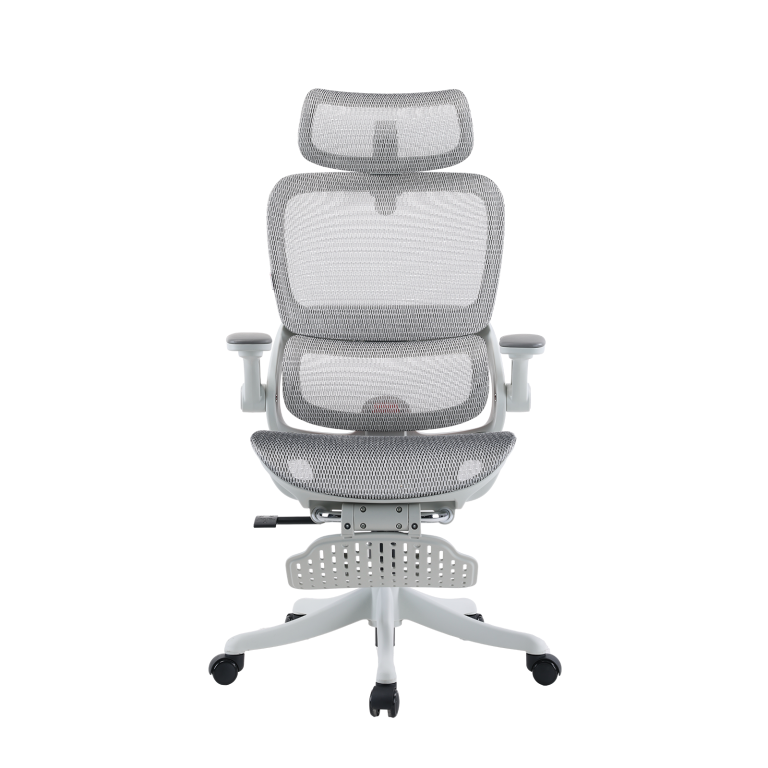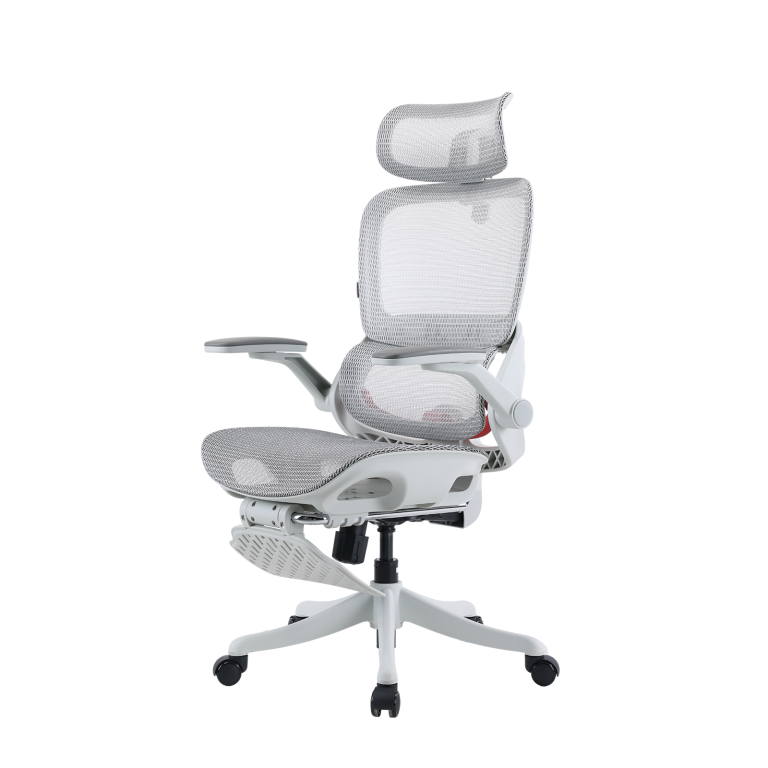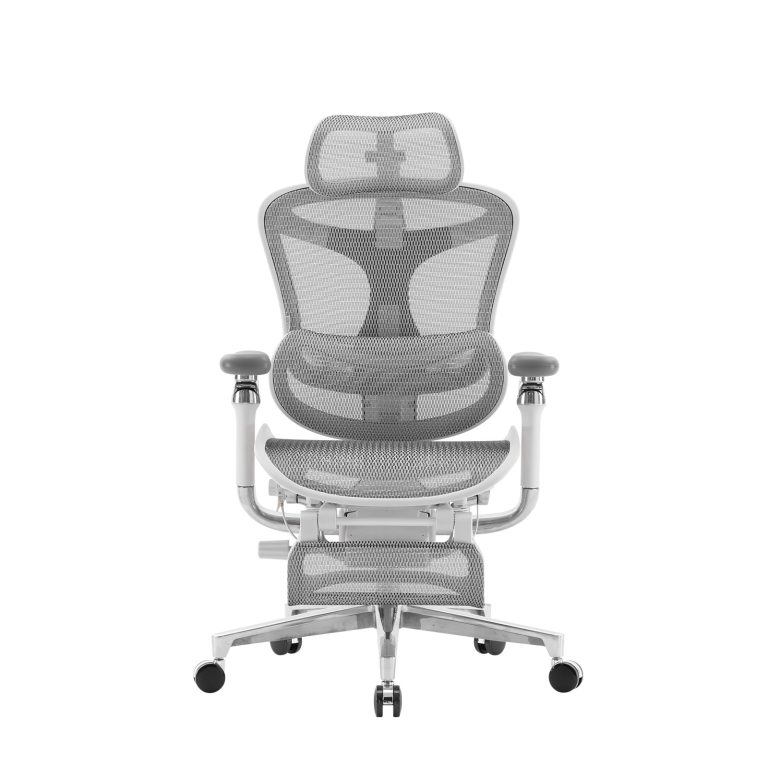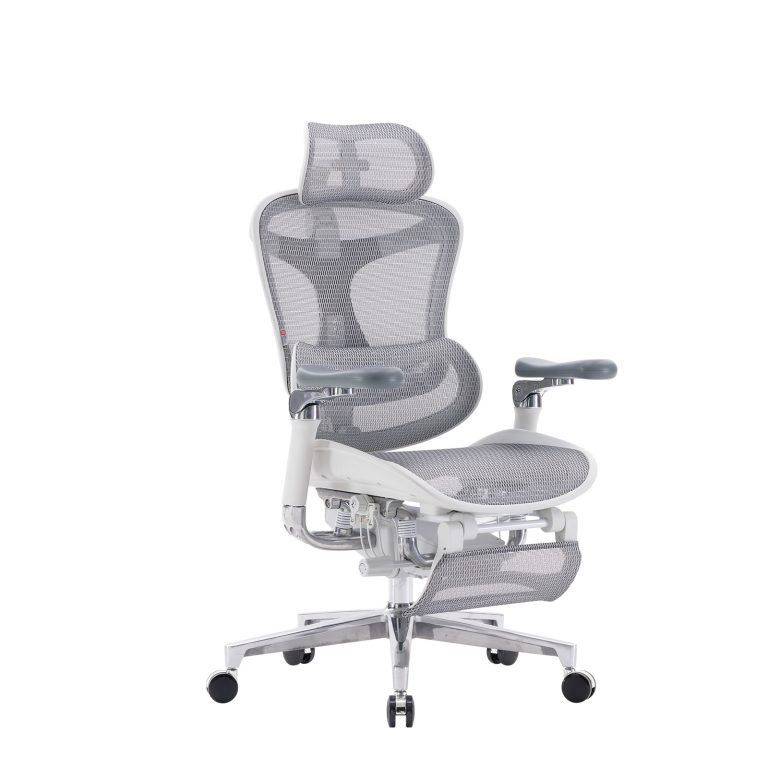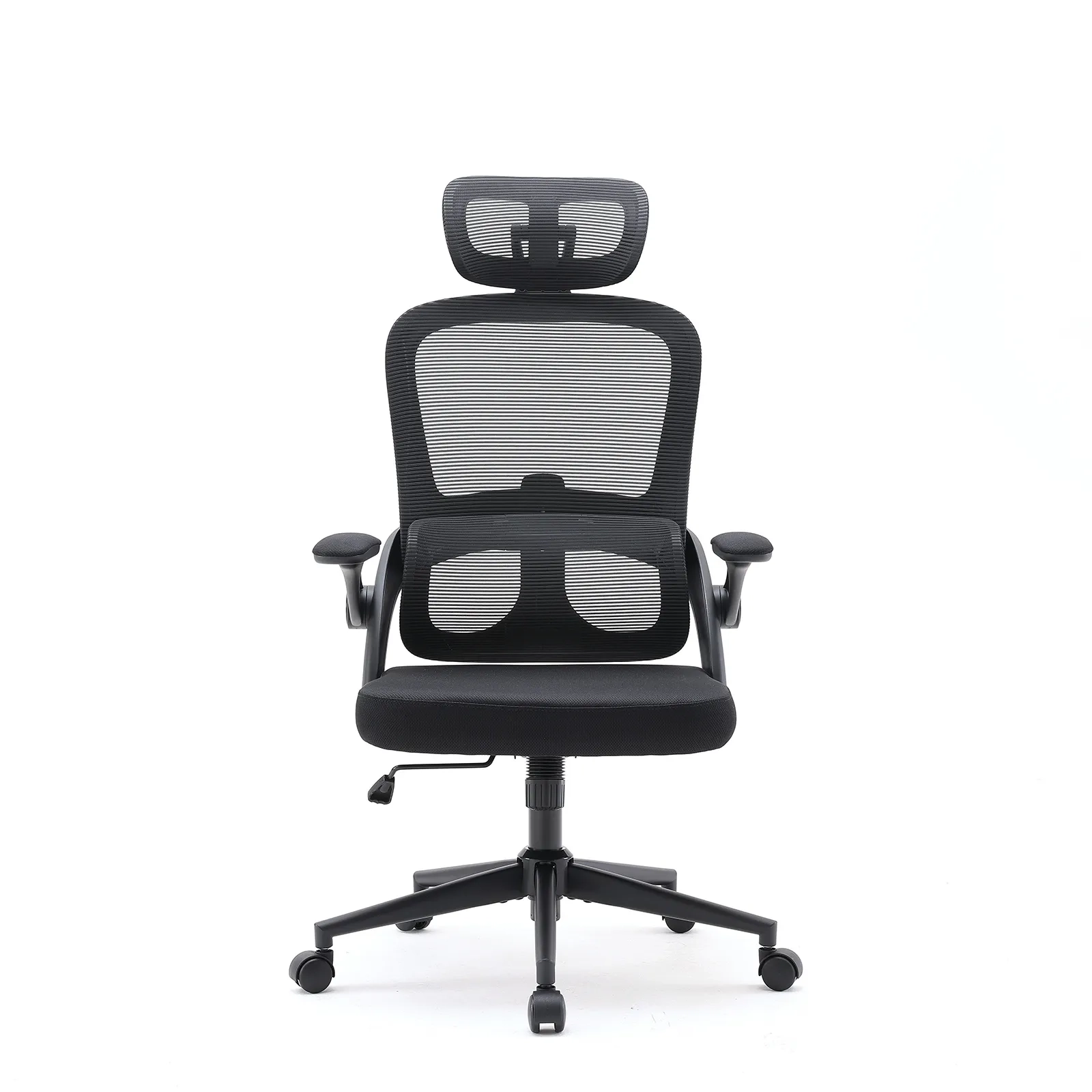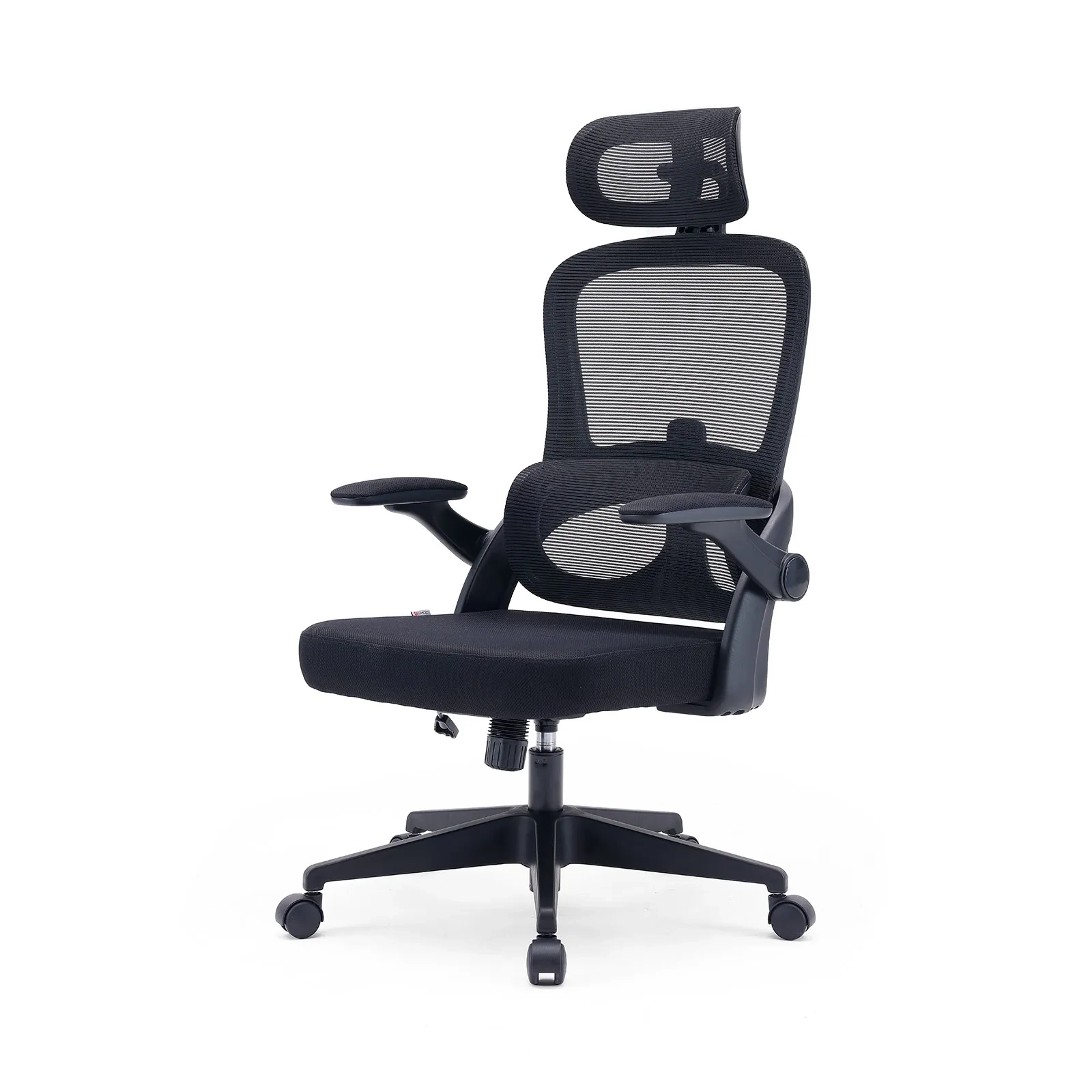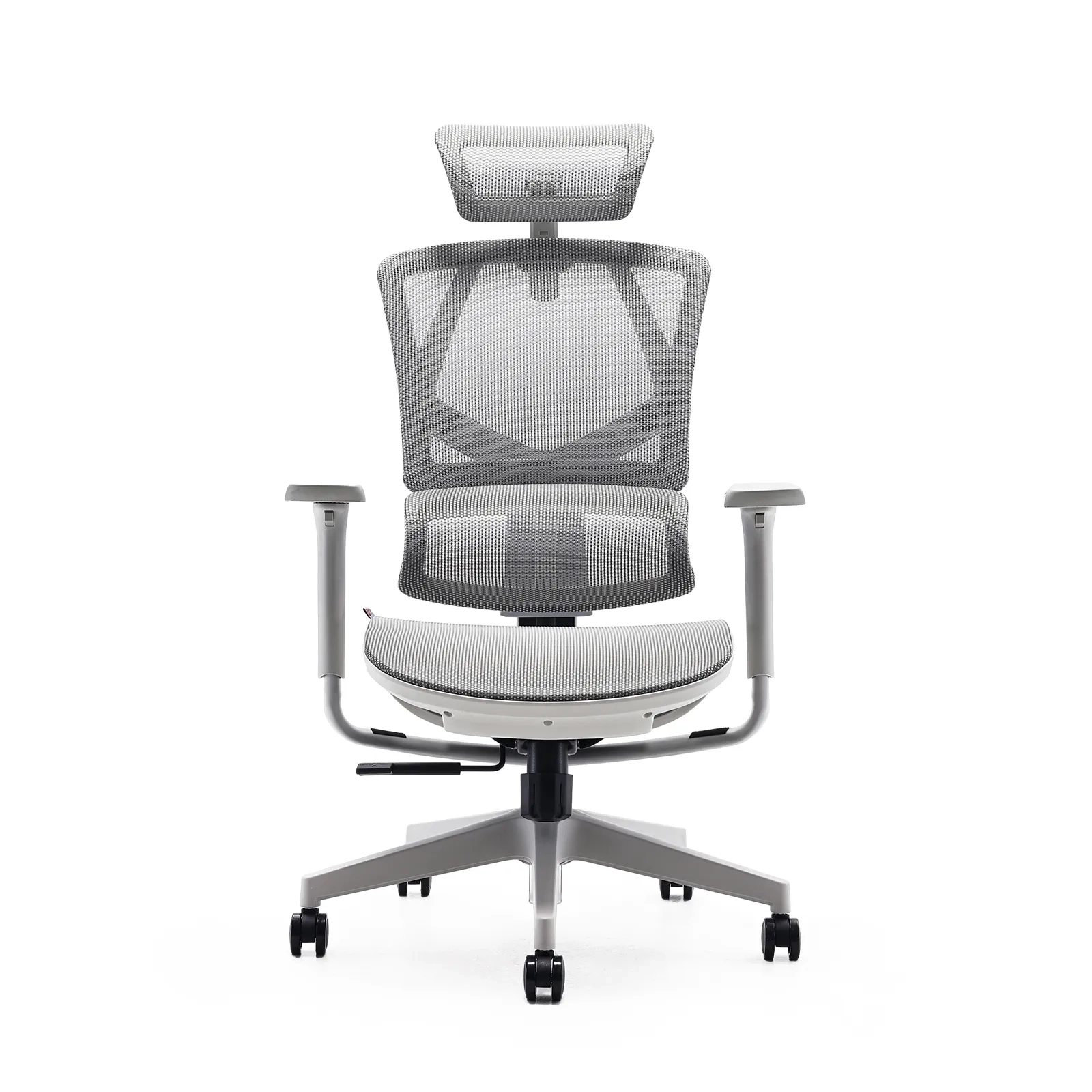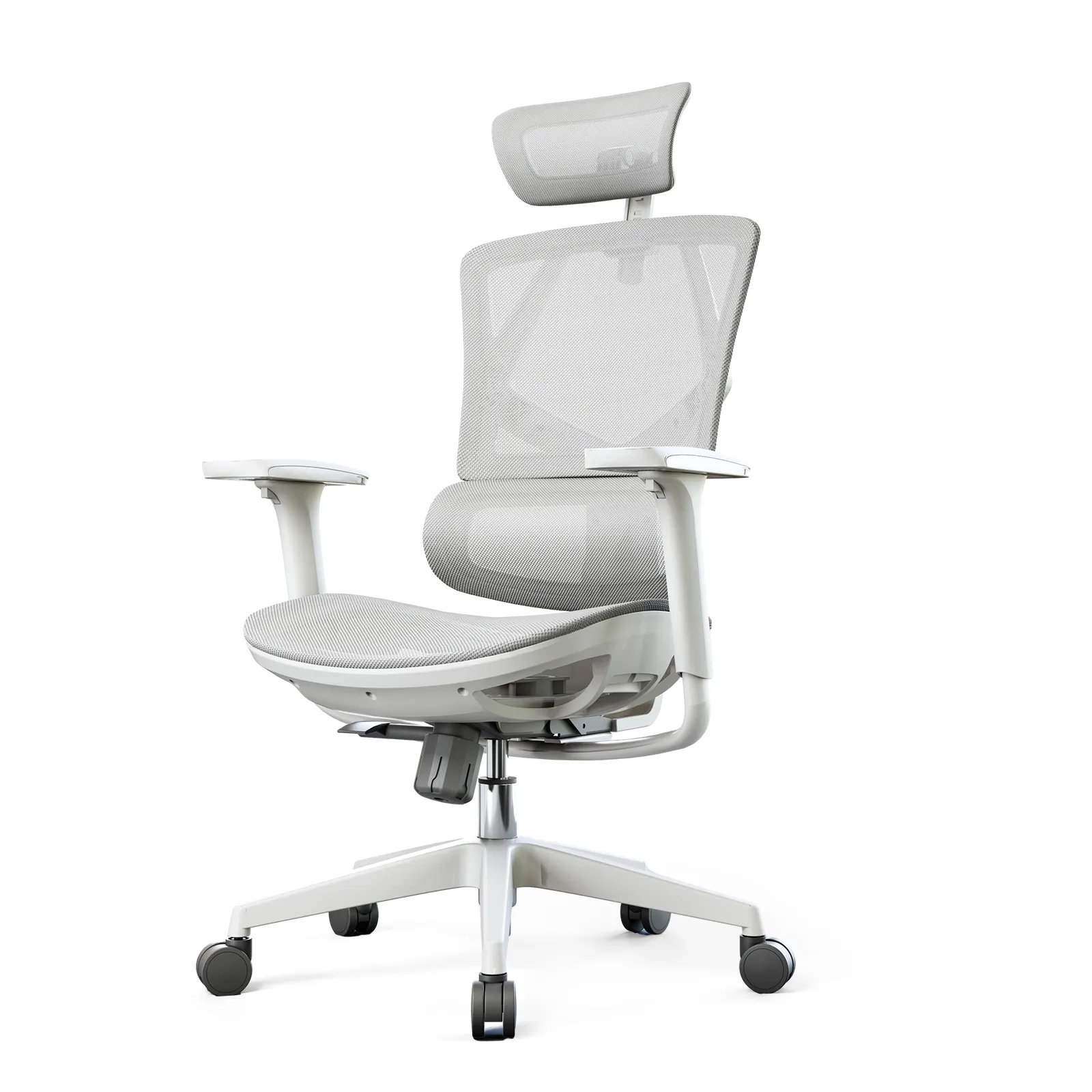









Introduction
We aren’t built for this. The human spine is a complex stack of 24 moving vertebrae, and it really wasn’t designed to handle 8 to 12 hours of sitting still every single day. When you sit for long periods, you’re putting a “postural stressor” on your body that cranks up the pressure on your spinal discs by 40% more than when you’re standing. Basically, sitting too much is fast-tracking spinal aging. You can’t just “willpower” your way out of “Sitting Disease.” To actually protect your back, you need a chair that acts like a mechanical partner for your anatomy. This is where office chair ergonomic lumbar support stops being a buzzword and starts being a necessity.
The S-Curve and why it matters
Your lower back (the L1–L5 region) has a natural inward curve called lordosis. It’s the heavy lifter of your skeleton—supporting your upper body weight and soaking up the impact of your movements. From the side, a healthy spine looks like a graceful S-curve.
Modern office life ruins this. If you sit without support, that curve flattens out, and you end up in a slumped, C-shaped mess. Biomechanical studies show this slouching increases disc pressure to about 1.4 times your body weight. Over time, that leads to:
- Constant muscle aches and overworked back muscles.
- Sciatica or shooting leg pain from pinched nerves.
- Bulging or herniated discs, usually at the L4–L5 or L5–S1 spots.
- Stiffness and a general drop in how well you can move.
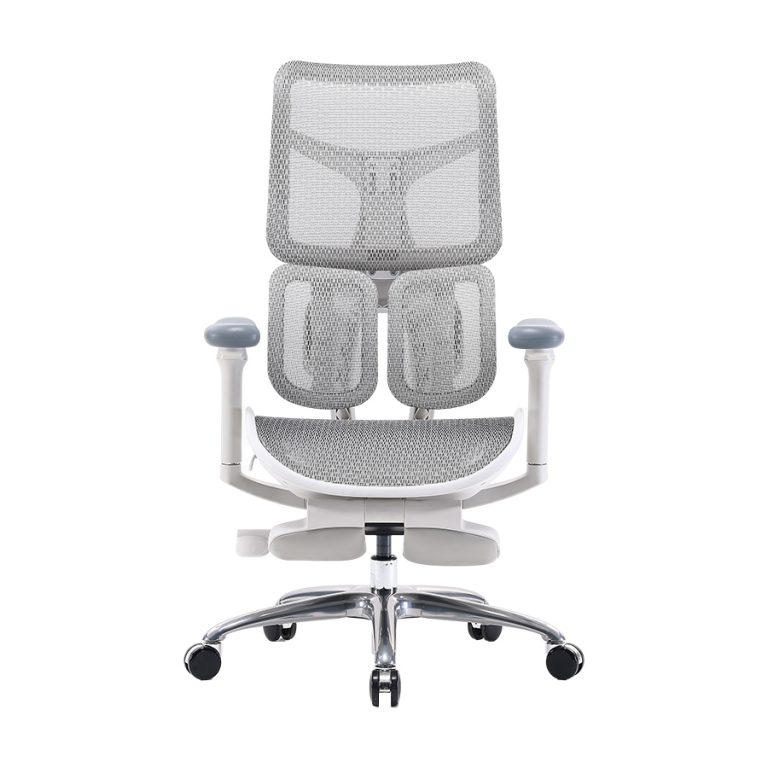
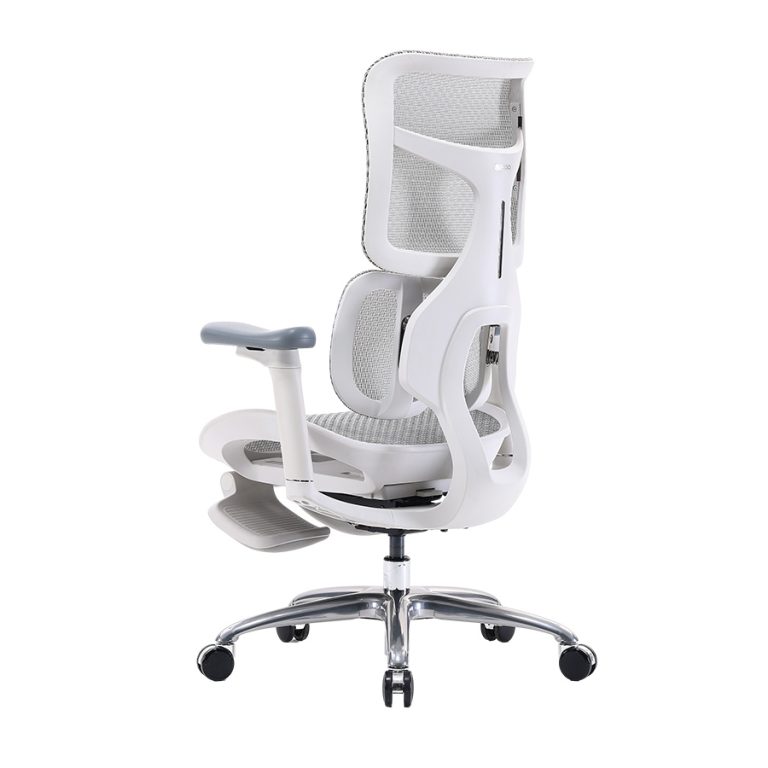
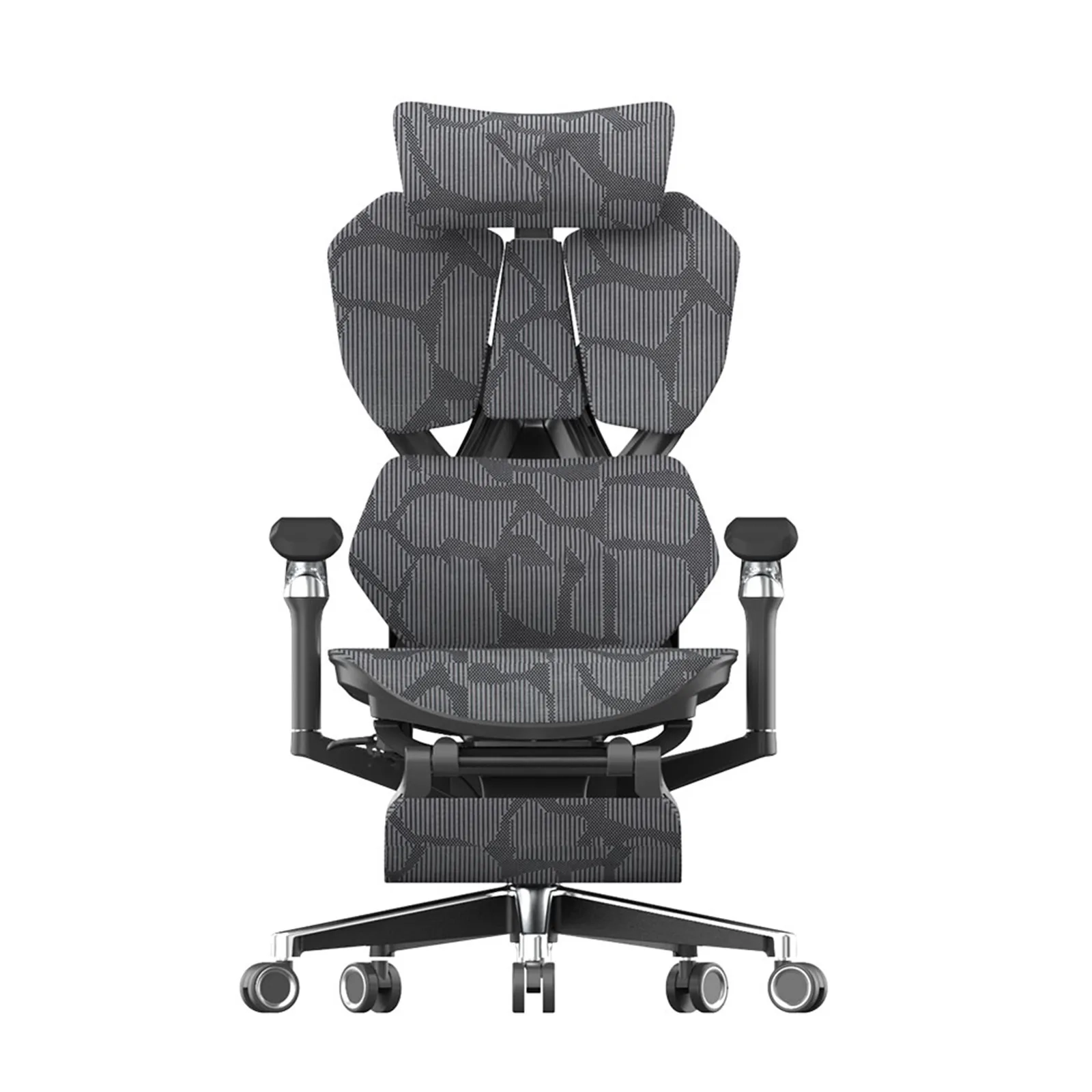
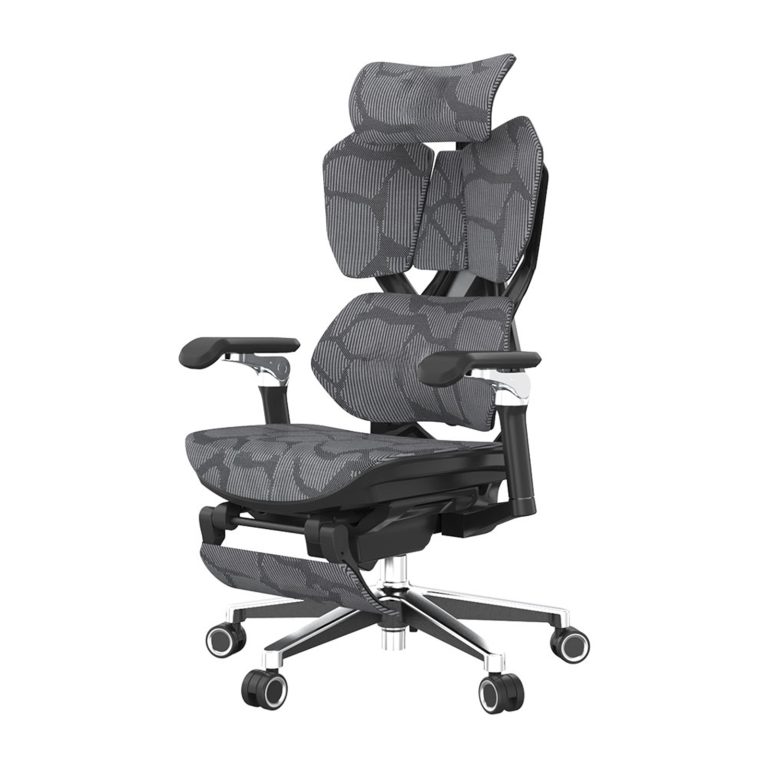
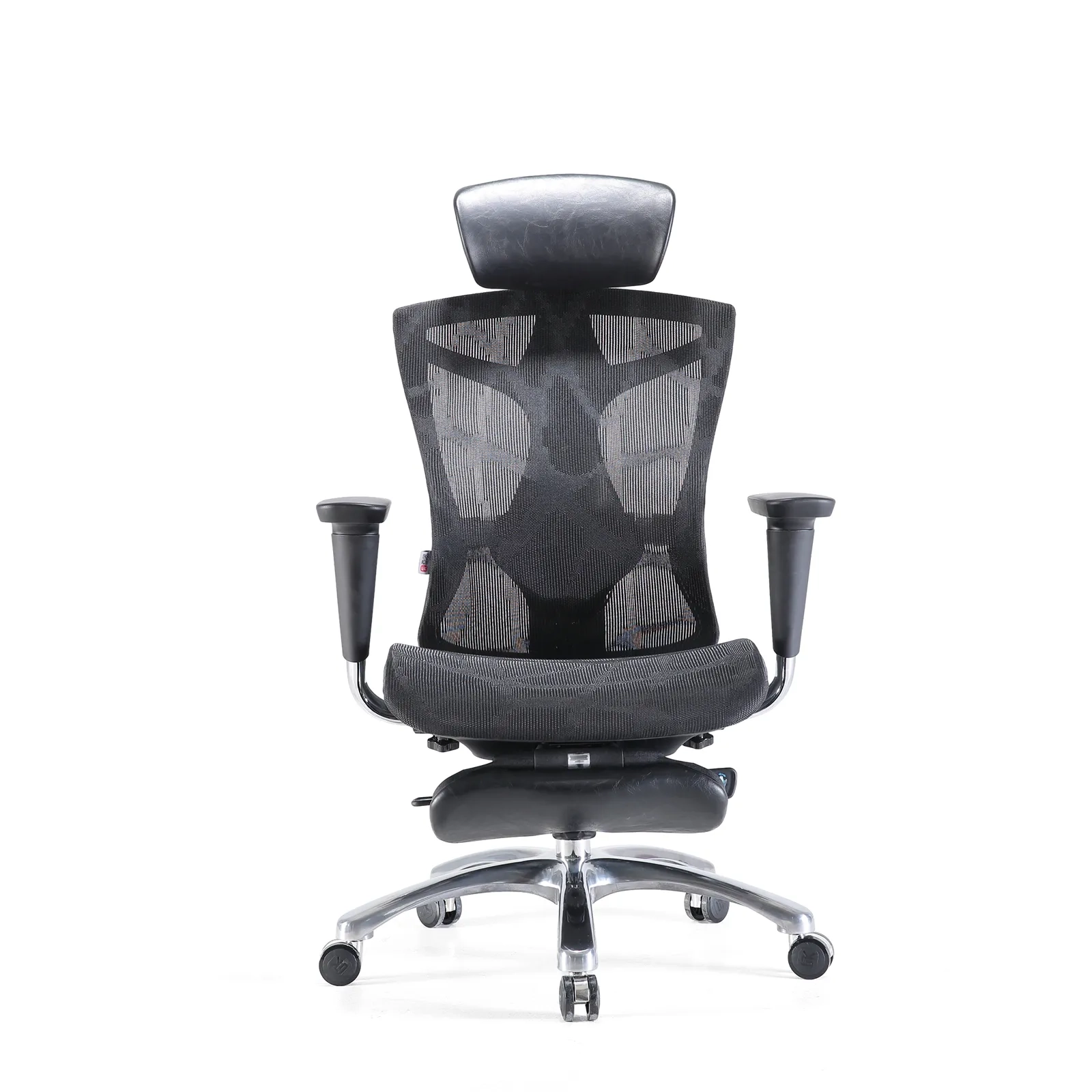
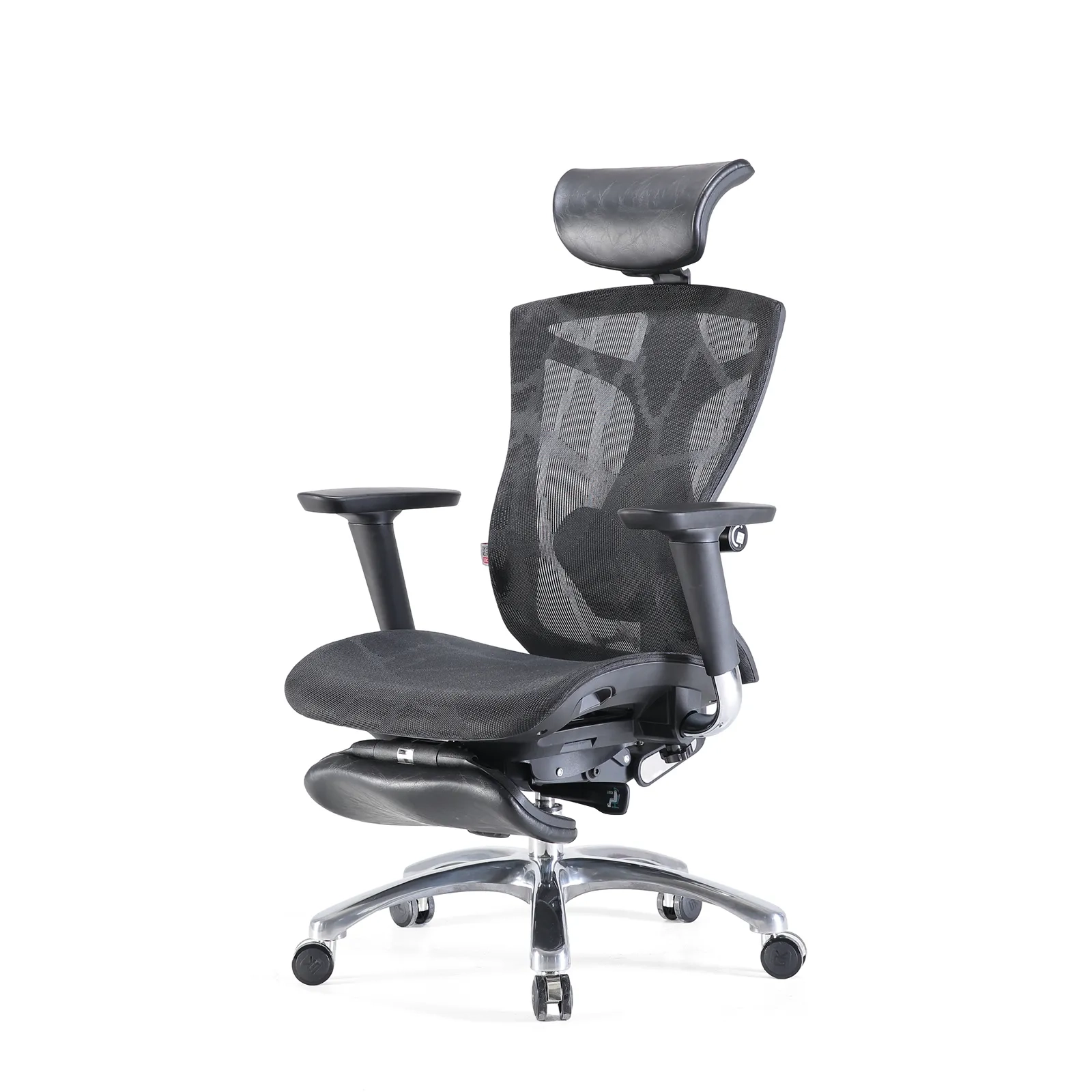
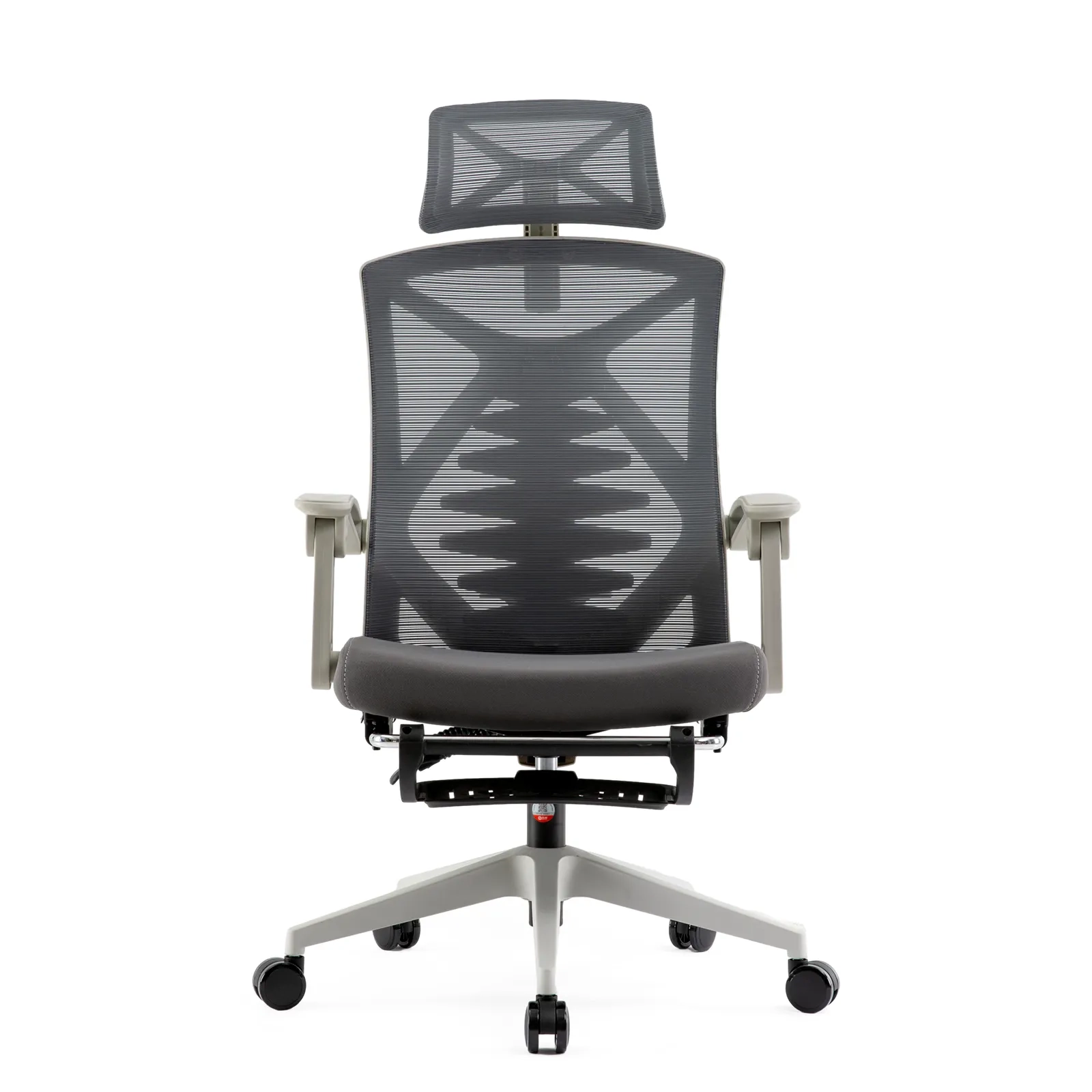
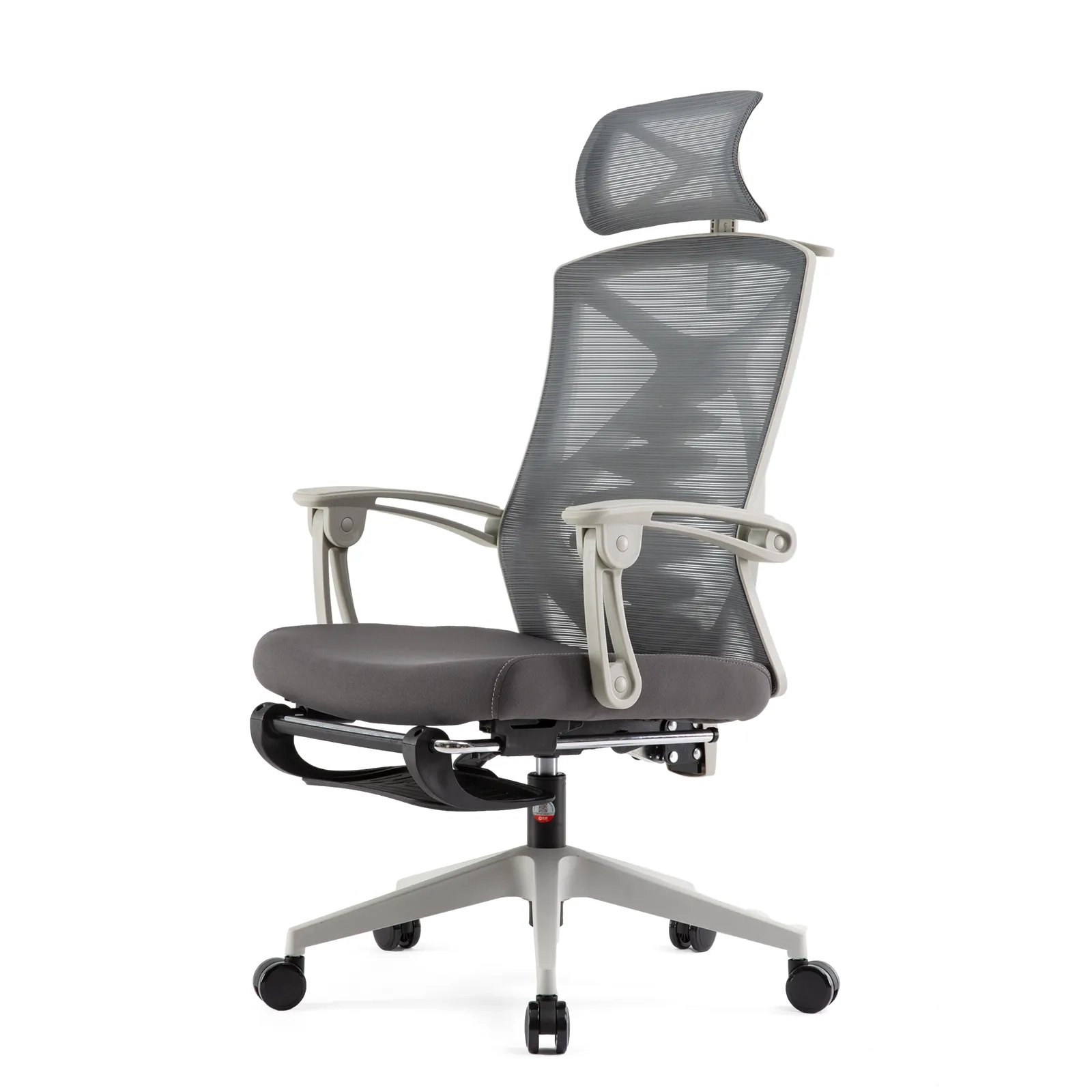
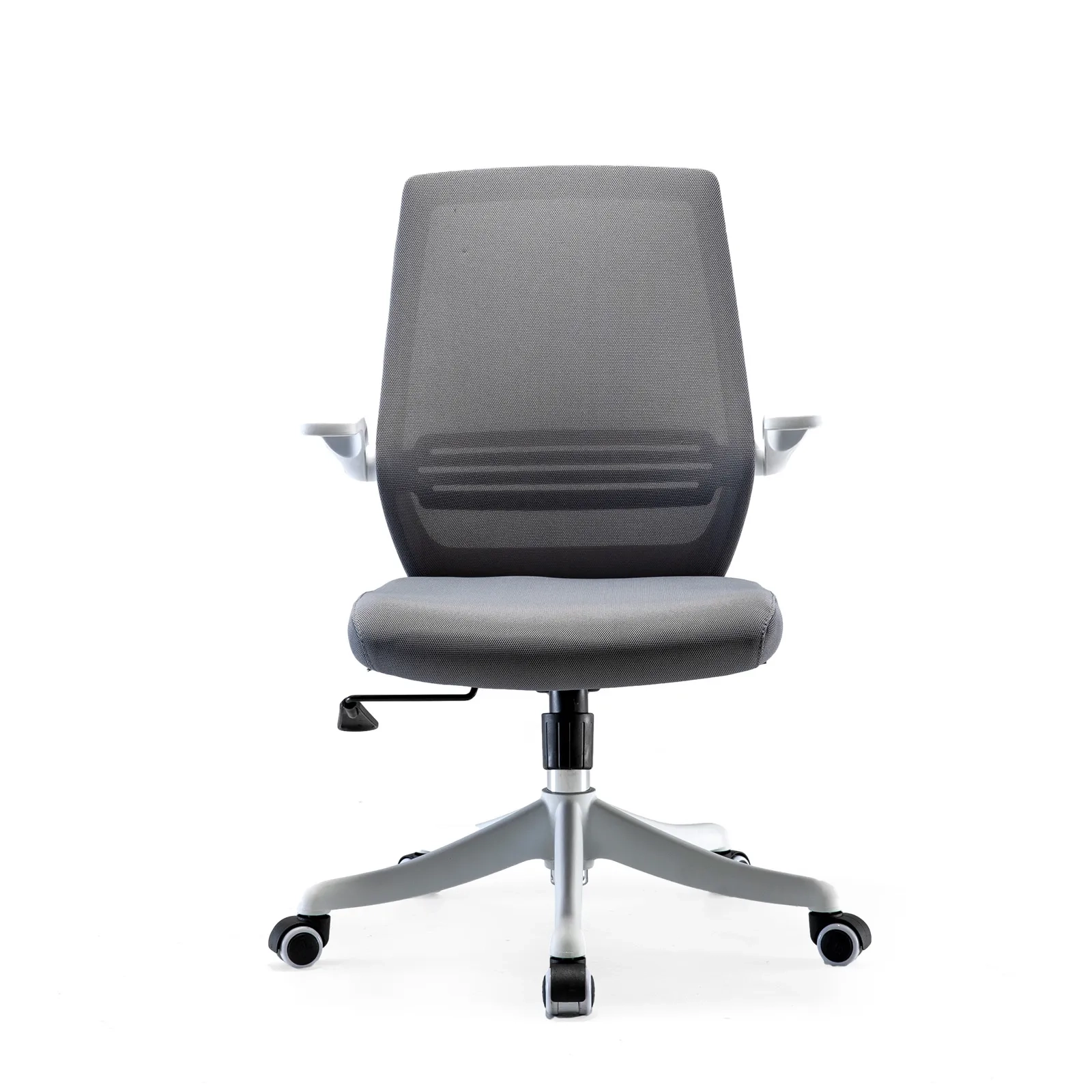
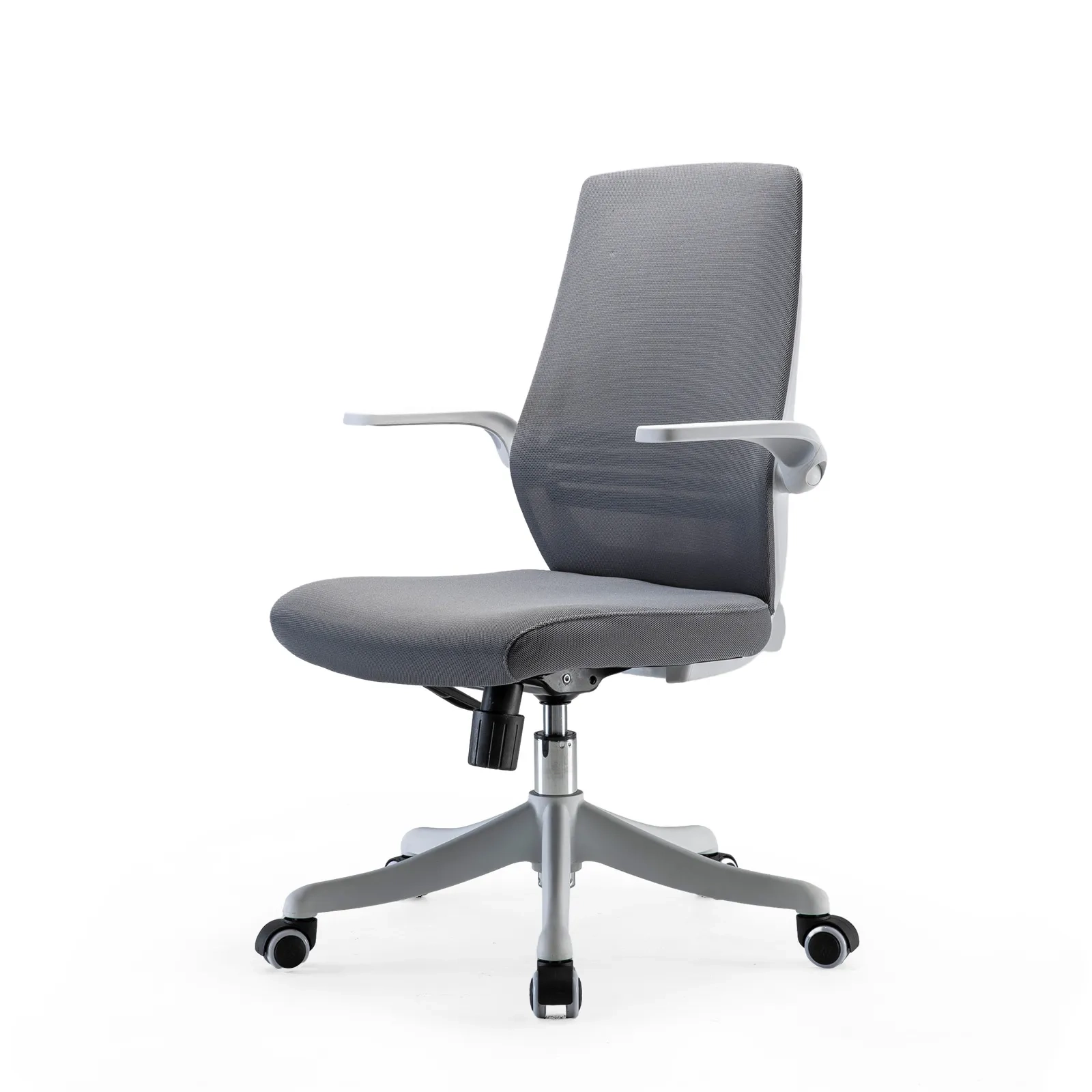
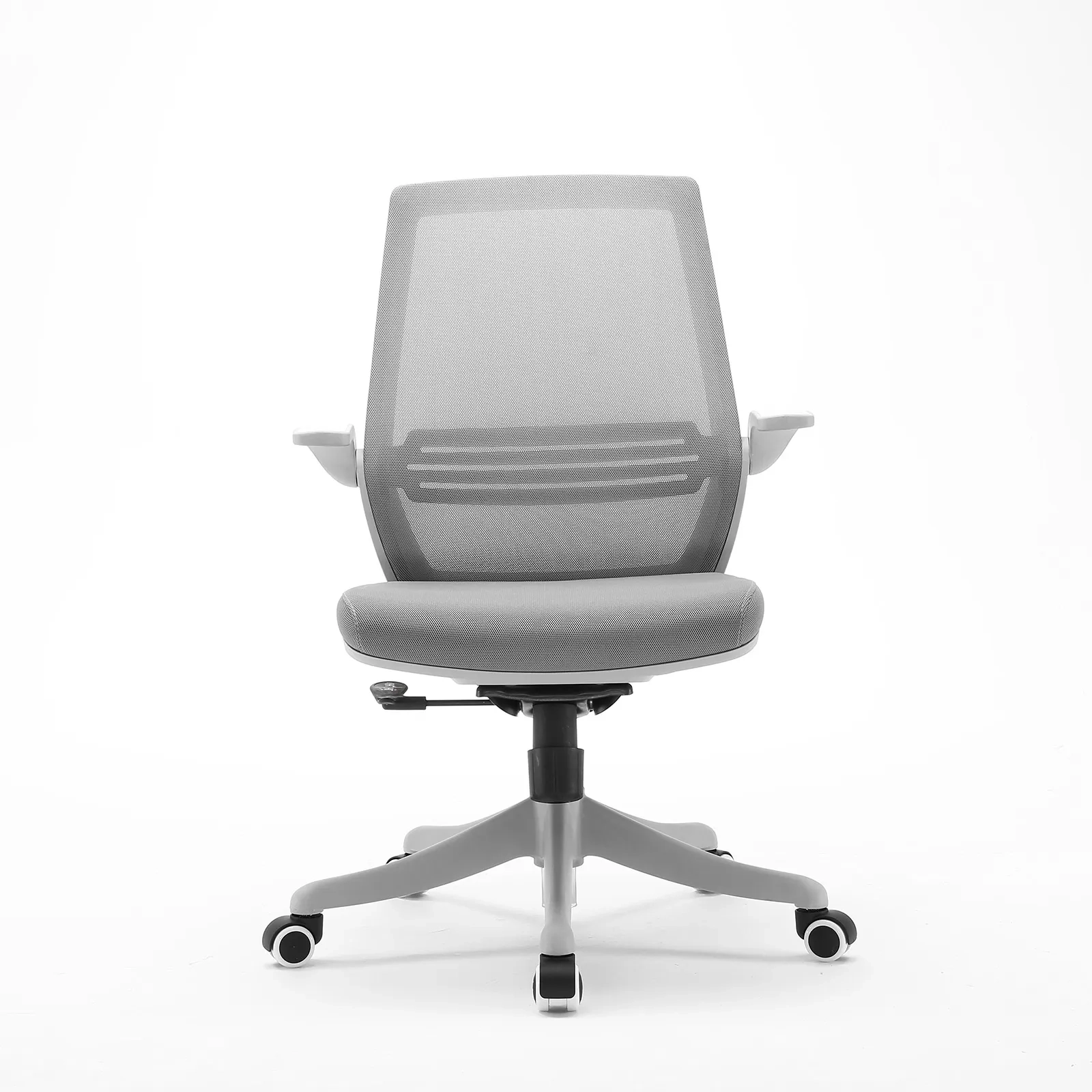
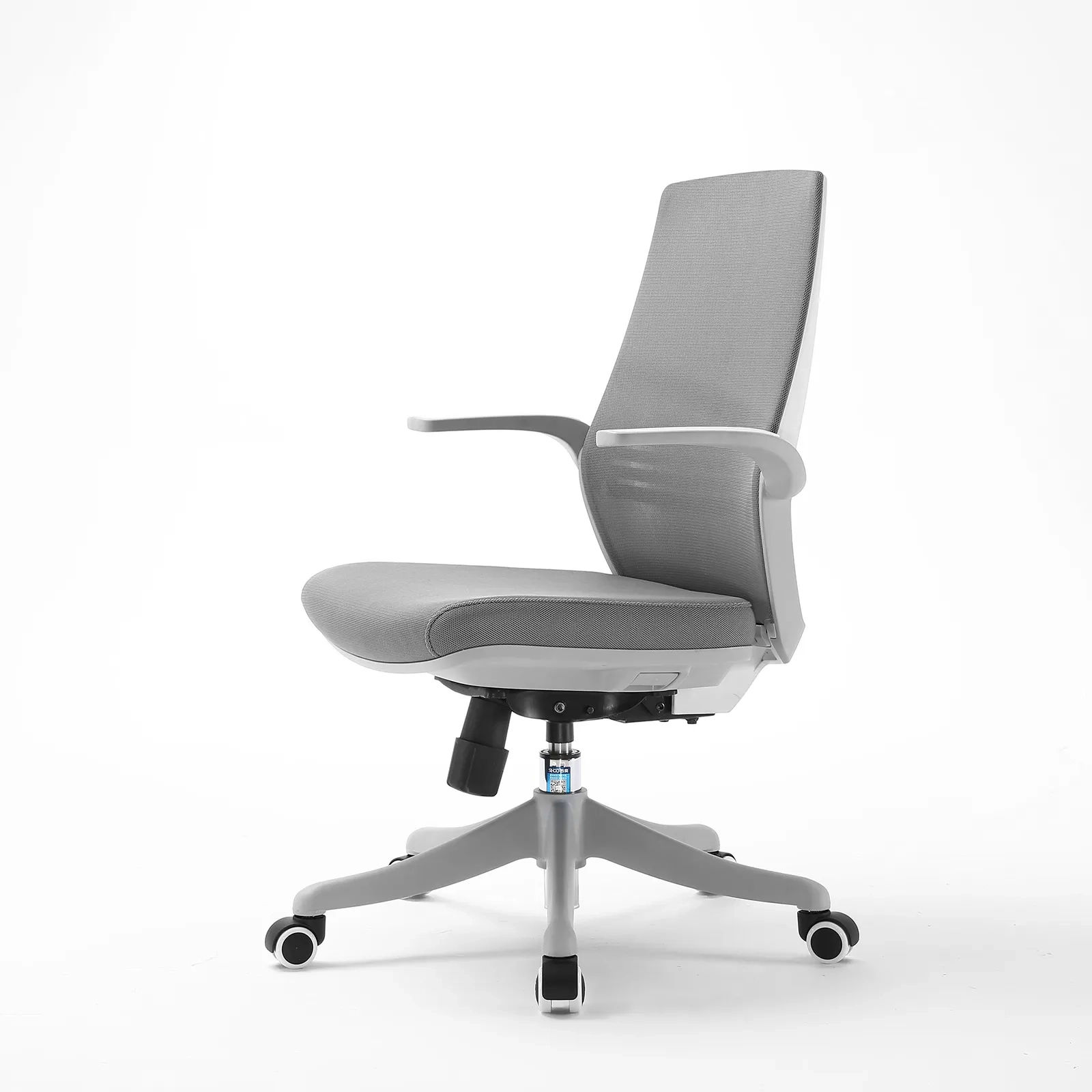
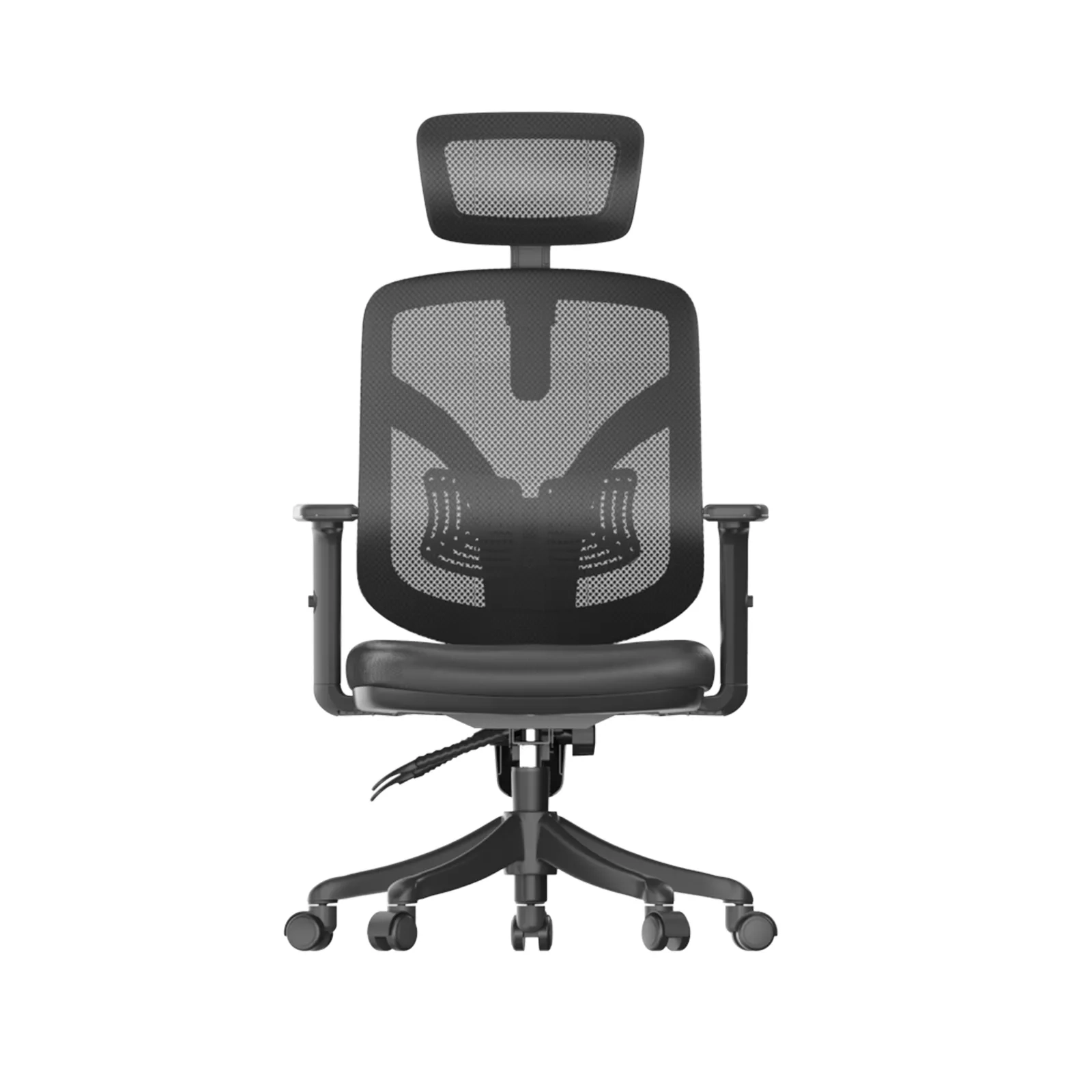
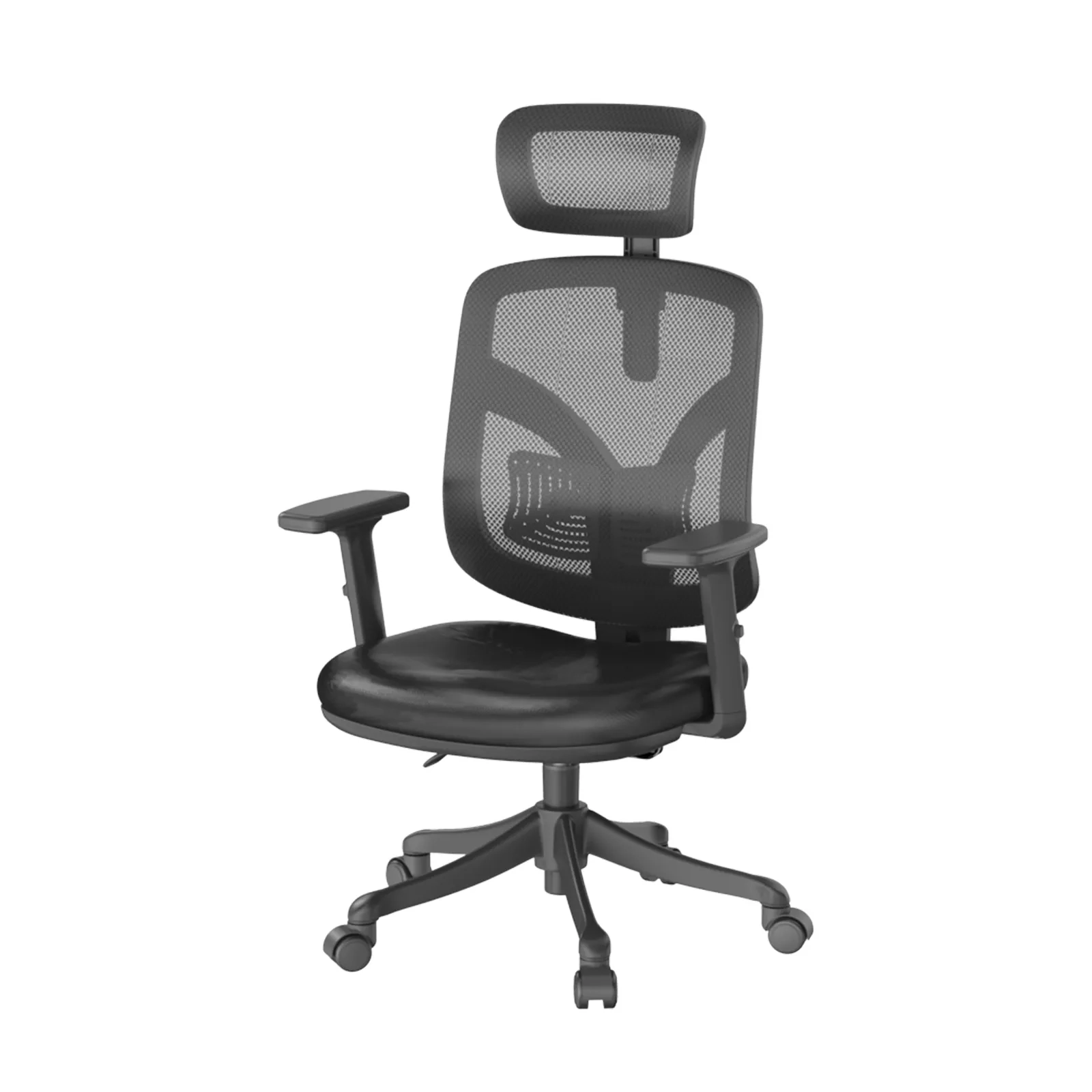
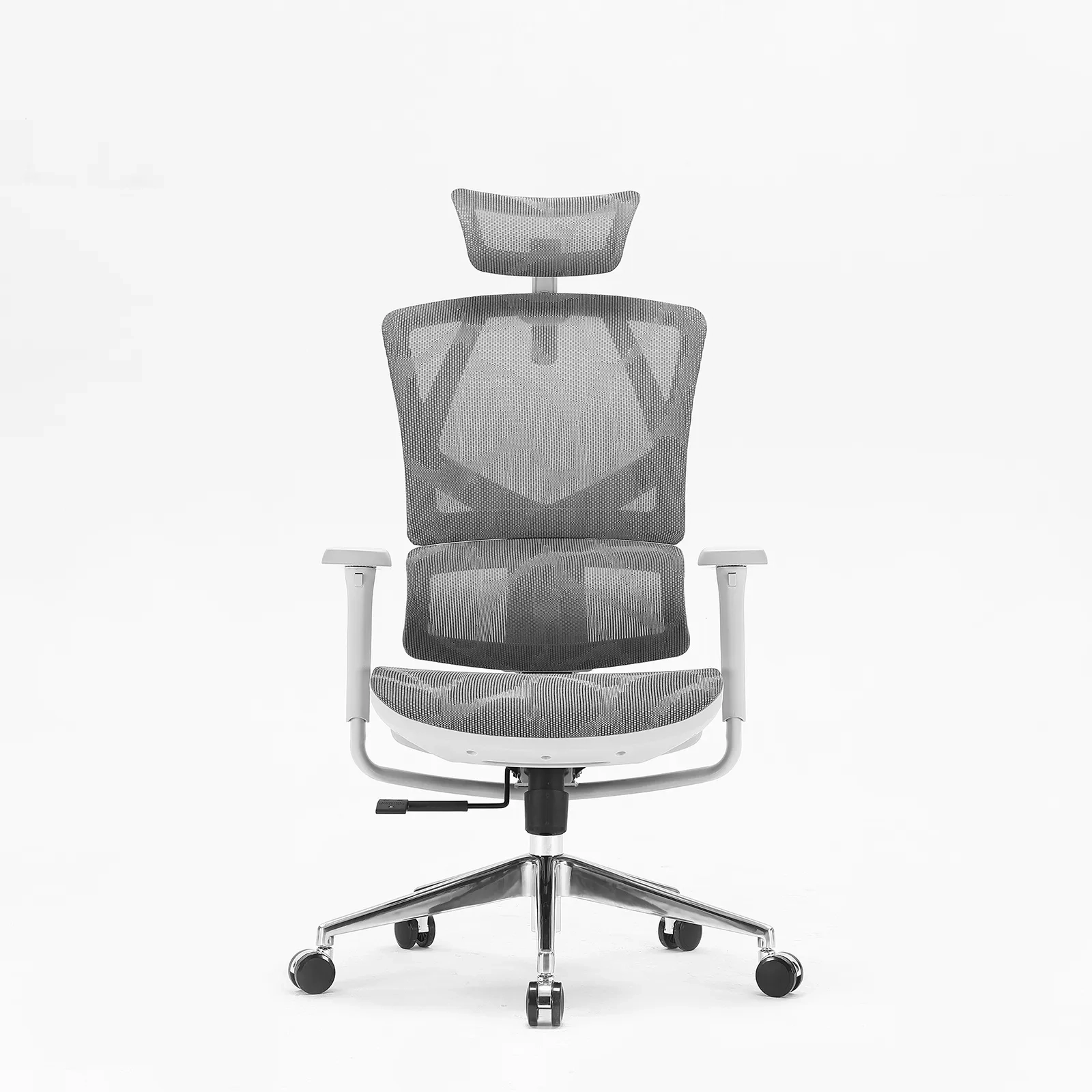
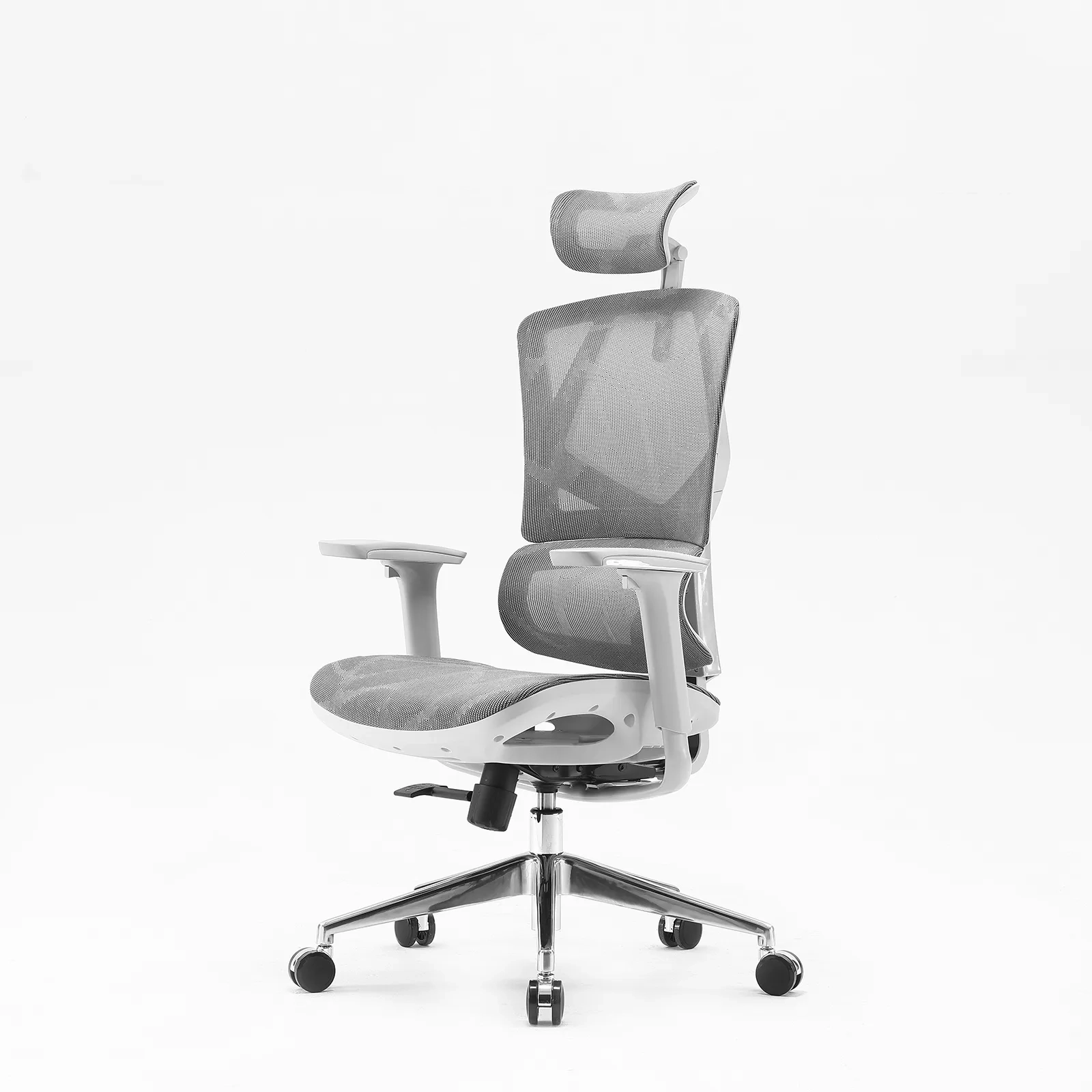
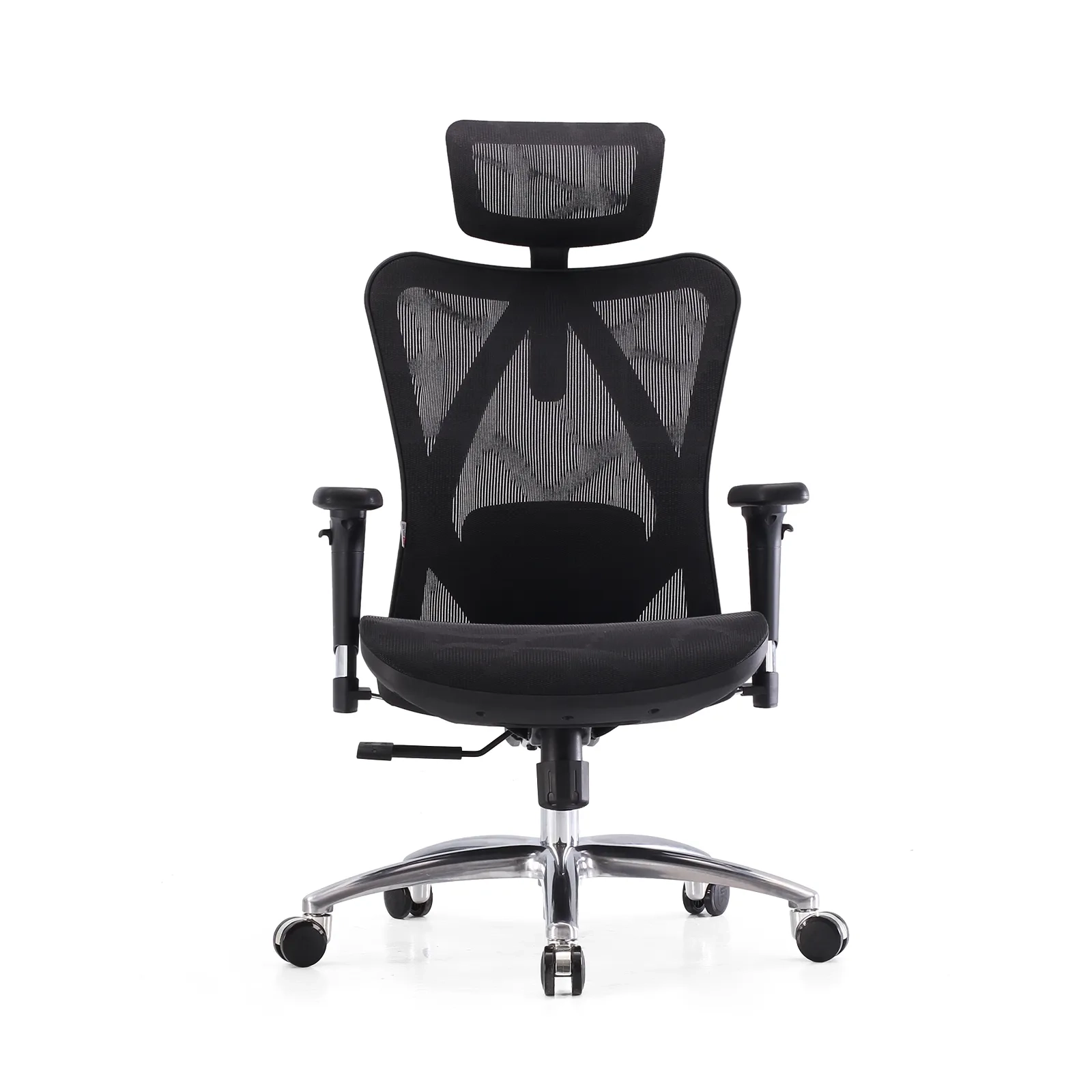
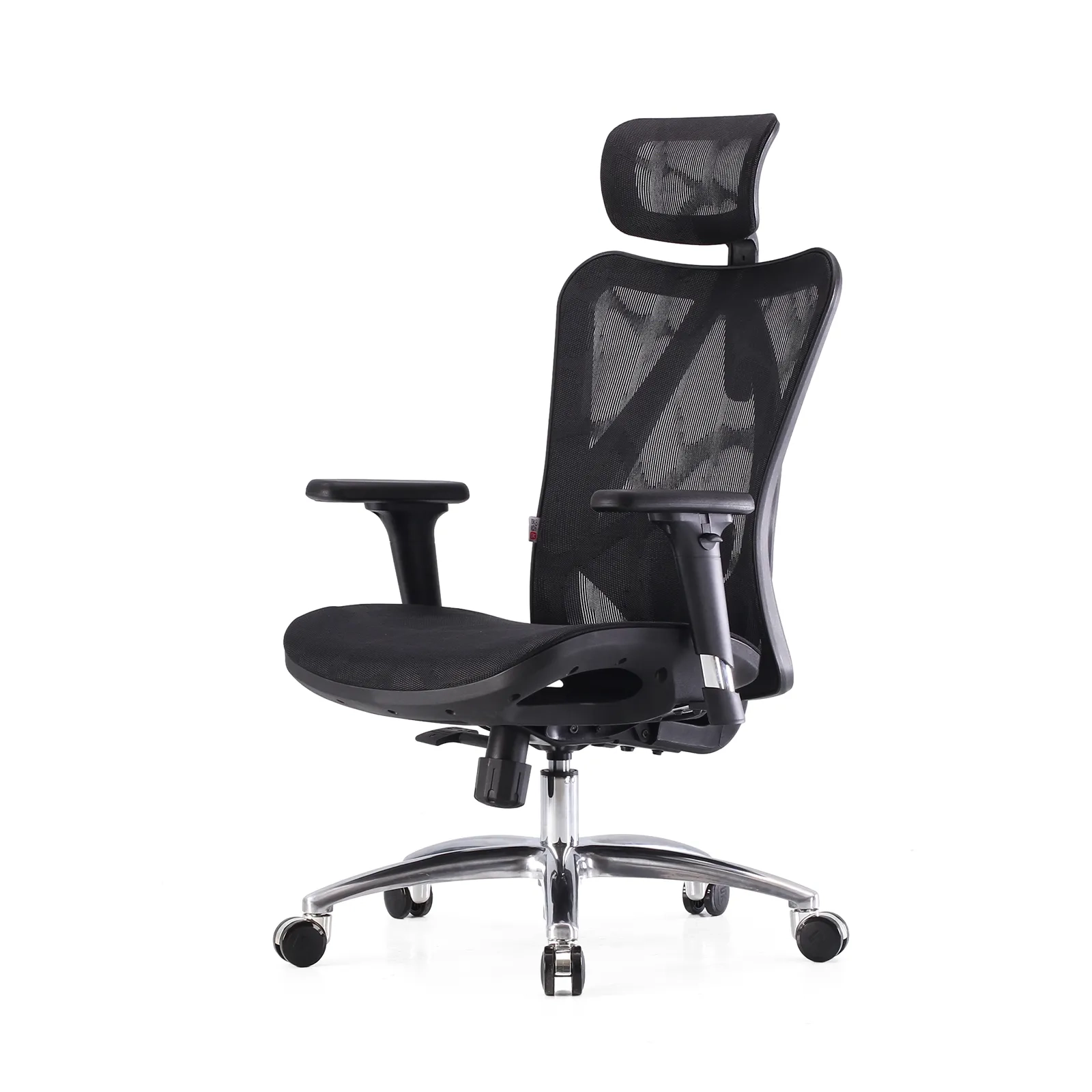
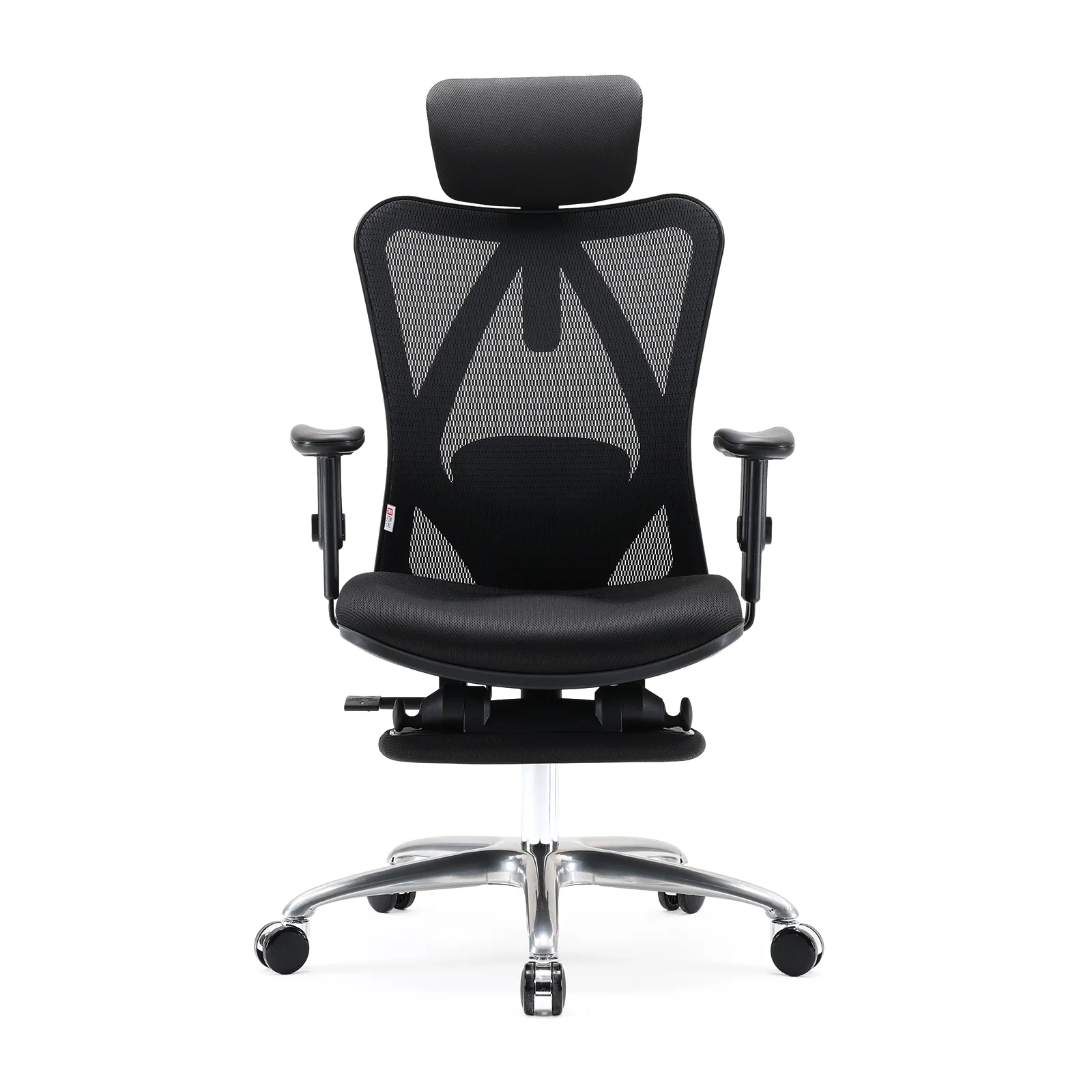
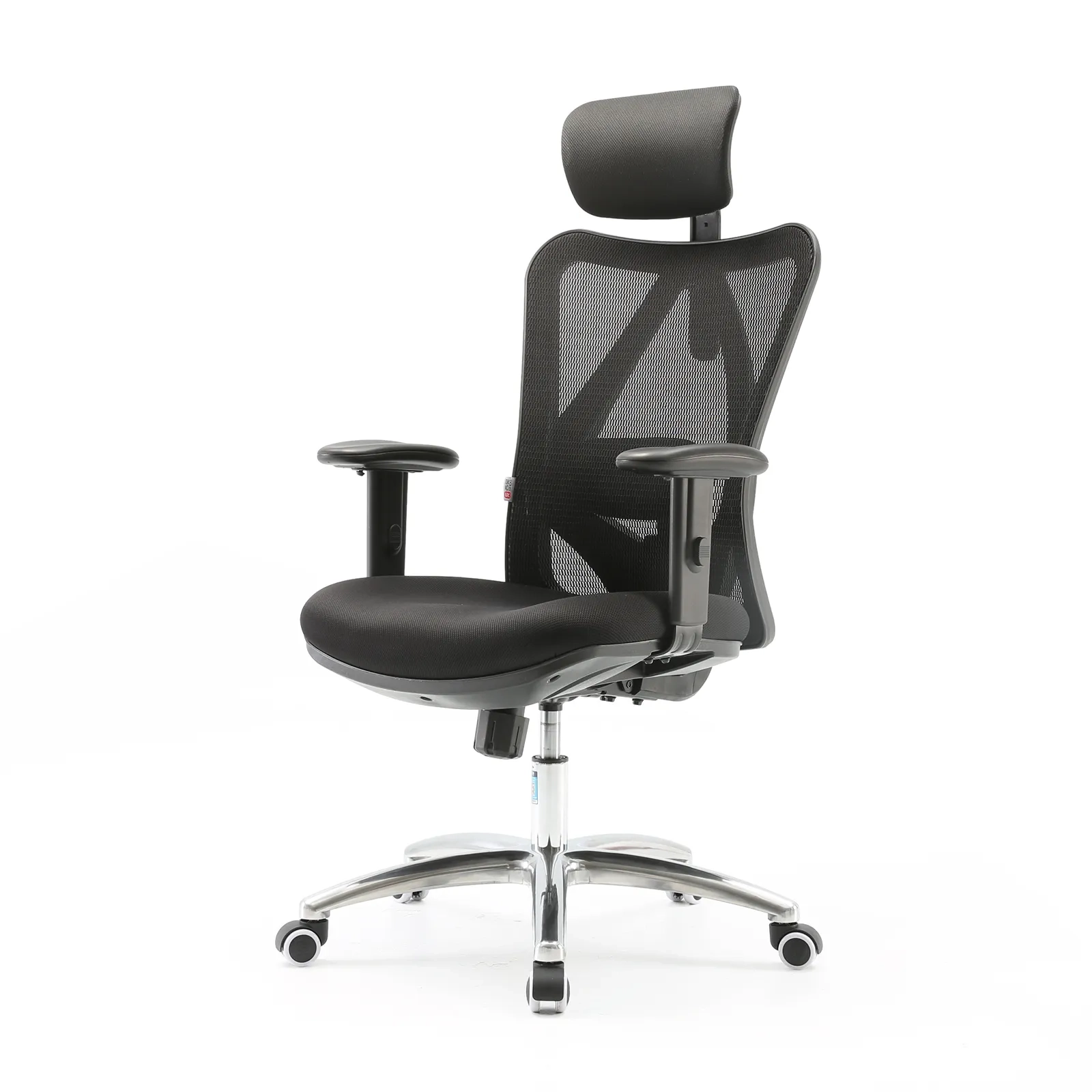
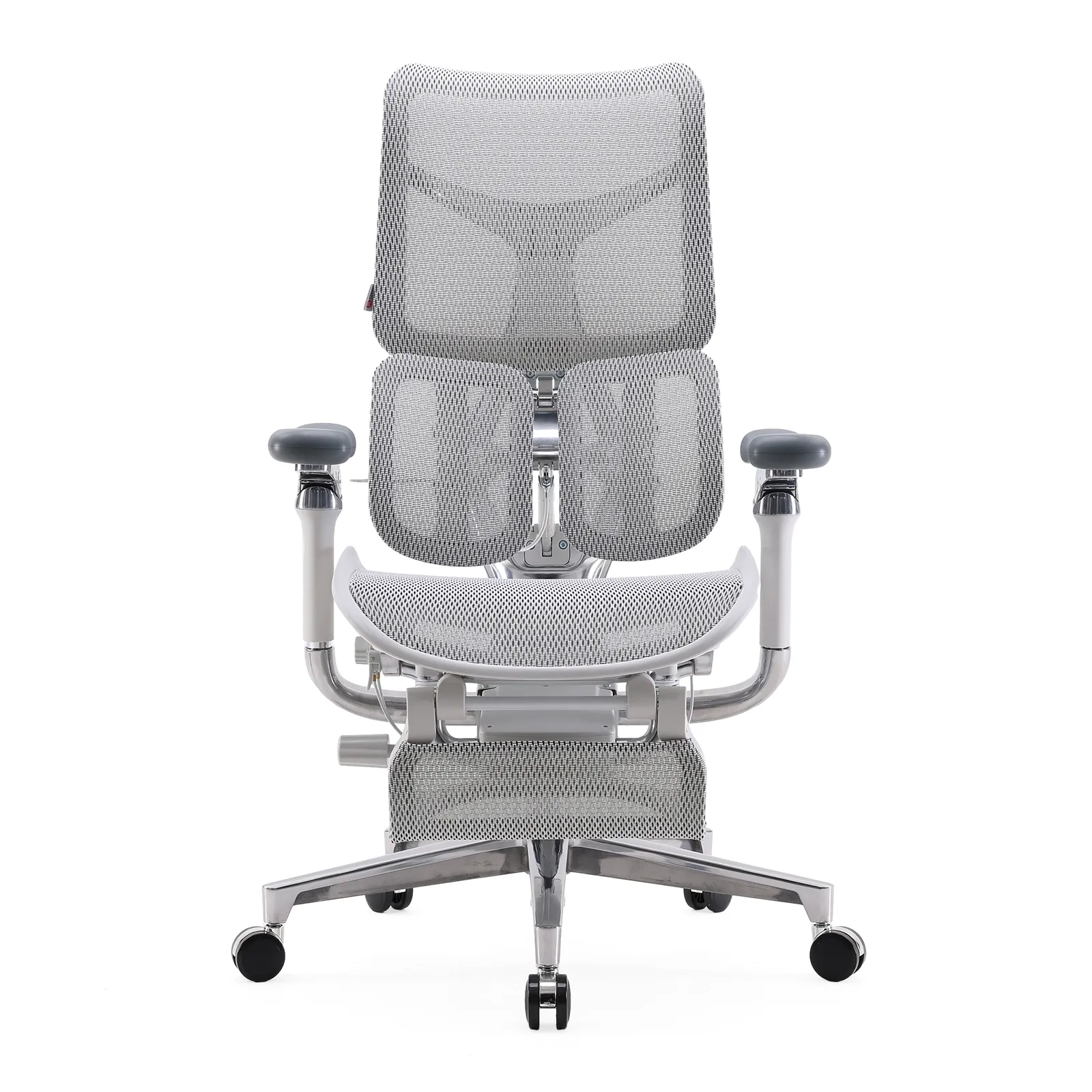
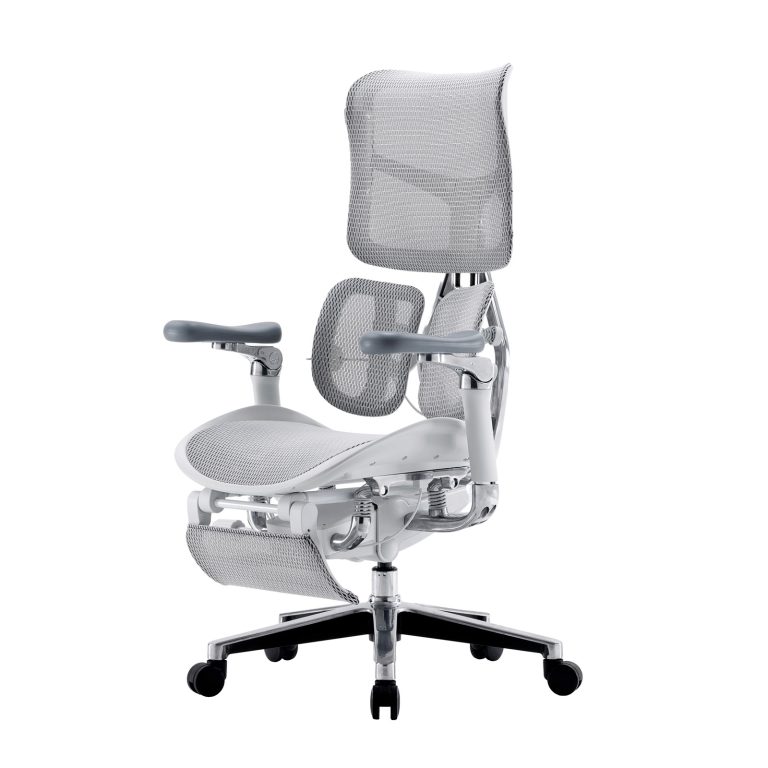
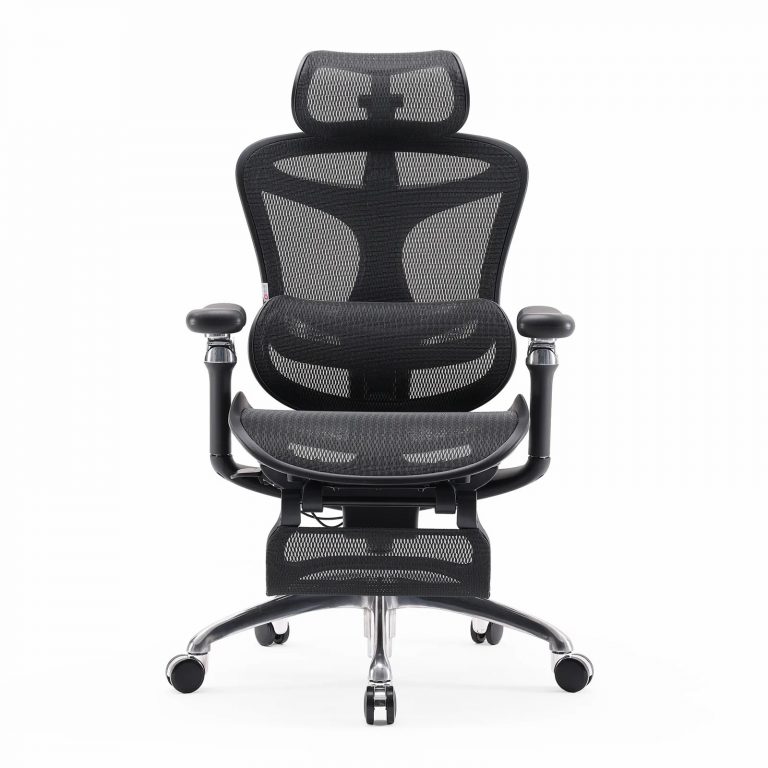
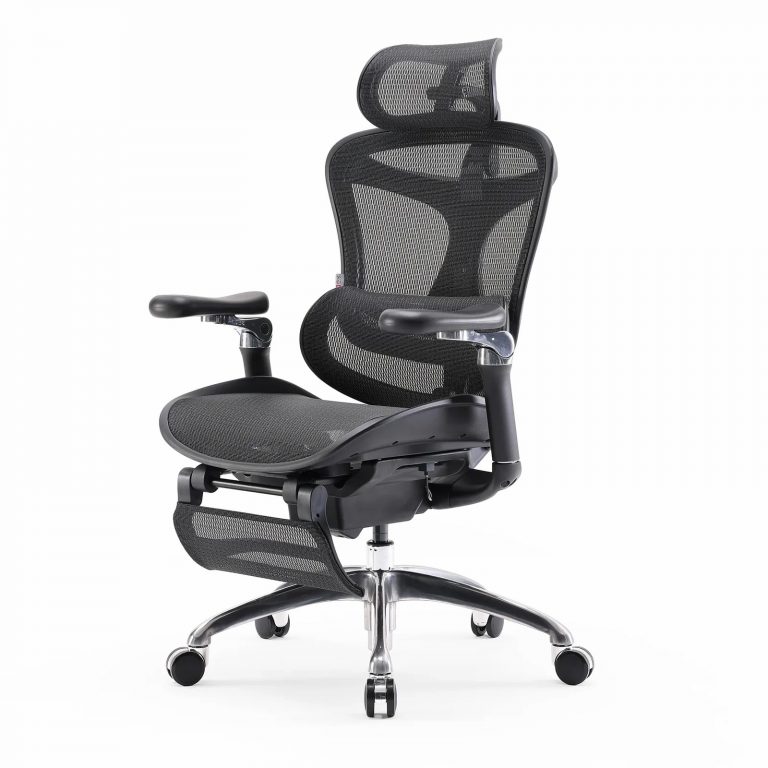
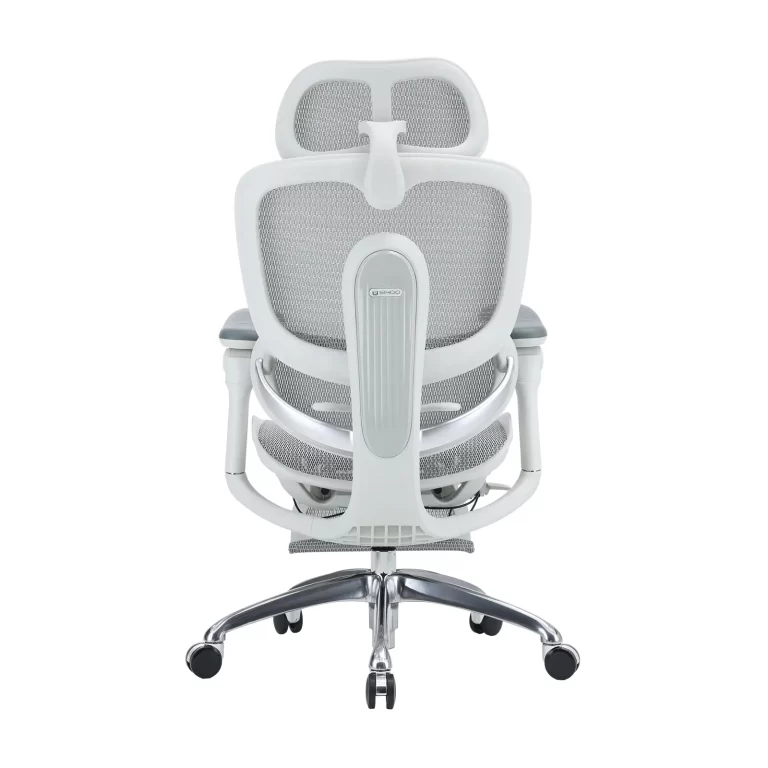
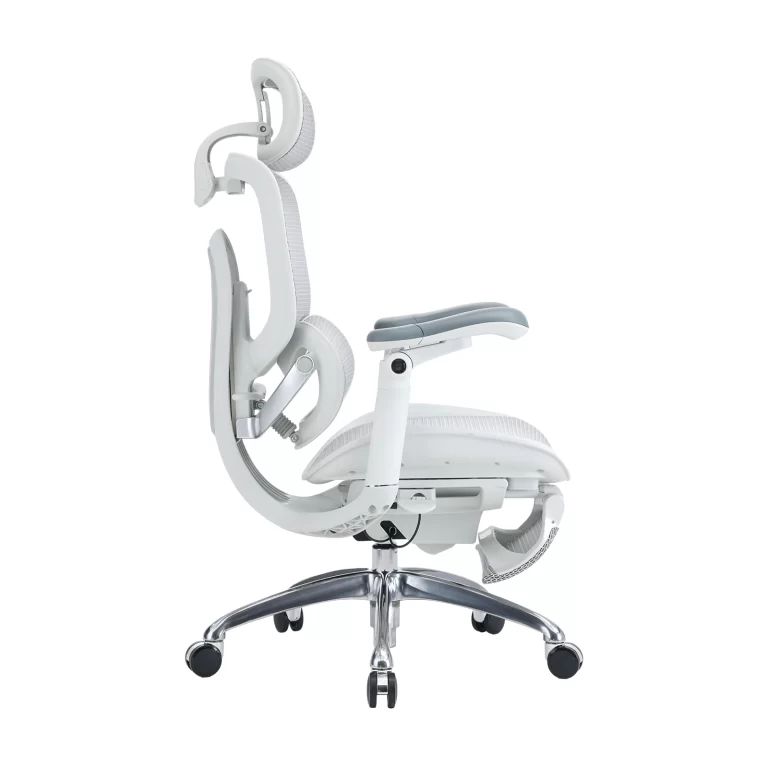
Standard chairs with a fixed plastic lump in the back don’t work because they don’t move when you do. That’s why brands like SIHOO have moved toward dynamic systems. The S300 uses 6D floating wings, while the Doro C300 has an auto-adaptive setup. These aren’t just fancy names—they’re mechanisms that flex and track your spine as you lean or twist, keeping that S-curve intact even when you’re tired.
How the mechanics actually protect you
When discussing office chair ergonomic lumbar support, the key is not just the presence of lumbar support—but how precisely and dynamically it adapts to the human spine. Poorly designed or fixed lumbar pads can create pressure points or miss the natural curve entirely. In contrast, adjustable lumbar systems actively support spinal biomechanics, especially in the critical L3–L5 region where most sitting-related strain occurs.
The human lumbar spine naturally forms a lordotic (inward) curve. Prolonged sitting—especially in non-ergonomic chairs—tends to flatten this curve, increasing intervertebral disc pressure and stressing ligaments and muscles.
According to research published by the National Institutes of Health, maintaining lumbar lordosis during sitting can significantly reduce spinal load and lower back discomfort.
Adjustable lumbar support works mechanically by:
- Applying targeted forward support at L3–L5
- Maintaining continuous contact with the spine during movement
- Allowing micro-adjustments as posture changes
This combination helps prevent:
- Disc compression
- Muscle fatigue
- Postural collapse over time
Types of Adjustable Lumbar Support and Their Protective Roles
Based on product descriptions from Sihoo, ergonomic chairs generally incorporate three categories of lumbar adjustability:
1. Dynamic / Adaptive Lumbar Systems
These systems automatically respond to body movement, offering real-time spinal support without manual adjustment.
- The Sihoo S300 features a 6D Floating-Wing lumbar support, designed to move in multiple directions and maintain consistent contact across different sitting positions.
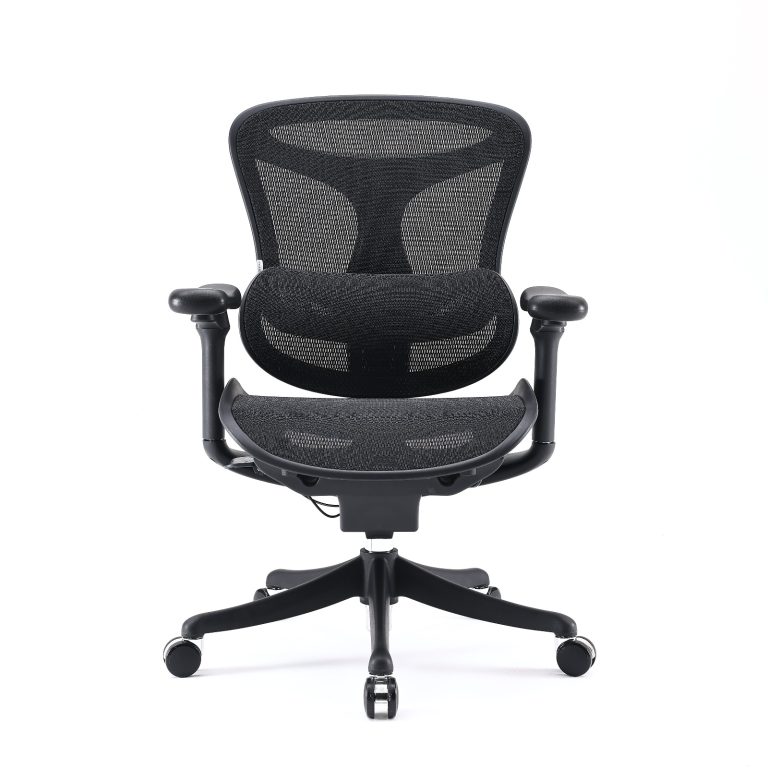
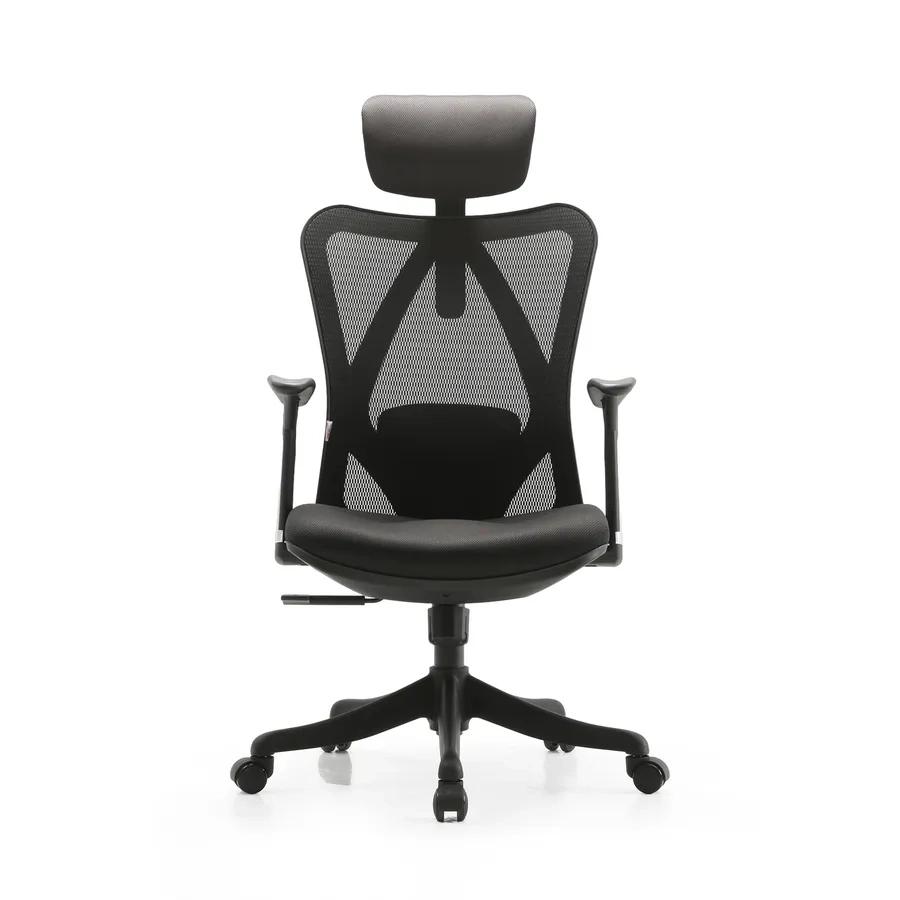
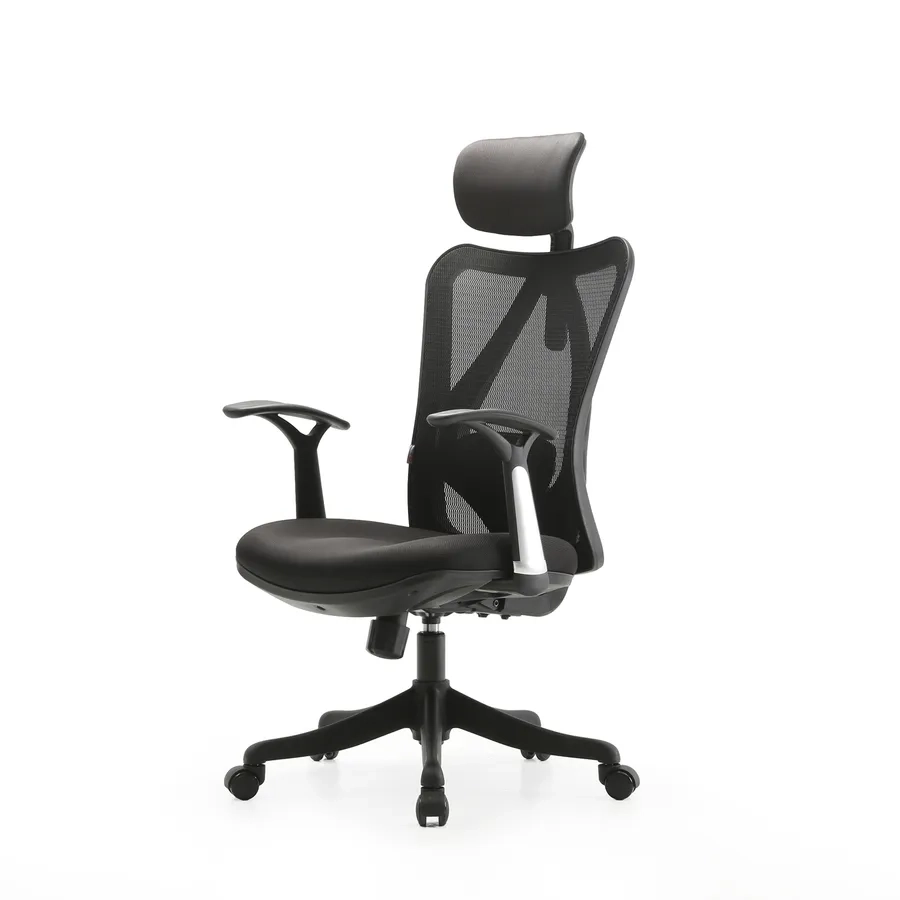
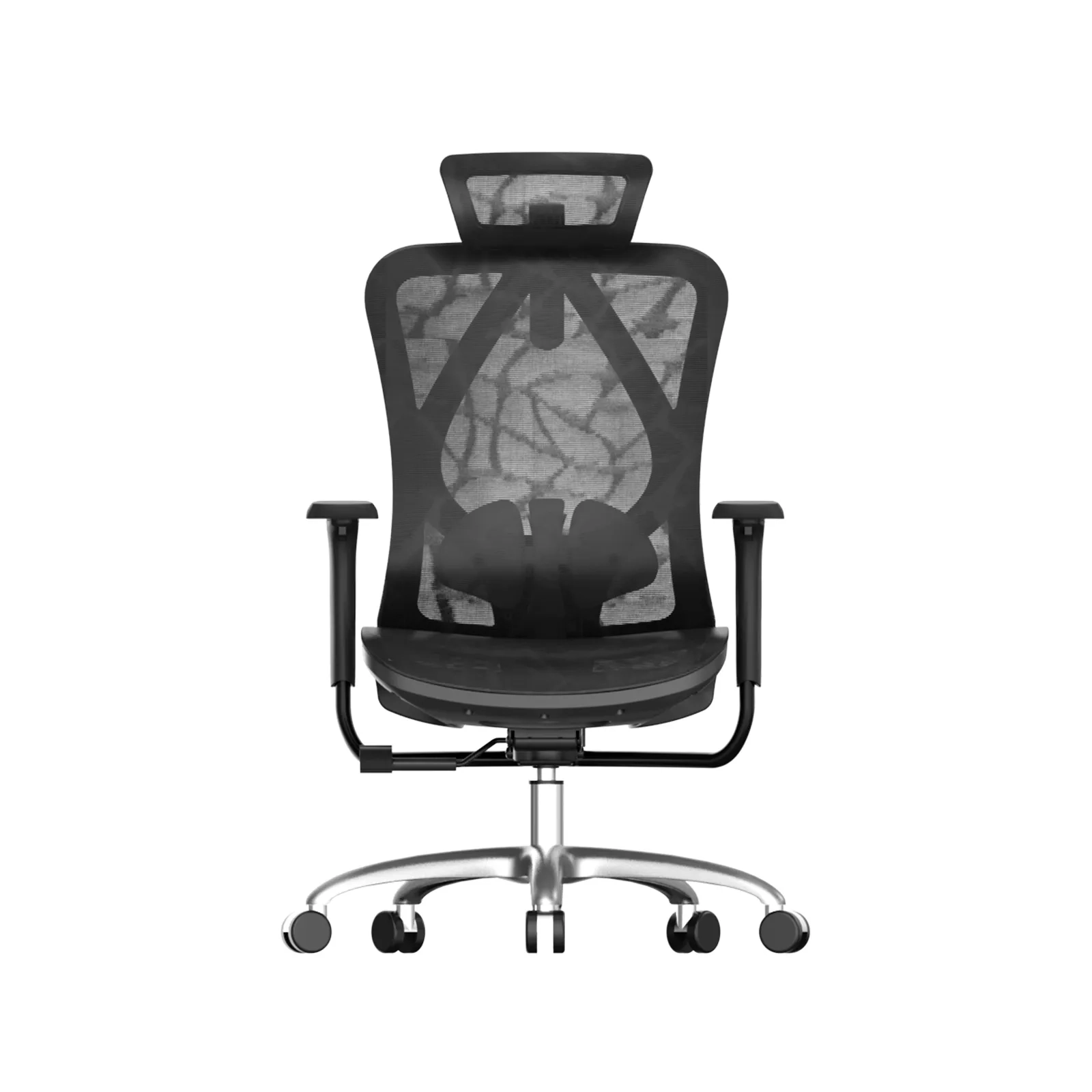
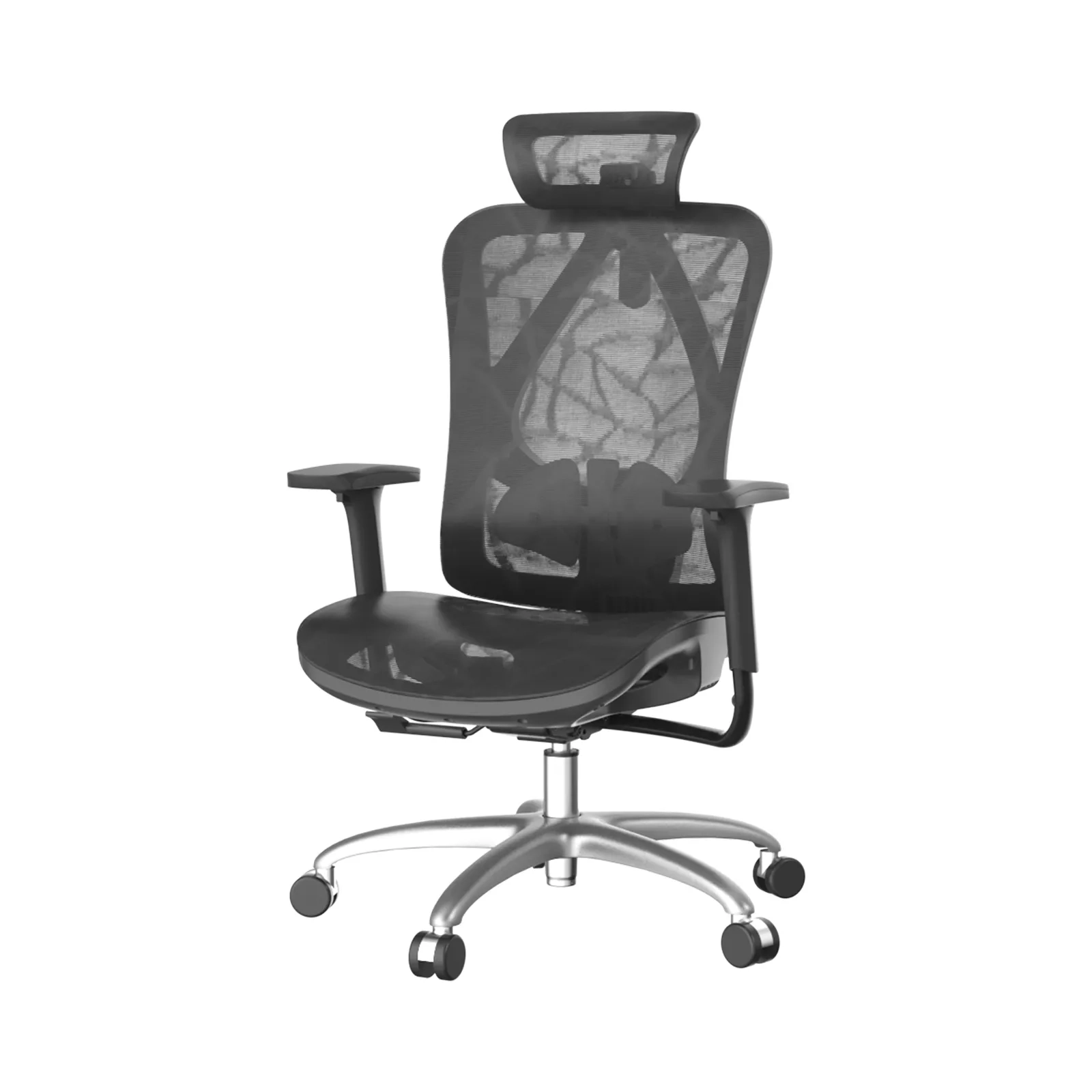
- The Sihoo M90 uses an adaptive elastic double-back structure, which flexes with the user’s posture.
Mechanical protection benefits:
- Maintains constant lumbar contact during recline or forward lean
- Reduces localized pressure points
- Supports dynamic sitting, which is recommended to reduce static spinal loading
This type of system is especially beneficial for users who frequently shift posture throughout the workday.
2. Mechanical 2D Adjustment (Height + Depth)
This is a more traditional but highly effective approach, allowing users to manually fine-tune lumbar positioning.
- Sihoo M16 and M18 include 2D adjustable lumbar support (height and depth control).
- Sihoo M57C offers vertical and horizontal lumbar adjustment for precise alignment.
Mechanical protection benefits:
- Ensures the support aligns exactly with the individual’s lumbar curve
- Provides customized pressure distribution
- Prevents under-support or overcorrection, both of which can strain the spine
This type is ideal for users who prefer precise ergonomic calibration based on body height and sitting habits.
3. Bionic / Segmented Lumbar Designs
These designs mimic the natural structure and flexibility of the human spine, often using segmented or articulated components.
- Example: Sihoo M56 incorporates a butterfly-shaped bionic lumbar support, designed to flex and distribute load across a wider surface.
Mechanical protection benefits:
- Distributes force more evenly across the lumbar region
- Adapts to subtle spinal movements
- Reduces point pressure and muscle tension
This approach bridges the gap between static and dynamic systems, offering passive adaptability.
| Adjustment Type | Example Models (Sihoo) | Key Mechanism | Direct Spinal Benefit |
|---|---|---|---|
| Dynamic / Adaptive | S300, M90 | Multi-directional, auto-responsive | Maintains constant support during movement |
| Mechanical 2D (Height/Depth) | M16, M18, M57C | Manual positioning | Precise alignment with individual lumbar curve |
| Bionic / Segmented | M56 | Flexible, load-distributing structure | Even pressure distribution, reduced tension |
How Lumbar Support Works with the Chair’s Overall Ergonomics
Lumbar support does not function in isolation. Its effectiveness depends on how well it integrates with the chair’s overall ergonomic design.
Key synergistic elements include:
- Reclining mechanisms: Recline shifts part of the upper body weight away from the spine. When combined with adaptive lumbar support, it helps maintain spinal alignment even at different angles.
- Breathable mesh materials: Common in Sihoo chairs, mesh backrests reduce heat buildup and allow slight flexibility, enabling the lumbar system to respond more naturally to movement.
- Seat depth and tilt adjustments: Proper seat positioning ensures that the pelvis is correctly aligned, which is essential for lumbar support to function effectively.
Together, these features help reduce static loading on spinal discs and ligaments, a key risk factor for chronic lower back pain.
How to choose an Office Chair with Spine-Protecting Adjustable Lumbar Support
When shopping for an office chair ergonomic lumbar support that truly protects your spine, focus on features that deliver precise, personalized alignment rather than generic “support.” The key is ensuring the lumbar mechanism actively matches your L3–L5 spinal curve—while adapting to movement throughout the day. Poor alignment here can increase disc pressure and muscle fatigue; true adjustability prevents that by keeping the spine in its neutral, supported position.
Must-Have: True Adjustability in Height, Depth, or Dynamic Response
Look for lumbar support that offers genuine multi-dimensional adjustment so the pad or mechanism sits exactly where your L3–L5 curve needs it. Fixed or one-size-fits-all designs often miss the mark for different body types and sitting postures. Sihoo’s lineup demonstrates this principle across multiple models with mechanisms engineered for real spinal contouring.
- S300 – 6D Floating-Wing Lumbar Support: This bionic, dynamic system automatically contours to your spine’s curvature with 6D automatic adjustment and variable angle support (90°–105°). It moves with you, providing adaptive spinal contouring that maintains even pressure distribution whether you’re sitting upright or reclining. The backrest also offers a 7 cm height-adjustment range for fine-tuning lumbar placement.
- M90 – Adaptive Elastic Lumbar Support: Features a patented separate upper-and-lower double backrest design in a golden-ratio layout. The adaptive elastic system delivers continuous dynamic support to the lumbar region, flexing to maintain curve alignment during both upright sitting and tilting movements.
- M16/M18 – 2D Adjustable Lumbar Pad: Equipped with straightforward height and depth adjustment knobs. Users can pull or turn the mechanism to move the lumbar pad vertically and forward/backward, allowing precise positioning against the L3–L5 area for personalized fit.
- M57C – Mechanical Height + Horizontal Control Lumbar Support: Uses a high-polymer elastomer pad with easy mechanical controls for height and horizontal adjustment. This 2D system lets you dial in exact placement and depth to match your spinal curve without relying on fixed positioning.
Supporting Features That Enhance Spinal Protection
Adjustable lumbar alone isn’t enough; pair it with these complementary features found across Sihoo’s ergonomic mesh chairs:
- Breathable mesh backrest: High-grade mesh promotes airflow and reduces heat buildup that can cause lower-back muscle tension. Sihoo’s premium mesh maintains breathability and structural integrity over years of daily use.
- Synchronized recline mechanisms: Models like the S300 use a synchro-tilt system that keeps the lumbar support in constant contact with your lower back as you lean back, preserving spinal alignment and reducing pressure points during movement.
- High-resilience materials: The lumbar pads and backrest frames use durable, shape-retaining components that resist sagging and maintain supportive tension even after thousands of sitting hours.
What to Avoid
Steer clear of chairs with non-adjustable or poorly positioned “lumbar pillows” tacked onto a fixed backrest. These often create localized pressure points instead of even support, potentially worsening lower-back strain over time.
Quick buying checklist for office chair ergonomic lumbar support:
- Can you adjust lumbar height and depth (or get true dynamic response)
- Does the backrest use breathable mesh that stays cool
- Will the lumbar stay in contact during recline
- Are the materials rated for long-term resilience
How to Adjust and Use Your Chair to Maximize Spinal Protection
Effective use of office chair ergonomic lumbar support is one of the most practical ways to protect your spine during prolonged sitting. A 2023 study published in Applied Ergonomics found that lumbar support in office chairs promotes more neutral spine and pelvic postures compared to chairs without it, leading to better overall spinal alignment.
Here’s a clear, step-by-step protocol you can follow with any quality ergonomic chair to keep the spine in its healthy S-curve, reduce lower-back fatigue, and encourage natural micro-movements rather than forcing a rigid static position.
- Sit fully back so your lumbar curve contacts the support pad: Scoot your hips all the way to the back of the seat until your lower back presses firmly against the lumbar pad. This eliminates the common “slouch gap” that flattens the lumbar curve and increases disc pressure. Full contact ensures the support pad does its job from the start.
- Adjust height so the pad sits at the deepest part of your lower back (not too high or low): The lumbar support should align with the natural hollow of your lower back. Raise or lower until you feel the pad nestle exactly into the deepest curve—too high pushes the ribs, too low leaves the lumbar unsupported.
- Fine-tune depth/tension until you feel gentle, even support without forward push: Use the depth or tension control so the pad provides supportive contact without shoving you forward. You should feel a gentle, consistent hug in the lower back—comfortable enough for all-day use but never intrusive.
- Combine with slight recline and periodic micro-movements to keep spinal discs nourished: Set a gentle recline (typically 100–110 degrees) using the chair’s synchro-tilt or gravity-assisted mechanism. Intervertebral discs are avascular (they have no direct blood supply), so they rely on movement and position changes to absorb nutrients and expel waste.
Daily spinal health habit: Stand and move every 30–60 minutes to complement the chair’s protection. Even the best office chair ergonomic lumbar support works best when paired with regular movement. A quick walk, stretch, or stand-up break restores blood flow, relaxes muscles, and prevents the cumulative strain of static sitting.
By following this protocol with a chair that features true ergonomic lumbar support—you create a proactive defense for your spine rather than simply reacting to discomfort.
Conclusion
Chronic back pain is cited by the World Health Organization (WHO) as the leading cause of disability worldwide. By utilizing an office chair with ergonomic lumbar support, you are mitigating the risks of long-term postural deformities and musculoskeletal disorders. Protecting your spine today is a direct investment in your mobility 20 years from now.
1600x1600-4-768x768.jpg)
1600x1600-8-768x768.jpg)