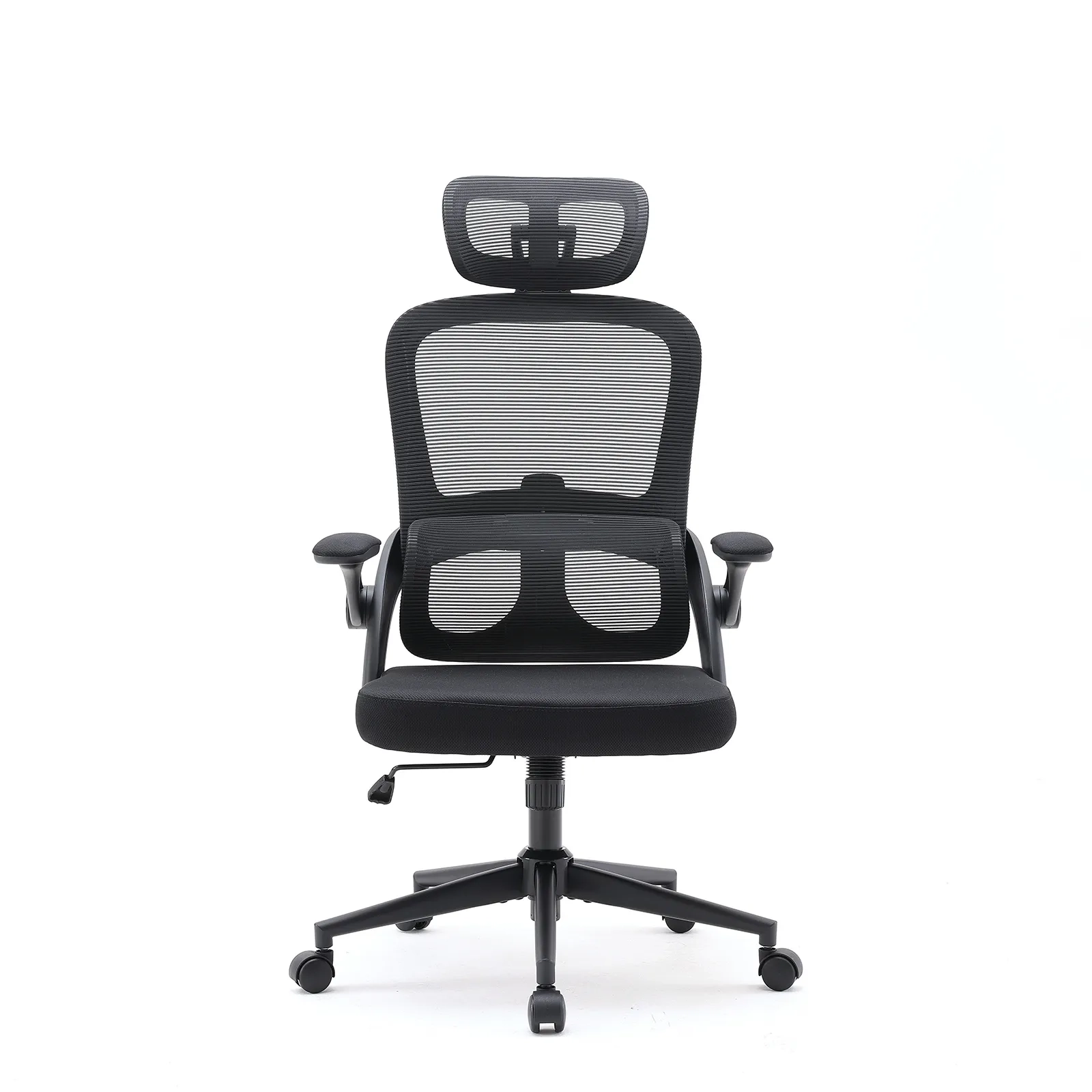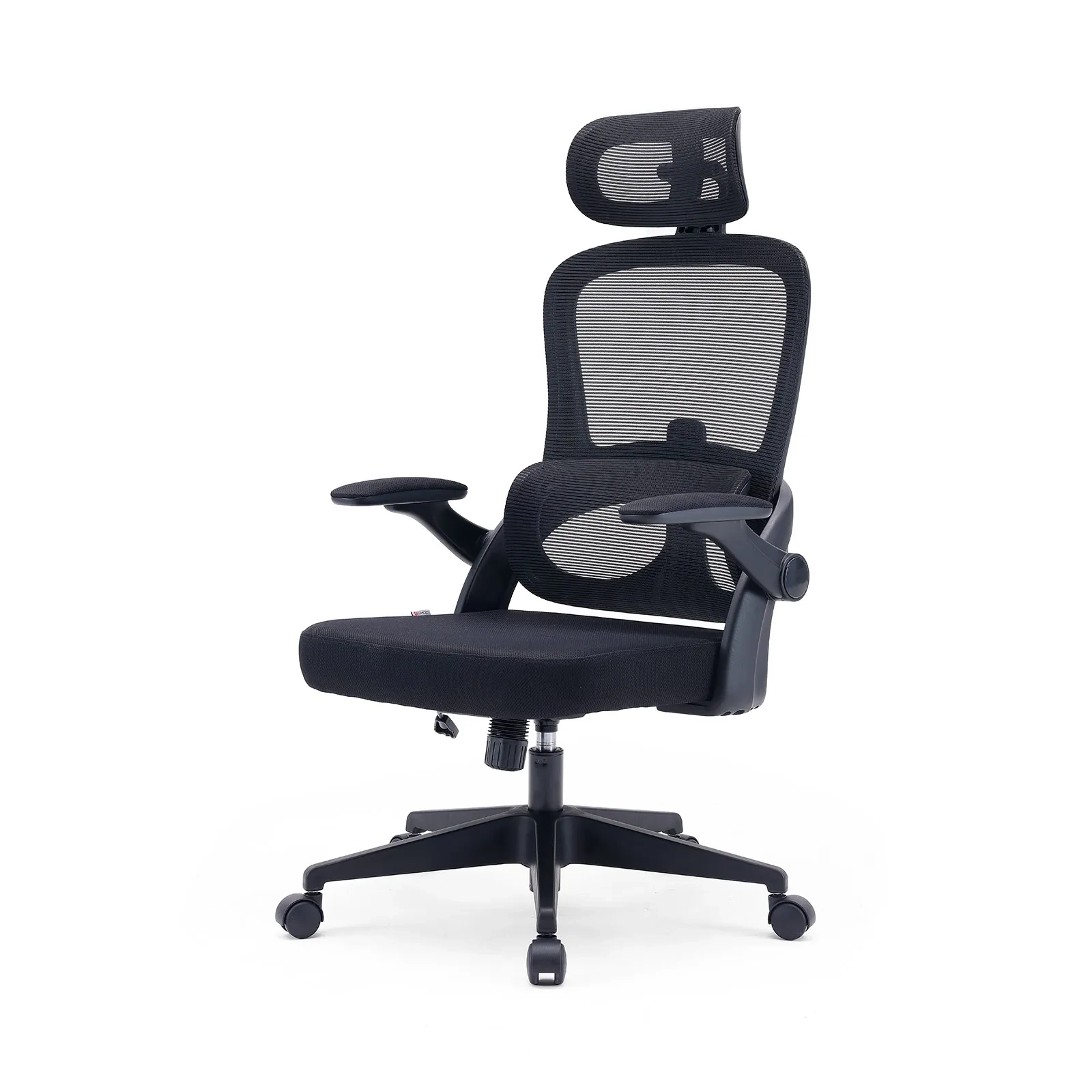









If you are reading this while hunched over your keyboard, trying to rub out a tight knot in your shoulder or shifting your weight to ease a lower back ache, you are in good company. Close to 90% of remote workers deal with regular joint and muscle pain. But the truth is, you aren’t just tired from a long day—your home office desk and chair setup is simply fighting your body. When your workspace ignores basic biomechanics, you pay for it. Cornell University ergonomics researchers found that sitting in a poor, unsupported posture can double the mechanical pressure on your lower spinal discs compared to standing. Pushing through the discomfort or taking more coffee breaks won’t fix it; you have to fix the geometry of your workspace.
Step 1: The “90-90-90” Chair Adjustment (Feet, Knees & Hips)
When setting up your workspace, many people make the mistake of adjusting their desk first. True ergonomic alignment must be built from the ground up. Before you touch your desk, you must establish a baseline of physical support by configuring your ergonomic office chair to match your lower body’s natural anatomy.
To achieve a correct sitting posture, you must aim for the geometric gold standard: the “90-90-90” rule. This means your ankles, knees, and hips should each maintain an approximate 90-degree to 110-degree angle, eliminating localized mechanical stress and keeping your musculoskeletal system neutral.
Seat Height: The Foundation of Blood Circulation
Your seat height dictates the fluid dynamics of your lower extremities. If your chair is too high, your feet dangle, causing the front edge of the seat pan to act as a physical tourniquet that compresses the femoral arteries and sciatic nerves under your thighs. If it is too low, your knees sit higher than your hips, shifting your entire body weight backward onto your ischial tuberosities (sit bones) and flattening your natural lumbar curve.
- Actionable Setup: Sit completely back in your chair. Lower or raise the pneumatic cylinder until both of your feet rest entirely flat on the floor. Your weight should be distributed evenly across your soles, and your thighs must run parallel to the ground.
- OSHA Data Benchmark: According to the Occupational Safety and Health Administration (OSHA) Computer Workstations eTool, the standard ideal seat height ranges between 15 and 22 inches from the floor. This range accommodates the physiological needs of most individuals, keeping the knee joints safely supported within a healthy 90° to 110° angle.
Seat Depth: The Two-Finger Clearance Test
Seat depth is one of the most neglected factors in home office ergonomics, yet it directly impacts lower back support and deep vein circulation. If a seat pan is too deep, you cannot sit far back enough to engage the backrest without the edge cutting into the back of your knees. If it is too shallow, your thighs do not receive enough surface area support, increasing localized pressure on your buttocks.
- Actionable Setup: Slide your hips all the way back into the chair until your sacrum firmly contacts the lower backrest. While sitting in this position, extend your hand and place your fingers horizontally between the front edge of the seat cushion and the back of your knees (the popliteal fossa).
- The Clearance Rule: You must have a clearance gap of 2 to 4 fingers (approximately 1.5 to 3 inches). This precise clearance prevents the seat from compressing the critical popliteal blood vessels and nerves that regulate circulation to your lower legs and feet.
Precision Fit for All Body Types
The fundamental flaw of generic office seating is the “one-size-fits-all” design trap, which assumes every remote worker shares the exact same femur length and height.
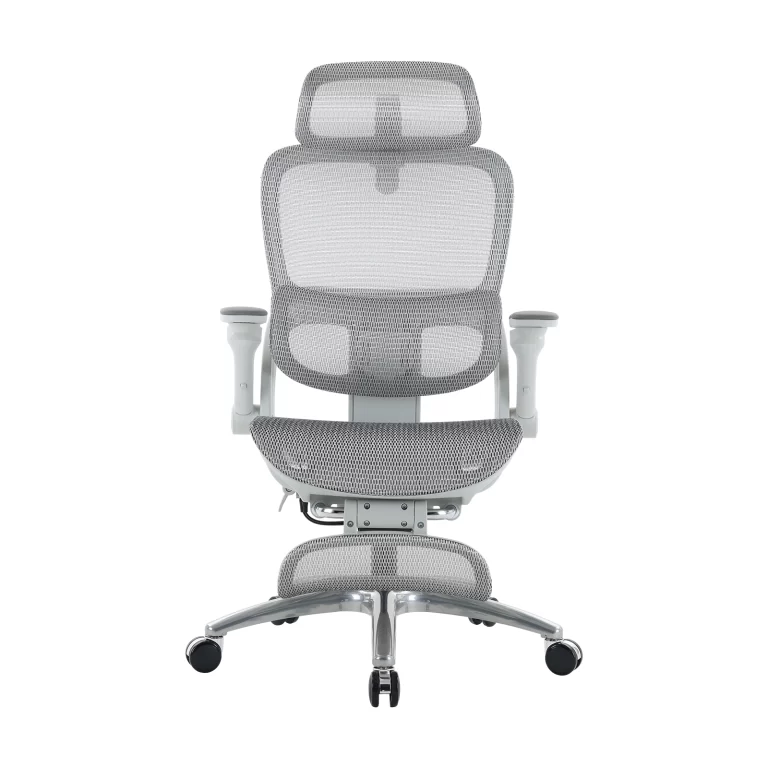
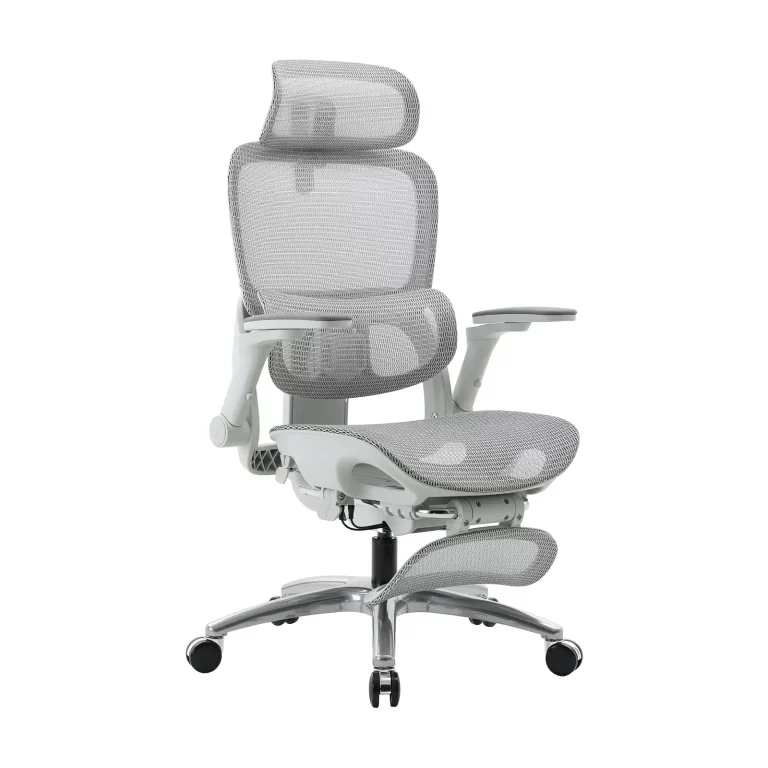
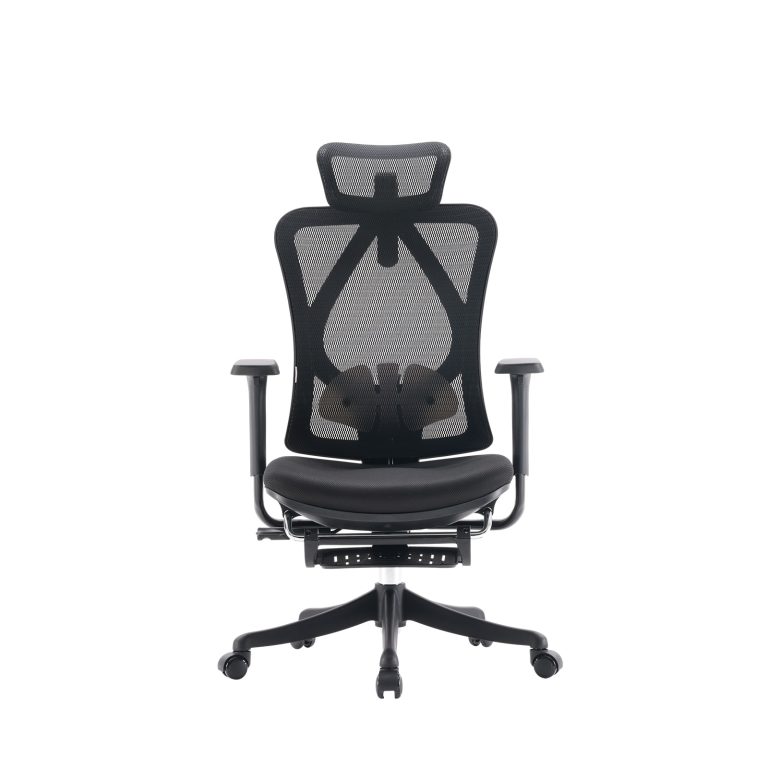
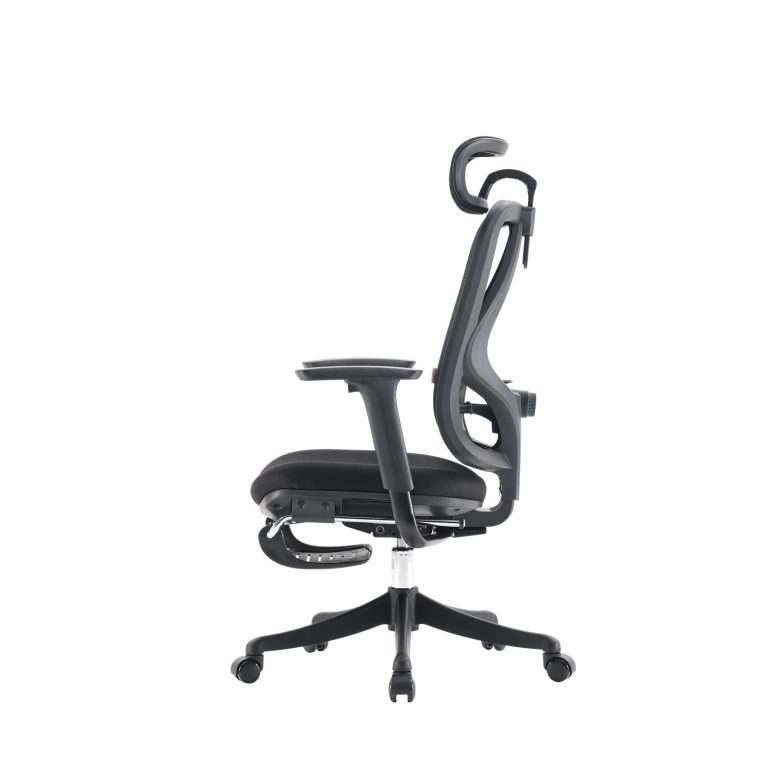
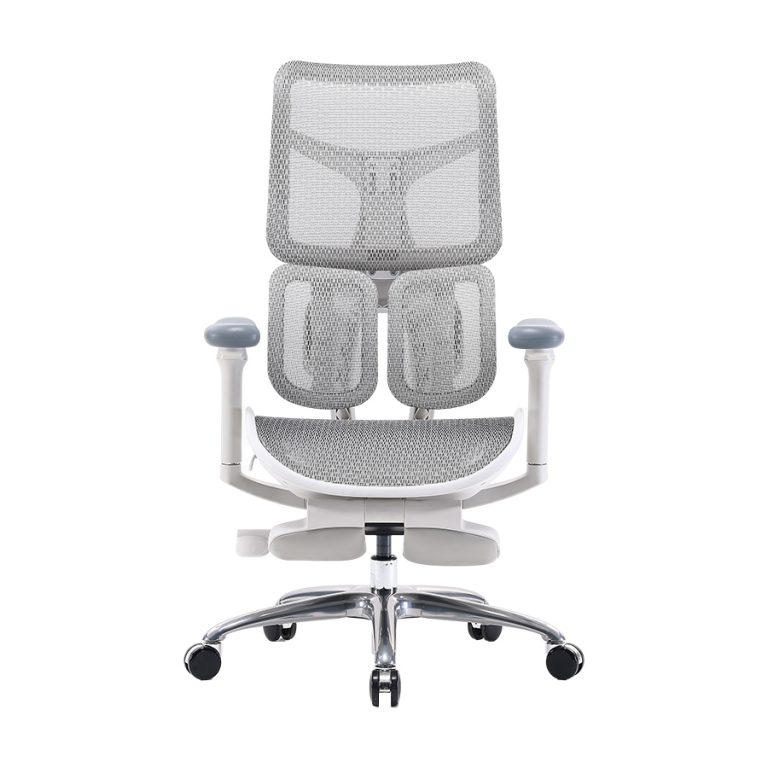
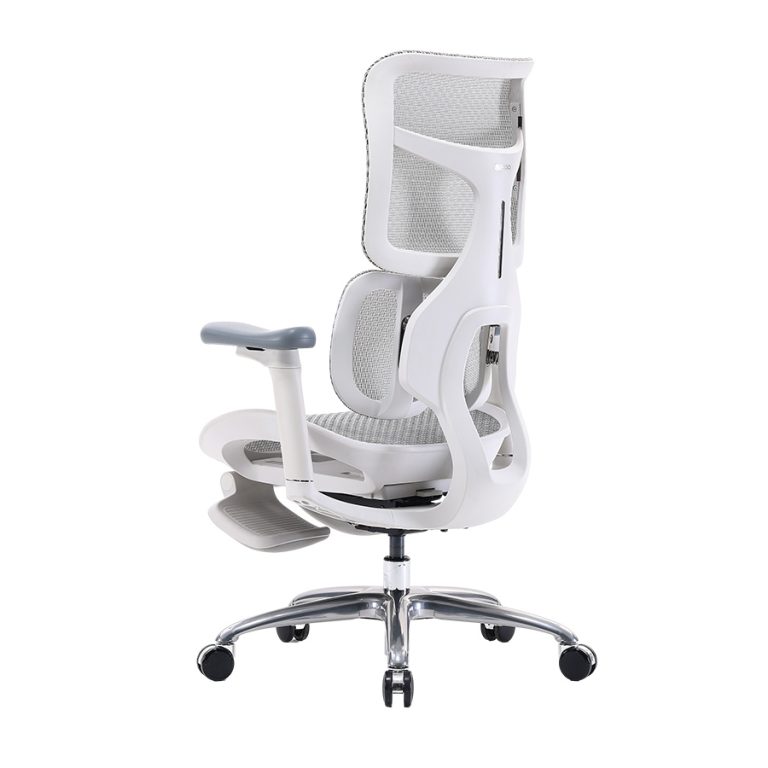
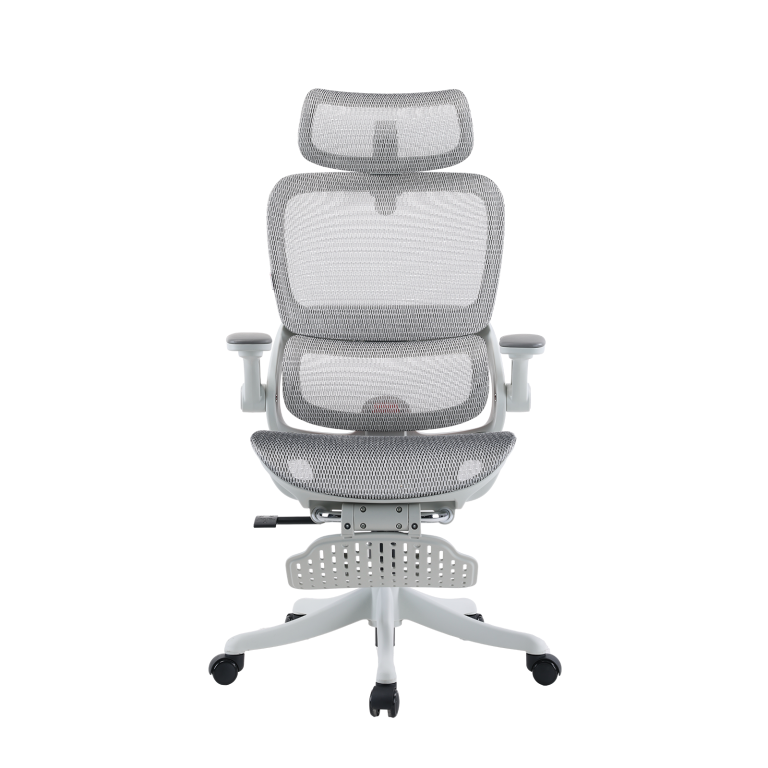
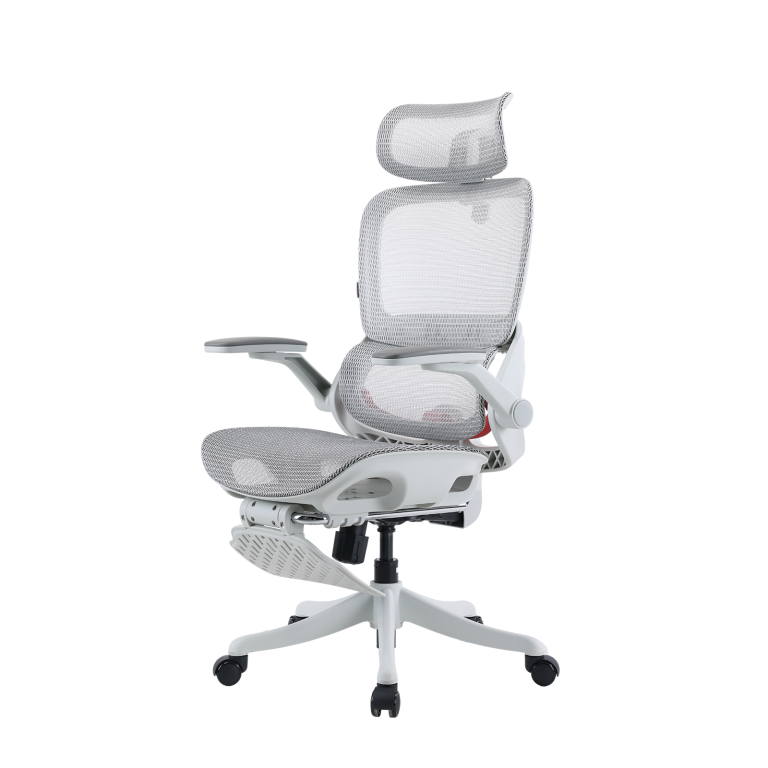
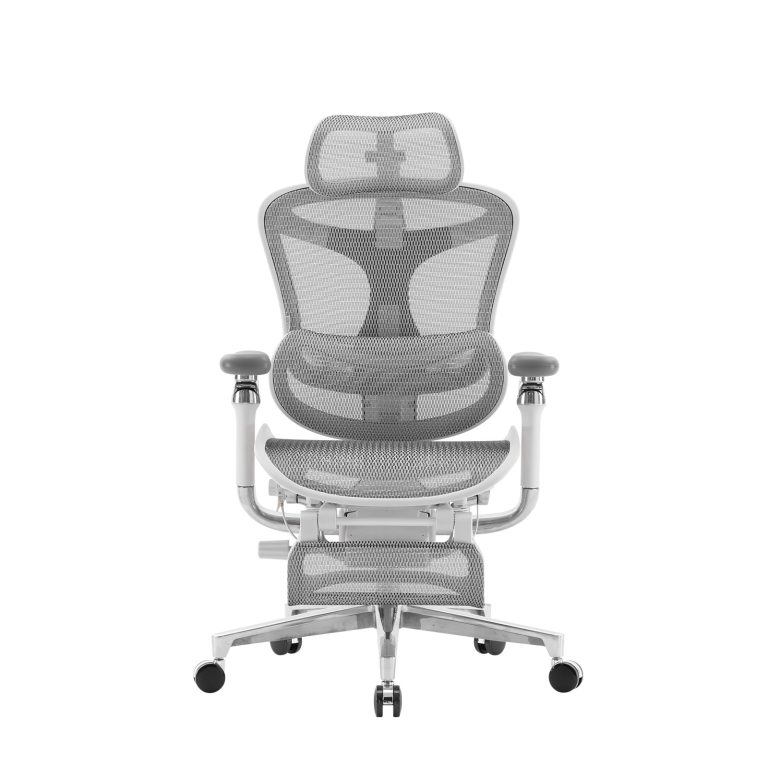
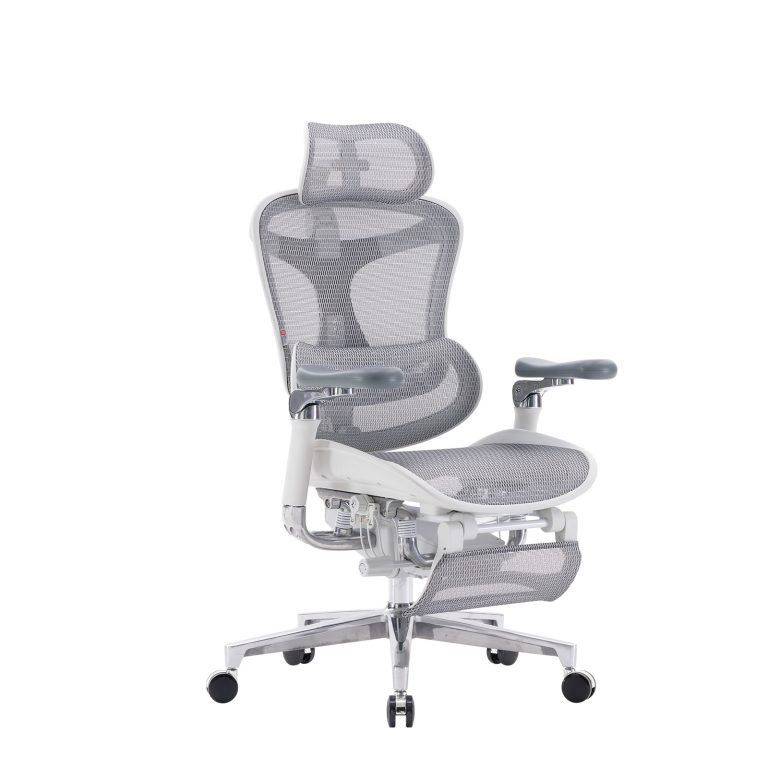
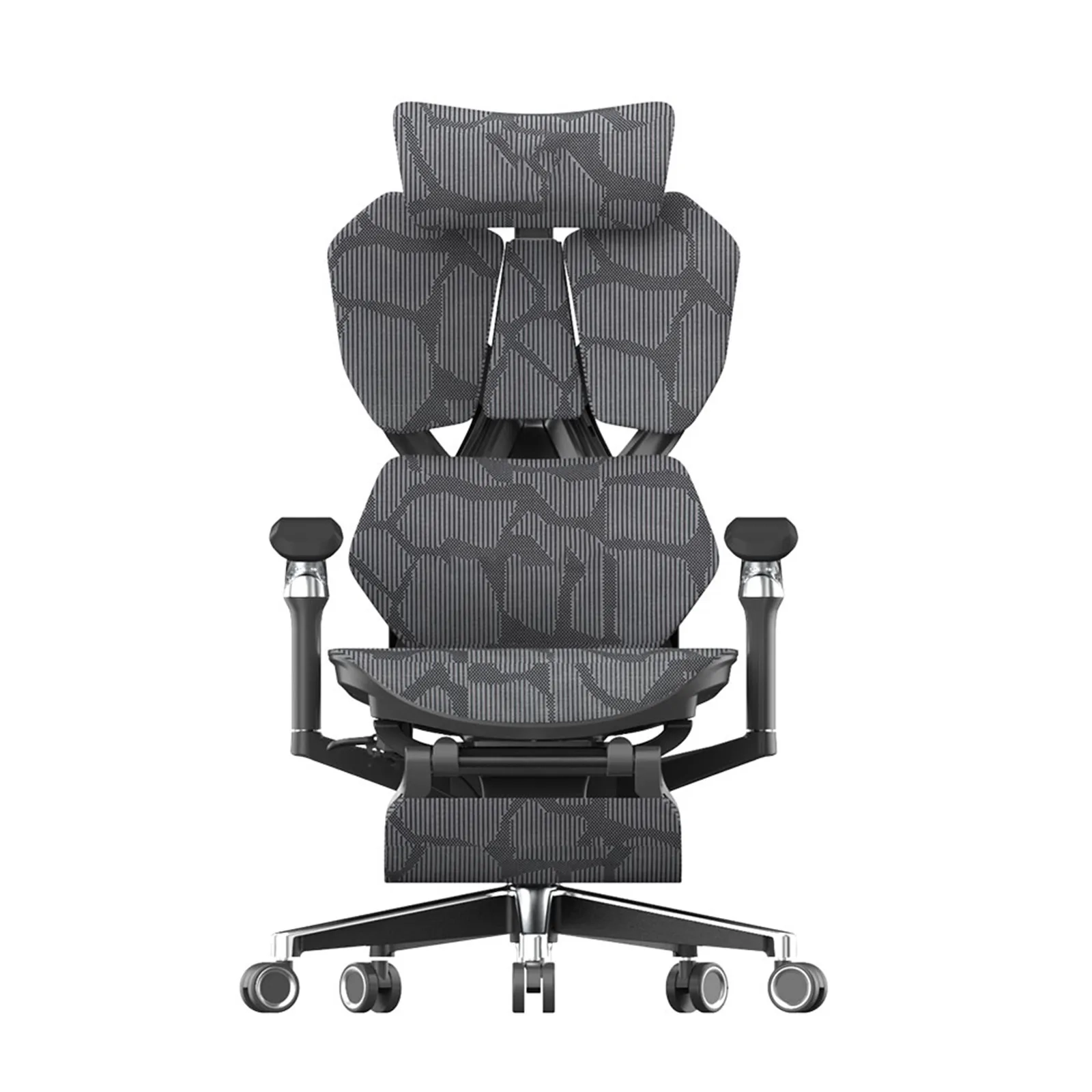
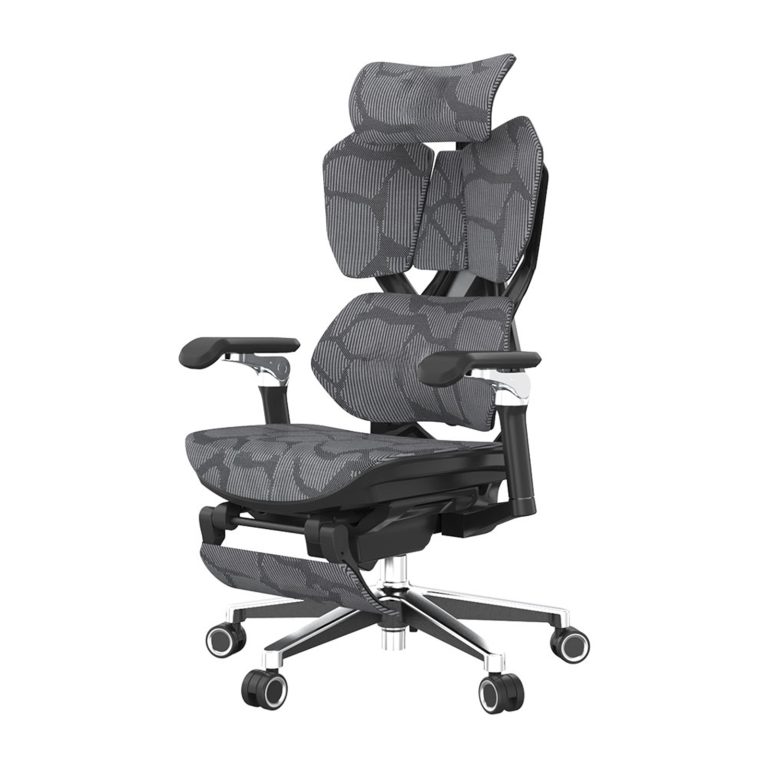
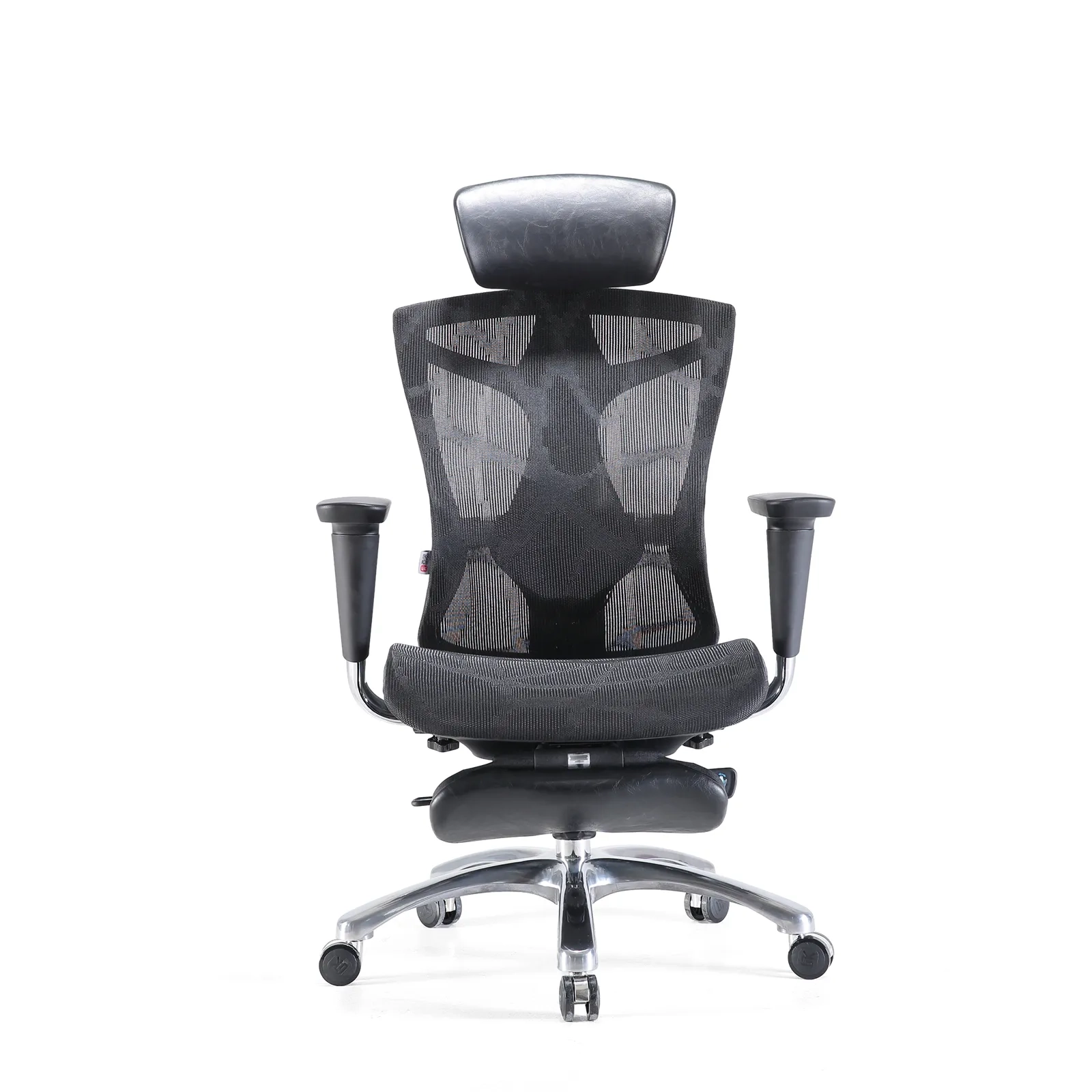
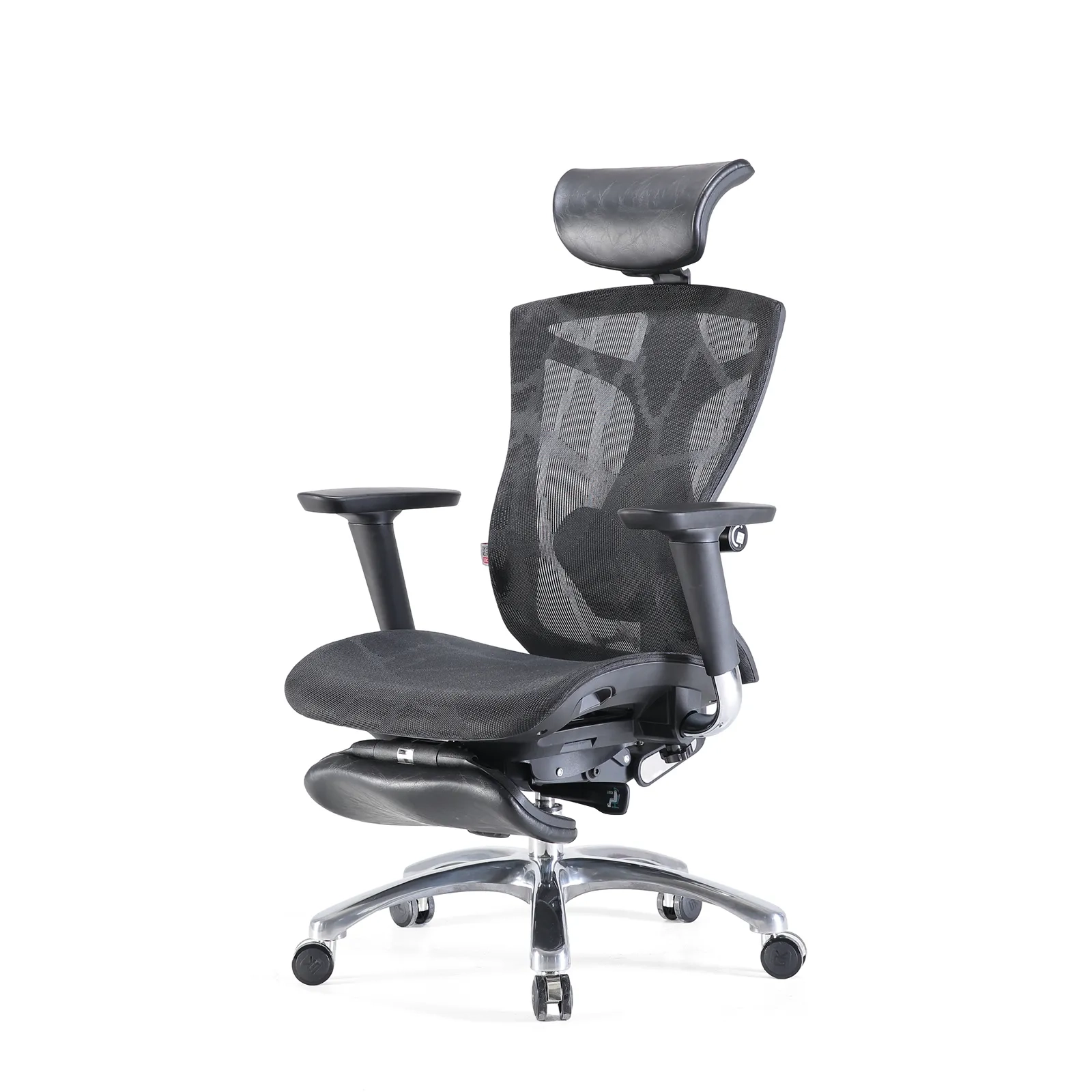
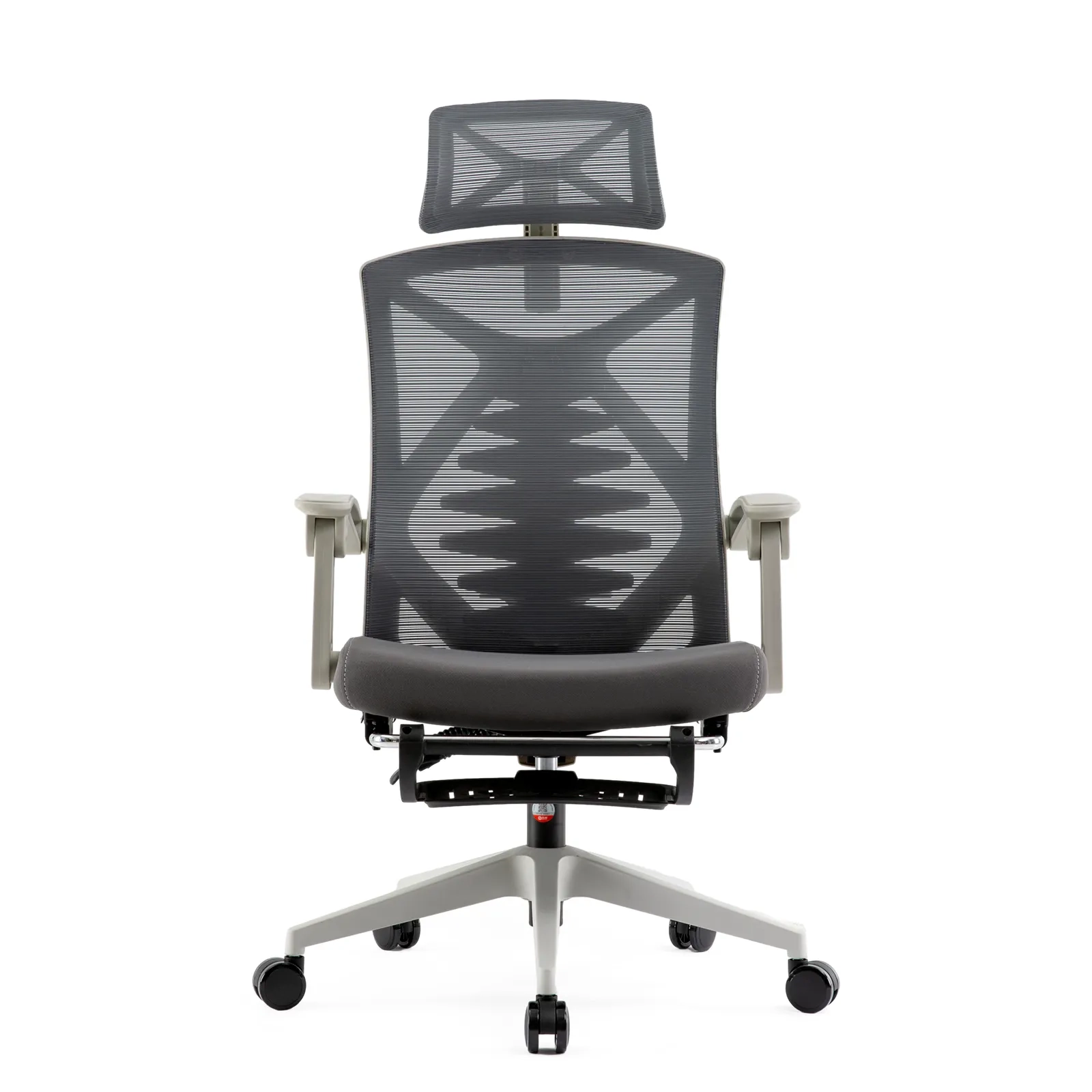
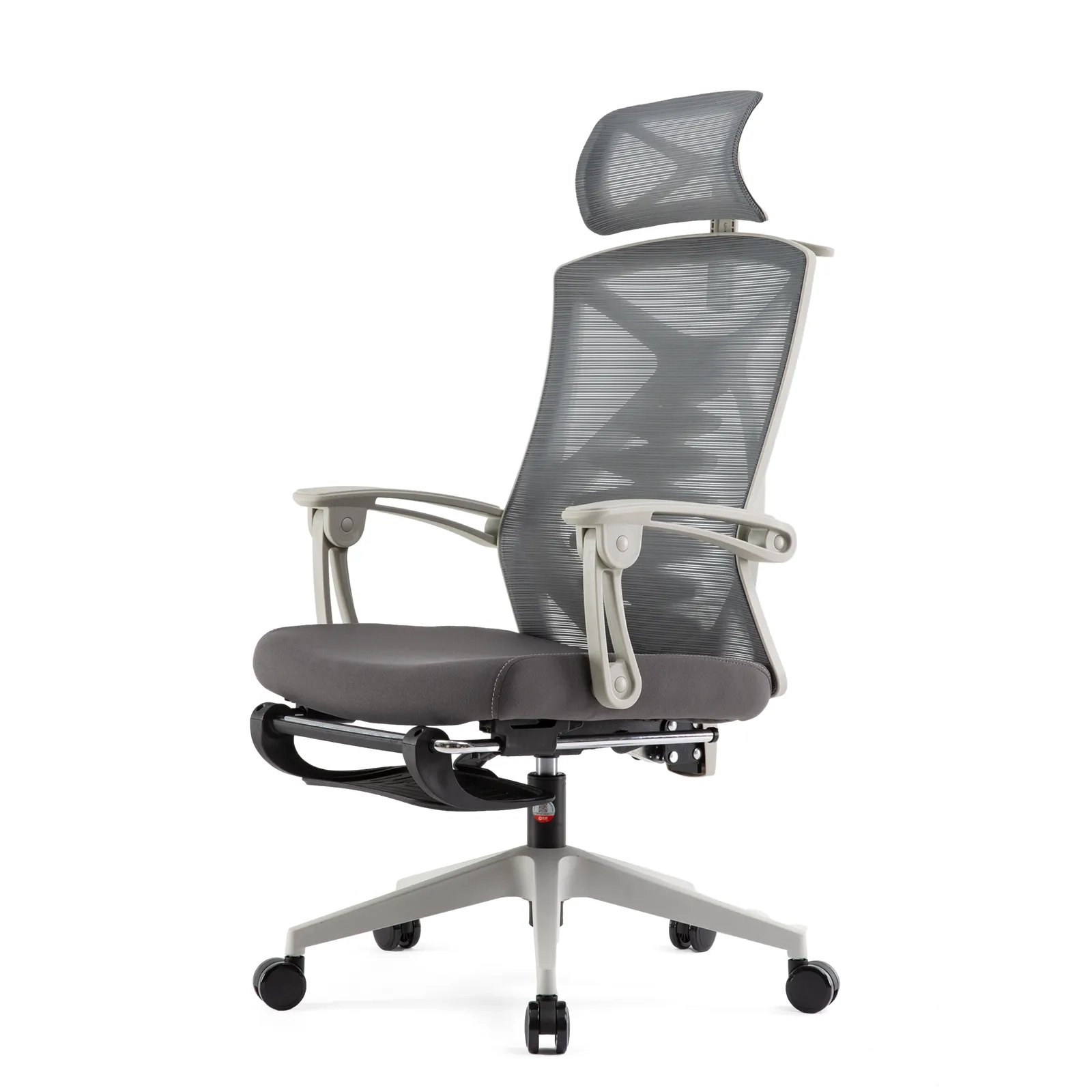
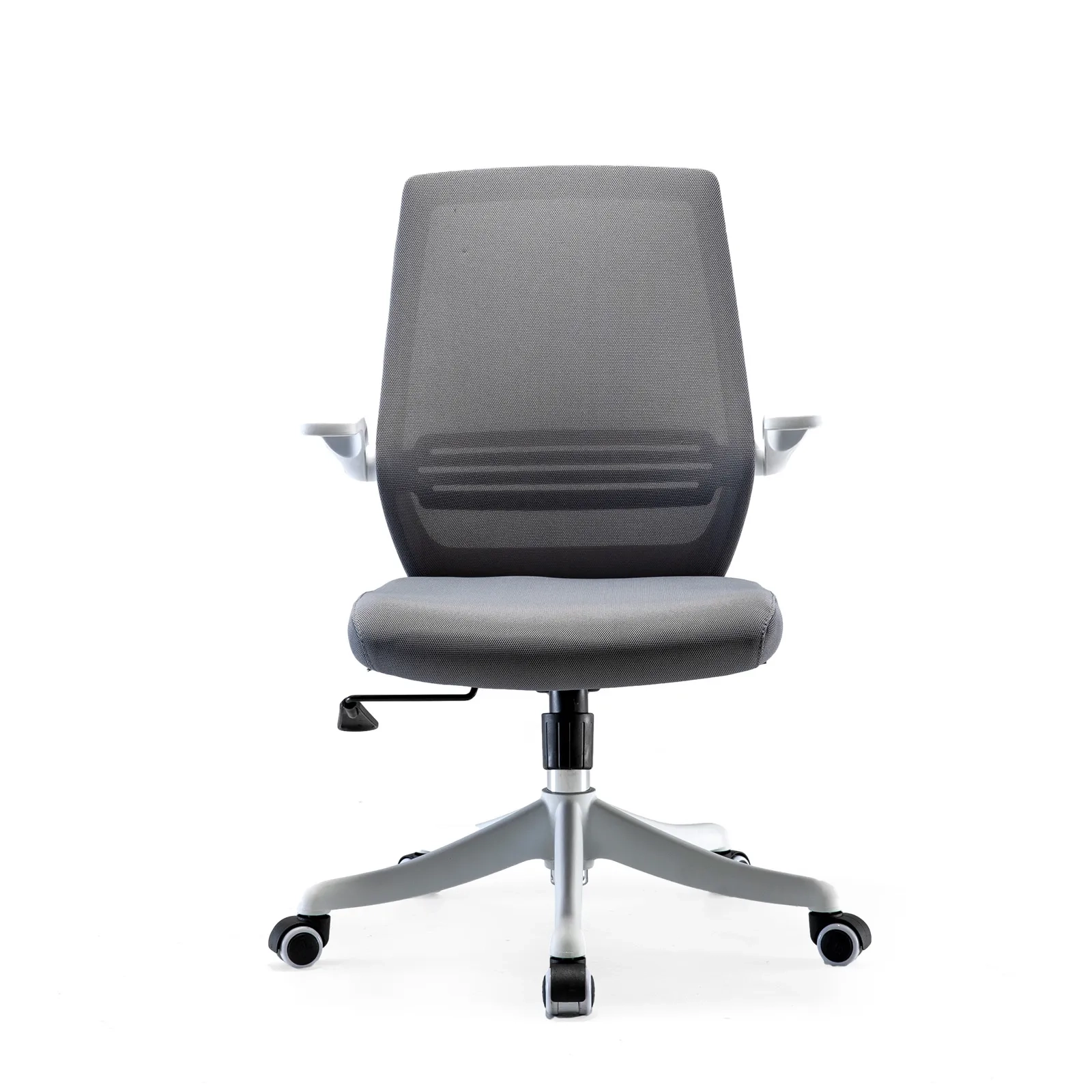
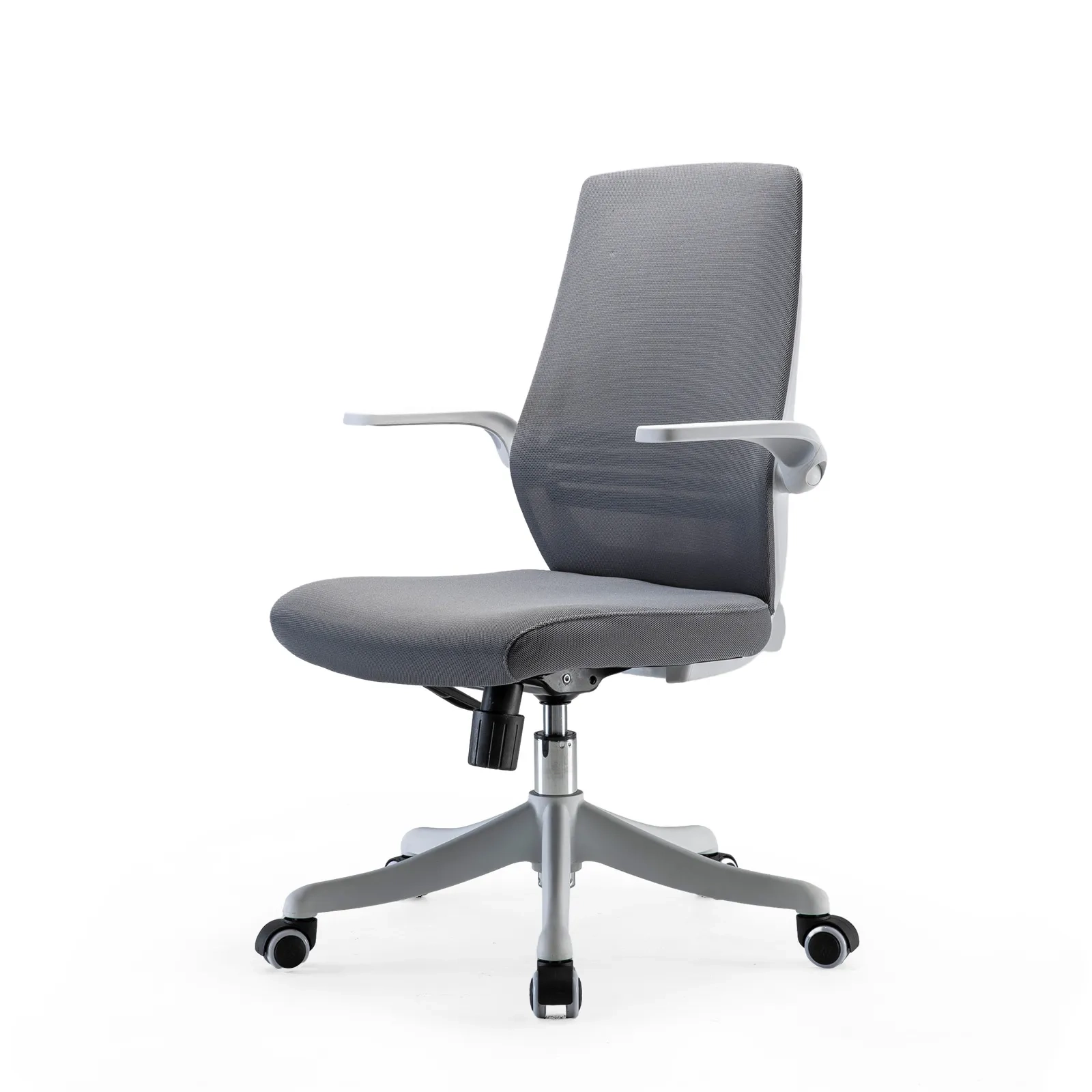
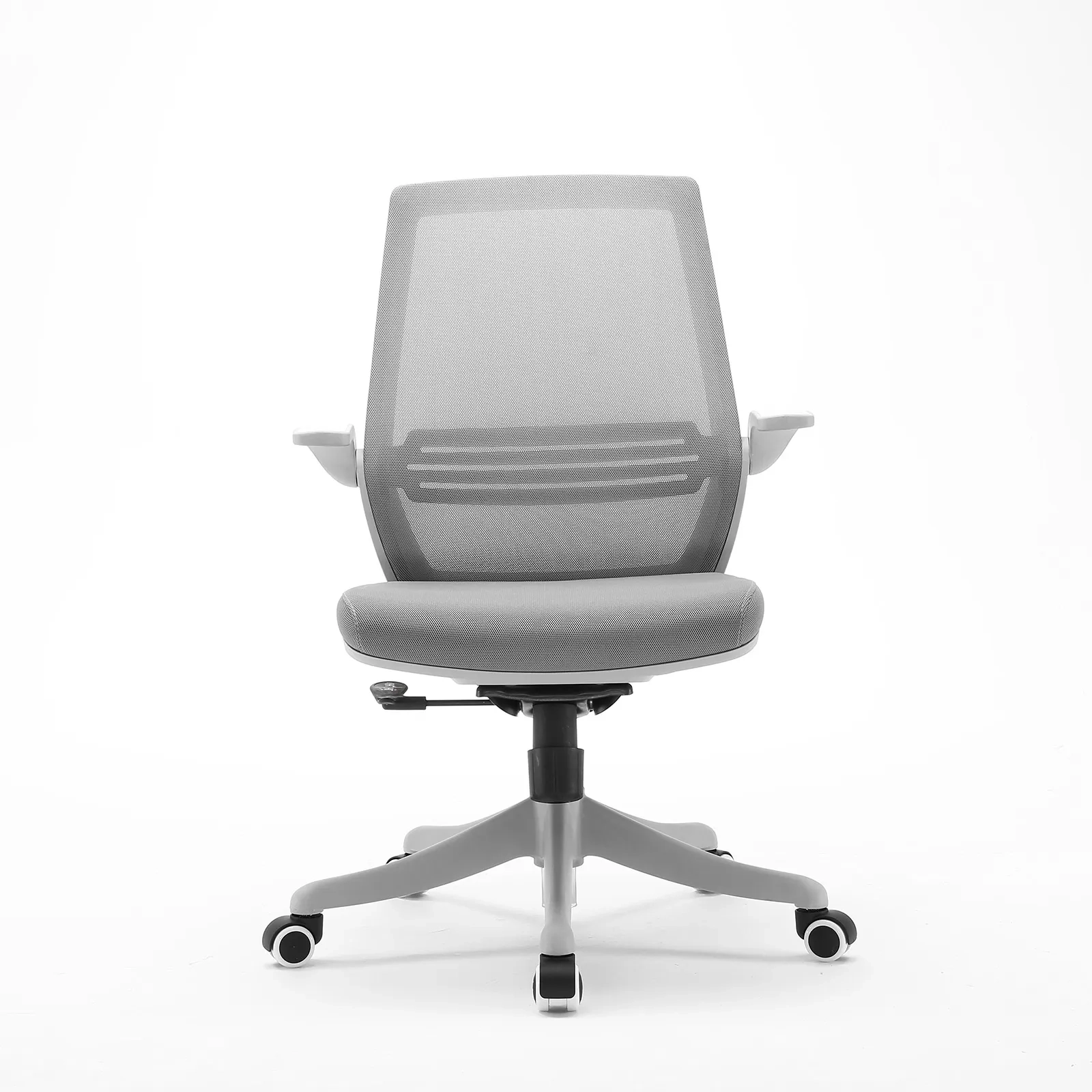
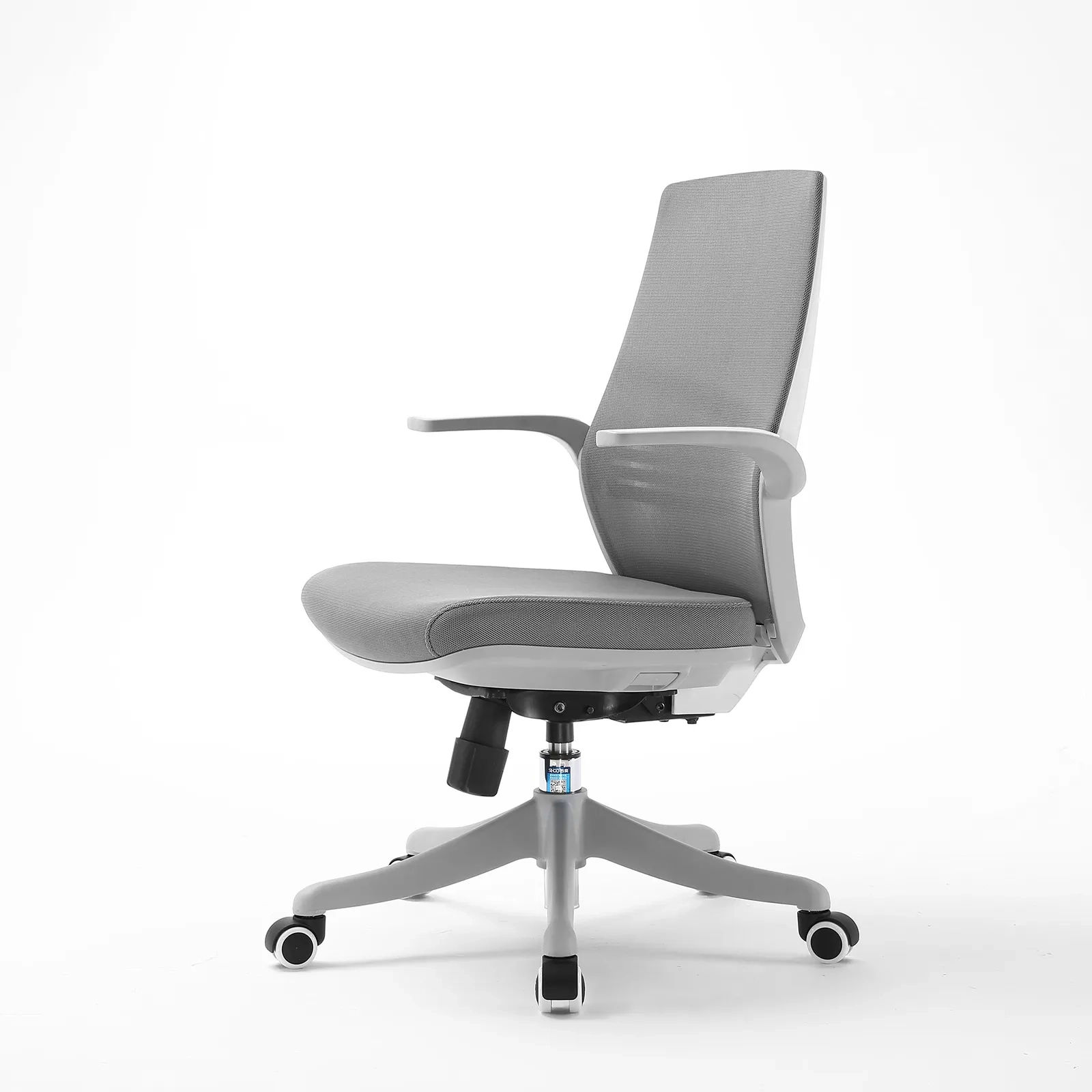
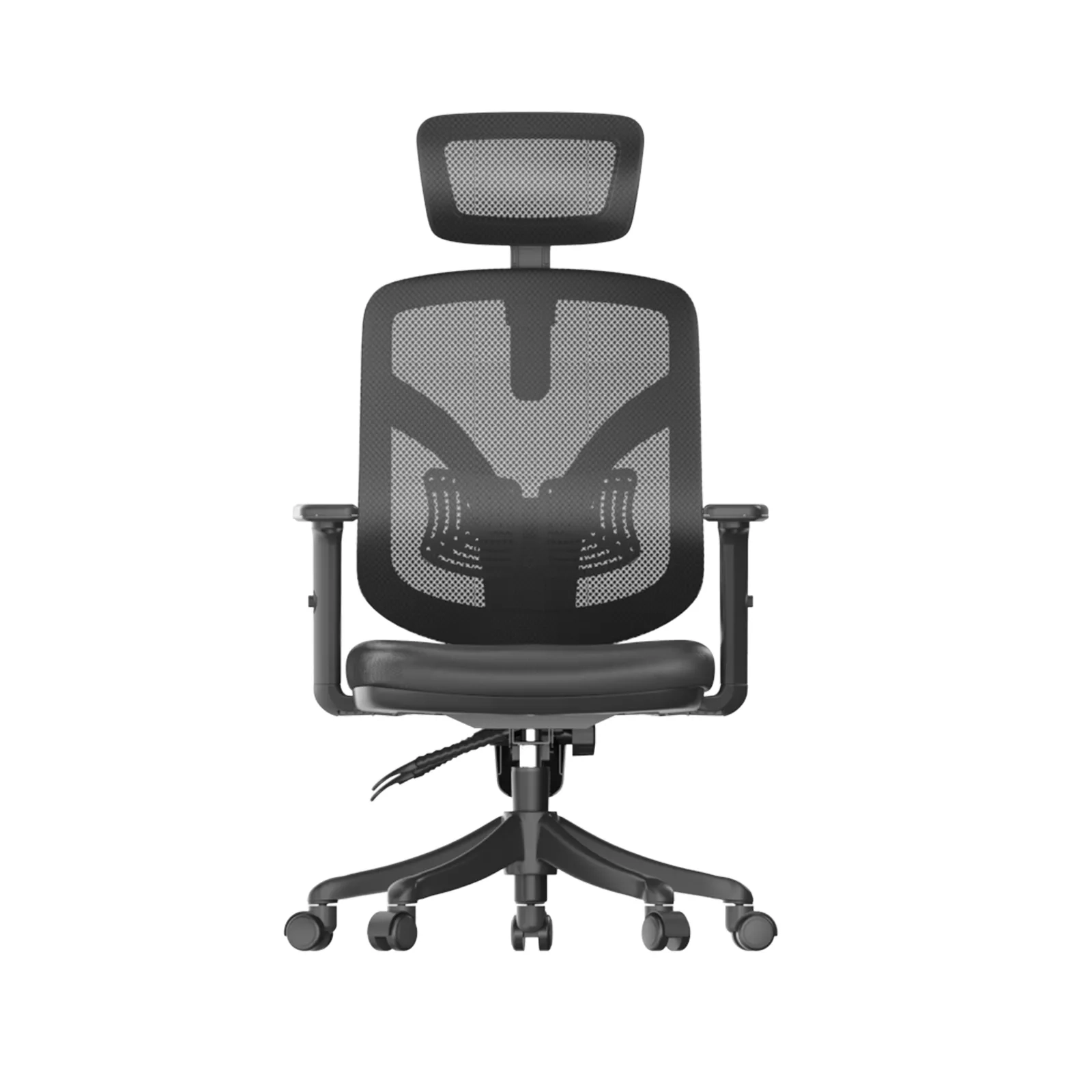
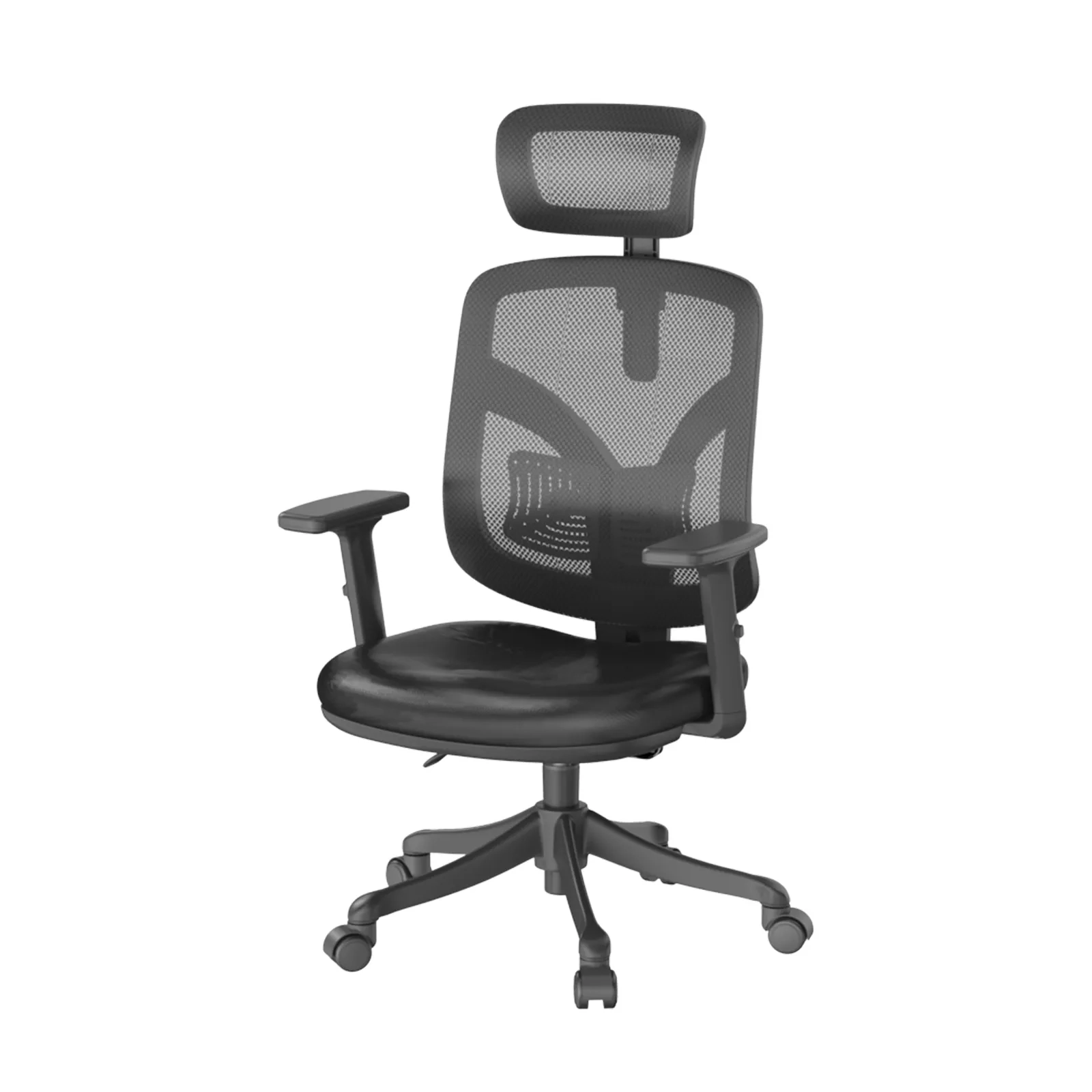
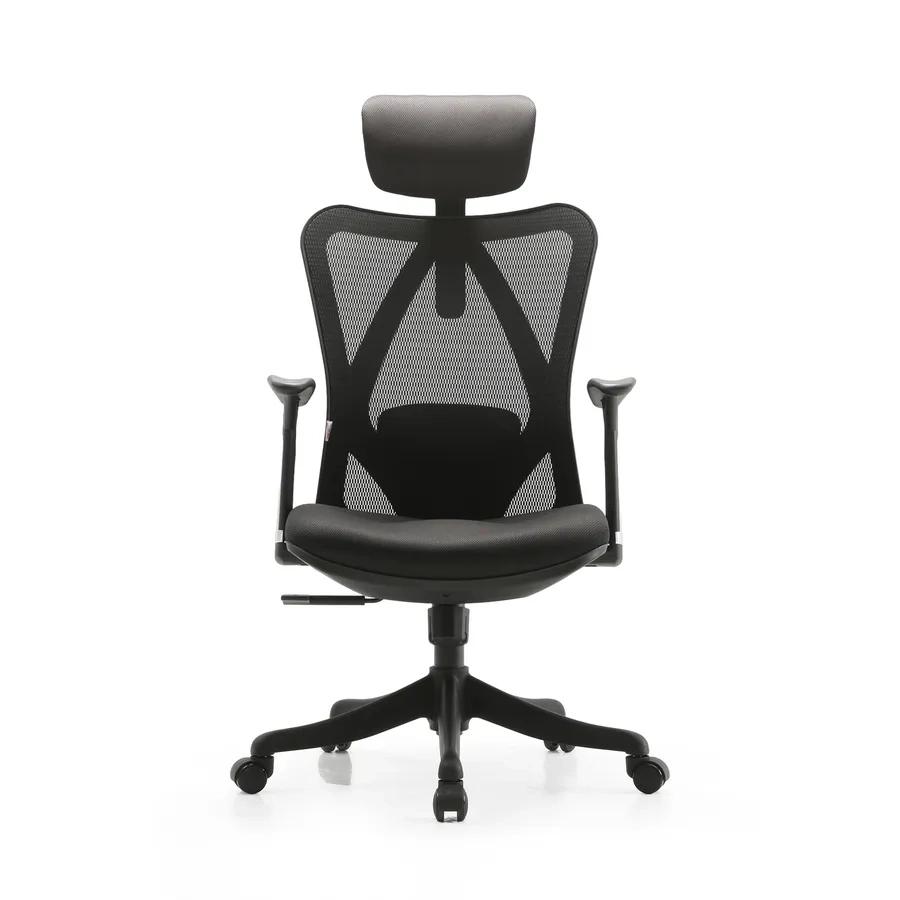
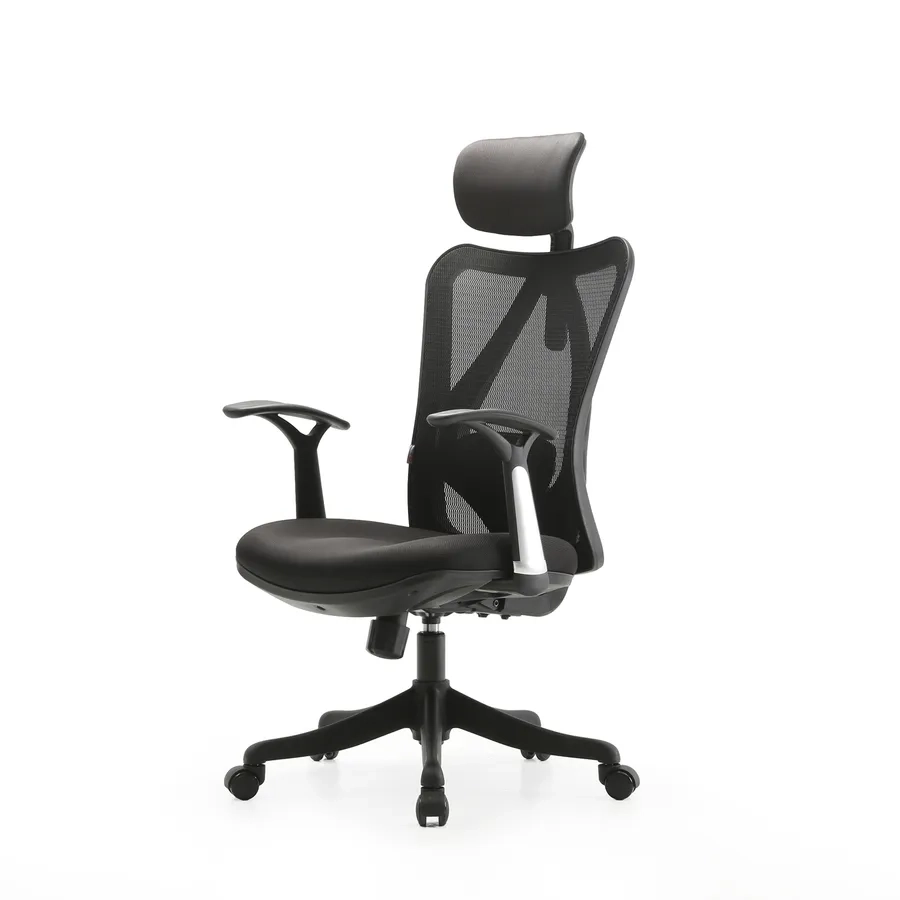
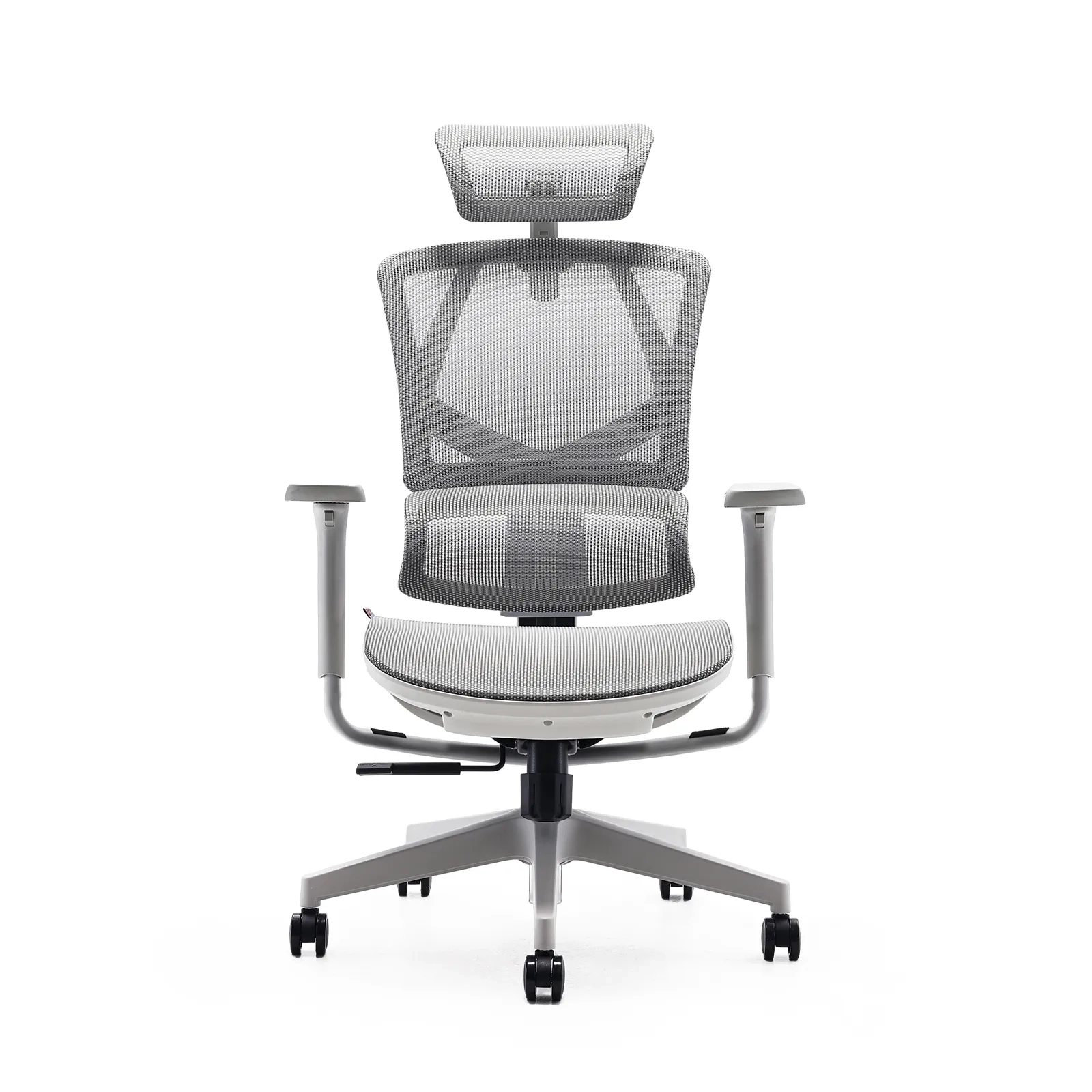
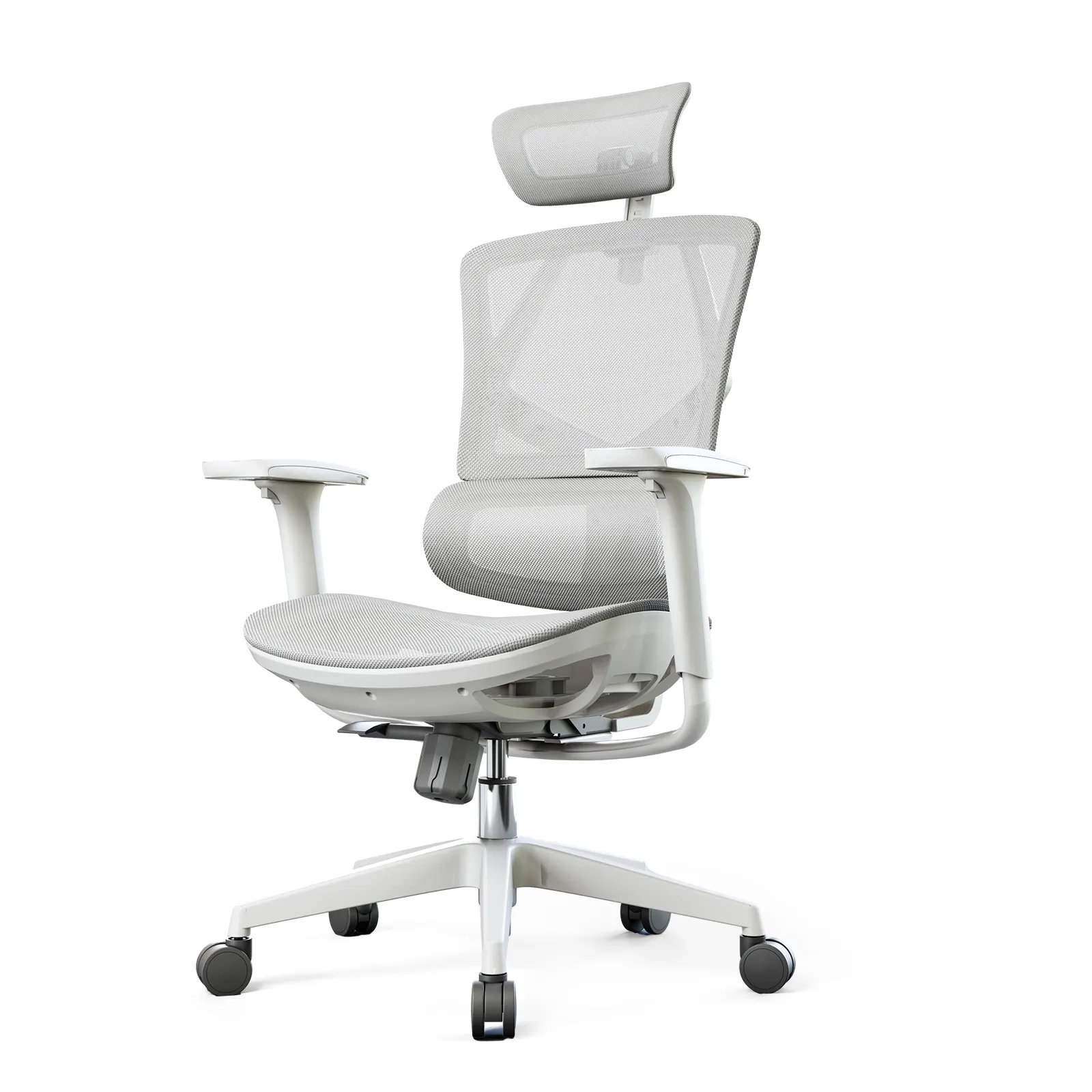
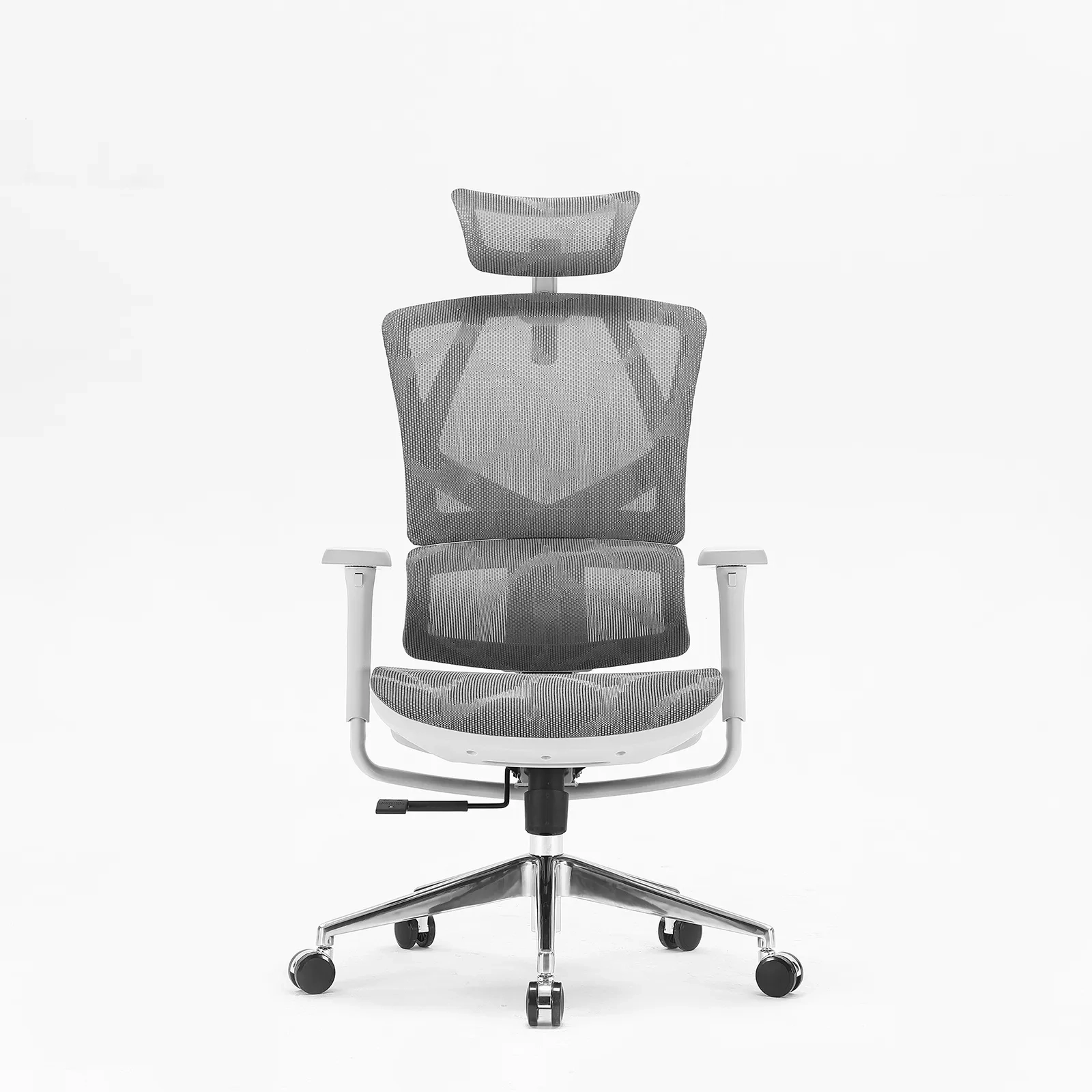
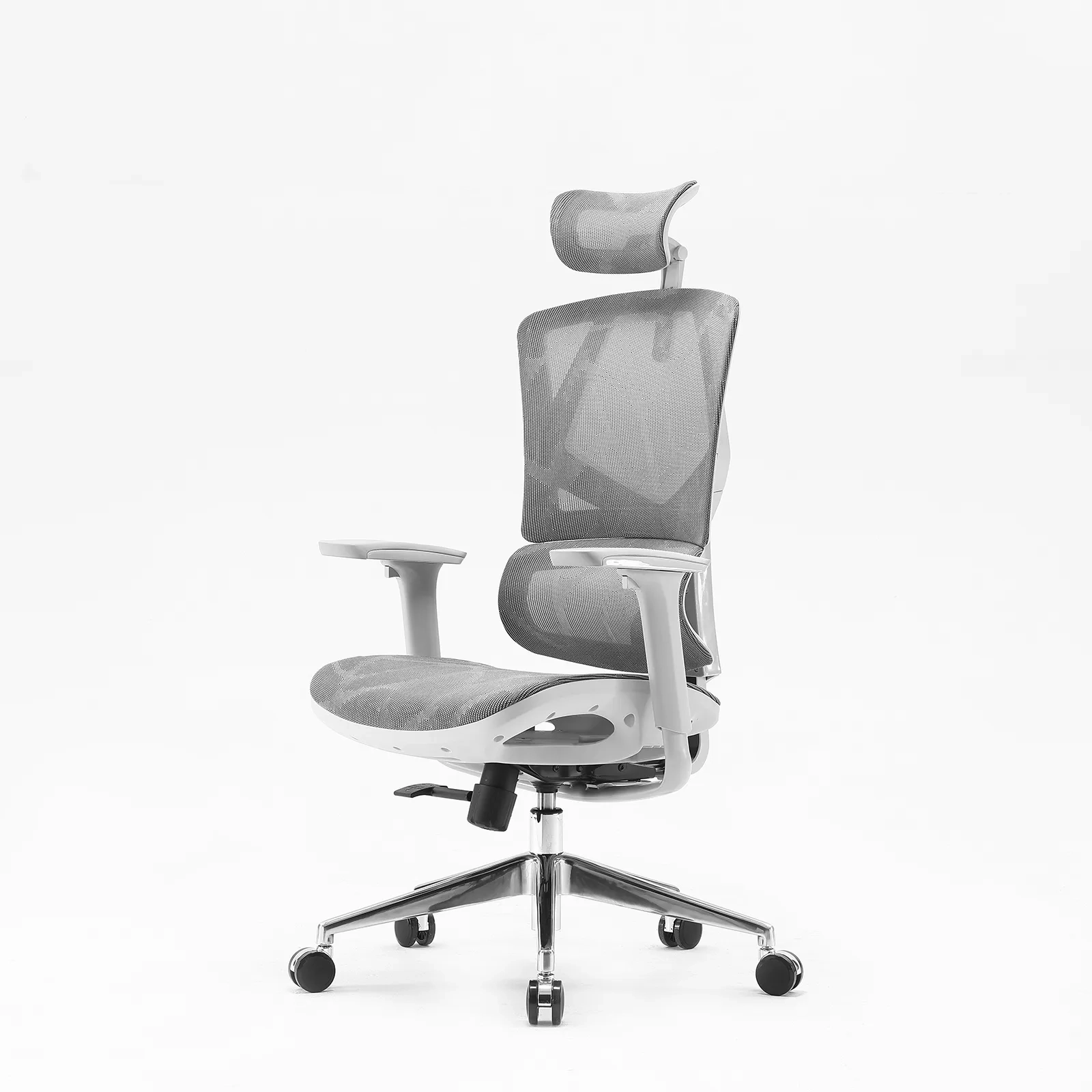
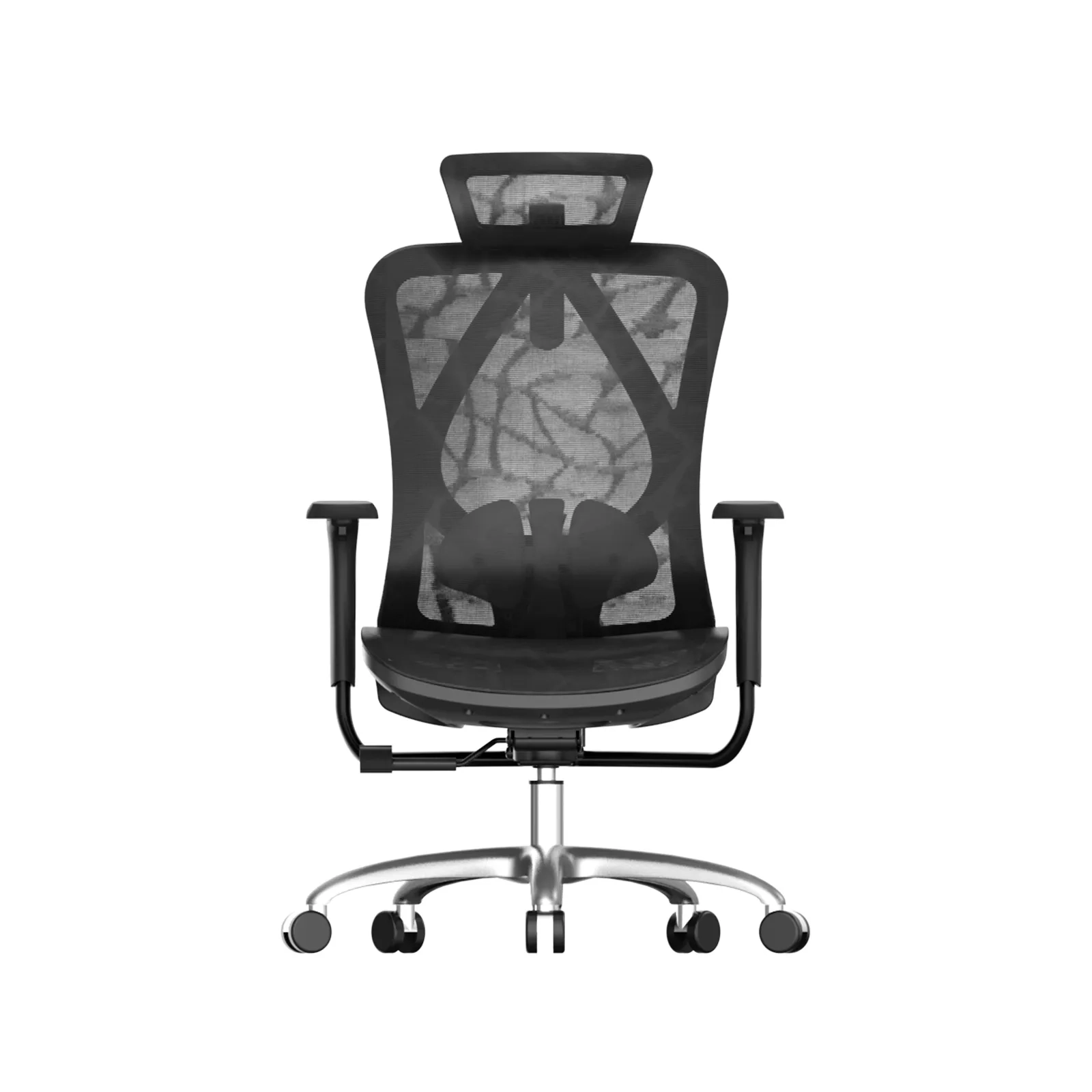
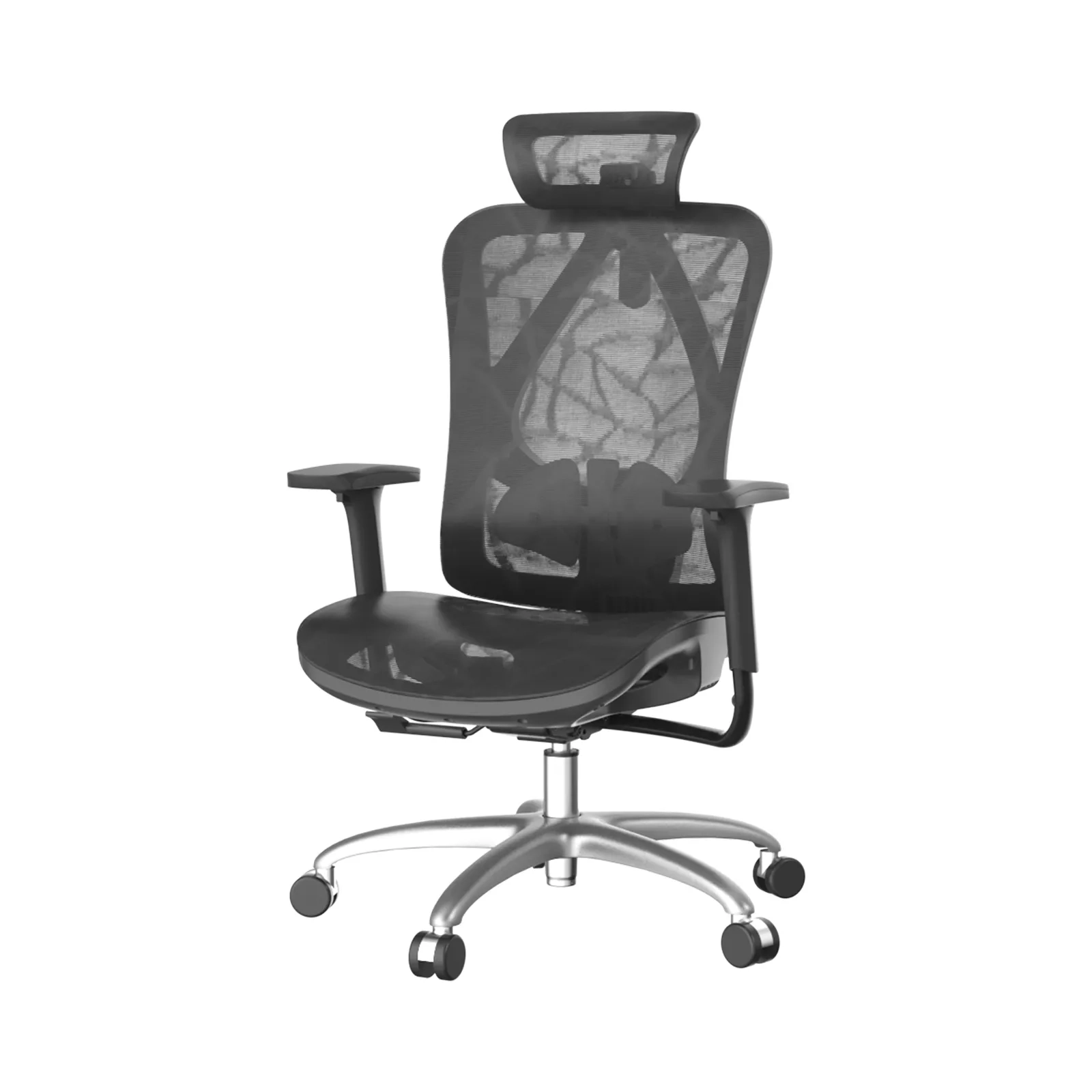
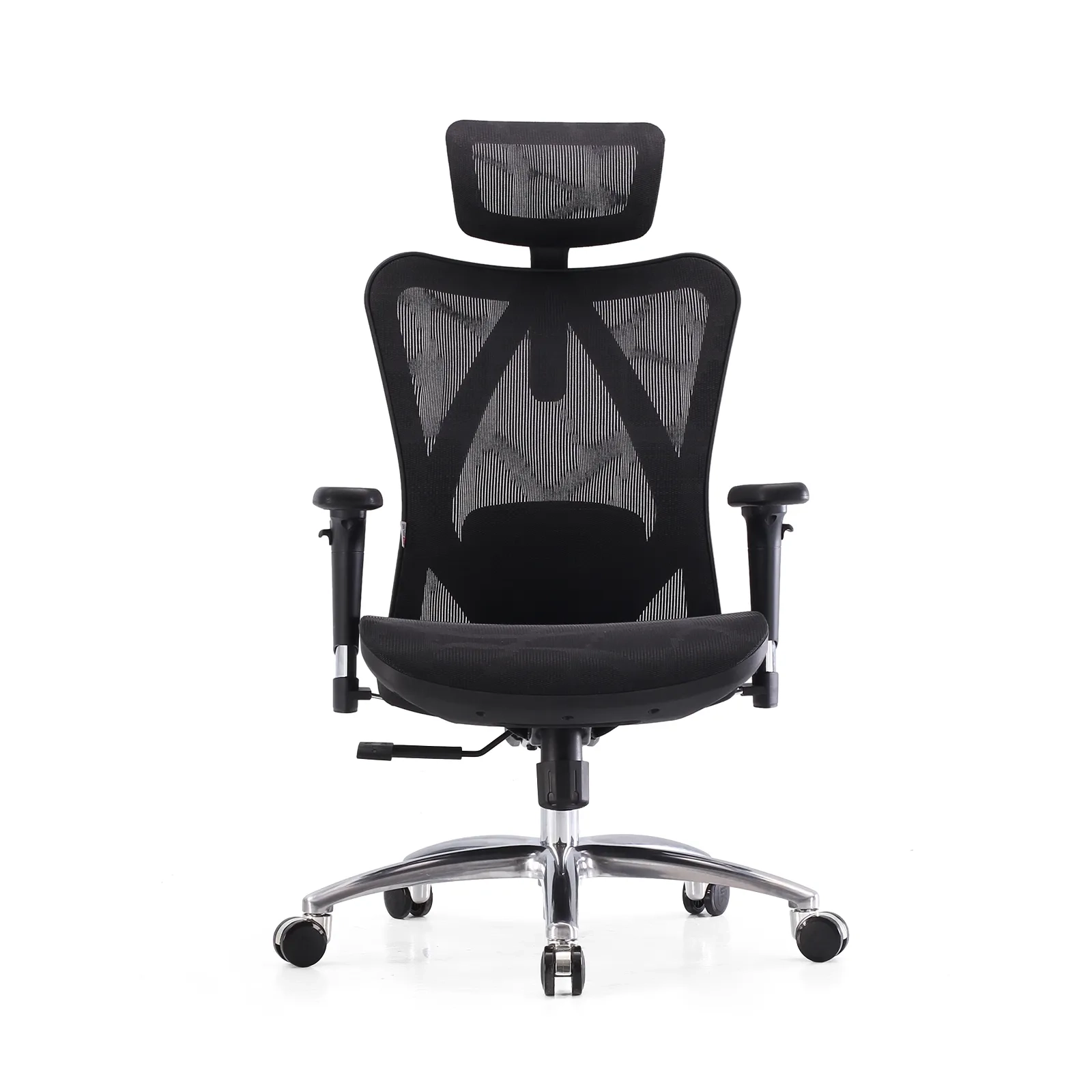
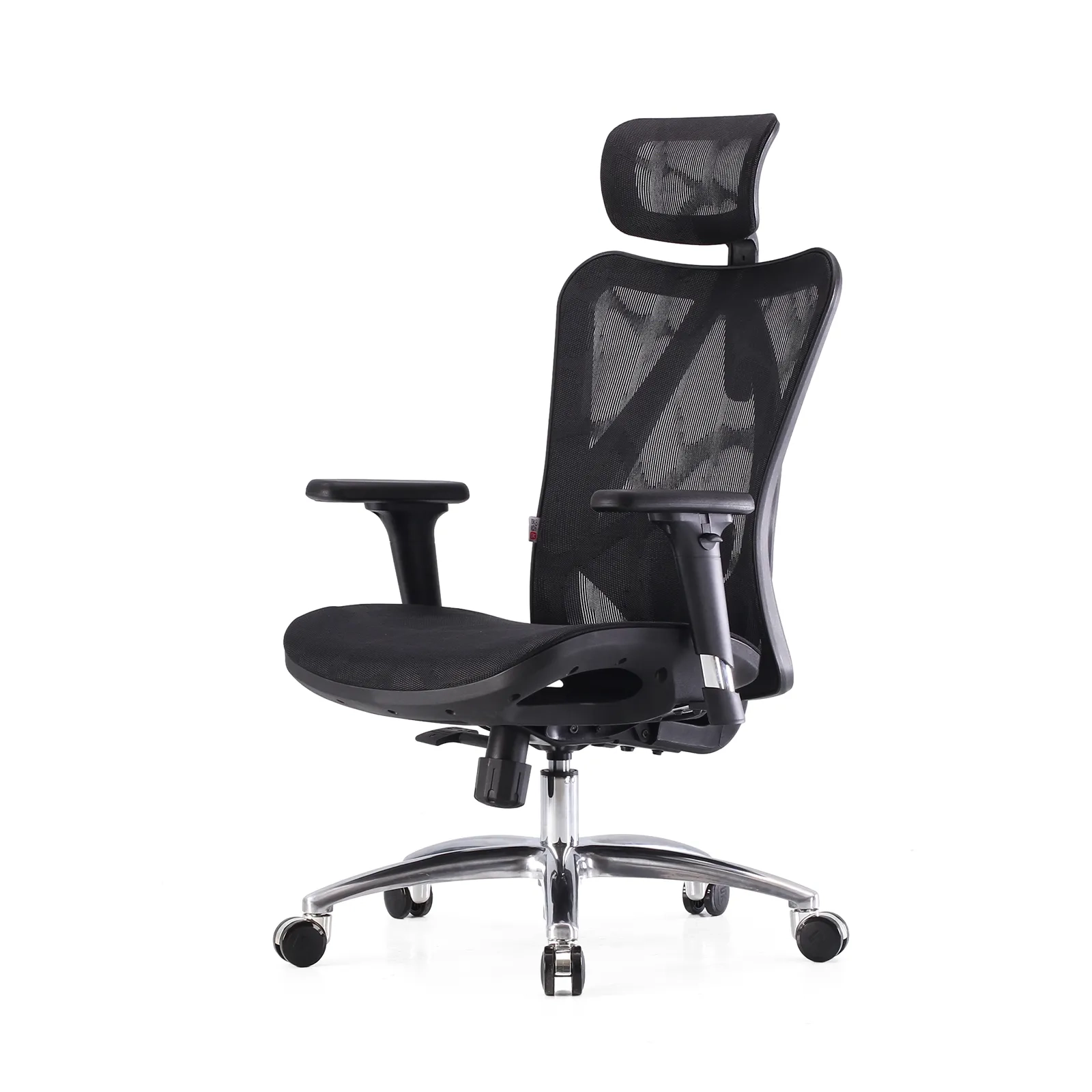
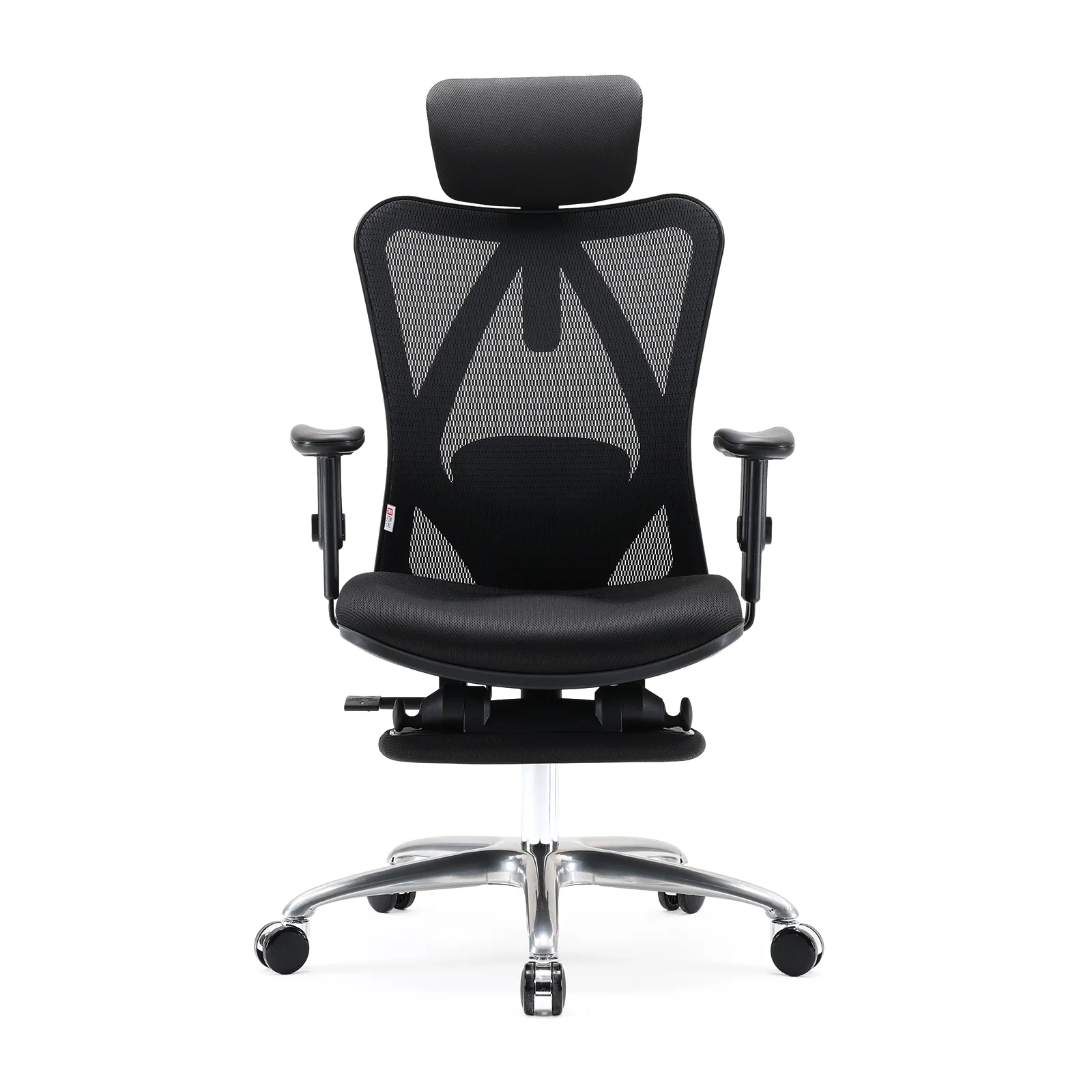
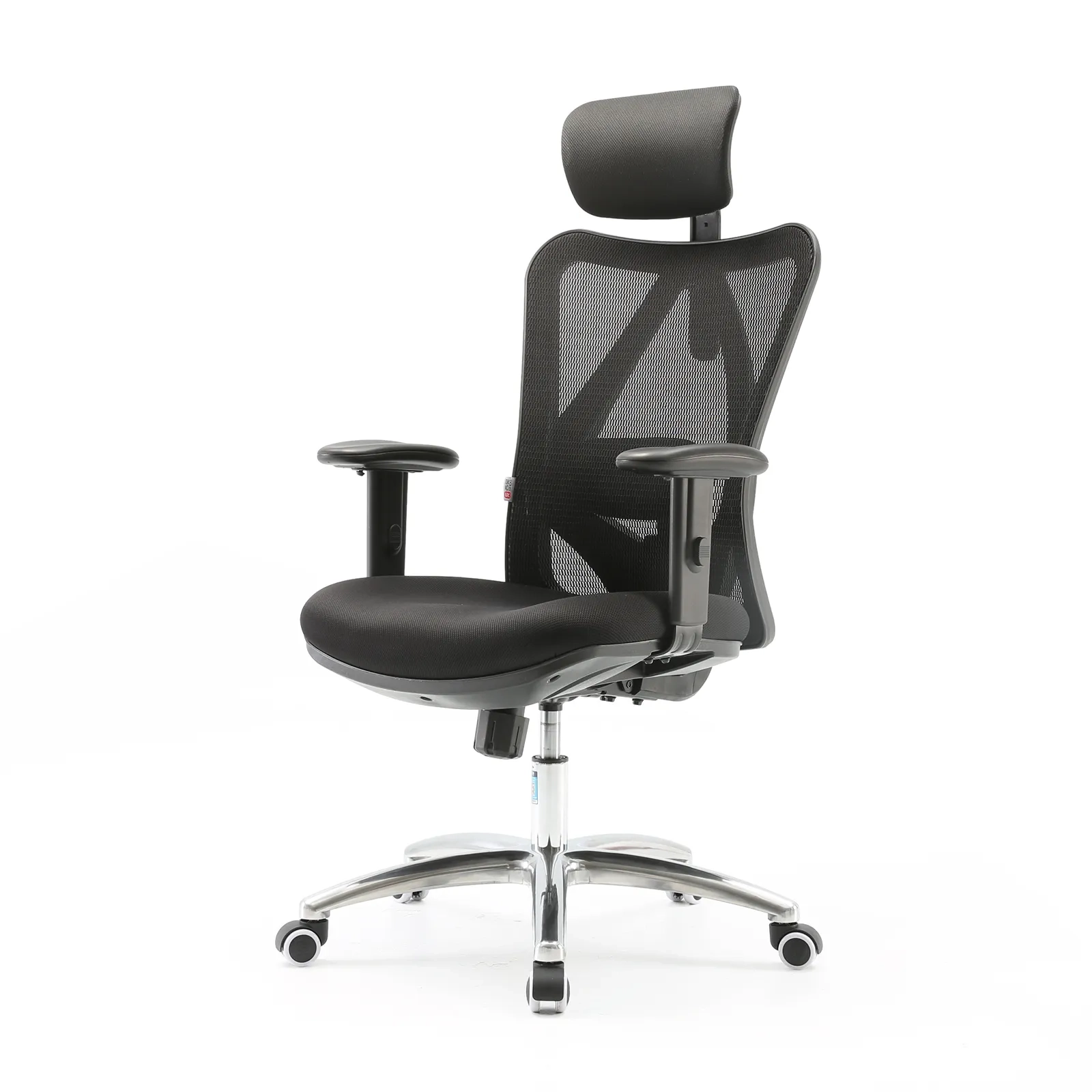
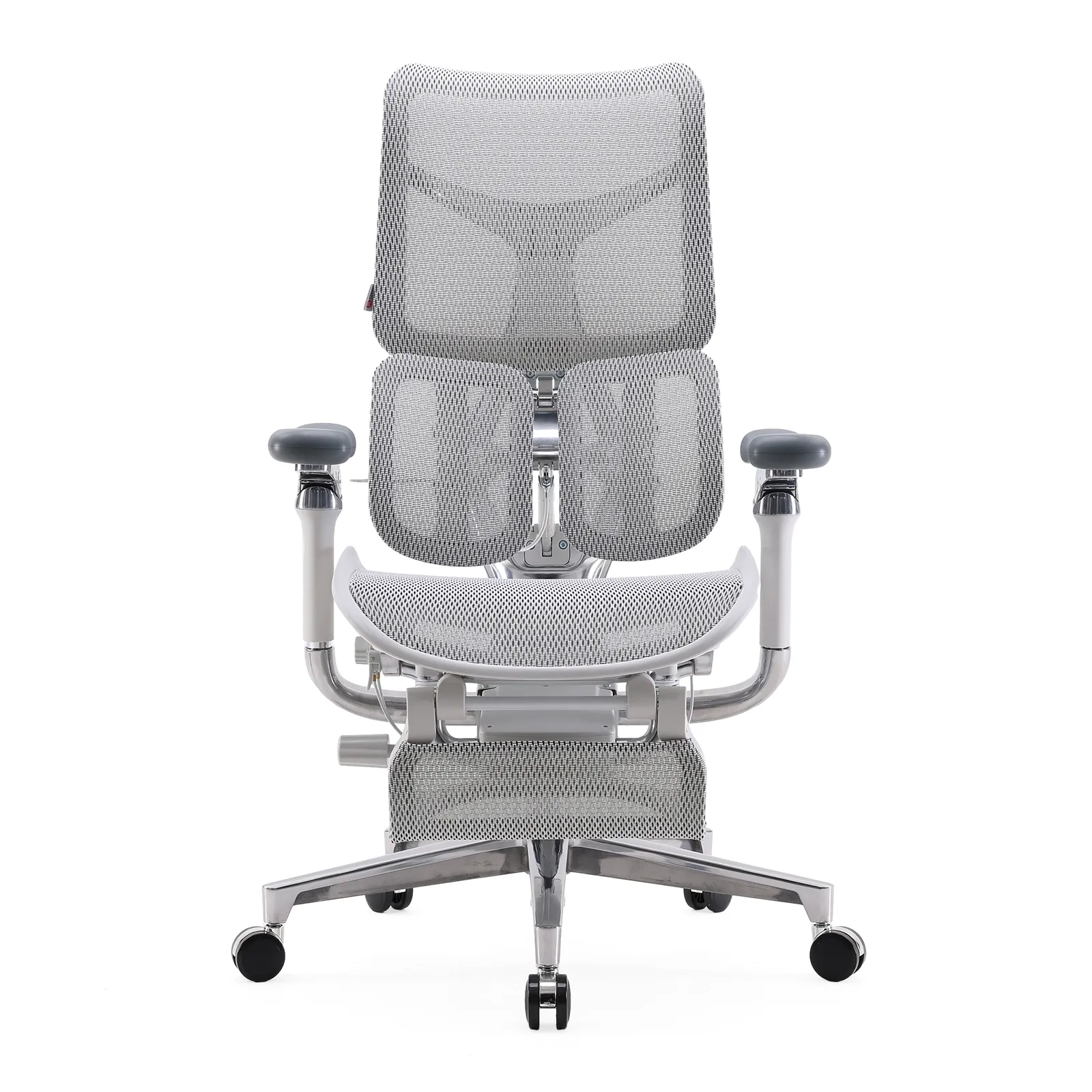
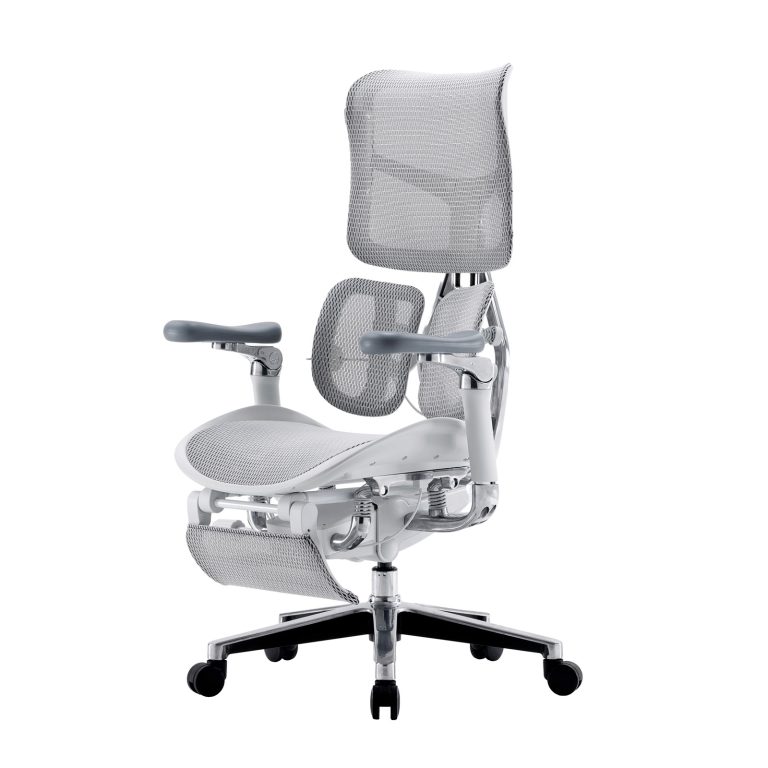
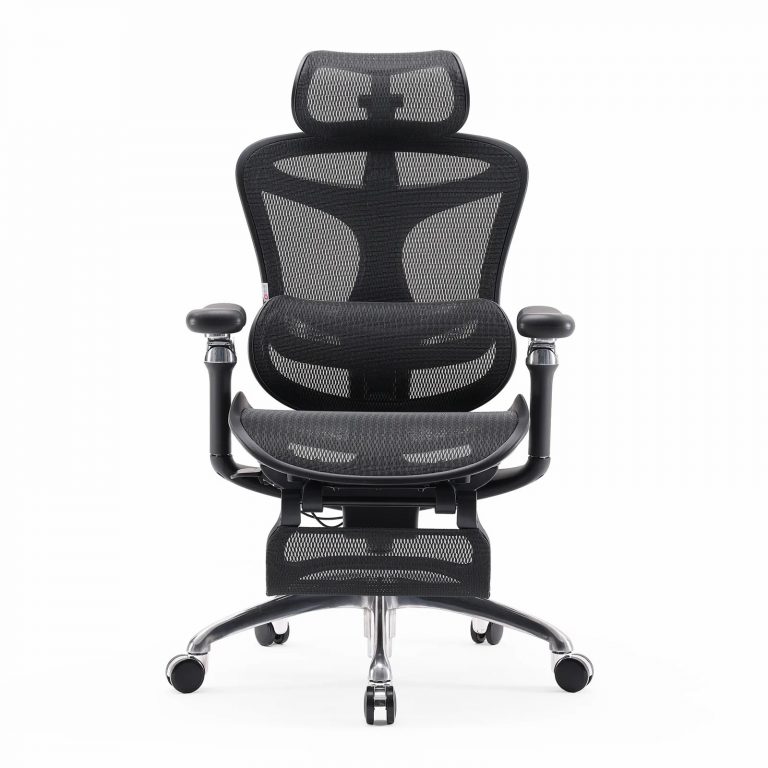
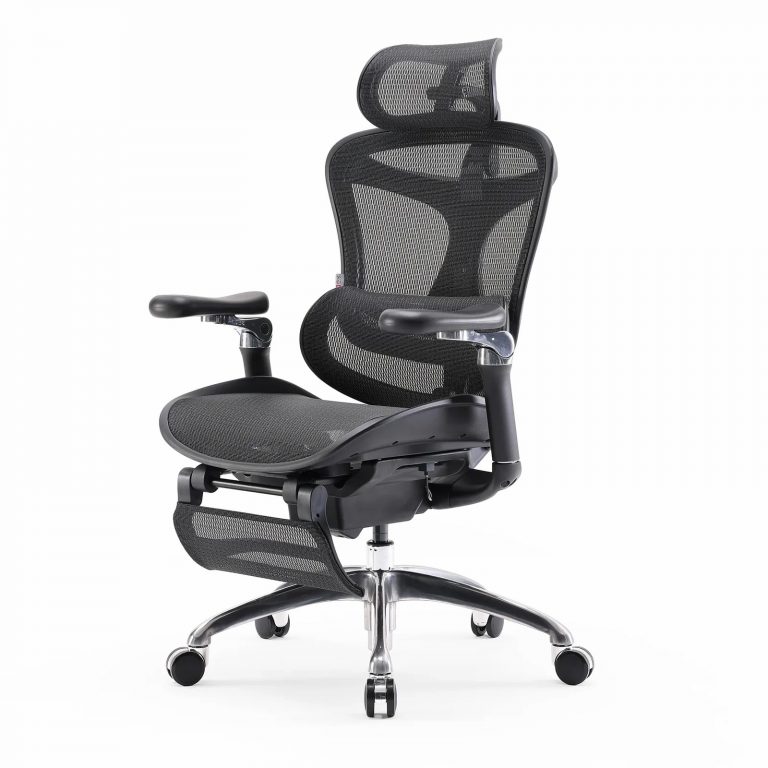
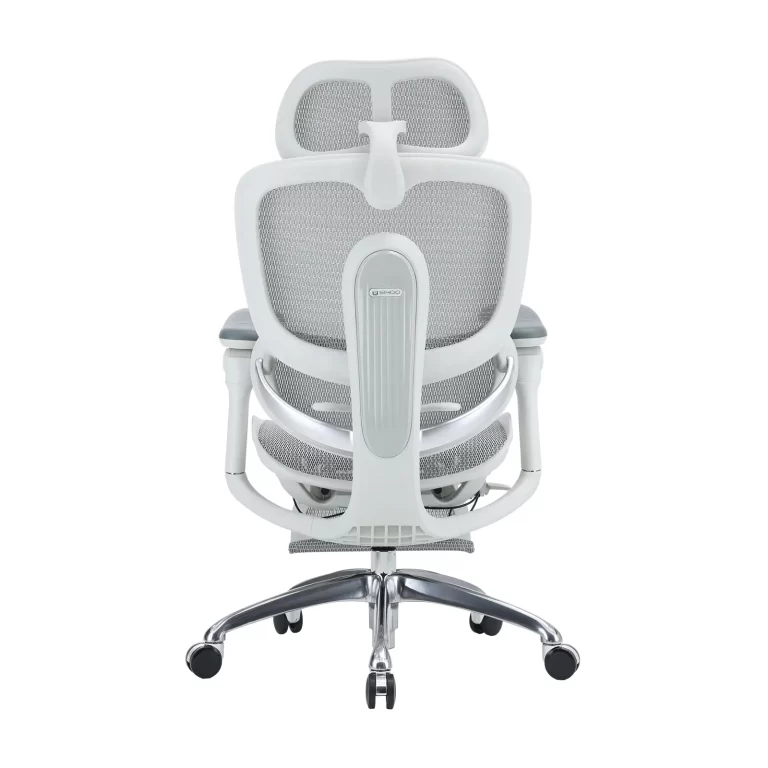
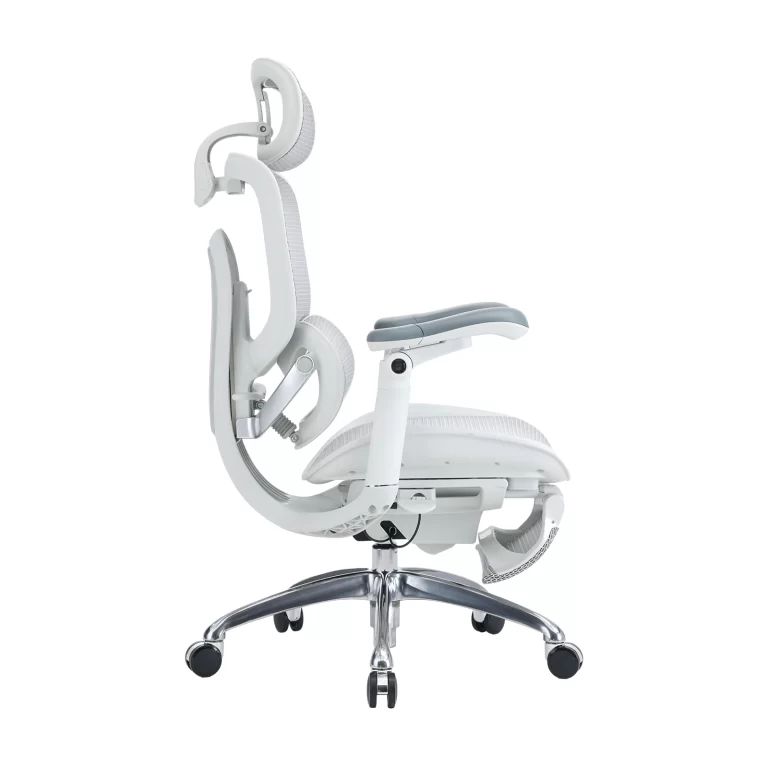
This is where the precision engineering of premium seating makes a definitive difference. Advanced models like the Sihoo Doro S300 and Sihoo Doro C300 Pro feature an integrated, fluid Seat Depth Adjustment mechanism. Instead of forcing your body to conform to a rigid frame, these chairs allow you to glide the seat pan forward or backward independently.
By offering this structural flexibility, Sihoo’s engineering accommodates individuals spanning from the 5th percentile to the 95th percentile of global body distributions. Whether you have a shorter or longer leg proportion, you can effortlessly calibrate the seat depth to pass the two-finger clearance test perfectly. This unlocks customized, data-driven leg support that keeps your lower-body circulation uncompromised throughout long production sprints.
Step 2: The Back & Shoulder Blueprint (Lumbar Support & Recline)
The primary reason remote workers search for the best ergonomic chair for lower back pain is simple: static load fatigue. When sitting, your upper body exerts continuous mechanical stress on your lower back and shoulders. Without dynamic, personalized adjustments to support these vulnerable zones, your spine loses its structural balance, leading directly to the muscular tension and chronic soreness that derails your focus.
Lumbar Support Alignment: Filling the Critical Gap
A frequent error in home office setups is positioning the lumbar pad too high or too low, which forces the spine into an unnatural shape. Your lower spine consists of five lumbar vertebrae (the L1–L5 region), which naturally curve inward toward your belly. To sit comfortably over long hours, your chair must actively preserve this inward shape rather than flatten it.
- Actionable Setup: Sit back so your hips meet the backrest. Adjust the physical height of your chair’s lumbar cushion until its most prominent curve sits perfectly within the small of your lower back (the L1–L5 area), offering firm but comfortable upward pressure.
- The Biomechanical Data: Published orthopedic research demonstrates that sitting completely upright or slouching without support can flatten your natural lumbar curve (lumbar lordosis) by up to 50%, overloading your spinal discs. Conversely, keeping the backrest at a relaxed 110° recline paired with a 4 cm deep lumbar support stabilizes the lower back, maintaining the healthiest 47° natural curve of the spine.
Armrest Setup: Eliminating 20 lbs of Shoulder Strain
When armrests are set at an incorrect height, it impacts more than just your arms. If they are too low, your shoulders slouch forward; if they are too high, your shoulders shrug up. In either case, your upper trapezius and neck muscles stay constantly tense just to keep your arms raised over your workstation.
- Actionable Setup: Relax your shoulders completely and let your upper arms hang naturally at your sides. Raise or lower your armrests until they just touch the undersides of your elbows. Your forearms should rest parallel to the floor, maintaining a relaxed 90° to 100° angle at the elbow joint.
- The Weight Data: Biomechanical studies indicate that human arms make up roughly 10% of total body weight. Without proper support at the elbow, your neck and shoulder muscles must hold up an unsupported weight of approximately 20 lbs. This constant tension leads directly to tension headaches and upper back pain.
All-Scenario Comfort: Sihoo’s 6D Coordinated Armrests
Most office chairs only offer basic up-and-down armrest adjustments, which fail to support your arms when you change tasks, like switching from a keyboard to a mobile phone.
To solve this, Sihoo equips its premium models with 6D Coordinated Armrests. These armrests adjust in six directions: up and down, forward and backward, inward and outward, angling up, rotating left and right, and syncing seamlessly as the chair reclines. Whether you are using a mouse close to your body, typing on a wide split keyboard, or reclining backward to review a document on a tablet, the armrests quickly adjust to keep your elbows properly supported. This eliminates shoulder fatigue across every task in your workday.
Step 3: Aligning Your Height-Adjustable Desk to Your Elbows
Once your chair is calibrated to your lower body, the focus must shift to your workspace surface. The foundational law of ergonomics is absolute: your desk must be adjusted to fit your body, you should never distort your body to fit a rigid desk. If you use a non-adjustable table, you will almost certainly end up shrugging your shoulders, hunching over, or resting your wrists at an unnatural angle just to reach your keyboard, breaking the alignment of your entire home office desk and chair setup.
The Elbow-Height Rule for Desks
To prevent repetitive strain injuries (RSIs) such as Carpal Tunnel Syndrome, your upper limbs must remain in a resting state while typing and using a mouse.
- Actionable Setup: Relax your shoulders completely and keep your upper arms loose at your sides. Bend your elbows at a 90-degree angle, making sure your forearms run perfectly parallel to the floor. Now, adjust the height of your desk until the top surface—specifically where your keyboard and mouse rest—sits exactly even with or slightly below the underside of your elbows.
- Neutral Wrist Alignment: When you place your fingers on the home row of your keyboard, your wrists must remain entirely straight (a neutral wrist position). They should not bend upward (extension) or downward (flexion). If your wrists rub against a hard desk edge, it creates contact stress that compresses the median nerve, leading to long-term numbness.
- BIFMA Data Benchmark: Traditional standard desks are fixed at a height of 29 to 30 inches, which is actually too high for about 90% of the population when sitting. According to the ANSI/BIFMA G1-2024 Ergonomics Requirements for Computer Furniture, a truly ergonomic sitting desk height must adjust down to a range of 22.6″ to 27.8″ (57.4 cm to 70.6 cm) to properly fit individuals from the 5th percentile female to the 95th percentile male.
Intelligent Transitions for Sit-Stand Rhythm
Because fixed-height desks fail to meet these modern physiological standards, integrating an advanced height-adjustable desk is an absolute necessity for an active, healthy workspace.
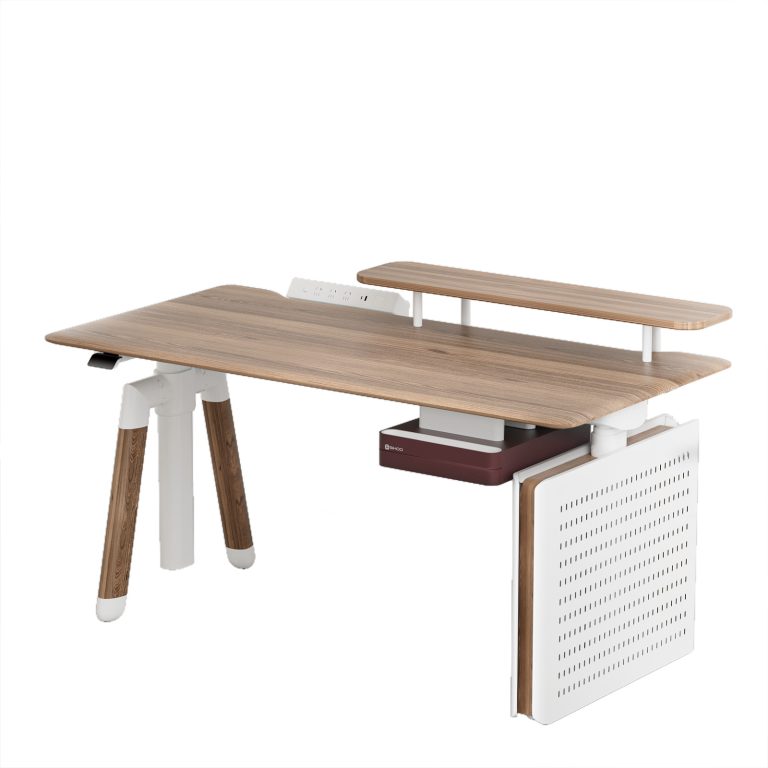
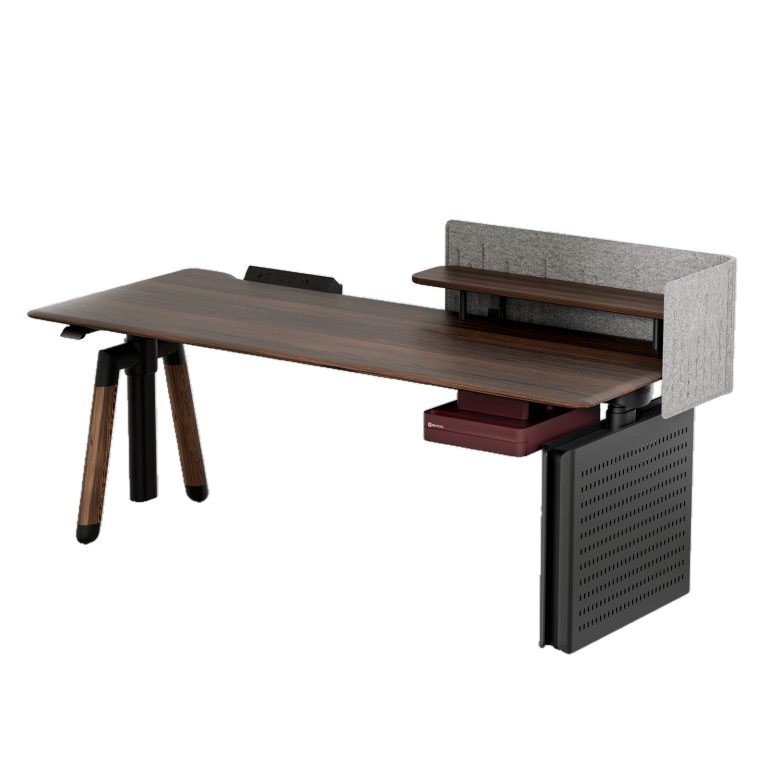
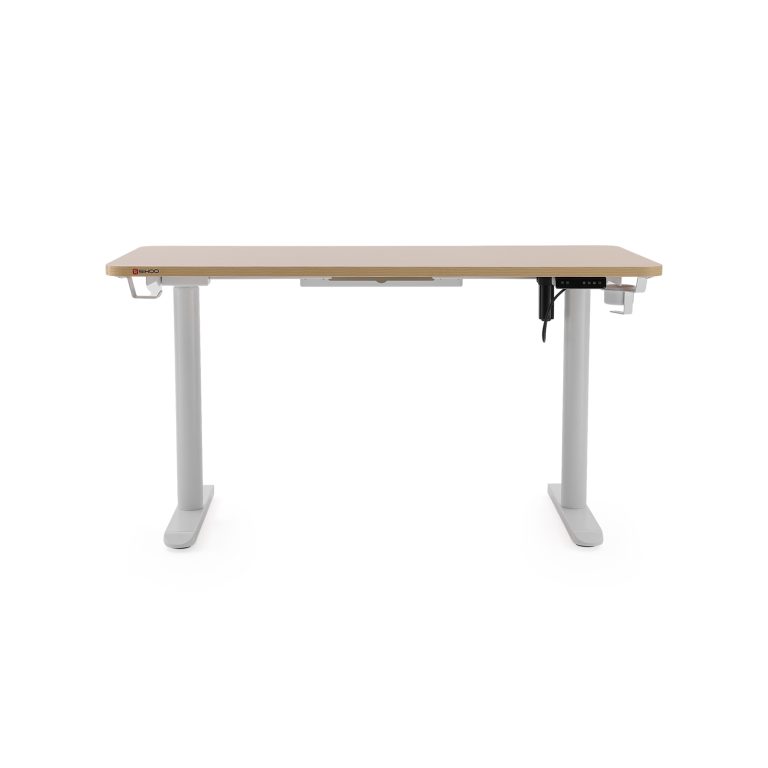
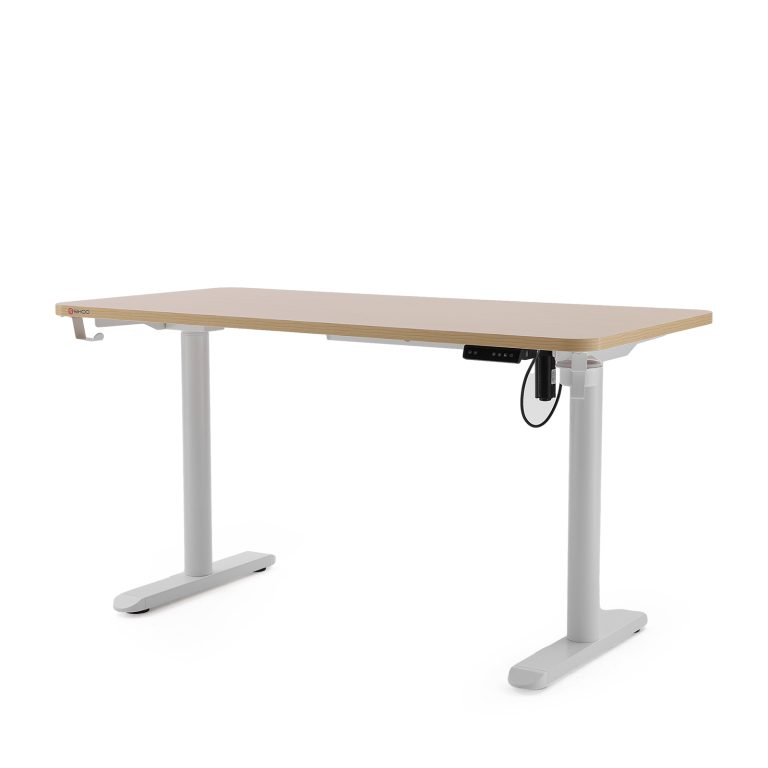
The Sihoo Smart Standing Desk (such as the premium D07 Series) is specifically engineered to break the constraints of static furniture. Equipped with a powerful Dual-Motor System, it glides smoothly and quietly from its lowest sitting configurations up to full standing heights. With built-in Memory Presets, you can save your precise ergonomic sitting height down to the exact millimeter, recalling it with a single touch instead of guessing the right position every morning.
Furthermore, a standing desk allows you to incorporate a healthy sit-stand rhythm into your workday. Staying in any single position for too long—even a correct sitting posture—creates muscle fatigue. The ANSI/BIFMA guidelines recommend shifting your position periodically, advocating for a rhythm where you sit for 30 to 45 minutes, followed by 15 minutes of standing.
When transitioning to a standing posture, Sihoo’s intelligent controller lifts the desktop smoothly, while its integrated Anti-Collision Technology ensures the motors automatically back off if the desk senses any resistance from a stray object or an armrest. By pairing a Sihoo smart desk with an adjustable chair, you form an adaptable workspace that actively responds to your movements all day long.
Step 4: The Mindful Sitter – Dynamic Habits to Prevent Fatigue
Even if you own the world’s most advanced home office desk and chair setup, the equipment is only half of the equation. High-performance home office ergonomics isn’t just about static alignment; it is about how your body moves throughout the day. The human body is naturally optimized for movement. When you lock yourself into any static position for hours on end, your muscles tighten up, spinal fluid circulation slows down, and physical fatigue sets in. To stay energized and pain-free, you need to learn how to practice active and mindful habits while you work.
The “Active Sitting” Concept
Many professionals believe that once they find a correct sitting posture, they must freeze in that position all day. In reality, orthopedic specialists note that the best posture is always your next posture. Remaining completely motionless restricts blood flow to your spinal discs, which lack their own direct blood supply and rely on physical movement to absorb nutrients.
- Actionable Setup: Break up long blocks of focused work by introducing intentional micro-movements. Unlock your chair’s backrest tilt mechanism instead of keeping it rigidly upright. Every 30 to 45 minutes, lean back deliberately against the chair’s backrest tension, extending your spine and stretching your abdominal muscles.
The 20-20-20 Rule for Visual and Neck Fatigue
As the workday grinding goes on, most remote workers develop a habit called “forward head posture”—often referred to as “text neck.” This happens when your neck cranes forward toward your monitor, throwing your upper spine completely out of balance and causing severe pain across your shoulders and upper back.
- Actionable Setup: Implement the 20-20-20 Rule to protect your eyes and neck. Set a subtle timer on your computer: every 20 minutes, take a 20-second break and focus your eyes on an object at least 20 feet (about 6 meters) away. While doing this, perform a gentle “Chin Tuck” exercise: pull your head straight back horizontally, as if making a slight double chin, to realign your ears directly over your shoulders.
- The Biomechanical Data: According to surgical research published by the National Library of Medicine (NLM), a human head weighs roughly 10 to 12 pounds when perfectly upright. However, when you lean your head forward by just 15 degrees, the effective weight load resting on your cervical spine shoots up to 27 pounds. If you bend forward by 45 degrees, your neck must hold an incredible 49 pounds of force. By utilizing the 20-20-20 rule and practicing chin tucks, you relieve this immense stress on your neck muscles, preventing long-term strain and strain-related headaches.
Conclusion
Taking an hour to tune your home office desk and chair setup isn’t just about comfort—it’s a long-term investment in your physical health and daily energy. Correcting these layout flaws drastically cuts down on repetitive strain injuries while giving your concentration a clear boost. Brand tools like the Sihoo Doro series chairs and smart standing desks take the guesswork out of this process, offering the wide adjustment ranges required to make your workspace actually fit your body.
1600x1600-4-768x768.jpg)
1600x1600-8-768x768.jpg)