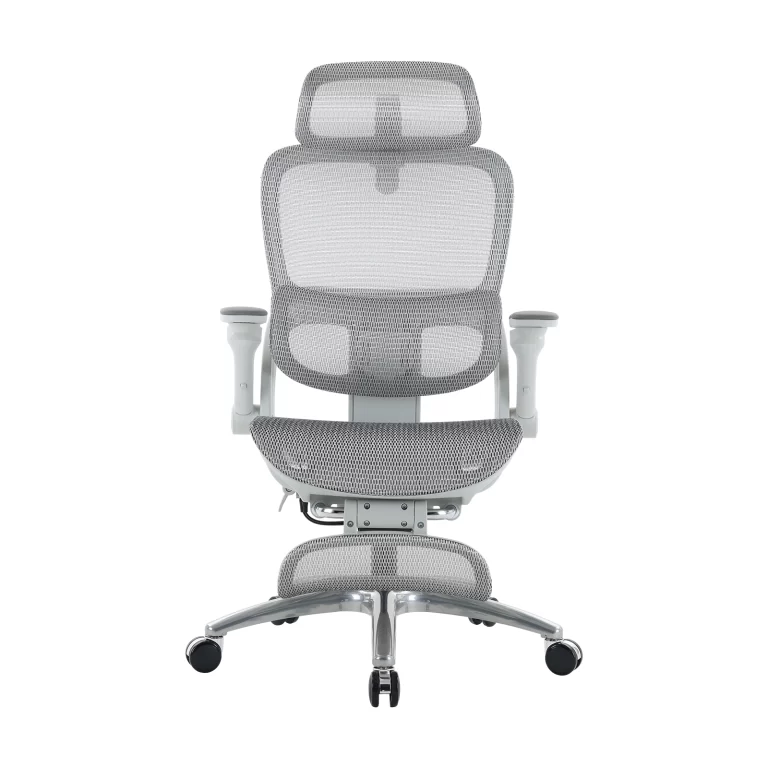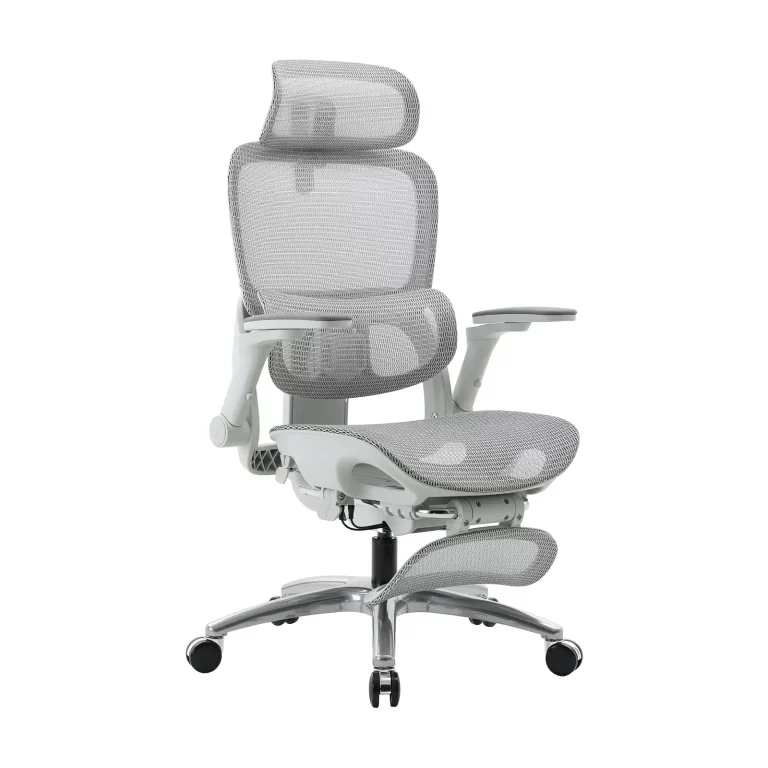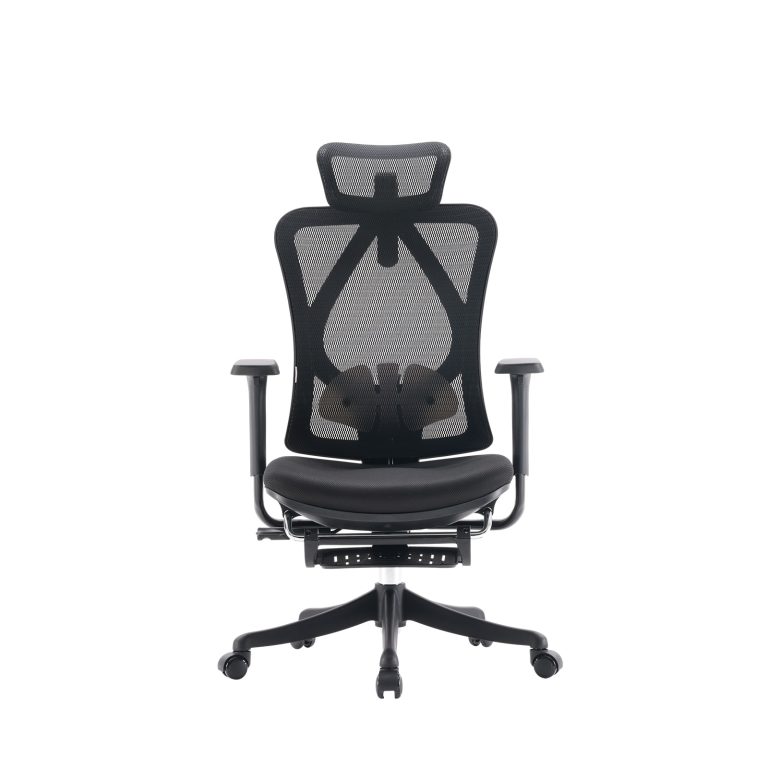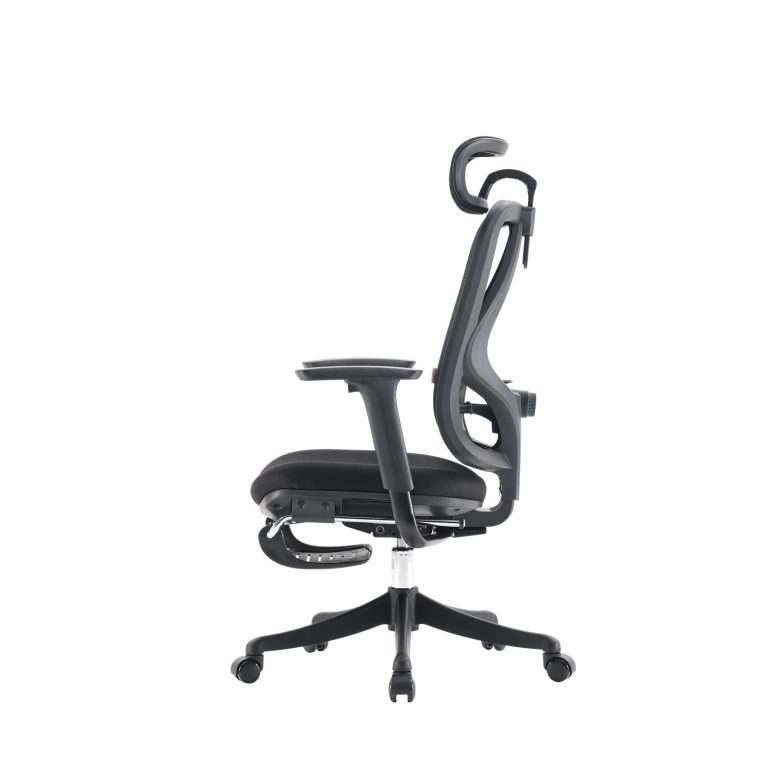









Introduction
Remote work is no longer a temporary trend—it has become a long-term working model for millions of professionals worldwide. As hybrid and fully remote roles continue to expand, people are spending more time working from home than ever before.
However, a common issue has emerged: long hours of sitting without proper ergonomic support.
Many remote workers experience:
- Reduced focus after a few hours of continuous work
- Lower back, neck, and shoulder discomfort
- Frequent posture shifting that breaks concentration
- Faster mental and physical fatigue during the day
Research in occupational ergonomics (including studies referenced by organizations such as OSHA and academic databases like PubMed) consistently shows that workstation design significantly influences comfort, fatigue levels, and perceived productivity. This is where the Remote Work Chair becomes essential. It is not just a piece of furniture—it is a productivity tool designed to support sustained focus during long working hours.
What Is a Remote Work Chair
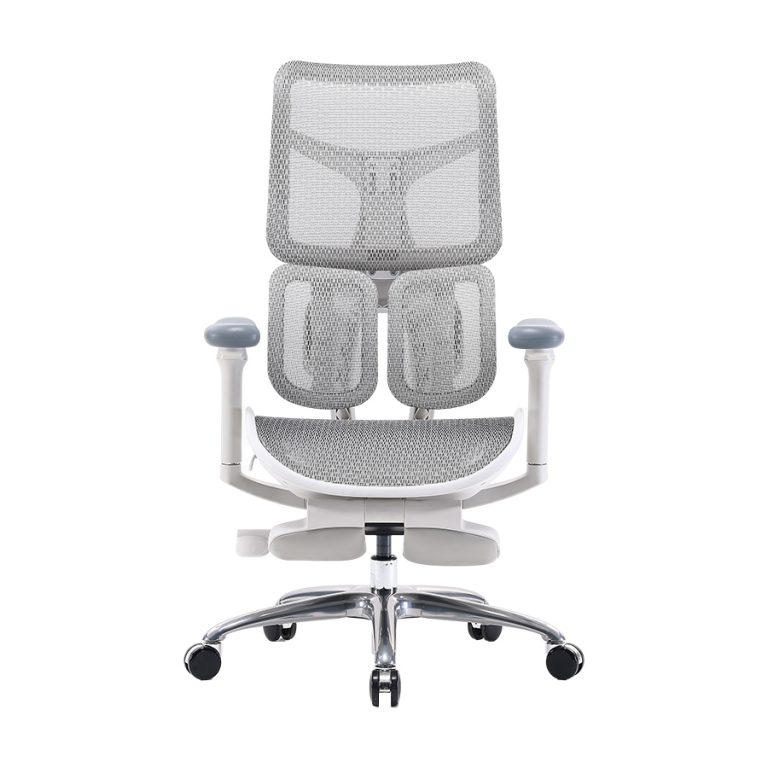
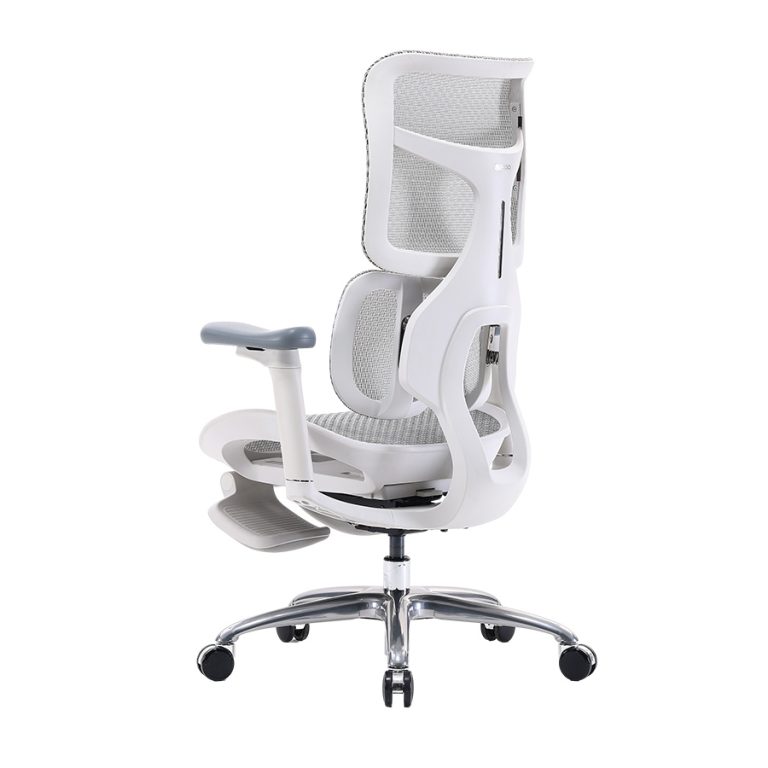
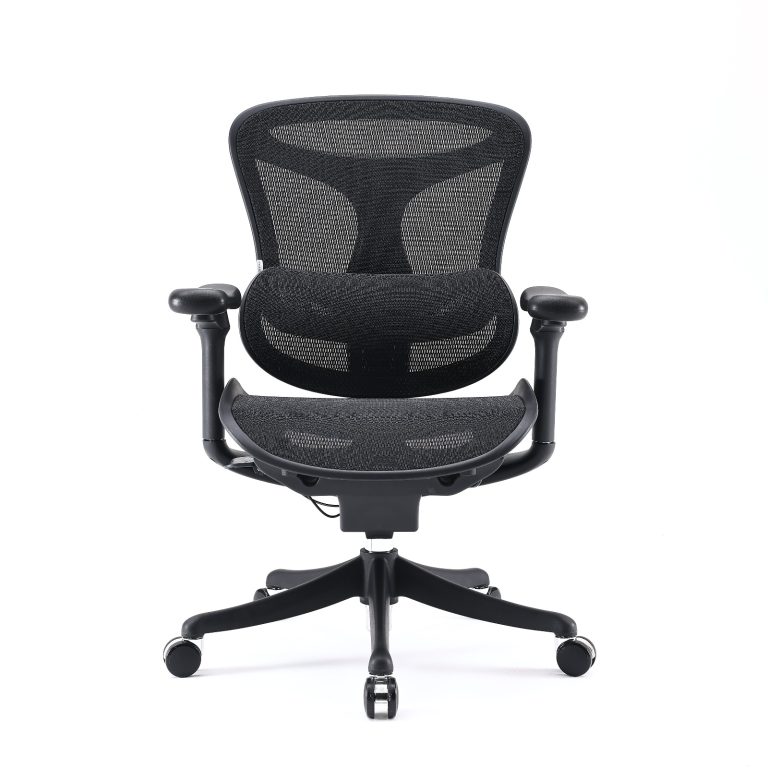
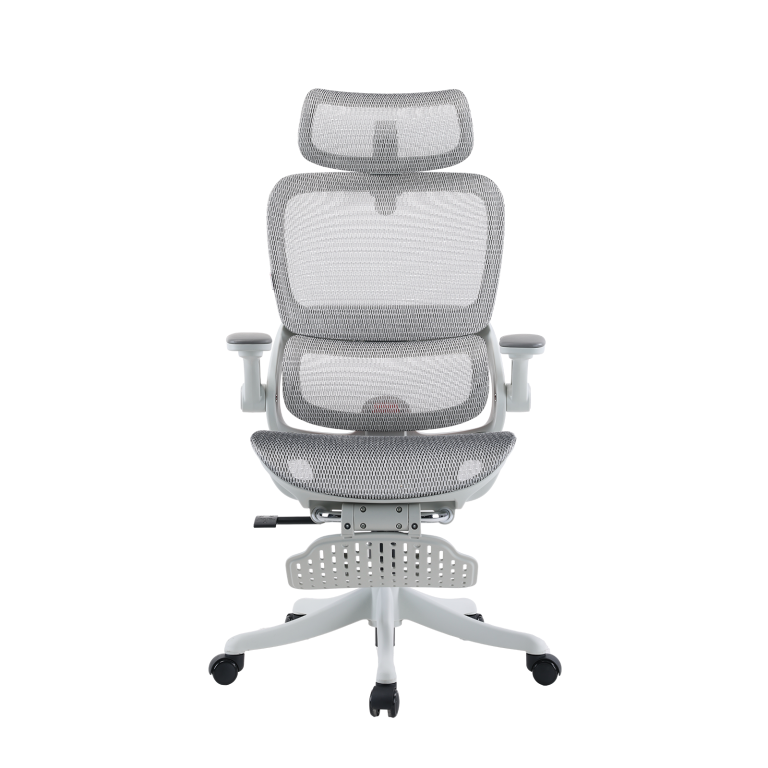
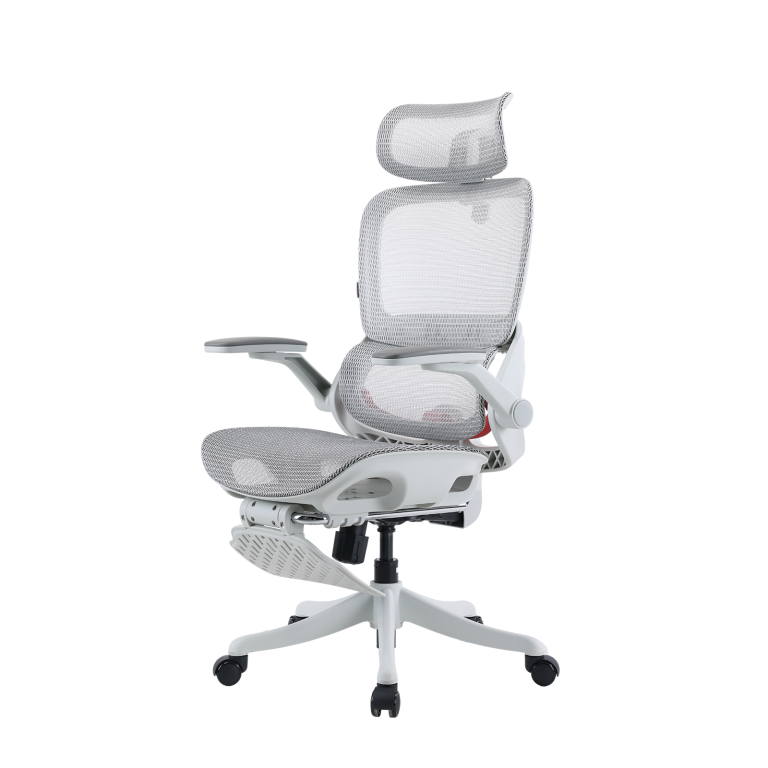
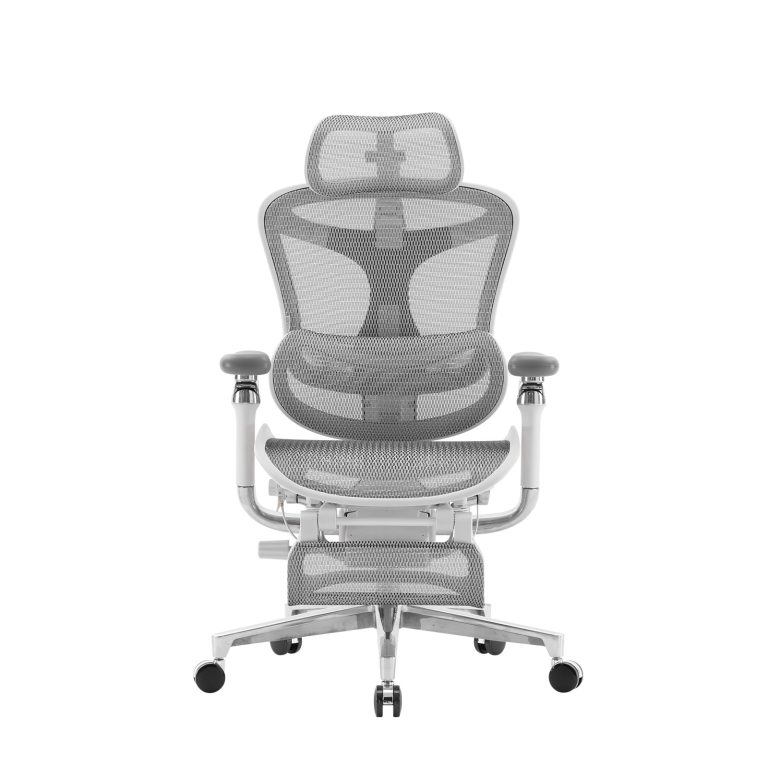
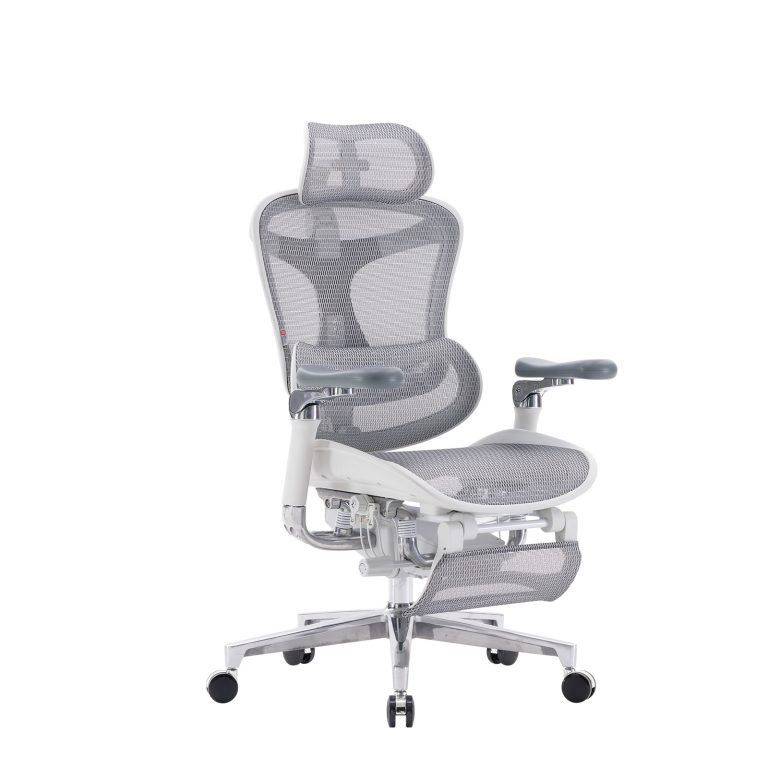
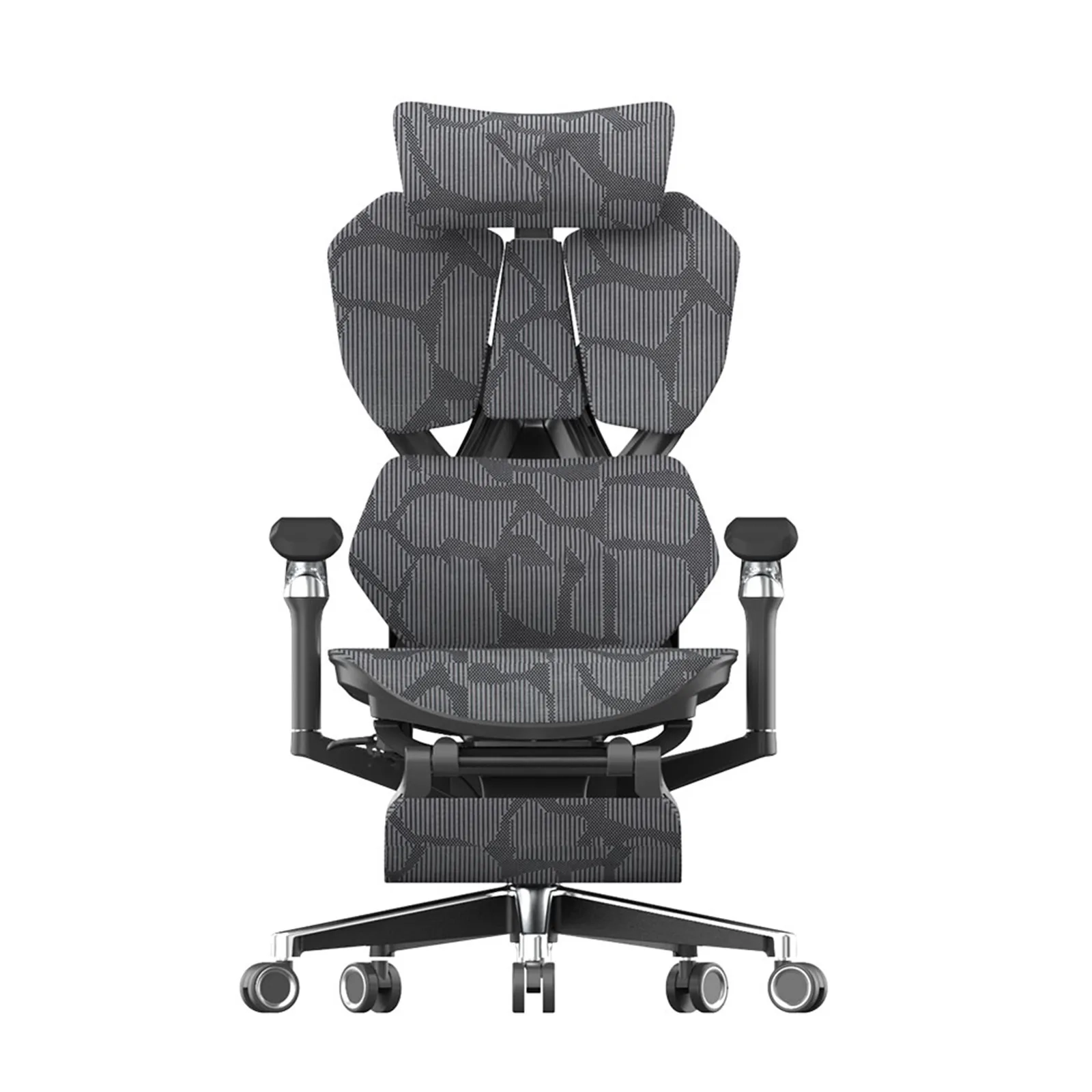
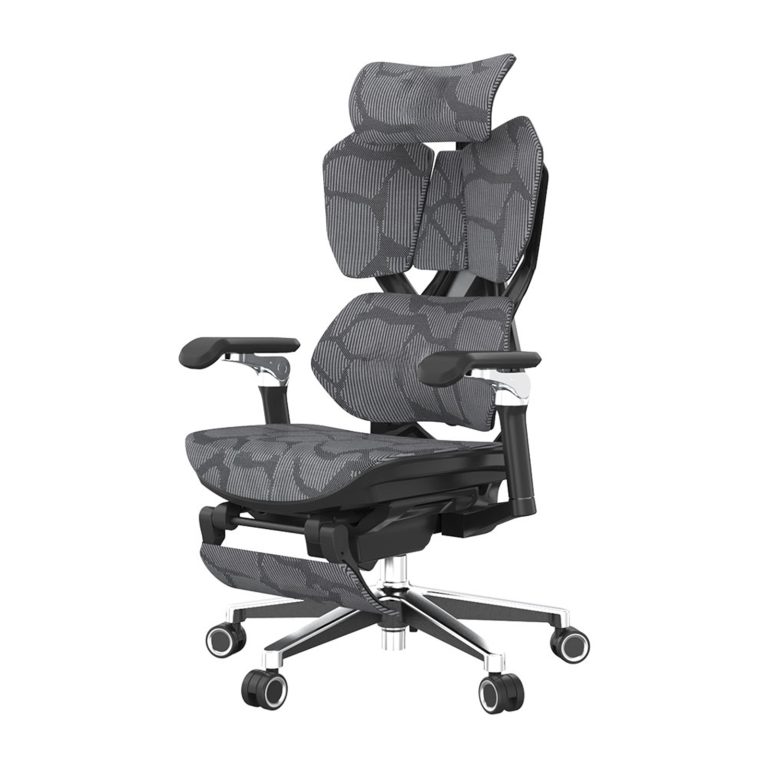
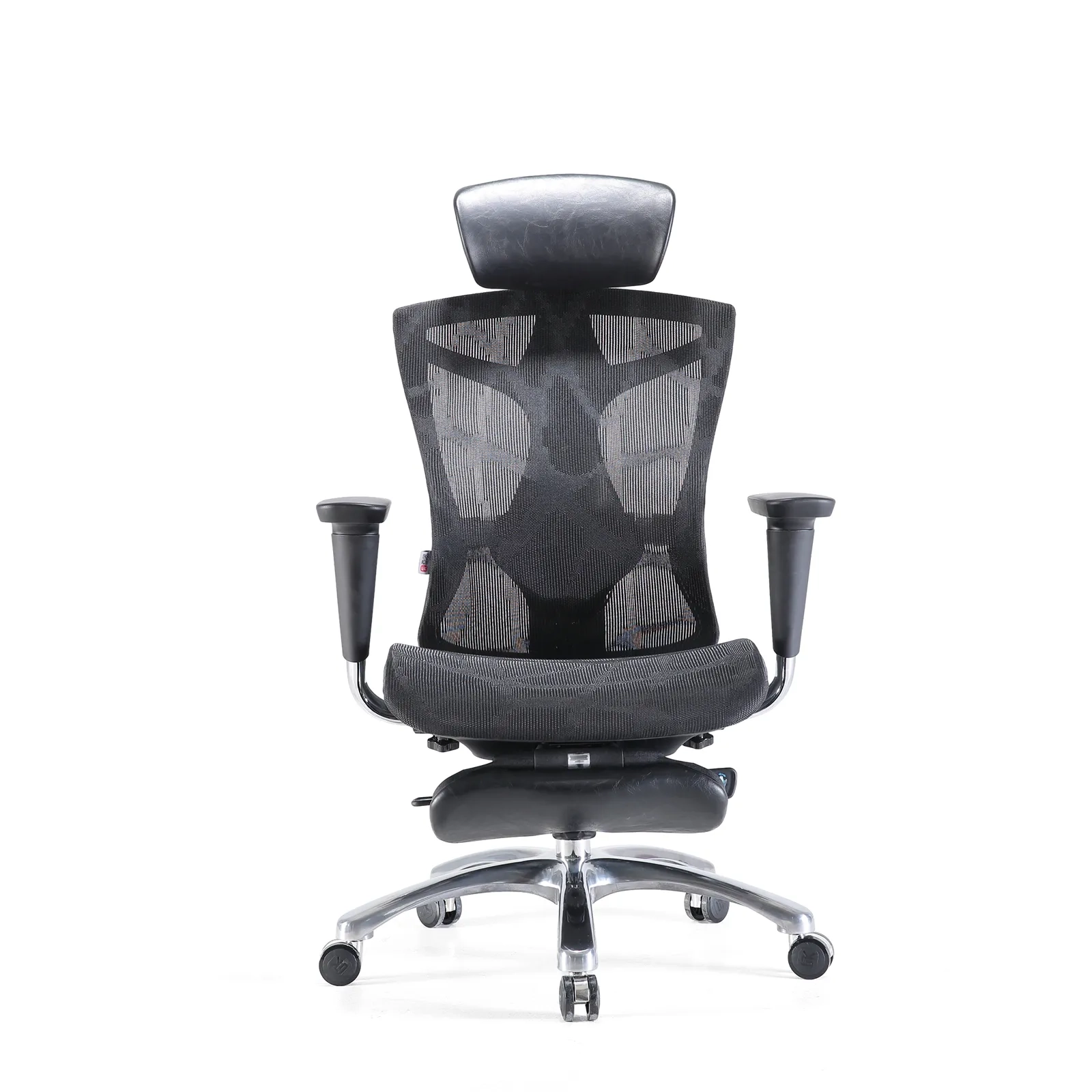
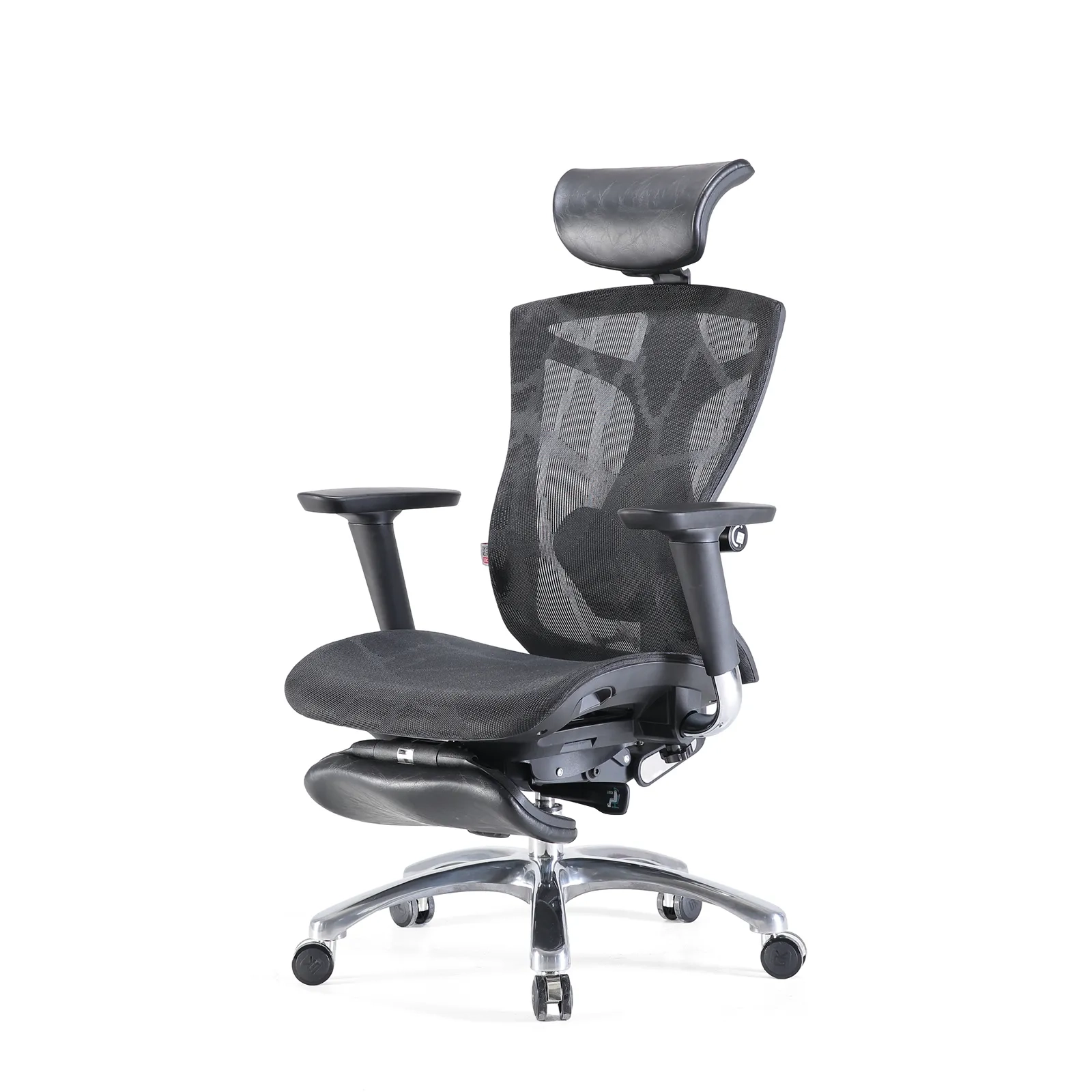
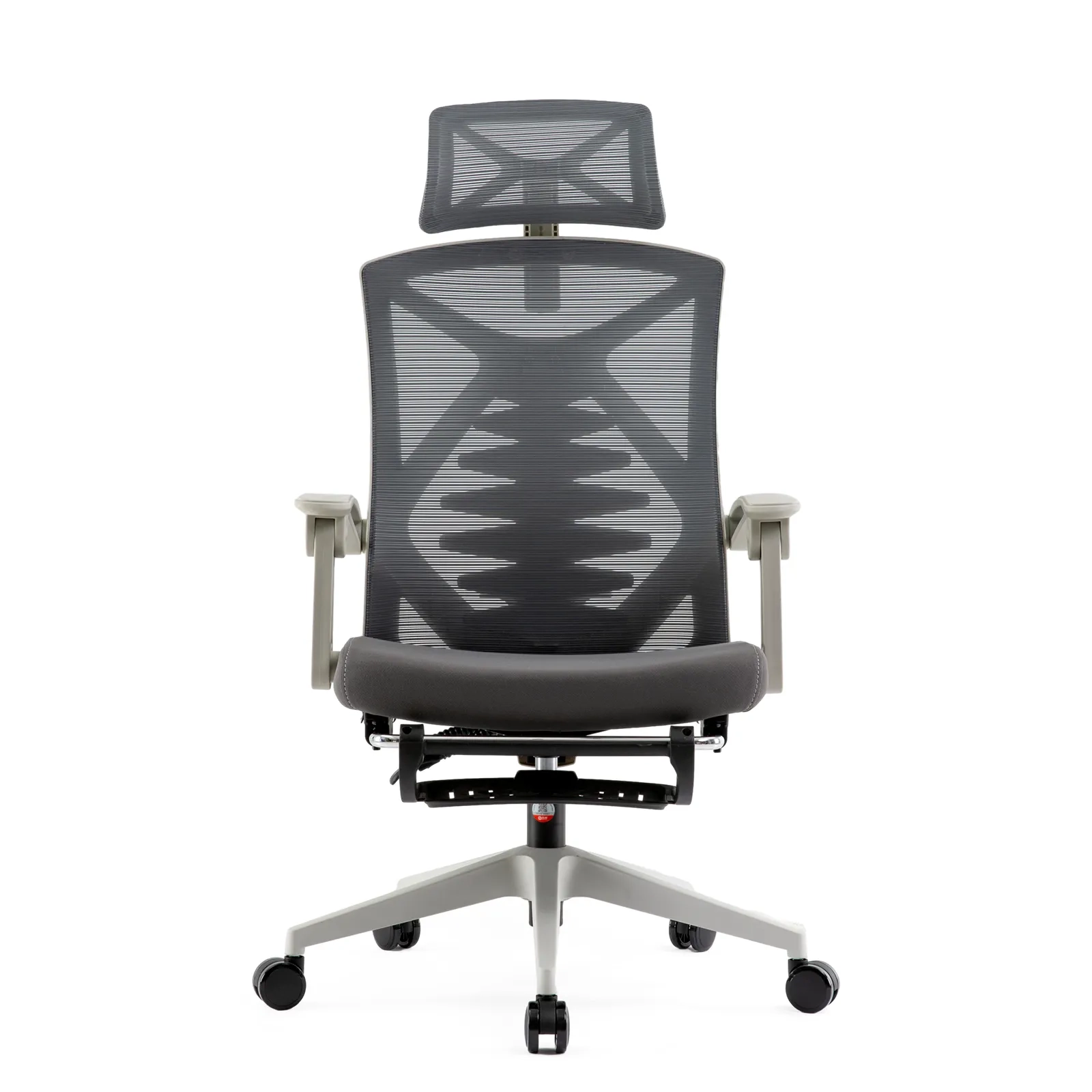
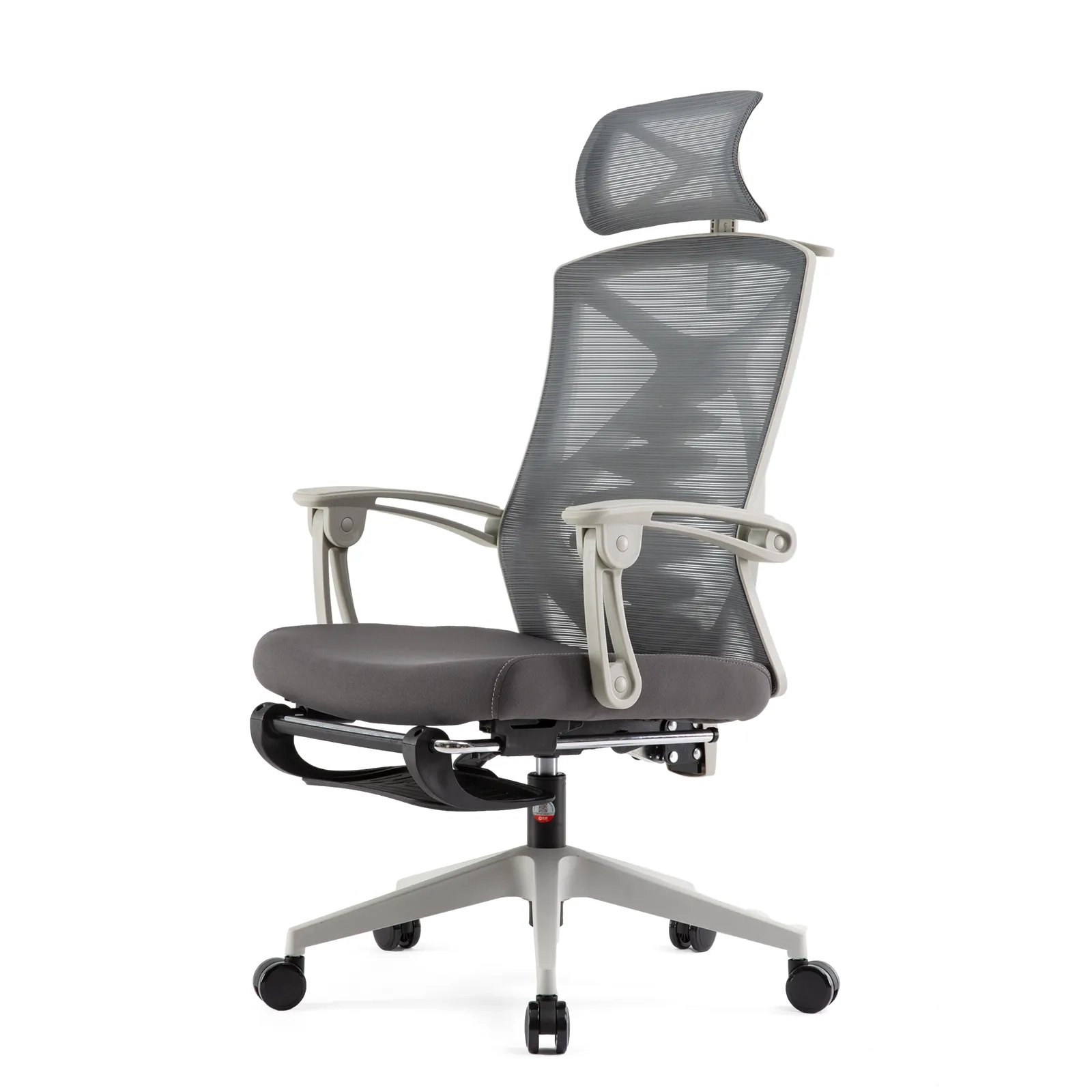
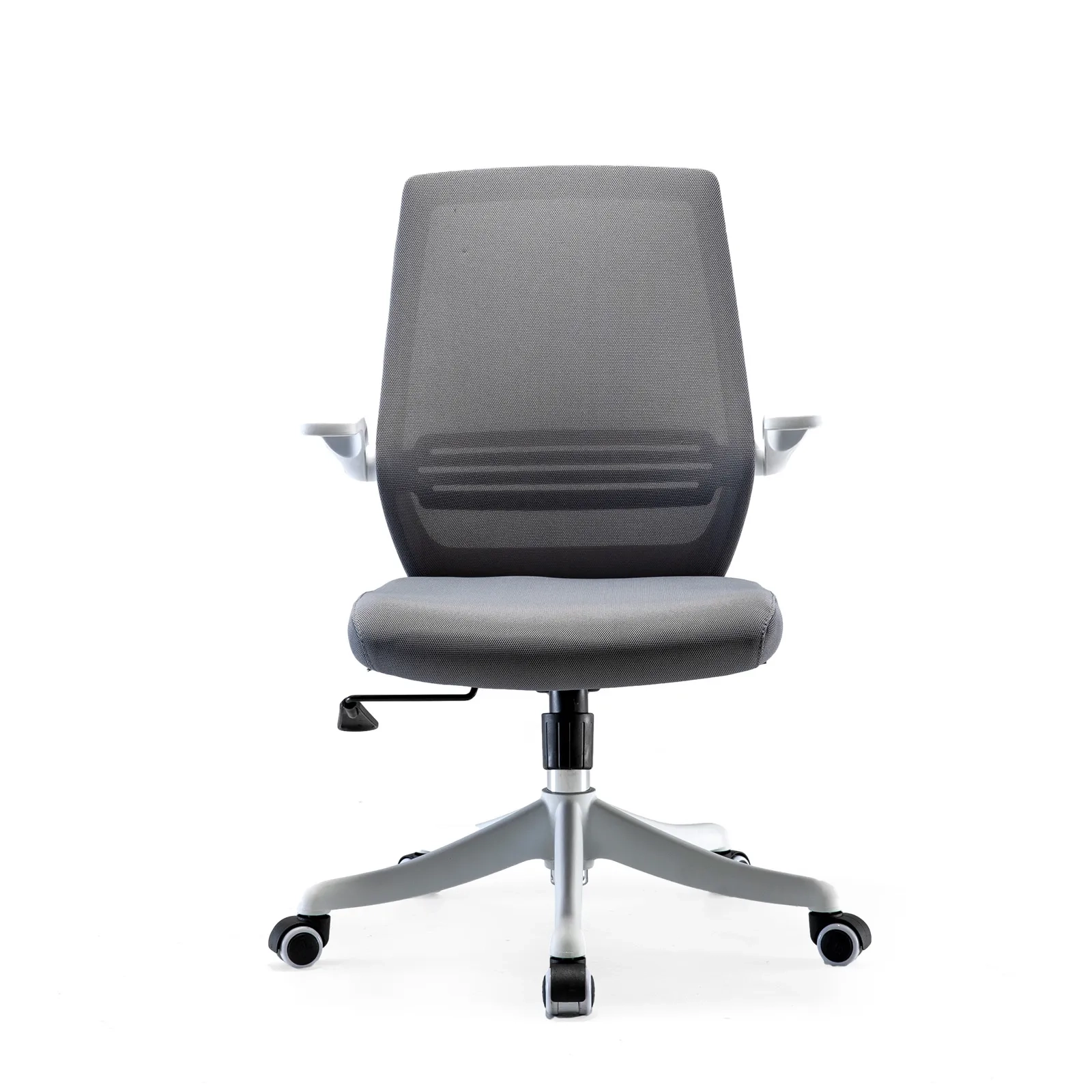
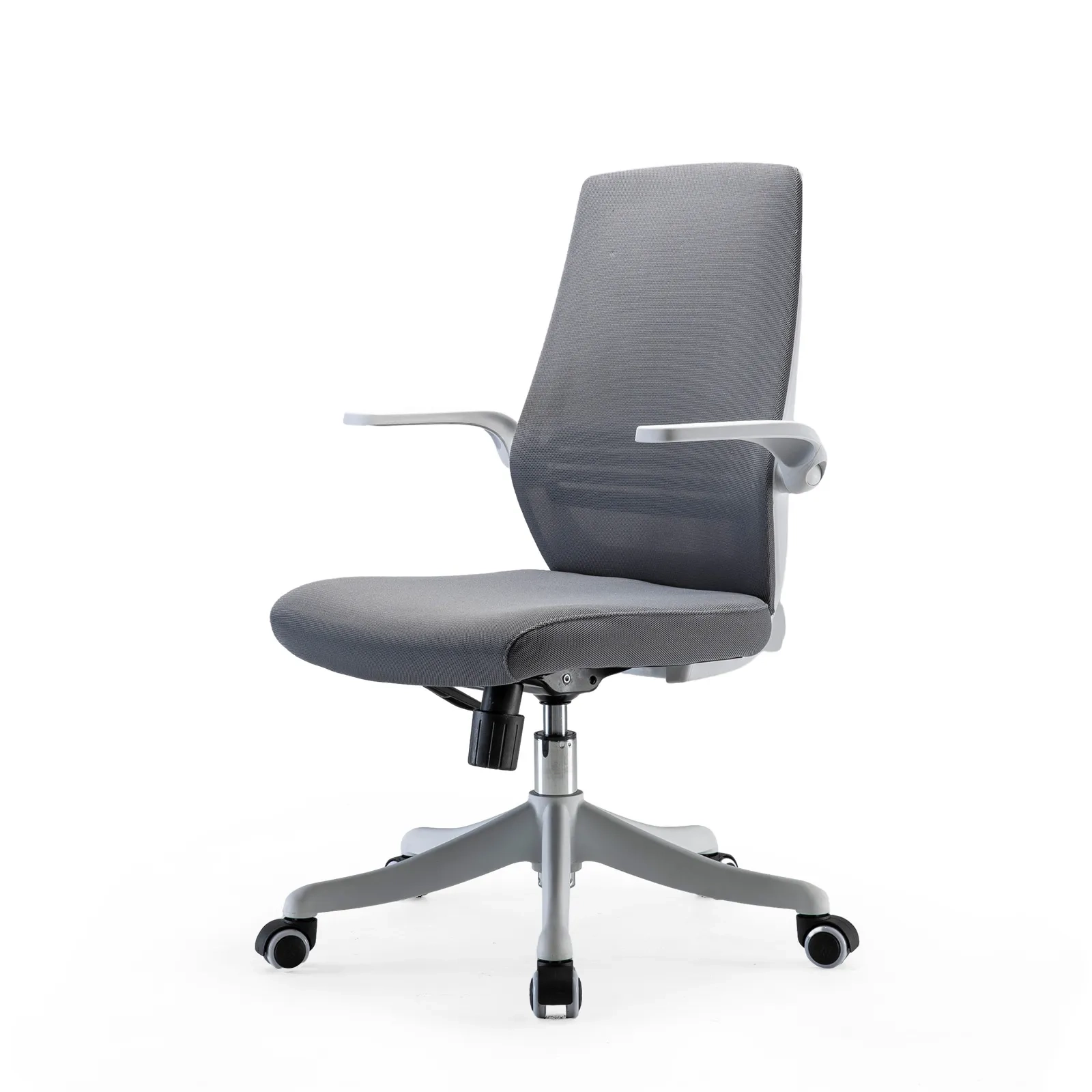
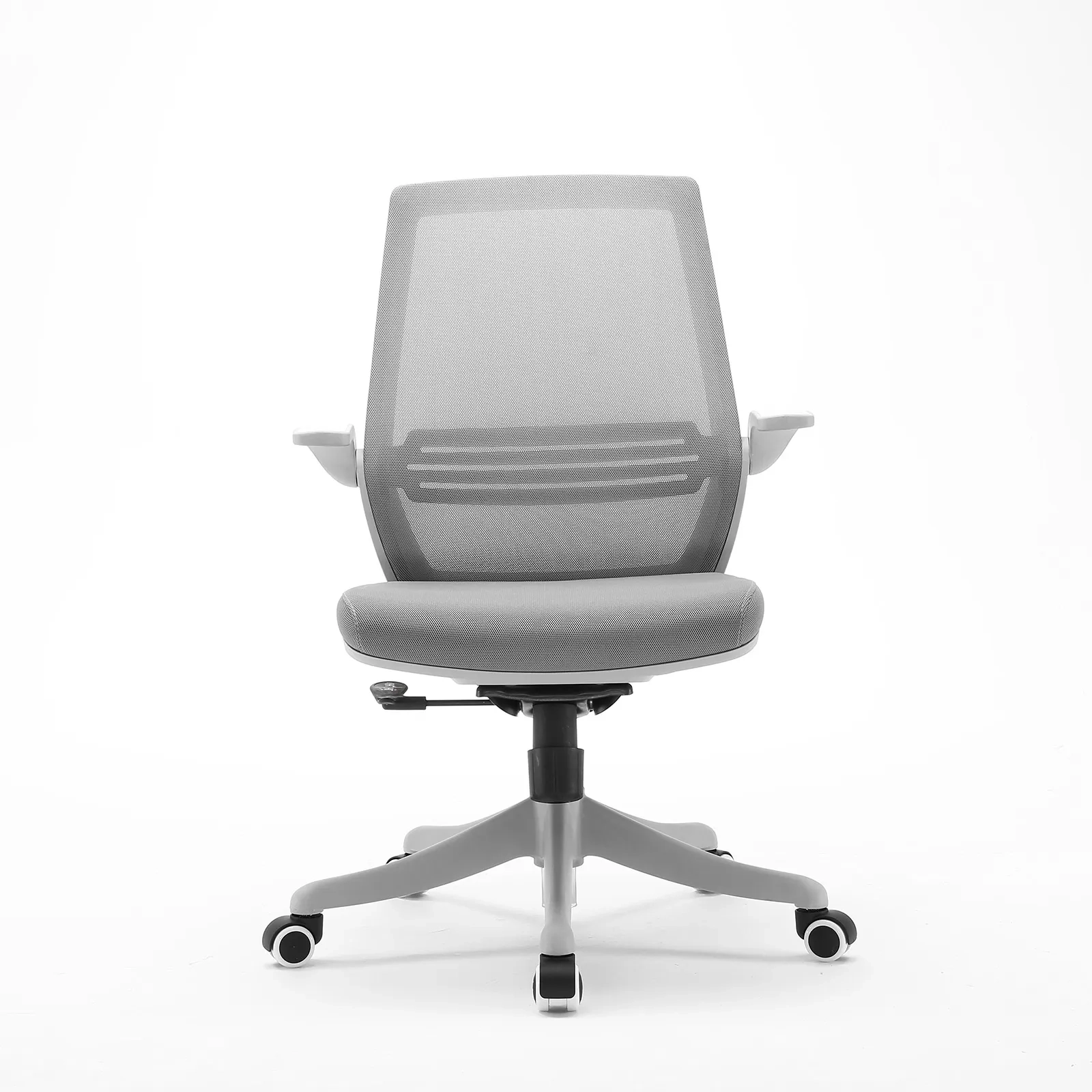
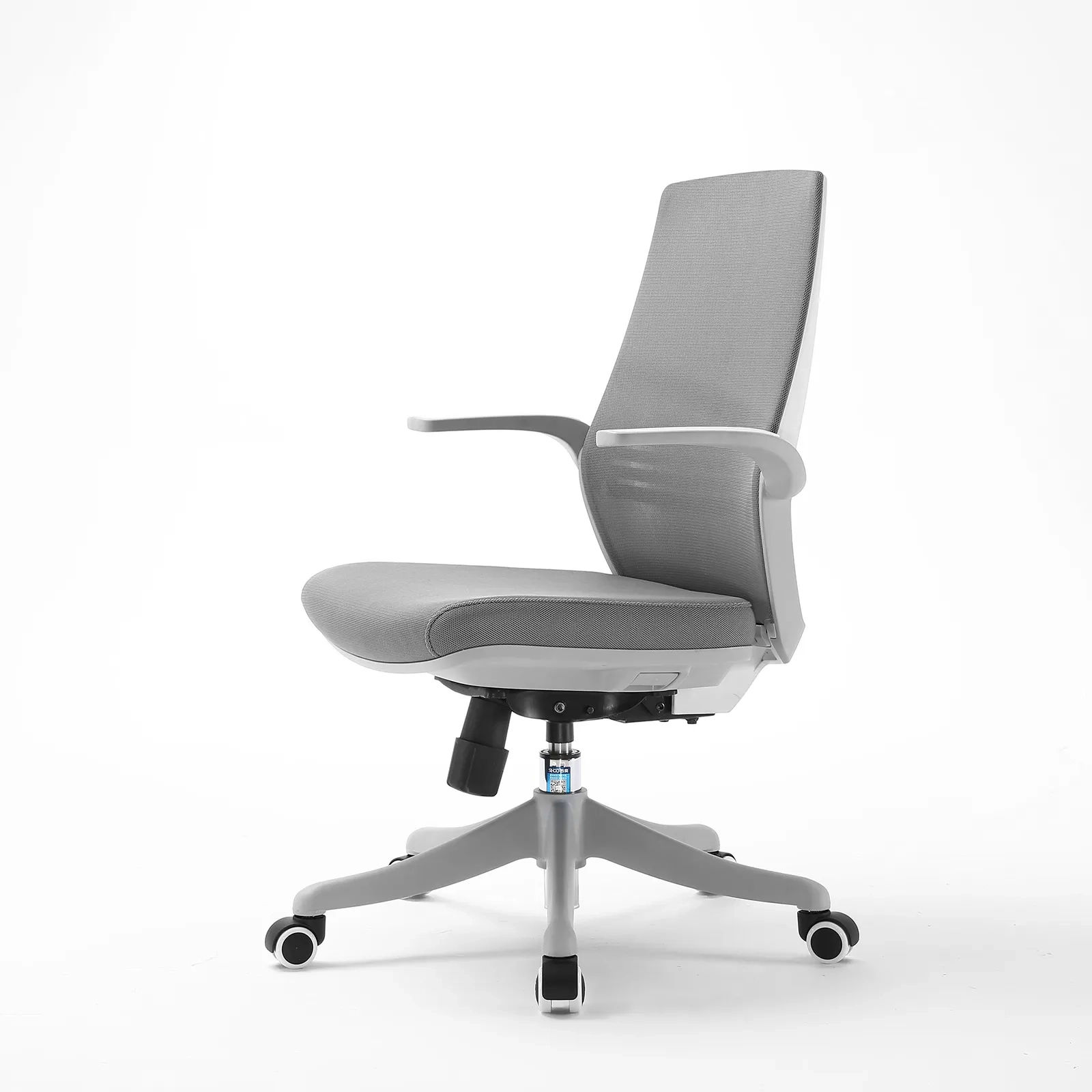
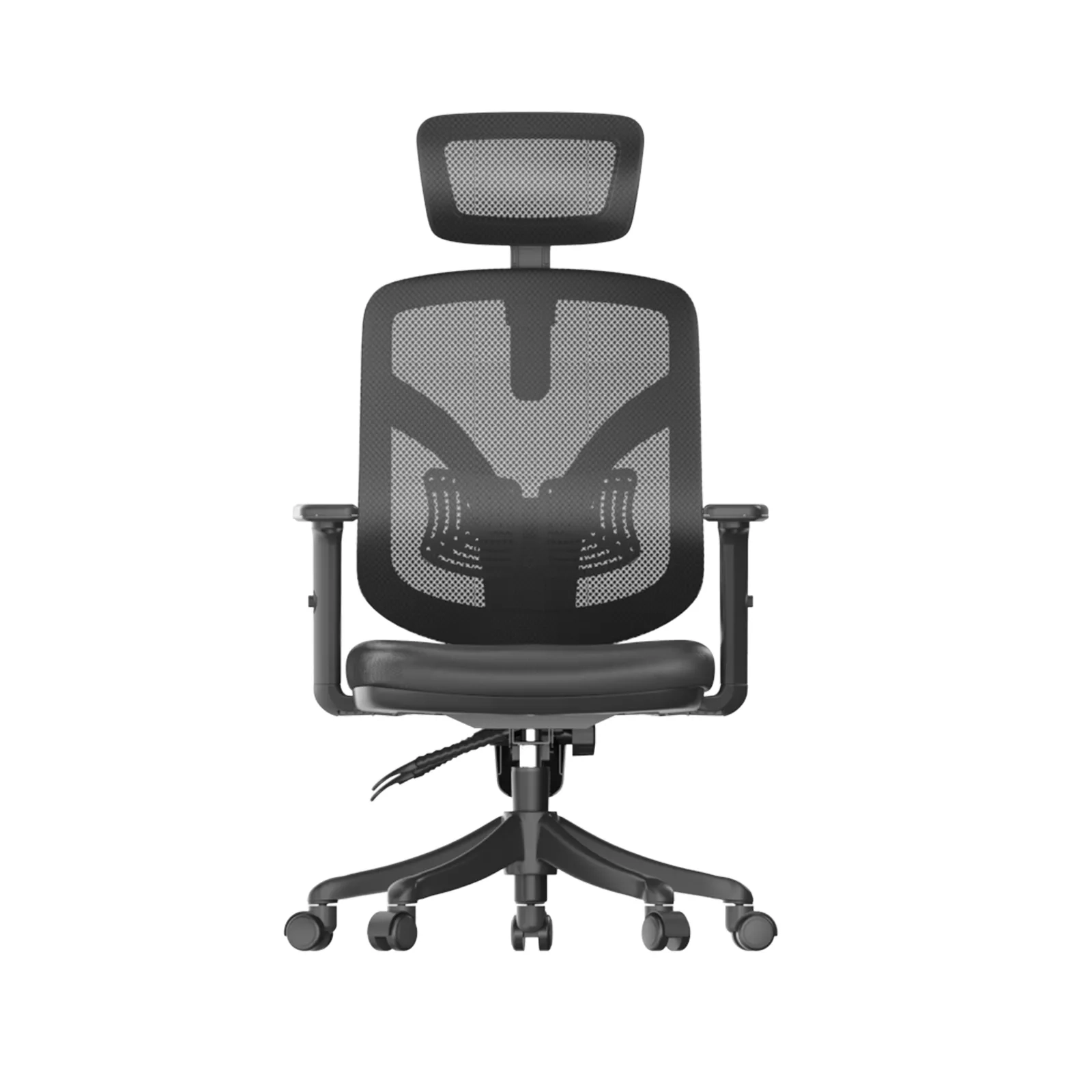
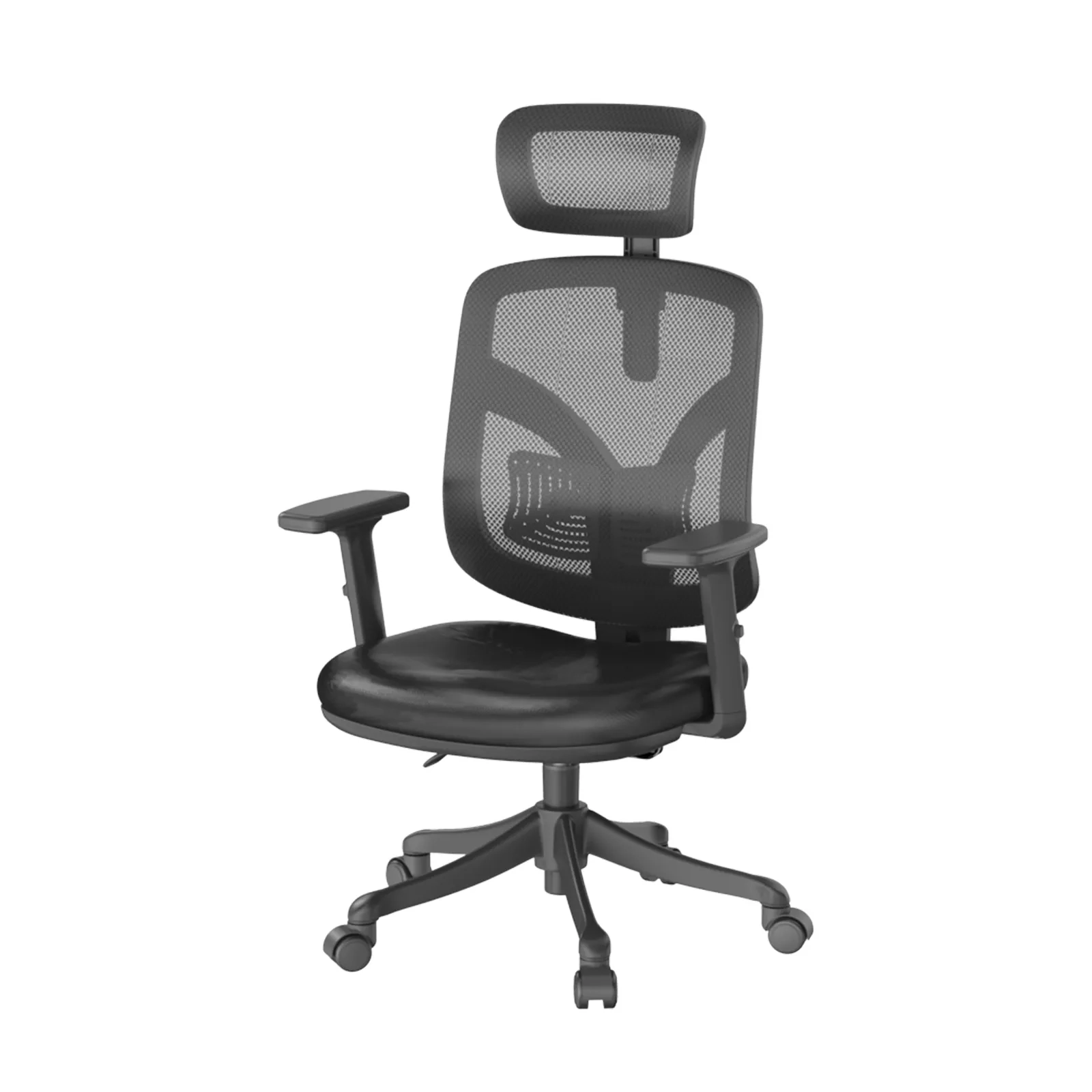
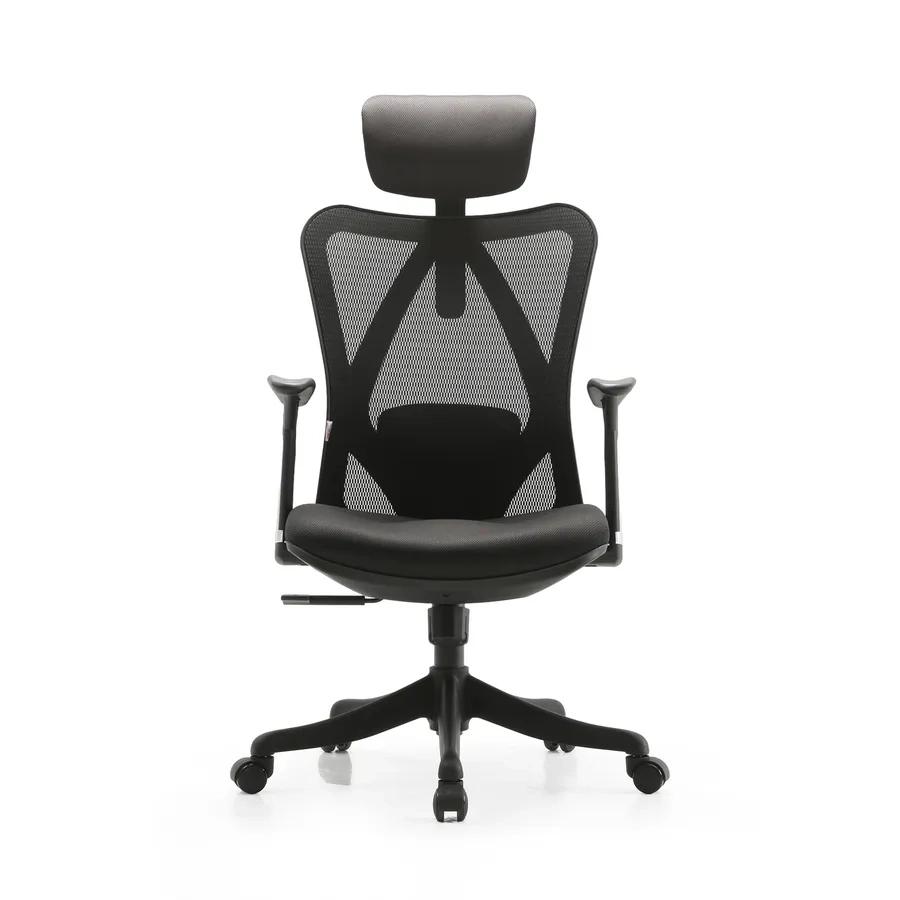
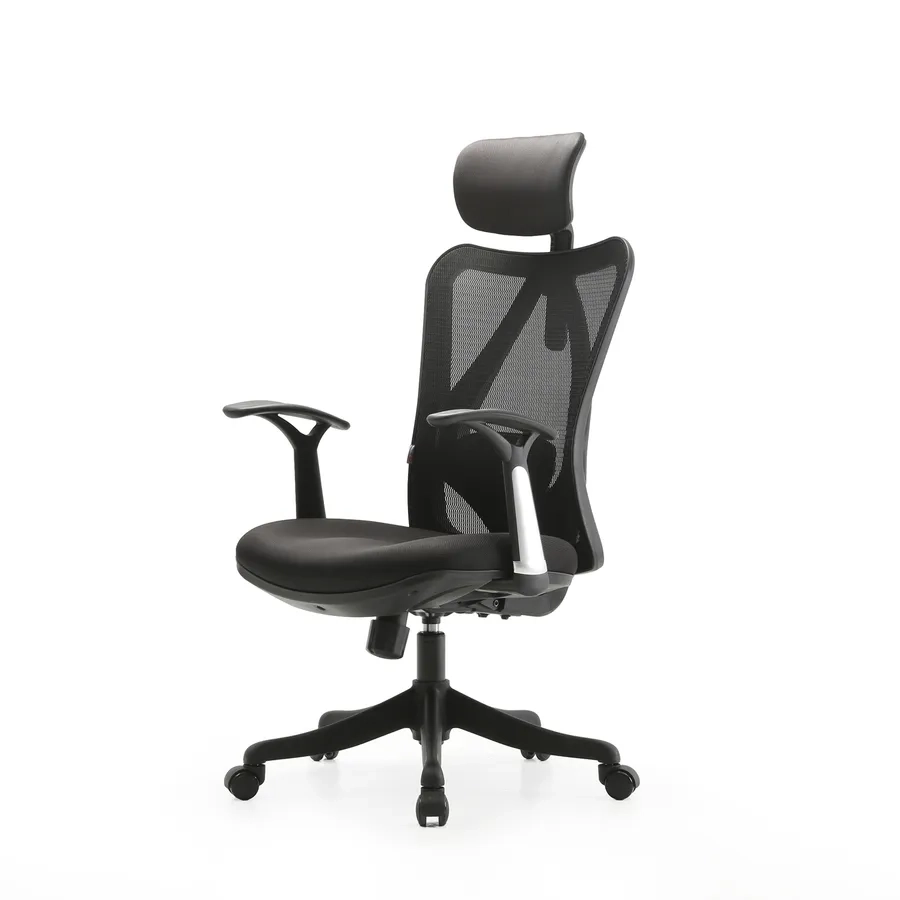
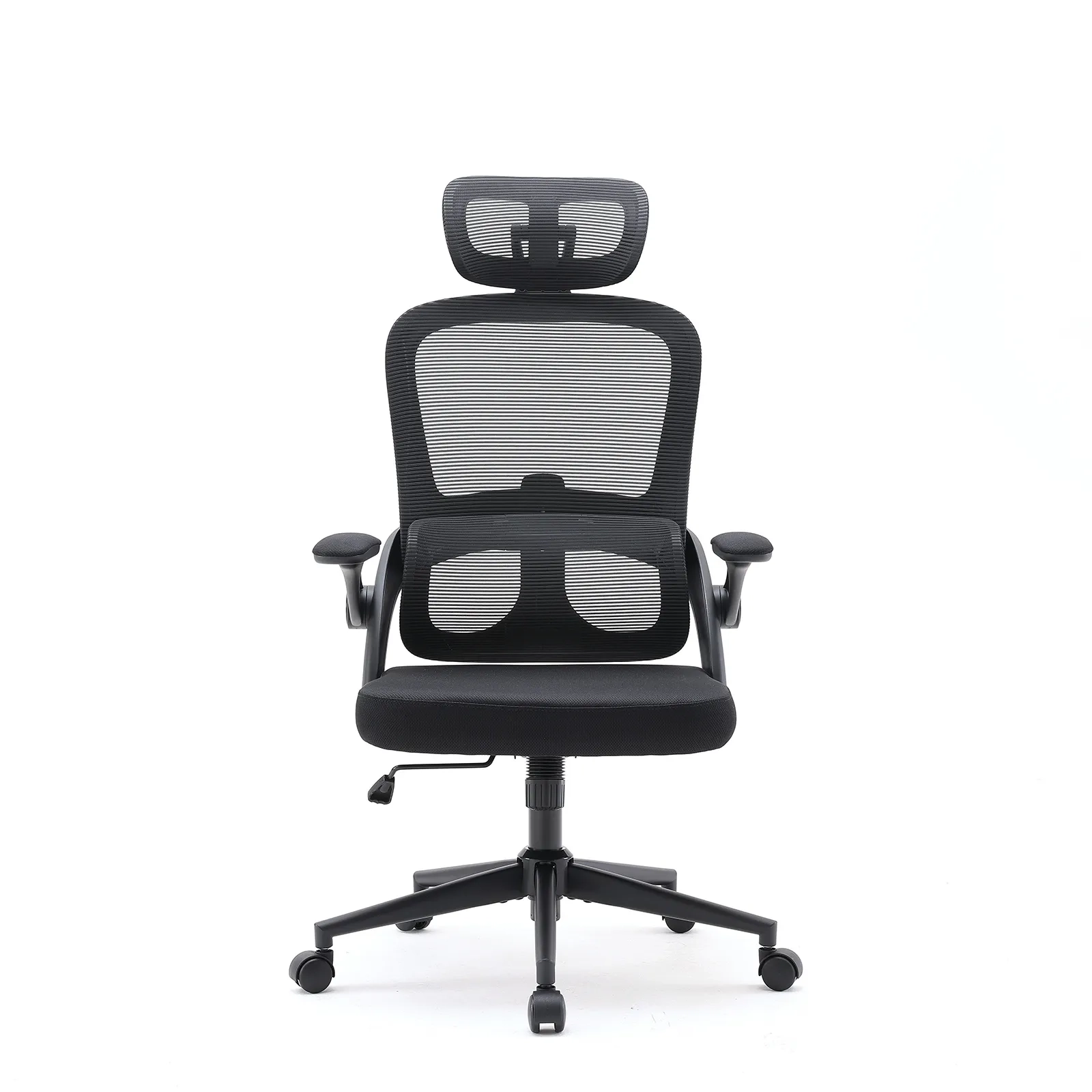
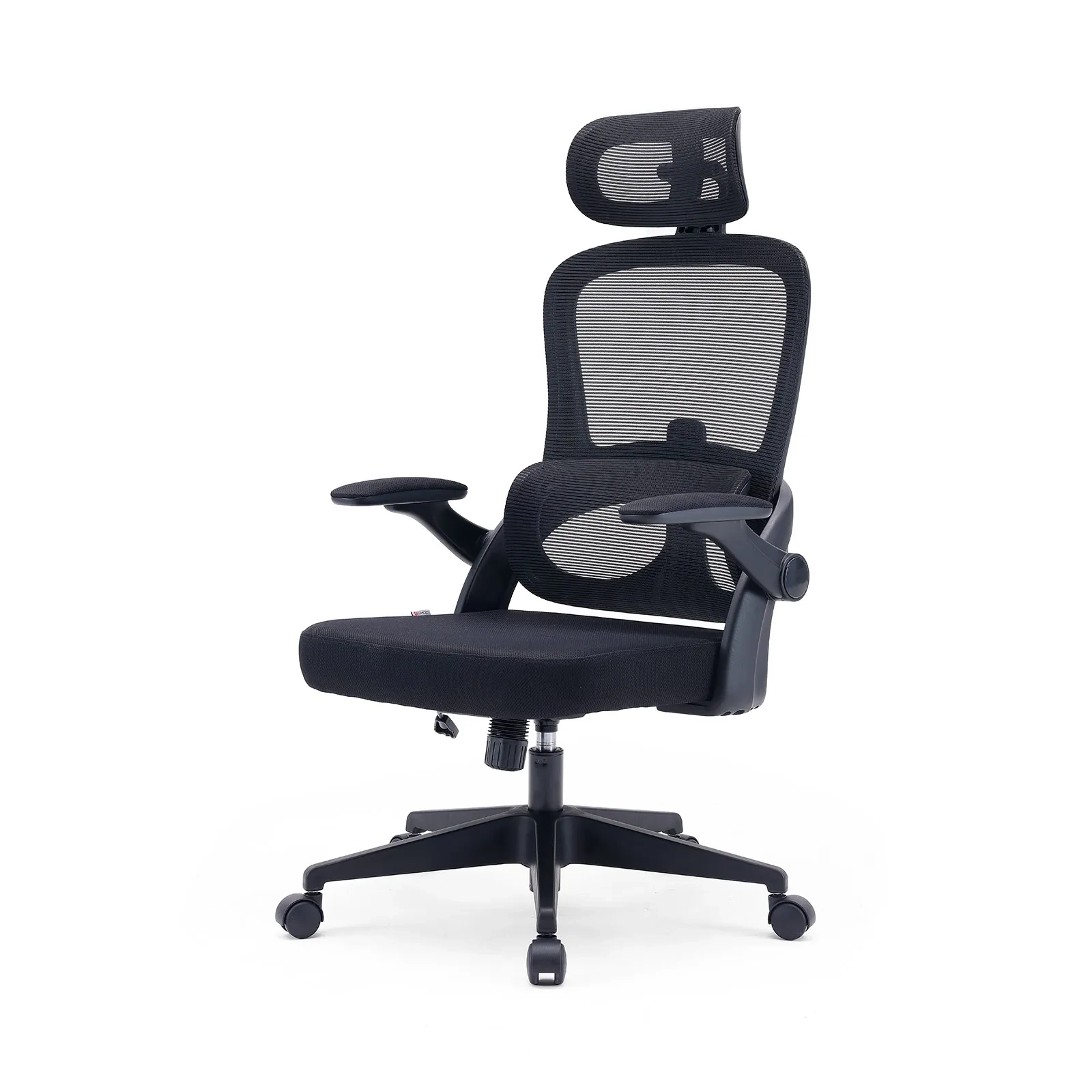
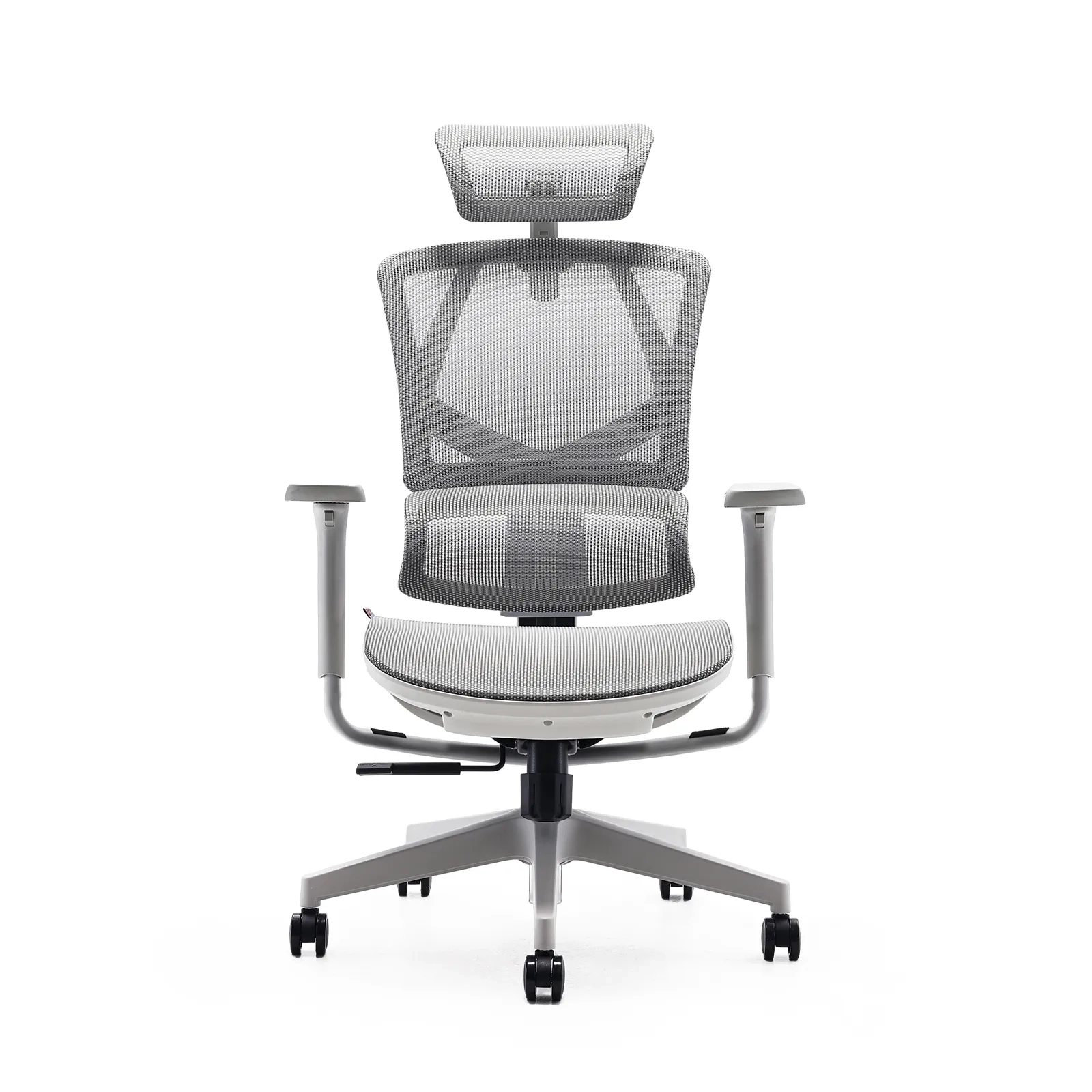
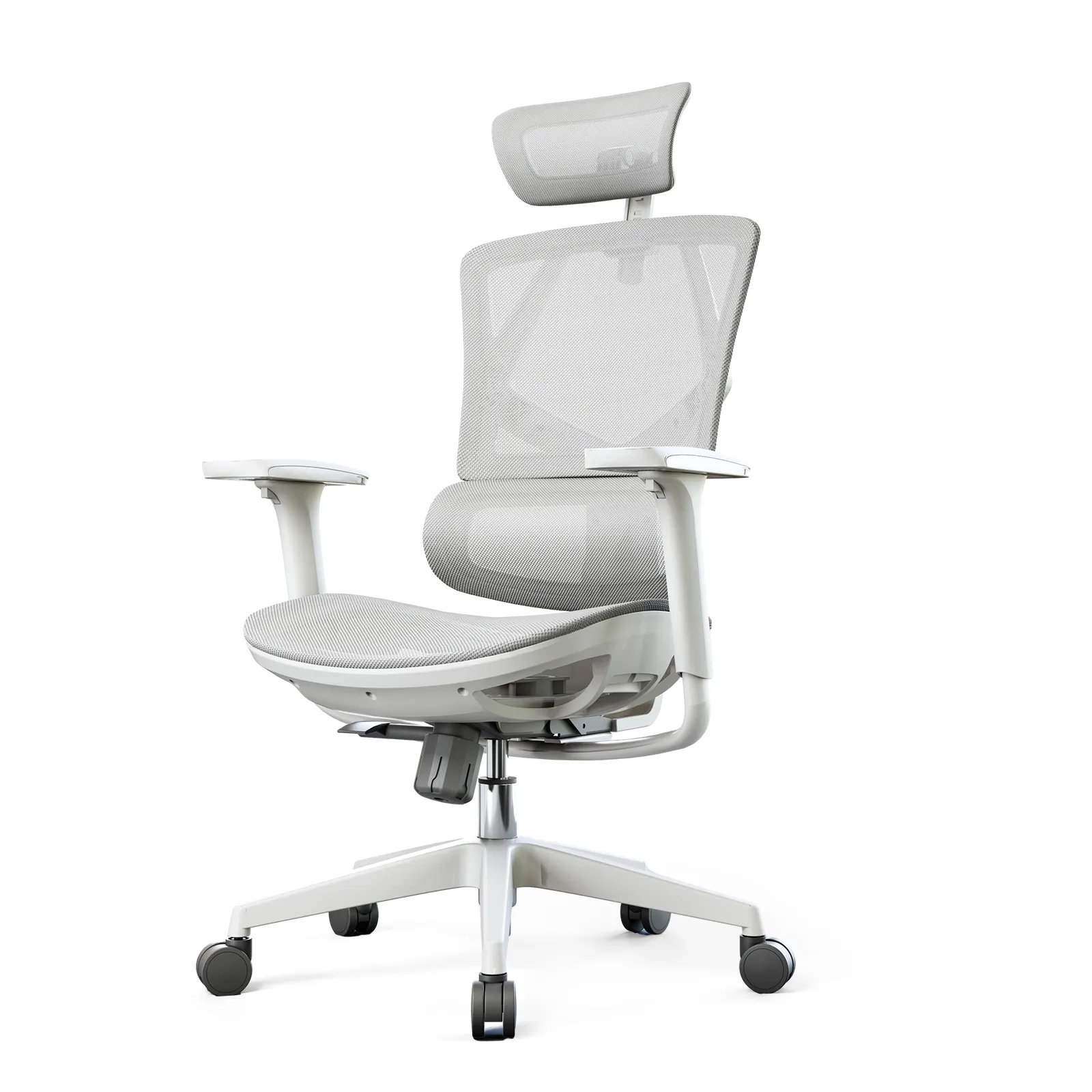
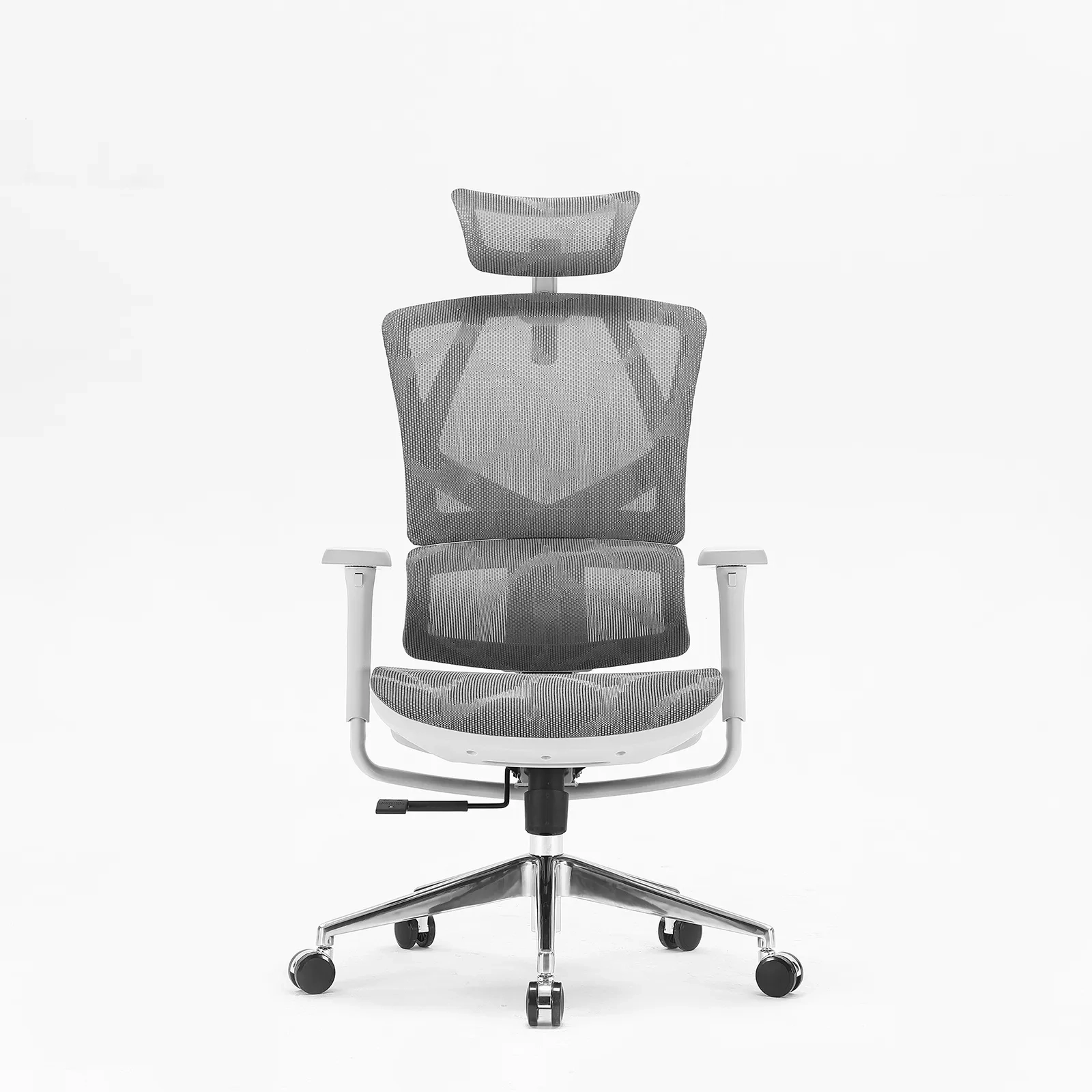
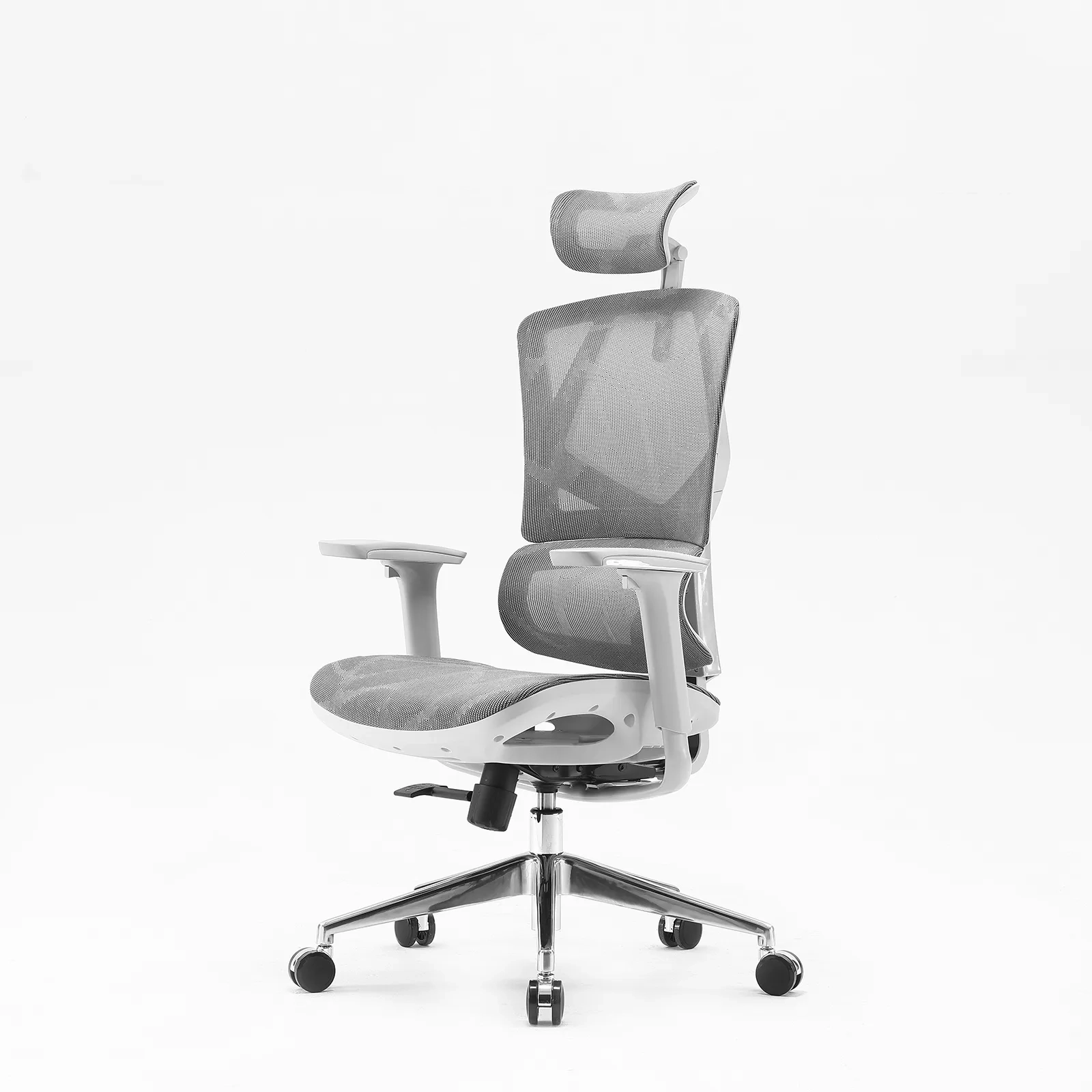
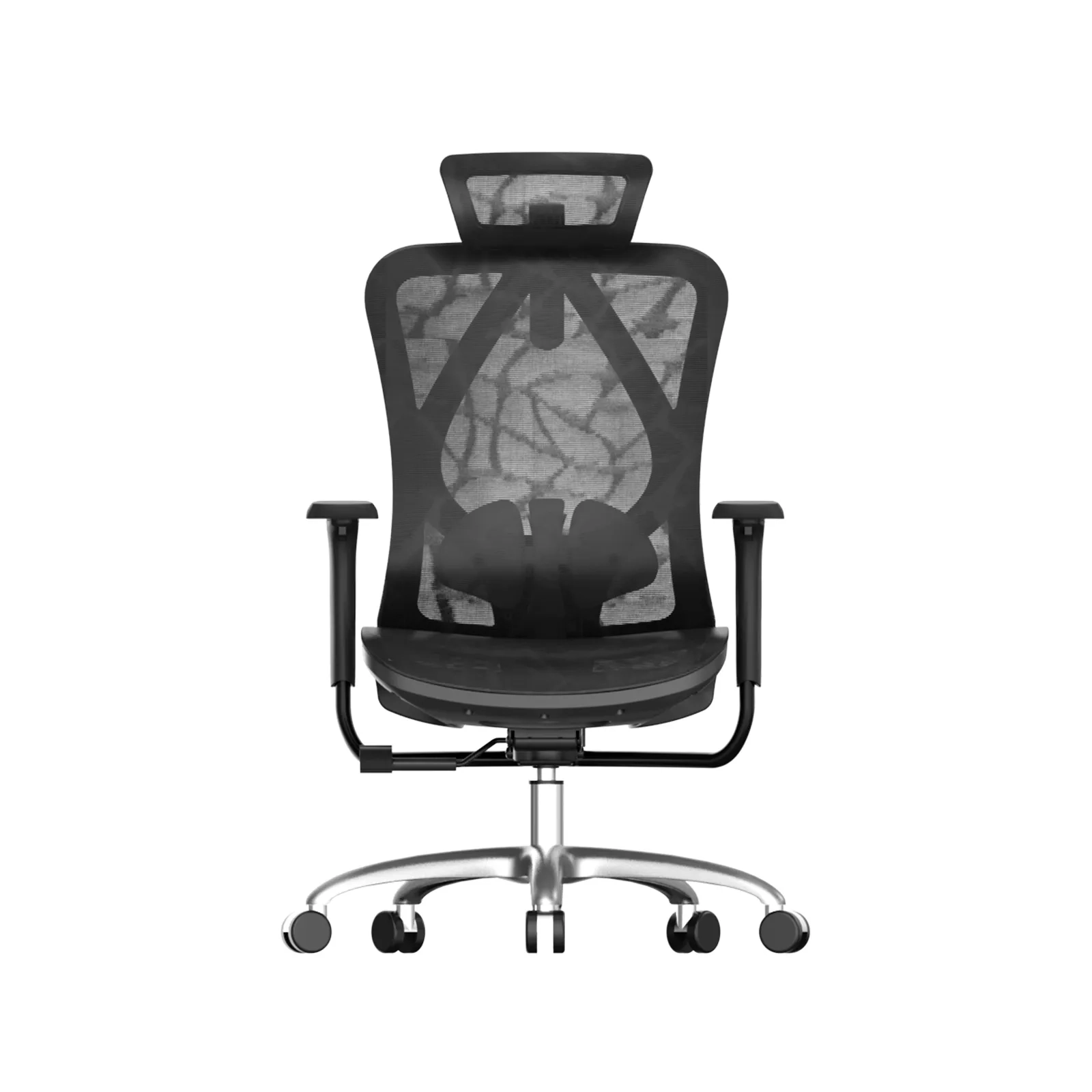
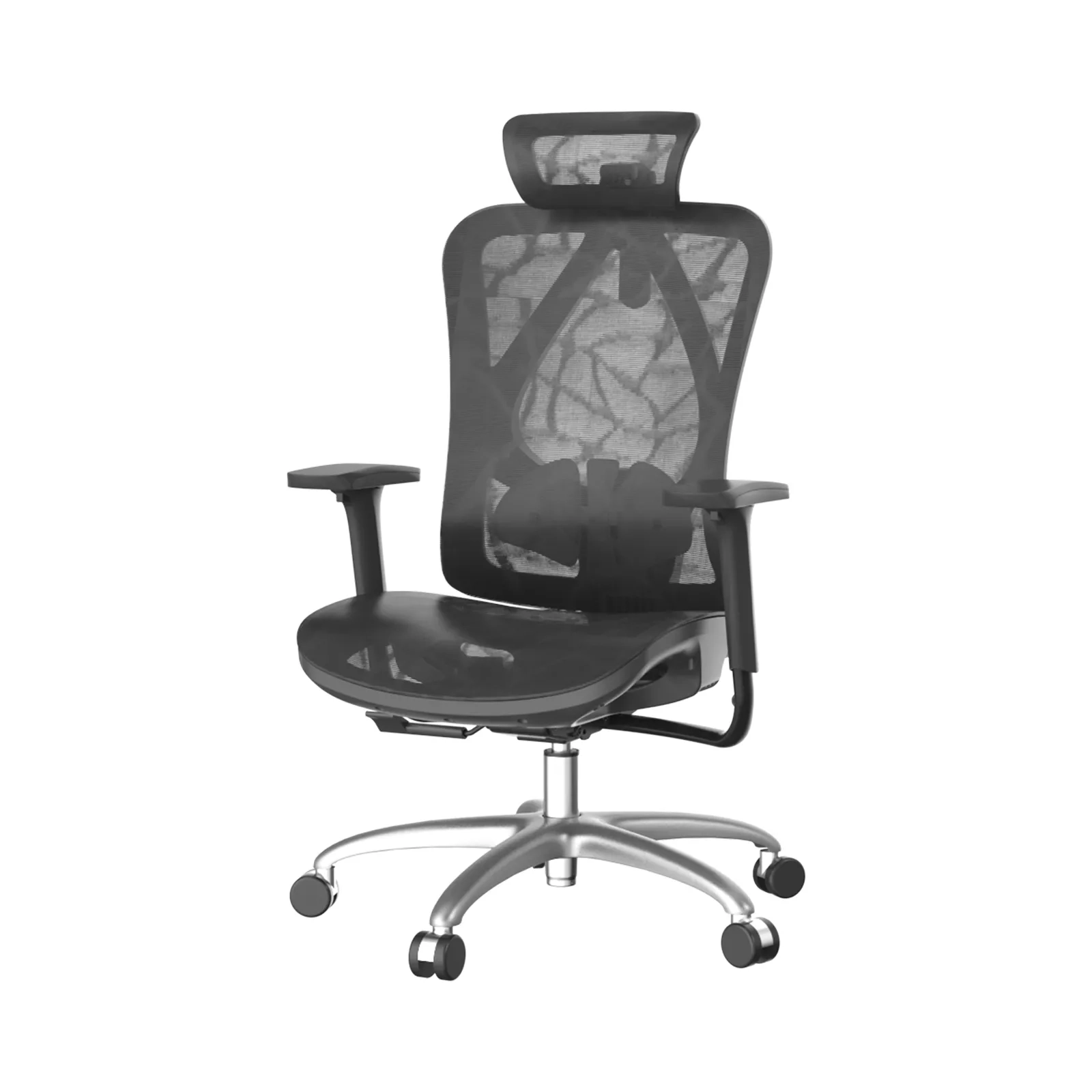
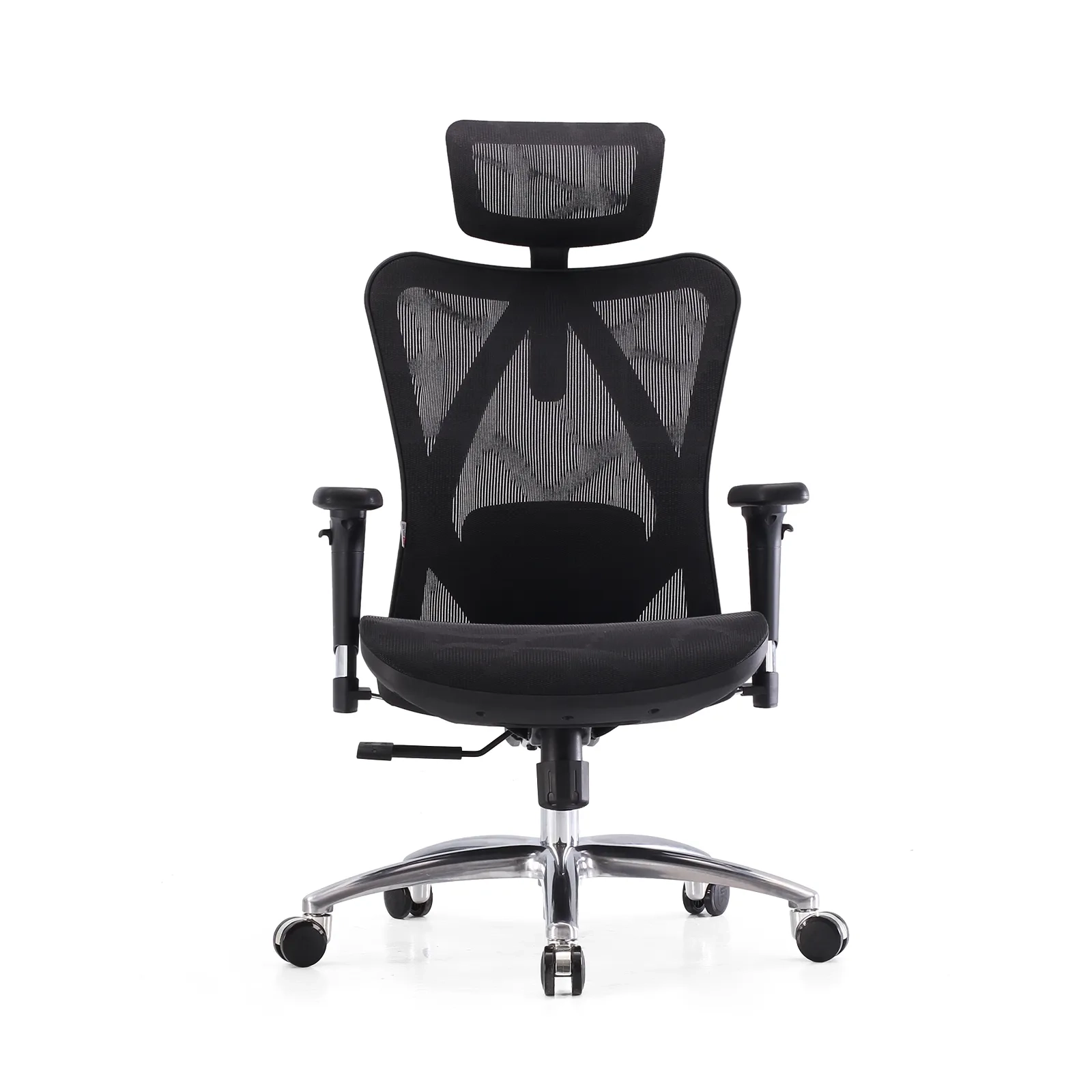
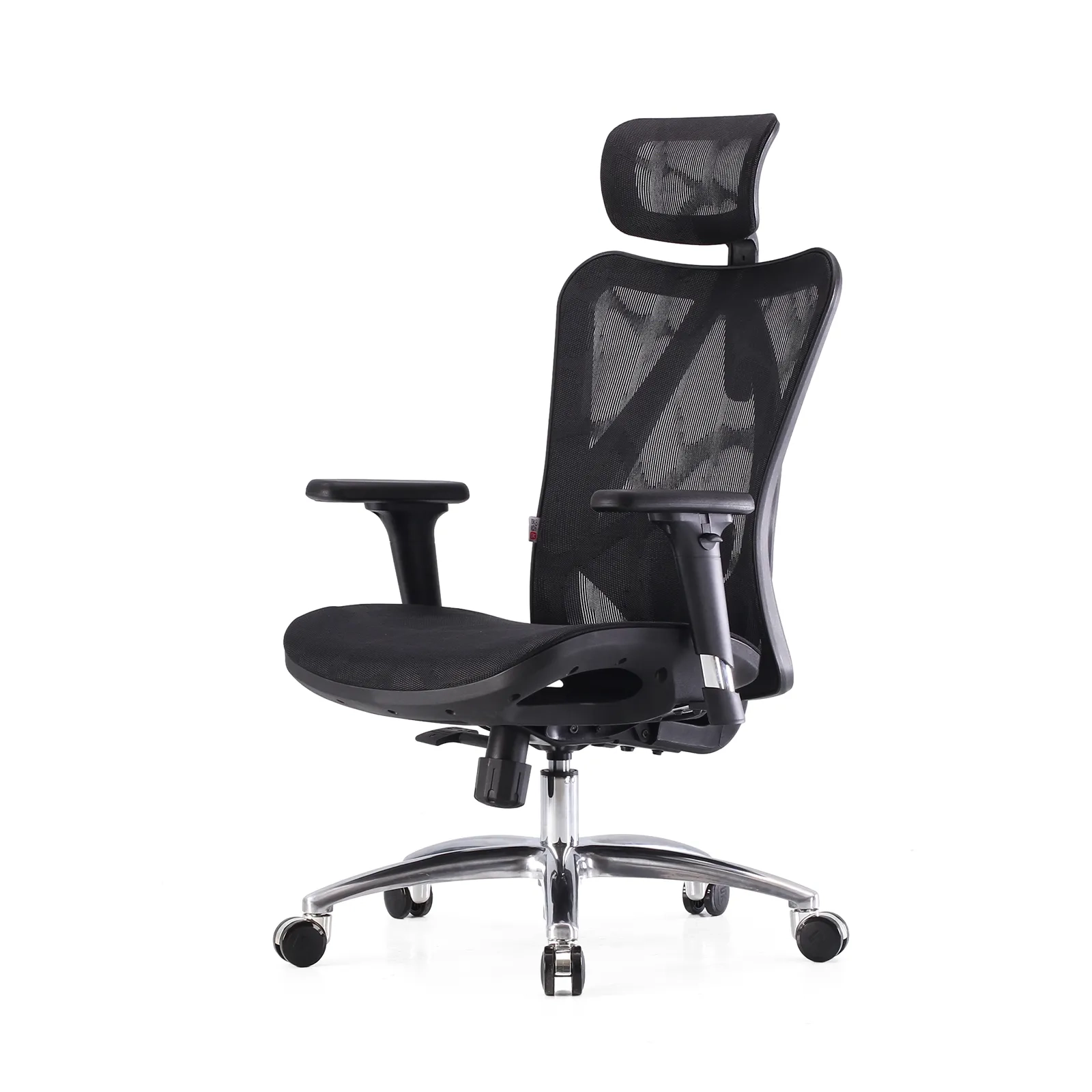
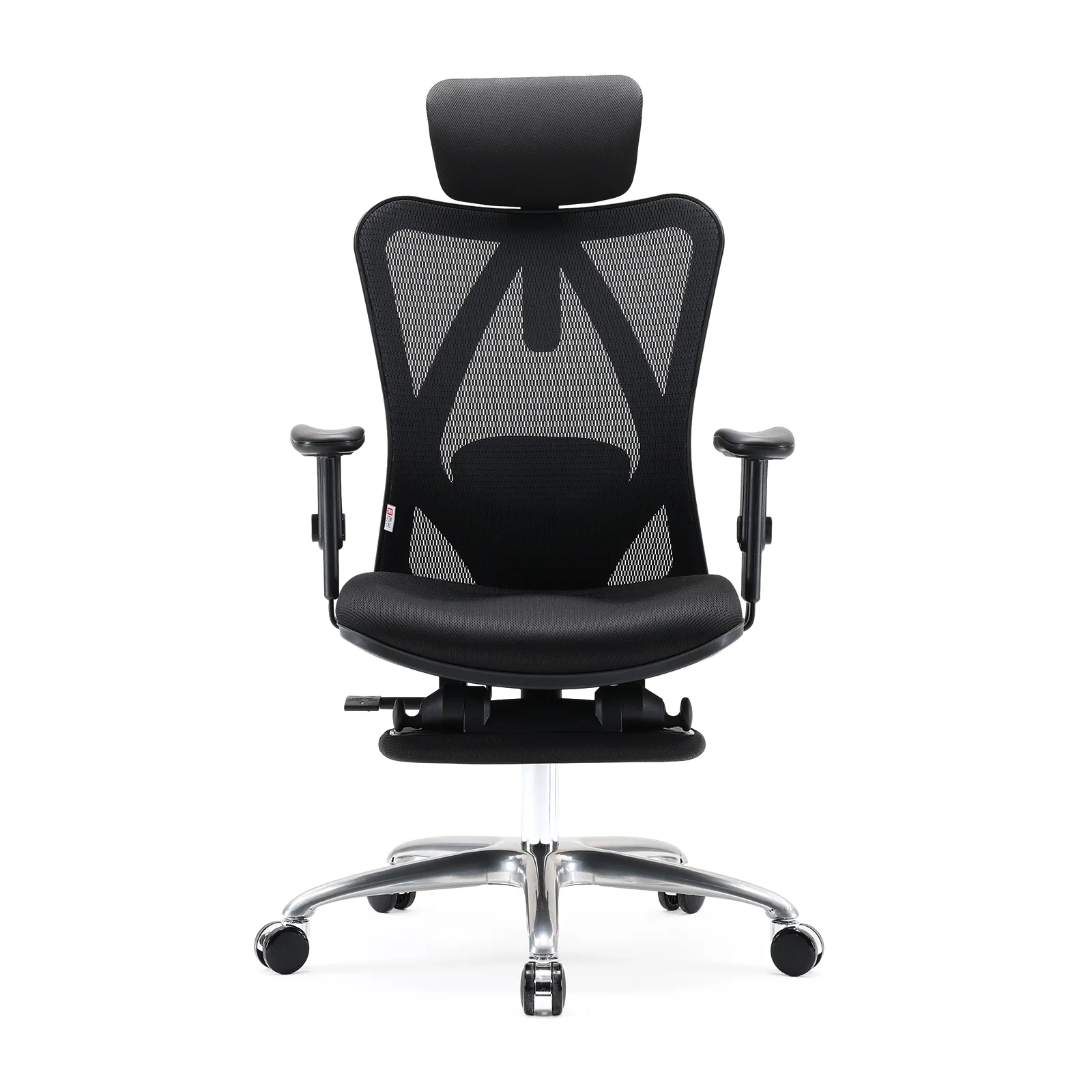
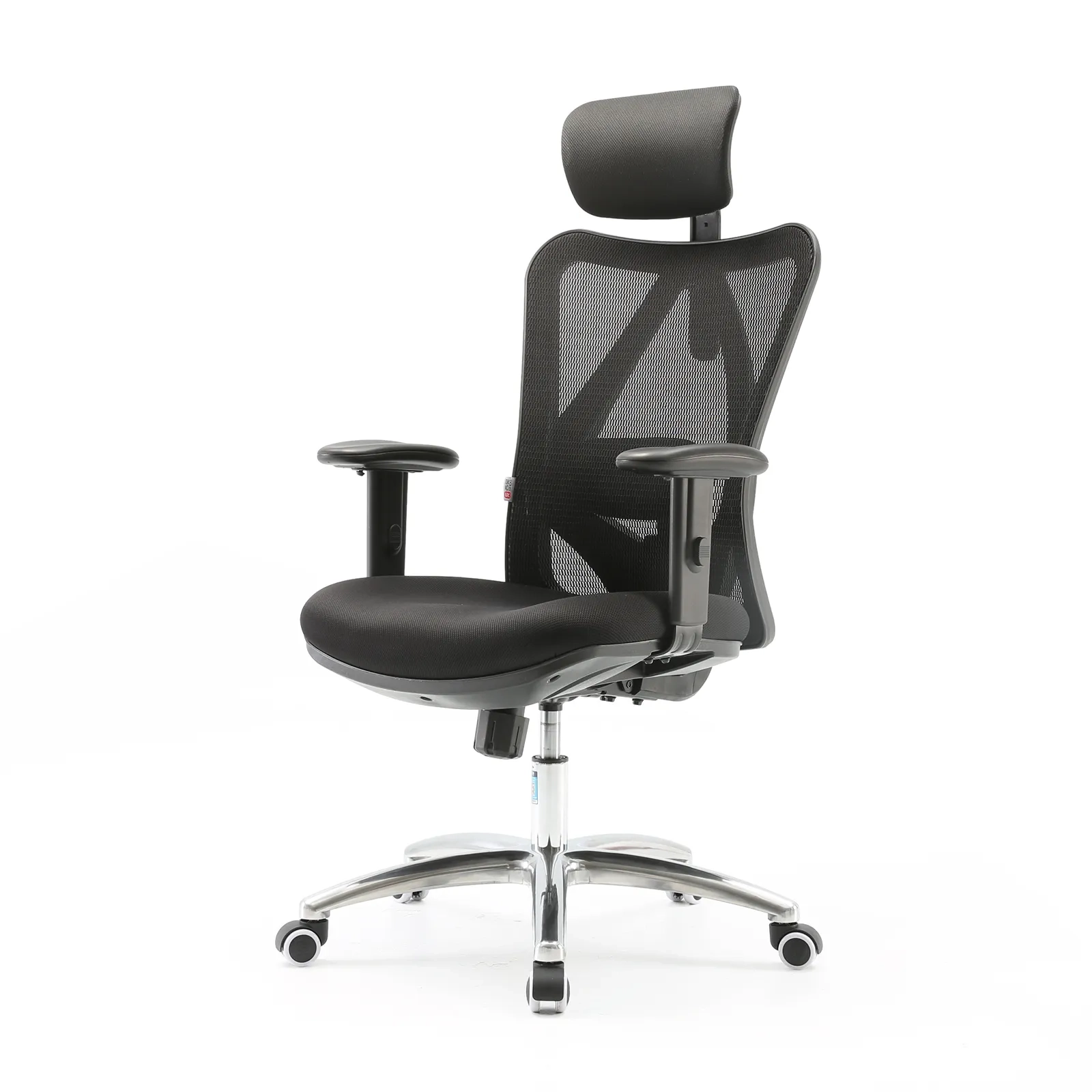
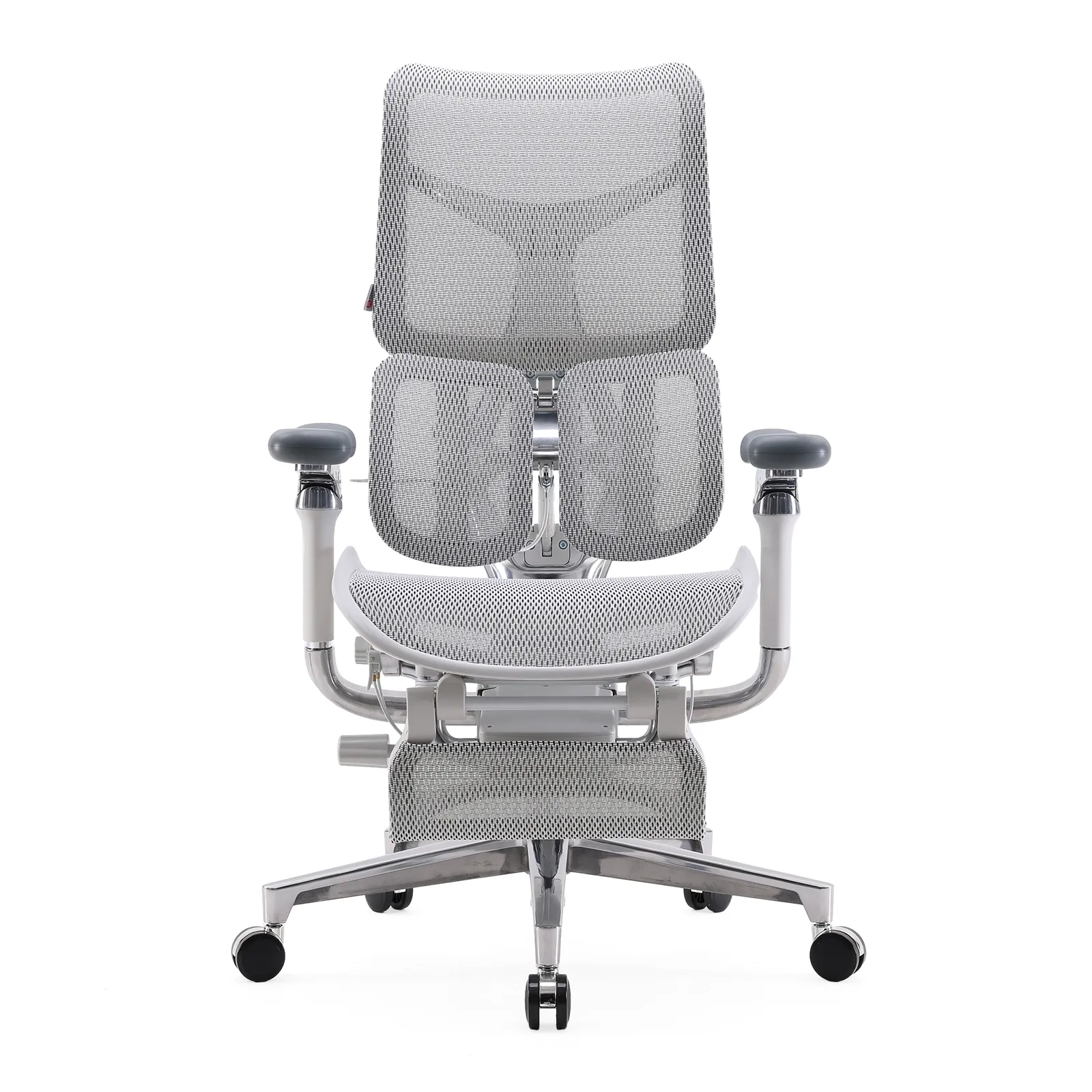
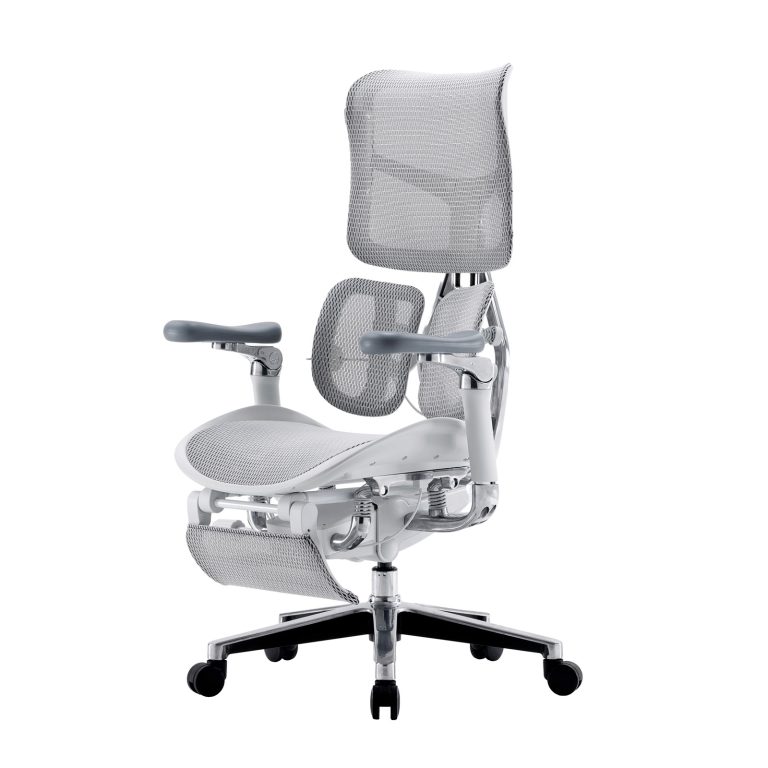
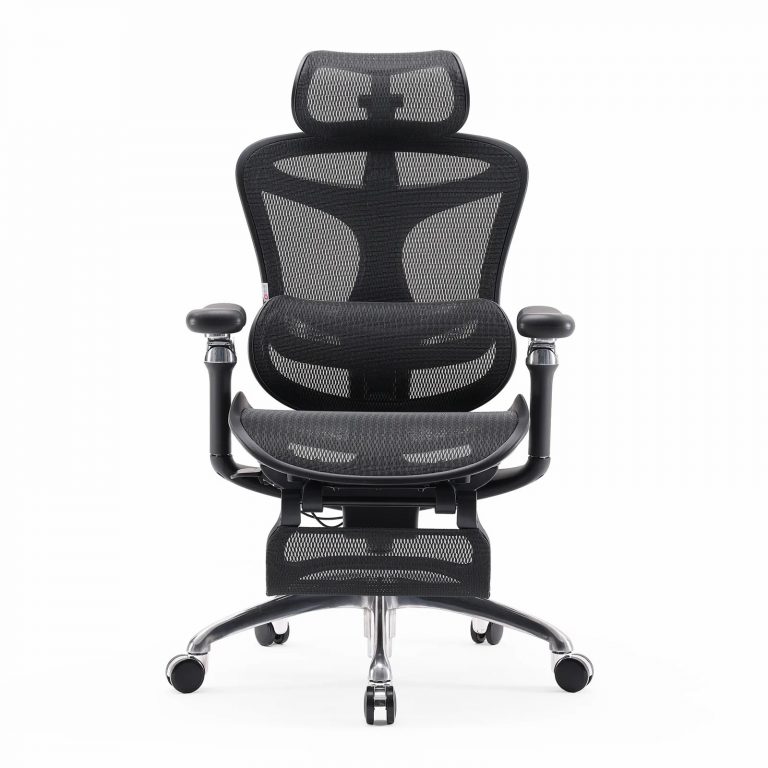
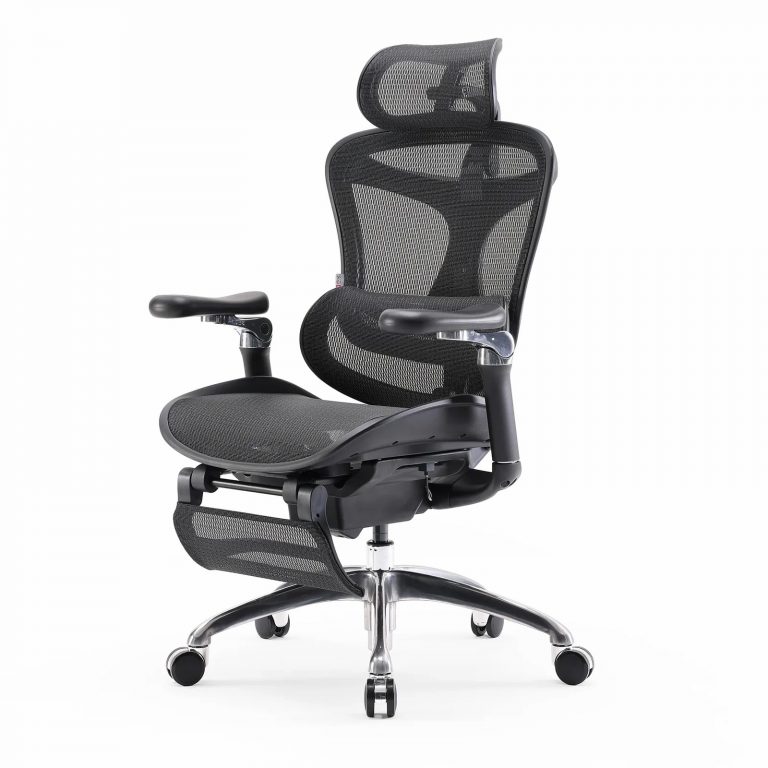
A Remote Work Chair is an ergonomic chair specifically designed for long-duration use in home office or hybrid work environments.
Unlike traditional seating, it is built to support:
- Long sitting sessions (typically 6–10+ hours)
- Proper spinal alignment during work
- Adjustable posture support for different body types
- Breathability for extended indoor use
Remote Work Chair vs Traditional Chair
| Característica | Traditional Chair | Remote Work Chair |
|---|---|---|
| Soporte lumbar | Fixed or minimal | Adjustable / dynamic |
| Sitting Duration | Short-term use | Long-hour work sessions |
| Ajustabilidad | Limited | Multi-dimensional adjustments |
| Material | Basic foam or fabric | Breathable mesh or ergonomic padding |
| Purpose | General seating | Work performance support |
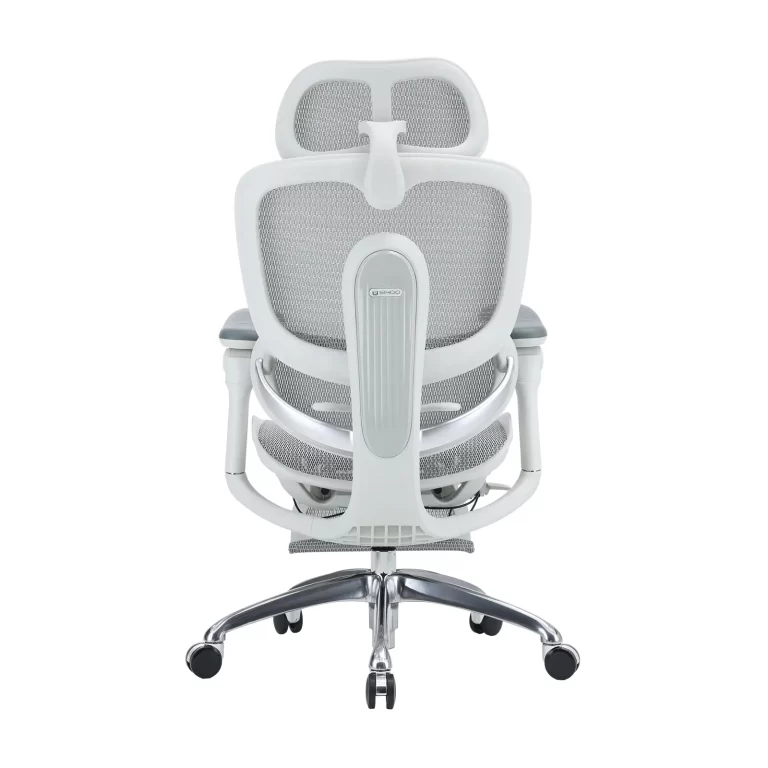
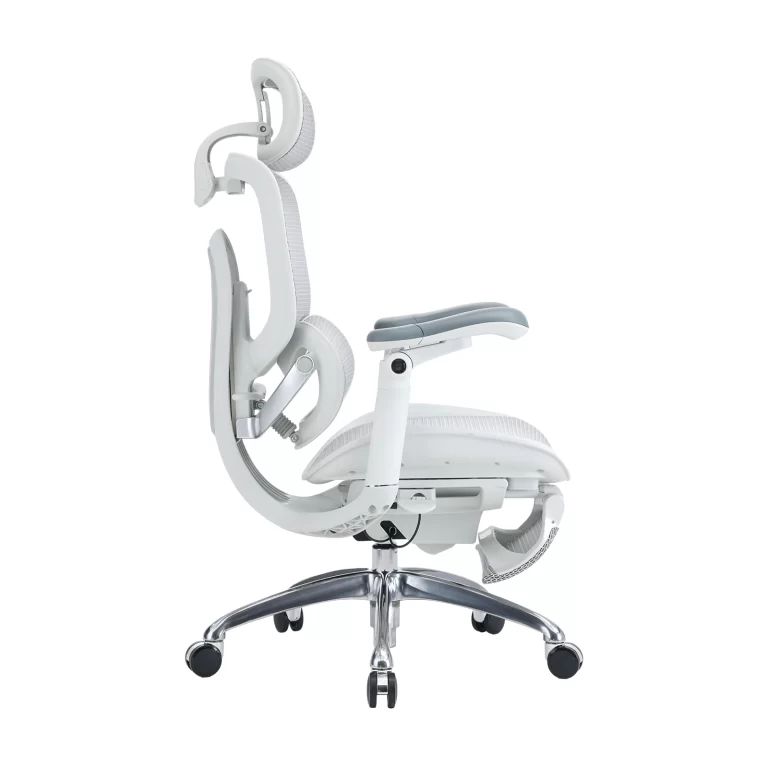
Modern ergonomic chairs, including those developed by brands like SIHOO, are designed specifically for long-hour work environments rather than casual sitting.
Why Comfort Directly Impacts Focus and Productivity
Comfort is not just a physical experience—it directly influences cognitive performance.
Physical discomfort interrupts focus
When the body experiences discomfort, the brain naturally shifts attention toward it. This leads to:
- Frequent posture adjustments
- Interrupted concentration cycles
- Difficulty entering deep work states
Ergonomics supports sustained performance
Ergonomics research suggests that properly designed seating systems are associated with:
- Reduced musculoskeletal discomfort
- Improved sitting comfort
- Better task endurance over long periods
While results vary between individuals, the overall pattern is clear: better comfort supports longer and more stable focus periods.
Remote work increases risk of static sitting
Compared to office environments, remote work often involves:
- Fewer natural movement breaks
- Longer uninterrupted sitting time
- Less structured ergonomic setups
This makes proper chair design even more important.
Key Features of an Effective Remote Work Chair
A high-quality Remote Work Chair is defined by its ability to support long hours of work without causing strain or discomfort.
Soporte Lumbar Dinámico
The lumbar region is one of the most sensitive areas during prolonged sitting.
A proper system should:
- Follow the natural S-curve of the spine
- Adapt to movement while sitting
- Reduce pressure on the lower back
Adjustable Seat Depth
Seat depth affects how weight is distributed across the thighs and hips.
Proper adjustment helps:
- Maintain healthy posture alignment
- Reduce pressure behind the knees
- Improve long-term sitting comfort
Breathable Mesh Material
Heat buildup is a common issue during long working hours.
Mesh materials help:
- Improve airflow
- Reduce heat accumulation
- Maintain comfort during extended sessions
Adjustable Armrests (3D/4D Systems)
Arm support plays a critical role in upper body relaxation.
Good armrests help:
- Maintain neutral shoulder position
- Reduce wrist and forearm strain
- Support typing and mouse use ergonomics
Recline and Active Sitting Mechanisms
Modern ergonomic chairs support movement rather than rigid posture.
This allows:
- Multiple sitting positions
- Gentle recline during breaks
- Reduced fatigue from static posture
SIHOO Remote Work Chair Design Philosophy
Brands such as SIHOO focus on ergonomic solutions designed specifically for long-hour home office users.
Their design approach is centered on:
Human-centered ergonomics
This includes consideration of:
- Spinal alignment
- Pressure distribution
- Long-duration sitting behavior
Dynamic sitting concept
Instead of forcing a fixed posture, modern ergonomic systems aim to:
- Support posture changes
- Reduce static strain
- Encourage natural movement while sitting
Product application examples
Different ergonomic chair series typically address different user needs:
- Advanced ergonomic chairs for professionals working long hours
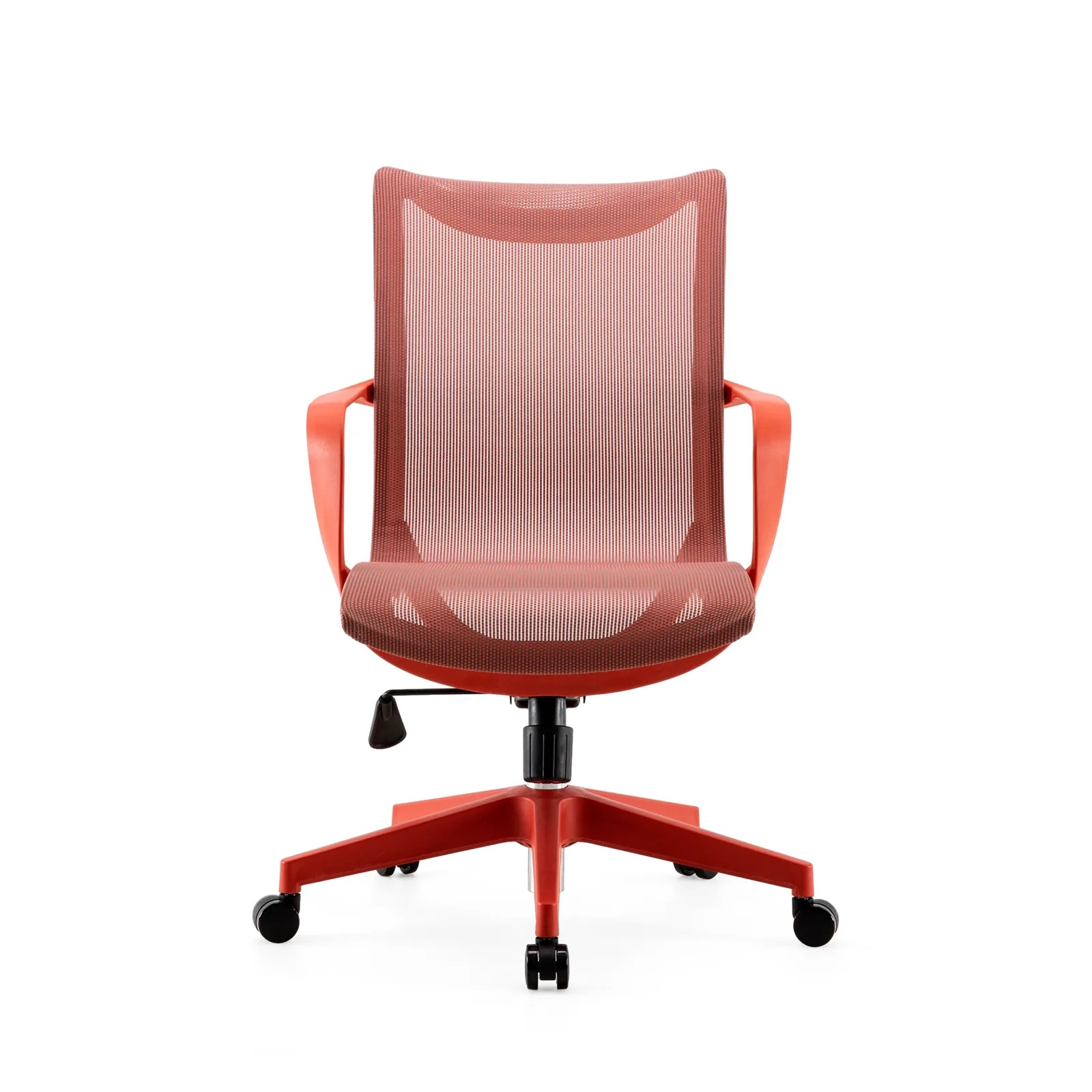
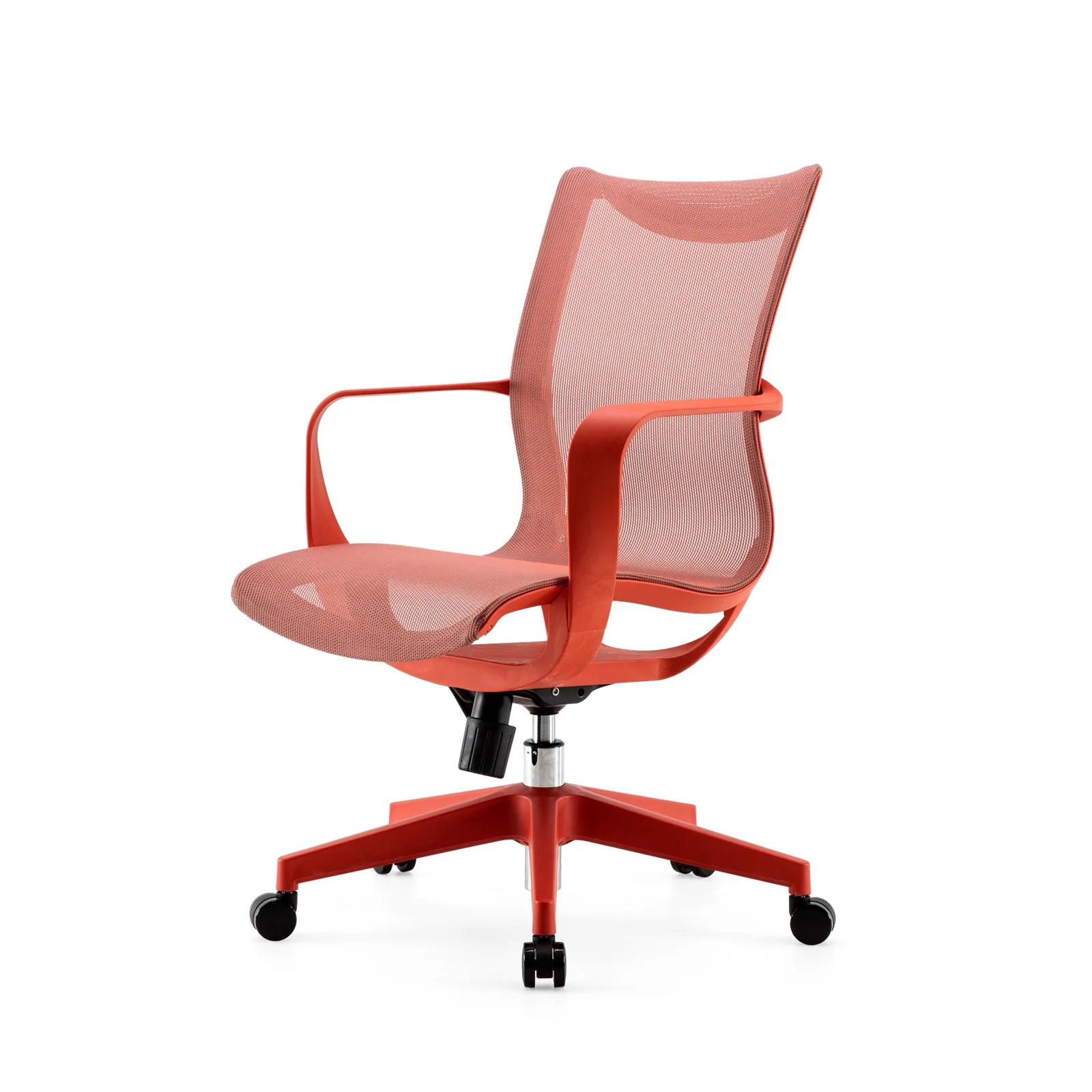
- Mid-range ergonomic chairs for home office users
- Entry-level models for basic ergonomic support
How a Remote Work Chair Helps You Focus Longer Hours
A properly designed Remote Work Chair improves focus indirectly by reducing physical distractions.
Reduces physical discomfort interruptions
Less discomfort means fewer breaks in concentration caused by:
- Back stiffness
- Shoulder tension
- Constant repositioning
Supports better circulation
Proper seating reduces pressure on the legs and lower body, helping maintain comfort during long sessions.
Improves mental clarity
When physical discomfort is reduced, cognitive resources can stay focused on work tasks instead of body awareness.
Supports deep work sessions
Many remote professionals rely on structured deep work blocks (60–120 minutes). Ergonomic seating helps maintain:
- Longer uninterrupted focus
- More stable workflow
- Reduced fatigue accumulation
Remote Work Ergonomic Setup
A Remote Work Chair works best as part of a complete ergonomic system.
Desk height alignment
Elbows should remain at approximately 90 degrees during typing.
Monitor positioning
The top of the screen should be at or near eye level to reduce neck strain.
Keyboard and mouse positioning
Hands should remain in a neutral wrist position to reduce strain.
Movement habits
Even with perfect ergonomics, regular movement is important to avoid prolonged static posture.
Common Mistakes When Choosing a Remote Work Chair
Many users choose chairs based on appearance rather than ergonomic function.
Common mistakes include:
- Prioritizing design over adjustability
- Ignoring lumbar support quality
- Choosing non-breathable materials for long sitting
- Overlooking seat depth adjustment
- Not considering armrest flexibility
These issues often lead to discomfort even in expensive chairs.
Who Needs a Remote Work Chair
A Remote Work Chair is especially important for:
- Remote employees working full-time from home
- Freelancers and digital creators
- Software developers and engineers
- Designers and content professionals
- Students with long study sessions
- Hybrid office workers
Anyone who sits for extended periods can benefit from ergonomic support.
Conclusión
Focus is not only a matter of discipline—it is also shaped by environment and physical comfort.
A Remote Work Chair plays a foundational role in:
- Reducing physical fatigue
- Supporting long-hour posture stability
- Improving focus consistency throughout the day
Instead of being seen as a luxury item, it should be viewed as part of a modern productivity system for remote work. Brands like SIHOO contribute to this ecosystem by designing ergonomic seating solutions specifically for long-duration work environments. Ultimately, better focus starts with better support.
Preguntas frecuentes
Is a Remote Work Chair worth it
Yes. For remote workers spending long hours at a desk, it improves comfort and supports sustained focus.
How many hours can you sit in a Remote Work Chair
Typically 6–10 hours is manageable when combined with proper posture and breaks.
What is the best posture for remote work
A neutral spine, feet flat on the floor, elbows at 90 degrees, and monitor at eye level.
1600x1600-4-768x768.jpg)
1600x1600-8-768x768.jpg)