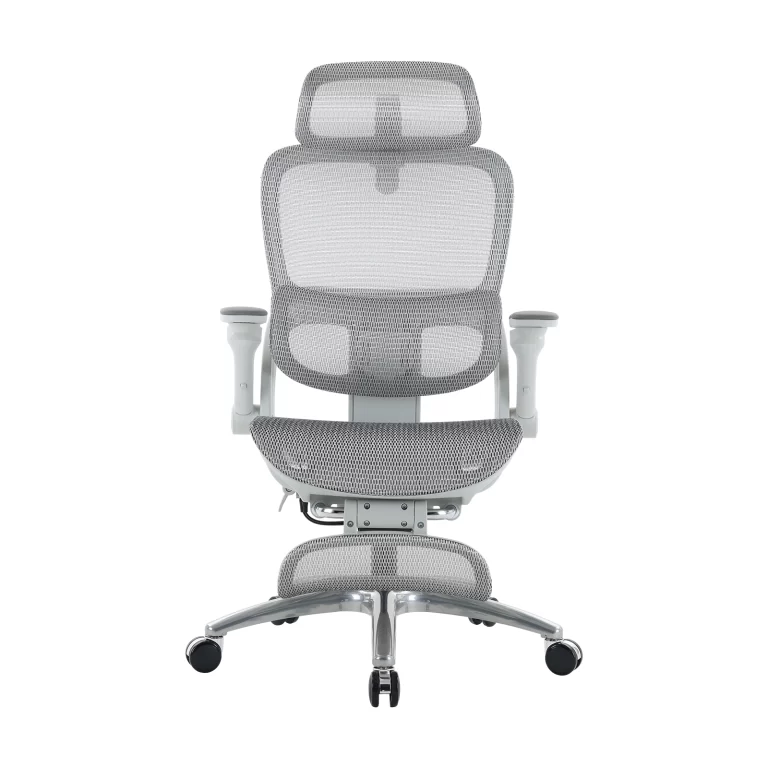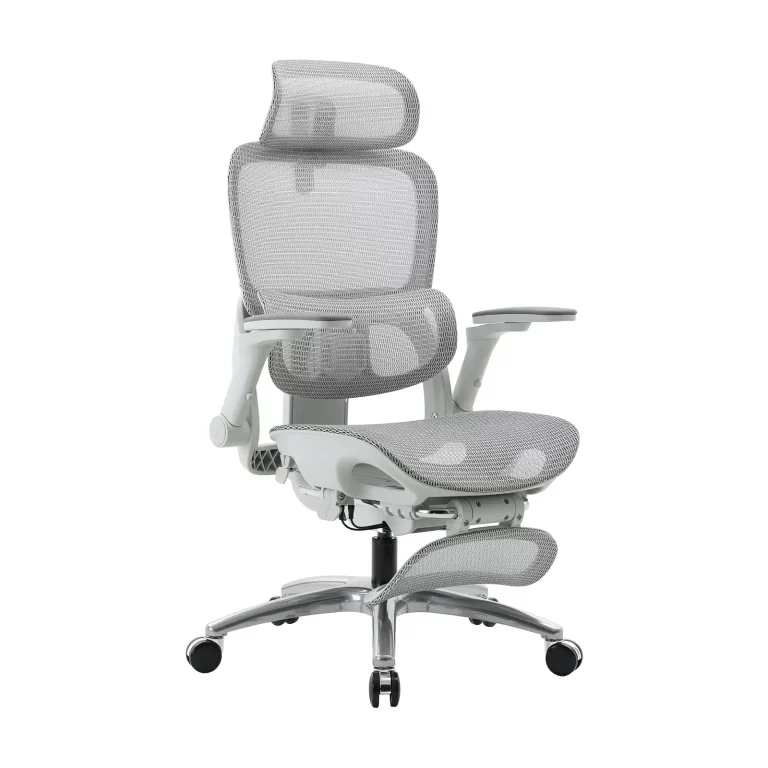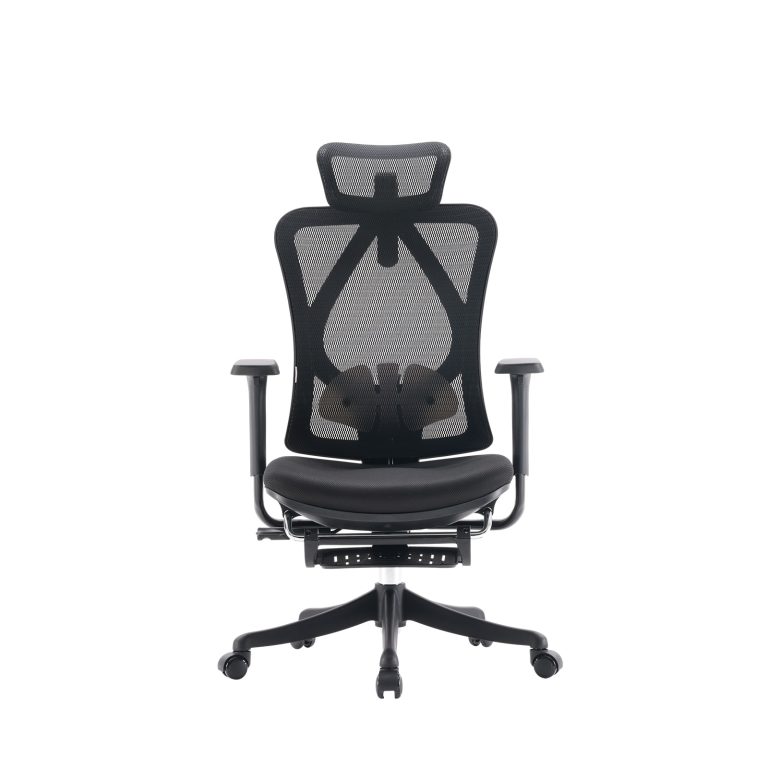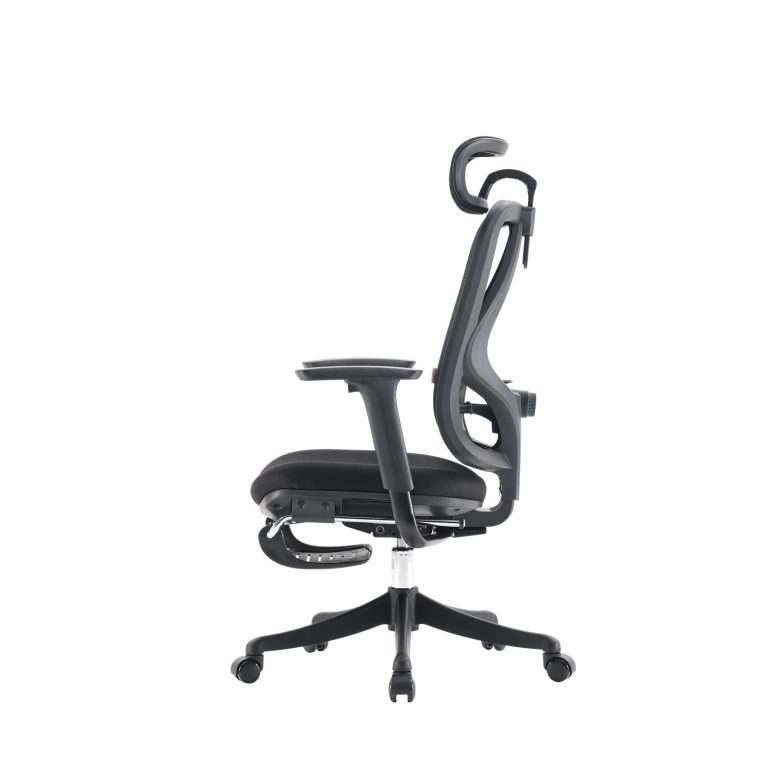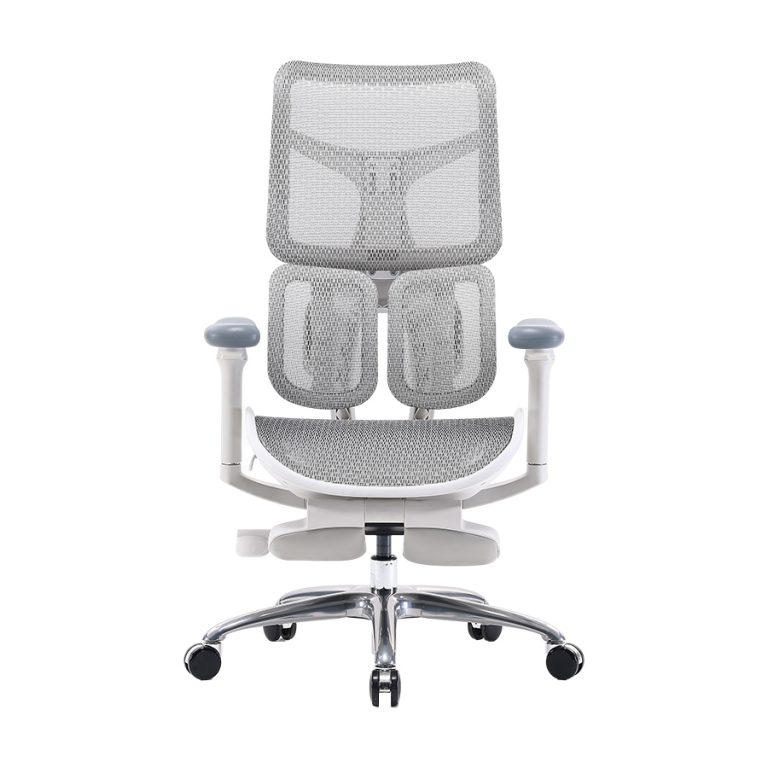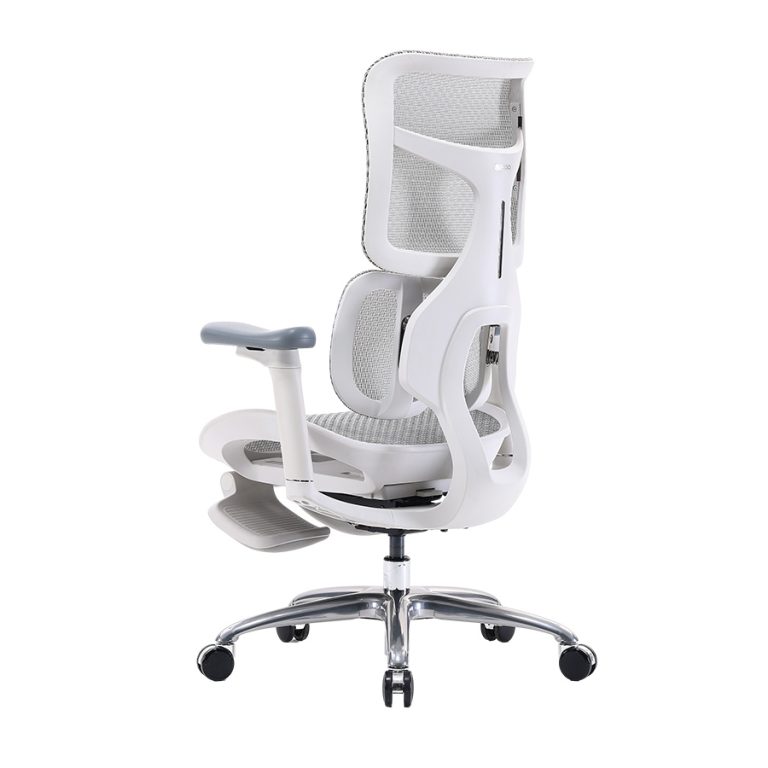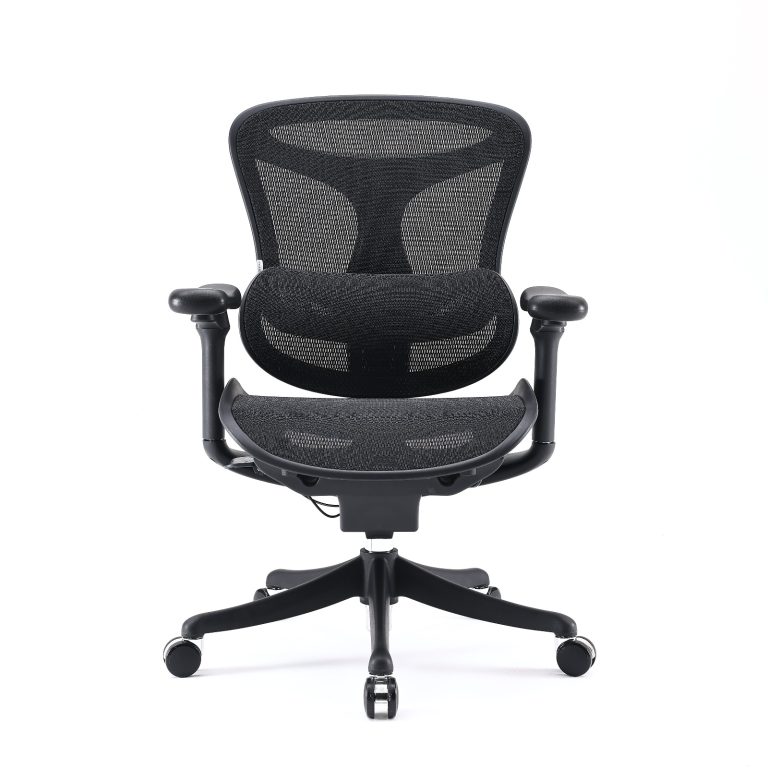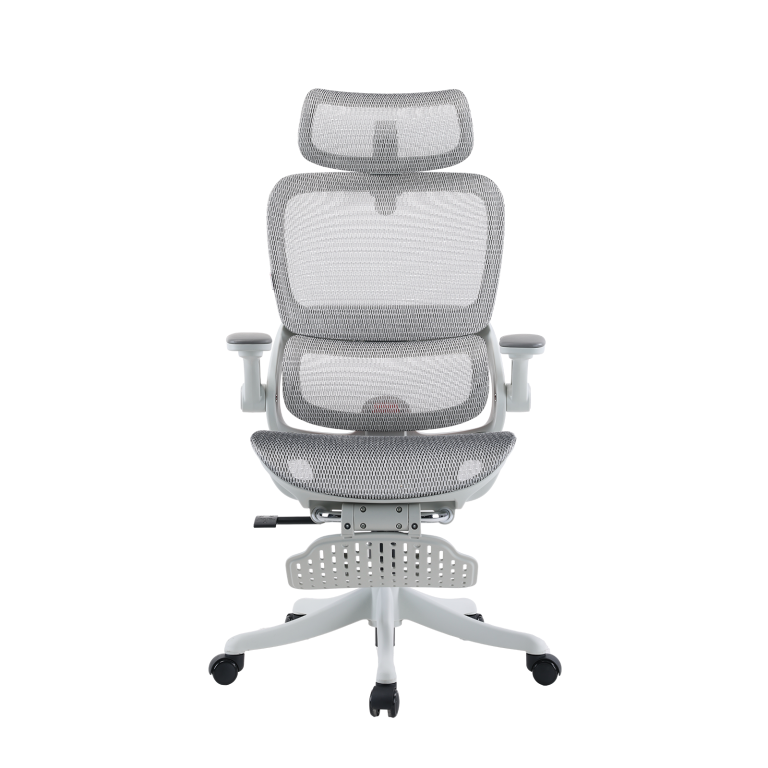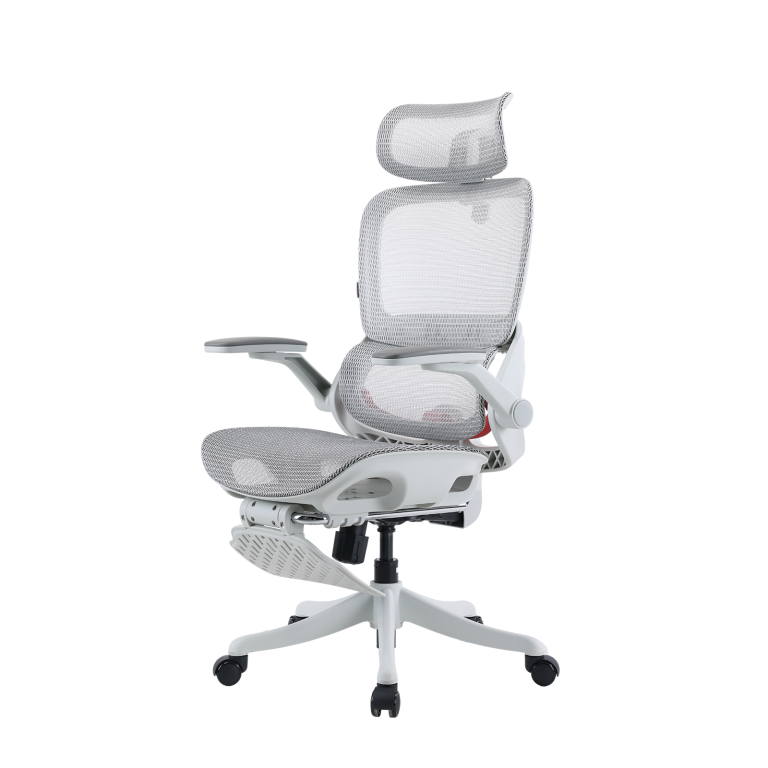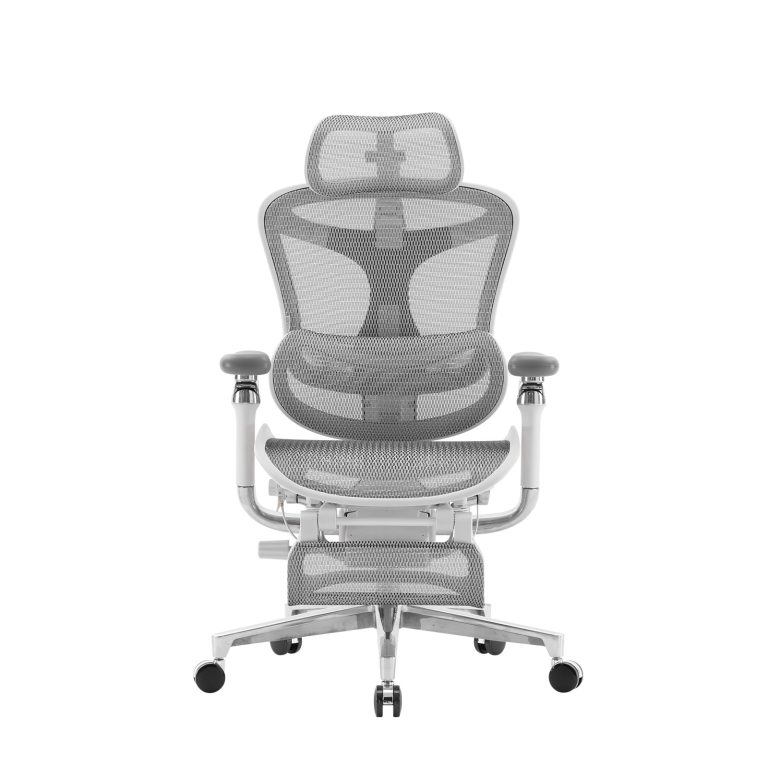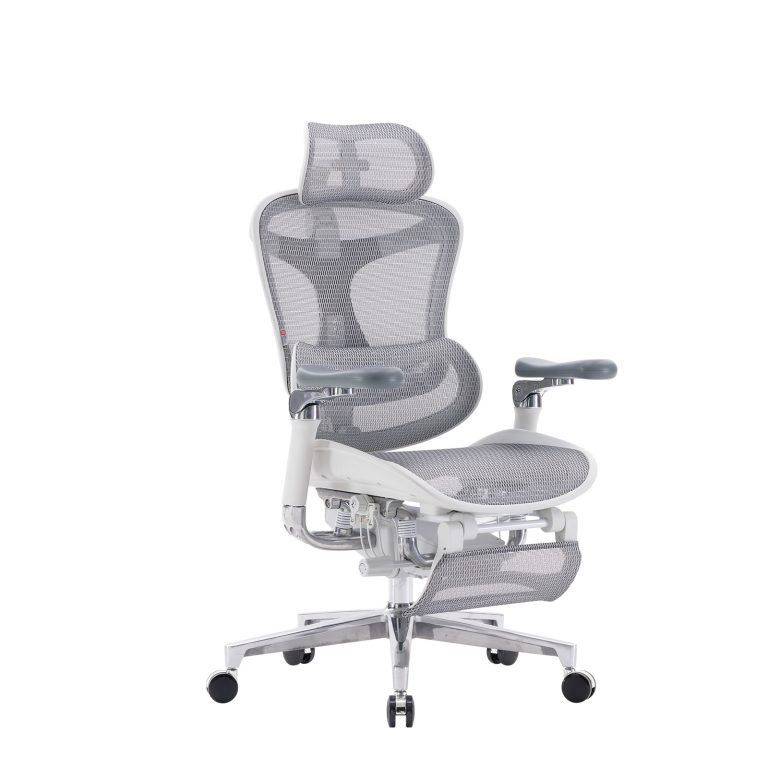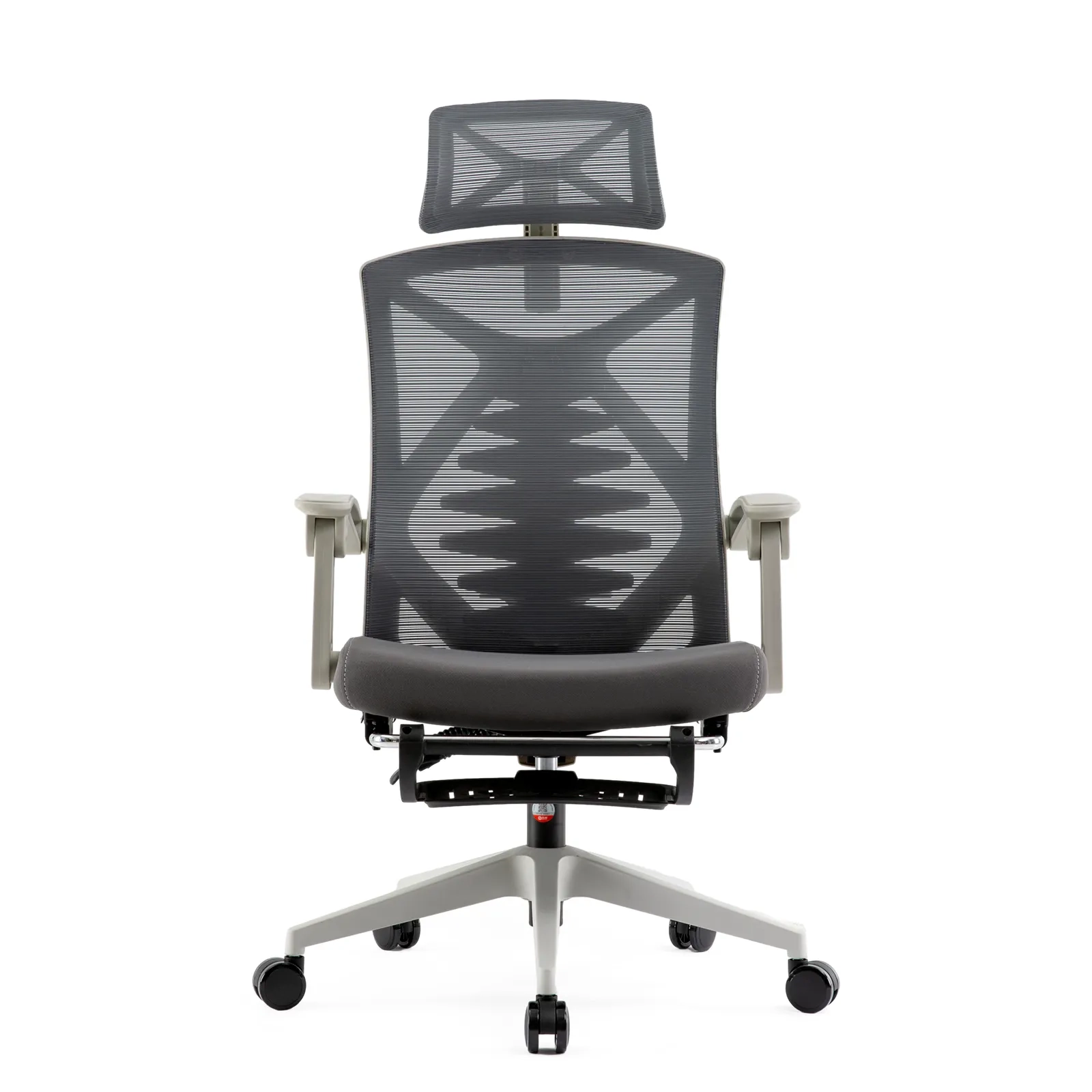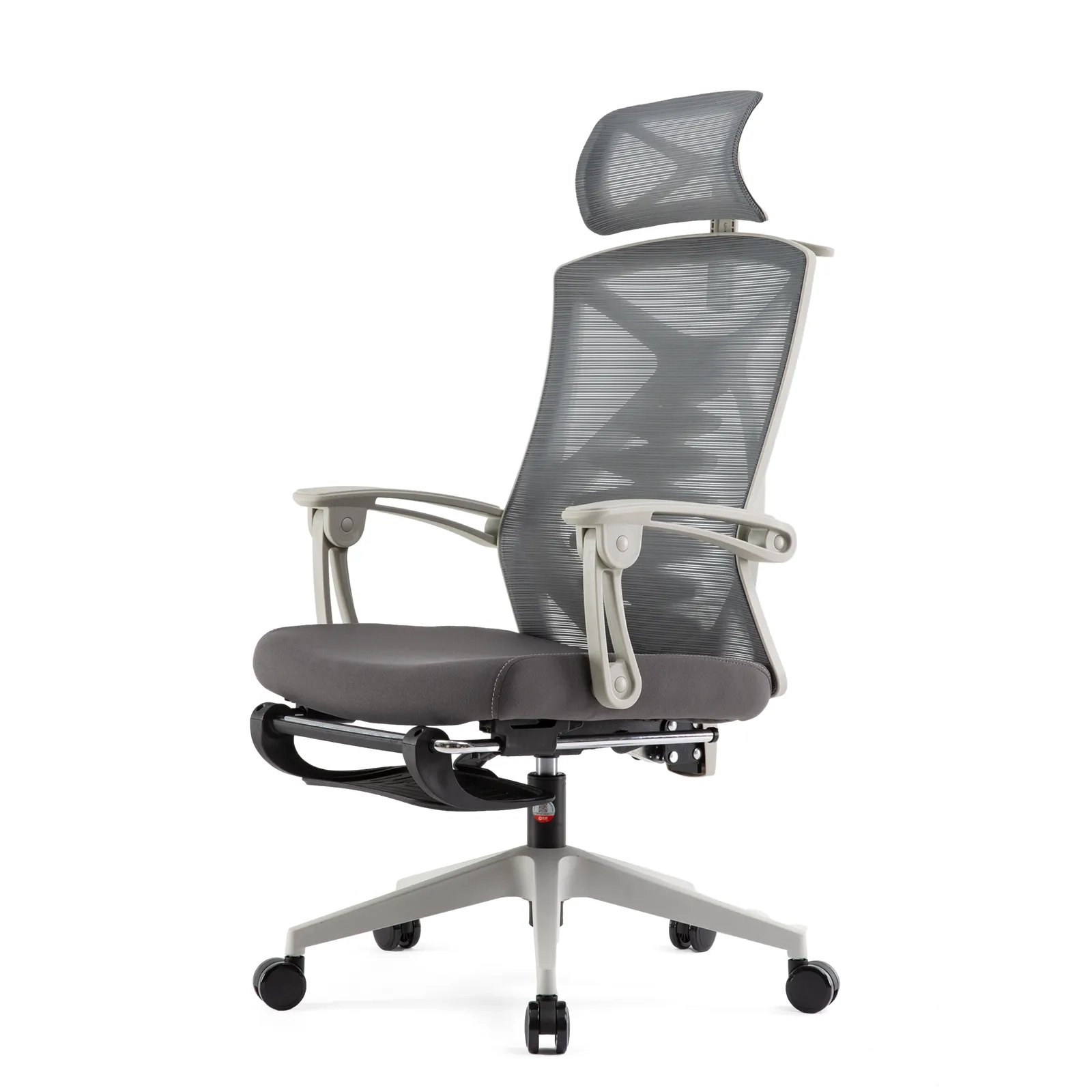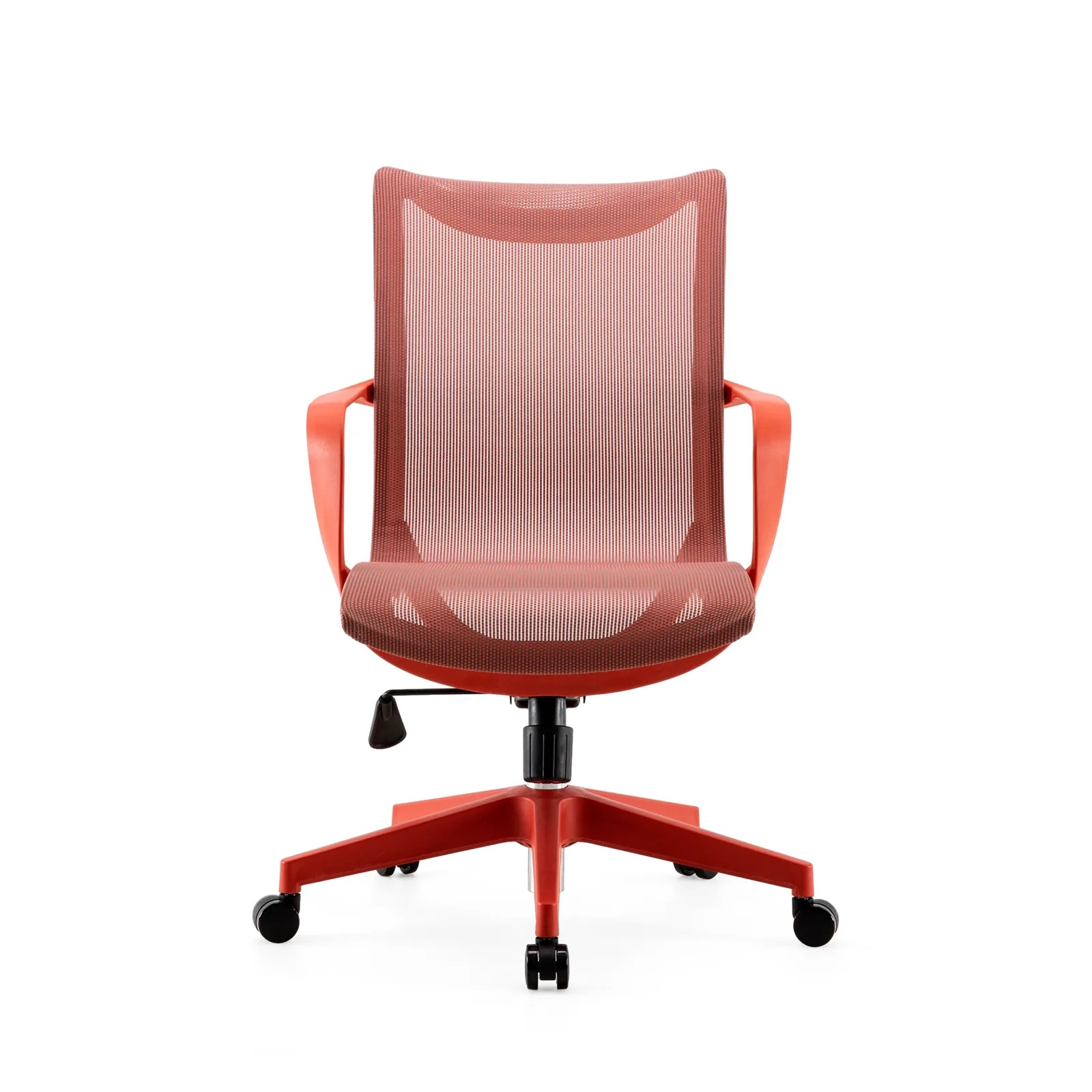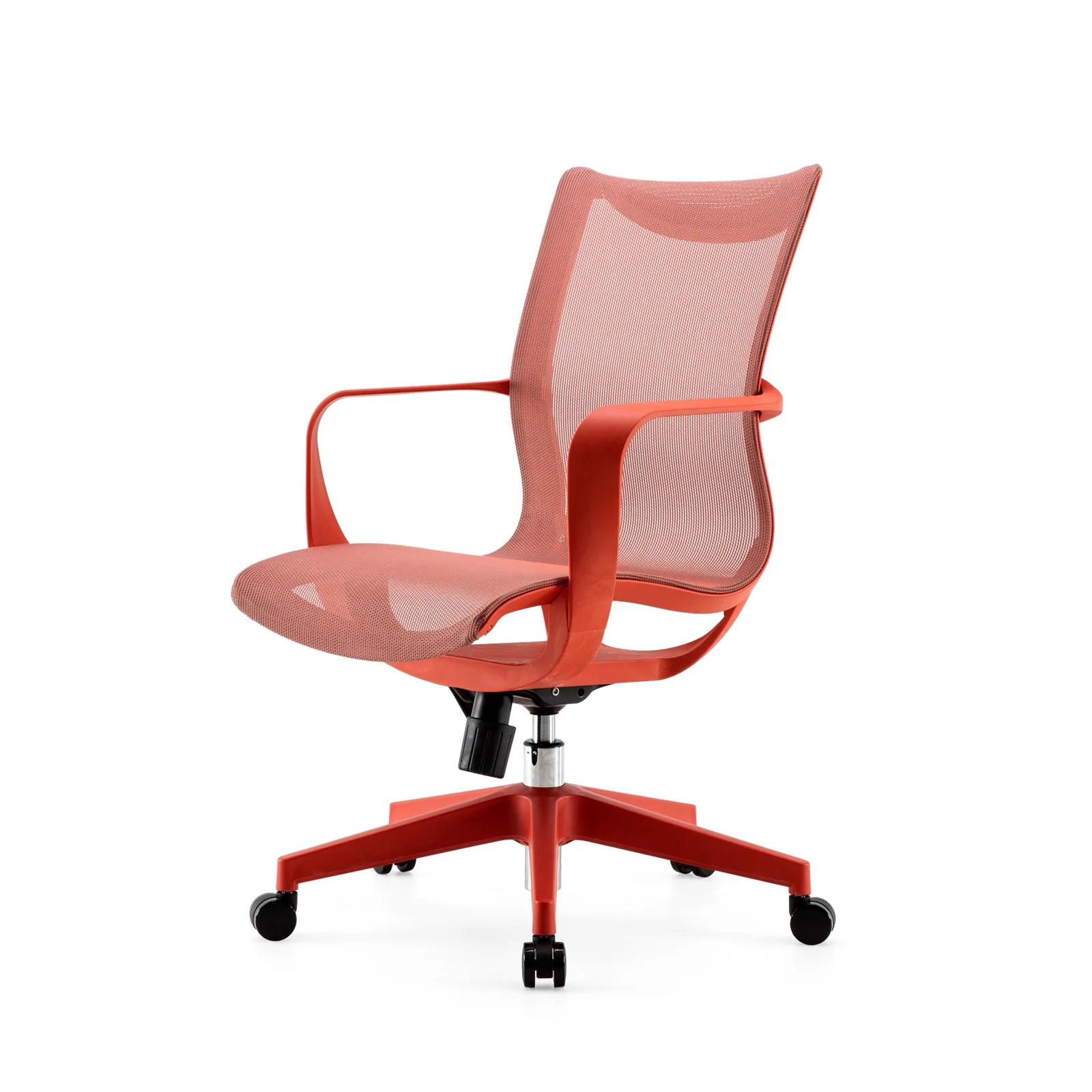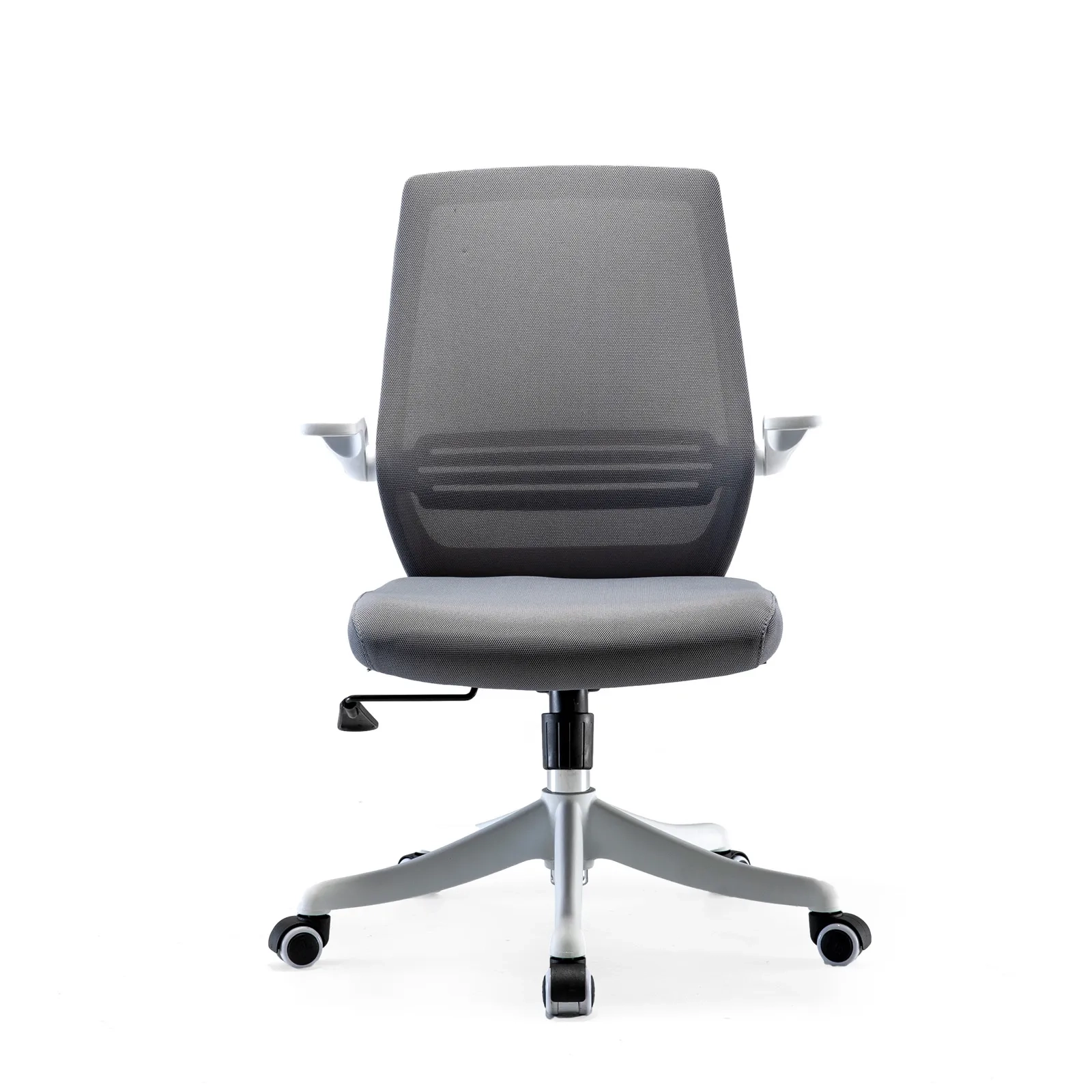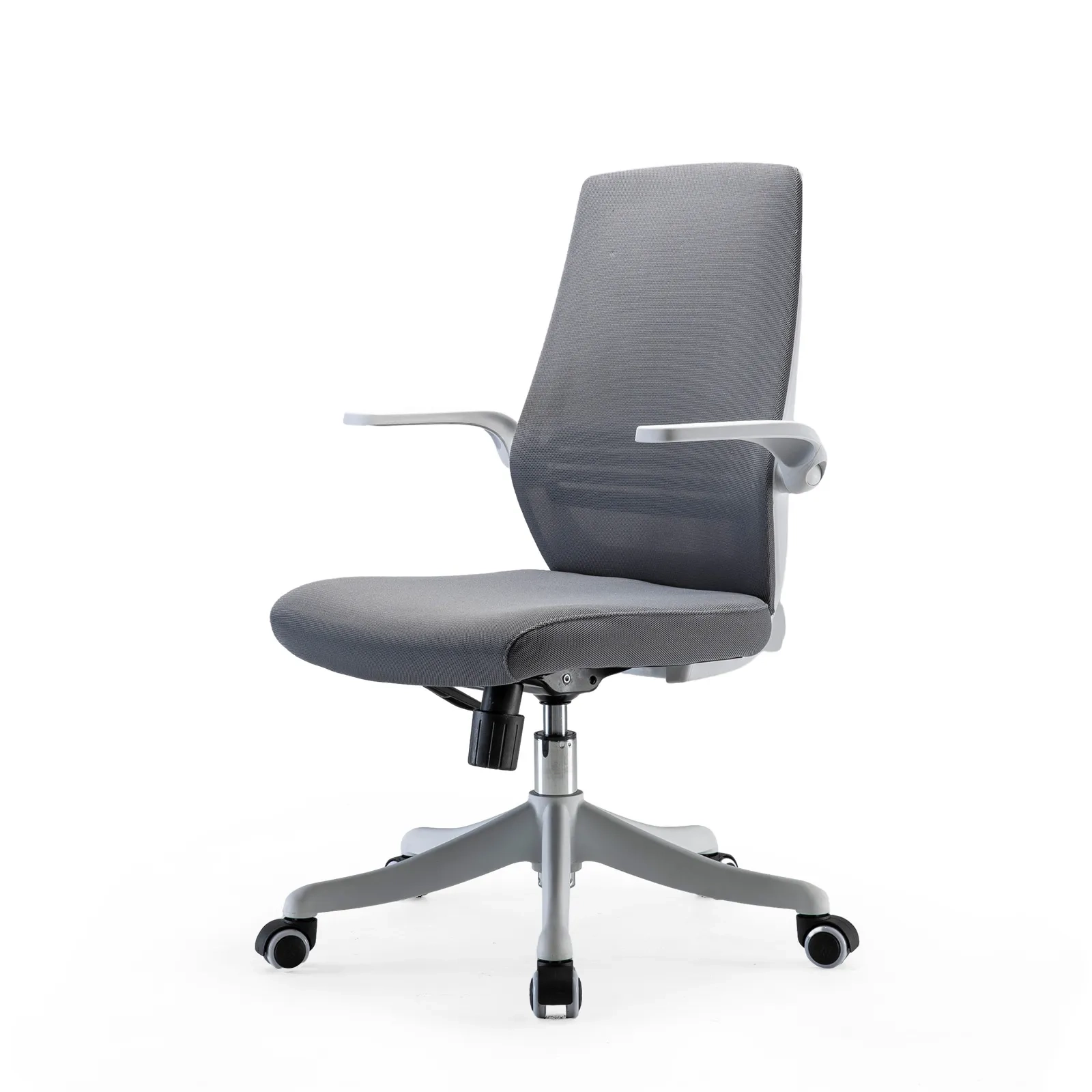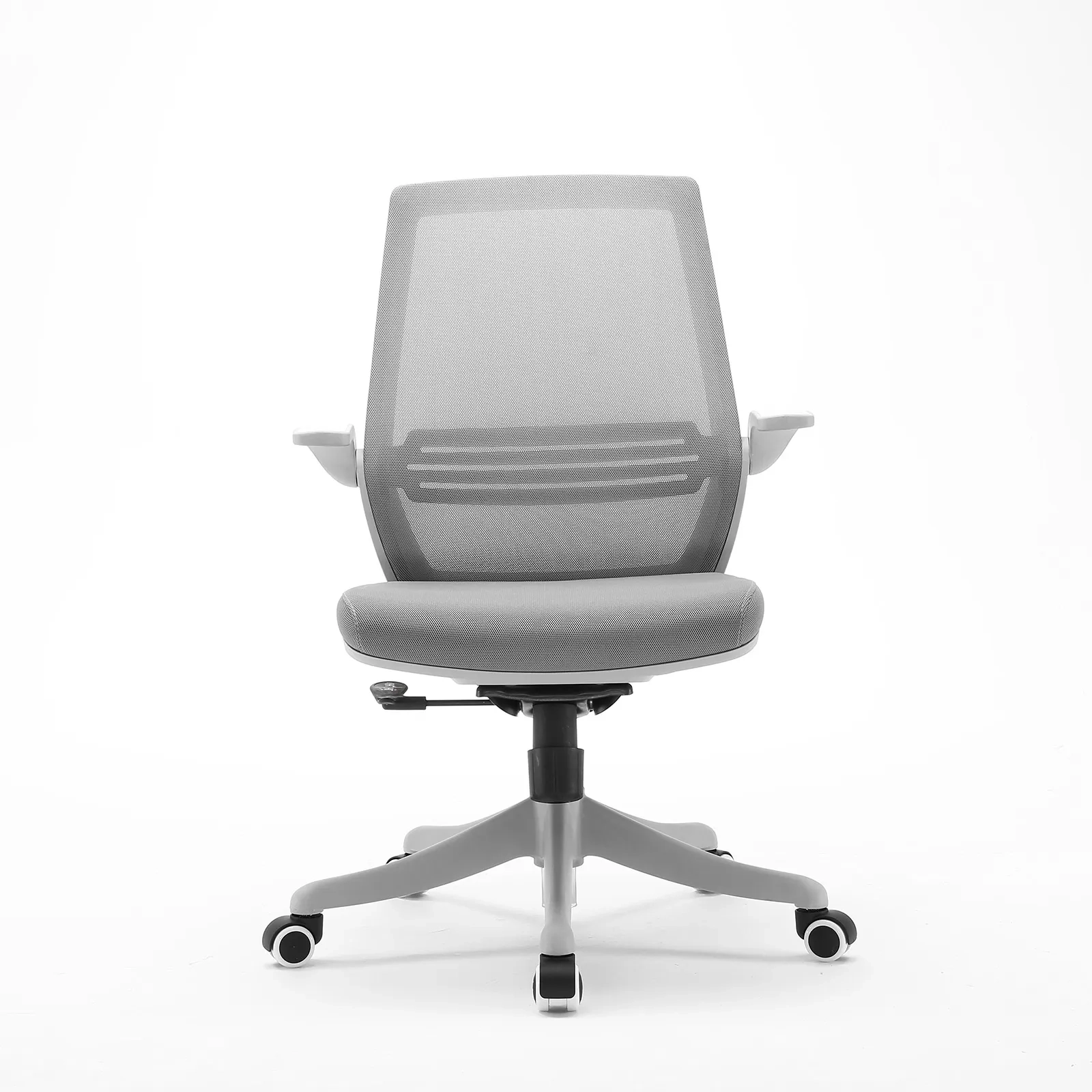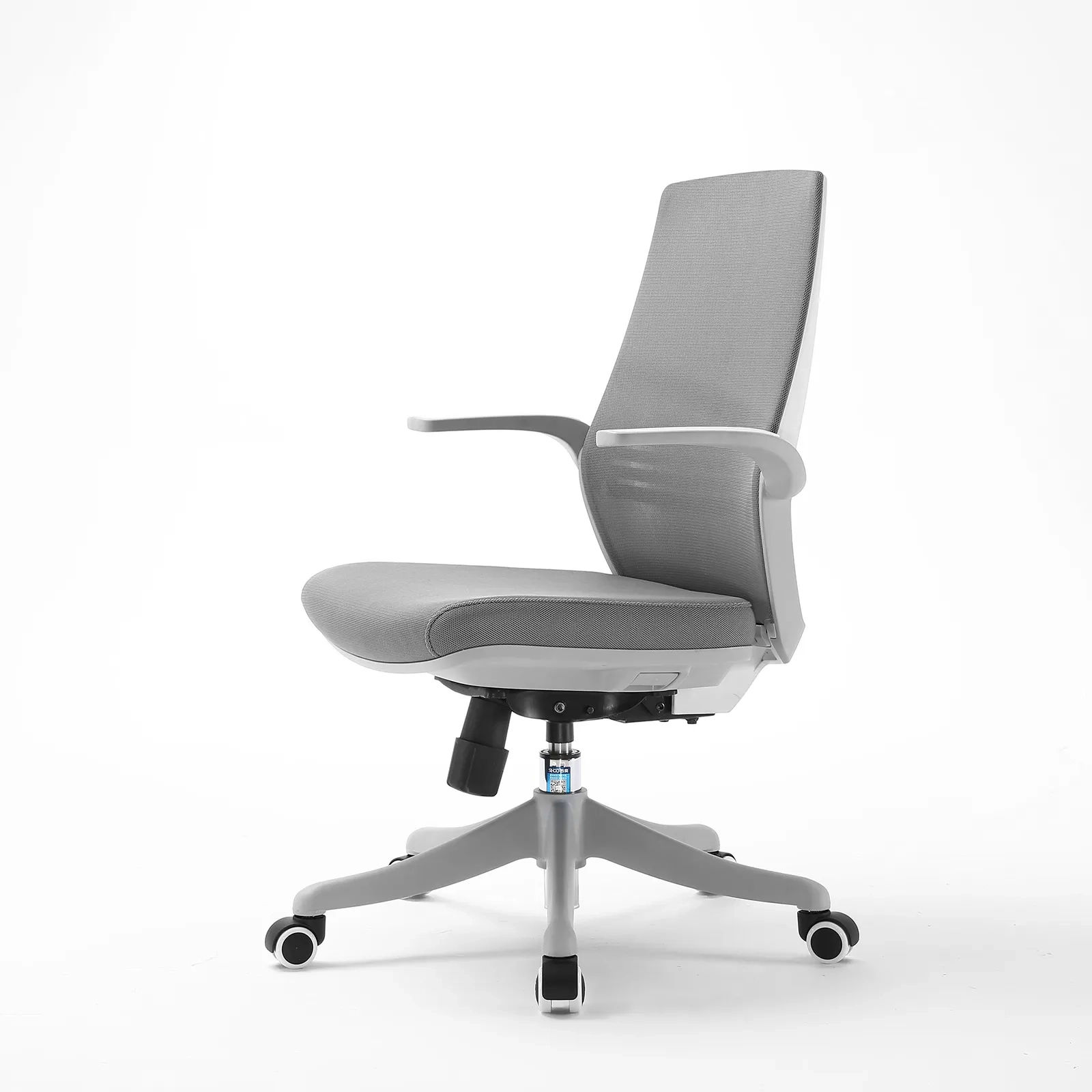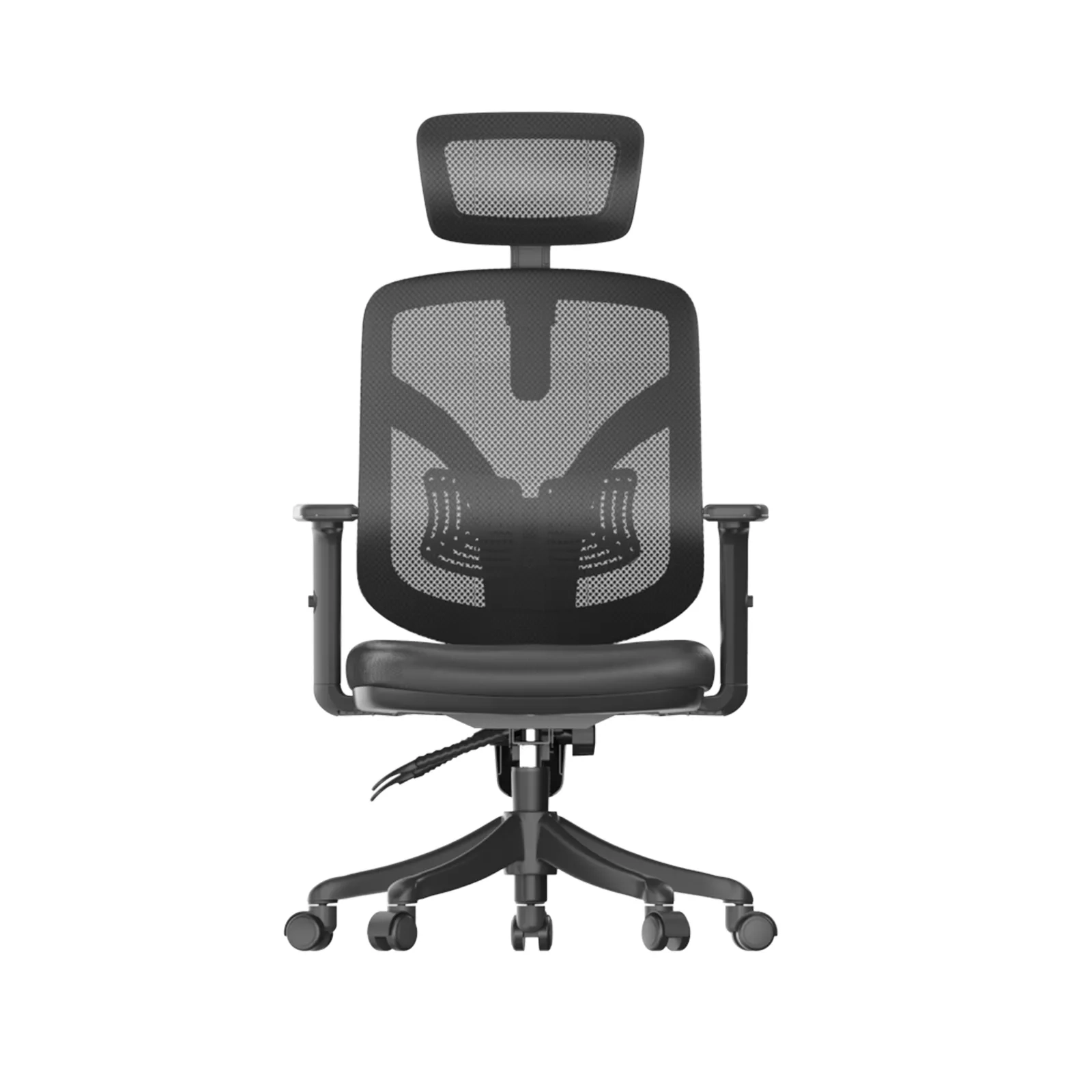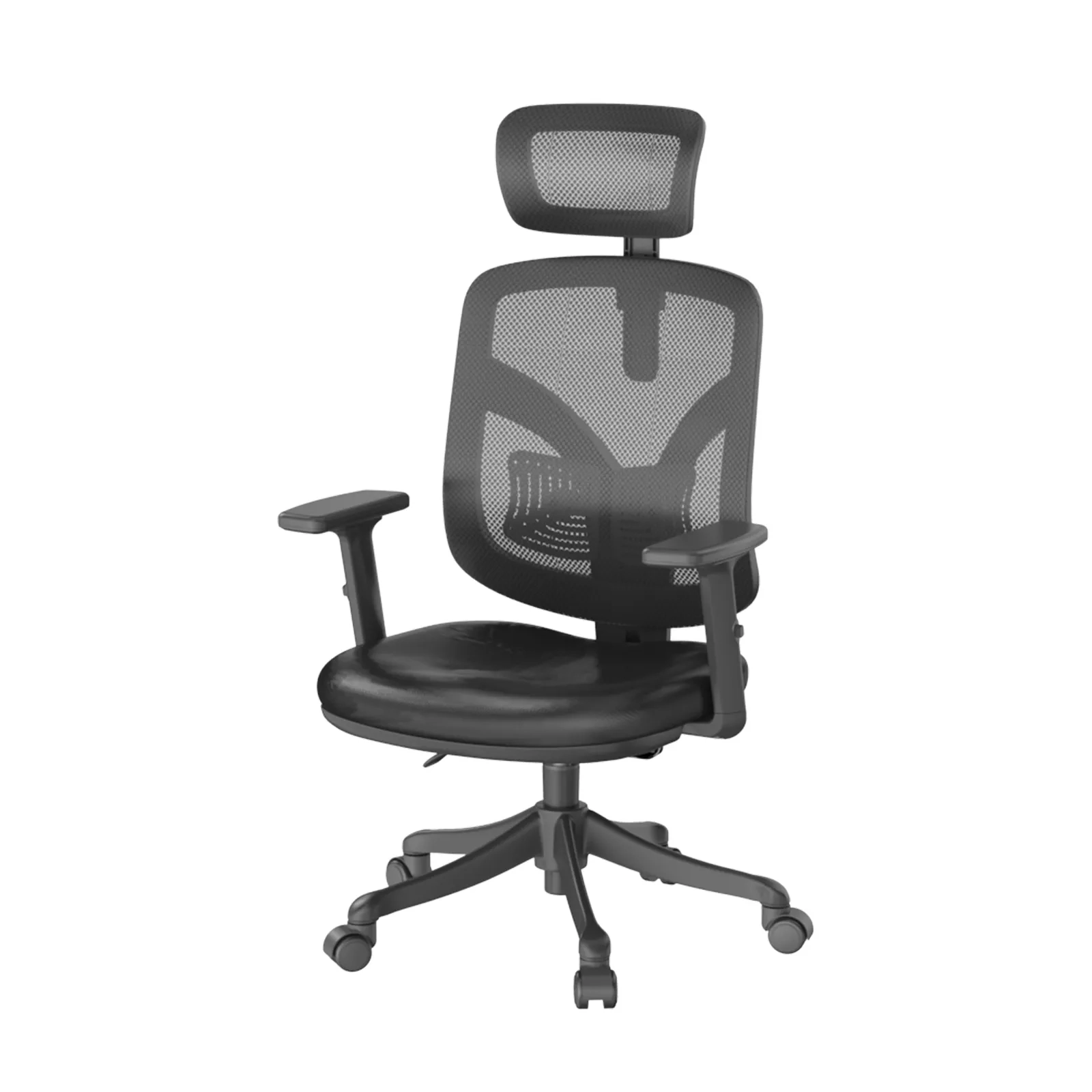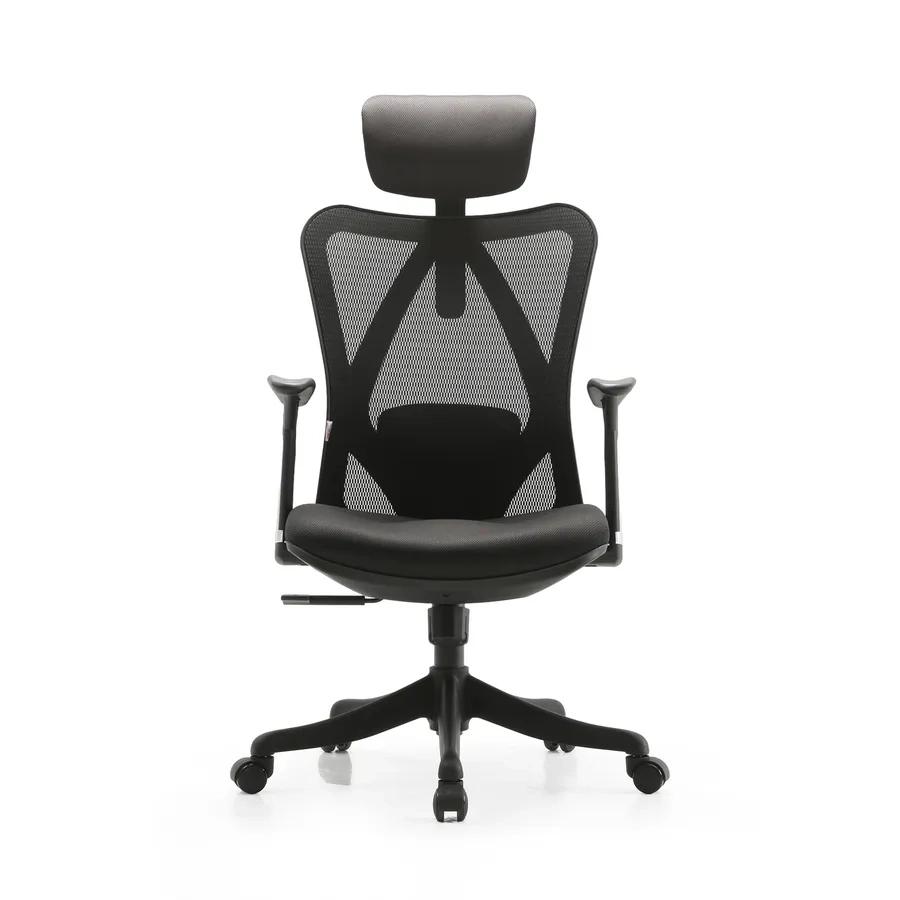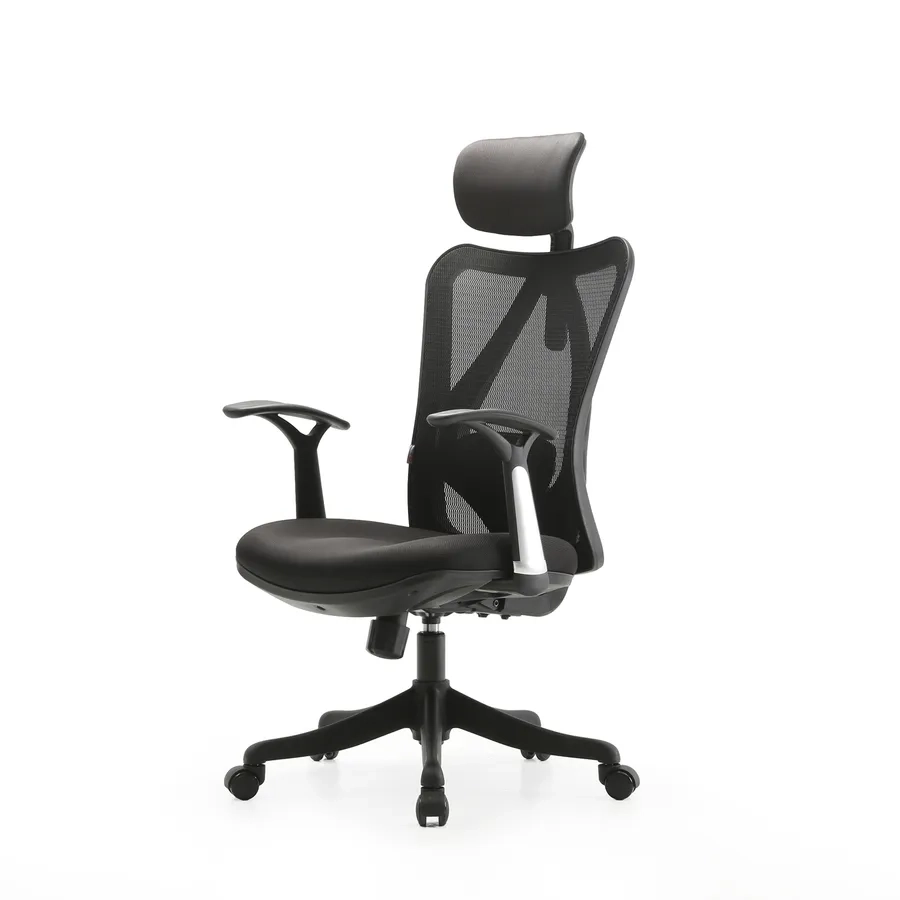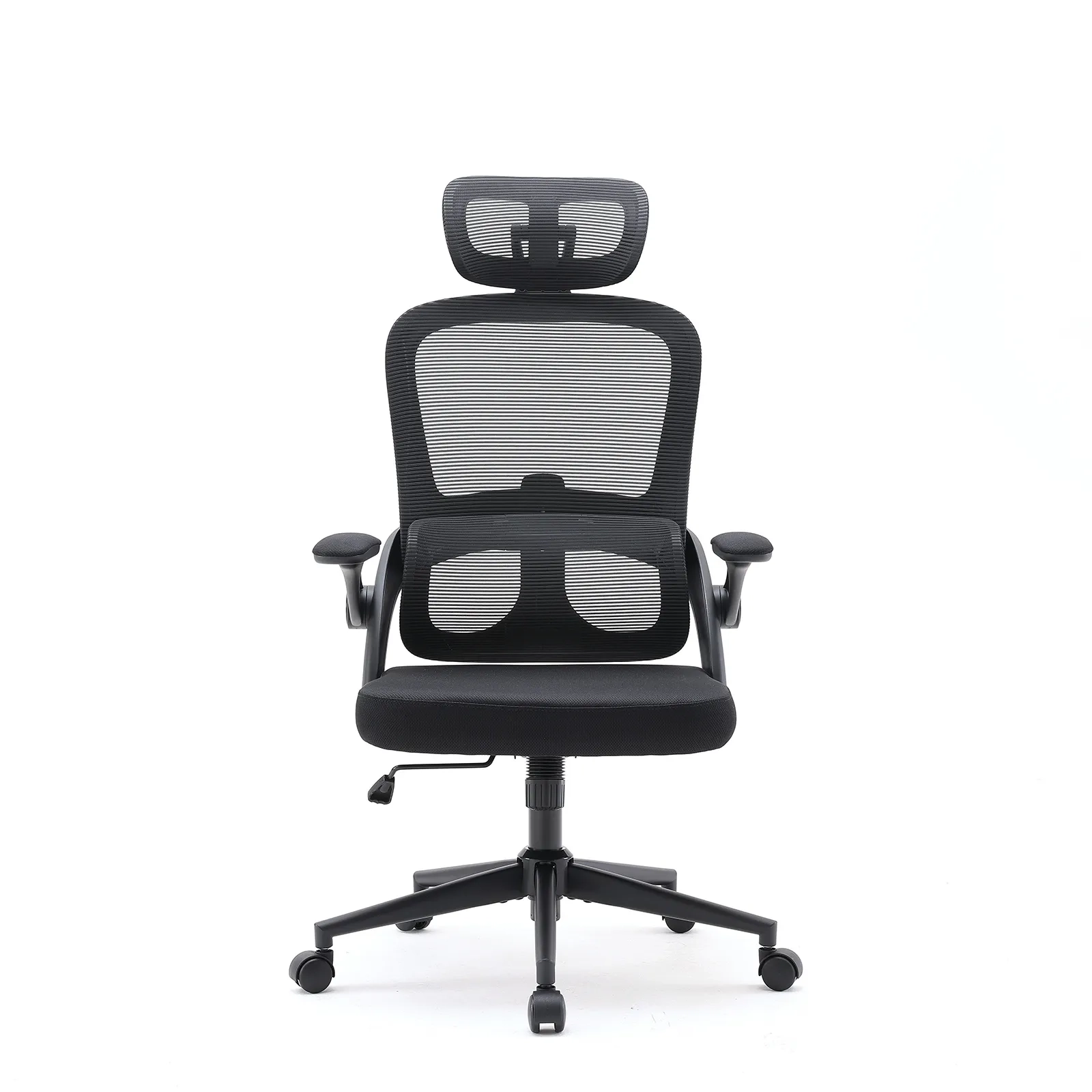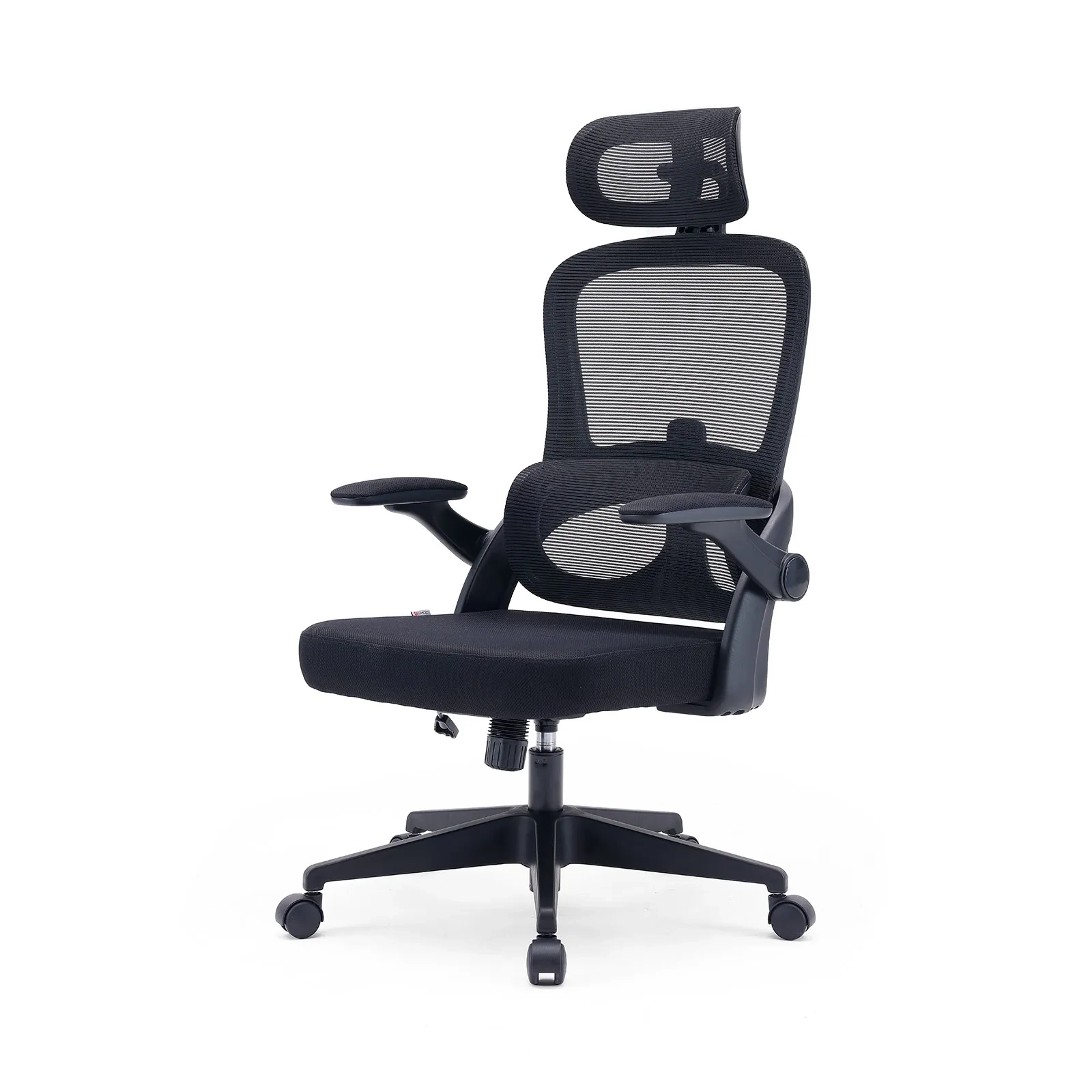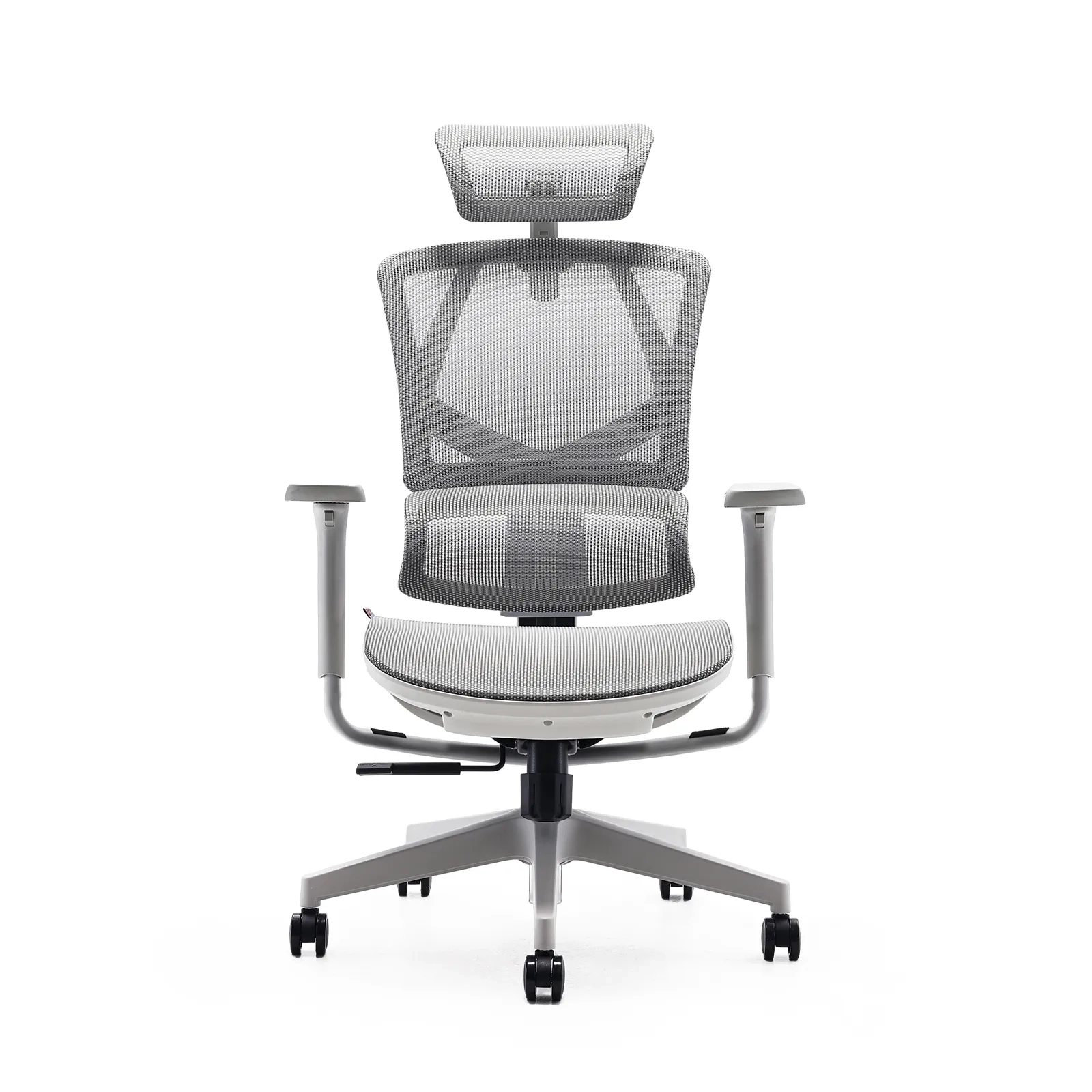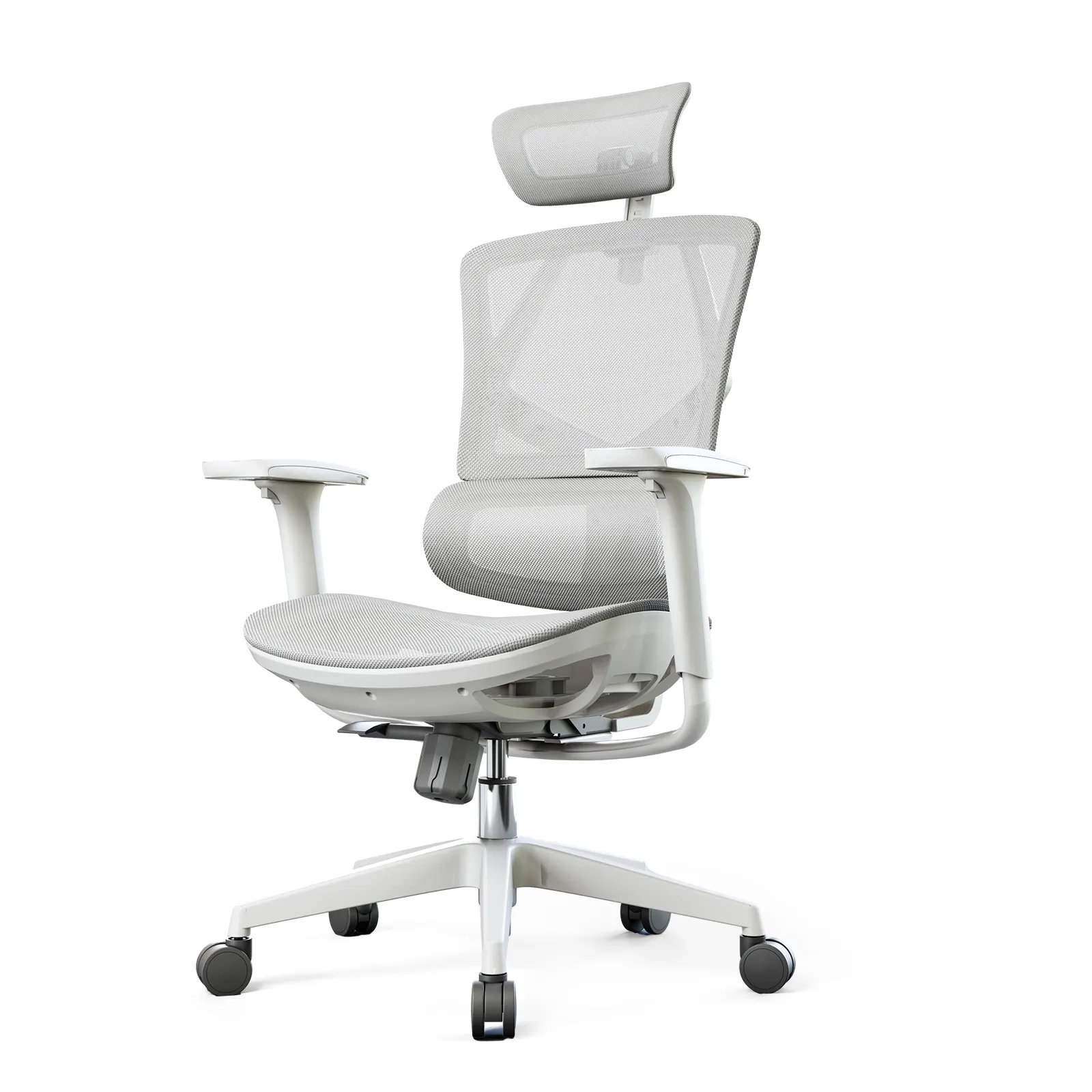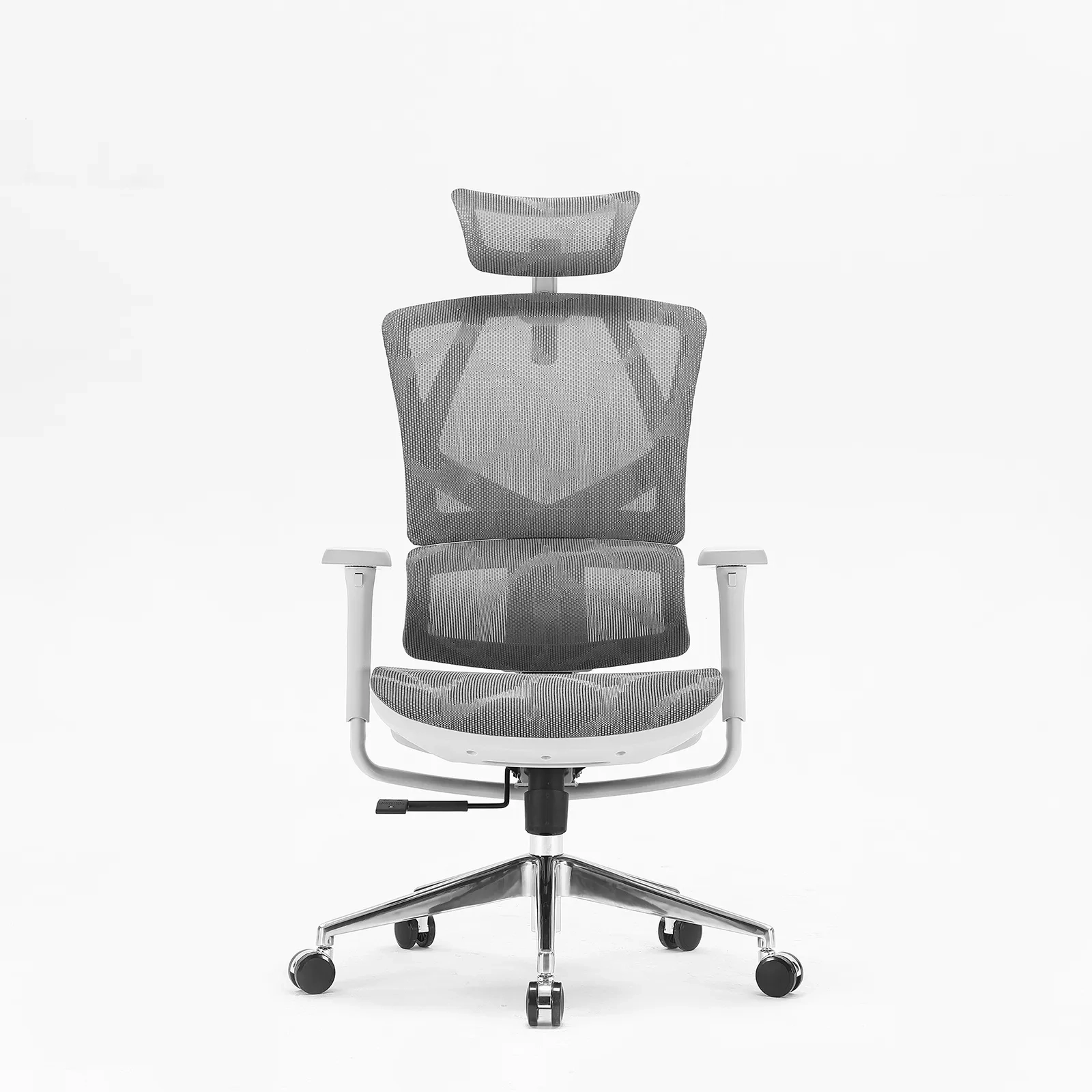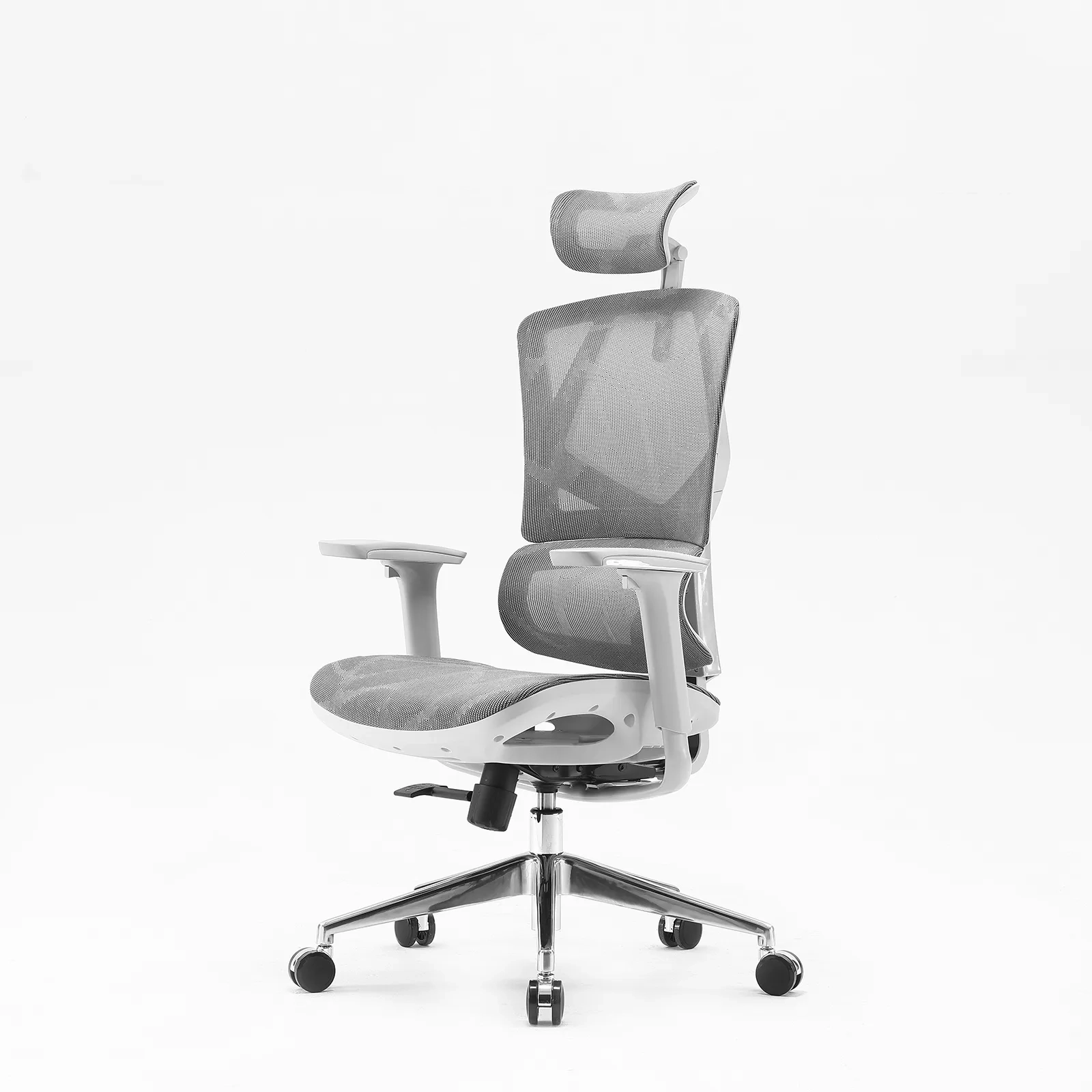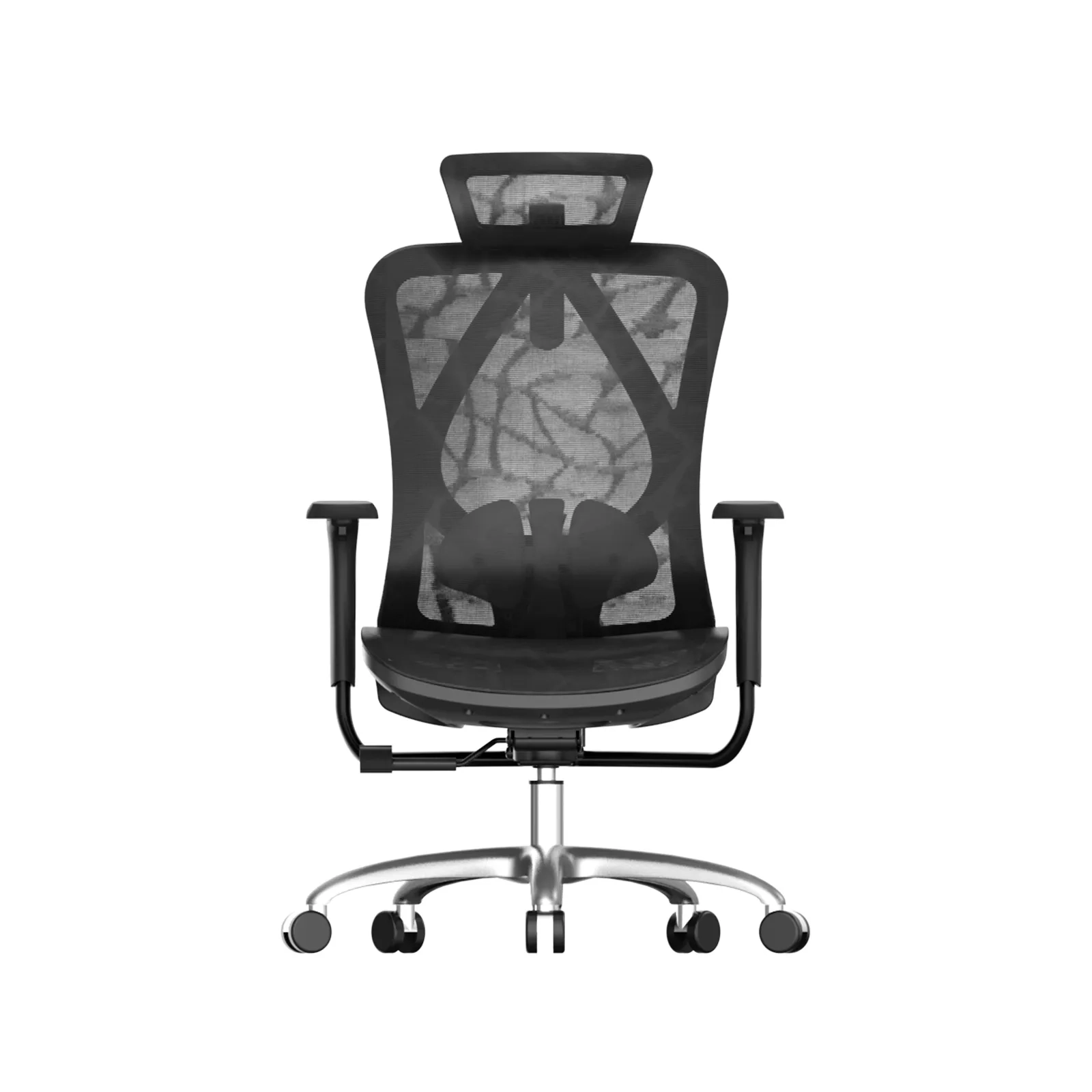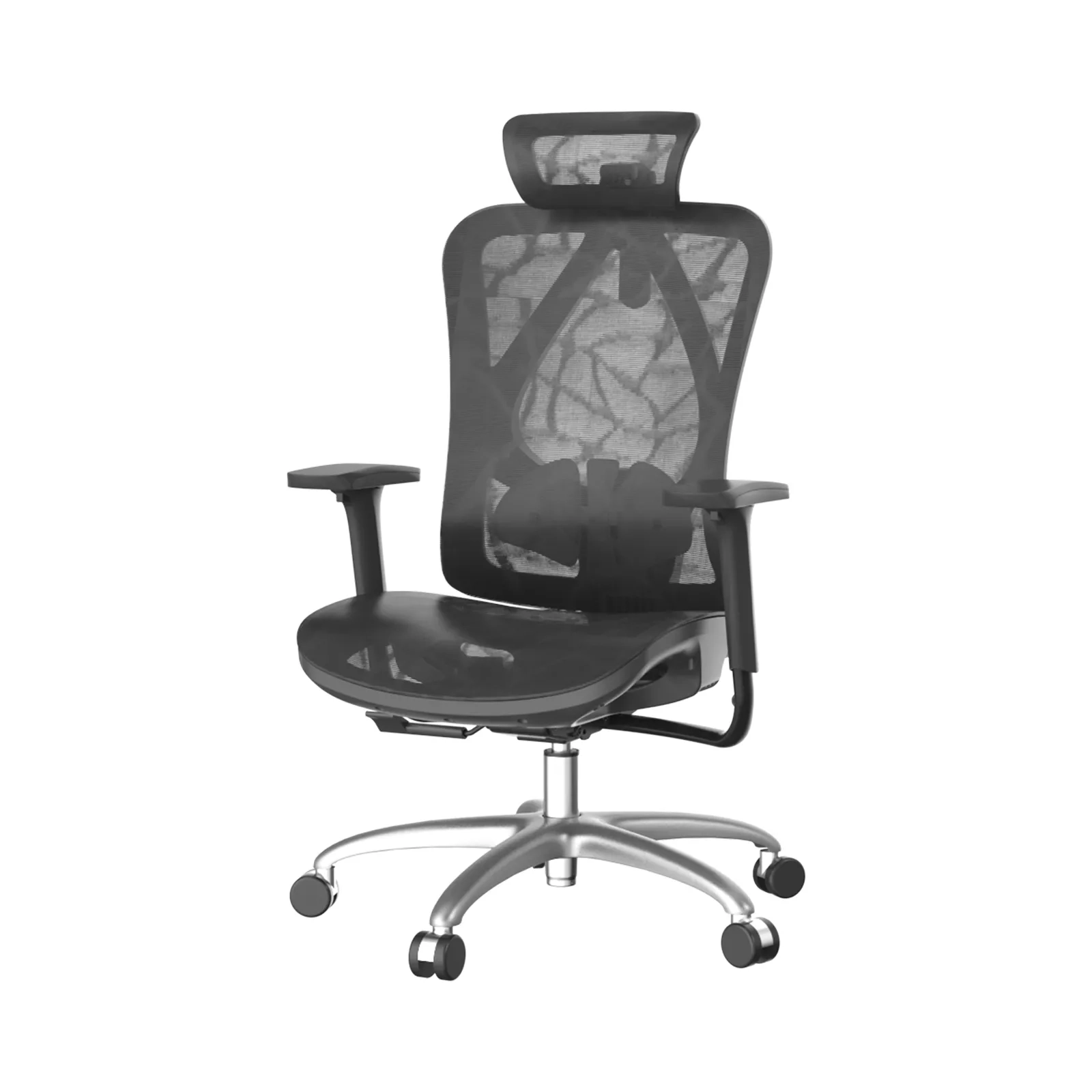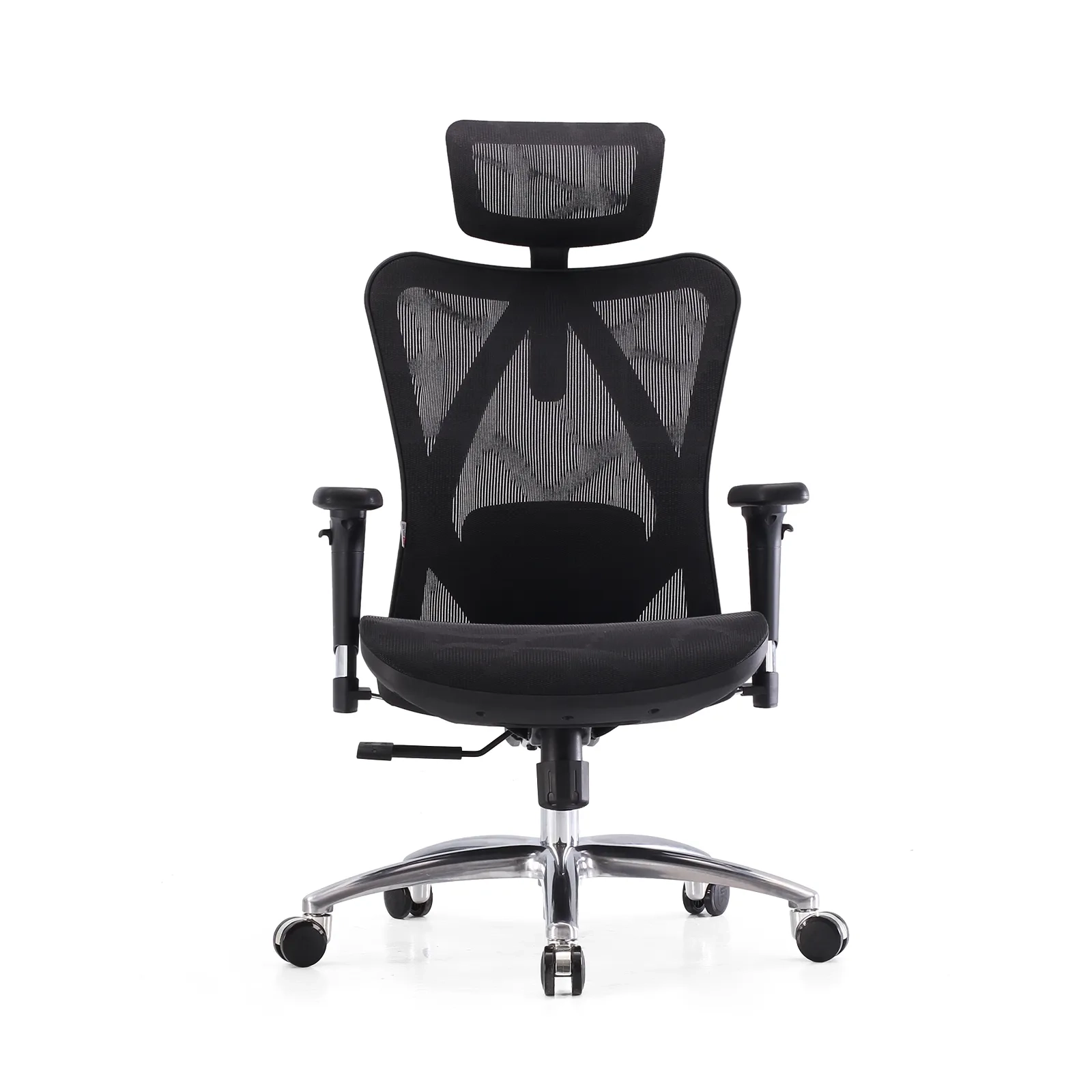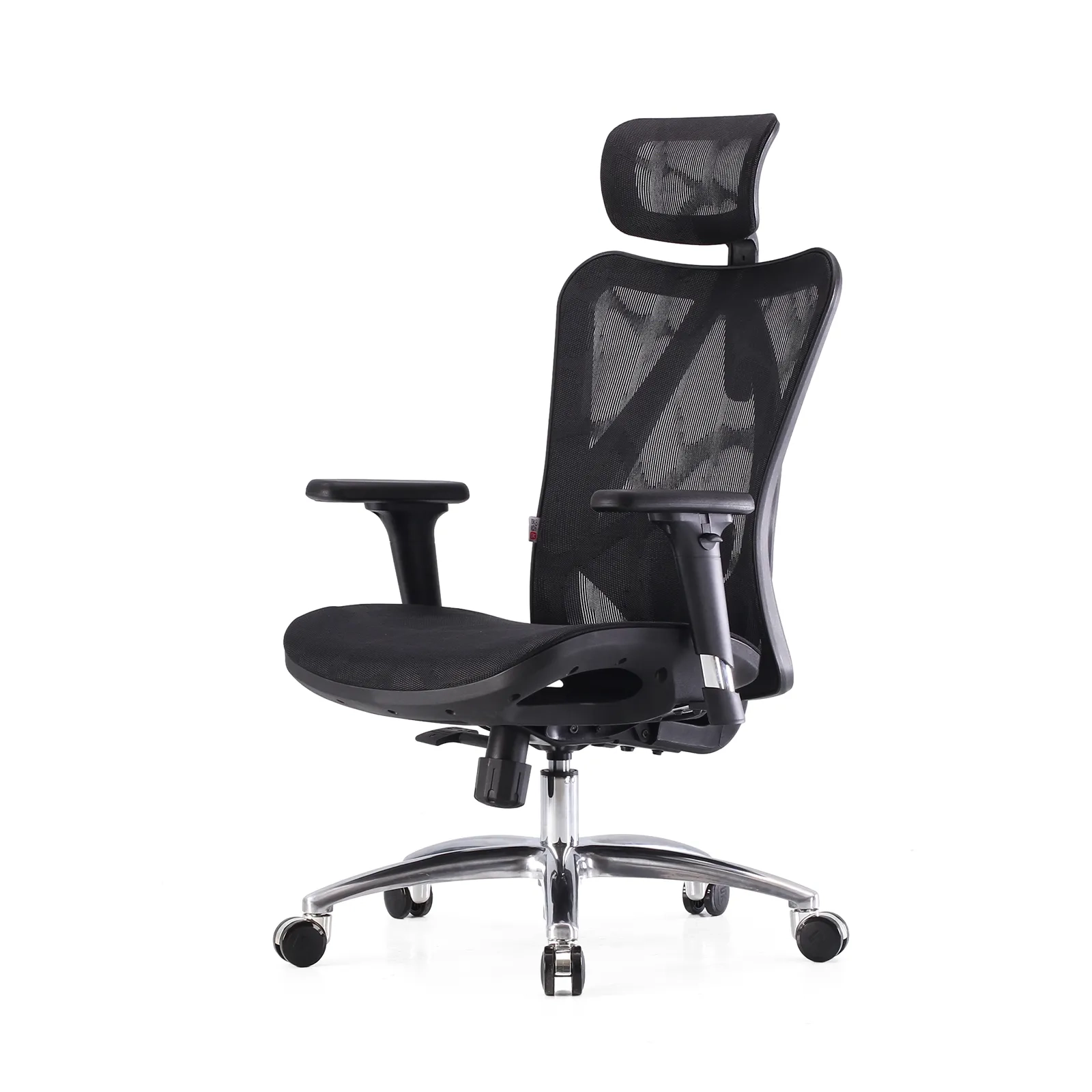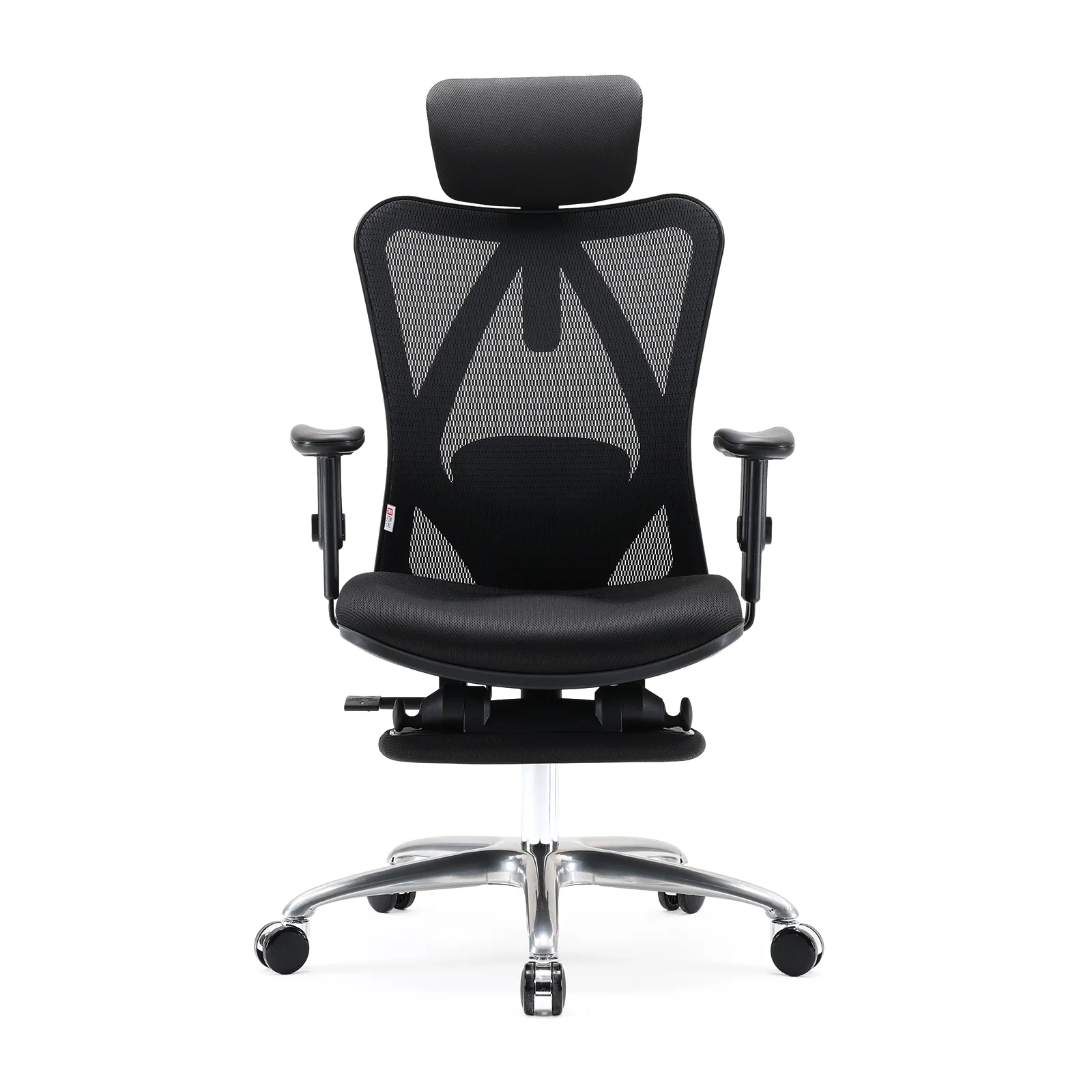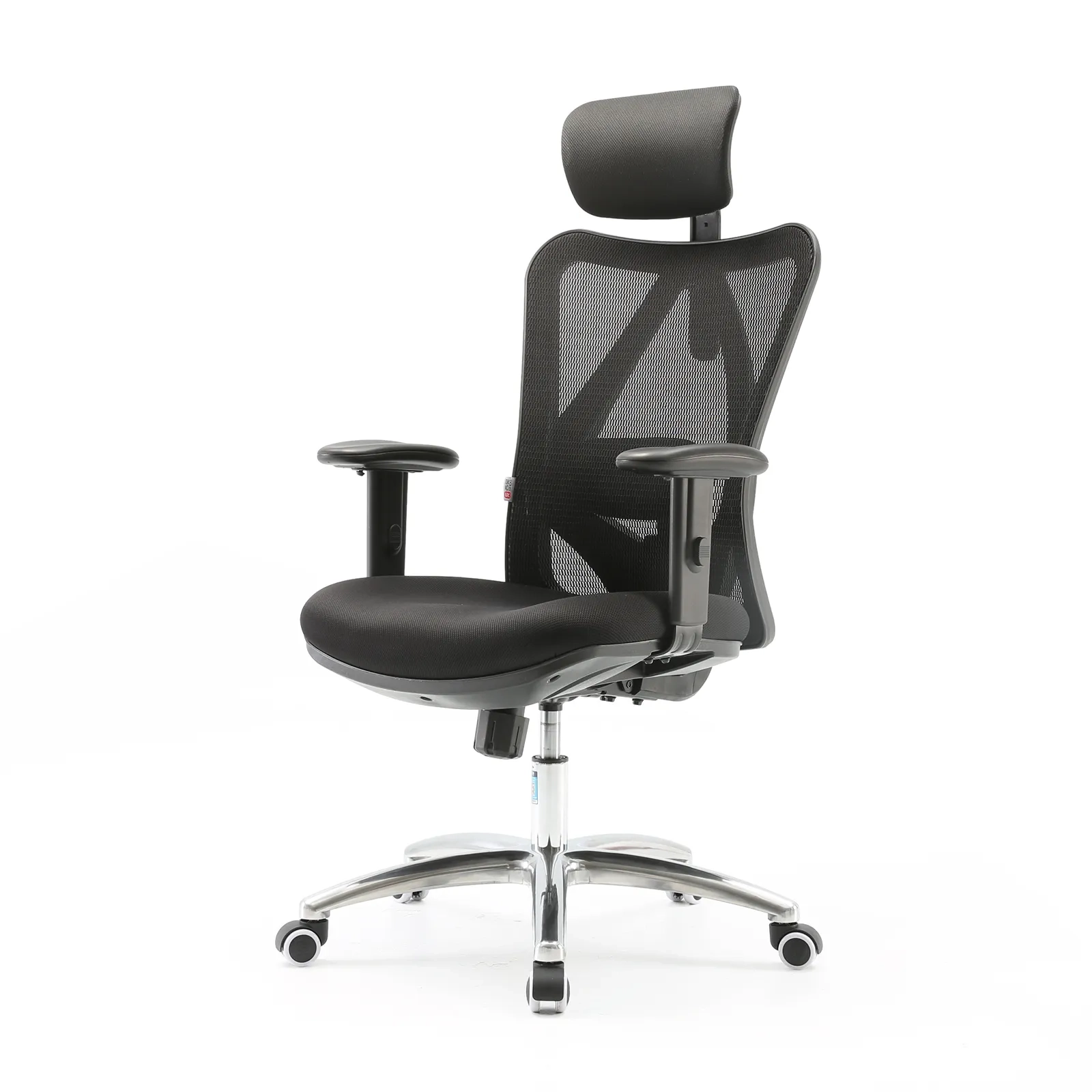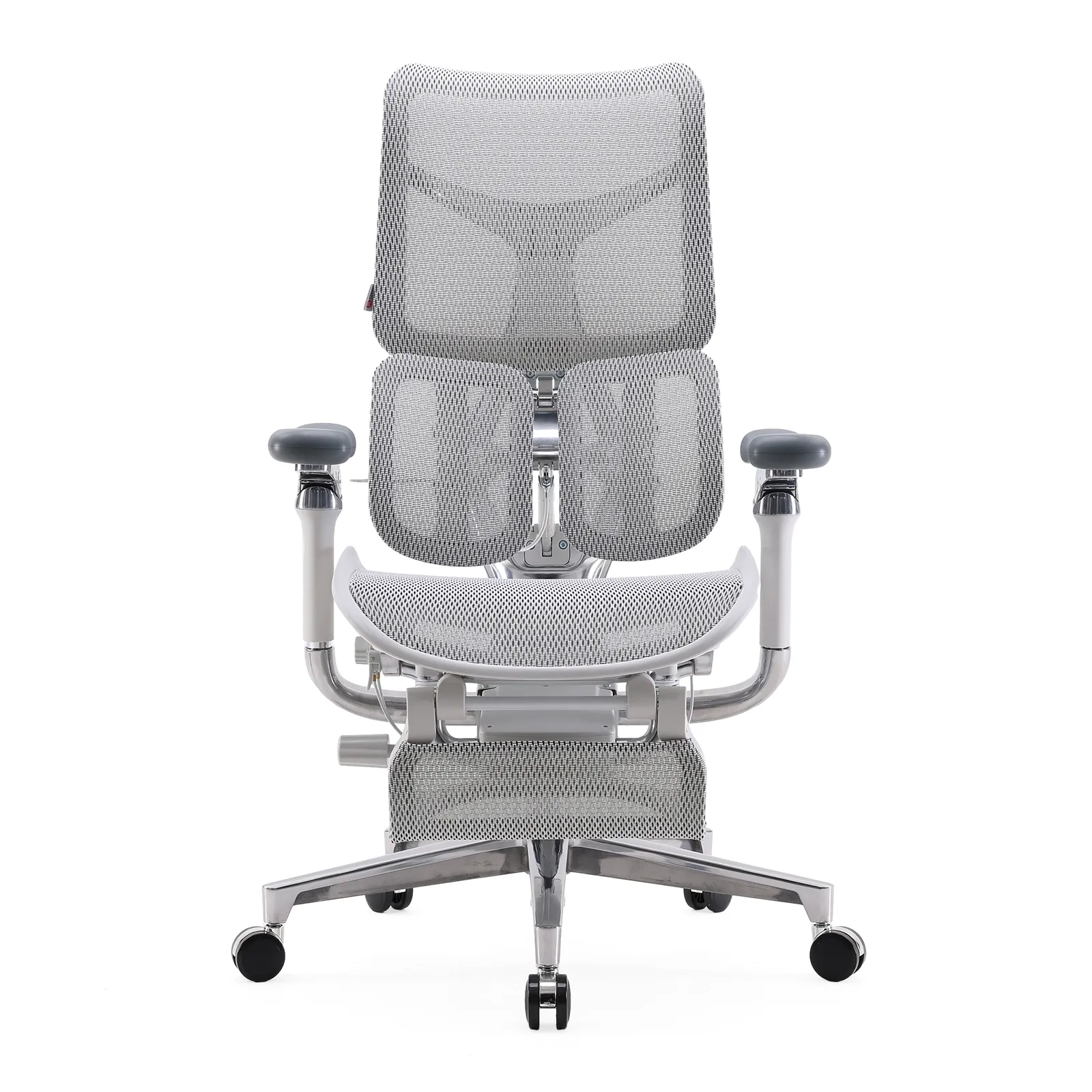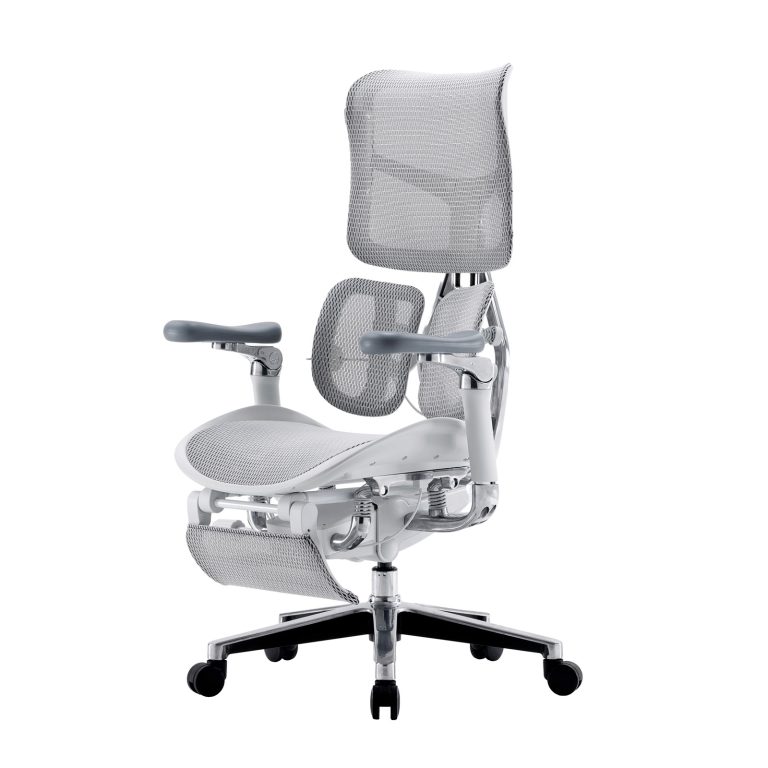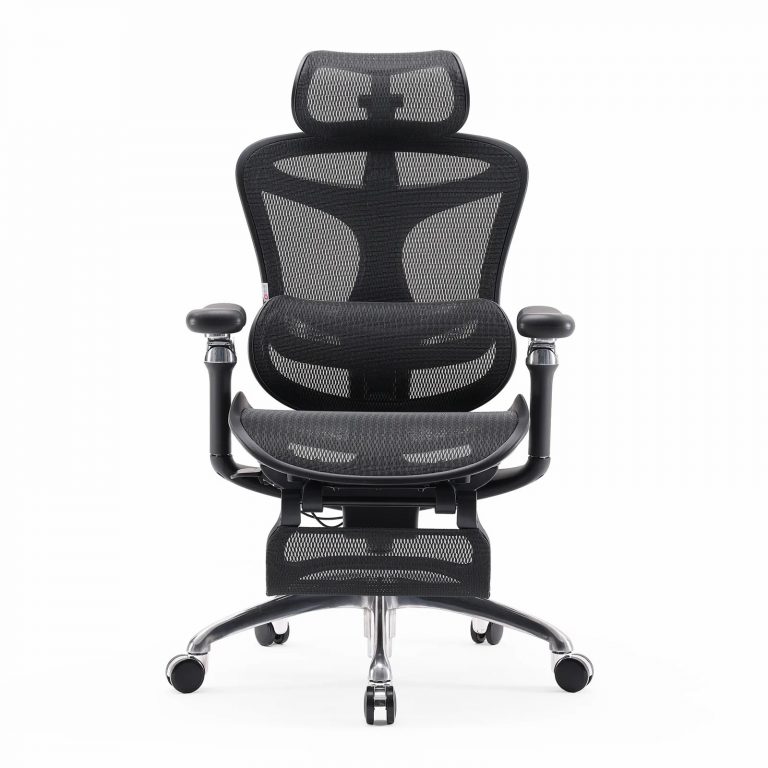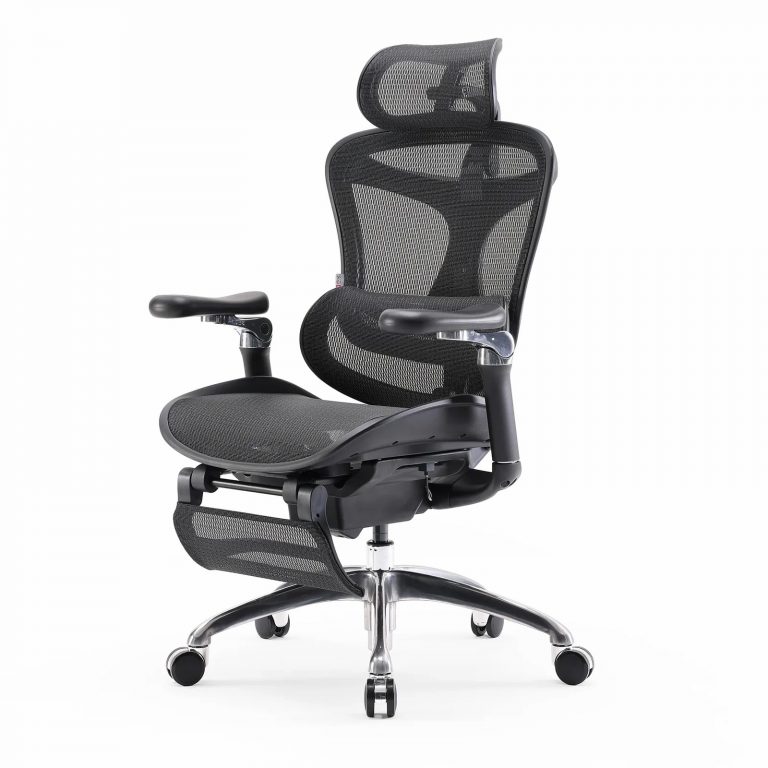










In today’s knowledge-driven workplaces, professionals spend an average of 6 to 8 hours per day sitting—often in poorly configured chairs. According to the World Health Organization (2022), prolonged static sitting significantly increases the risk of chronic lower back pain, neck strain, poor circulation, and even cardiovascular disease.
Yet the solution isn’t to stand all day—it’s to sit smarter. A properly adjusted Silla de oficina isn’t just furniture; it’s a dynamic support system that aligns with your body’s natural biomechanics. Research from BIFMA and spinal biomechanics studies shows that correct chair adjustment can reduce lumbar disc pressure by over 20% and dramatically lower the incidence of work-related musculoskeletal disorders (WMSDs).
This guide walks you through the six essential adjustments—backed by ergonomics standards (ISO 9241-5) and human factors research—to help you achieve a posture that’s both healthy and sustainable.
1. The Science of Healthy Sitting
What “Proper Posture” Really Means
Forget the old advice to “sit up straight.” True ergonomic posture is dynamic, balanced, and relaxed—not rigid. According to ISO 9241-5, an optimal seated position includes:
- Hip, knee, and elbow angles between 90° and 110°
- Feet flat on the floor, with thighs parallel to—or slightly angled downward from—the ground
- Shoulders relaxed, not hunched or rolled forward
- Eyes level with the top third of your monitor to avoid “tech neck”
This alignment minimizes static muscle load and keeps your spine in its natural S-curve—especially the inward curve of the lower back (lumbar lordosis).
Why Poor Posture Hurts
When you slump or sit without support, your lumbar curve flattens. This shifts pressure to the front of your intervertebral discs while stretching the posterior ligaments. Studies show unsupported sitting can increase disc pressure by 40% compared to standing (Nachemson, 1981).
Additionally:
- A seat edge pressing into the back of your knees (popliteal fossa) restricts blood flow.
- Armrests set too high force your trapezius muscles to stay engaged, causing chronic neck fatigue.
In short: chair adjustment is preventive healthcare—not just comfort.
2. The 6 Essential Adjustments (and How to Get Them Right)
2.1 Seat Height: Start Here
Goal: Keep your pelvis neutral and feet grounded.
- How to adjust: Stand in front of your chair. Raise the seat so it’s just below your kneecap. Sit down—your feet should rest flat, and your knees should form a 90°–110° angle.
- If your feet don’t reach the floor, use a footrest. Without it, disc pressure increases by up to 30% (NIOSH, 1997).
- Ideal range: 16.5–22.5 inches (42–57 cm), based on anthropometric data.
2.2 Seat Depth: Support Your Thighs—Not Your Knees
Goal: Leave a 2–4 cm (two-finger) gap between the seat edge and the back of your knee.
- Why it matters: Too deep? You compress nerves and arteries. Too shallow? Your sit bones (ischial tuberosities) aren’t fully supported.
- Adjustment tip: Slide the seat pan until your thighs are evenly supported without pressure behind the knees.
2.3 Lumbar Support: Protect Your Lower Back
Goal: Support the L3–L5 vertebrae and maintain a 30°–45° lumbar curve.
- Height: Align the support with your natural “waist dip” (where you’d wear a belt).
- Depth: Push forward just enough to gently cradle your spine—usually 0.8–2 inches (2–5 cm).
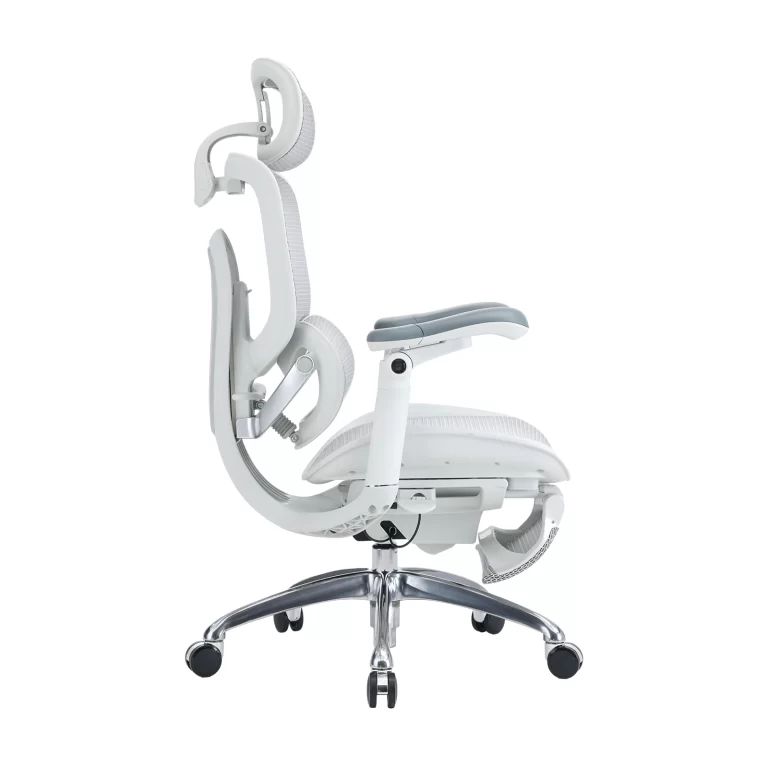
- Pro insight: Fixed foam pads often lose contact when you recline. A dynamic lumbar support that moves with your backrest stays effective at every angle.
Biomechanical studies confirm: precise lumbar support reduces disc loading by 20–40% (Andersson et al., 1999).
2.4 Backrest Recline & Tilt Tension: Embrace a Slight Lean
Myth: “Sitting at 90° is best.” Reality: A 100°–110° recline reduces disc pressure more than upright sitting.
- Synchronized tilt: In high-end chairs, the seat tilts slightly forward as the back reclines (2:1 ratio), keeping your hip-thigh angle stable.
- Tension control: Adjust based on your weight. You should lean back with light pressure and return smoothly when you let go.
2.5 Armrests: Offload Weight from Your Shoulders
Armrests aren’t for resting—they’re for reducing shoulder and neck strain.
- Height: Elbows at 90°, armrests no more than 0.8 inches (2 cm) above your desk.
- Width: Wide enough to avoid rib compression.
- Pivot & depth: Match your forearm angle and allow slight elbow movement during typing.
Proper armrests can reduce trapezius muscle activity by 30–50% (Kee & Karwowski, 2007).
2.6 Headrest & Footrest (If Equipped)
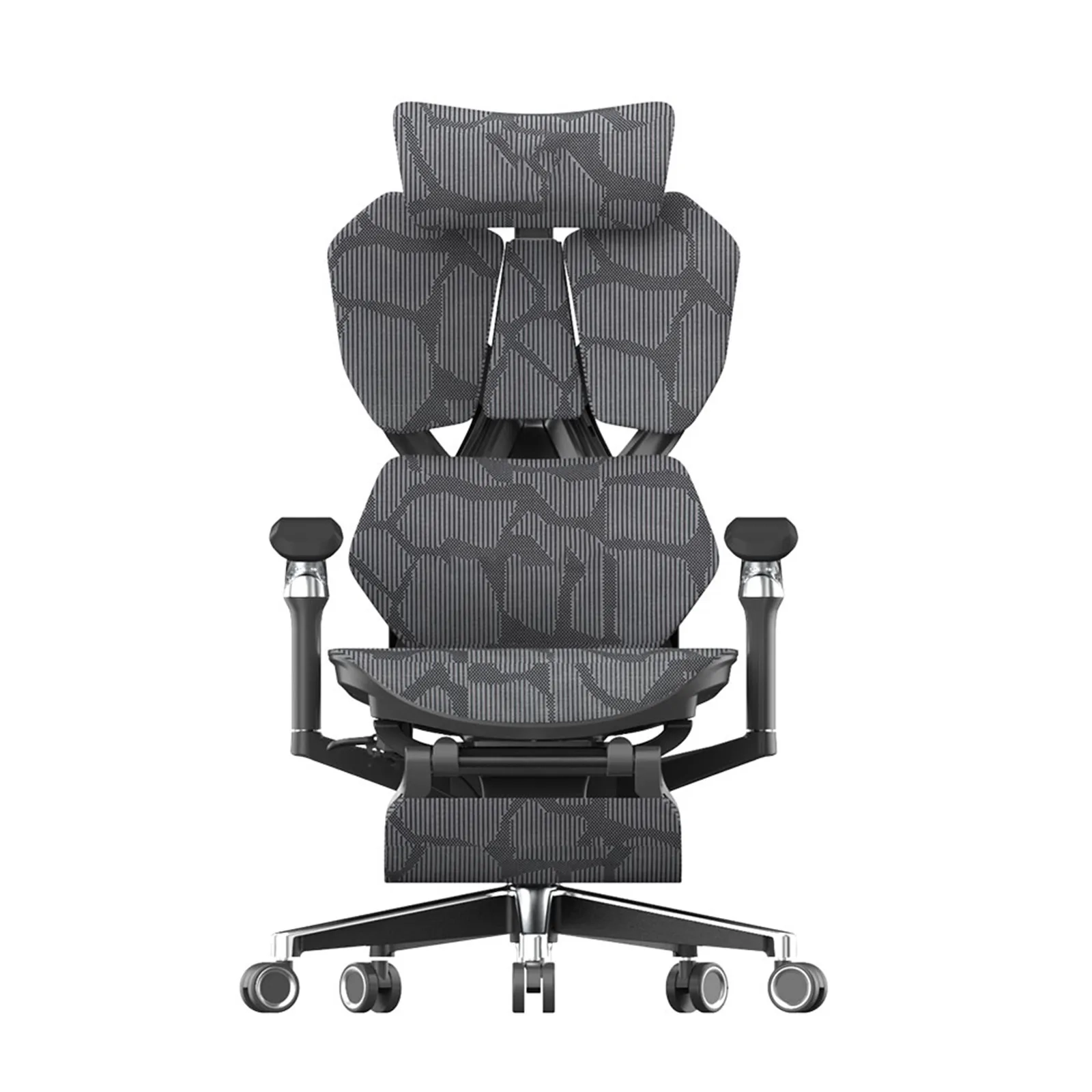
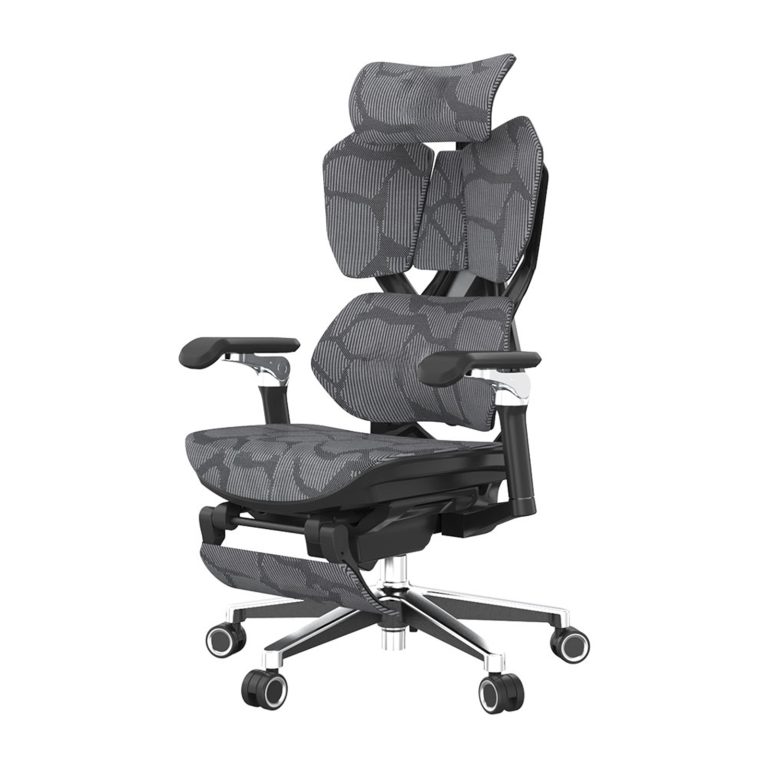
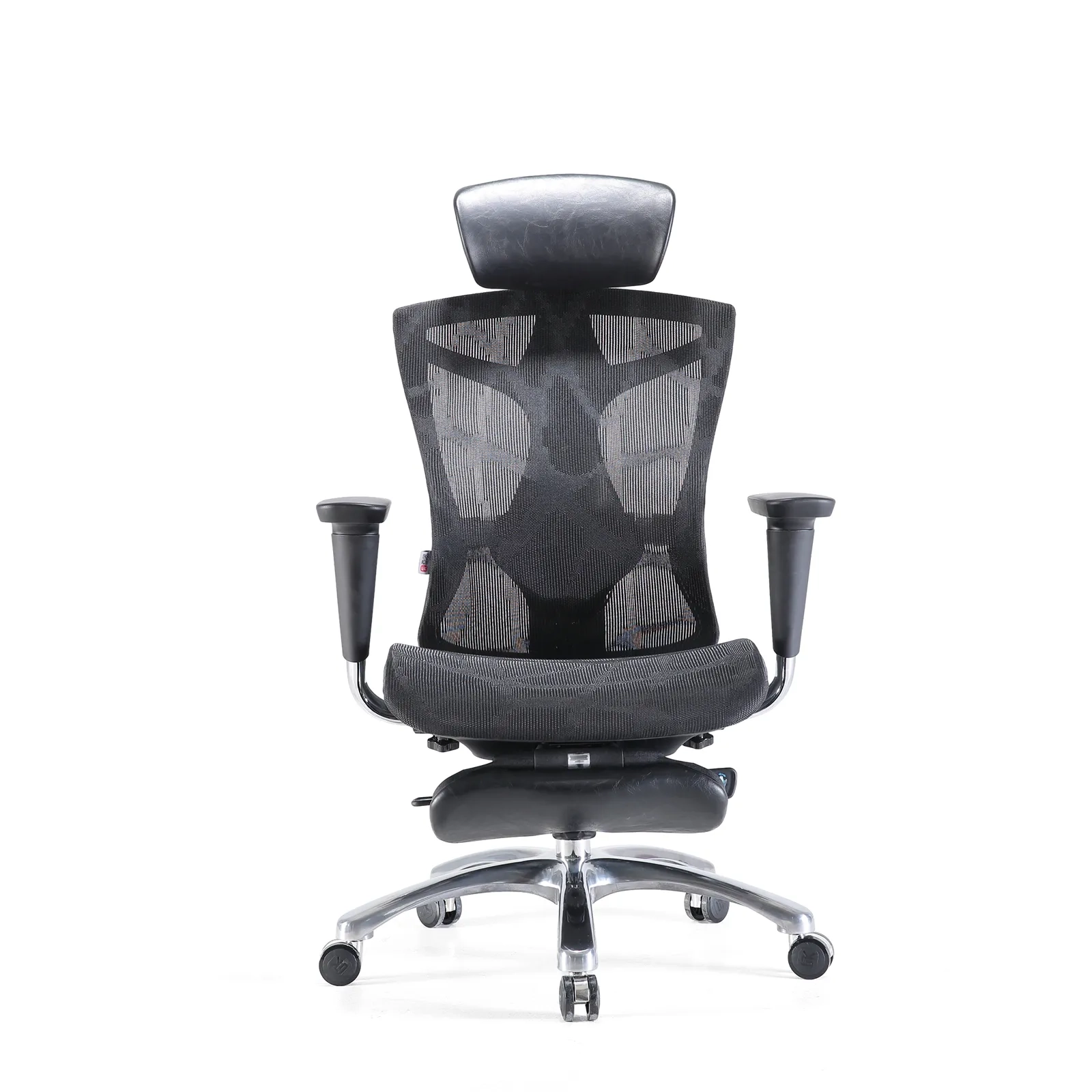
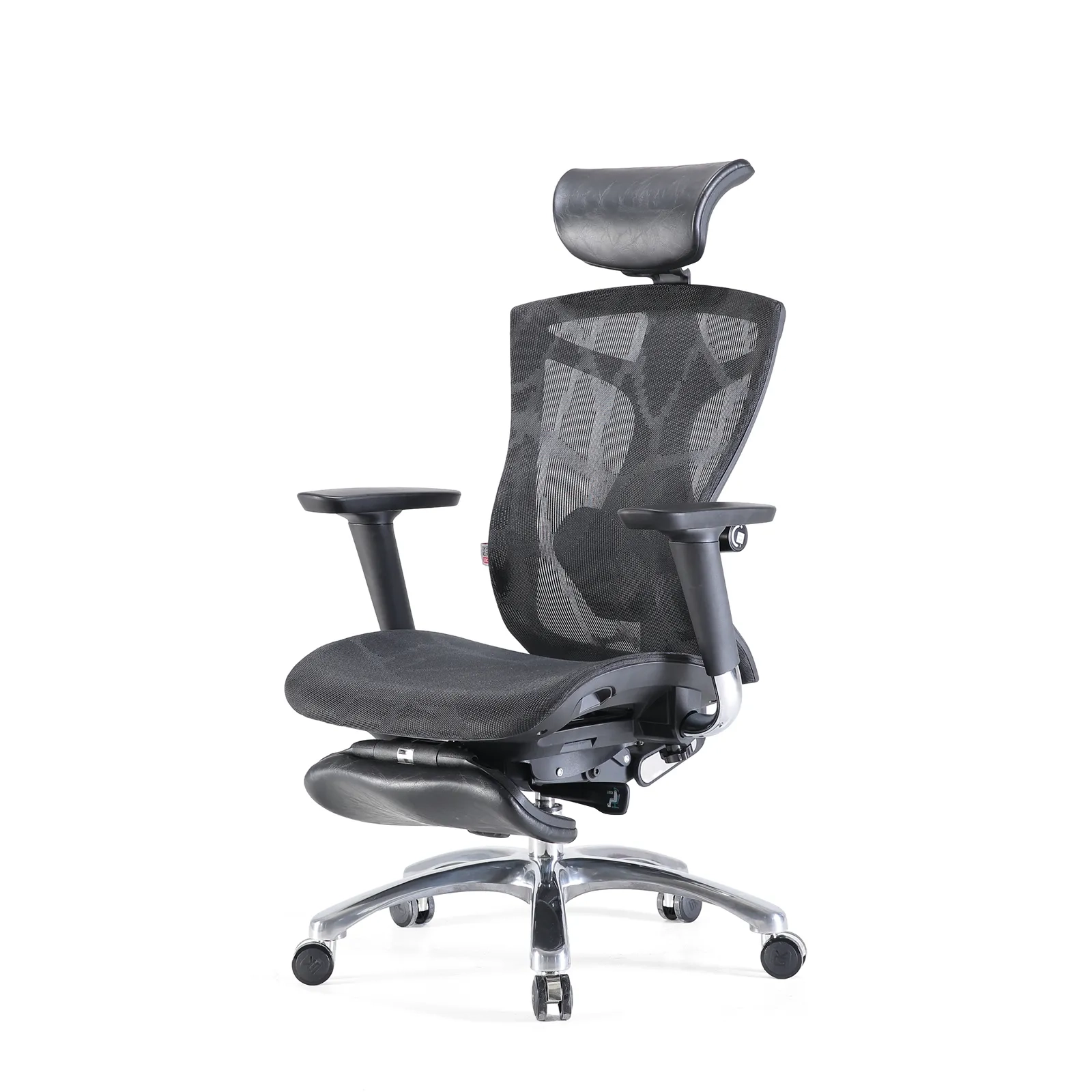
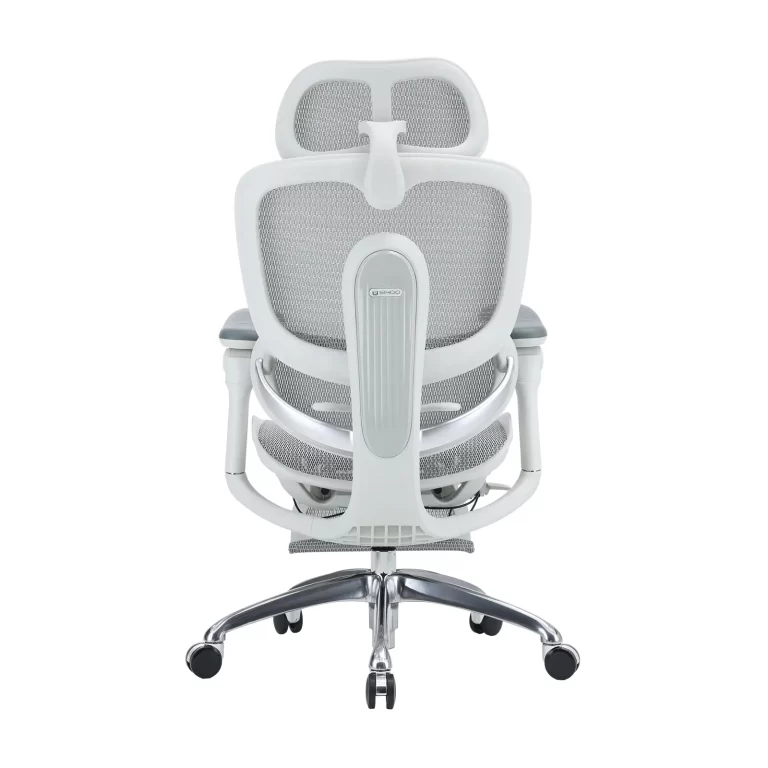
- Reposacabezas: Support the base of your skull—not your neck. Too high strains your upper cervical spine.
- Reposapiés: Essential for shorter users. An angled footrest (5°–15°) improves circulation and reduces leg swelling.
3. Your Step-by-Step Adjustment Workflow
Follow this sequence for best results:
- Seat height → 2. Seat depth → 3. Soporte lumbar → 4. Apoyabrazos → 5. Backrest angle & tension
Pro tip: Adjust one setting at a time. Sit and test before moving on. When done right, your ear, shoulder, and hip align vertically.
4. Common Mistakes—and How to Fix Them
| “Higher armrests = better support.” | Armrests should let your shoulders relax—not force you to shrug. |
| “Softer seats are more comfortable.” | Overly soft padding collapses, letting your sit bones sink. Look for high-resilience foam with a waterfall seat edge. |
| “Set it once and forget it.” | Shift your backrest angle or stand up every 30–45 minutes.Active sitting is key. |
| “90° is the healthiest angle.” | A 100°–110° recline is biomechanically superior for disc health. |
5. Advanced Tips for Real-World Use
- Micro-movements matter: Gentle pelvic rotations or spinal extensions while seated boost nutrient flow to discs.
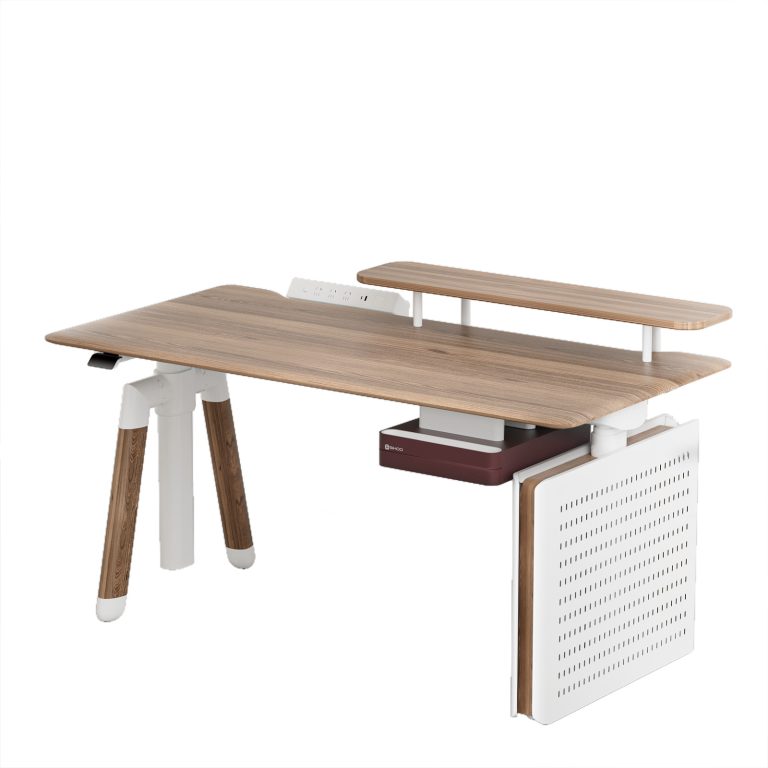
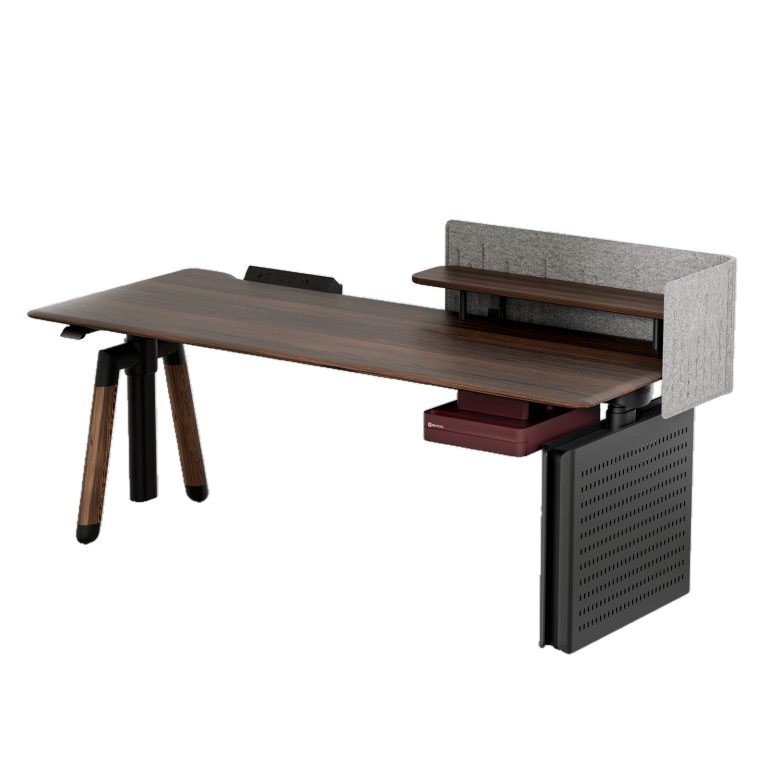
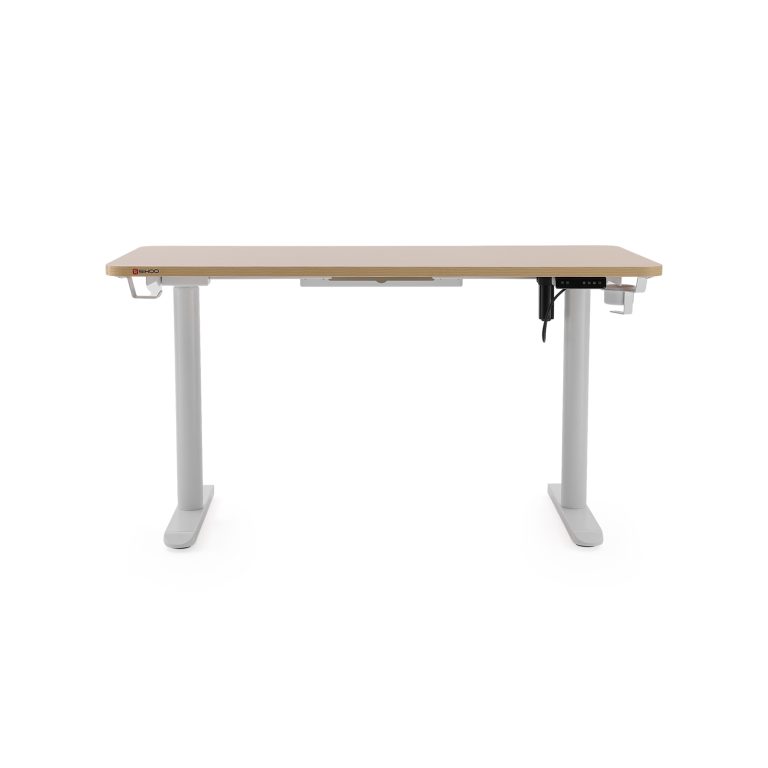
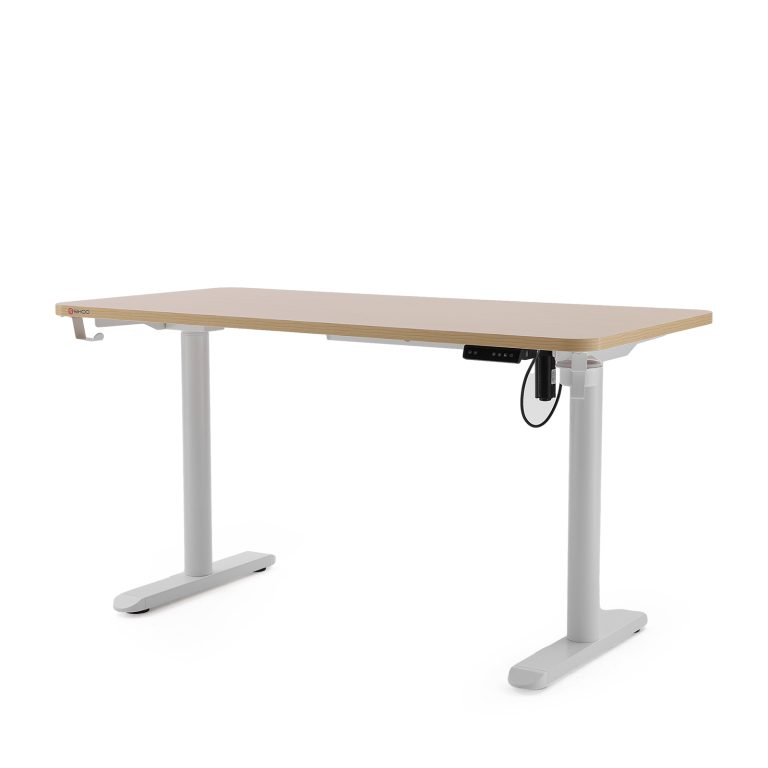
- Pair with a sit-stand desk: Alternate sitting and standing every 30 minutes.
- Special needs:
- Tall users: Prioritize adjustable seat depth and backrests ≥22 inches (55 cm).
- Petite users: Always use a footrest.
- Chronic back pain: Focus on dynamic lumbar support and precise seat depth.
Final Thought: Adjustment Is Empowerment
A chair’s value isn’t in its price or looks—it’s in how well it adapts to you. As ergonomics pioneer Niels Diffrient said: “The tool should fit the human, not the other way around.”
Taking 10 minutes to fine-tune your chair is one of the highest-return investments you can make in your long-term health, focus, and productivity.
So take control. Adjust deliberately. Sit well.
1600x1600-4-768x768.jpg)
1600x1600-8-768x768.jpg)