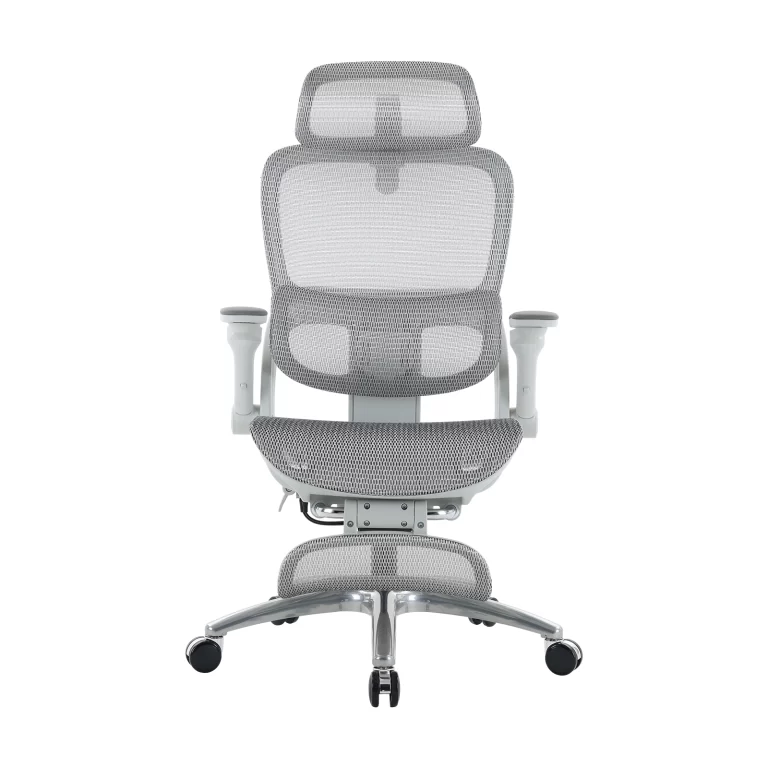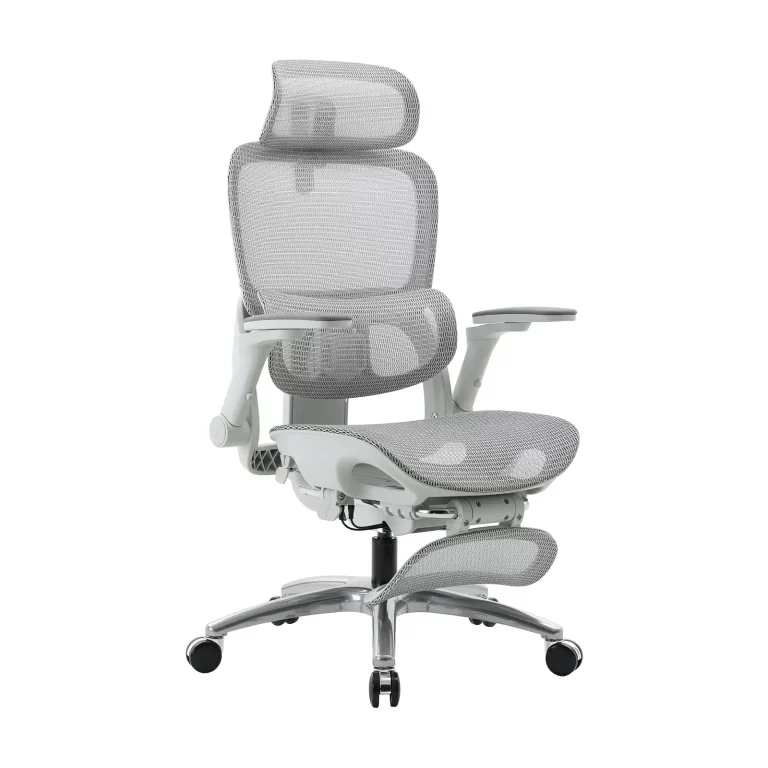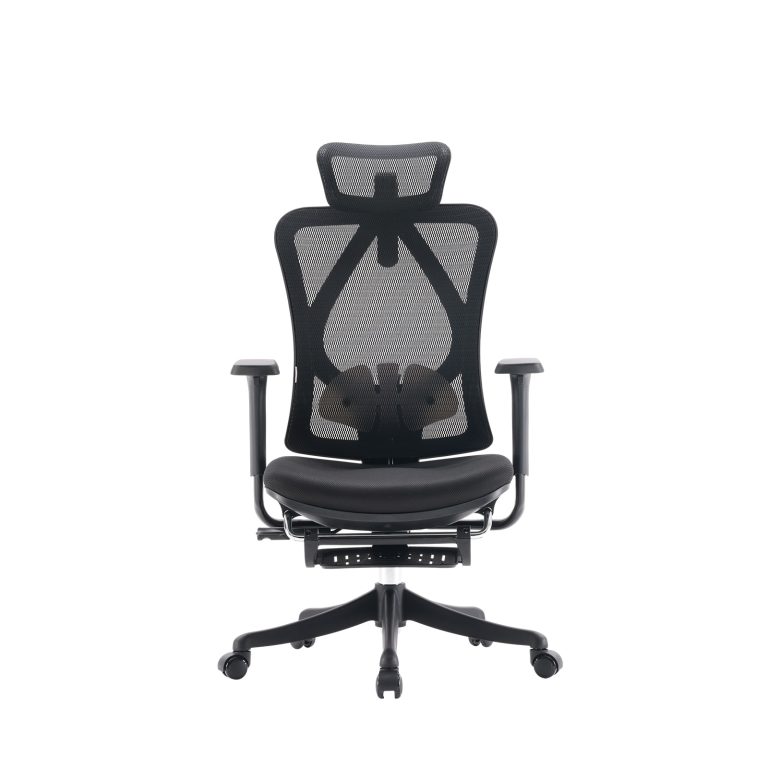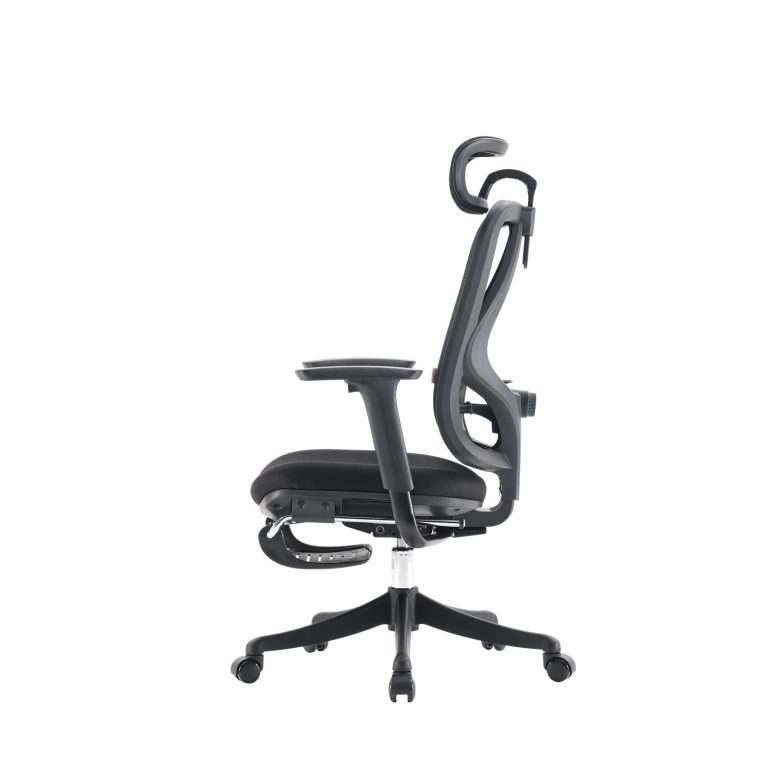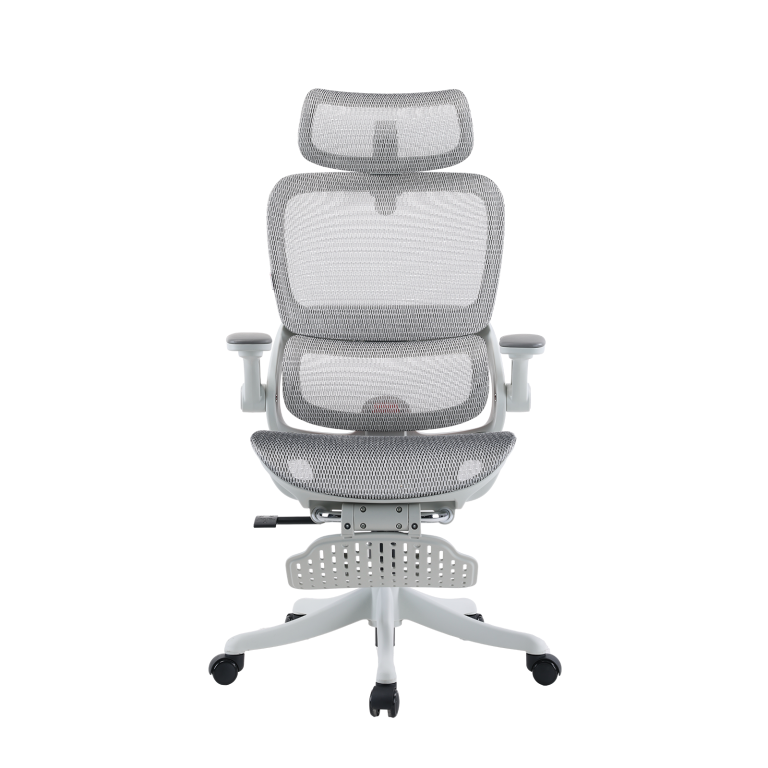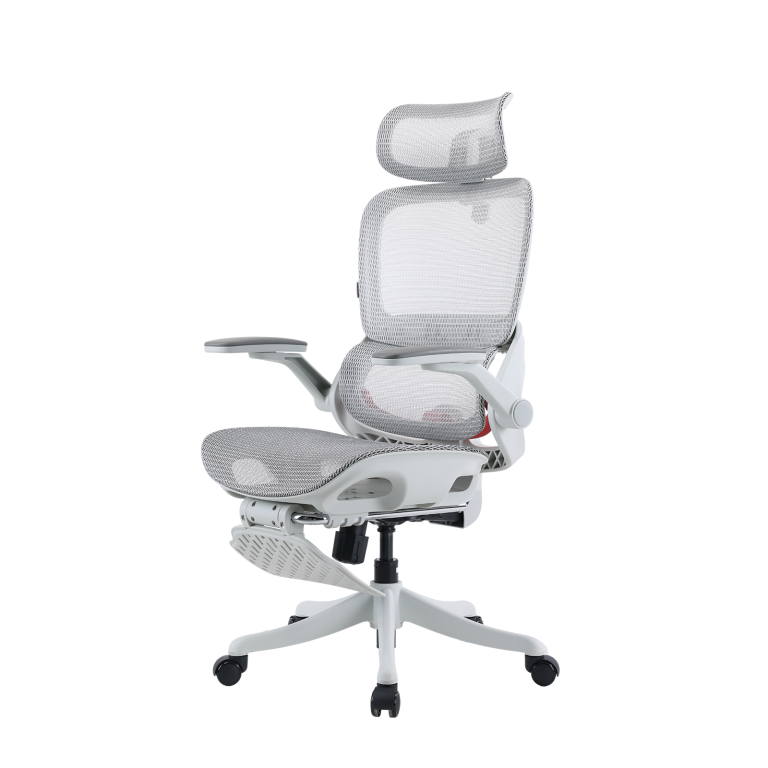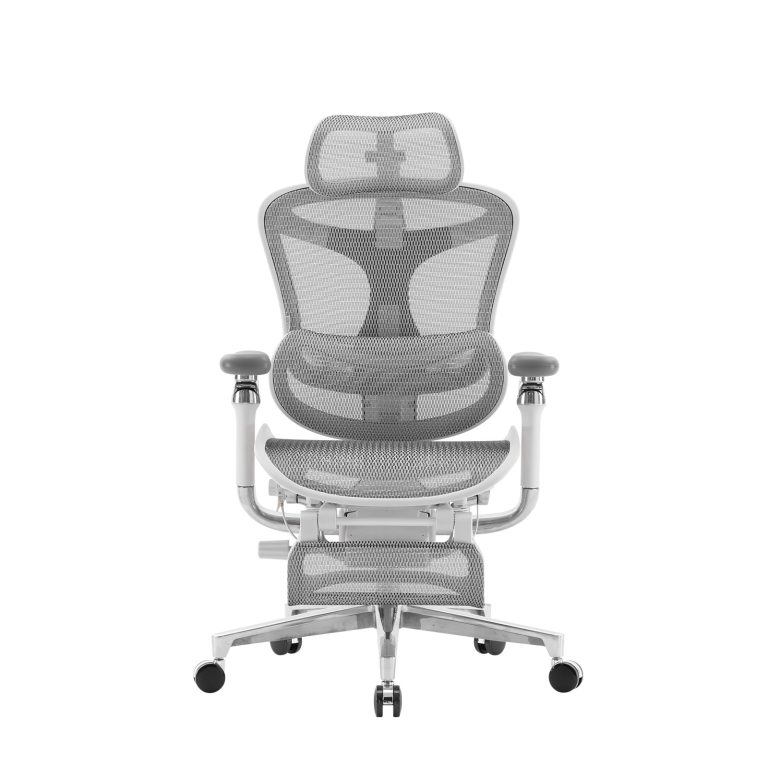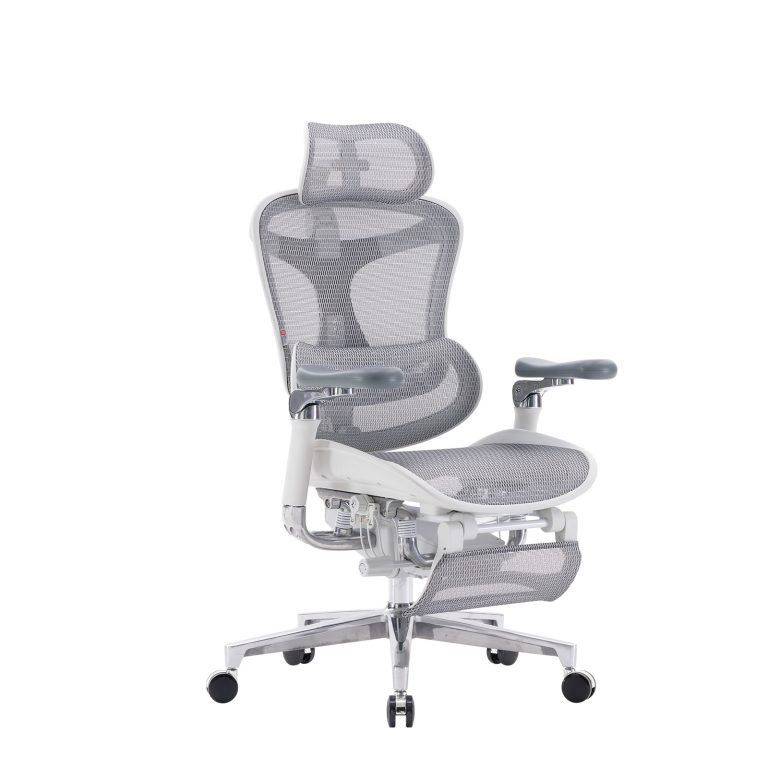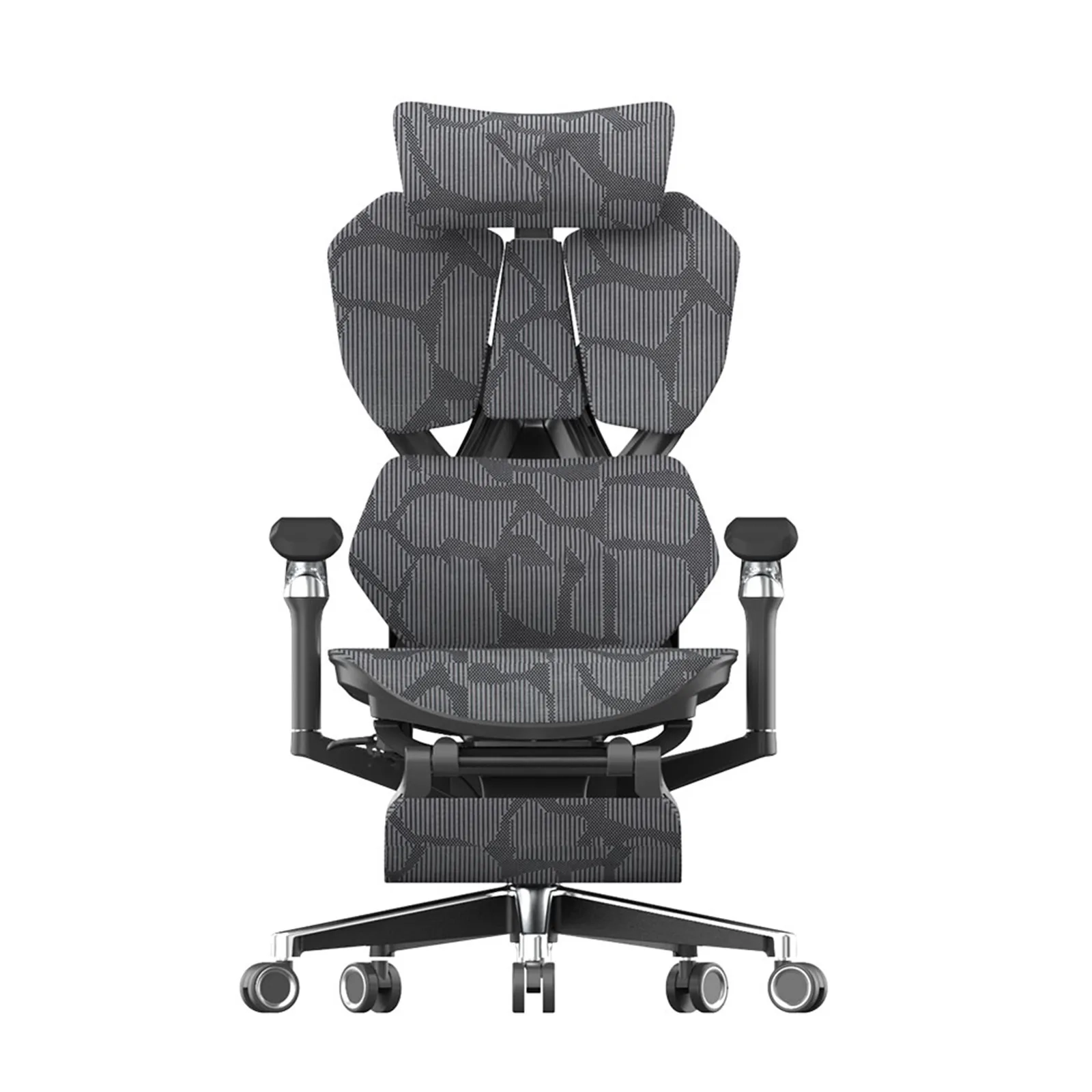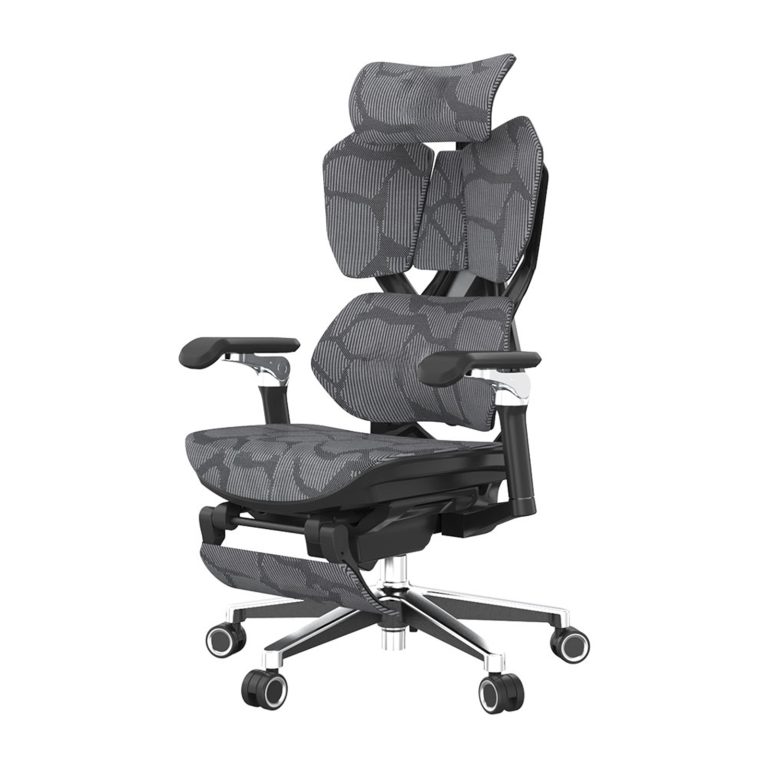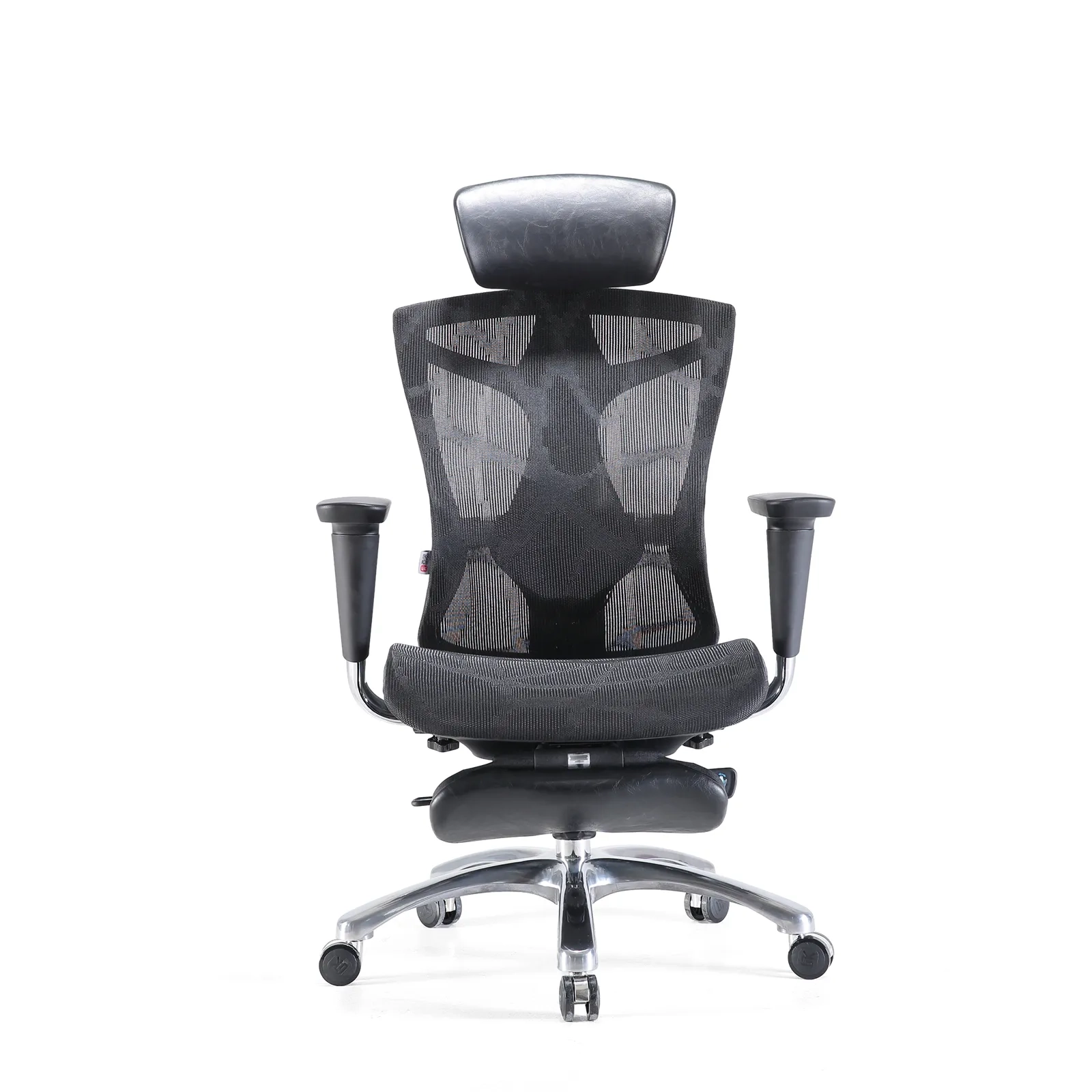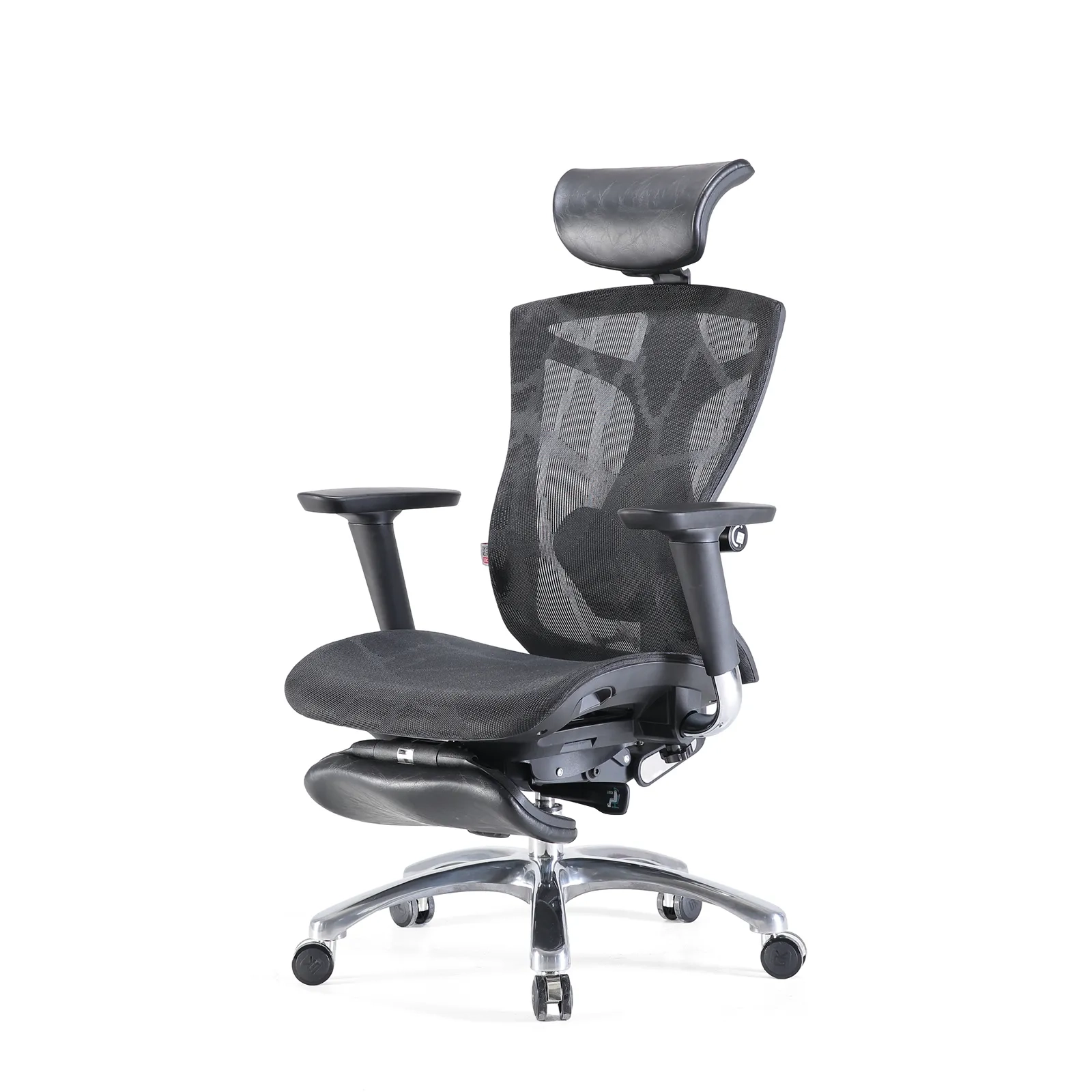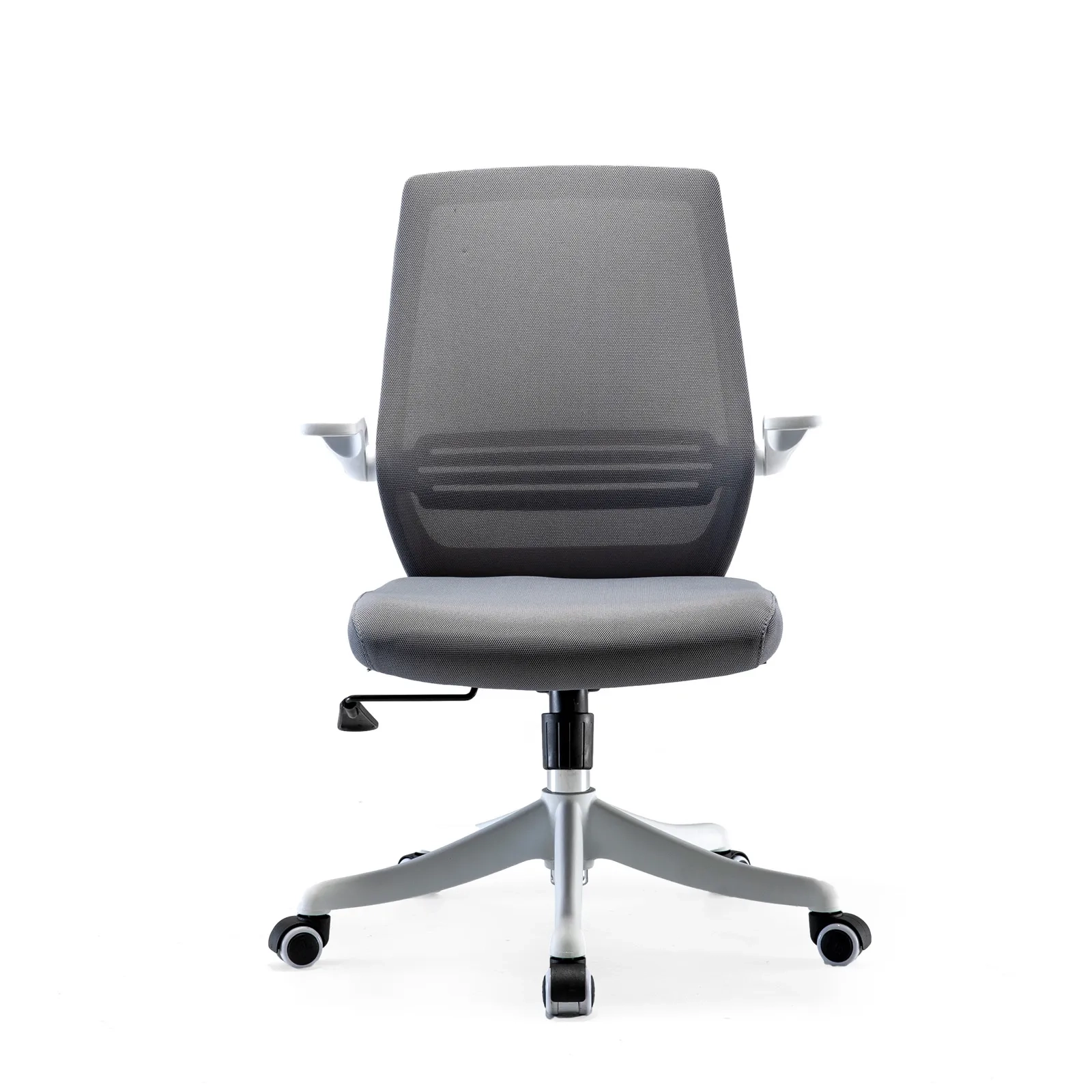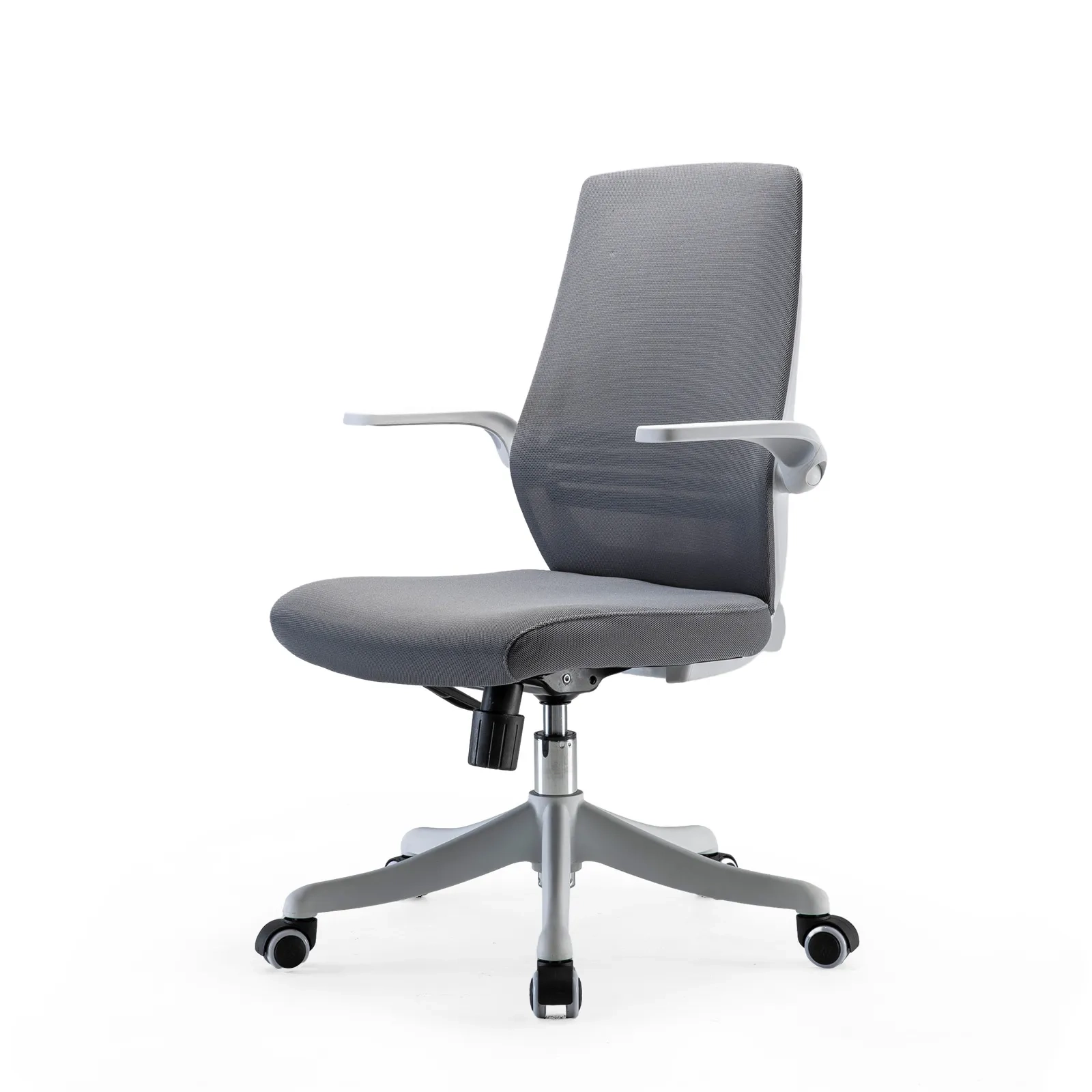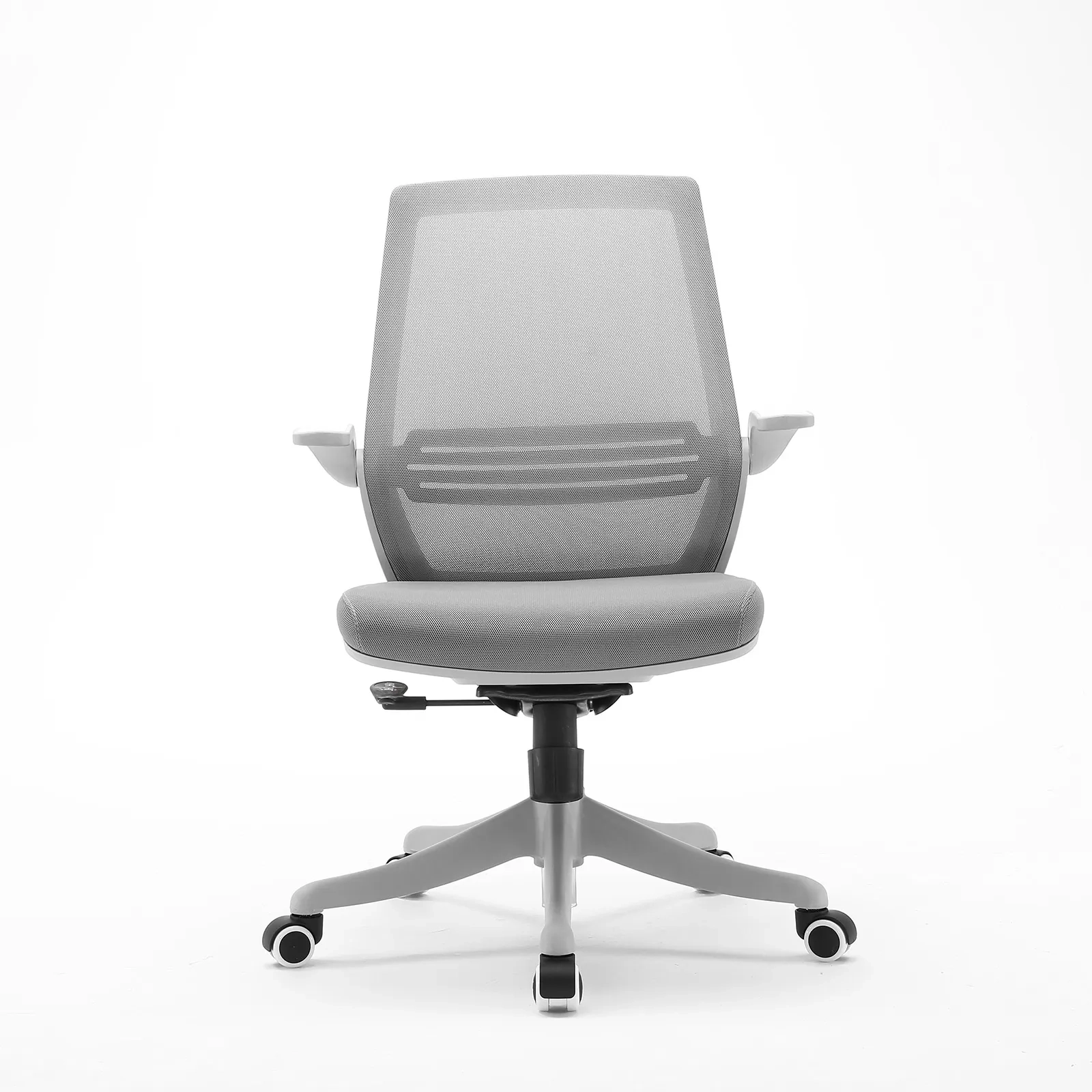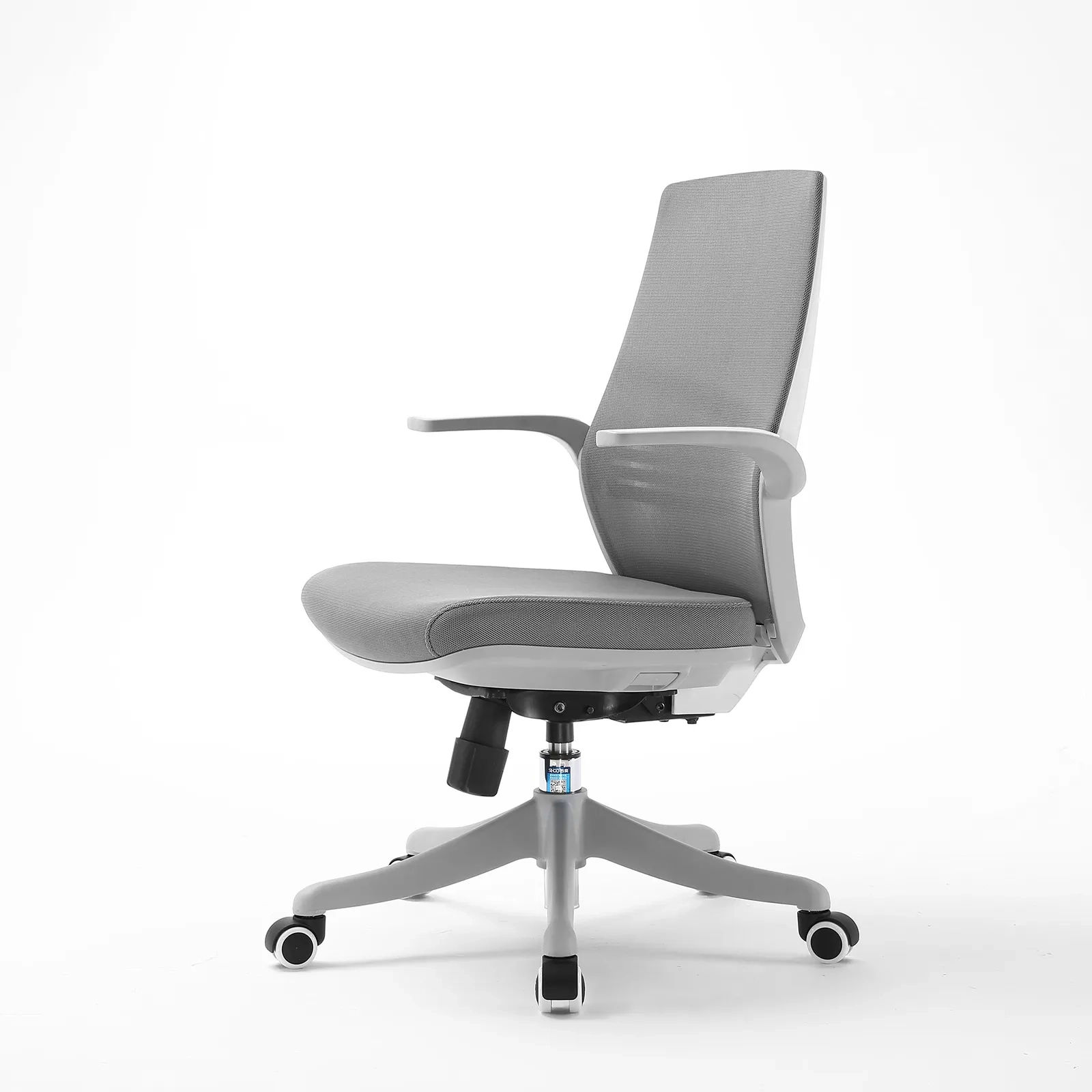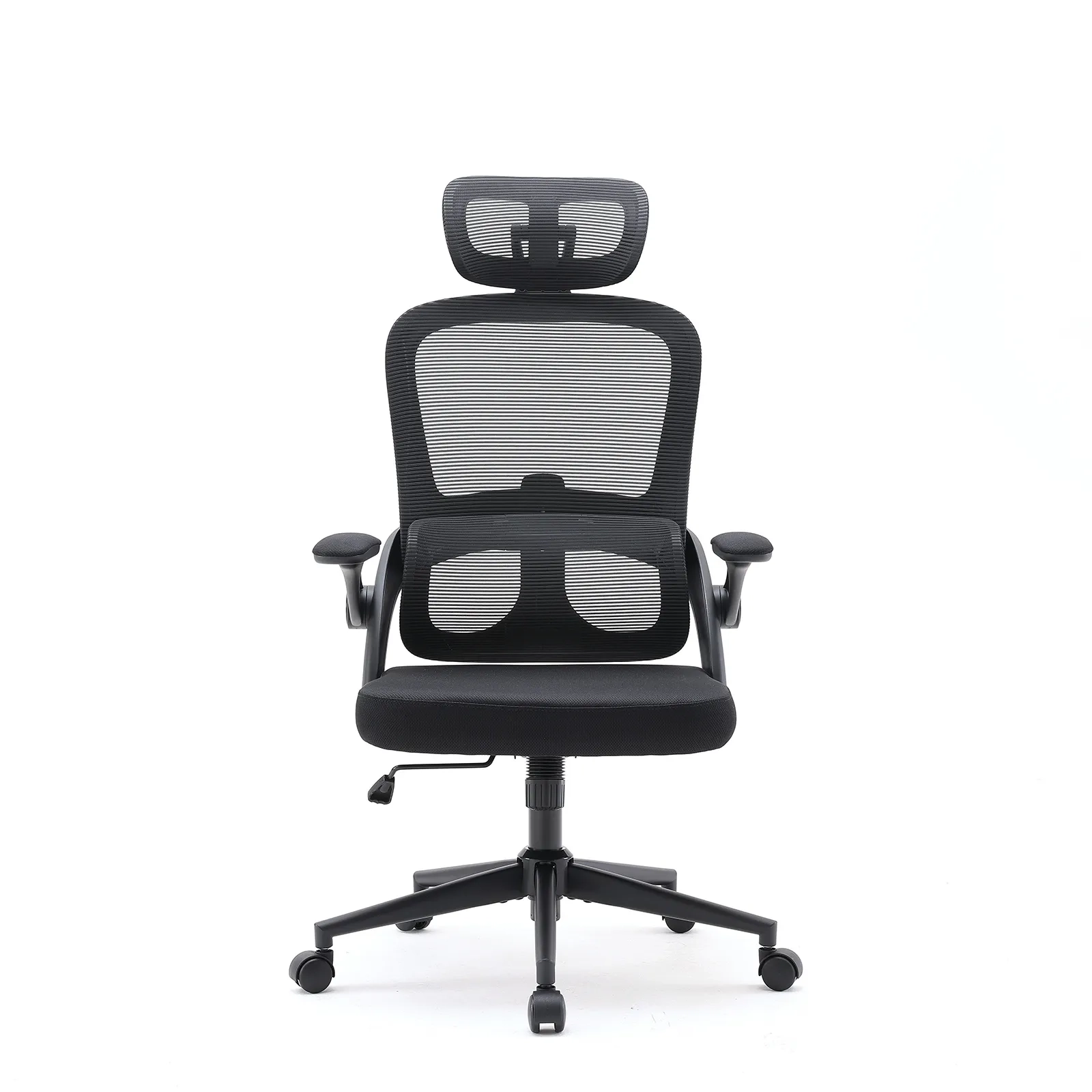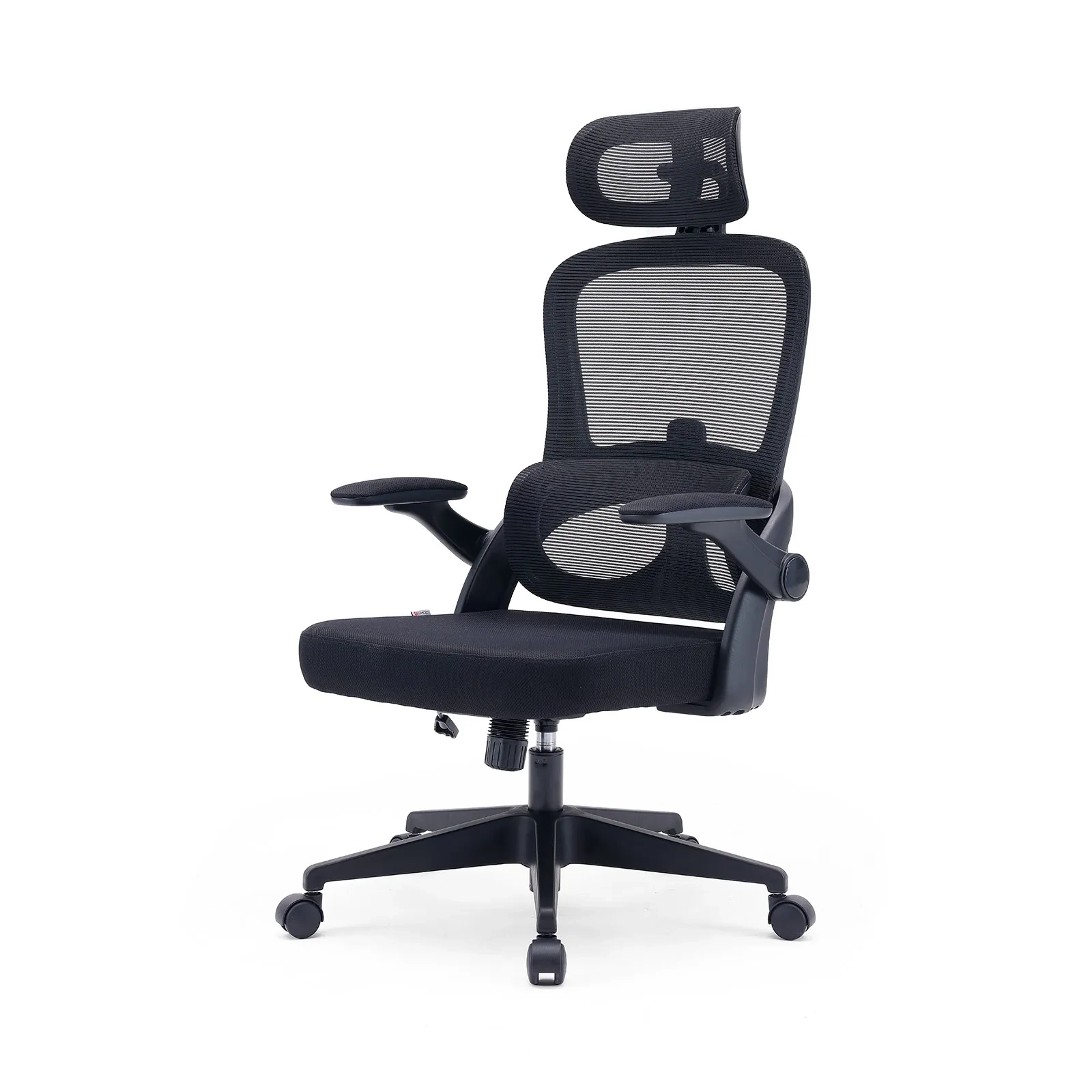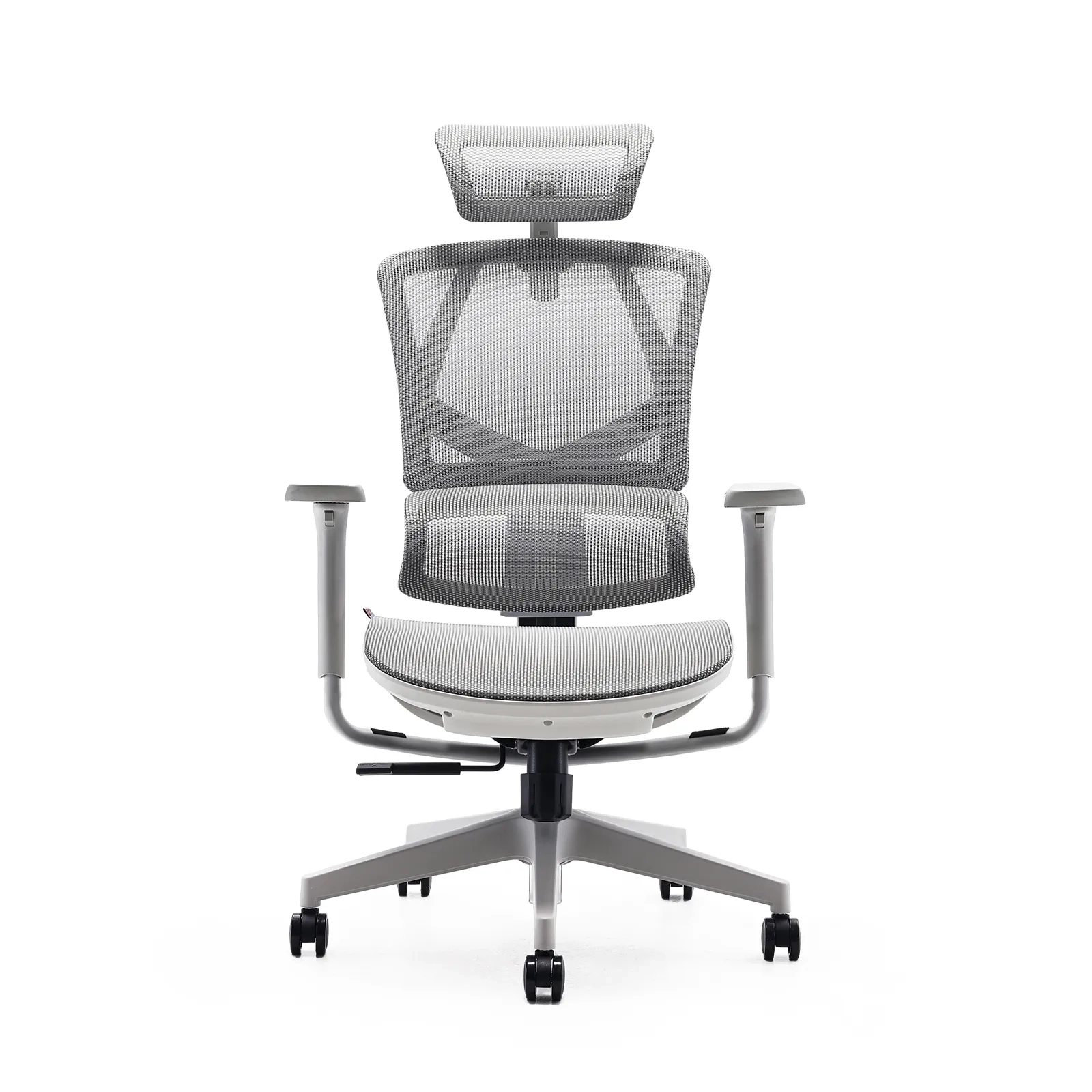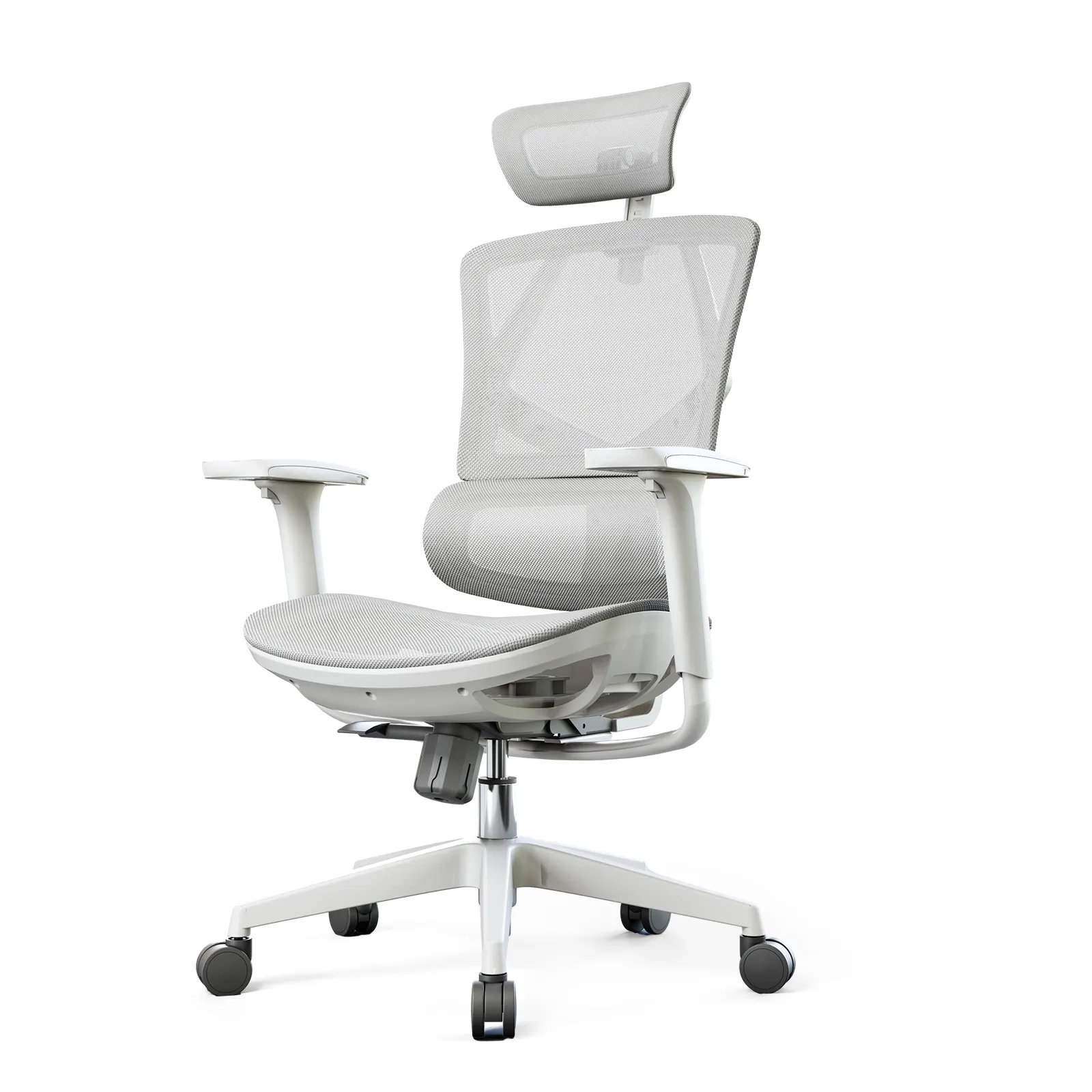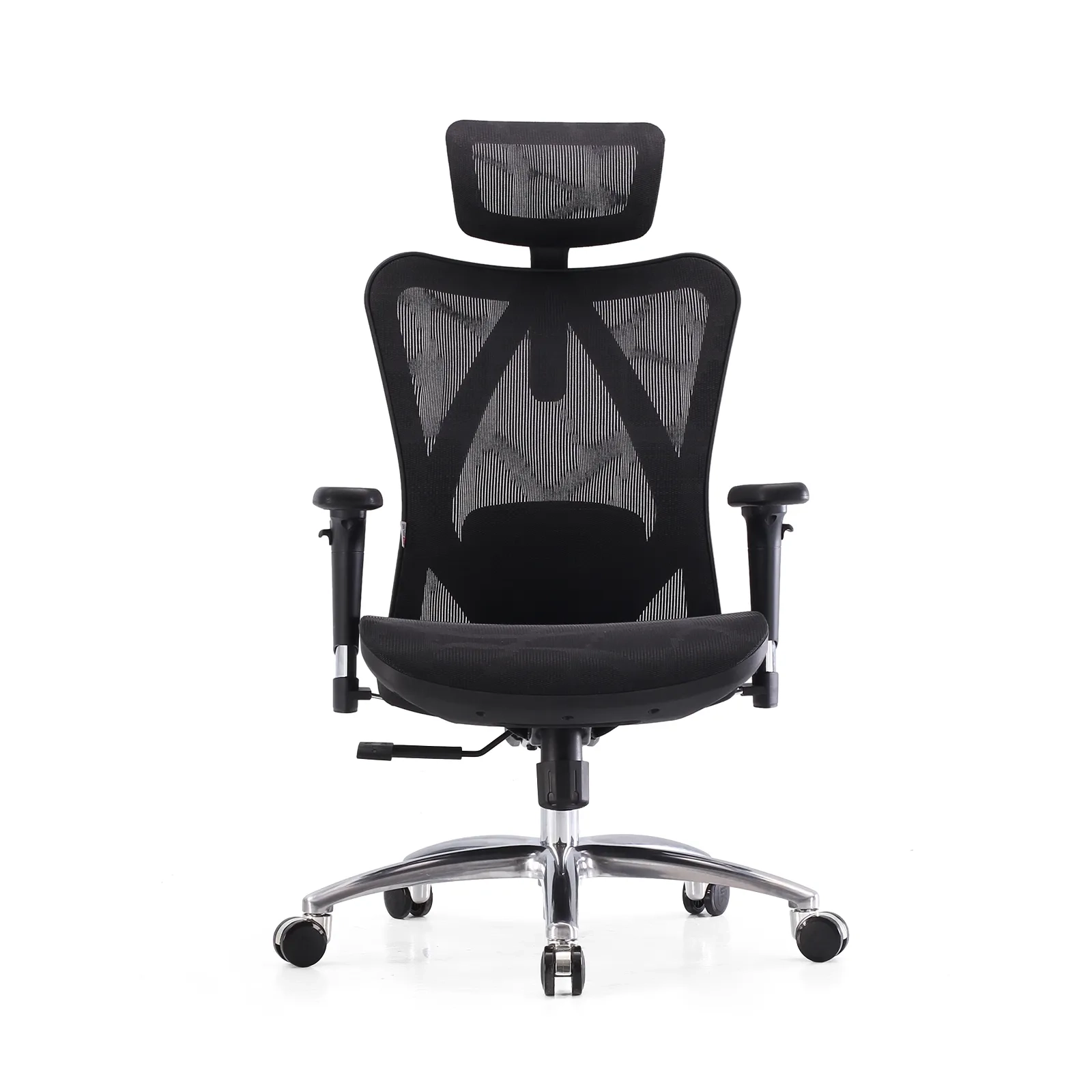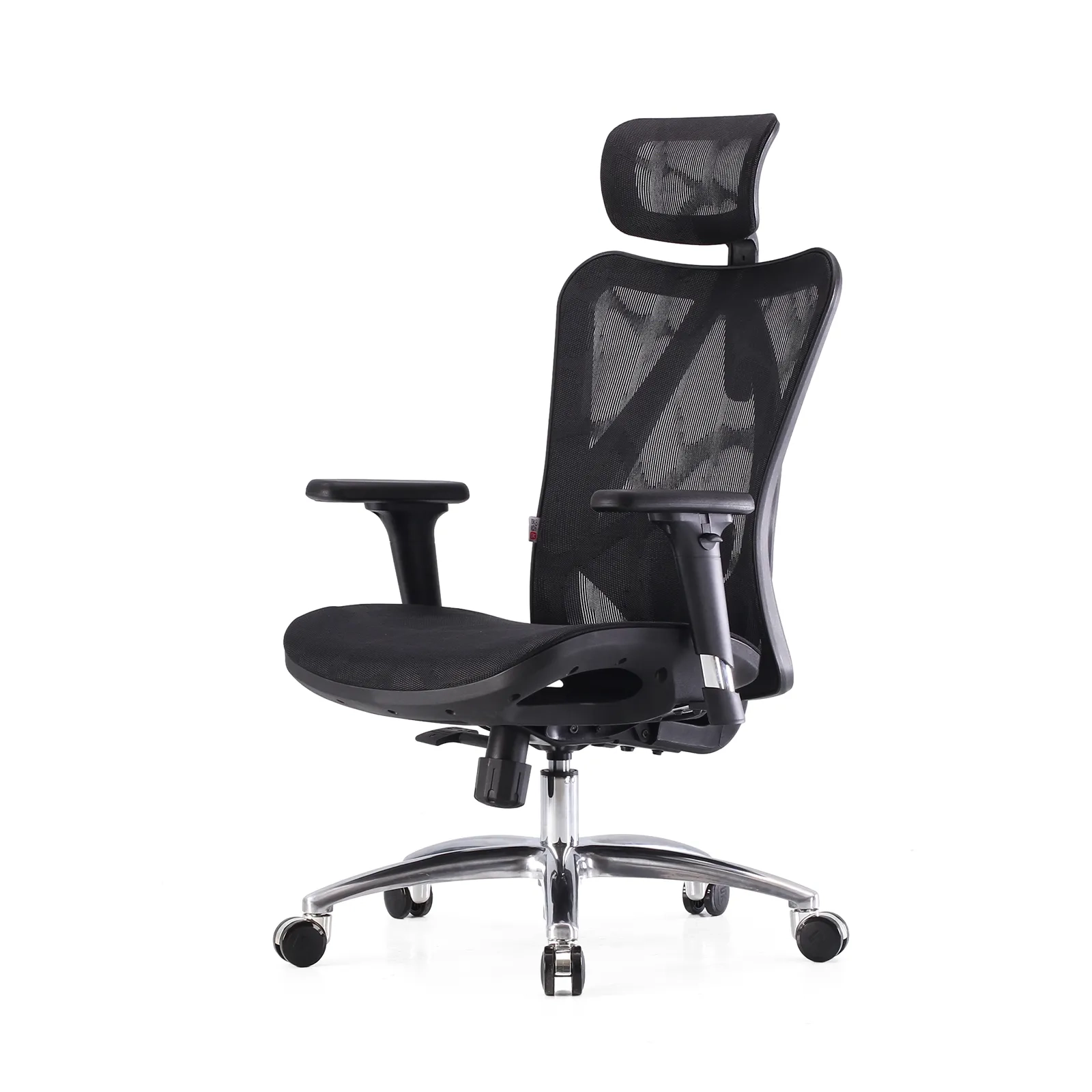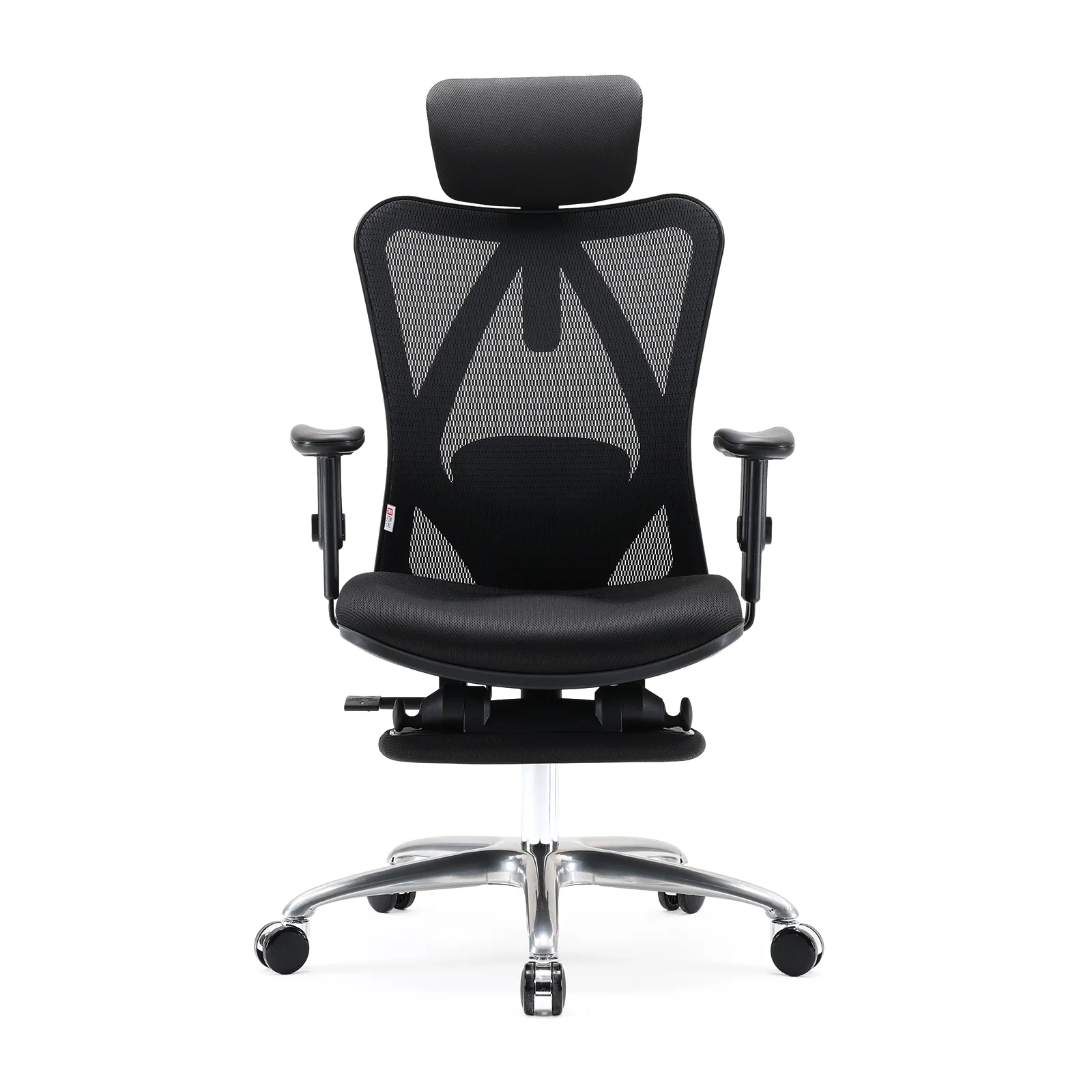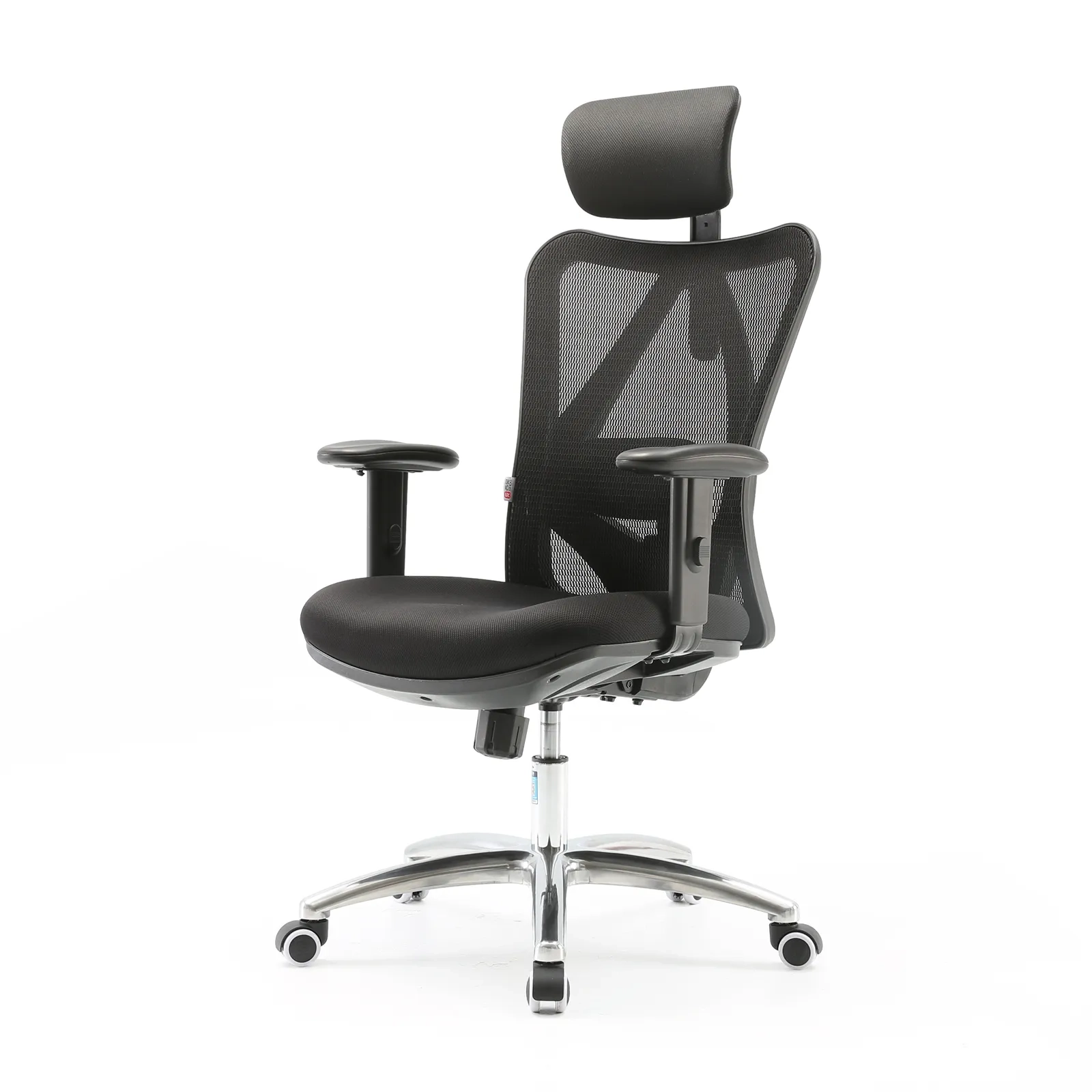









Lumbar support comes in two forms. Built-in support is shaped into the chair’s back or frame. An add-on cushion is a separate pad you strap or stick onto an existing back. For distributors, the choice affects returns, durability, and how honestly you can describe a chair. This deep-dive explains how each works, where each fails, and which to stock. For a buyer-facing view, see our removable vs integrated comparison. For curated models, see office chairs with built-in lumbar support; for the back-pain framing, see ergonomic chair for back pain.

How built-in lumbar works
Built-in support is engineered into the back. Three common designs:
- Contoured frame. The back shell curves forward at the lumbar region. Simple, durable, fixed.
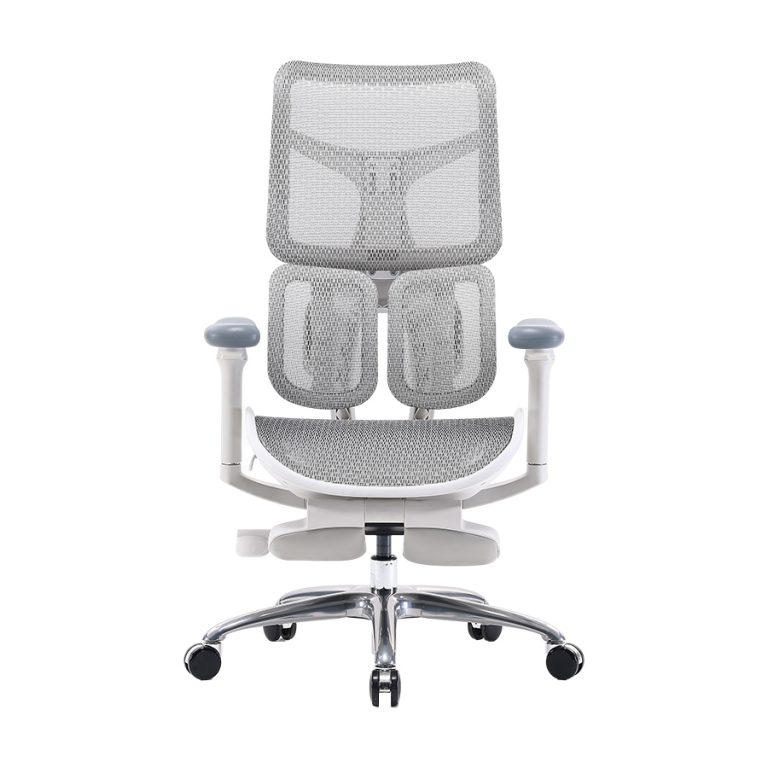
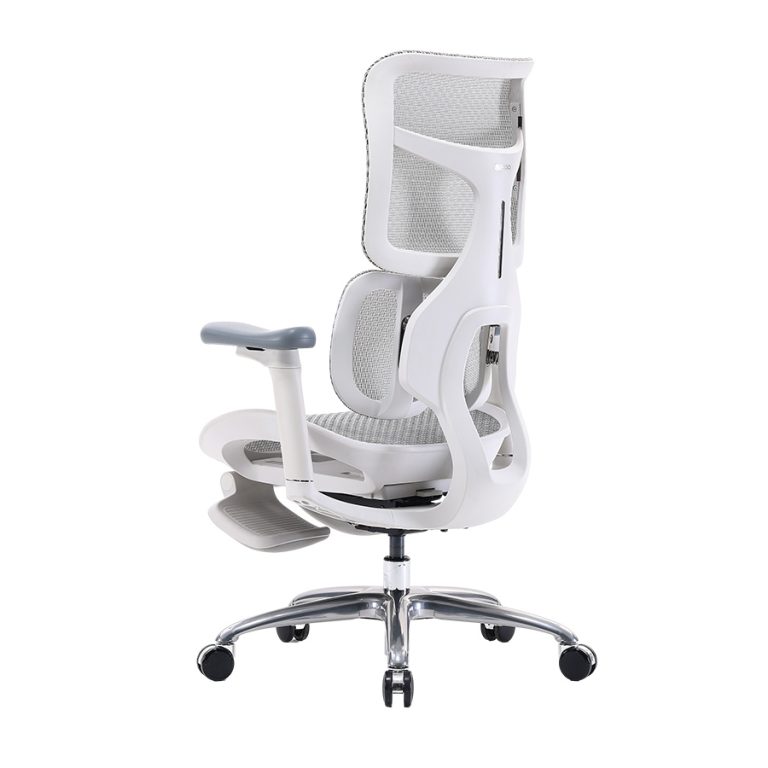
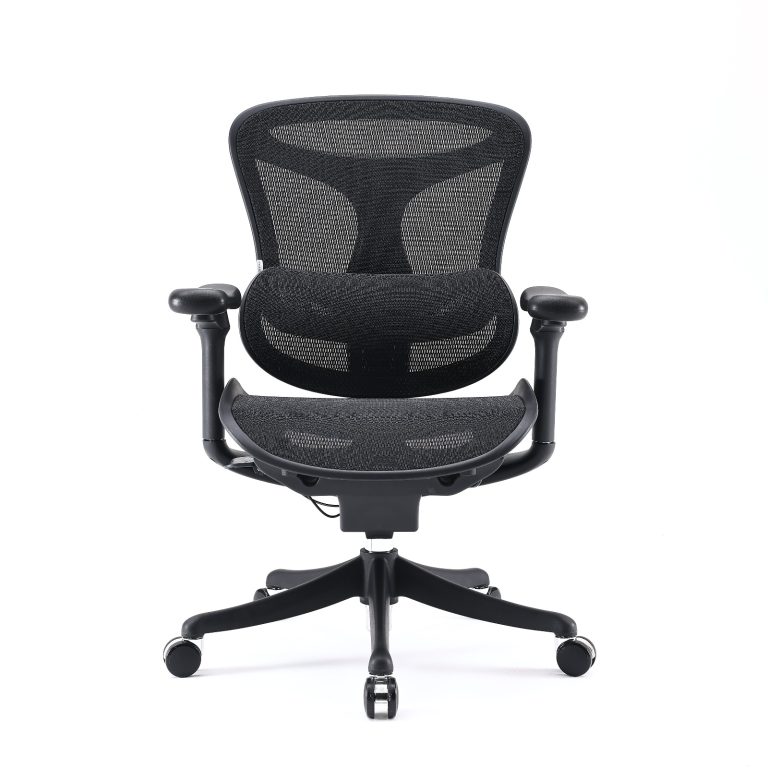
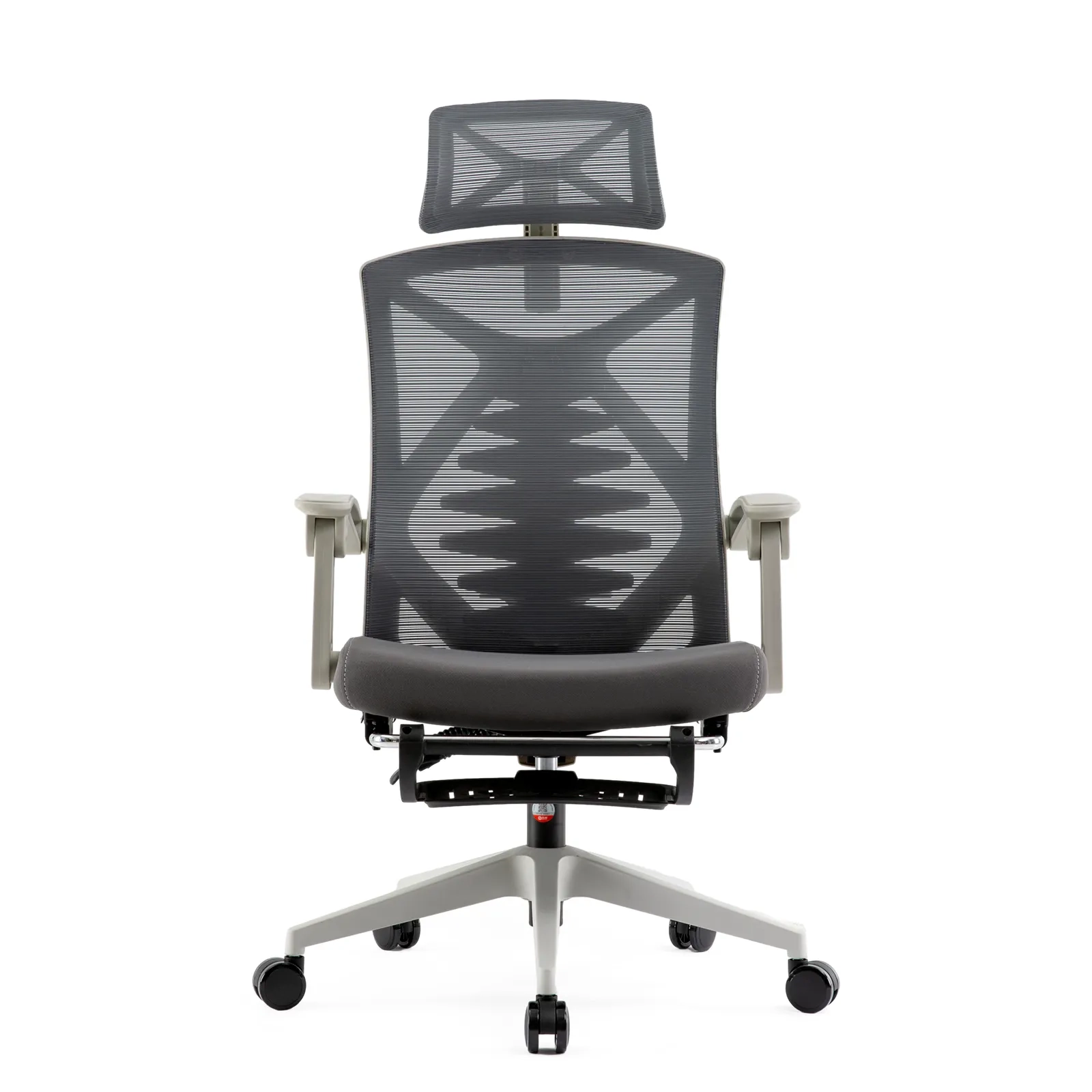
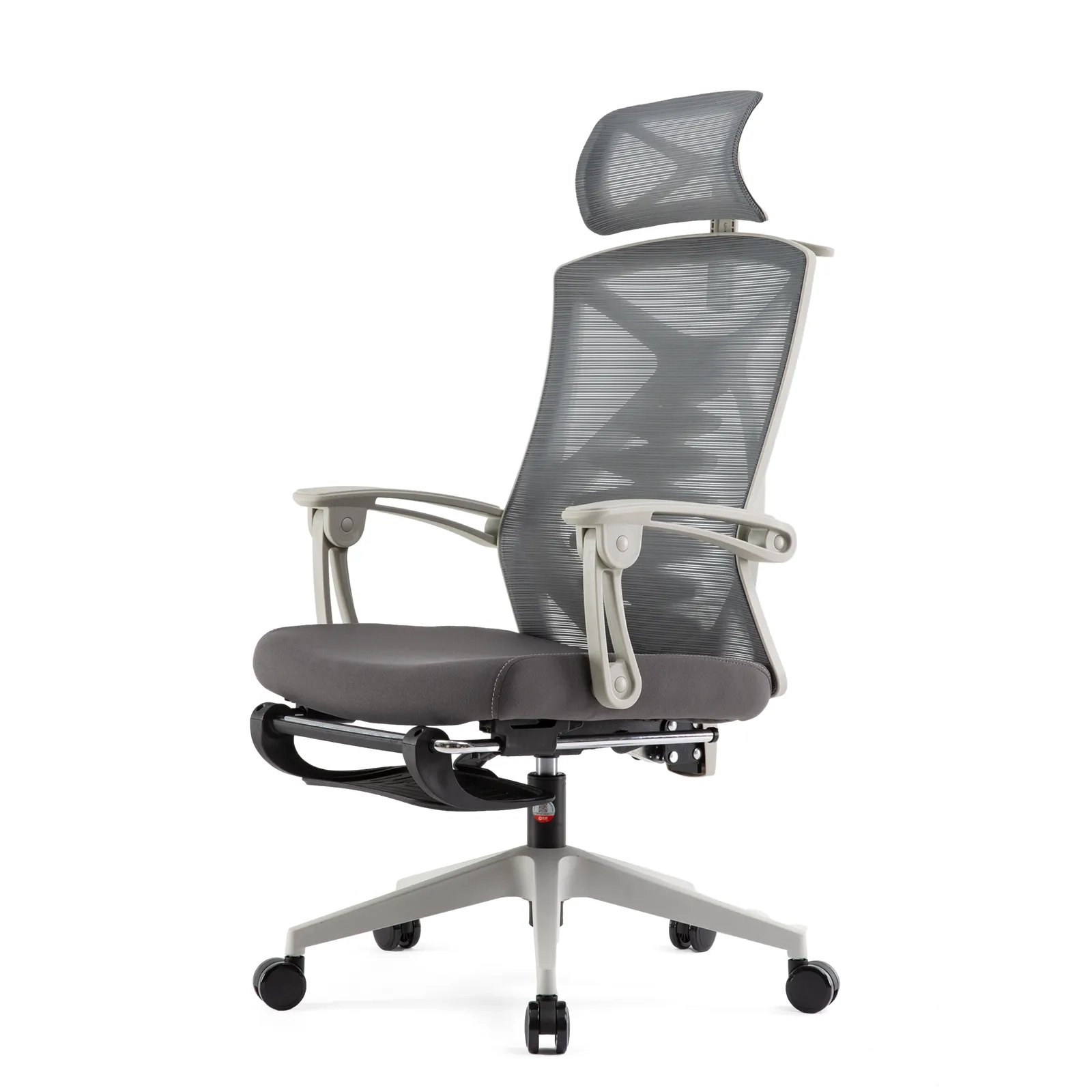
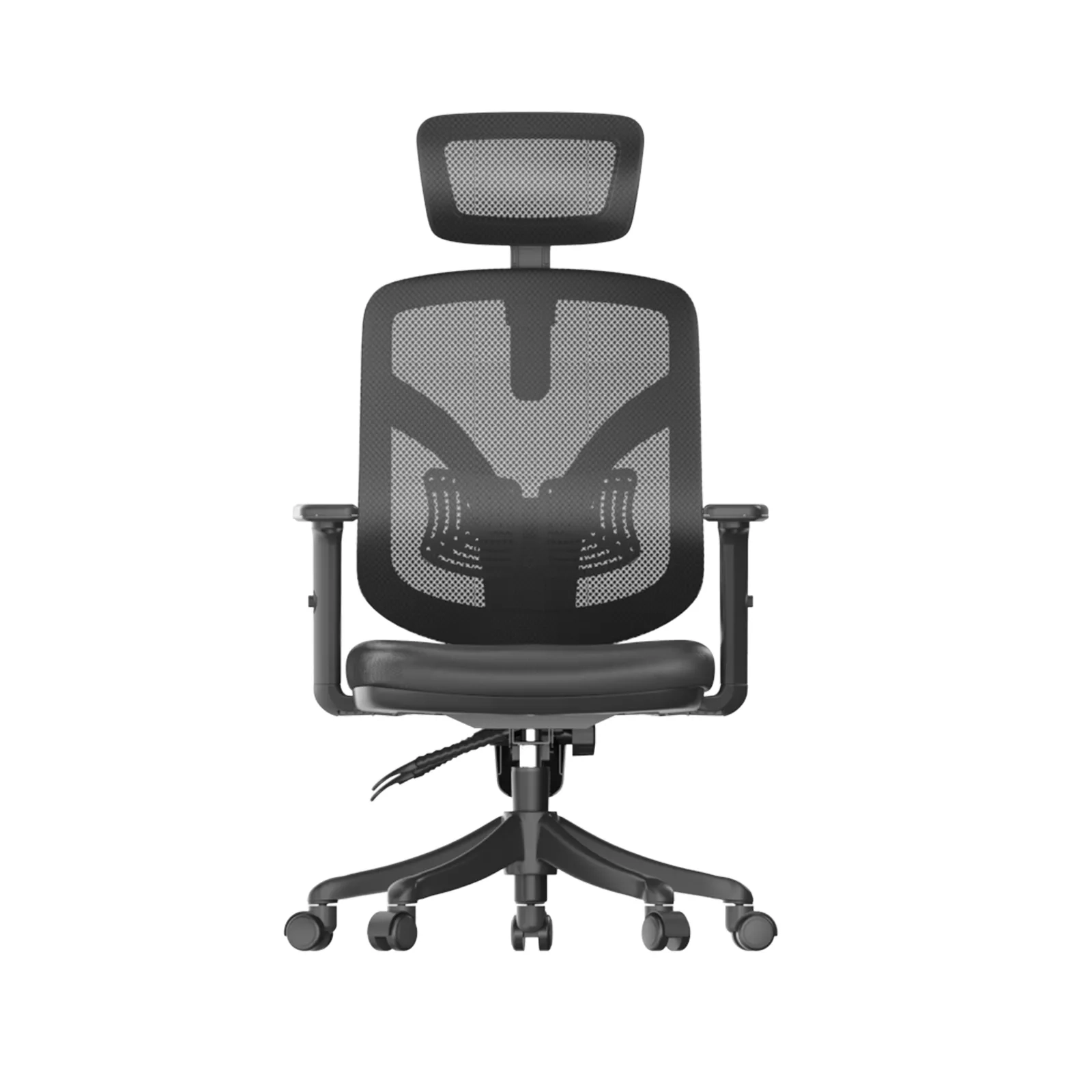
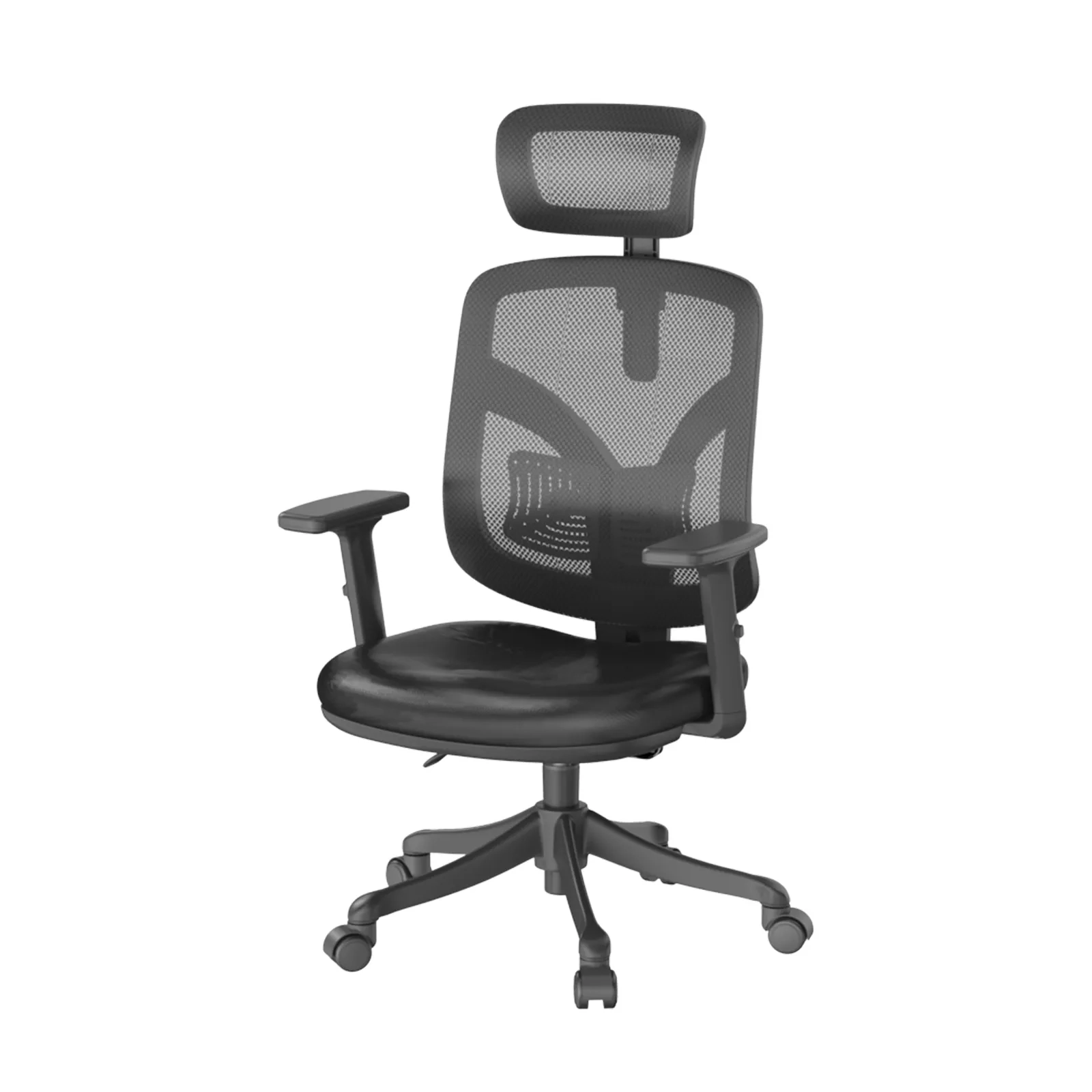
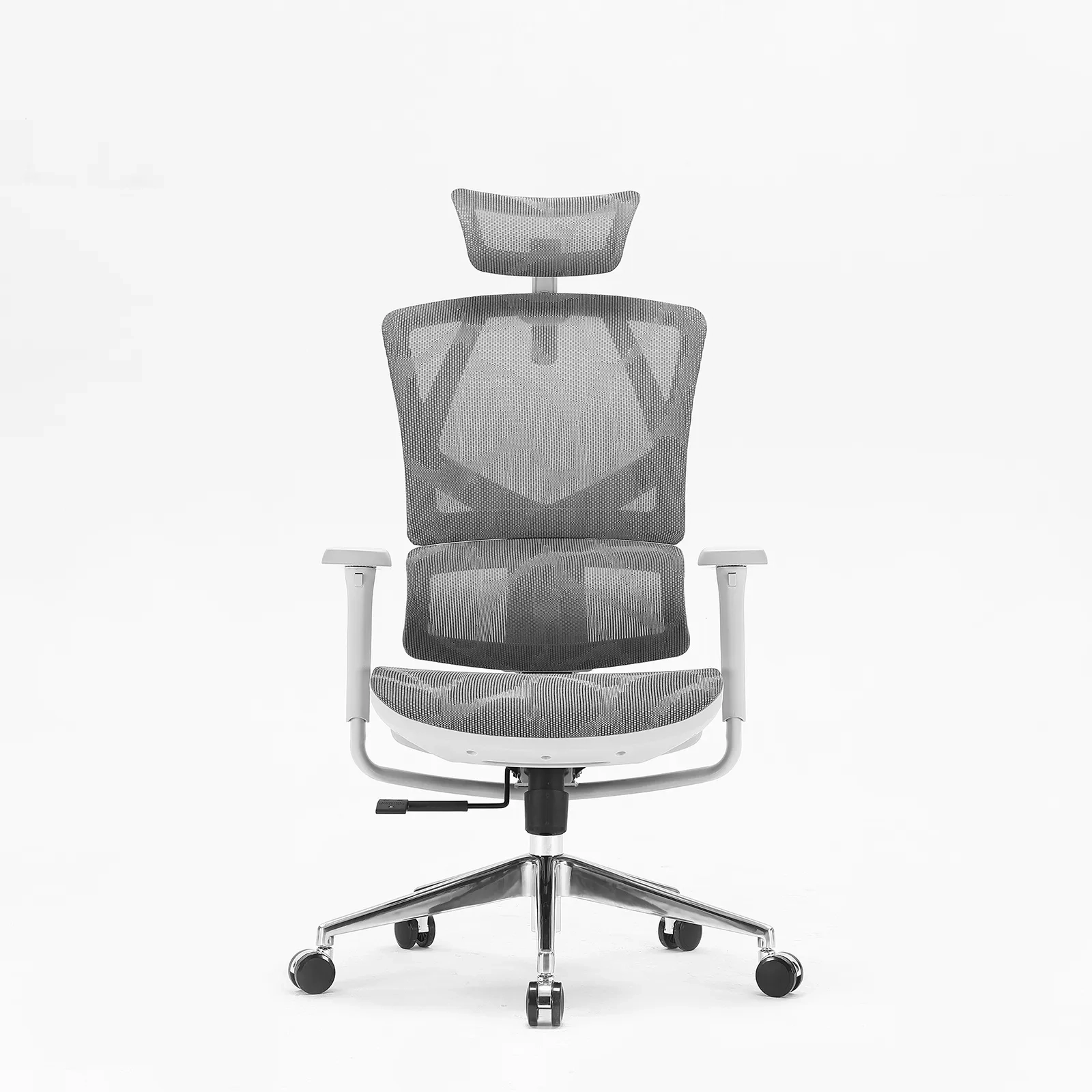
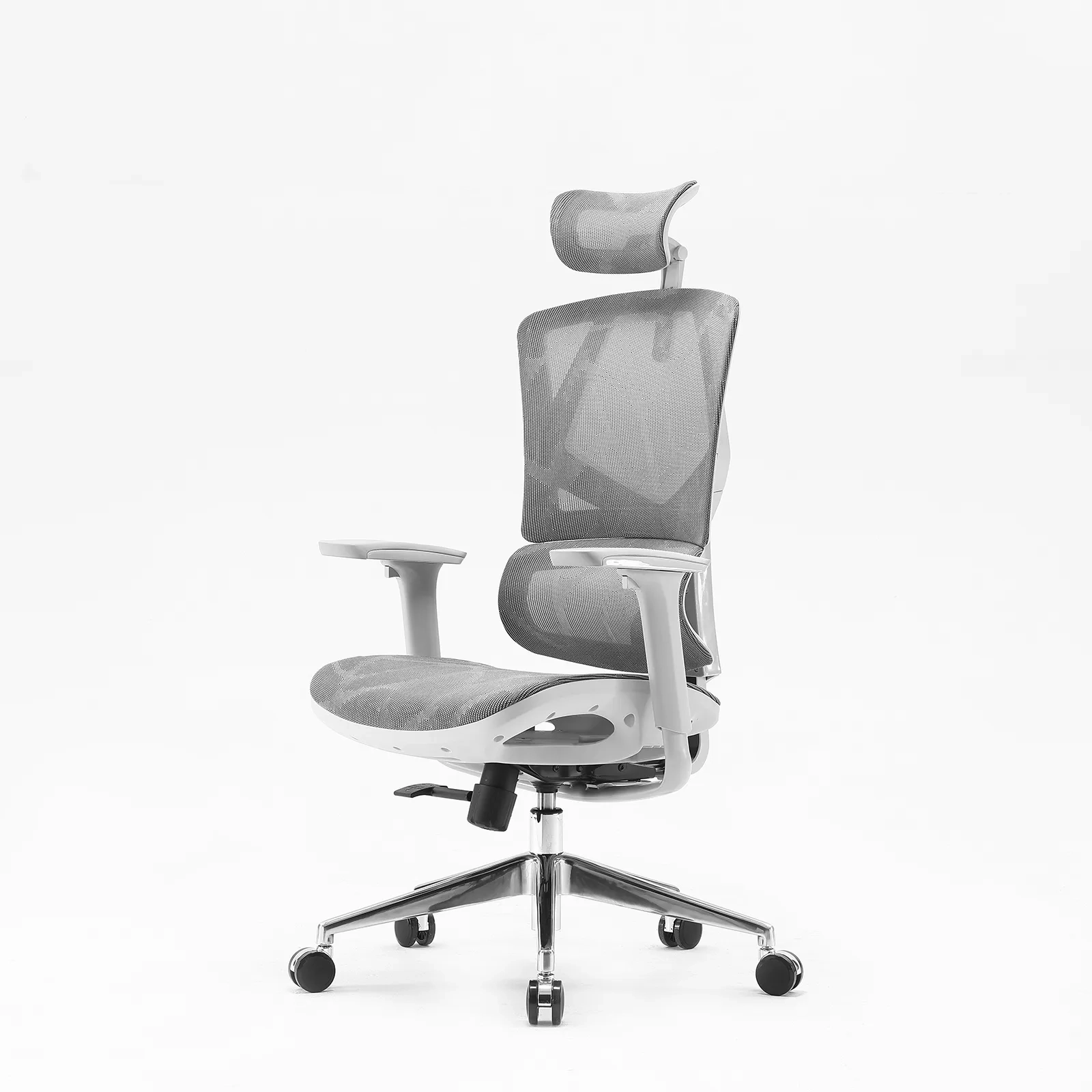
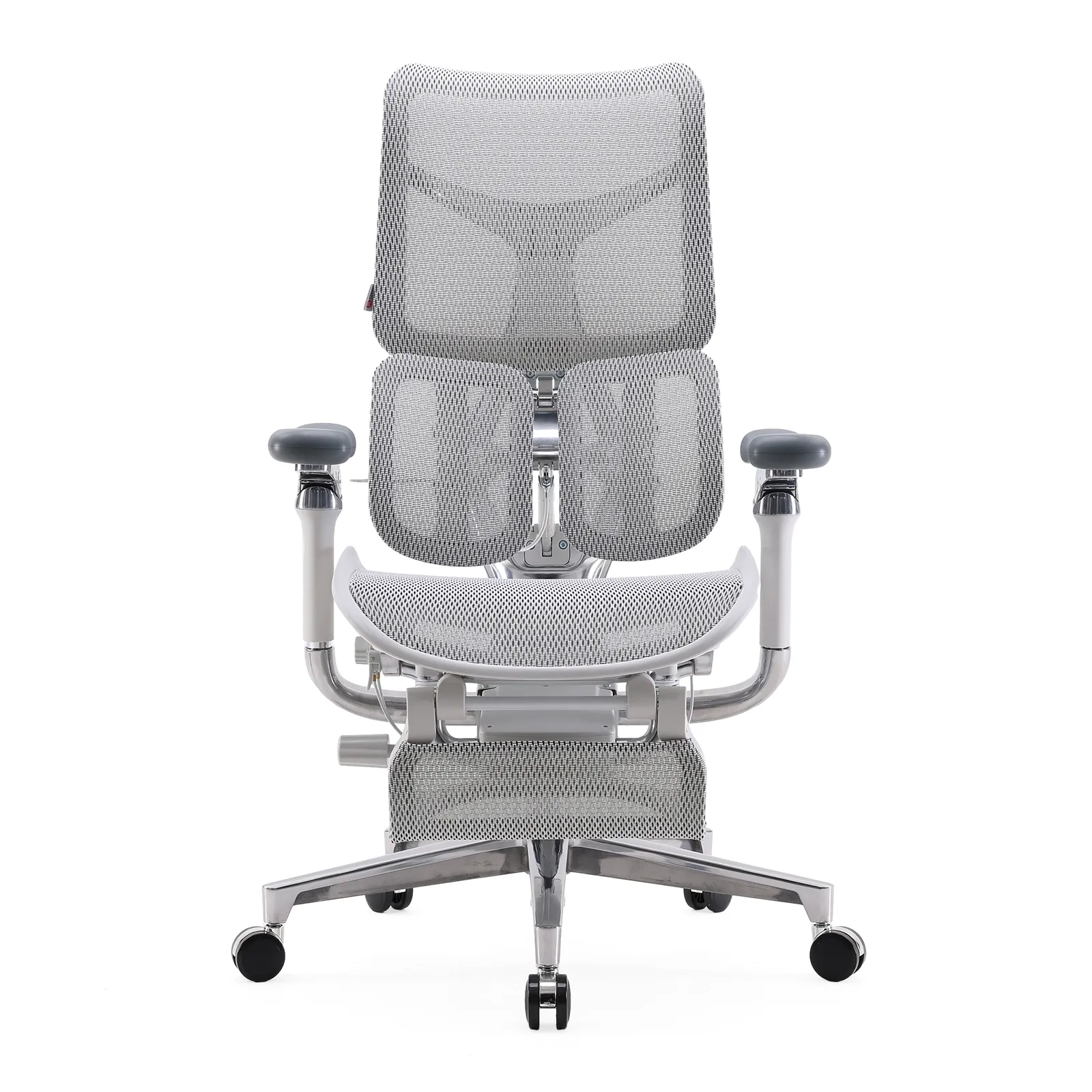
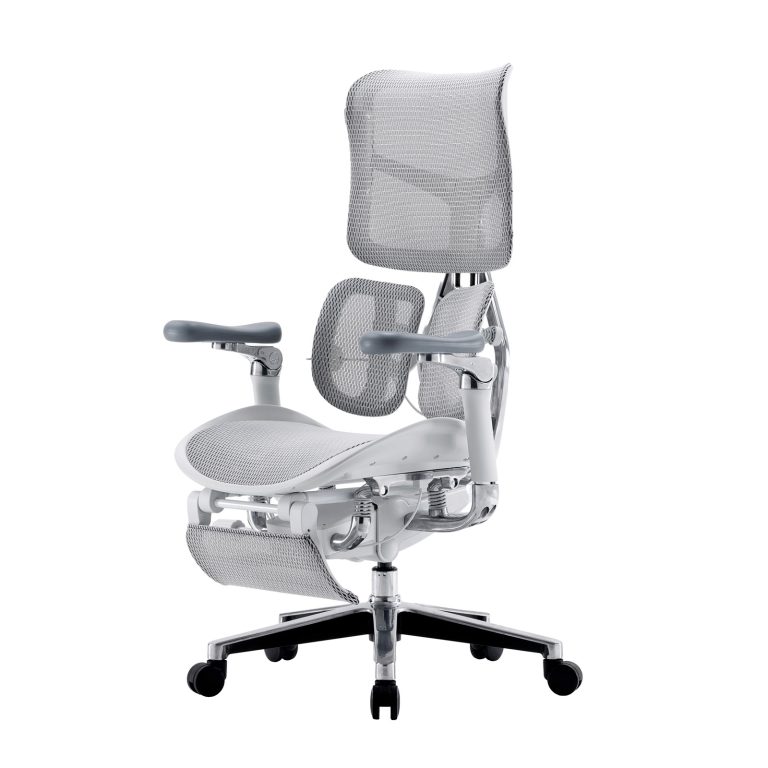
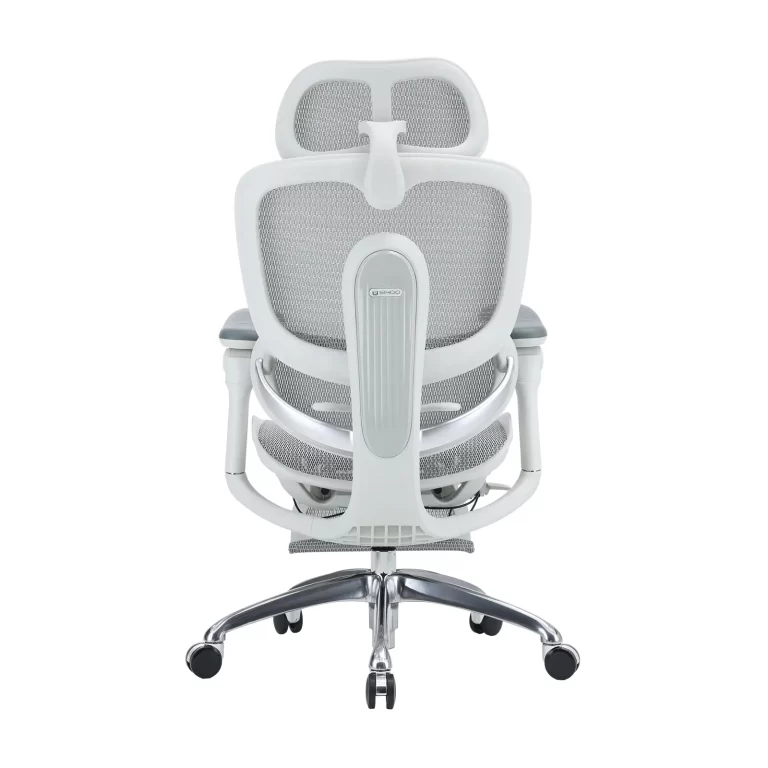
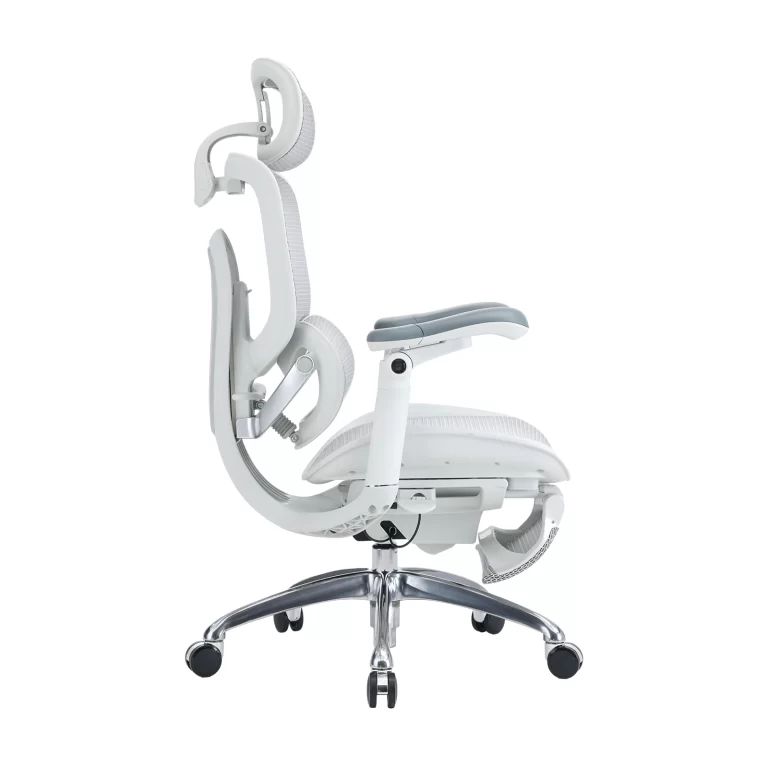
- Elastic or dynamic lumbar. A tensioned panel or band flexes with the user’s back. The C300 uses dynamic lumbar for long-hour executive use, tracking the spine as the user moves.
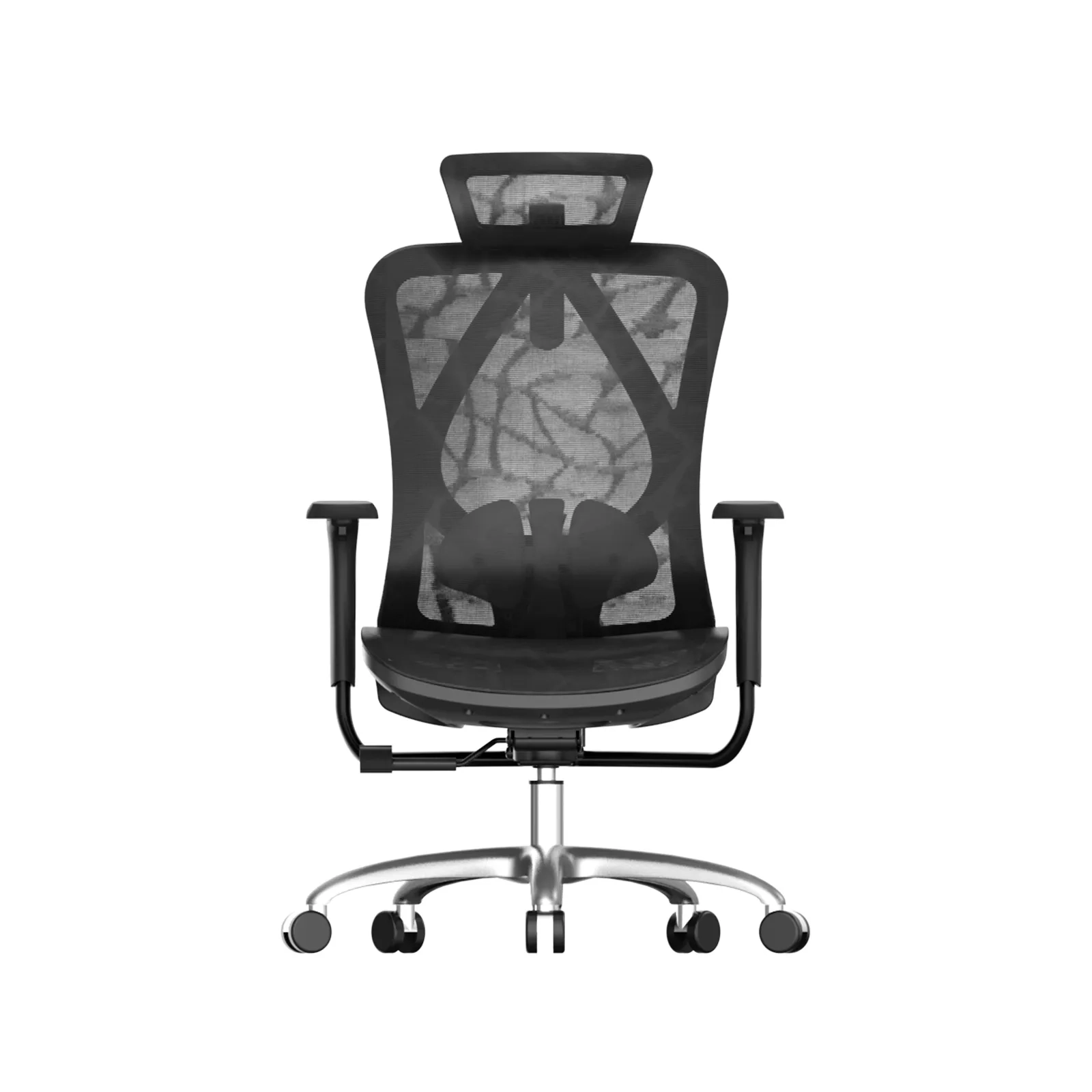
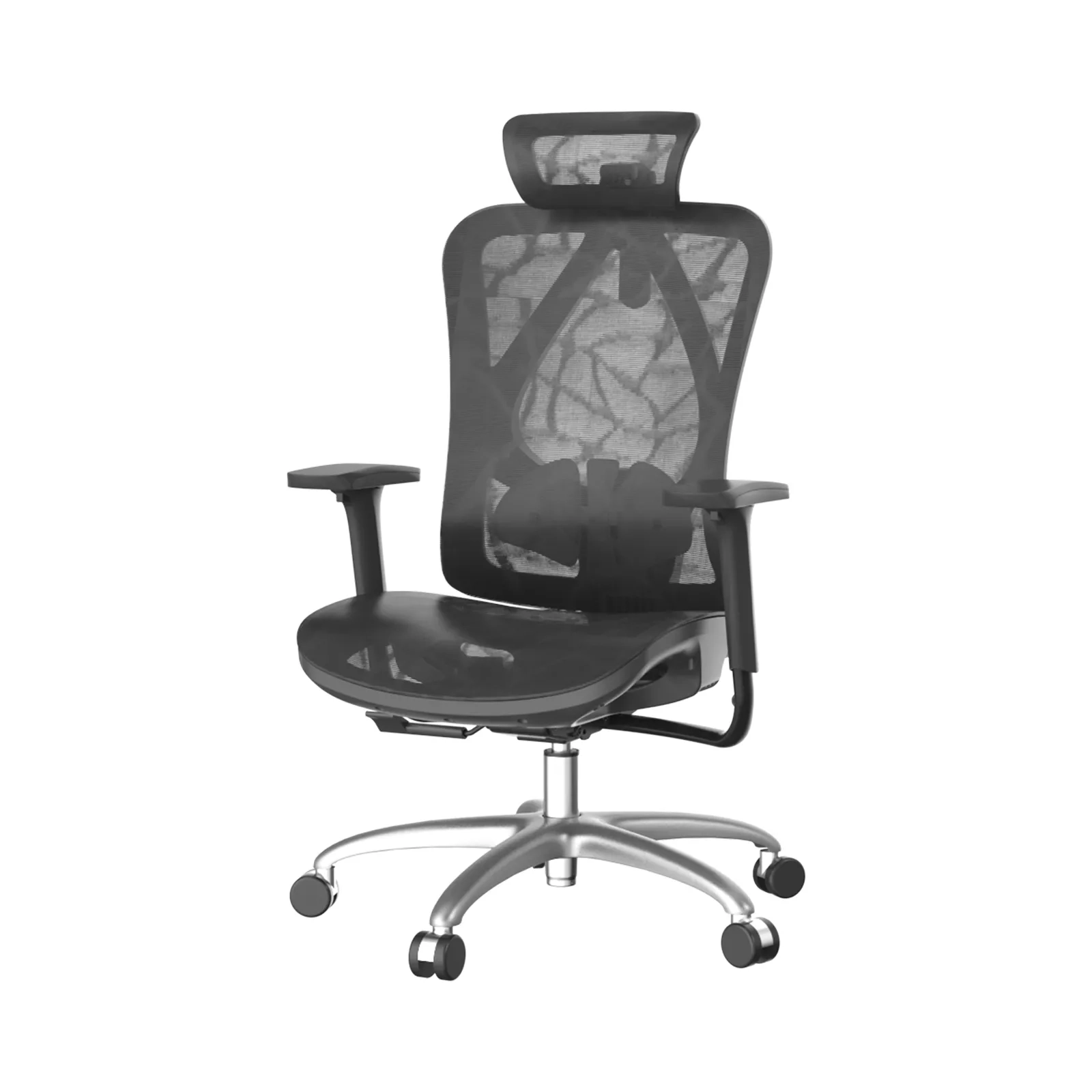
- Adjustable pad. A pad mounted on the back that moves up, down, or in/out. Broadens fit across body types.
Because it is part of the chair, built-in support cannot slide out of place. It survives daily use and multiple users.
How an add-on cushion works
An add-on lumbar cushion is foam or memory foam in a fabric shell, usually with straps that loop around the back, or a peel-and-stick backing. It adds a bulge where the user wants it. Some are inflatable.
It works only as well as its attachment. Straps loosen. Adhesive fails on mesh. The pad migrates when the user reclines. Over months, foam flattens and loses shape.
Where built-in wins
Consistency. The curve is always where it was designed, session after session.
Durability. No foam to flatten, no straps to fray. For a distributor, fewer “it broke” tickets.
Clean look. No straps or bulges. Professional in executive and meeting settings.
Hygiene. One surface to wipe; no removable pad that traps sweat.
Fit control (when adjustable). Adjustable built-in lumbar lets each user tune pressure without buying a new pad.
Where an add-on wins
Retrofit. It adds lumbar to a chair that has none. Useful for a buyer with existing inventory.
Low cost. Cheaper than replacing chairs.
Portability. A user can move it between home and office chairs.
These wins are real but temporary. The cushion still shifts, flattens, and eventually needs replacement.
Failure modes to know
| Issue | Built-in | Add-on |
|---|---|---|
| Shifts out of place | Rare | Common |
| Flattens over time | No (frame holds) | Yes (foam) |
| Hard to clean | Easy | Seam trap |
| Adds cost later | No | Yes (replace) |
| Fits any chair | No (model-specific) | Yes (universal) |
Design quality signals for built-in
When evaluating suppliers, check:
- Lumbar contour. Is the lower back actually shaped, or is the shell flat? Flat shells give little.
- Adjustment range. Height alone is basic; depth or tension control is better for mixed teams.
- Frame warranty. Built-in support lives or dies with the frame. Warranty signals confidence.
- Spare parts. If the lumbar pad is a separate mounted part, confirm it is orderable.
- Certifications. Ask for market-required documents; do not assume.
Raise these on the SIHOO partnership page during sourcing.
Which buyers should choose which
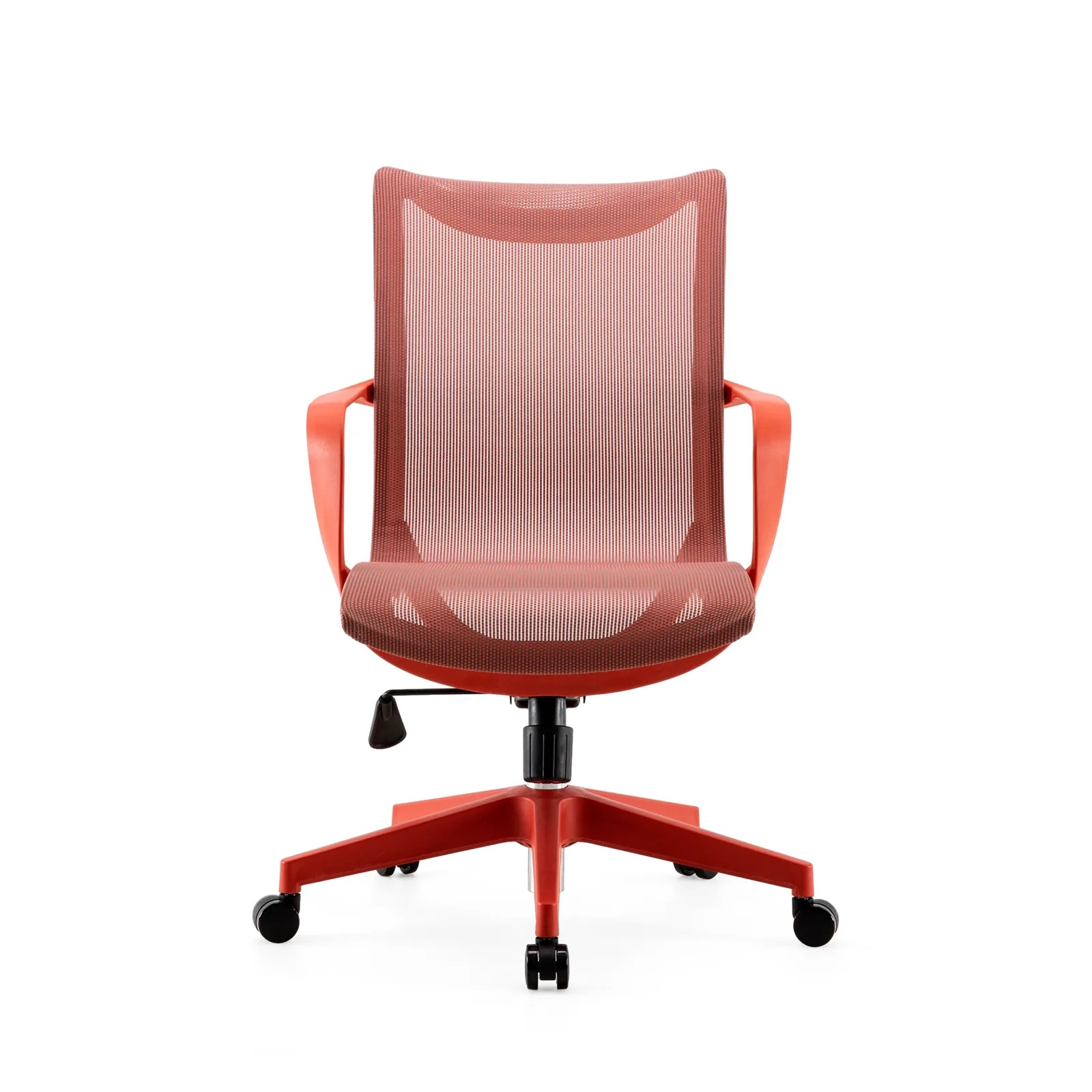
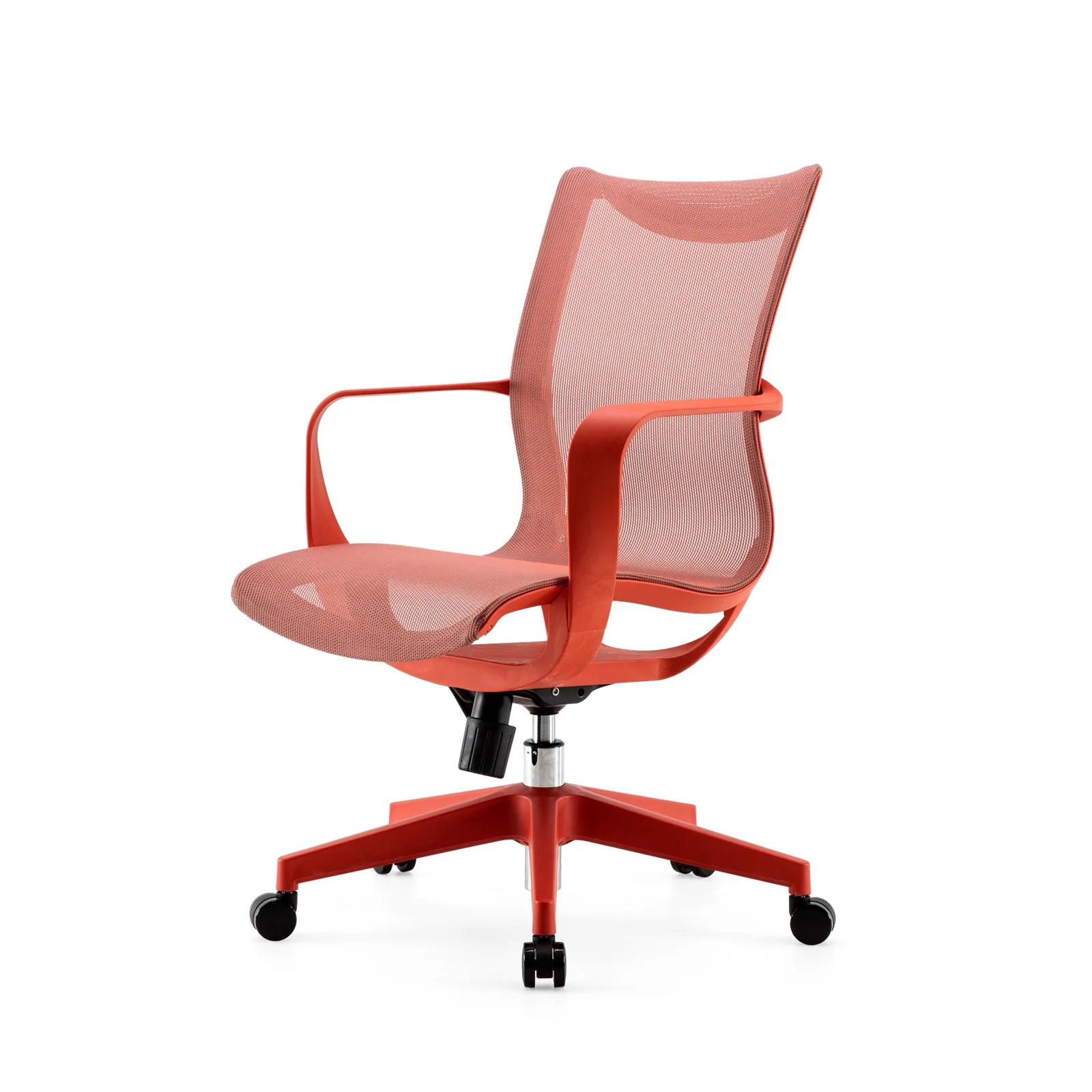
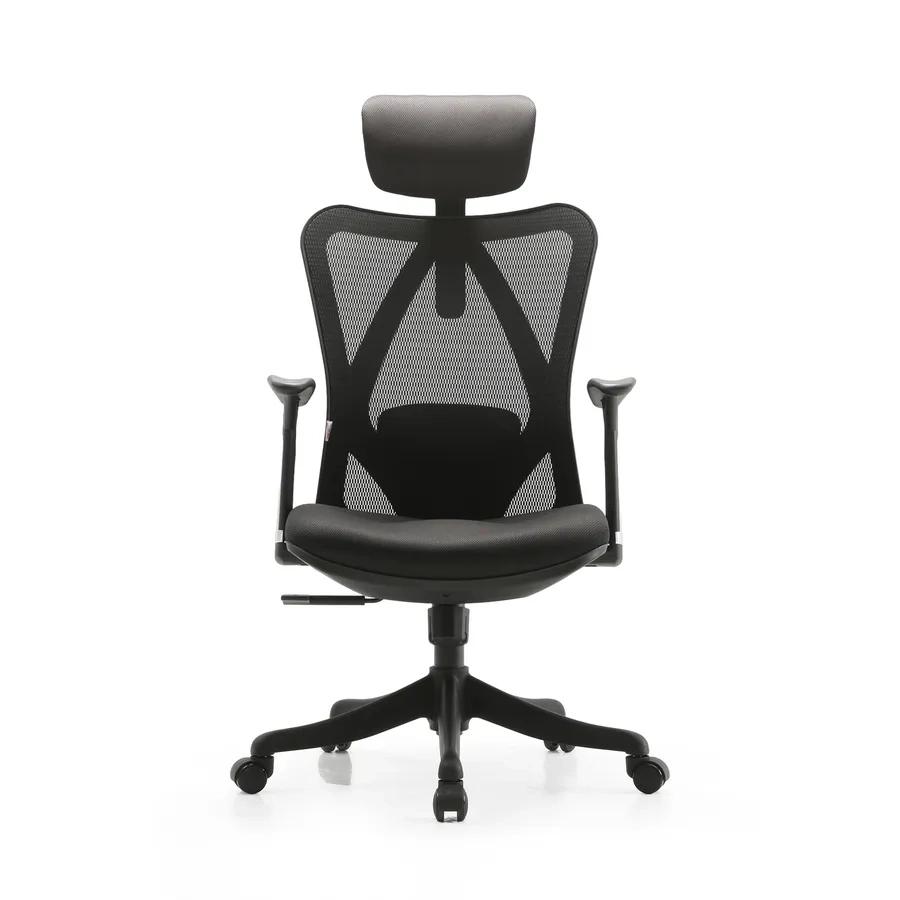
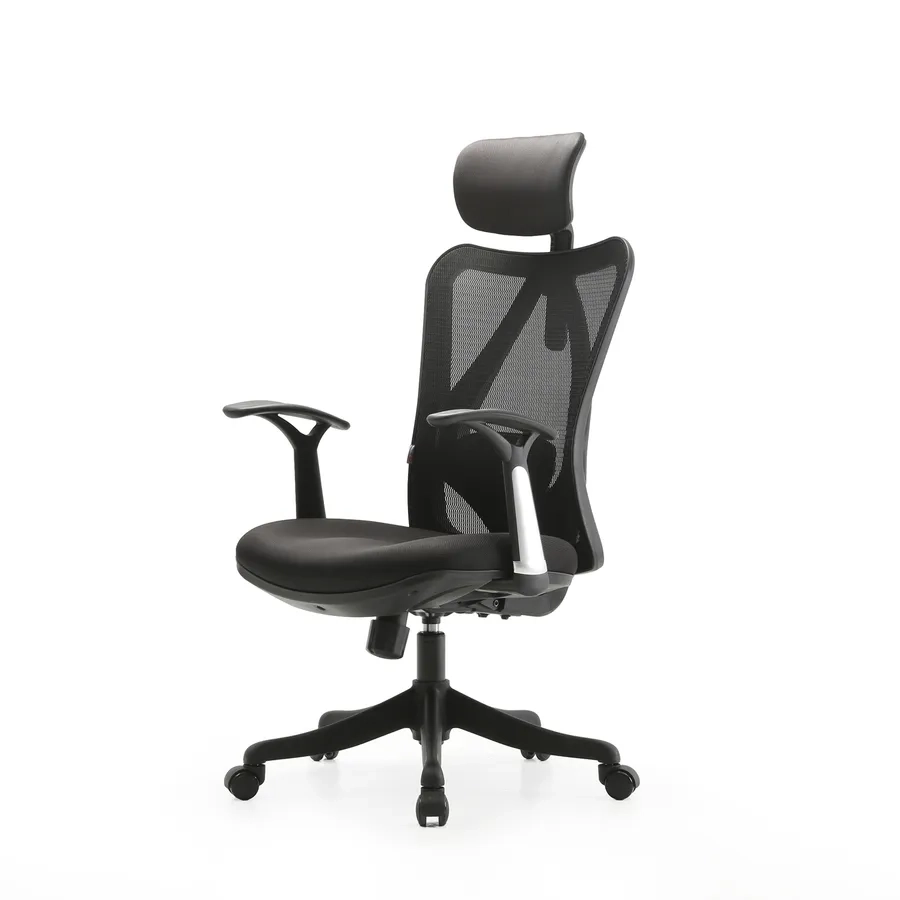
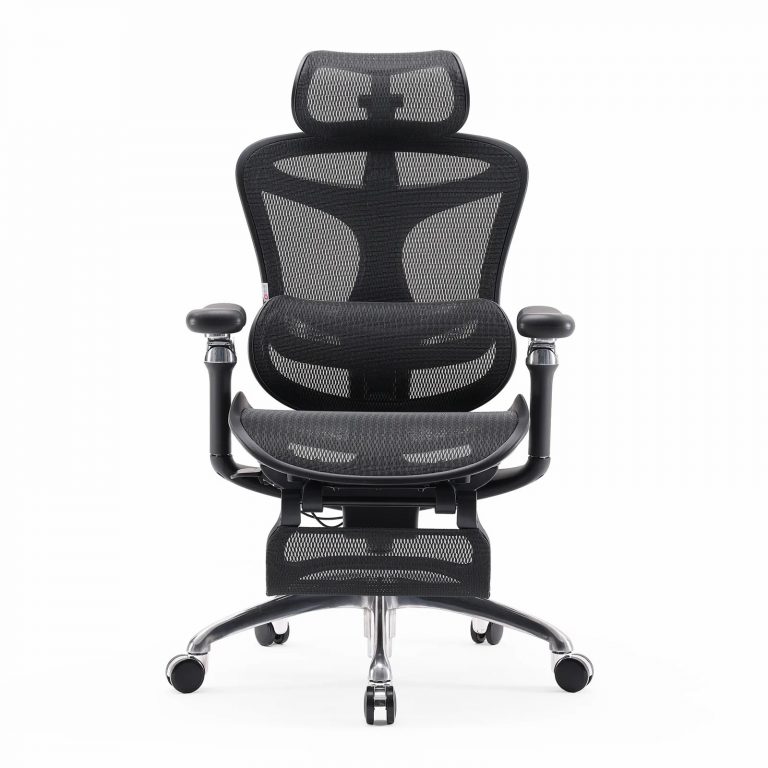
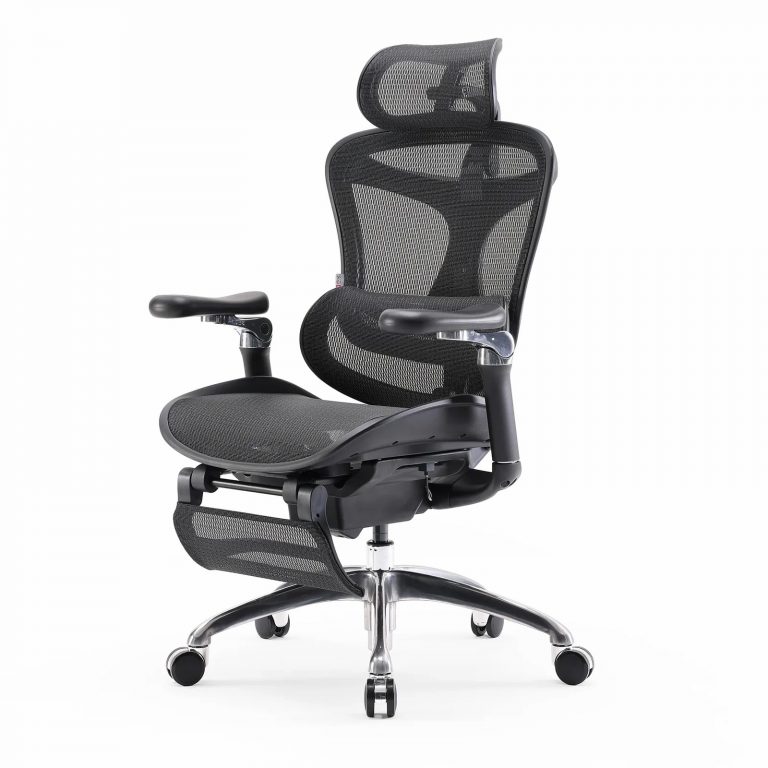
- New bulk orders → built-in. The C300 (dynamic lumbar) and S300 (mesh back with lumbar) show two built-in approaches for all-day and warm-climate buyers.
- Existing fleets with no lumbar → add-on as a retrofit, with the caveat that it needs replacing.
- Mixed or unknown user base → adjustable built-in lumbar for broad fit.
- Executive and meeting rooms → built-in for the clean look; the V1 covers tall users and meeting rooms.
Setup and verification
Even built-in support needs checking:
- Sit and feel where the lower back contacts the curve.
- Adjust height/depth if the model allows.
- Recline slightly; the curve should hold.
- If pressure feels like a hard point, reduce depth or try another model.
A good built-in lumbar feels like a hand at the small of the back, not a spike.
Material and manufacturing notes
Built-in lumbar starts as part of the back tooling, so its cost sits in the mold and frame, not in a separate part. Add-on cushions start as cut foam, a cover, and straps or adhesive. The foam grade decides how long the cushion holds shape; low-density foam flattens within months. The cover fabric affects cleaning and sweat. For built-in, the shell material (glass-filled nylon versus polypropylene) decides long-term shape retention. These inputs are invisible to the buyer but obvious in year two.
How suppliers build each type
A built-in lumbar model is produced on a back-line where the contour or moving panel is molded in. Tolerances matter: a fraction of a millimeter changes how the curve feels. An add-on cushion is assembled separately and shipped in a bag, then applied by the end user. That separation is why cushions fit many chairs but fit none perfectly. Built-in is harder to make and easier to live with; add-on is easier to make and harder to live with.
QC differences between the two
QC for built-in focuses on the frame and the lumbar travel: does the curve hold, does the adjuster move smoothly, does the recline keep the contact. QC for cushions focuses on foam density and strap strength, which degrade after sale and off the factory floor. A distributor auditing a built-in model checks the chair; auditing a cushion checks a consumable. This is why built-in yields fewer post-sale complaints per unit shipped.
Total cost model for distributors
Model the cost over a three-year horizon, not the invoice. A built-in lumbar chair costs more once and then carries no recurring part. An add-on program adds cushion replacements, support time for shifting straps, and returns from flattened pads. At volume, the recurring cost of cushions often exceeds the one-time price step-up of built-in. Show this math to procurement teams; it reframes “built-in is expensive” into “built-in is lower total cost.”
Buyer communication: setting expectations
Tell buyers what each option does and does not do. Built-in: consistent, durable, clean, model-specific. Add-on: universal, low up front, needs replacing. Neither is “more comfortable” in the abstract; they solve different problems. Honest framing reduces chargebacks and builds the supplier relationship, which matters more than a single sale.
Warranty handling
Built-in lumbar rides on the frame warranty, so confirm the frame term and keep it in the catalog. Add-on cushions rarely carry a meaningful warranty and are treated as consumables. For distributors, built-in also means fewer warranty claims to process, freeing the support team for higher-value work like fit-out planning.
Preguntas frecuentes
Is built-in always better than a cushion? For new orders, yes on durability and consistency. A cushion only wins when you must retrofit an existing chair.
Do add-on cushions work at all? They can add support short-term. They fail on consistency and lifespan, which is why built-in is the B2B default.
Can built-in lumbar be too much? Yes, if fixed and aggressive. Adjustable depth solves it for mixed teams. See the buyer comparison.
Are these chairs available with branding? OEM depends on tooling and MOQ. Scope it on the partnership page so lead times are realistic.
A note for distributors
The built-in versus add-on question rarely starts as a technical one; it starts as a cost conversation. Reframe it as a durability and total-cost conversation, and the built-in case makes itself. Bring the three-year cost model to the meeting, show the warranty difference, and let the buyer do the math. Most procurement teams choose built-in once they see the recurring cost of cushions.
Also prepare a physical demo: a built-in model next to a cushioned chair of the same age. The worn cushion tells the story faster than any slide. For distributors, this comparison also reduces returns, because the buyer has seen the failure mode before purchase. Keep spare cushions out of your catalog where built-in fits, and reserve them only for retrofit RFQs. That discipline protects margin and brand.
Finally, document the lumbar type in every listing with plain language: fixed, dynamic, or adjustable. Buyers search “lumbar support” and assume it means the same thing; your spec removes the ambiguity and cuts pre-sale questions. Clear specs also speed procurement approval, which shortens the cycle to order. A small training investment pays back here: when staff explain why built-in outlasts a cushion in one minute, the talk moves from price to durability, and margin follows.
Follow-up that protects the margin
After the sale, protect the built-in advantage with one habit: track warranty claims by model and share the low rate with the buyer at renewal. A distributor who can show few lumbar returns makes the integrated case without arguing. It also flags a bad lot early, before it spreads across accounts. Pair that data with the spare-part catalog so the buyer reorders components, not just chairs. This closes the loop from “built-in lasts longer” to “we can prove it,” which is the strongest position a supplier can hold.
Final thoughts
Built-in lumbar support wins for B2B because it is consistent, durable, and clean. Add-on cushions are a retrofit stopgap, not a substitute. For 2026 catalogs, lead with built-in dynamic or adjustable lumbar, and reserve cushions for existing fleets. Compare the two designs against your order type, then request samples through the SIHOO partnership page.
1600x1600-4-768x768.jpg)
1600x1600-8-768x768.jpg)