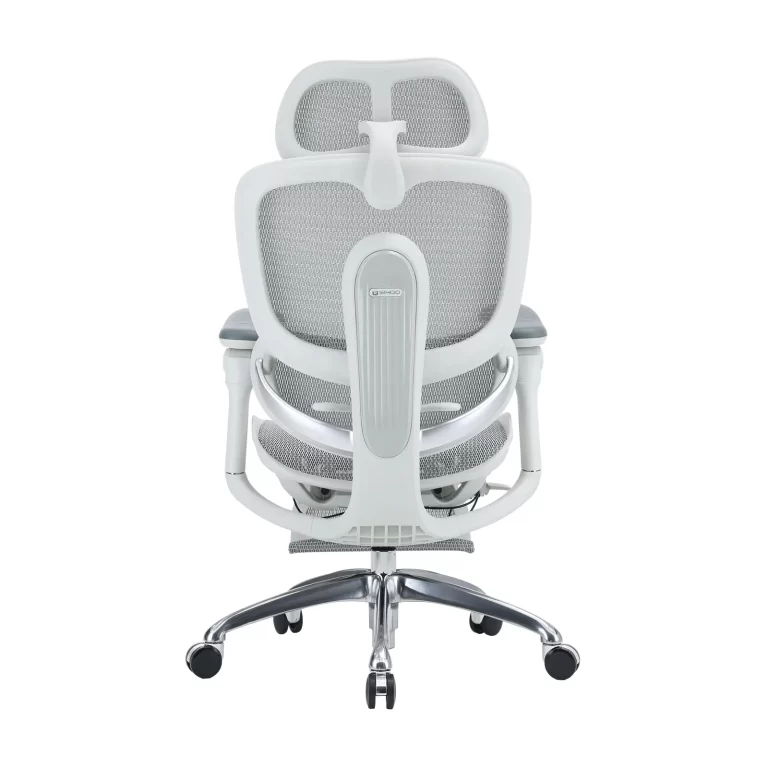
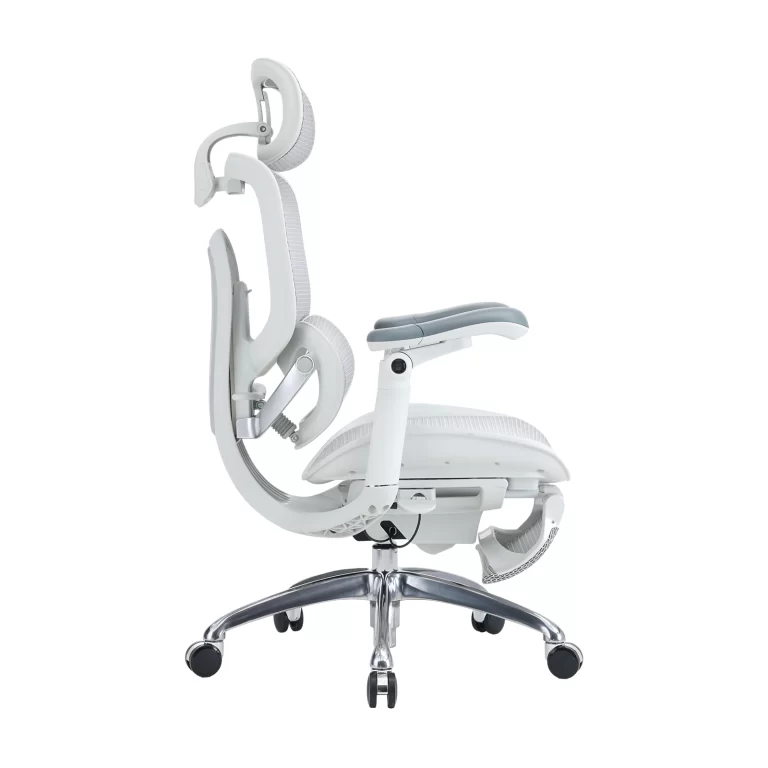
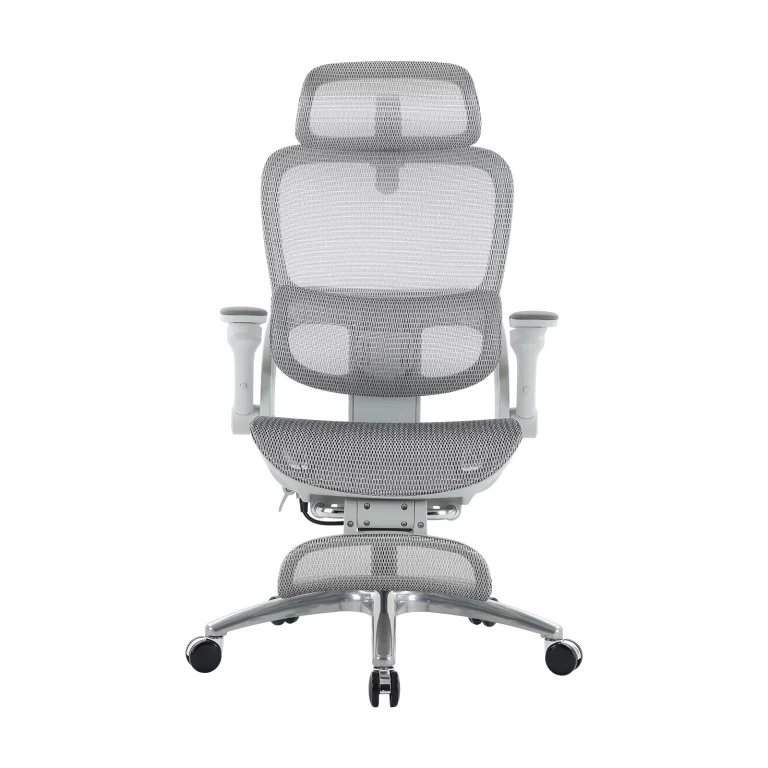
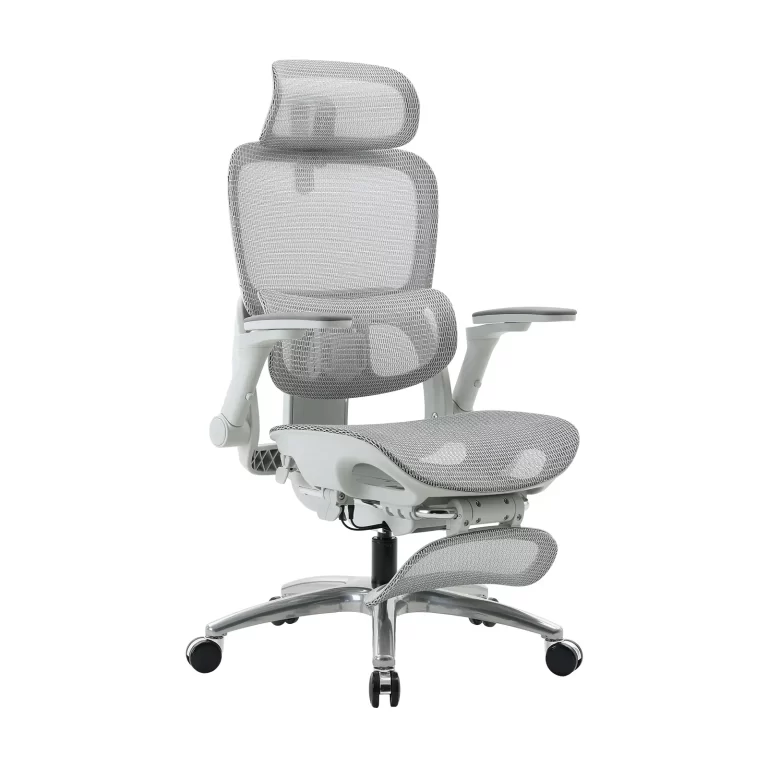
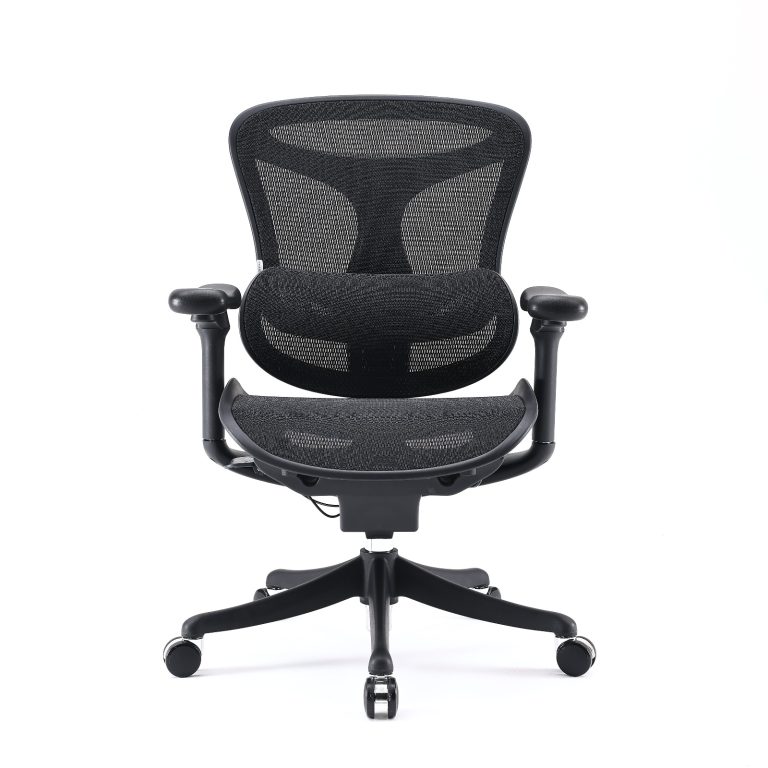
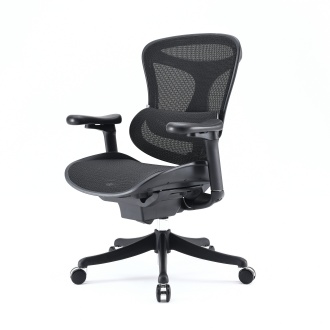
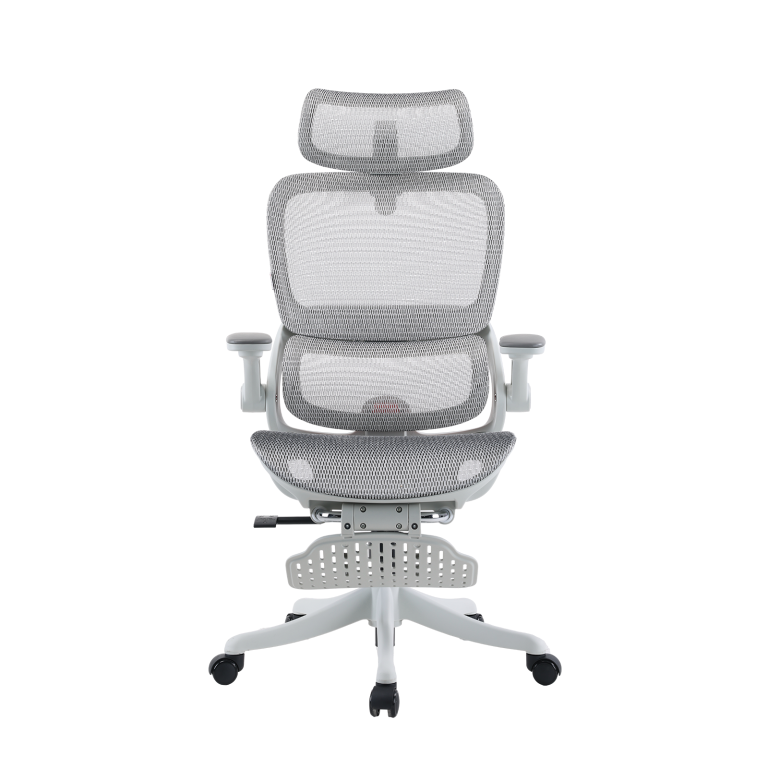
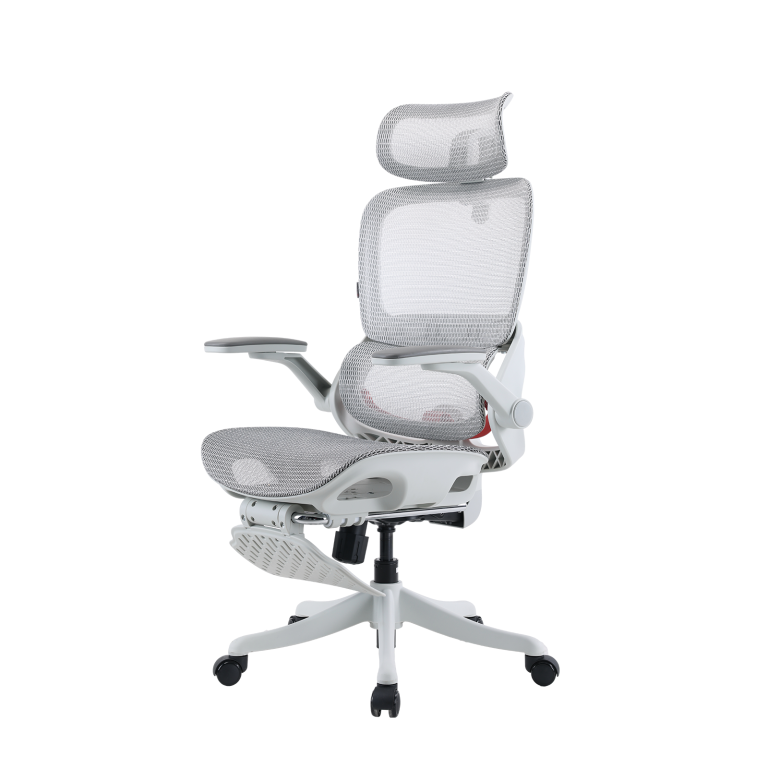
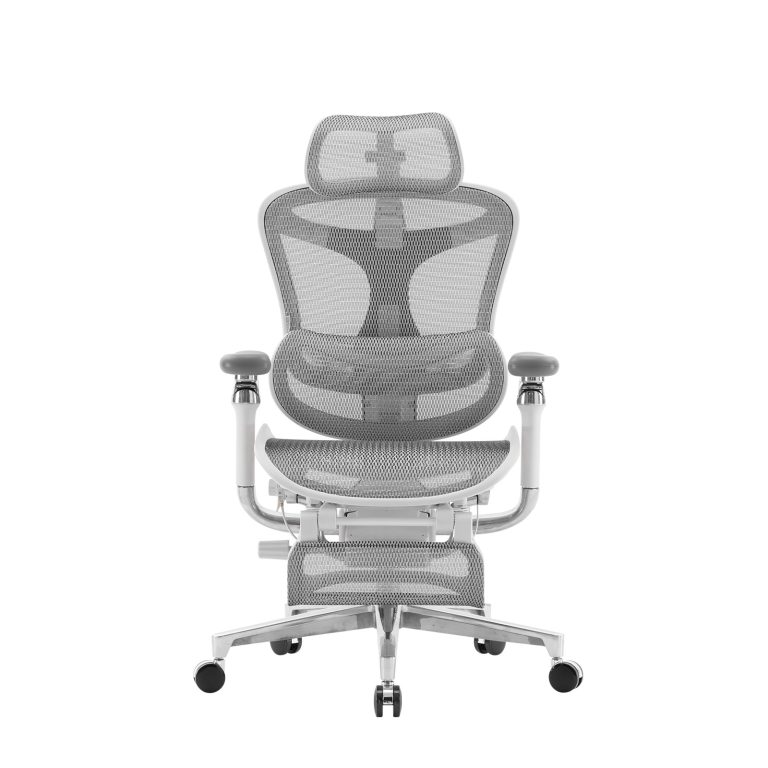
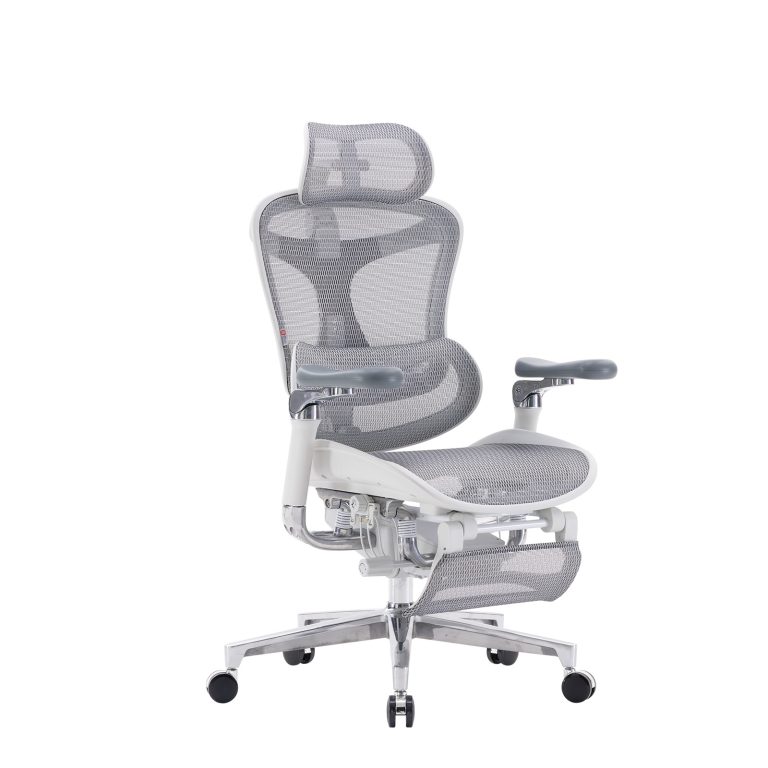
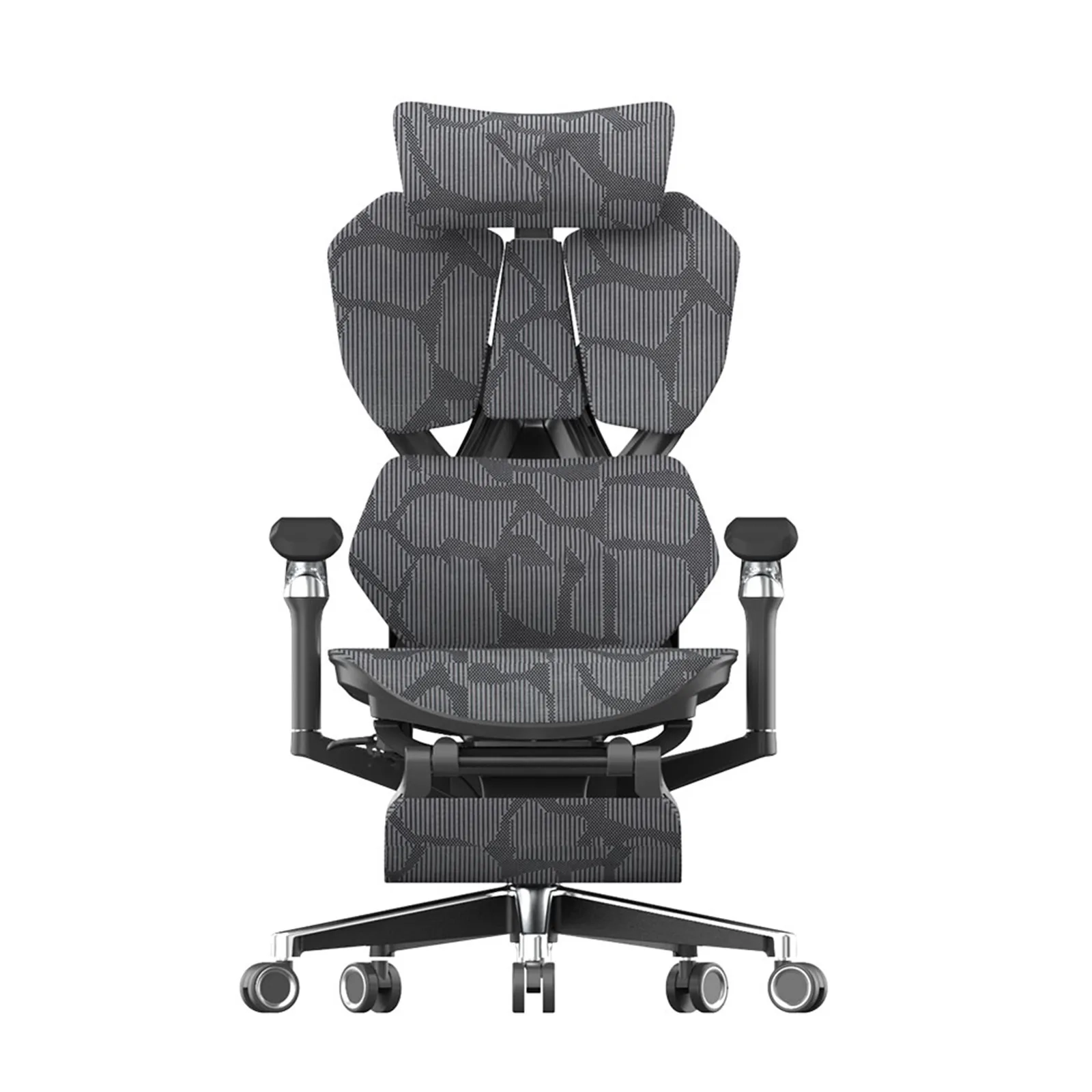
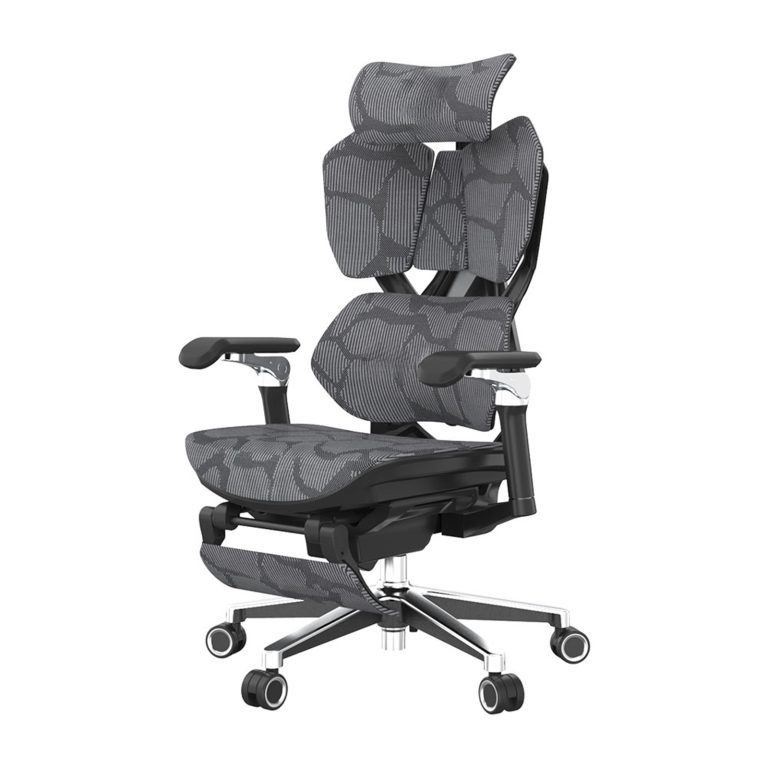
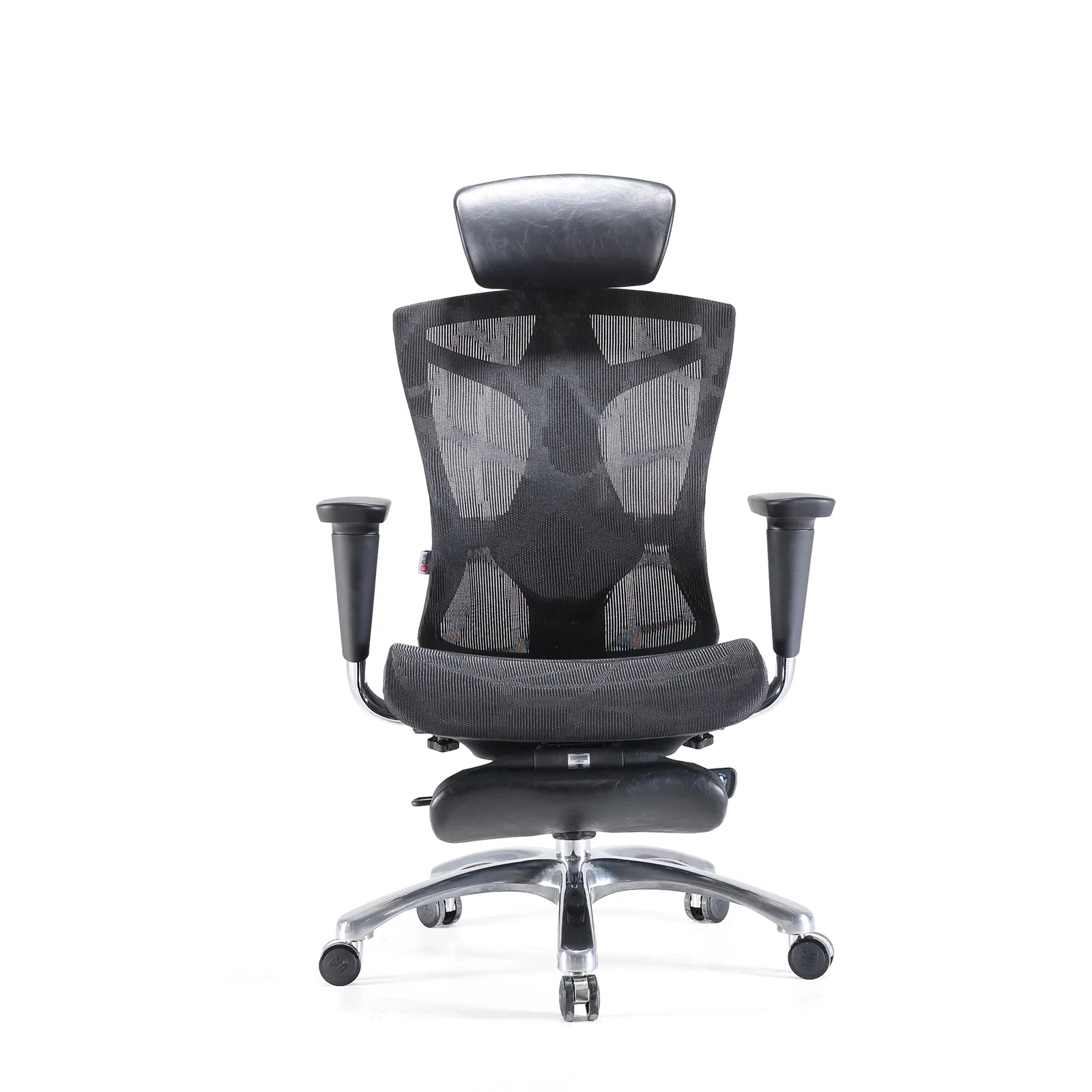
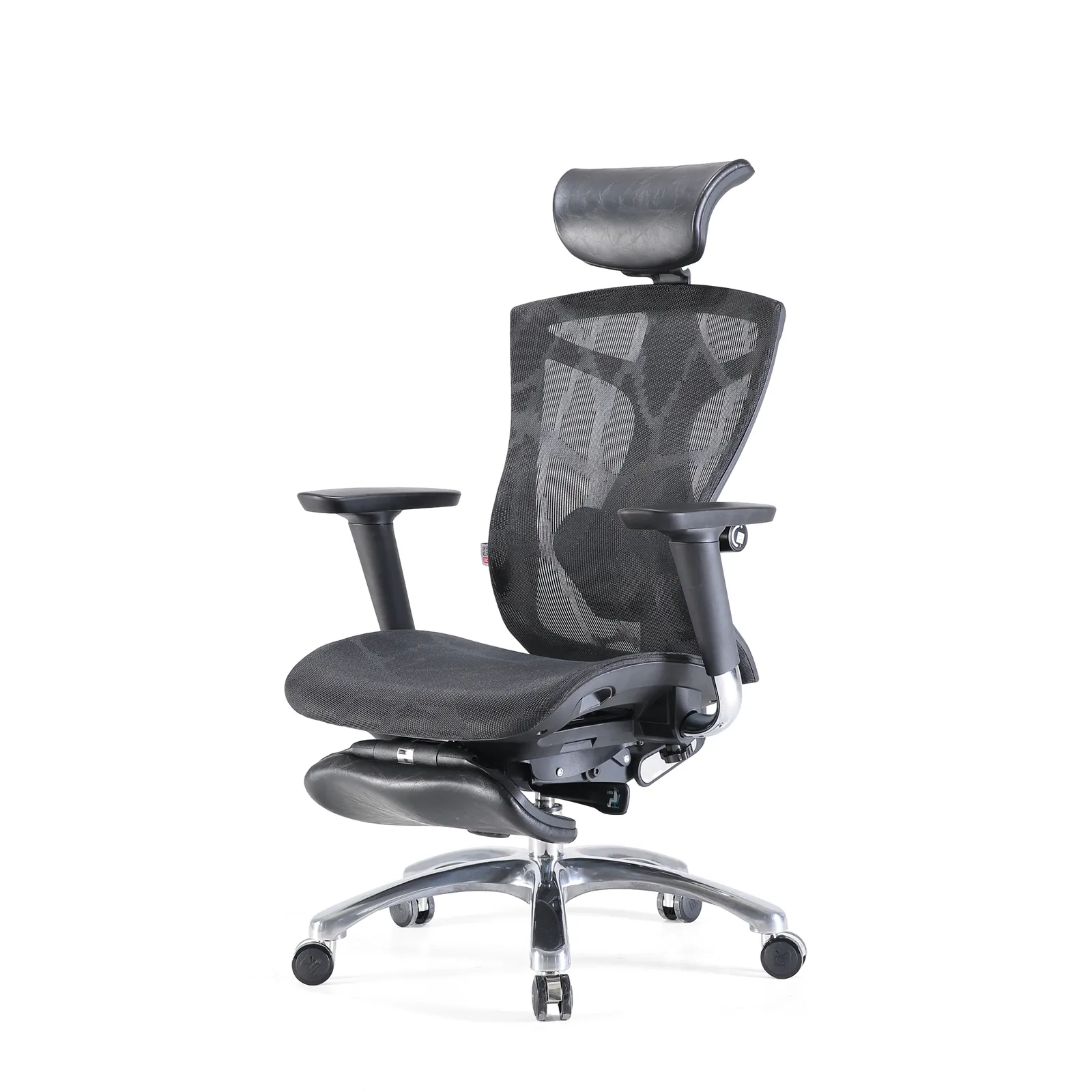
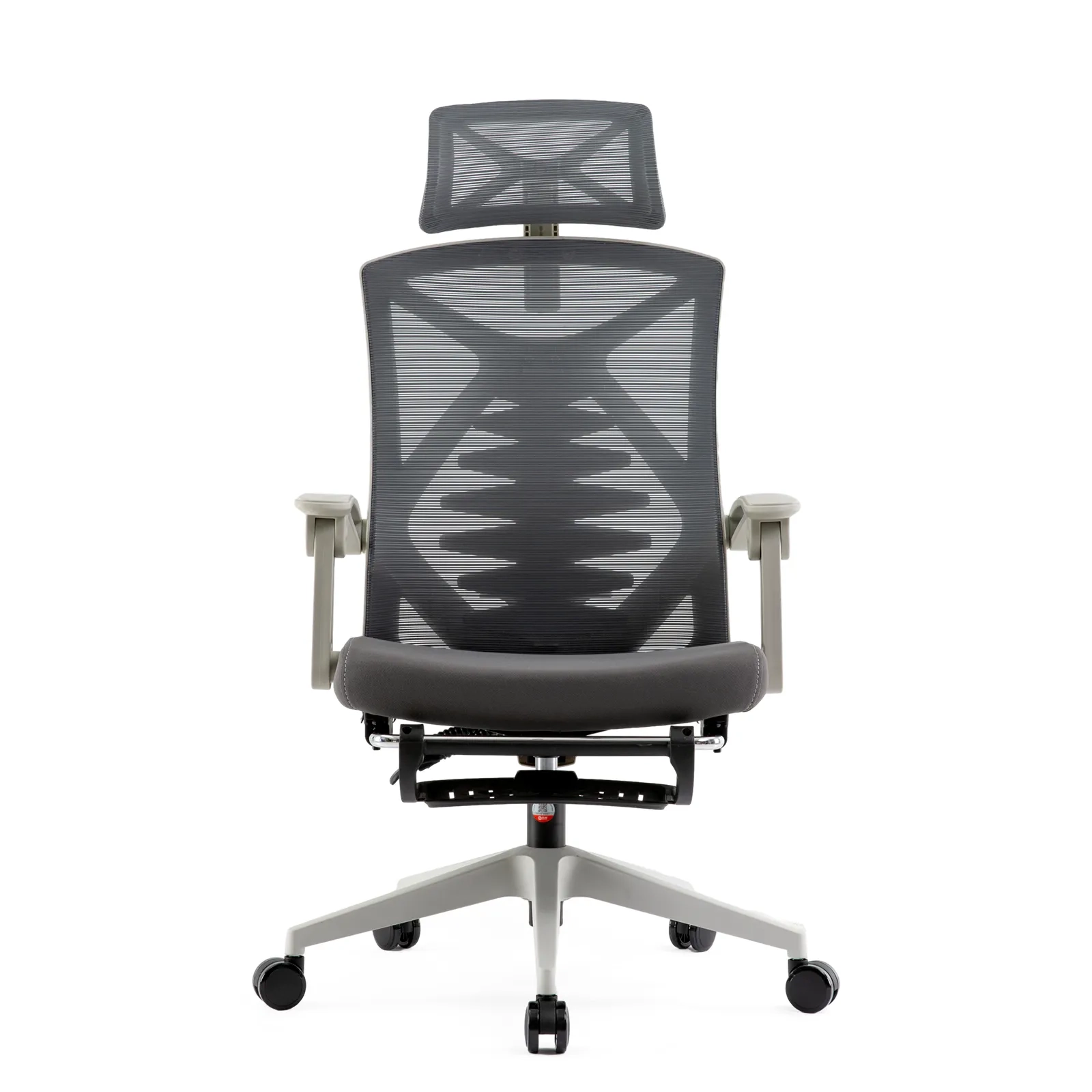
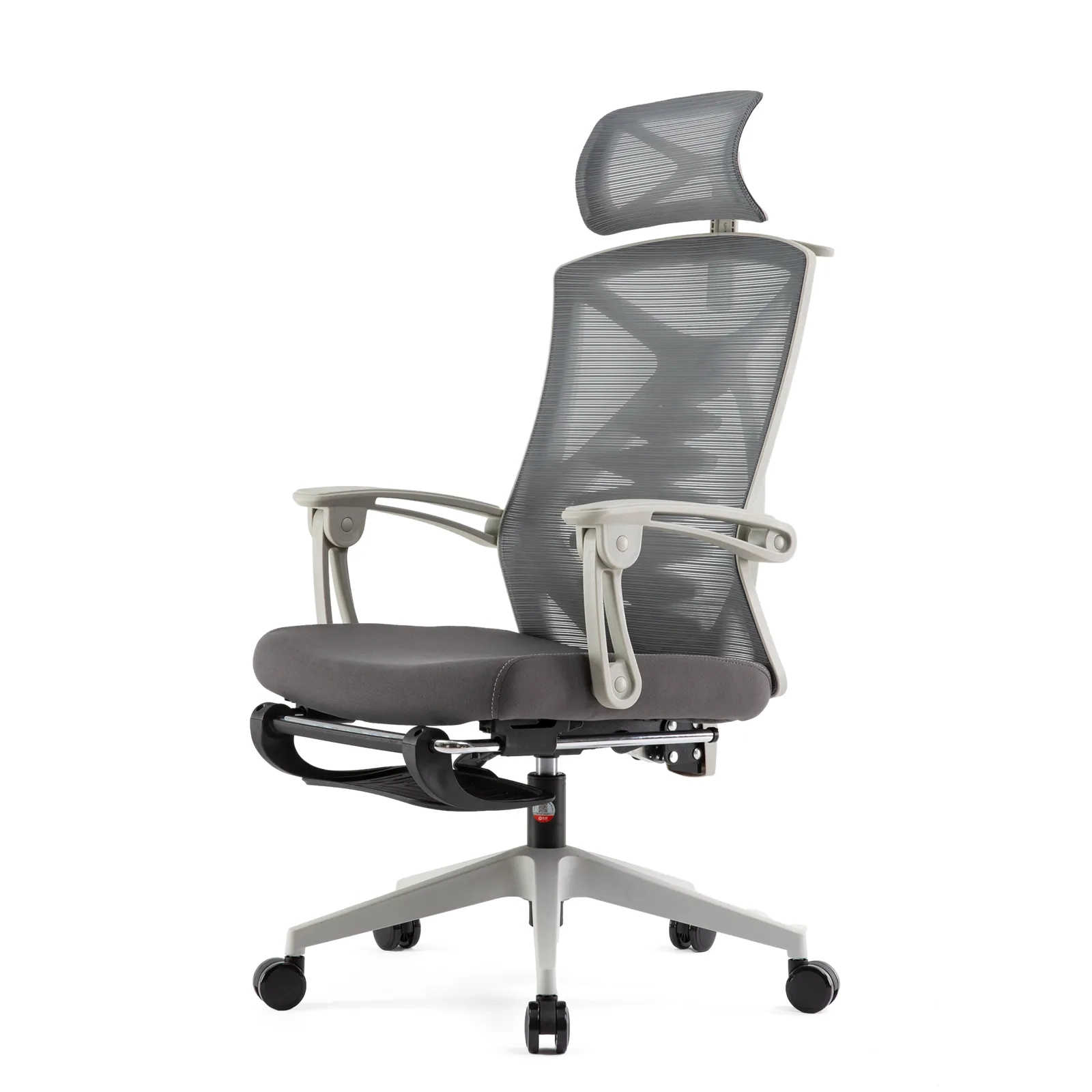
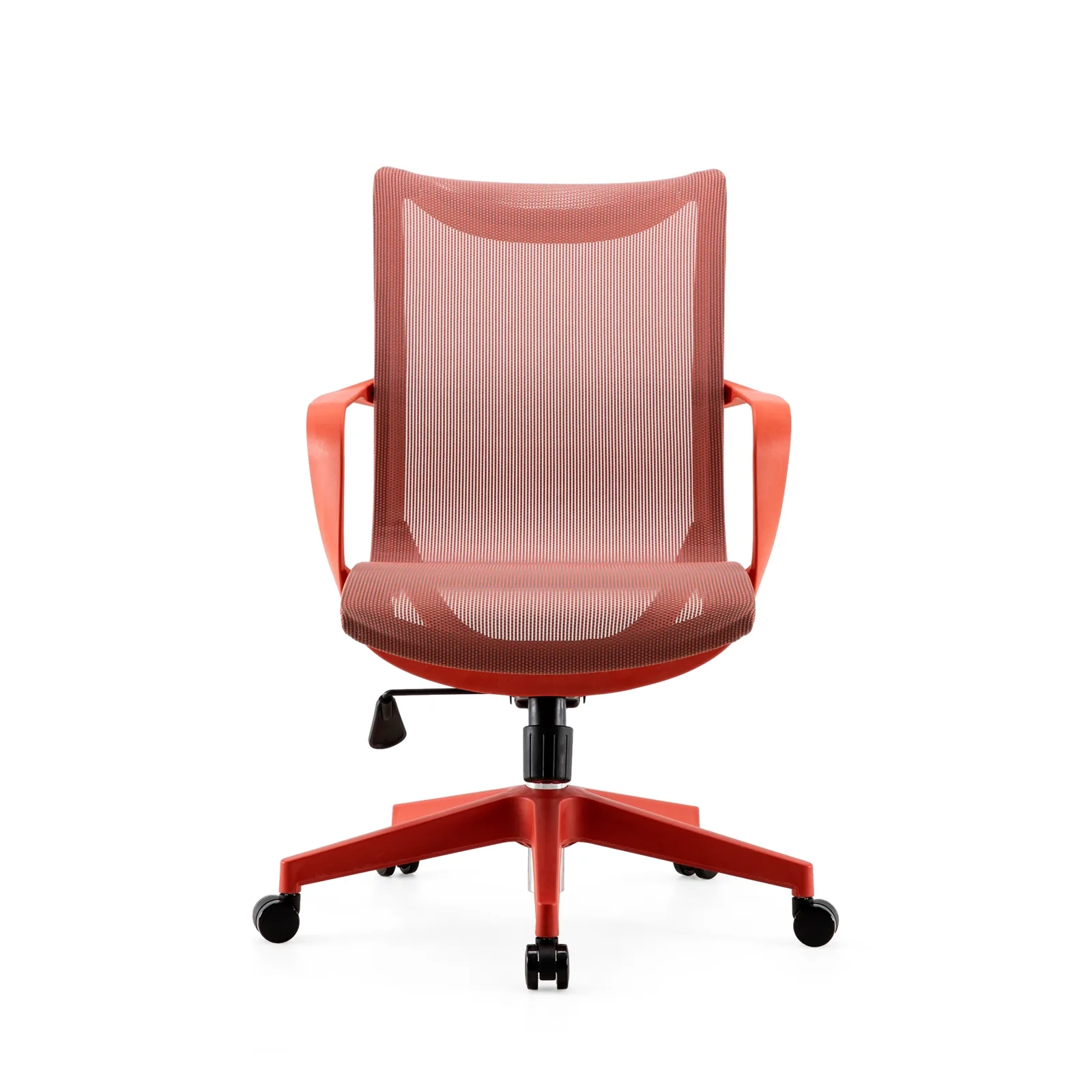
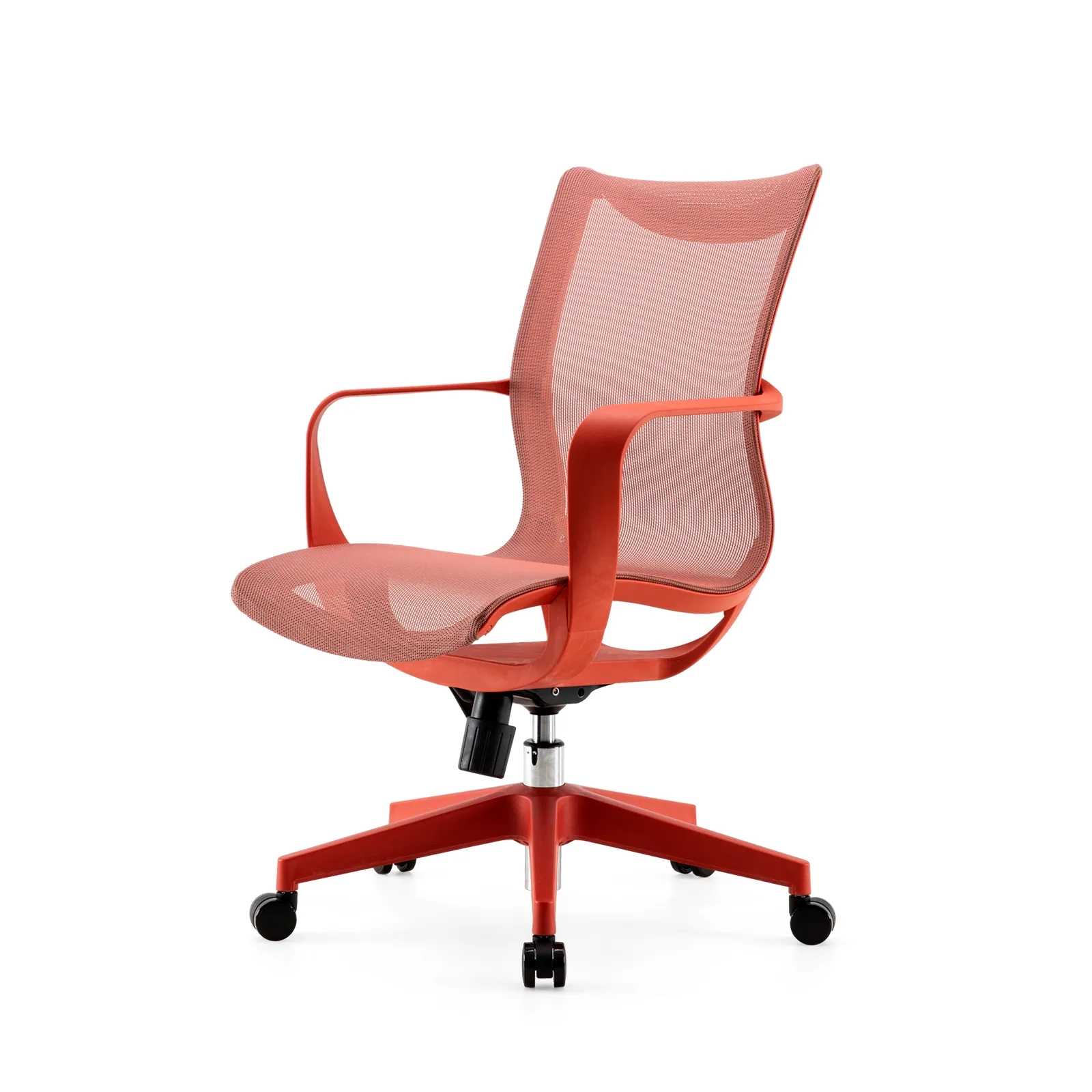
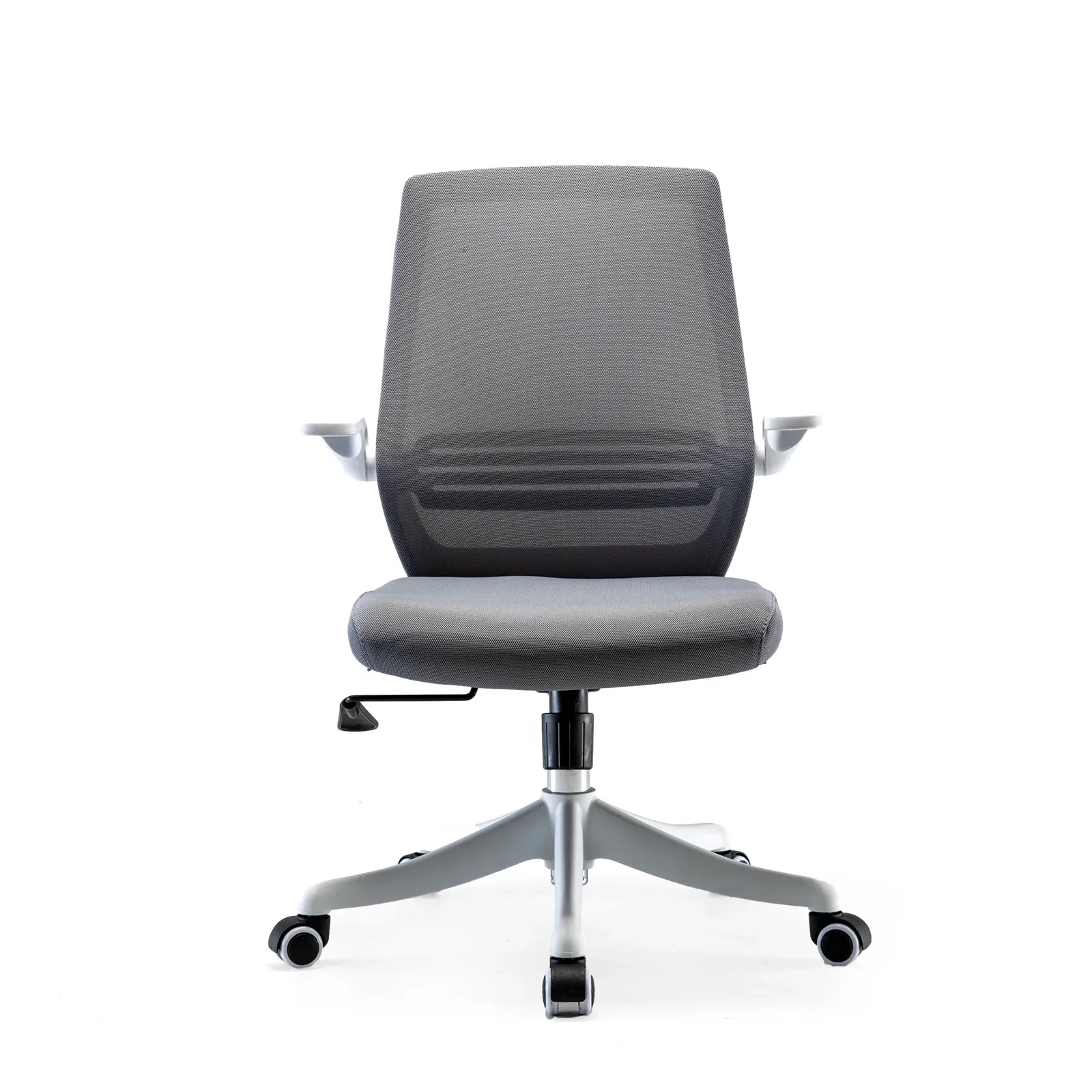
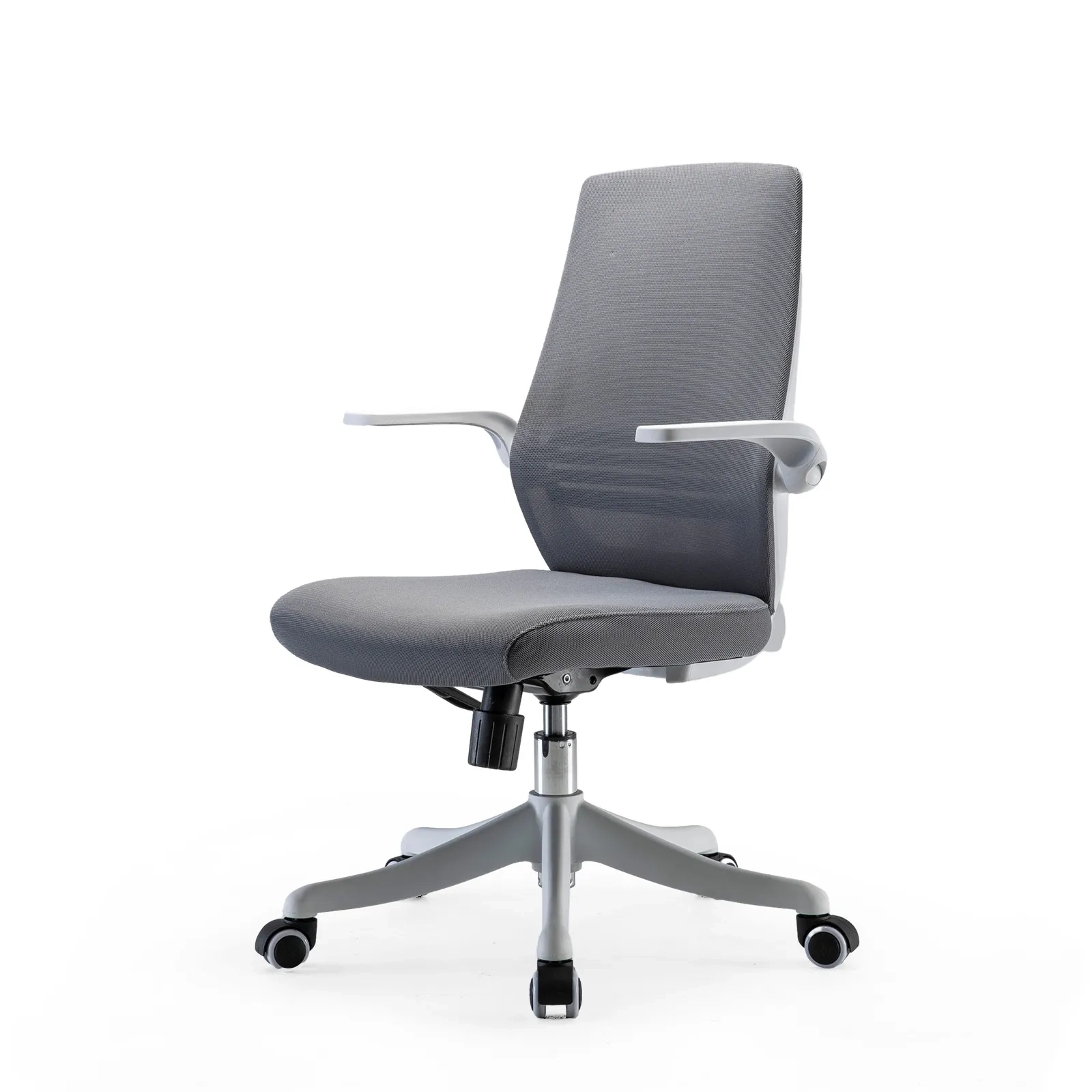
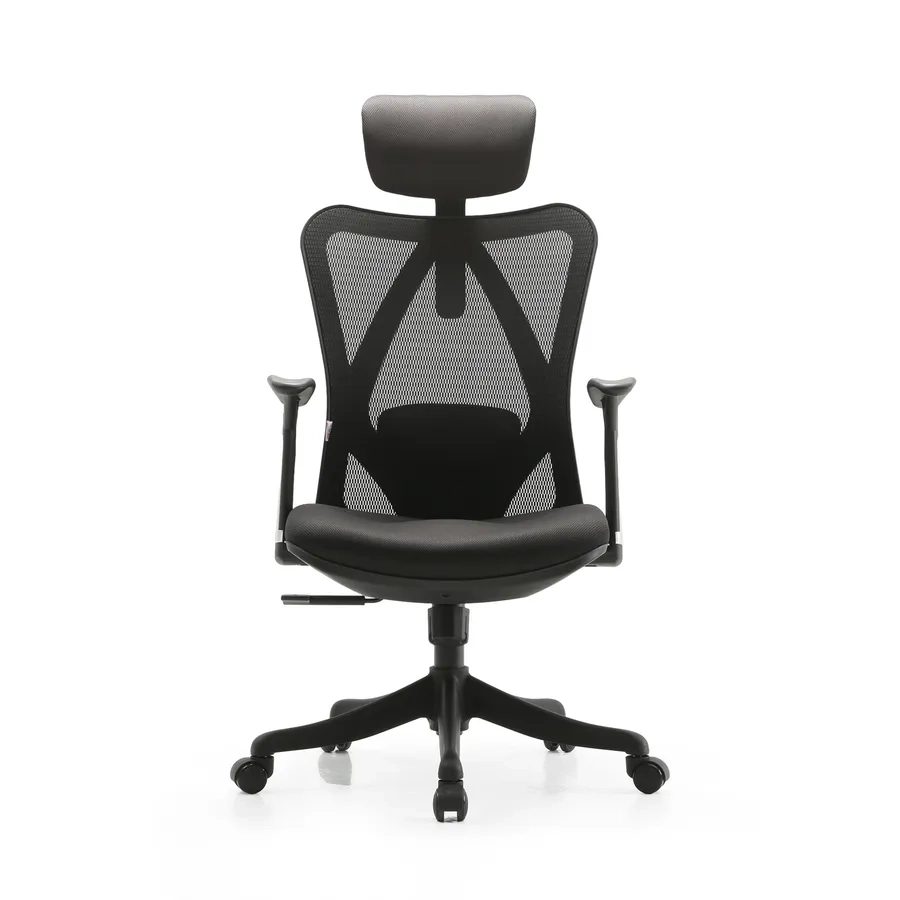
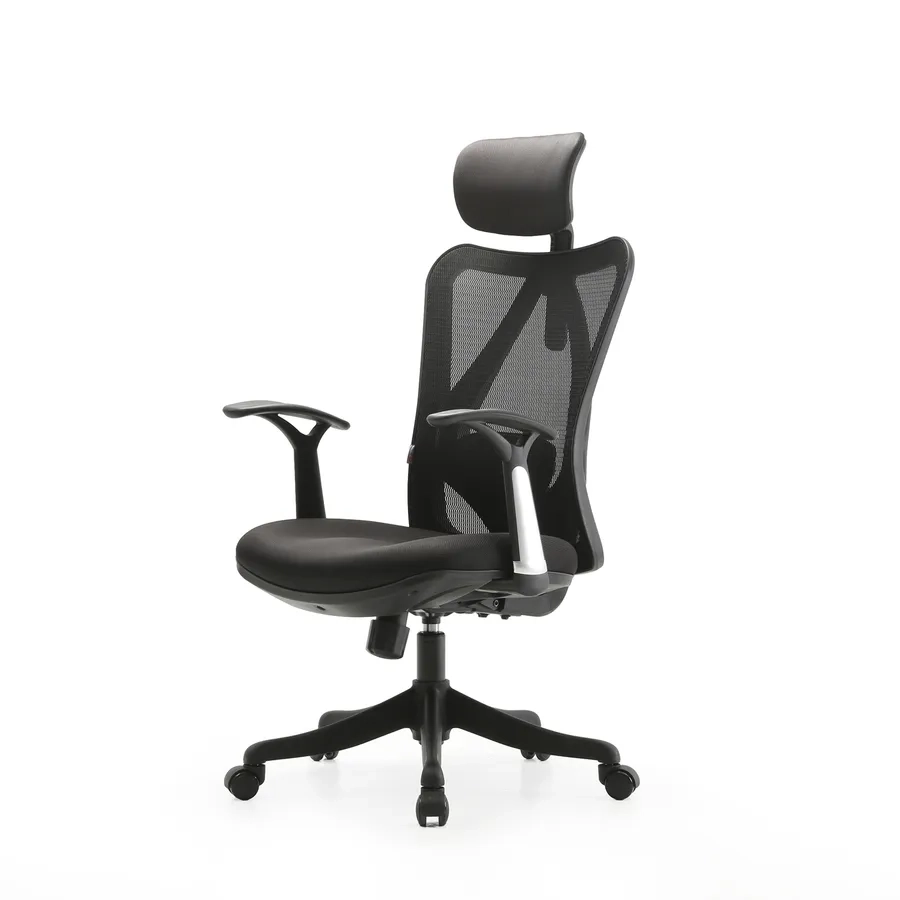
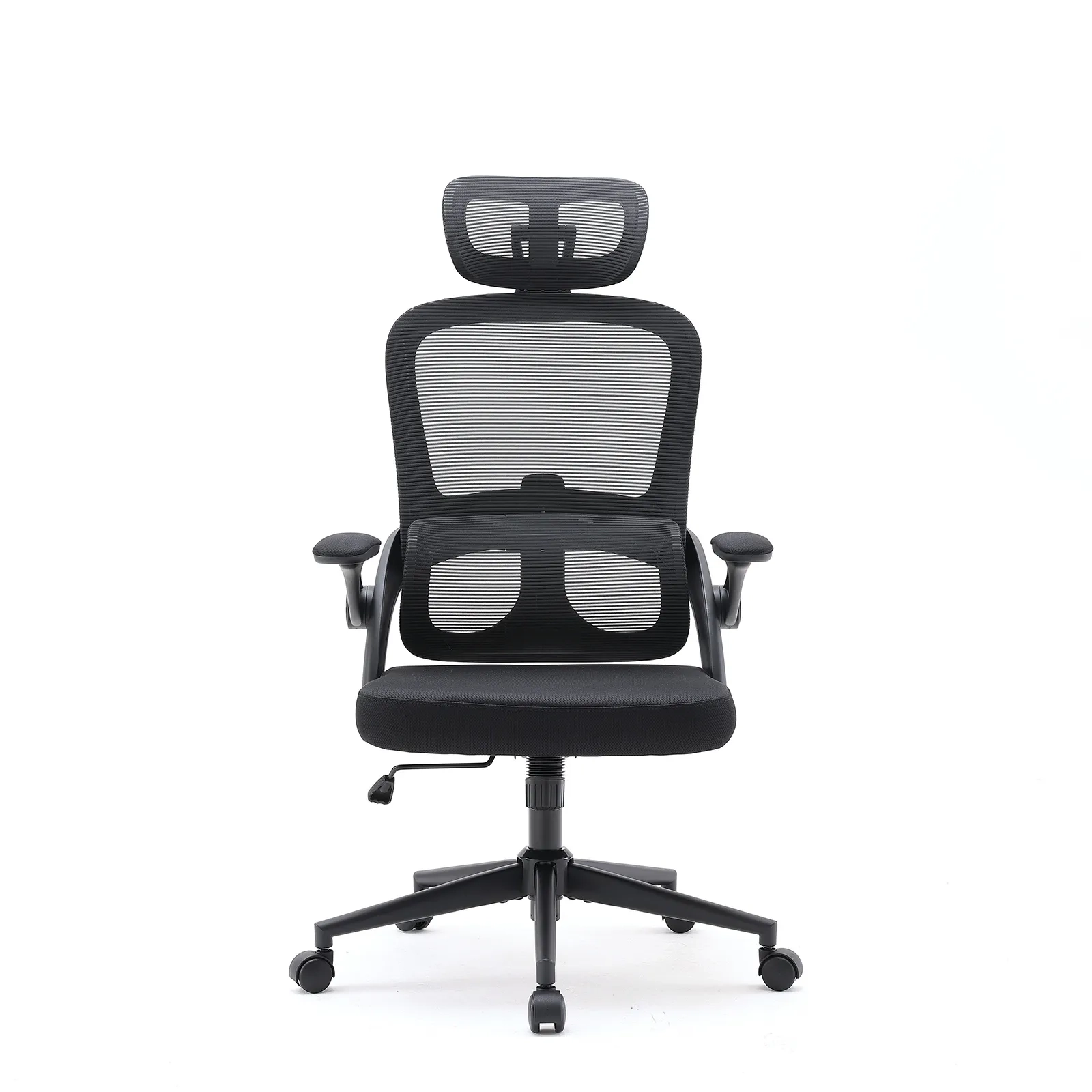
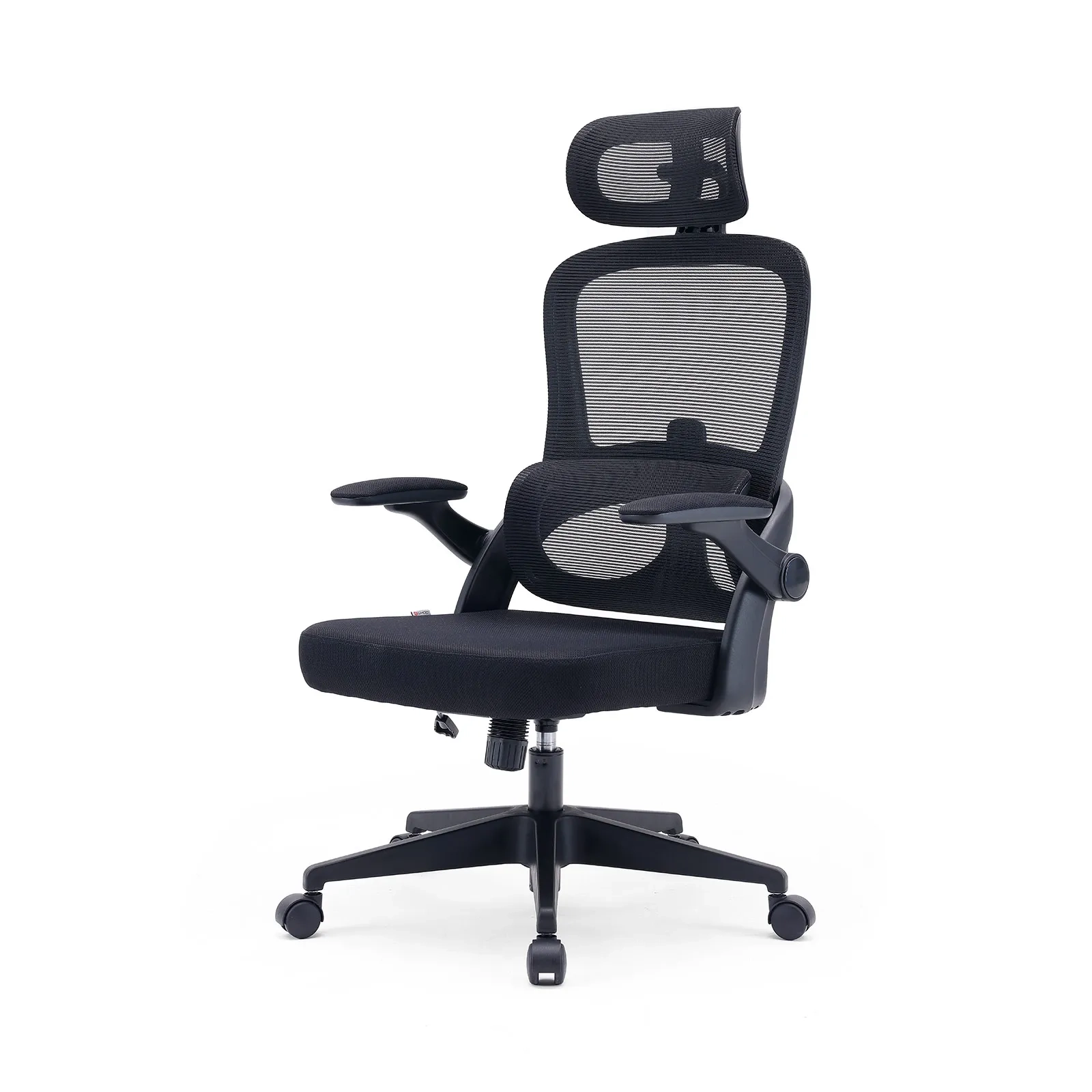
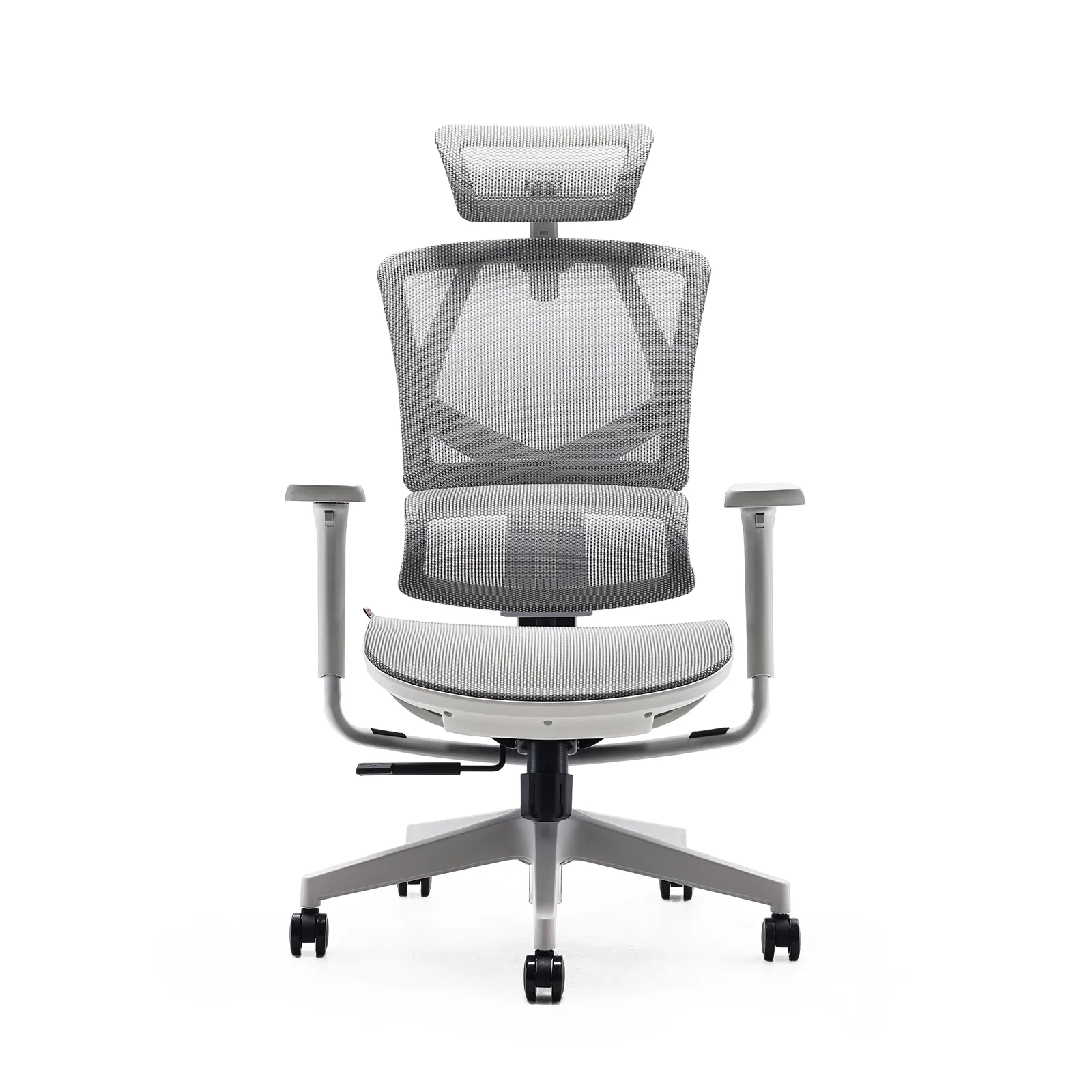
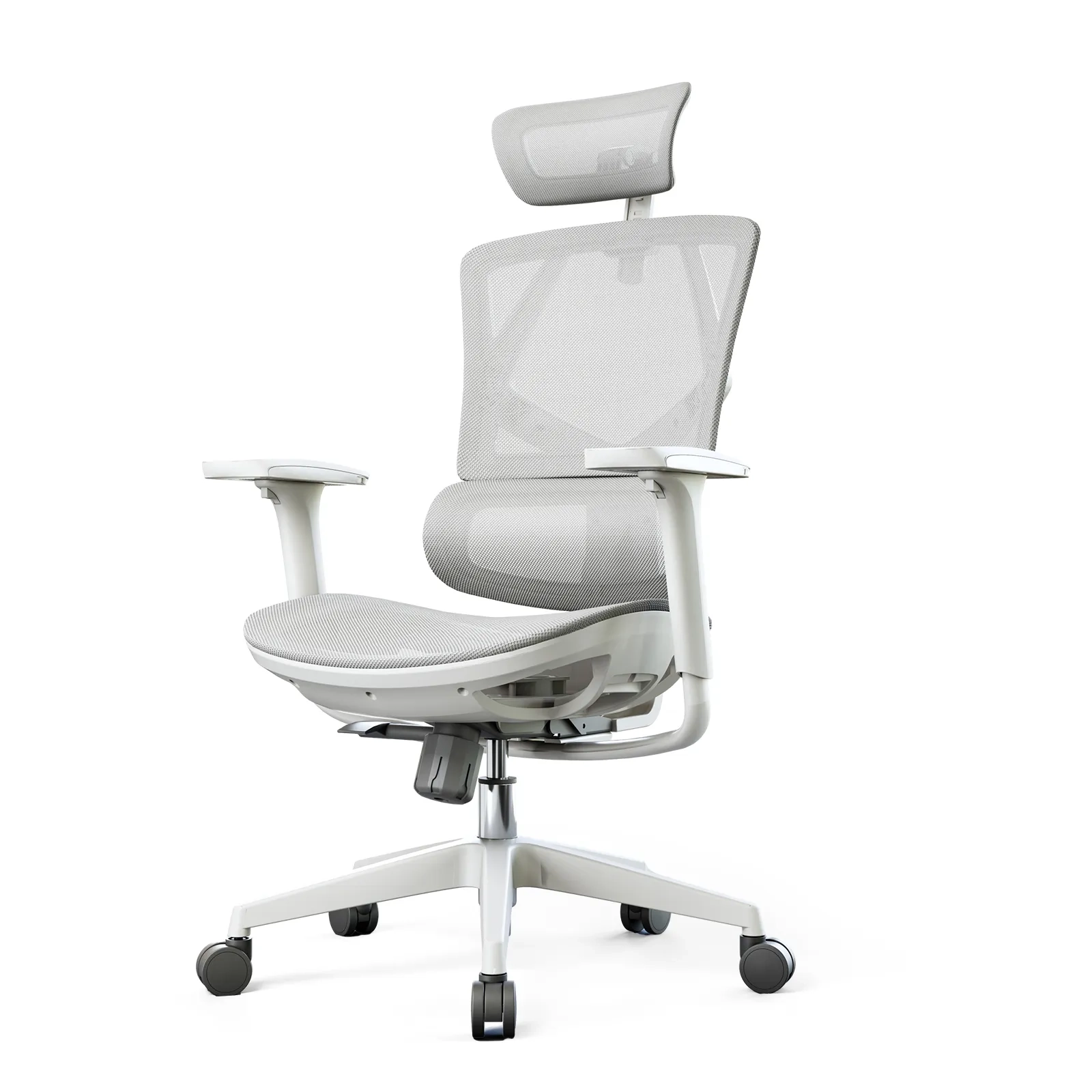
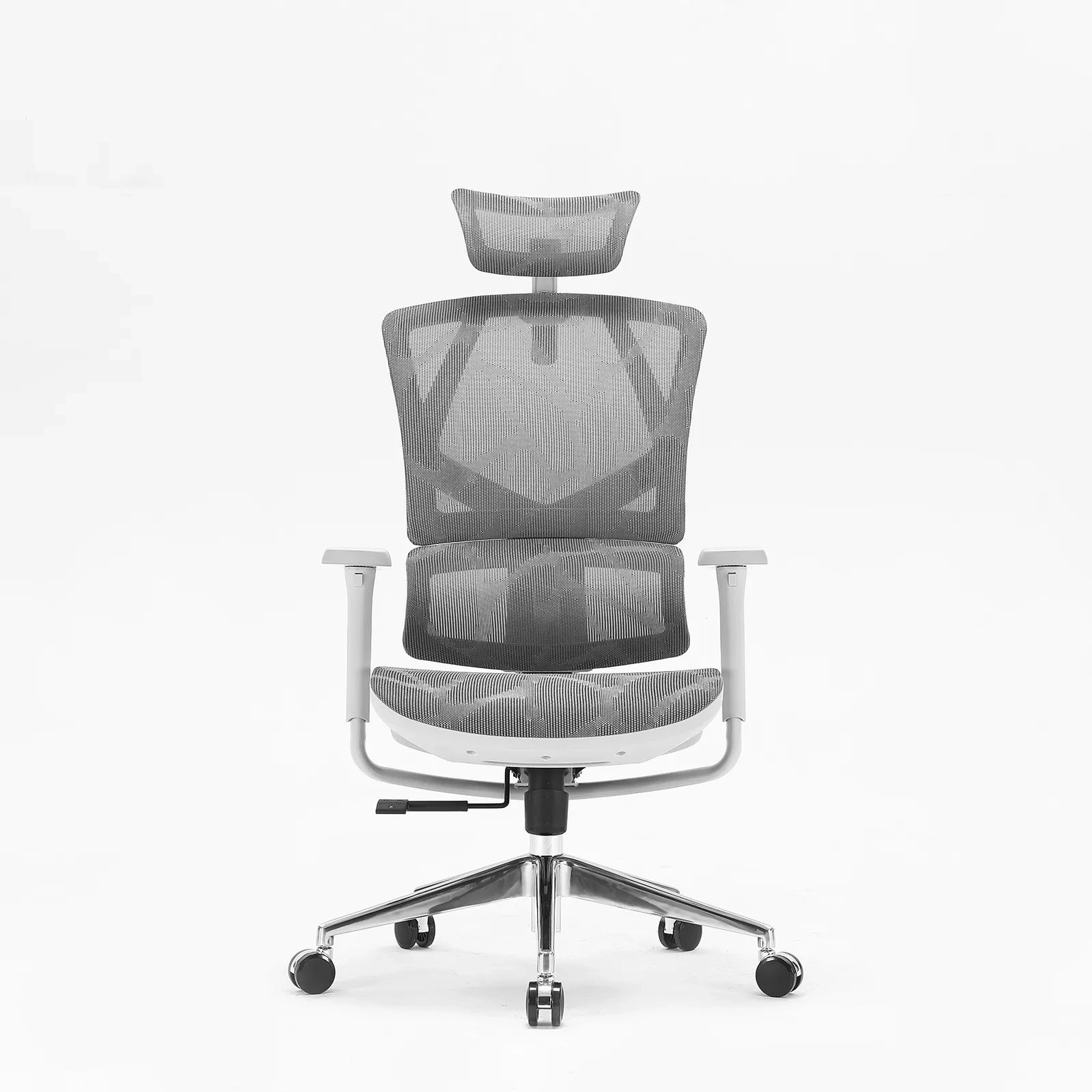
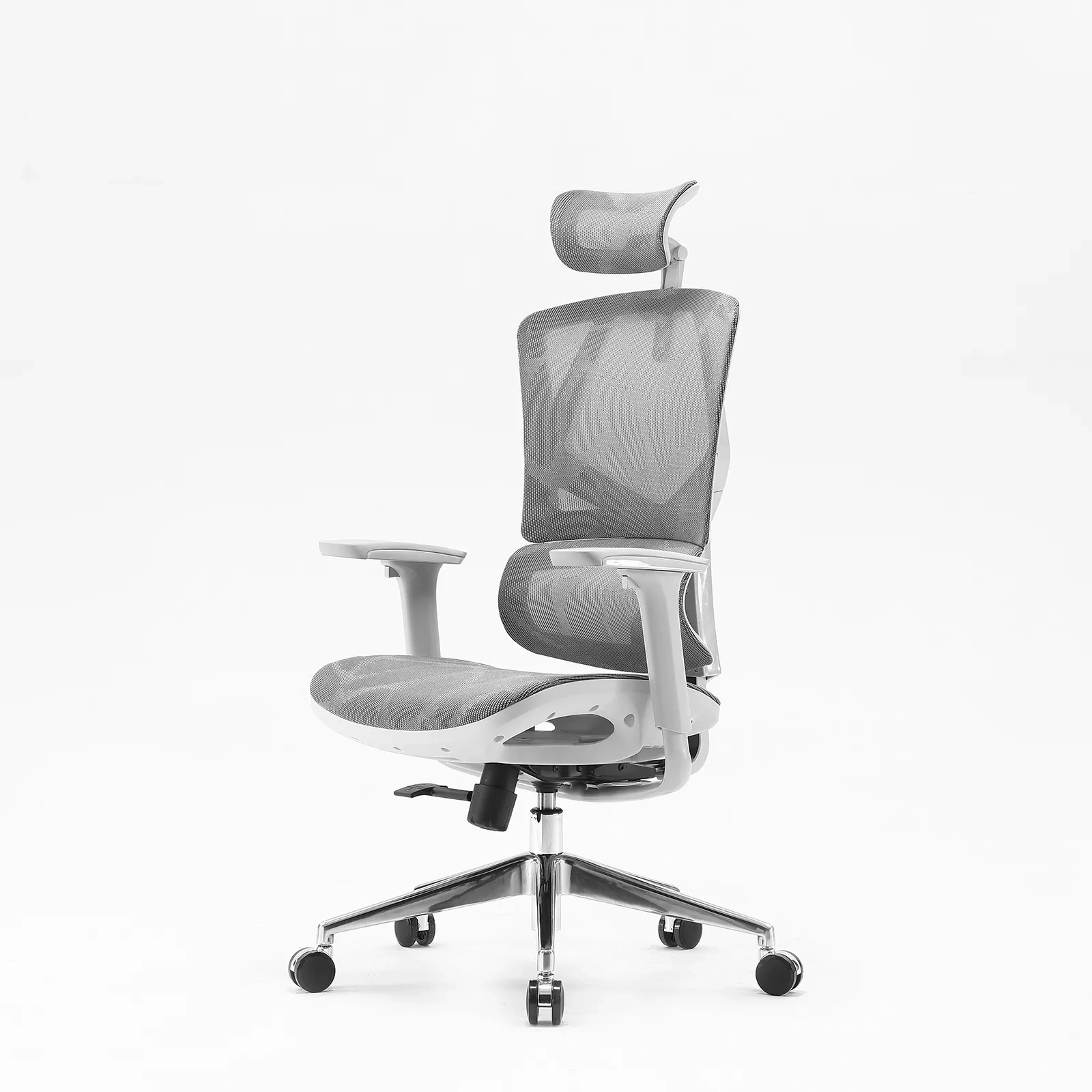
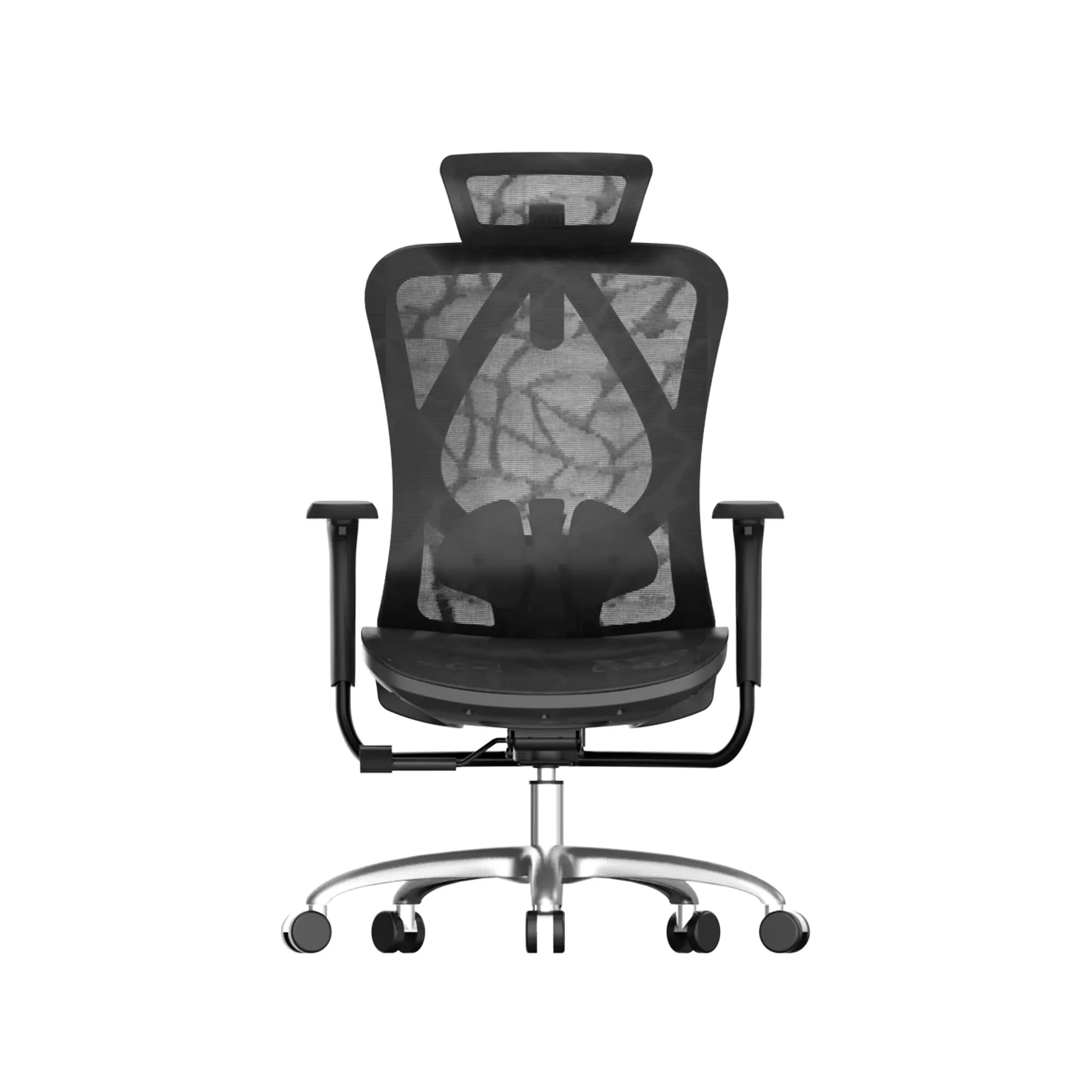
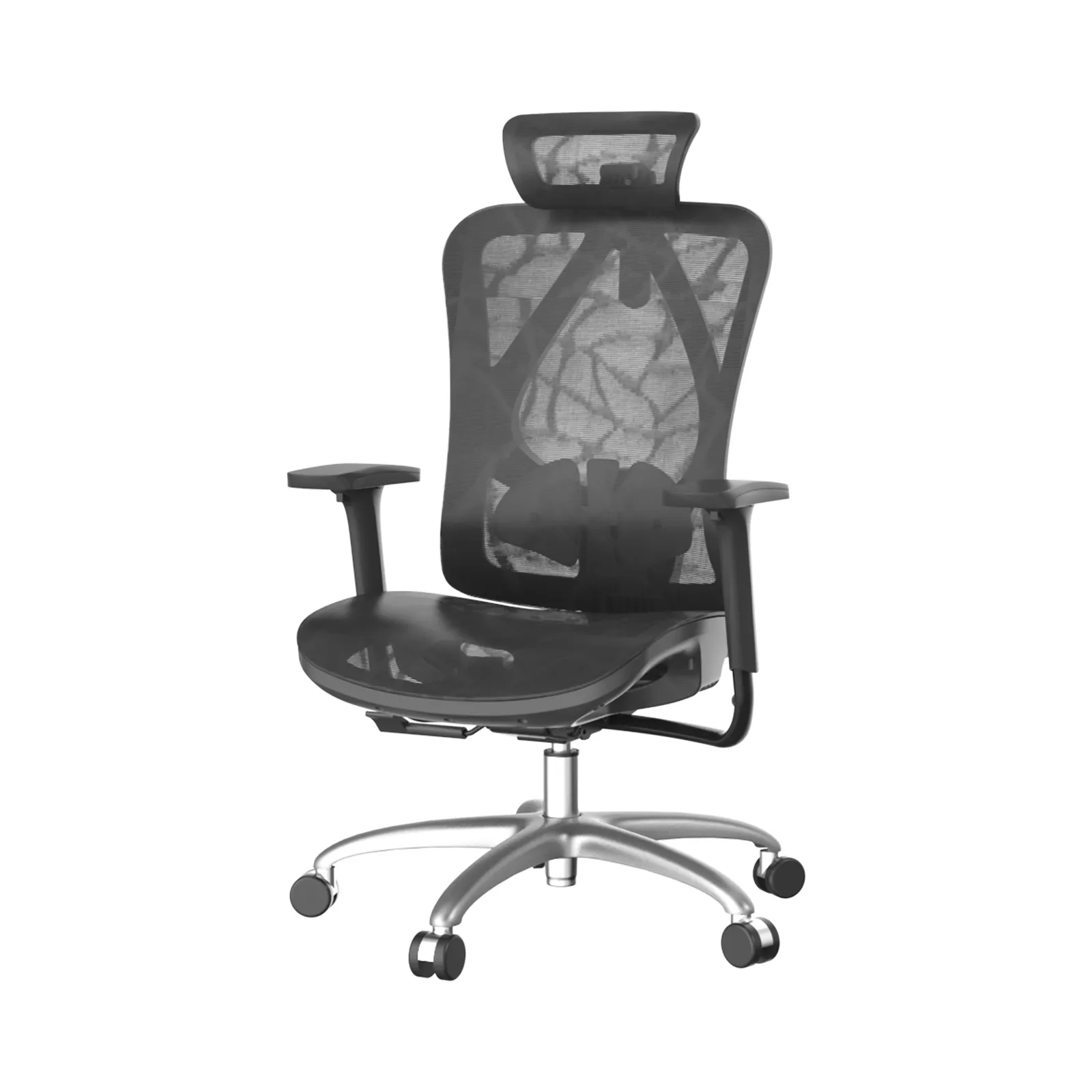
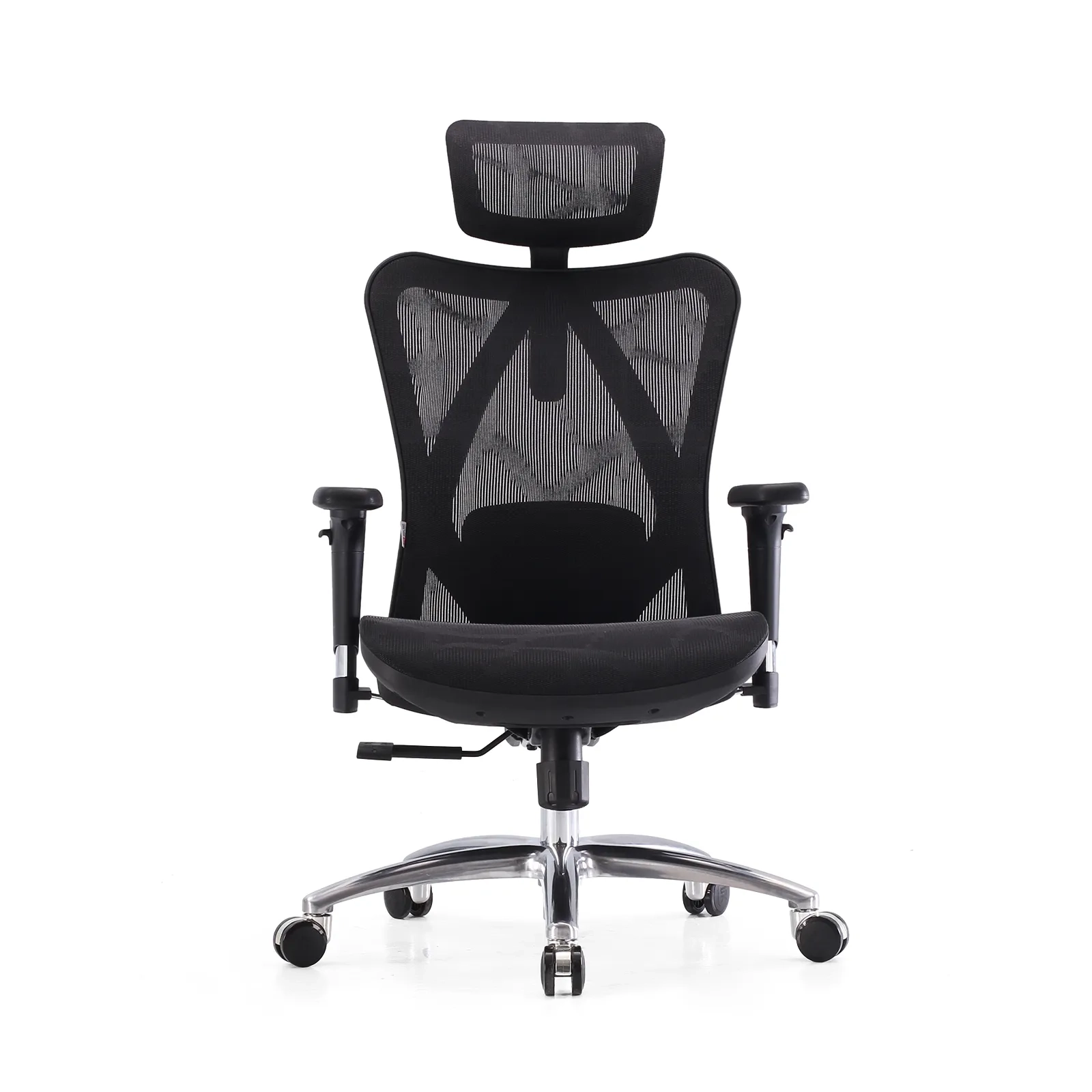
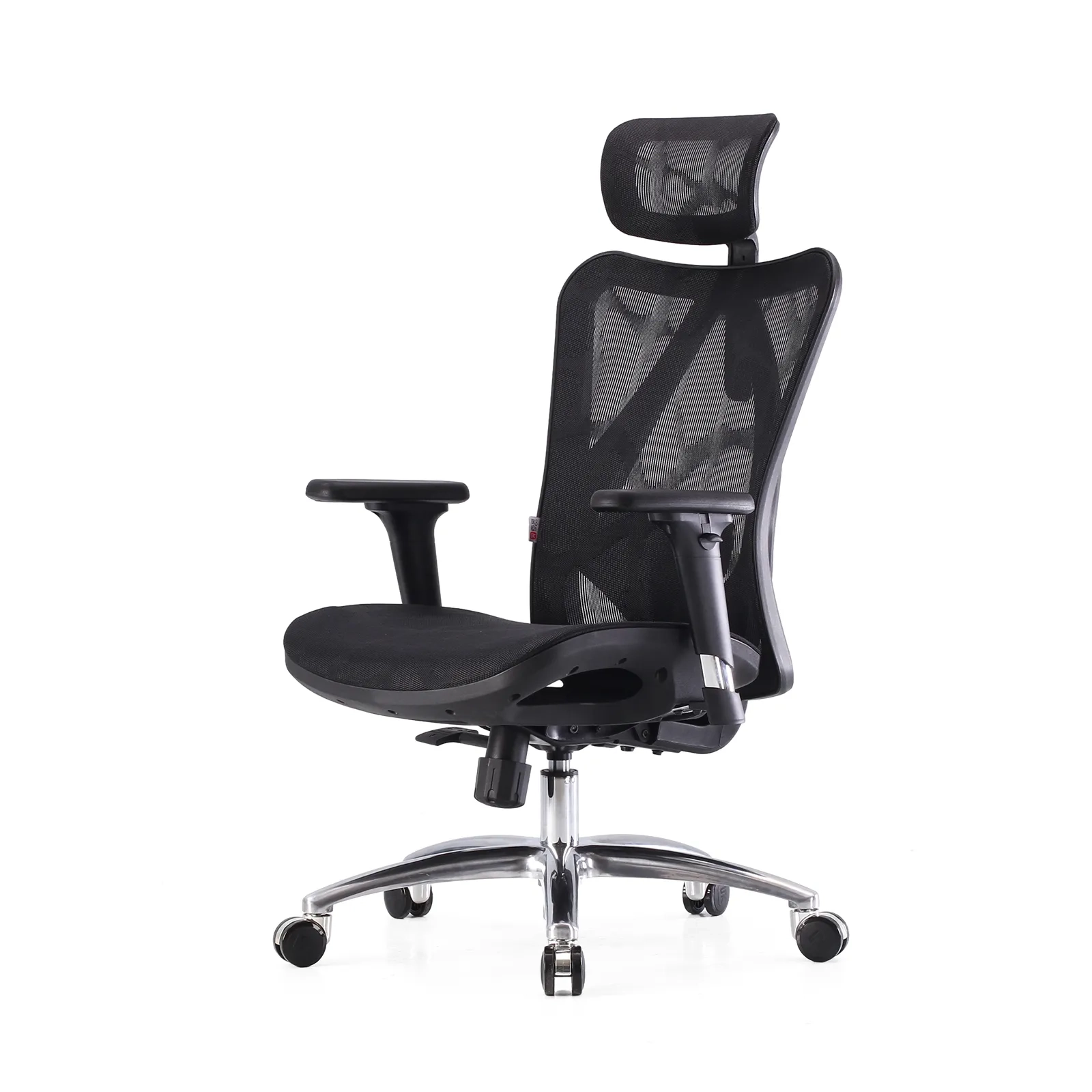
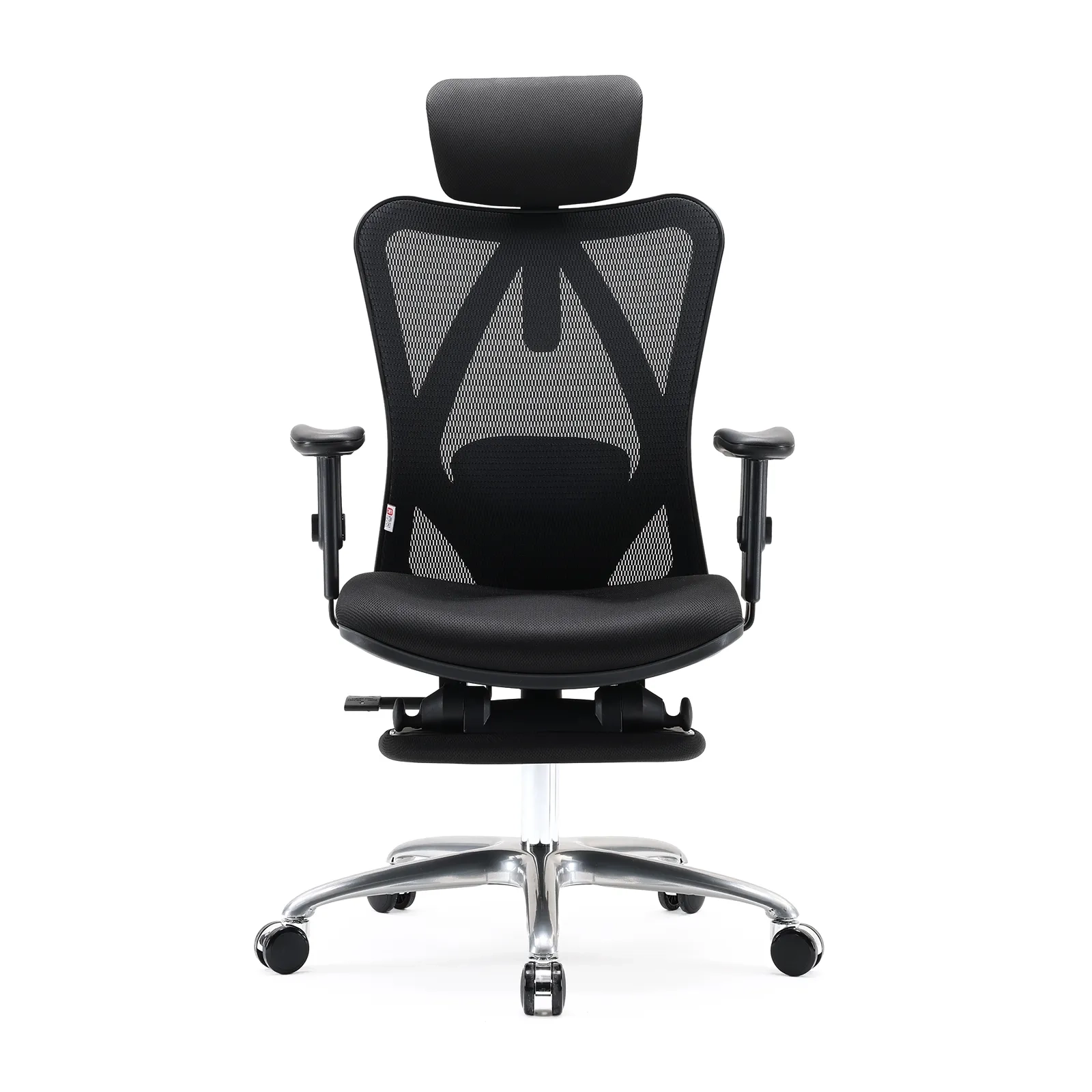
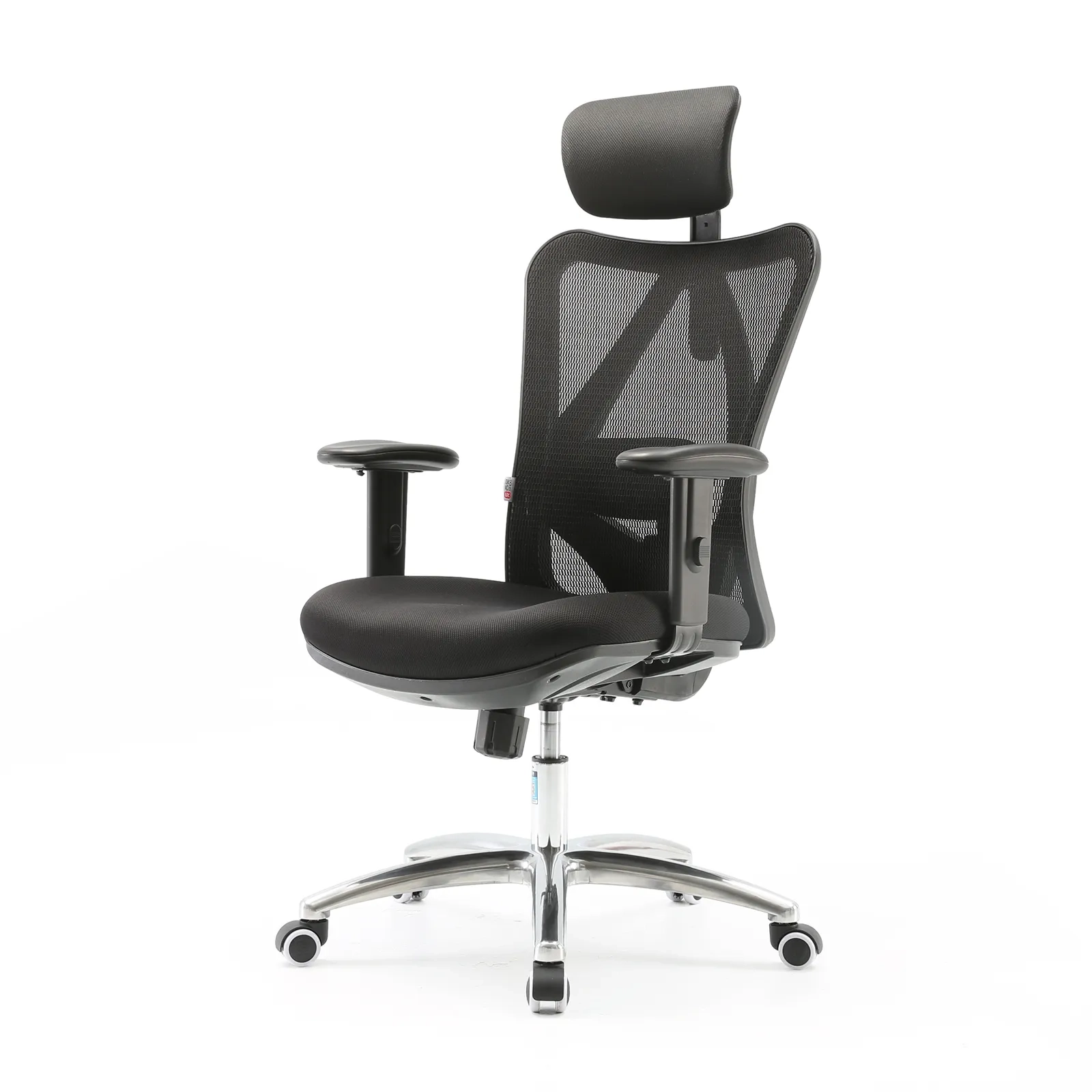
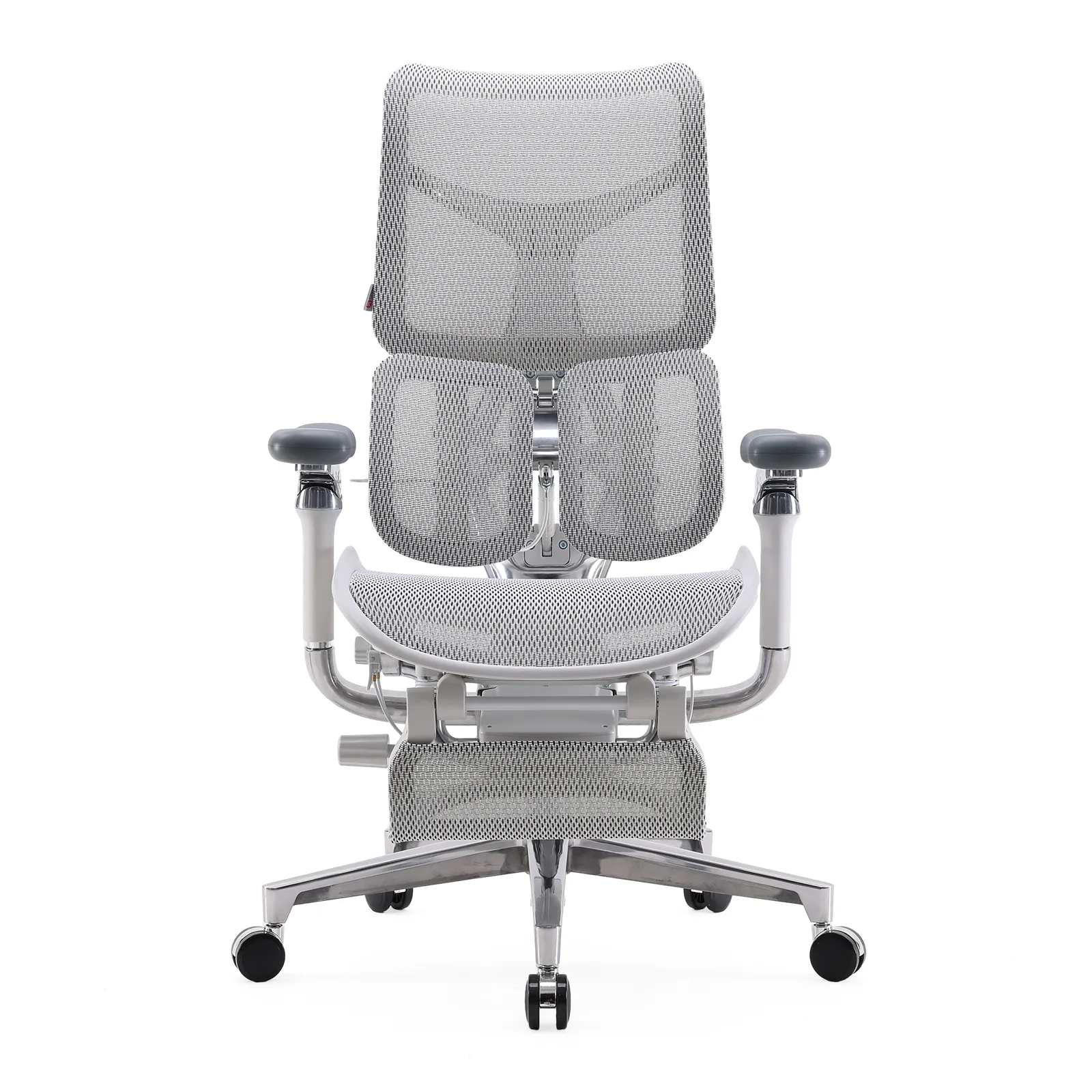
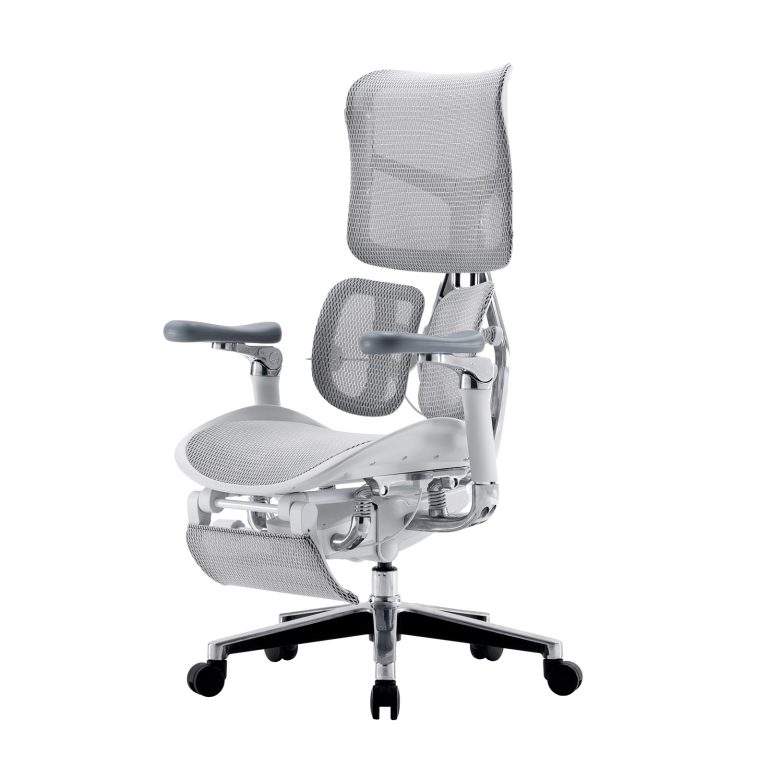
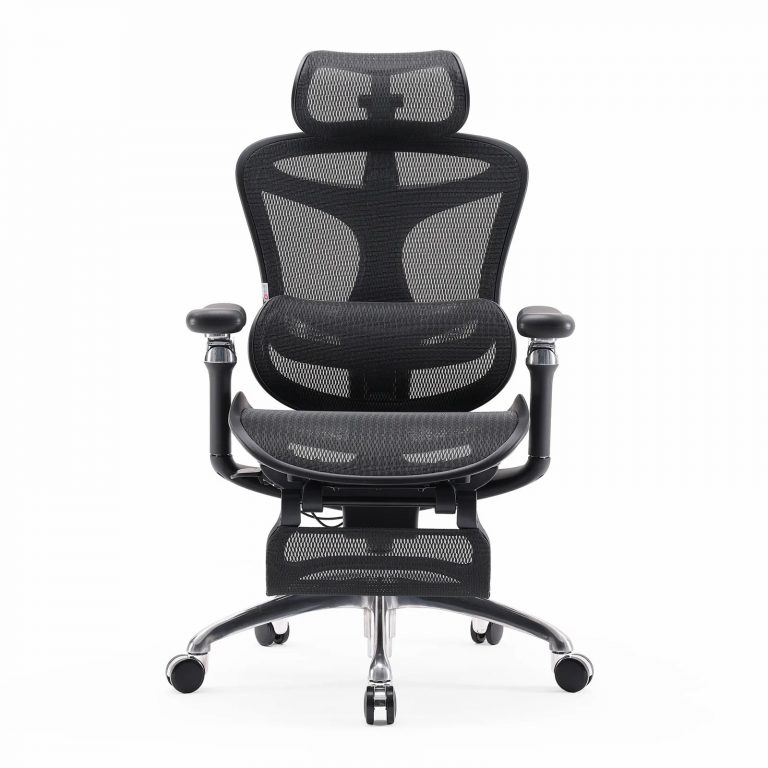
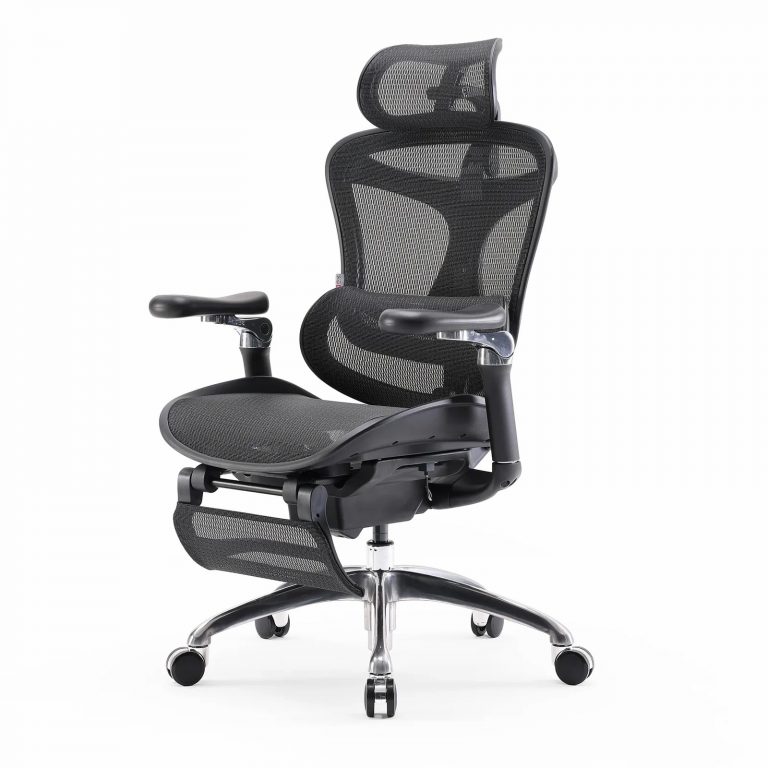
Not every dial and lever on an adjustable office chair earns its place. Buyers who specify chairs for a floor, a call center, or a resale catalog face the same question: which adjustments change how a seat feels after hour four, and which are just spec-sheet padding? If price is the only axis you have compared so far, our office chair vs cheap chair comparison shows why the upgrade is usually worth it. This guide ranks the six adjustments that matter, explains who needs each one, and shows how to set a chair up so the adjustments do their job.
Why an Adjustable Office Chair Beats a Fixed One
A chair that fits the person sitting in it will outperform a pricier chair that does not. The reason is mechanical, not marketing. Sitting loads the lower back more than standing or lying down. Nachemson’s disc-pressure work (Spine, 1981) showed that seated postures raise pressure inside the lumbar discs compared with standing or lying, and that slumped, forward-leaning sitting pushes that pressure higher still. A 2021 study in Applied Ergonomics (Cardoso, Cardenas and Albert) found that active, adjustable seating lowered discomfort during the workday more than static seating did. Those findings describe general seating mechanics and are not medical advice; a chair manages load but does not replace movement, exercise, or clinical care.
For a buyer, the takeaway is simple. A chair with the right adjustments reaches more body types, which means fewer returns, fewer complaints, and a floor that stays comfortable longer. That is why adjustability, not the sticker price, should lead the spec sheet. Any adjustable chair lives or dies by whether its adjustments actually fit the people using it, and an ergonomic adjustable desk chair pays for itself when one model serves a wider range of workers.
6 Most Important Adjustable Office Chair Features
Listed from highest to lowest impact on daily comfort, these are the adjustments worth checking before you specify a model.
1. Seat Height
A height adjustable chair starts with one control: the gas lift. Raise or lower the seat until feet sit flat and thighs run roughly parallel to the floor. Without this, every other adjustment fights a bad foundation. Most task chairs handle this with a simple gas lift, and it is the one adjustment every user should set first. A chair where the chair height adjustable range is too short will never fit a tall or short worker, no matter how good the rest is.
2. Lumbar Support
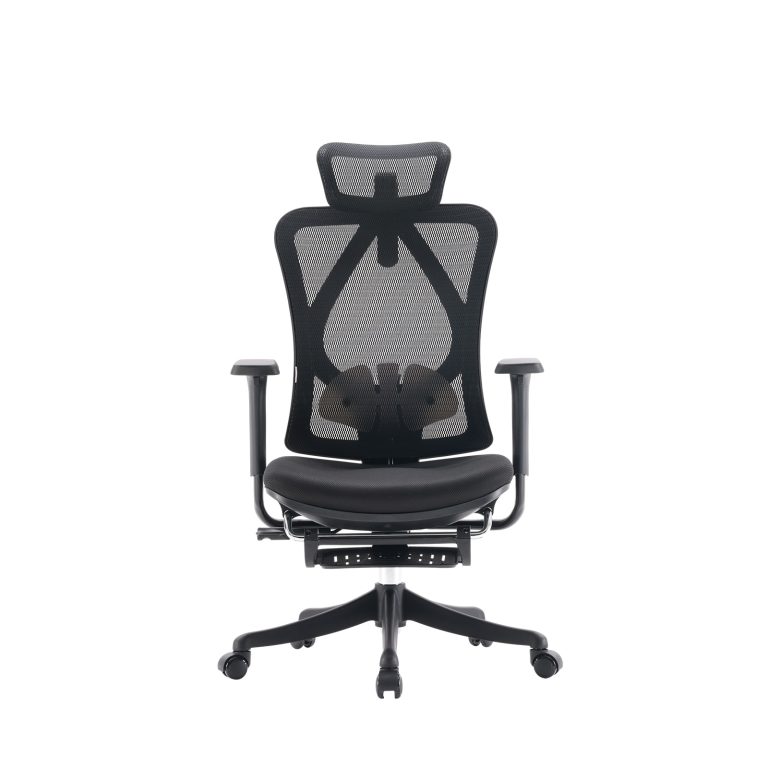
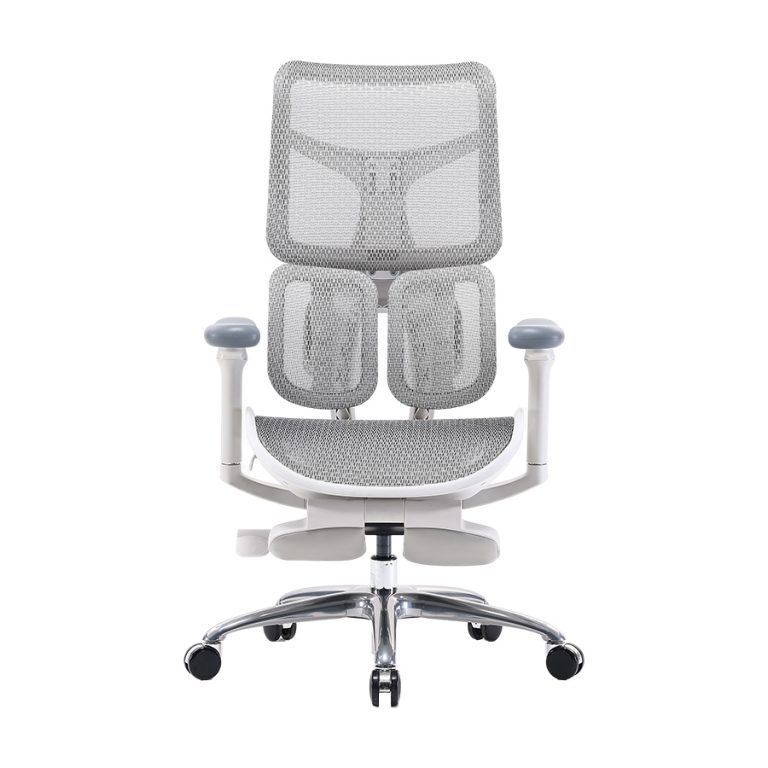
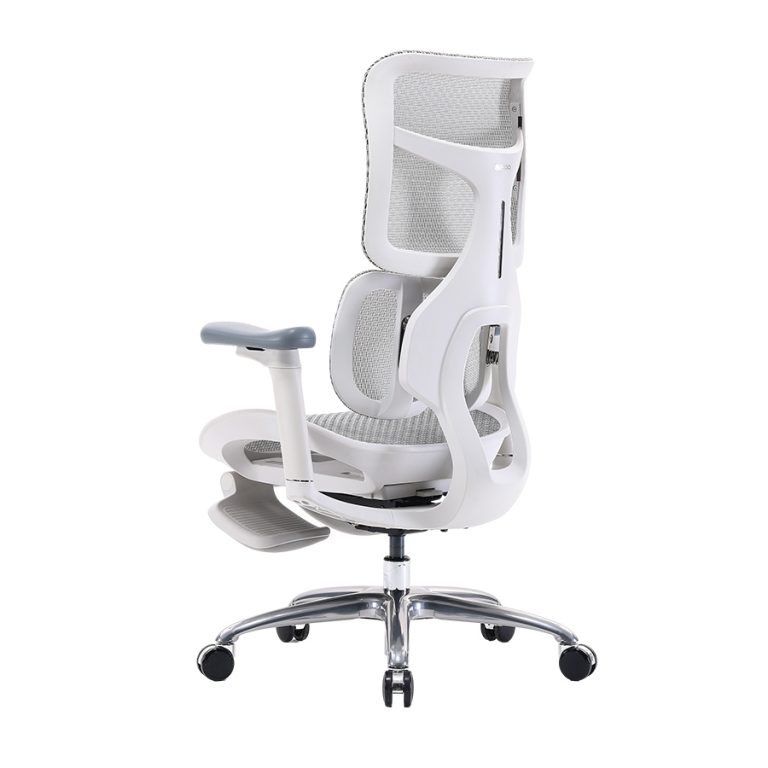
This is the adjustment worth the most attention. Fixed lumbar support sits where the chair designer guessed your curve would be; an adjustable lumbar support chair lets you place the support in the small of your back. Research on workplace fit backs this up. Amick et al. (2003) and van Niekerk et al. (2012) both found that seat and back adjustability reduced musculoskeletal discomfort and lowered disc pressure when set to the individual. Height plus depth control beats up-and-down alone, because depth decides whether the support pushes into the curve or floats above it. An office chair with adjustable lumbar is the single best upgrade for all-day sitters.
3. Seat Depth
Office chair adjustable seat depth decides whether the front edge presses behind the knees or leaves a gap. The common check is the three-finger rule: sit back, and you should fit two to three fingers between the seat edge and the back of your knee. People with shorter torsos need a shallower seat or a seat-slide; taller users need more length. A chair without adjustable depth forces a compromise that leaves someone uncomfortable. It is one of the quiet adjustments that separates a chair people keep from one they return.
4. Armrests
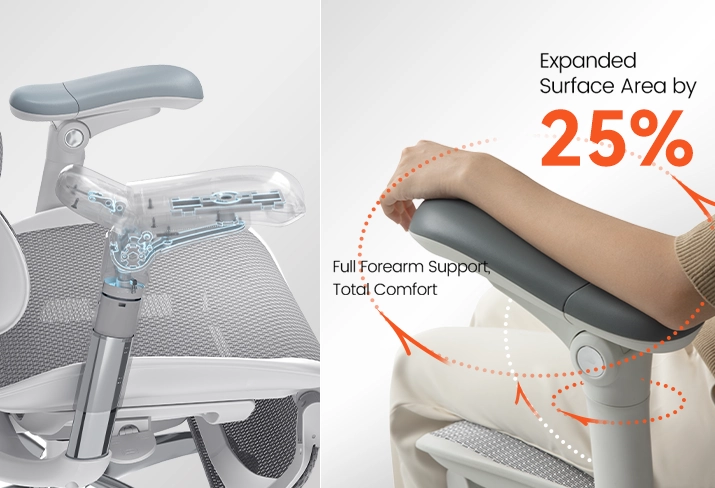
A desk chair with adjustable arms moves in four directions: height, depth, width, and pivot. That lets shoulders drop and elbows rest near 90 degrees, which takes strain off the neck and upper back. Fixed or two-way armrests leave taller and broader users bracing their shoulders. An adjustable armrest office chair adapts to more bodies without a different model, which matters on open-plan floors where people share desks. The office chair adjustable armrest is easy to overlook until a user spends a full shift with their shoulders pinned up by their ears.
5. Recline and Tilt Tension
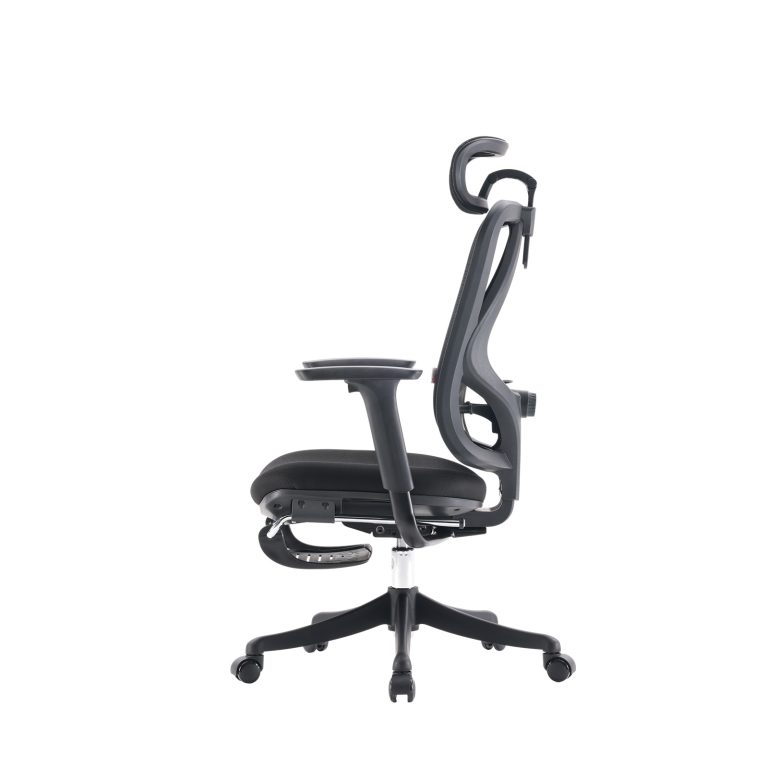
A chair that locks upright all day holds the spine in one position, which is exactly what builds fatigue. An office chair with adjustable tension lets the user lean back slightly and move through the day while keeping contact with the backrest. Synchro or weight-activated tilt mechanisms do this without the user fiddling with a knob every time. The adjustable seat angle office chair option, where the seat tilts with the backrest, keeps the hips open and the lower back loaded evenly during recline.
6. Headrest
Helpful for users who recline often or who are taller, but not essential for everyone. Treat it as a bonus, not a must-have, unless your buyers recline regularly or need a higher-back model for tall frames. A headrest that does not adjust to the right height can push the head forward, so if a model includes one, make sure it moves. The other five adjustments above deliver more comfort per dollar for most buyers.
The six adjustments at a glance
| Adjustment | Matters because | Matters most for |
|---|---|---|
| Seat height | Sets the foundation for every other adjustment | Every user, set first |
| Lumbar support | Keeps the spine aligned through long sits | All-day sitters, back-sensitive buyers |
| Seat depth | Fits short and tall frames without pressure | Mixed-height teams, tall users |
| 4D armrests | Lowers neck and shoulder strain | Shared desks, broader or taller users |
| Tilt tension | Lets the spine move instead of locking | Long shifts, frequent recliners |
| Headrest | Supports the neck on recline | Tall users, frequent recliners |
How to Set Up Your Adjustable Desk Chair
Even a well-built adjustable desk chair disappoints if no one adjusts it. A short setup routine gets most of the benefit:
- Set seat height first. Feet flat, thighs parallel to the floor.
- Position the lumbar support. Slide it to fill the natural curve of the lower back without pushing you forward.
- Adjust the armrests. Bring them to a height where shoulders relax and elbows sit near 90 degrees.
- Set the tilt tension. Pick a recline tension that lets you lean back slightly and move through the day.
- Check the screen. With everything set, the monitor should sit at eye level so the neck stays neutral.
Spend a few minutes on this the first day, then revisit after a week. Small tweaks often make the biggest difference once the body adapts.
Matching Adjustable Office Chair Features to Each Room
The right priority shifts by room and use case. Use this as a quick recommendation map:
- Home office, long hours: lumbar height and depth first, then seat depth. This is where all-day sitters feel the difference. SIHOO’s Doro C300 pairs adaptive lumbar with coordinated arm support for executive long-hour use.
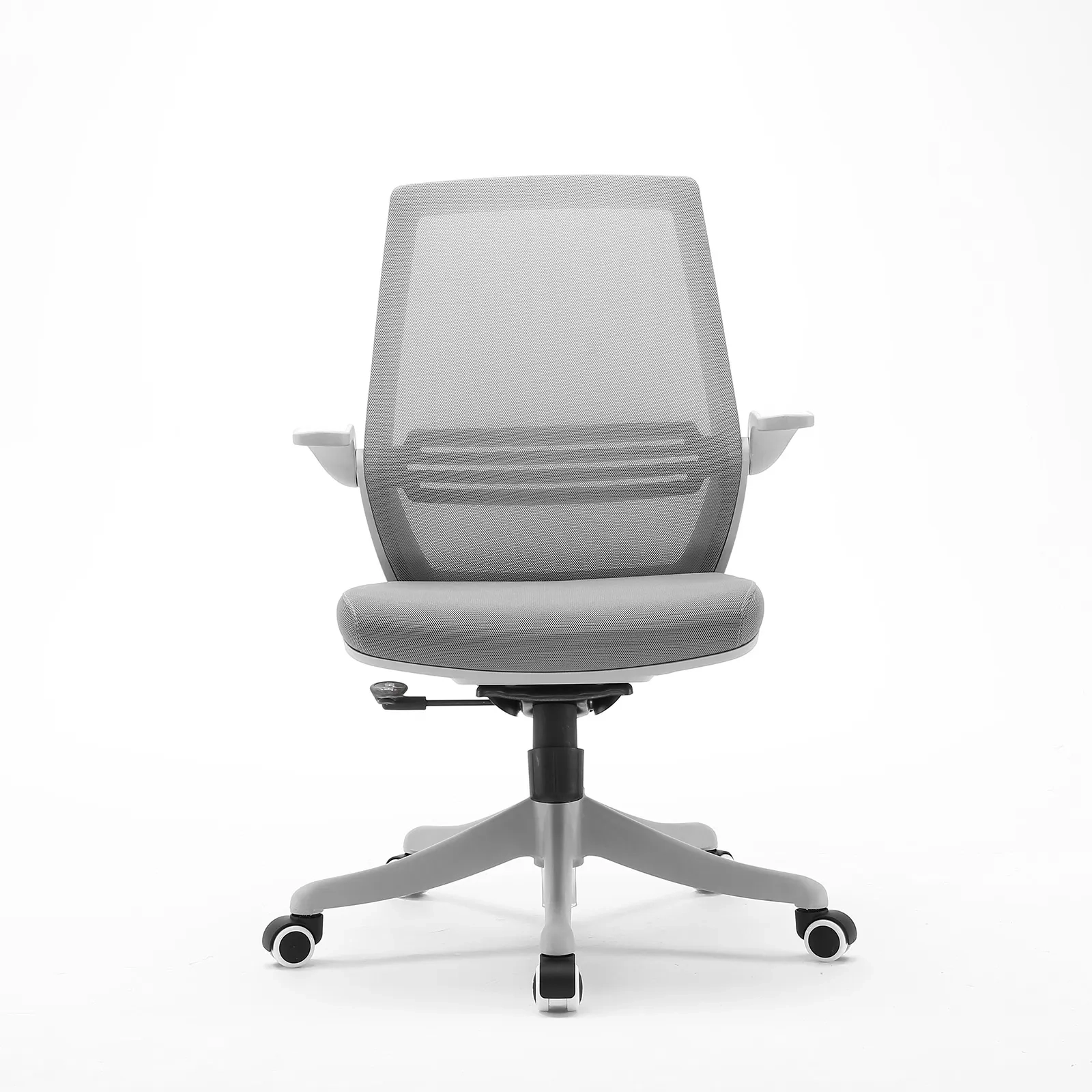
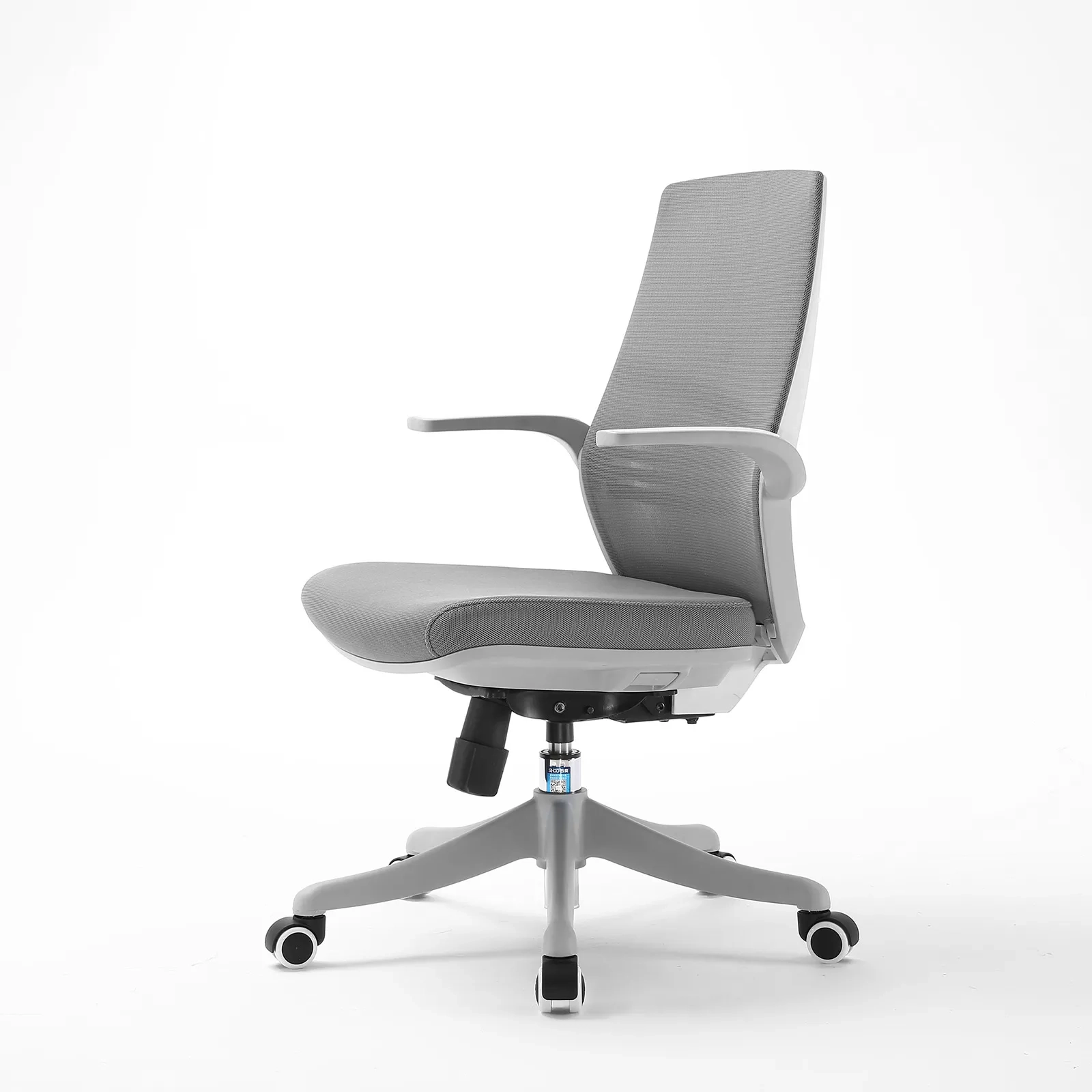
- Open-plan floor, shared desks: 4D armrests and easy seat-height access, because many bodies share one chair. The M57 covers the core adjustable set most offices need at a sensible price point.
- Call center, fixed posture: reliable lumbar and tilt, built to survive constant use across shifts.
- Warm climate, all-day sitters: a breathable mesh back matters as much as the adjustments. The S300 keeps the back cool through long, hot shifts.
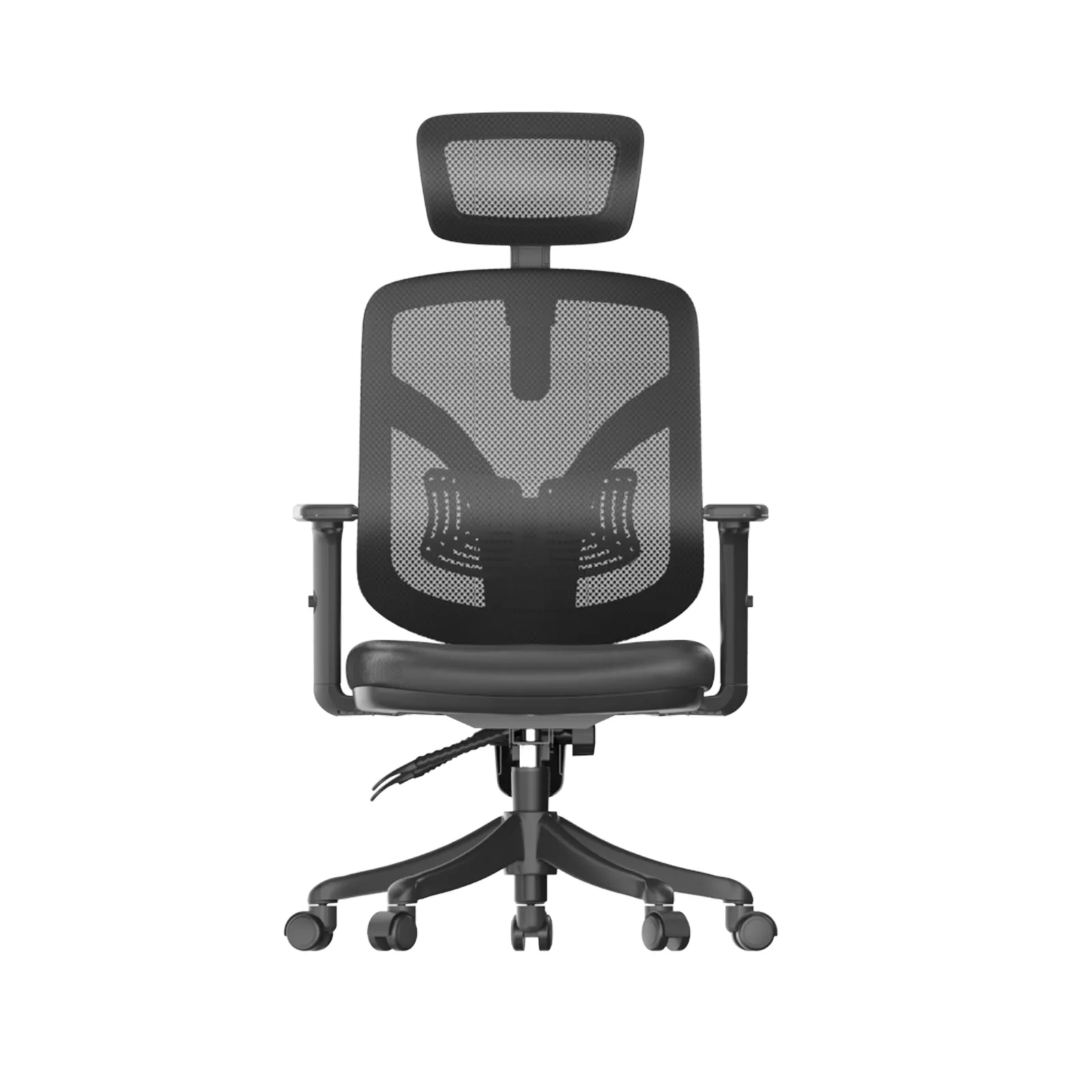
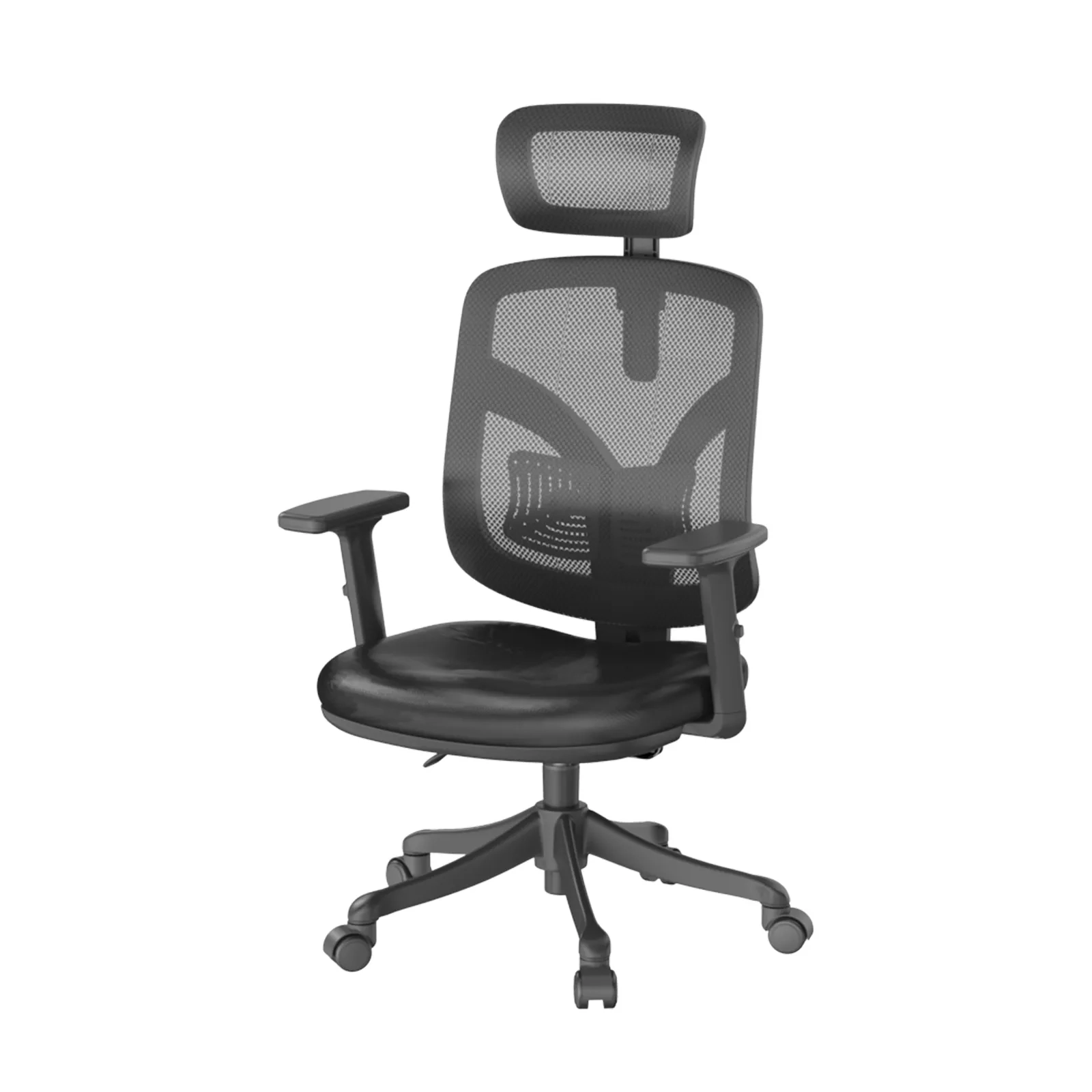
- Meeting room: a higher-back option with simple controls, since guests adjust less. SIHOO’s V1 serves tall users and meeting-room seating with a higher backrest.
- Resale catalog: models that cover a wide fit range, so one SKU serves more customers. The M90 brings adaptive lumbar at a budget price for home offices and study desks.
SIHOO Adjustable Chair Options Compared
Each SIHOO model below emphasizes a different part of the adjustable story, so a mixed order can serve more body types from a short SKU list. Feature focus reflects each model’s design emphasis; confirm exact specifications on the product page.
| Model | Adjustable highlights | Best for |
|---|---|---|
| M57 | Core height, lumbar, seat depth, 4D arms, tilt | High-volume SMB buyers |
| Doro C300 | Adaptive lumbar, coordinated arm support | Long-hour executive use |
| S300 | Breathable mesh back, full adjustable set | All-day sitters in warm climates |
| V1 | Higher backrest, headrest, extended range | Tall users and meeting rooms |
| M90 | Adaptive lumbar at a sensible price | Home offices and study desks |
These five cover the main fit needs a buyer meets. Picking by scenario, not by price tier, keeps a bulk order flexible and reduces returns.
Buying Adjustable Office Chairs in Bulk
Specifying adjustable chairs for a whole floor or a resale line has its own rules:
- Ask for samples first. One chair in hand settles more arguments than a spec sheet.
- Confirm the adjustment range, not just the count. Five weak adjustments beat none, but one strong lumbar and seat-depth control beats five that barely move.
- Check spare parts and warranty. Across hundreds of units, one weak caster or a broken armrest spreads fast. Confirm replacement parts and the mechanism warranty before committing.
- Keep the look consistent. A neutral, adjustable model ages well and keeps a large install looking uniform.
Buyers who want a fully adjustable office chair across a whole catalog should weigh consistency against variety. A short list of models that share the same adjustment language is easier to support and train than ten one-off SKUs.
FAQ
Do I really need adjustable lumbar support?
If someone sits more than a couple of hours at a time, adjustable lumbar is one of the most valuable features available. It keeps the spine aligned and reduces the end-of-day slump that fixed support cannot address.
What is seat depth adjustment and who needs it?
Seat depth sets the distance from the backrest to the front edge. Shorter users need a shallower seat or a seat-slide so the edge does not press behind the knees; taller users need more length so the thighs are supported. Without it, one chair fits only part of your workforce.
Are 4D armrests worth the cost?
For shared desks and broader or taller users, yes. They let shoulders drop and elbows rest near 90 degrees, which removes strain the neck and upper back otherwise absorb. For a single dedicated user with a standard frame, two-way arms may be enough.
Can a tall adjustable office chair fit taller users well?
Yes, with the right model. Look for a higher backrest, extended seat depth, and a higher seat-height range. SIHOO’s V1 covers taller users and meeting-room use, while other models serve standard frames.
Do I need an adjustable office chair without wheels?
Some buyers prefer stationary chairs for labs, studios, or fixed workstations. Most office and desk setups benefit from casters for movement, but a no-wheel model is a reasonable spec for spaces where rolling is a hazard or a distraction.
What should I check before buying in bulk?
Request samples, verify the adjustment range, confirm spare parts and the mechanism warranty, and keep the model list short so the install stays consistent. These steps prevent the most common bulk-order complaints.
Final Thoughts
The adjustable office chair that works is the one whose adjustments fit the body, the desk, and the day, not the one with the longest feature list. Start with seat height, lumbar, and seat depth, add 4D arms and tilt for shared or long-hour use, and set it up properly on day one. If you specify chairs for a workspace or resale, talk to our partnership team about samples, bulk pricing, and spare-part support.