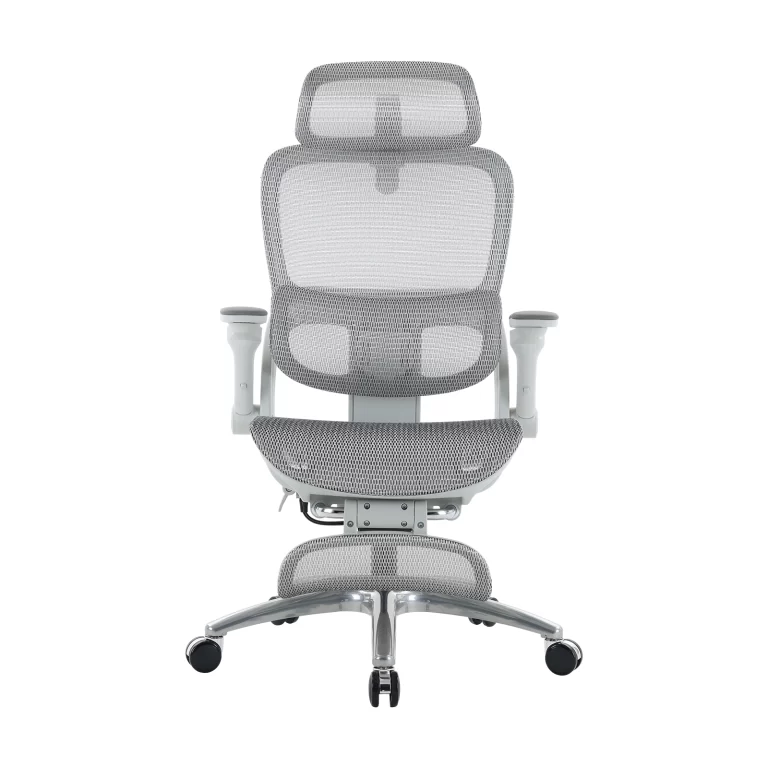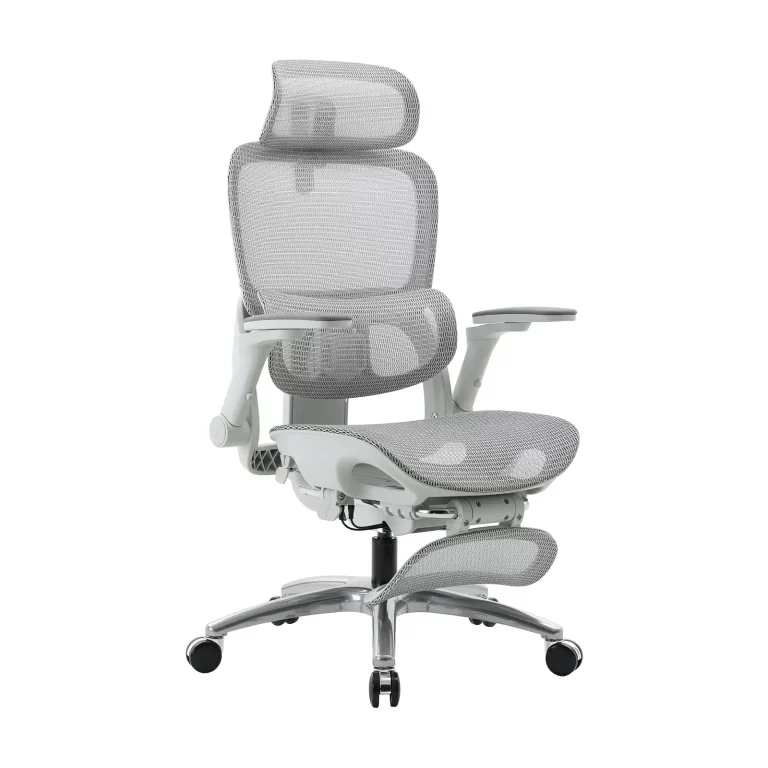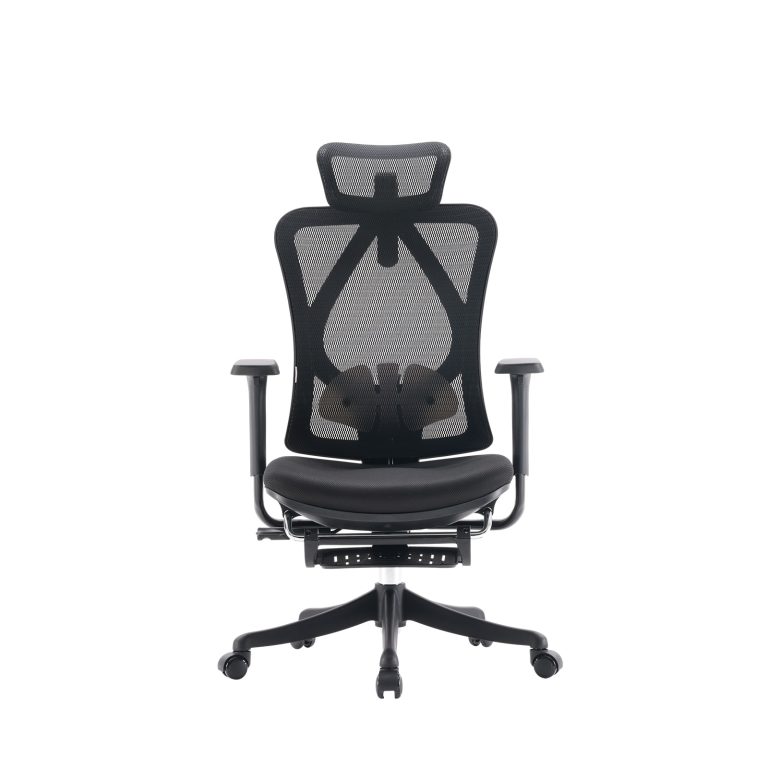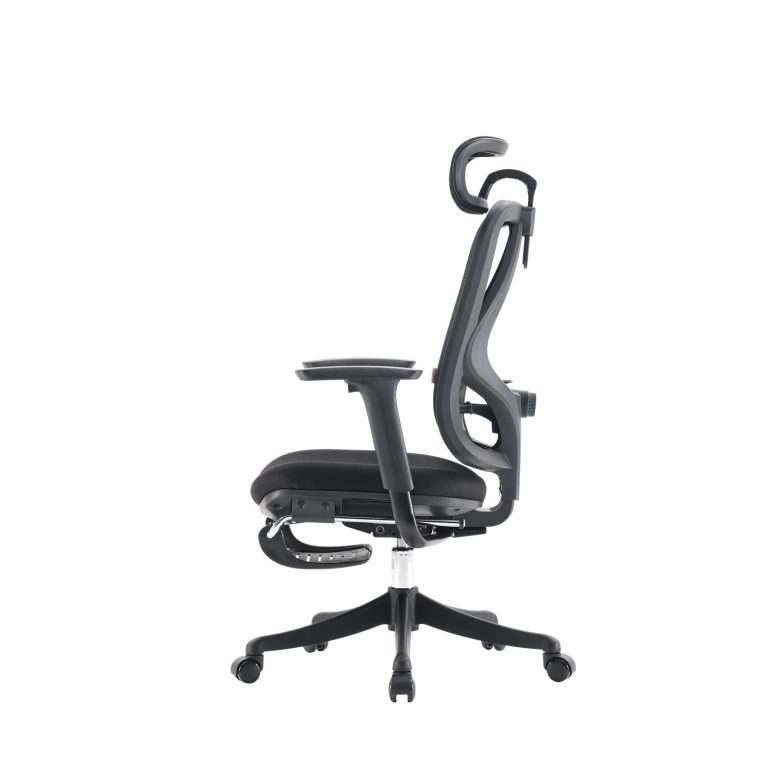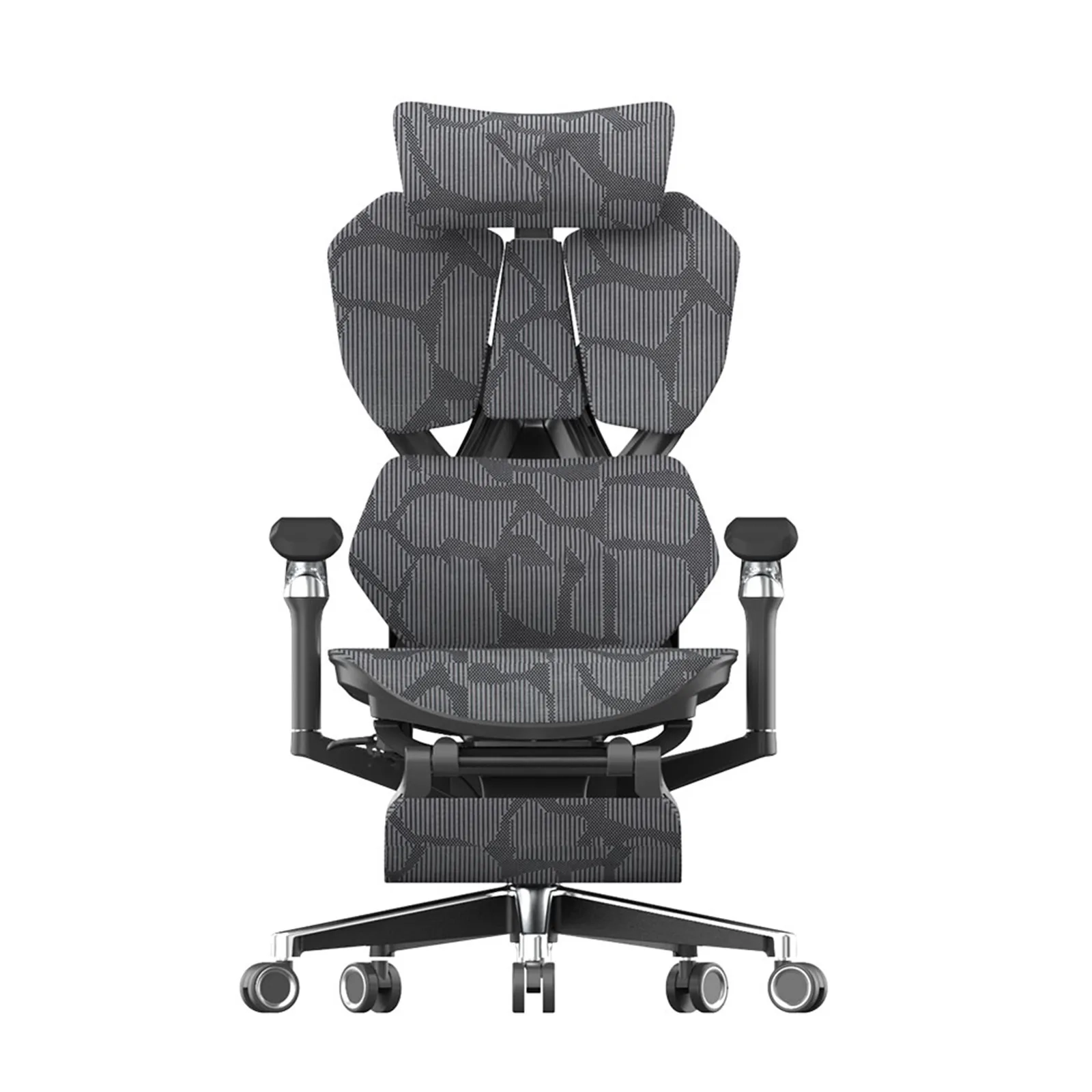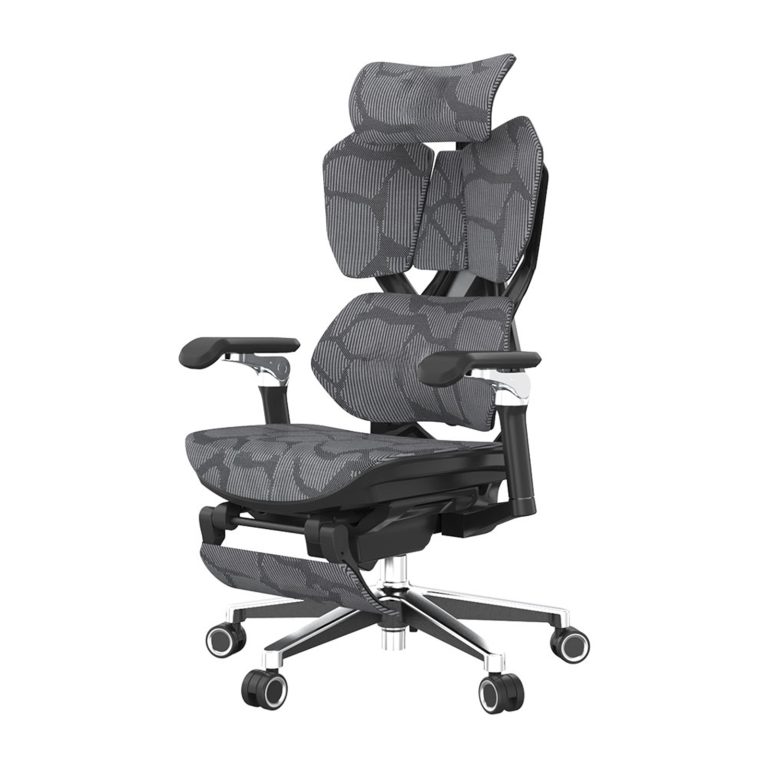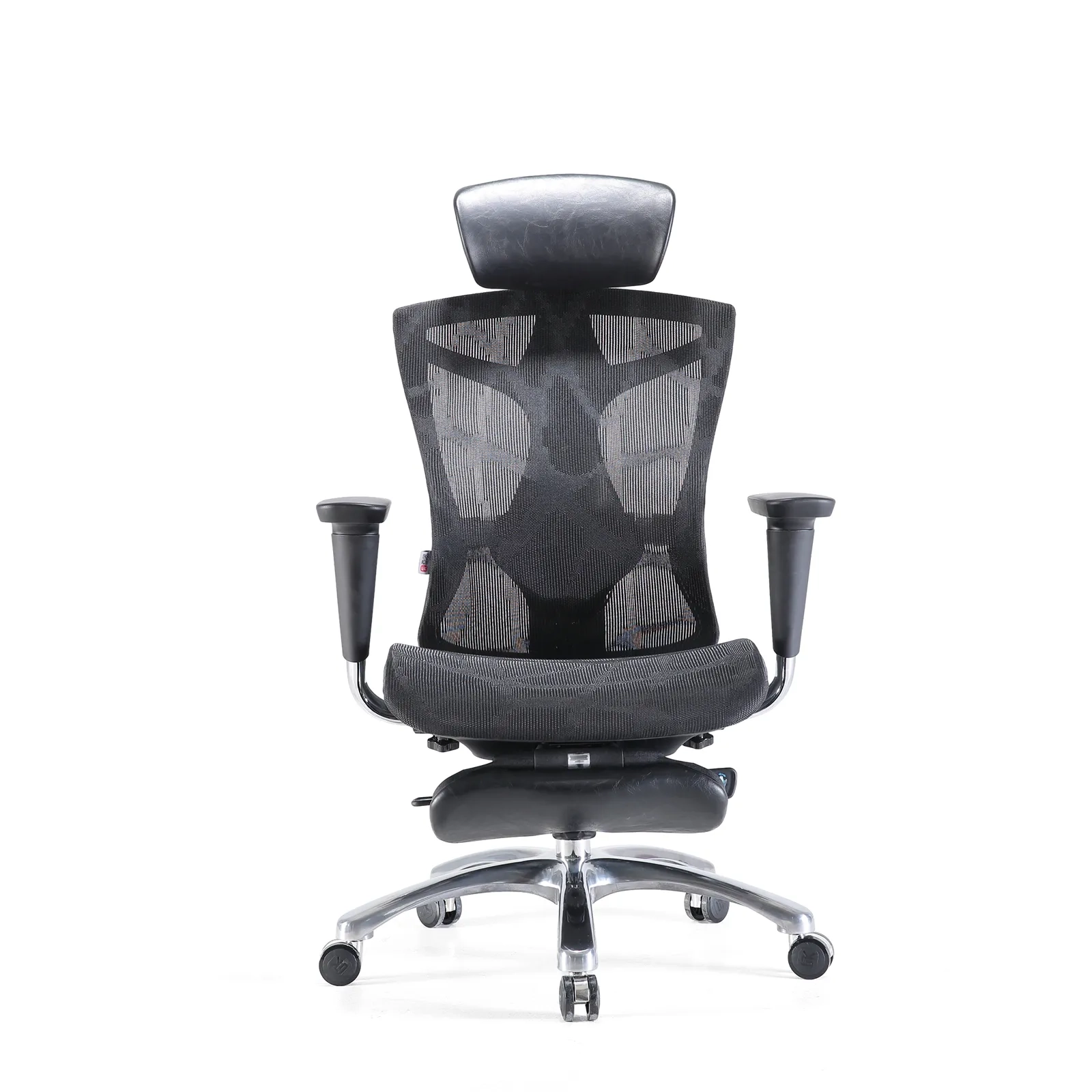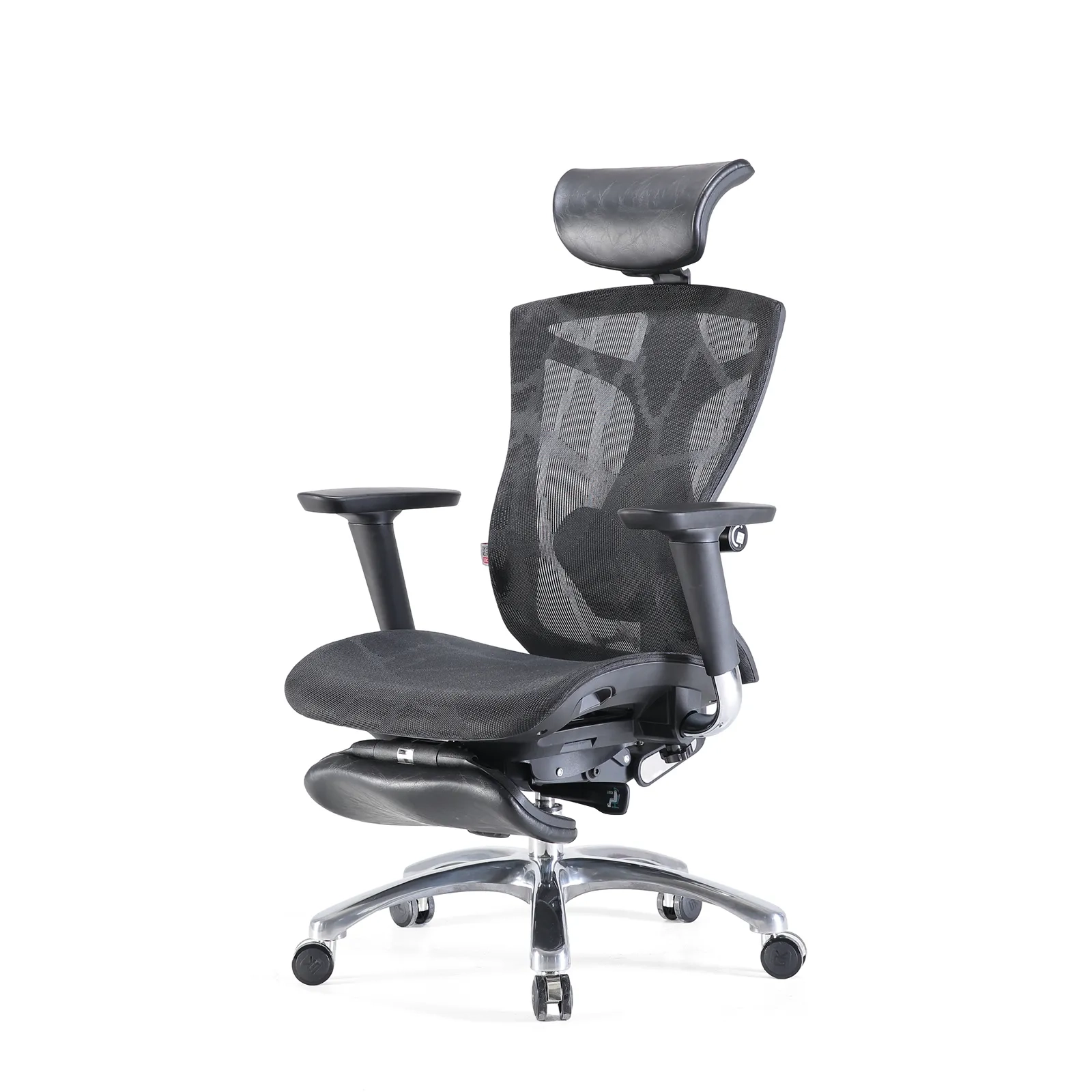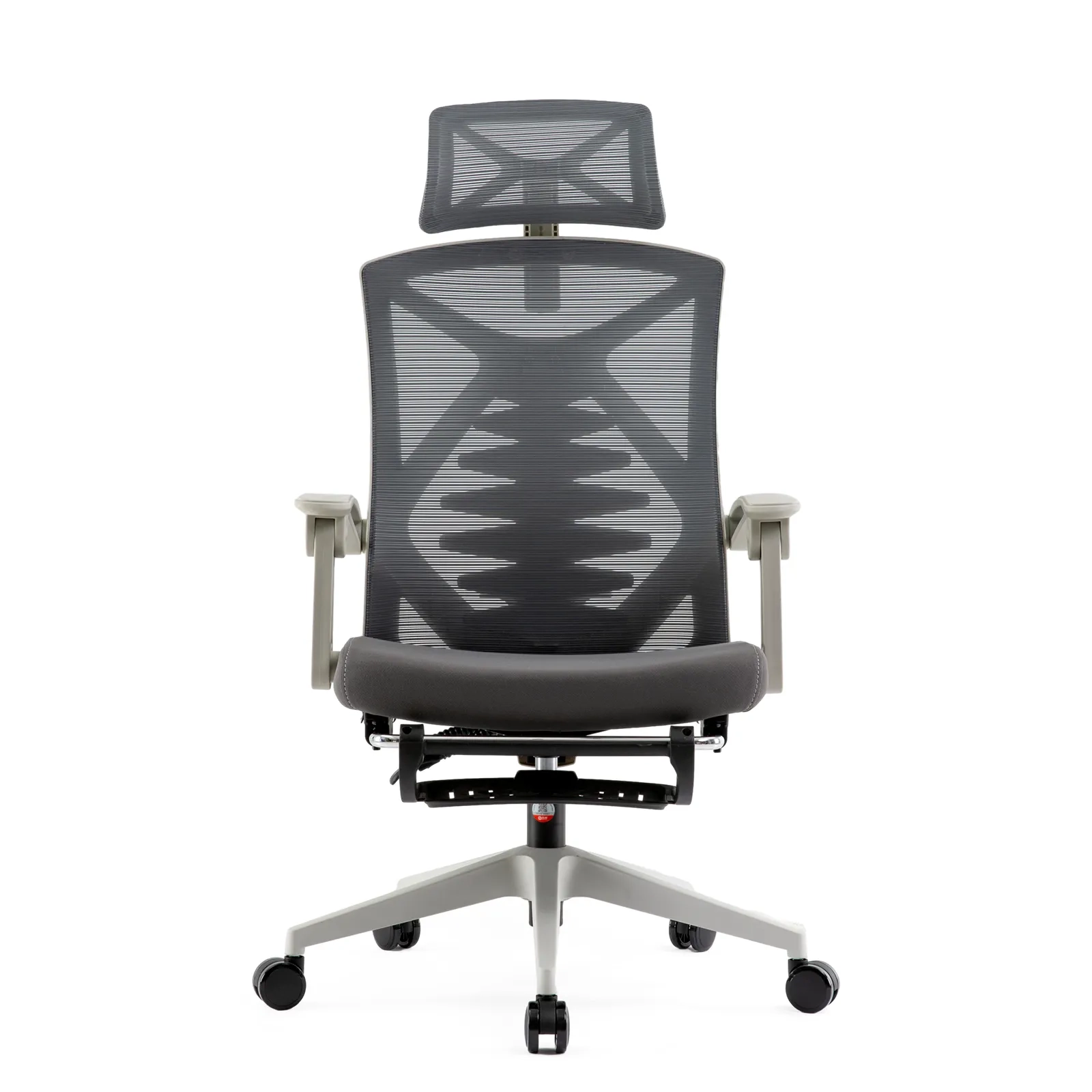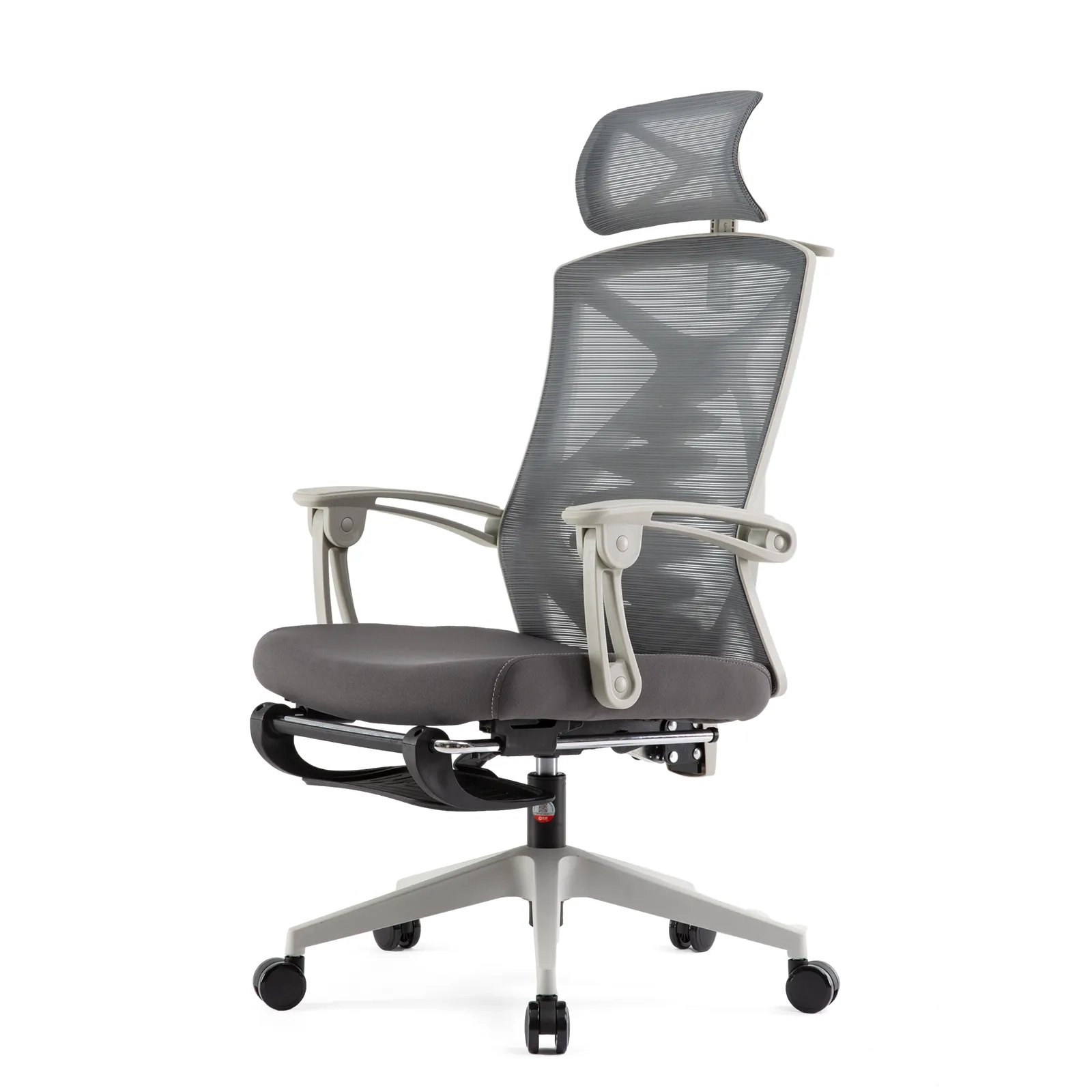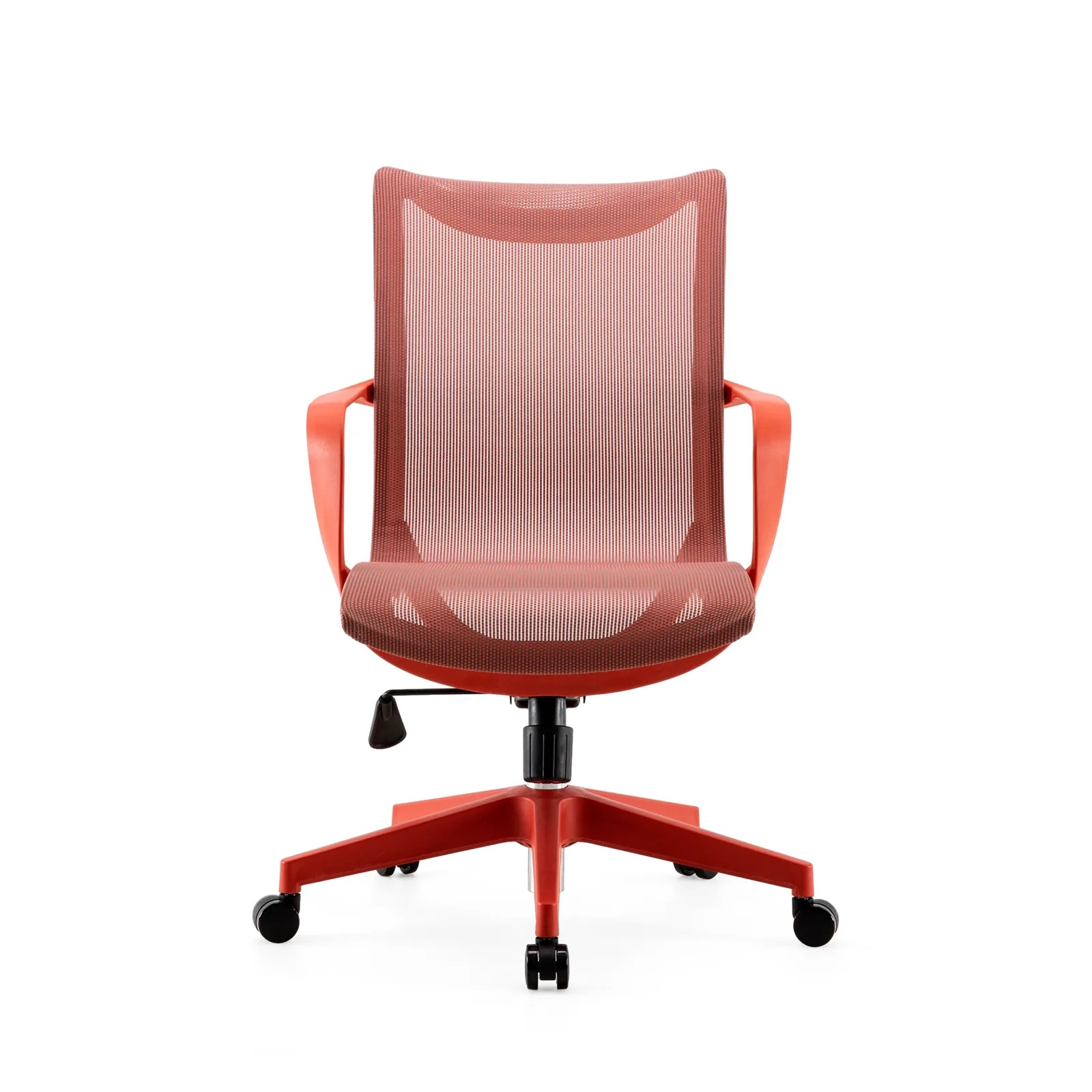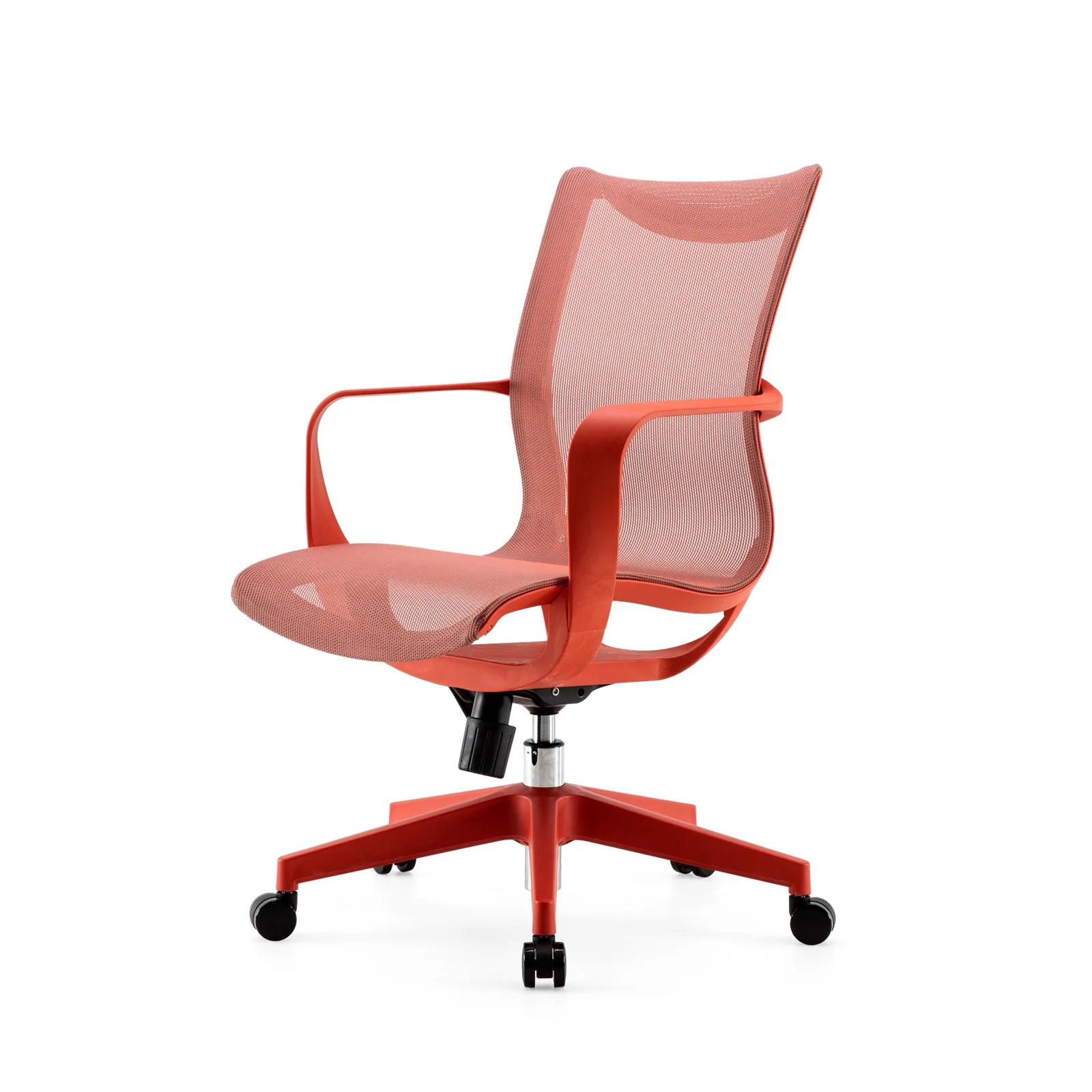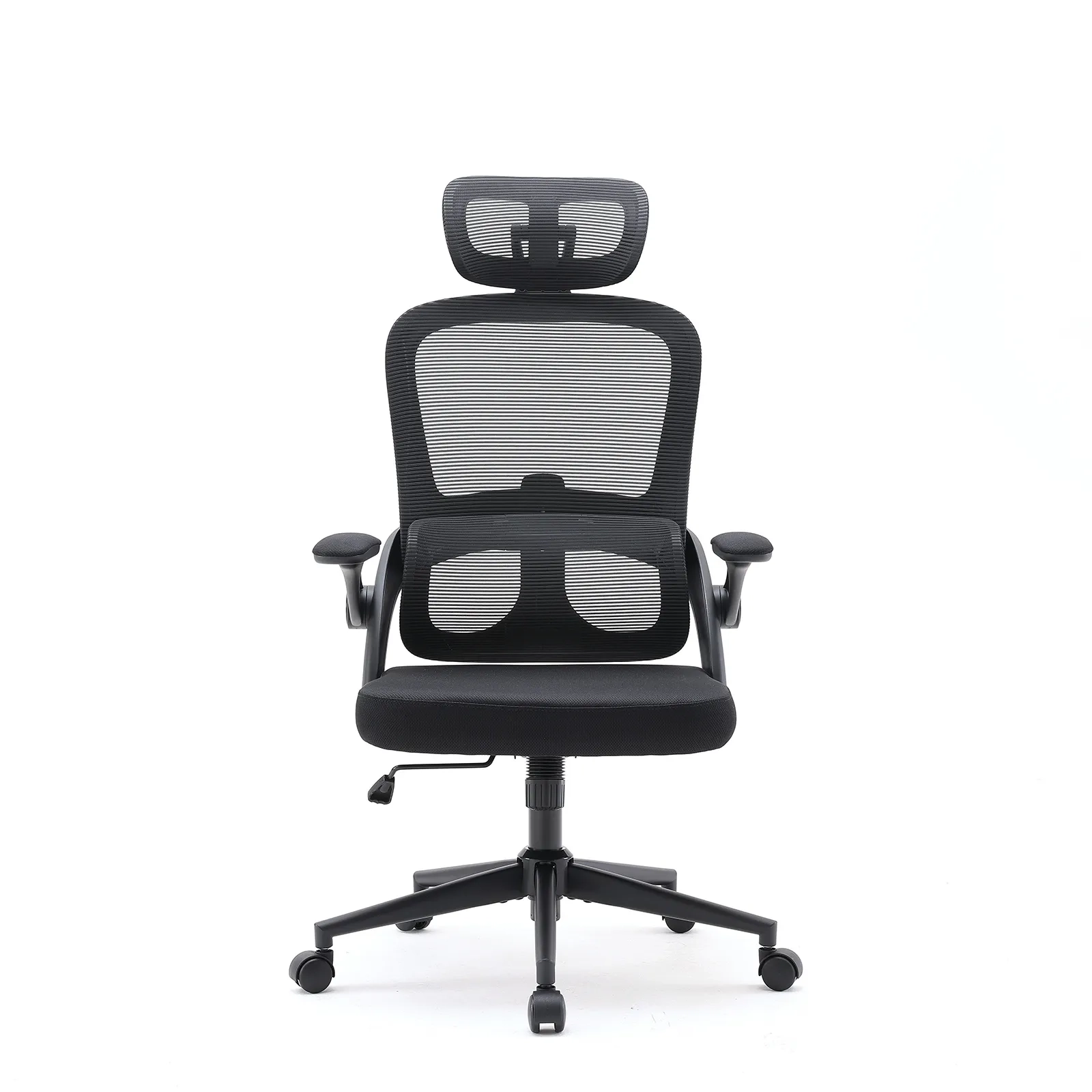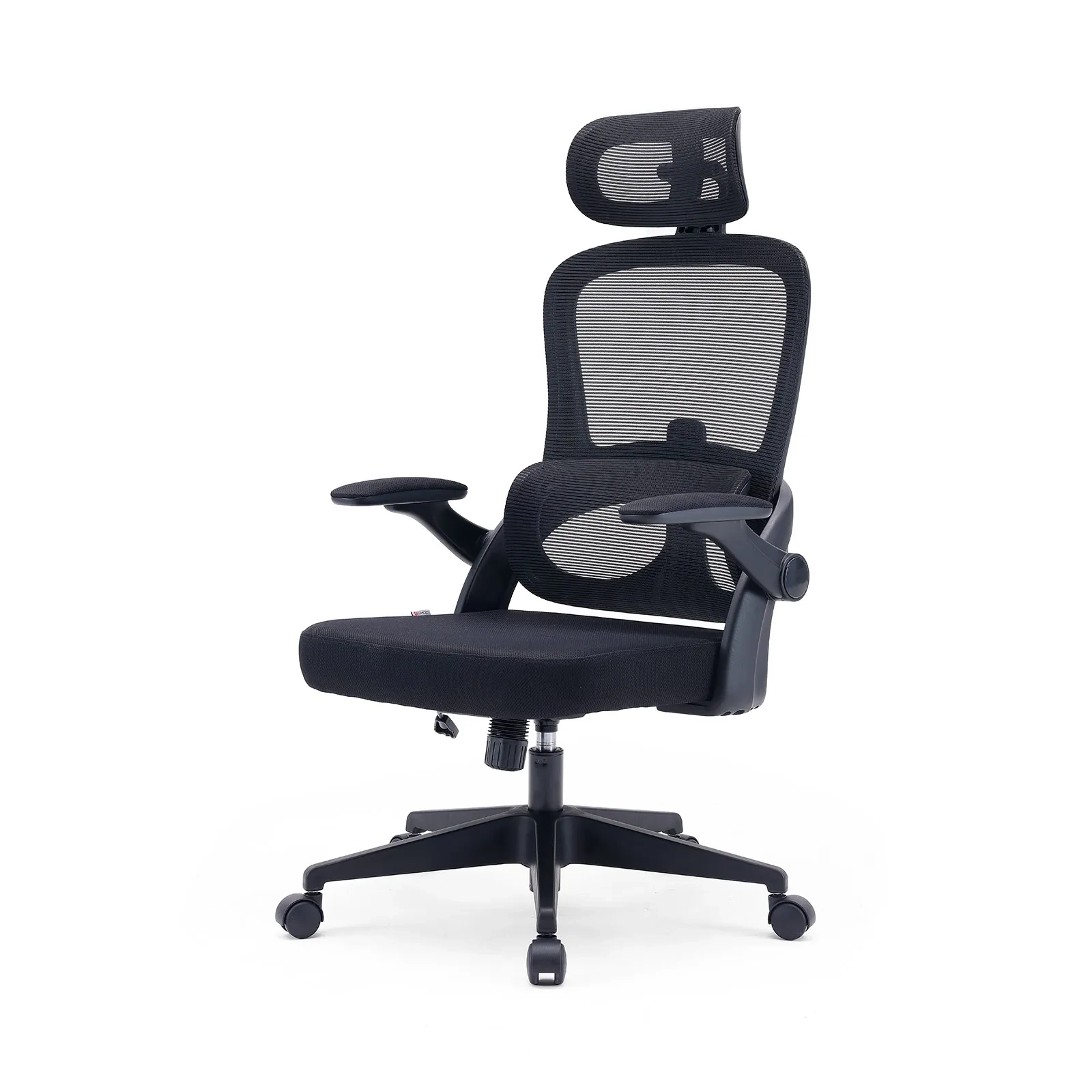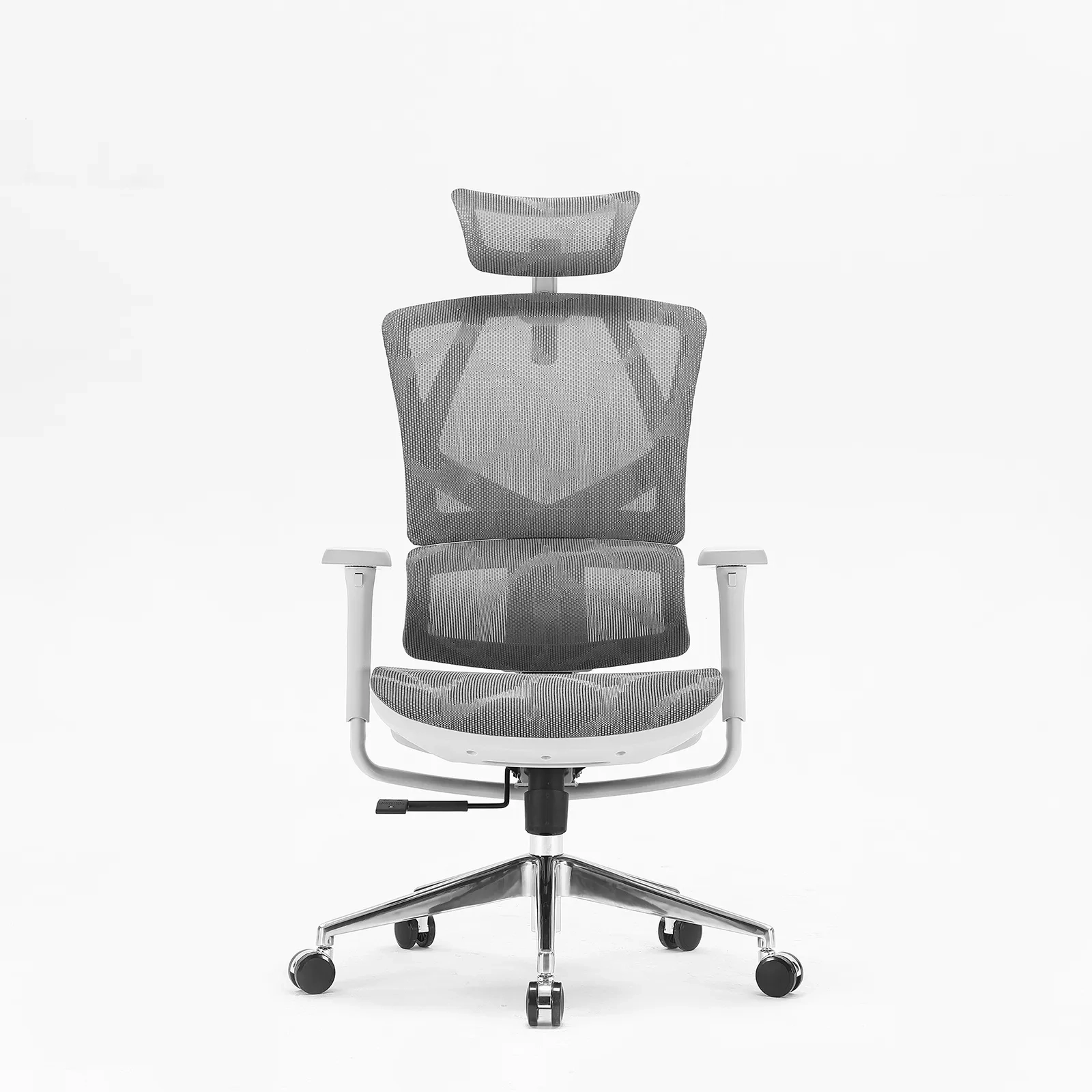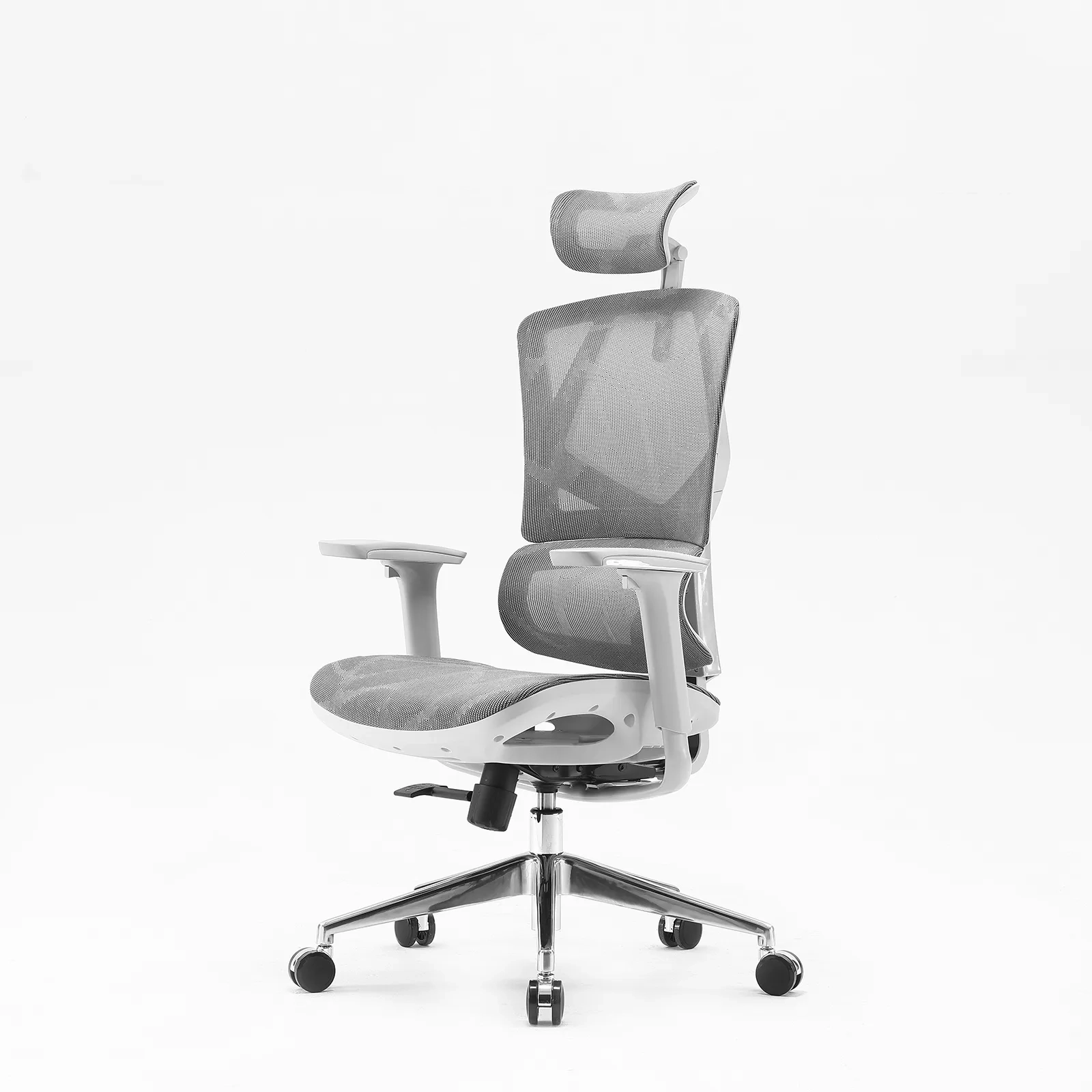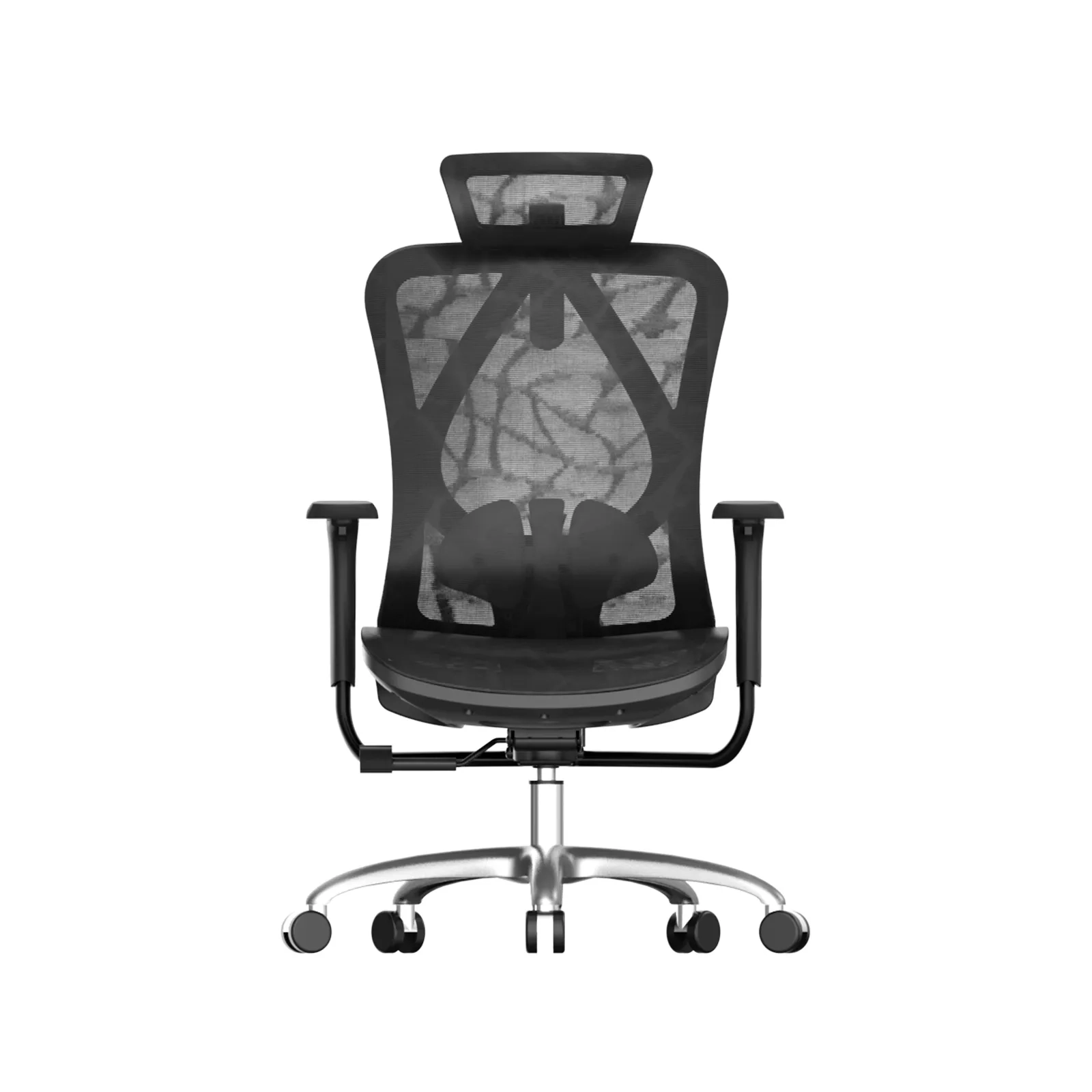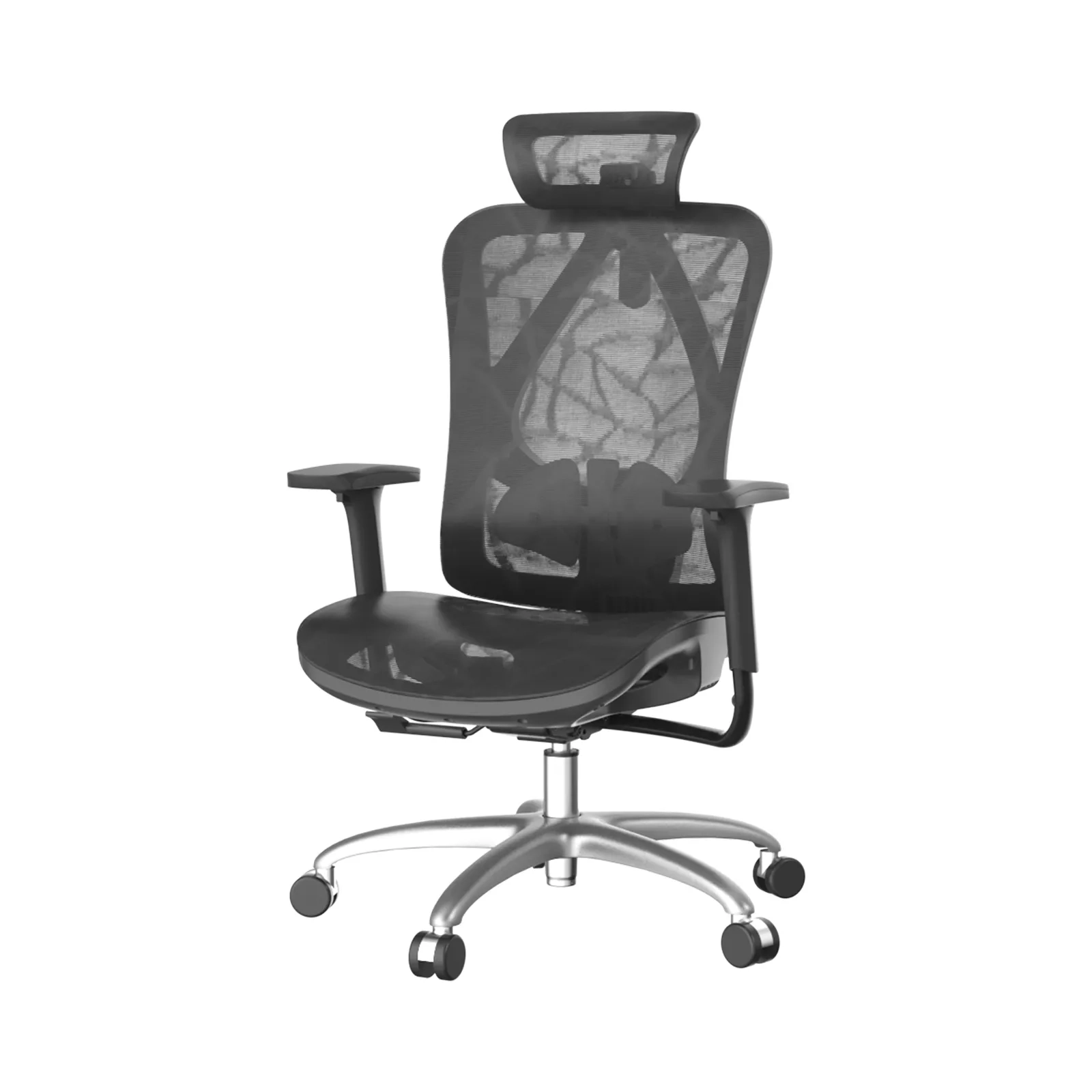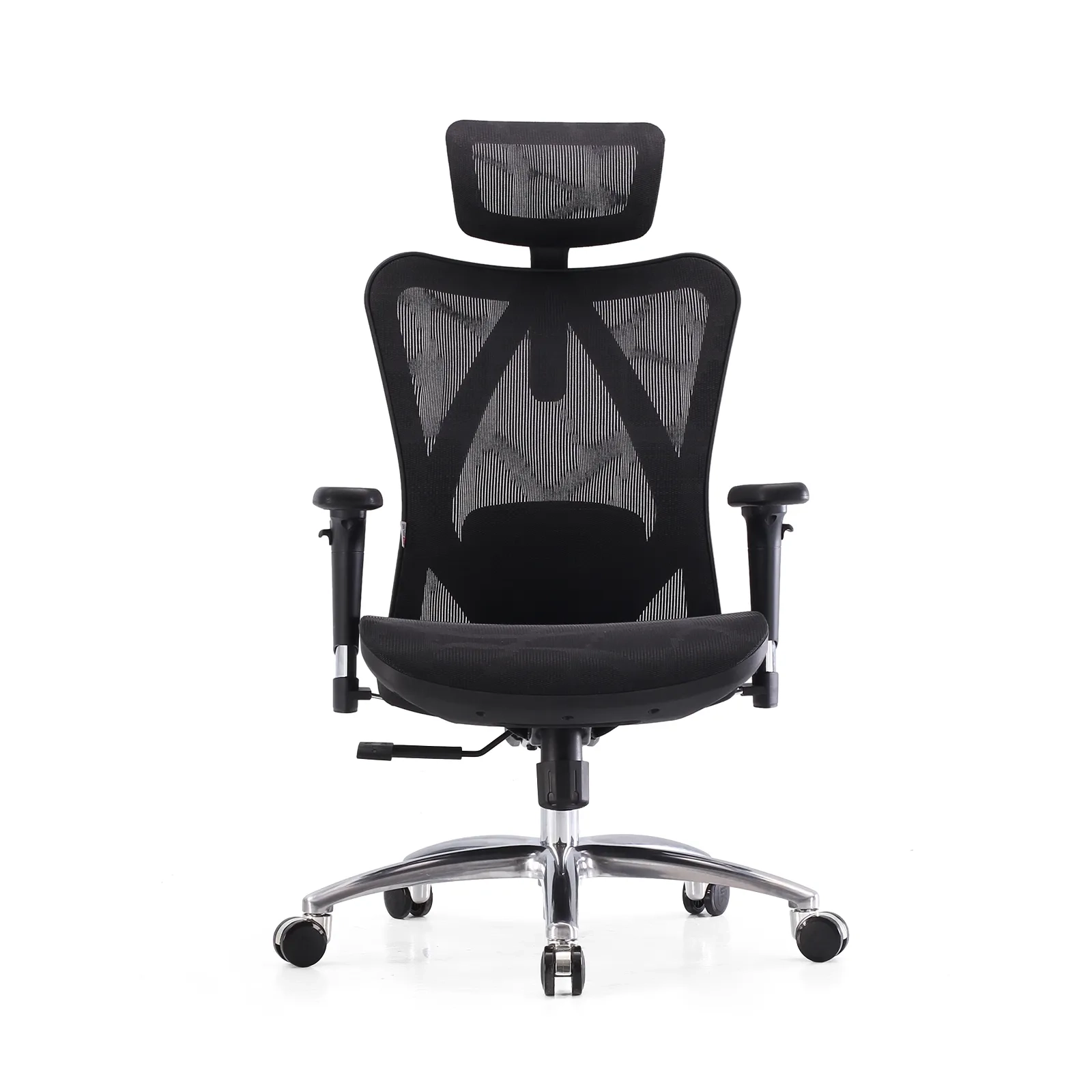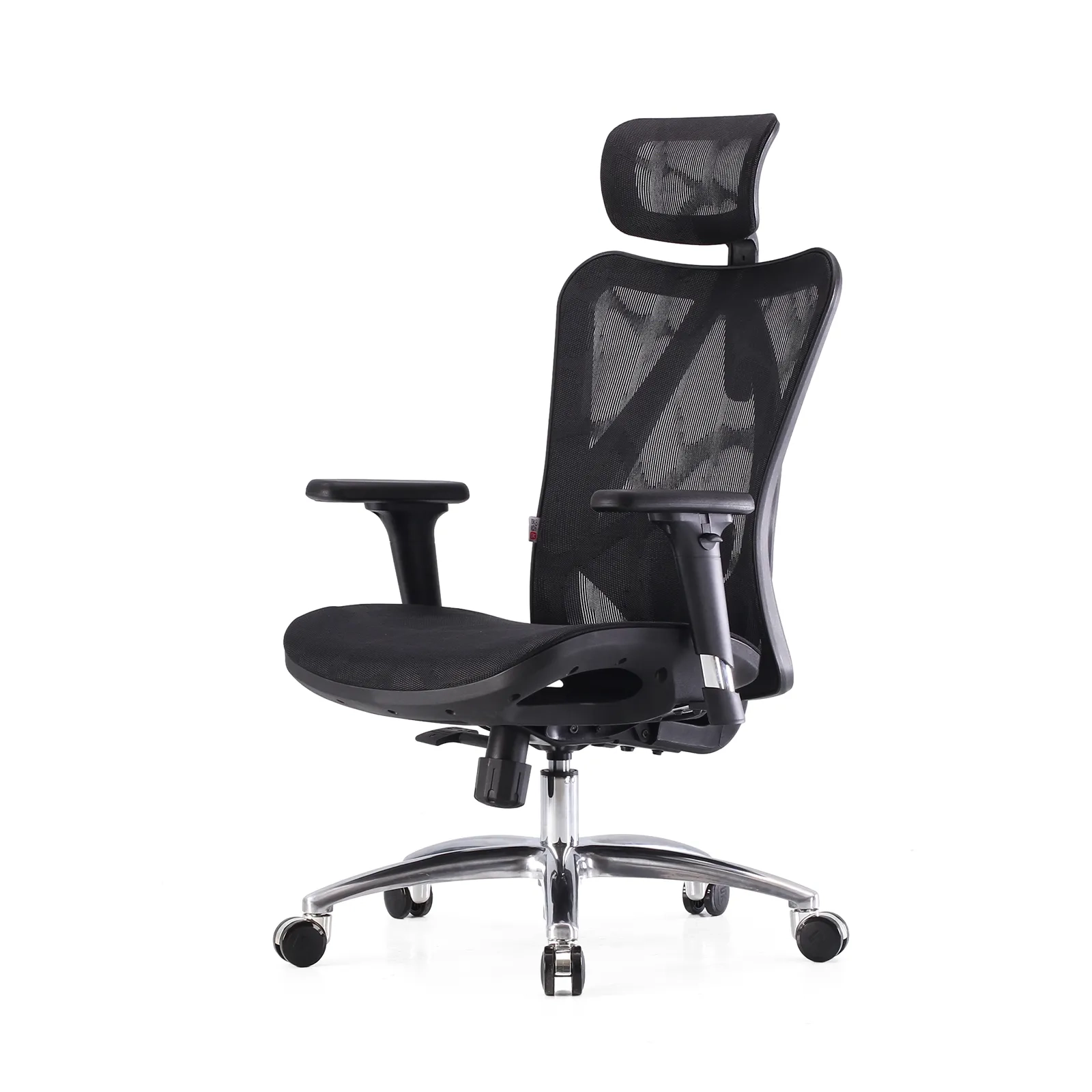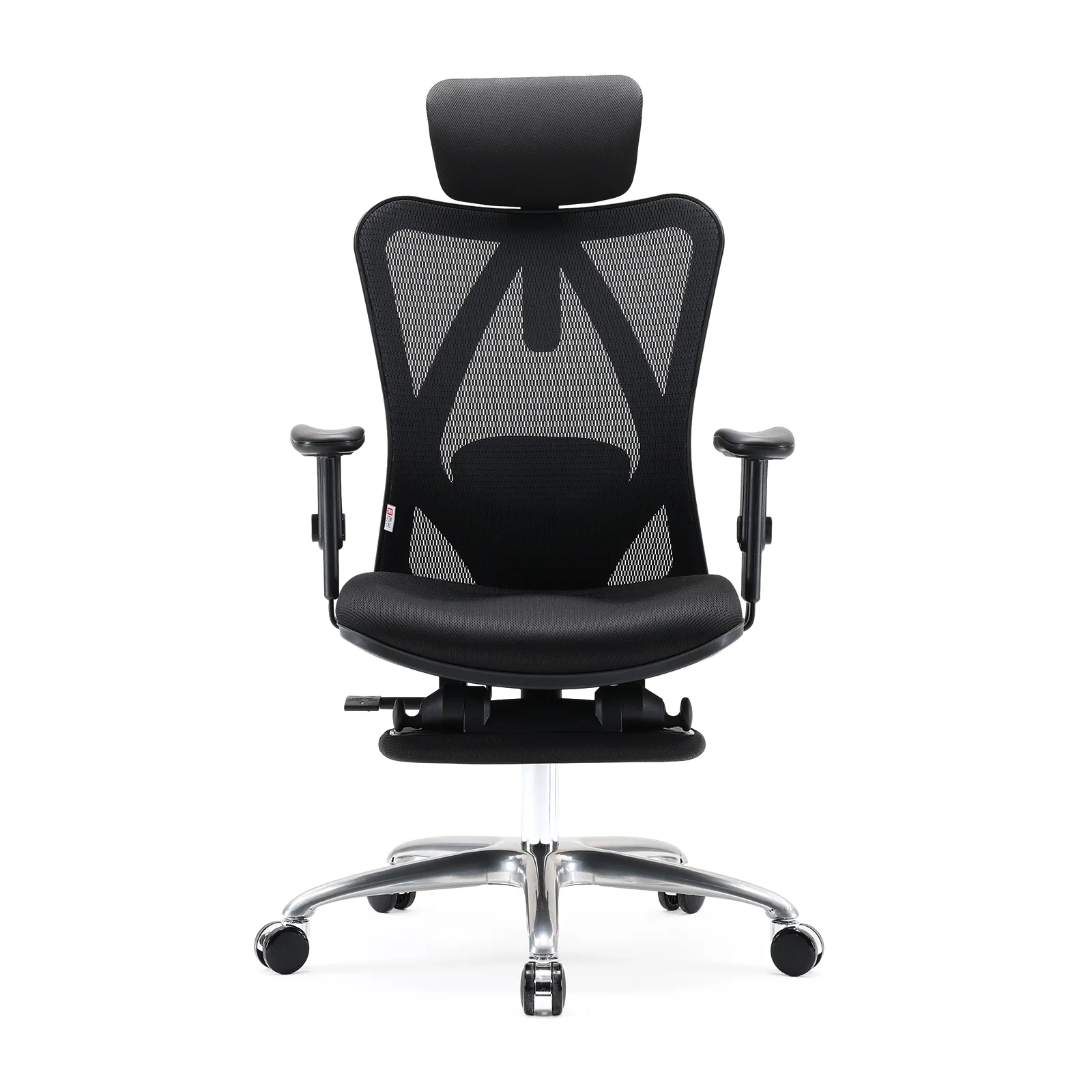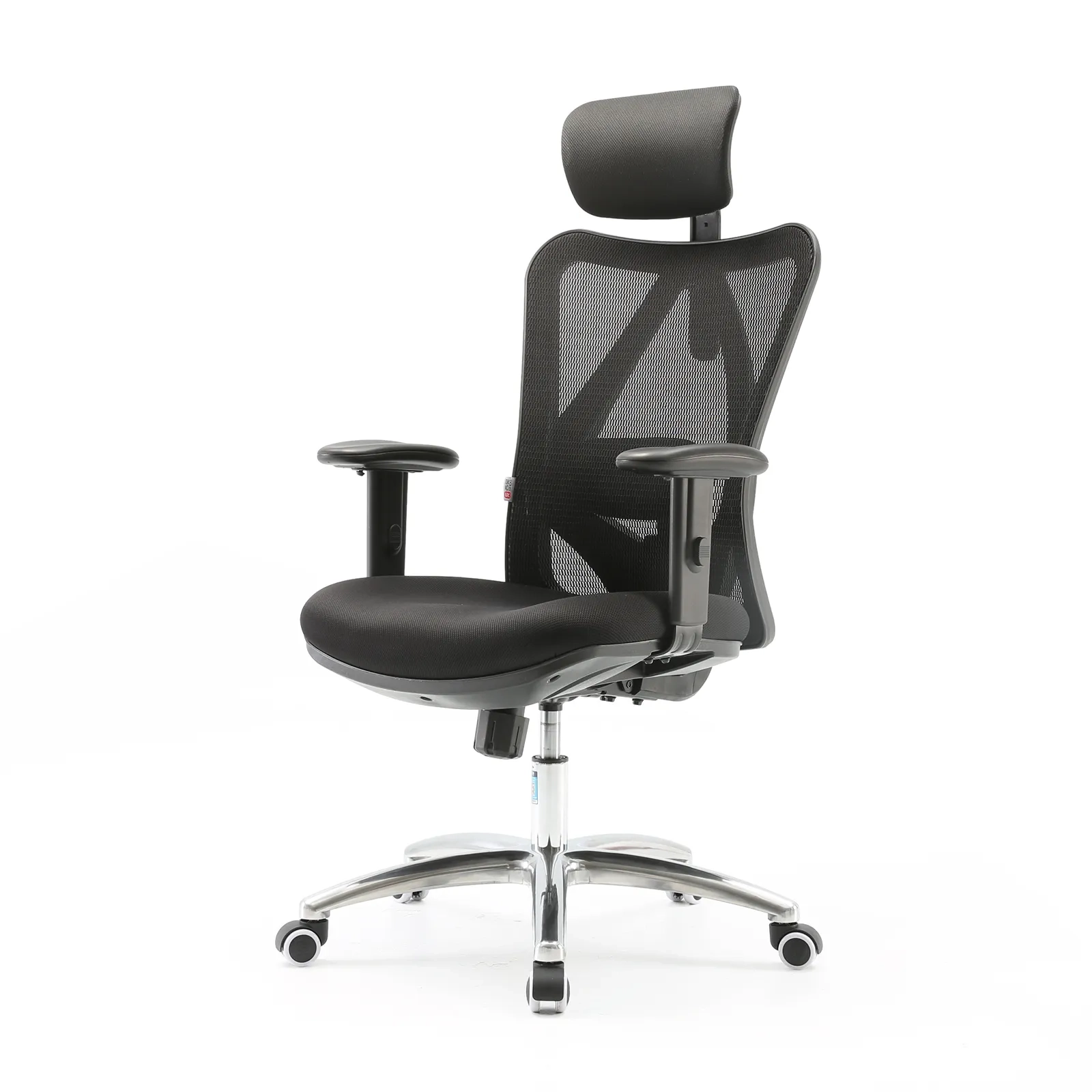









The contemporary corporate landscape is built on a sedentary paradigm. For millions of professionals worldwide, the workday starts and ends in a chair. A typical 9-5 schedule involves prolonged periods of immobility, often stretching far beyond the nominal eight hours when commuting, overtime, and evening digital habits are factored in. While the human musculoskeletal system is naturally engineered for dynamic movement, the demands of data entry, programming, financial analysis, and virtual conferencing force the body into a static, seated posture. Over time, this lack of movement takes a severe toll on the human body, particularly targeting the lumbar spine.
The Modern 9-5 Reality and the Silent Strain on the Lower Back
When an individual sits, the biomechanical load on the spine changes drastically compared to standing. In a standing position, the natural S-curve of the spine distributes body weight evenly across the intervertebral discs and muscles. However, when transitioning to a standard office chair, the pelvis tends to rotate backward, flattening the natural inward curve of the lower back—known as lumbar lordosis. This structural flattening increases the internal pressure within the lumbar discs by up to 40% to 50% compared to standing. Over a 9-5 schedule, this constant pressure forces the surrounding muscles, such as the erector spinae and multifidus, to remain in a state of continuous contraction to keep the torso upright. As these muscles tire, the load shifts onto the spinal ligaments and intervertebral discs, leading to the dull, persistent ache that many office workers accept as an inevitable part of their careers.
This structural strain is worsened by the physical exhaustion that builds up over the work week. By Tuesday or Wednesday afternoon, mental fatigue leads to posture deterioration. Slouching, leaning toward the monitor, and crossing the legs are common ways the body tries to cope with a poorly designed seat. These posture shifts create uneven pressure distribution across the lower back, pinching nerves and reducing blood flow to the spinal tissues. To break this cycle of physical strain, professionals must look past basic padding and invest in ergonomic engineering. Finding a dedicated office chair good for lower back alignment is no longer a luxury—it is a health necessity. The ideal seating solution must actively preserve your natural spinal curves, keeping you comfortable and pain-free throughout the longest workdays.
Ergonomic Features That Make an Office Chair Good for Lower Back Pain
To understand what makes an office chair effective for lower back health, one must examine the specific mechanics of the human lumbar region. The lumbar spine consists of five massive vertebrae (L1 to L5) designed to bear the majority of the upper body’s weight. Between these vertebrae lie intervertebral discs—fibrocartilaginous cushions that act as shock absorbers. When a chair fails to support these five vertebrae, the spine slumps into a “C-shaped” curve. This poor posture pinches the front of the discs and pushes the inner core (nucleus pulposus) backward, increasing the risk of disc bulges and chronic nerve pain.
True ergonomic support requires precise structural design. An effective lumbar support system must provide both vertical and depth adjustments to match the user’s specific spinal shape. Because every human body has a unique height, torso length, and spinal curvature, a fixed lumbar pad is rarely effective. Vertical adjustment ensures the apex of the chair’s cushion aligns perfectly with the L3-L5 vertebrae, which experience the highest mechanical stress during sitting. Depth adjustment regulates how firmly the support pushes against the lower spine, ensuring the lower back maintains its natural shape without forcing the user too far forward on the seat pan.
Furthermore, modern ergonomic research highlights the importance of dynamic or self-adaptive lumbar support systems. Static support structures can become uncomfortable over time because they do not adjust when a worker changes positions—such as leaning forward to type or reclining to read a report. Dynamic systems automatically shift their angle and pressure based on the user’s movements, providing continuous spinal support. By keeping the pelvis stable and maintaining the natural curve of the lower back, an advanced office chair good for lower back protection helps prevent muscle fatigue and shields the spinal discs from harmful compression.
The 9-5 Lumbar Journey
The value of an engineered office chair is best observed through the daily routine of a typical office employee. Each phase of the 9-5 workday presents unique physical demands and distinct pressures on the lumbar spine.
- The 9:00 AM Deep Focus Session: At the start of the workday, mental focus is high, and tasks often require intense data analysis, writing, or strategic planning. During these focused sessions, employees typically lean slightly forward, closer to their monitors. Without proactive support, this forward lean causes the pelvis to tilt back, putting intense strain on the lower back muscles. A high-quality chair counteracts this by offering a responsive backrest that moves with the user, ensuring the lower spine remains supported even when leaning forward.
- The 2:00 PM Post-Lunch Slump: As afternoon fatigue sets in, muscles naturally tire, and the body succumbs to gravity. This is when severe slouching occurs, as workers slide forward on their seats and let their lower backs collapse into a rounded shape. A chair equipped with an adaptive lumbar support system acts as a physical guard against this posture breakdown, supporting the lower back even when the user relaxes their core muscles.
- The 4:30 PM Collaborative Review and Recline: Toward the end of the day, tasks often shift toward reviewing documents, taking phone calls, or participating in remote meetings. During these activities, reclining offers a valuable opportunity to relieve spinal pressure. An advanced synchro-tilt mechanism allows the backrest to recline at a larger angle than the seat pan, opening up the hip angle and reducing pressure on the lower back discs while keeping the feet flat on the floor.
Key Structural Elements of a Lower Back Support Chair
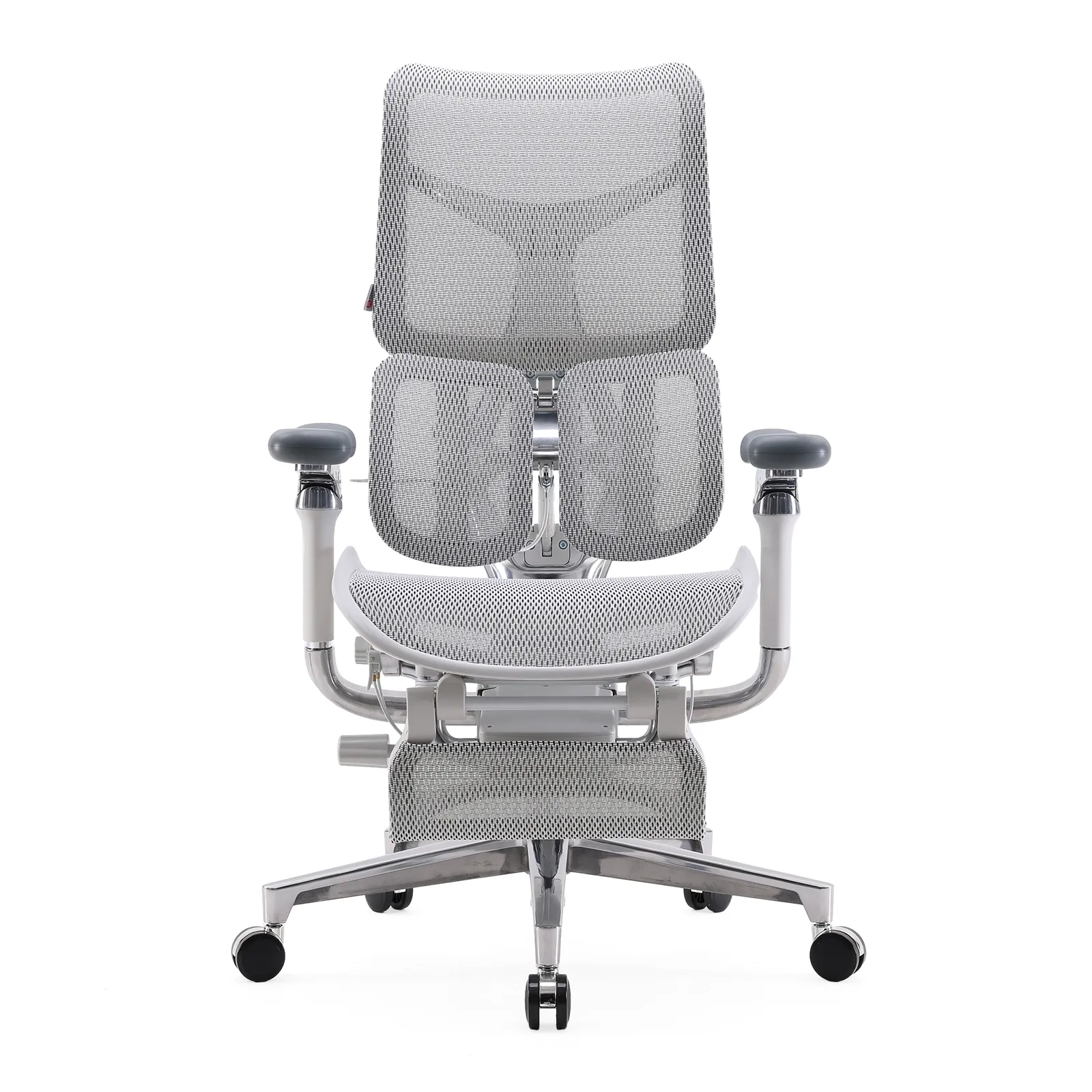
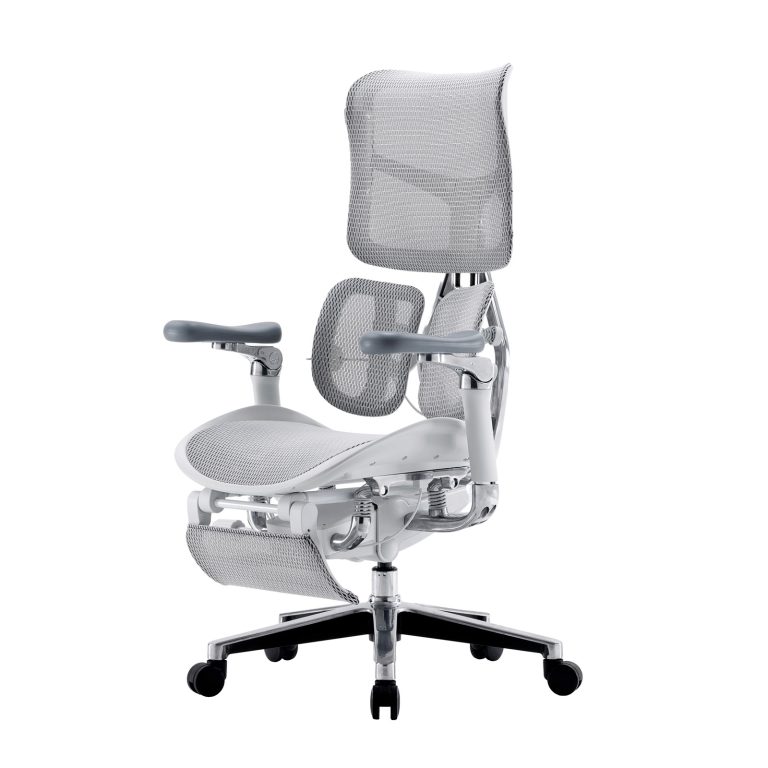
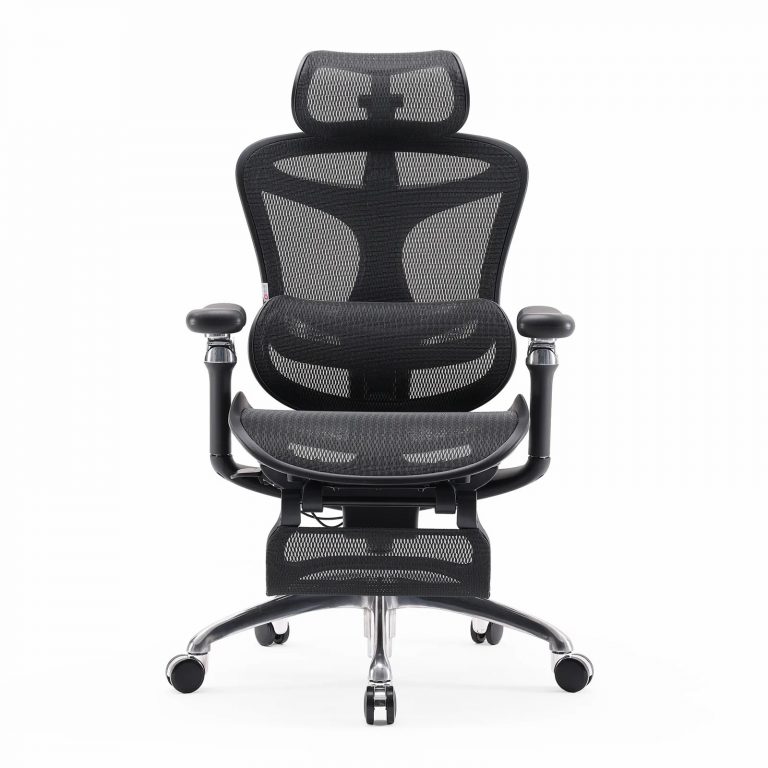
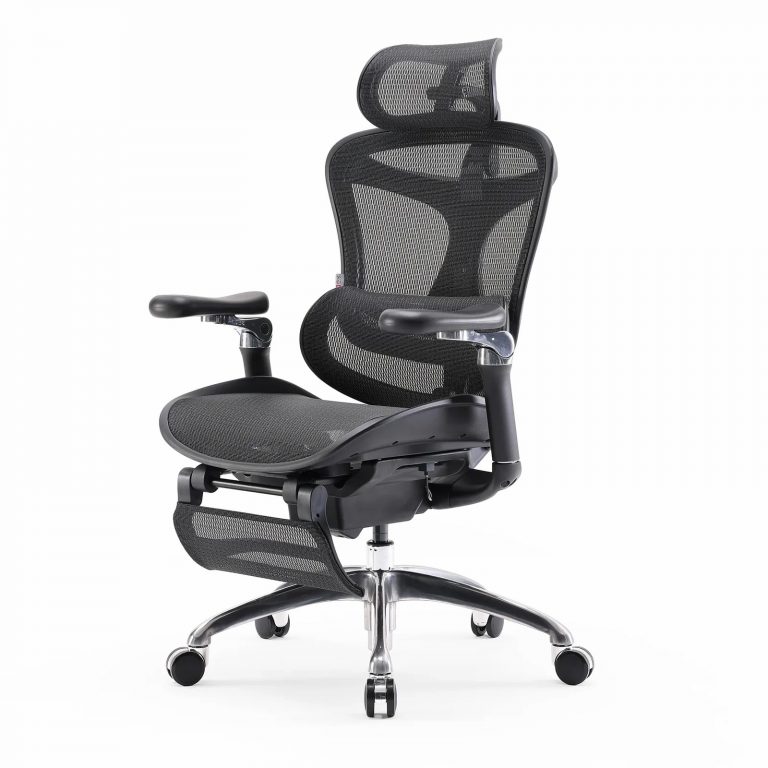
When evaluating an office chair good for lower back comfort, look for these critical engineering components that actively relieve spinal compression:
| Structural Engine | Key Component | How It Protects Your Lower Back |
|---|---|---|
| Spinal Alignment Engine | Adaptive Lumbar Support | Dynamically tracks the L1-L5 vertebrae, automatically adjusting pressure as you shift postures. |
| S-Shaped Bionic Backrest | Mirrors the natural curves of the spine to prevent slouching without conscious effort. | |
| Pelvic & Base Stability | Waterfall Seat Edge | Curves downward at the front to eliminate pressure behind thighs and maintain healthy blood flow. |
| Synchro-Tilt Mechanism | Opens up the hip angle during recline, distributing upper body weight away from the lower discs. | |
| Upper Body Support | 3D/4D Coordinated Armrests | Supports arm weight to relieve tension in the shoulders and upper back. |
The Science behind Sihoo’s Seating Philosophy
A leading voice in the development of ergonomic furniture is Sihoo, a brand dedicated to applying advanced biomechanics to office seating. Their design philosophy focuses on the understanding that a chair should not be a static object, but an active support system that adapts to the human body. Through extensive research into spinal health, they have engineered seating solutions tailored to help professionals manage long hours of sitting without sacrificing physical well-being.
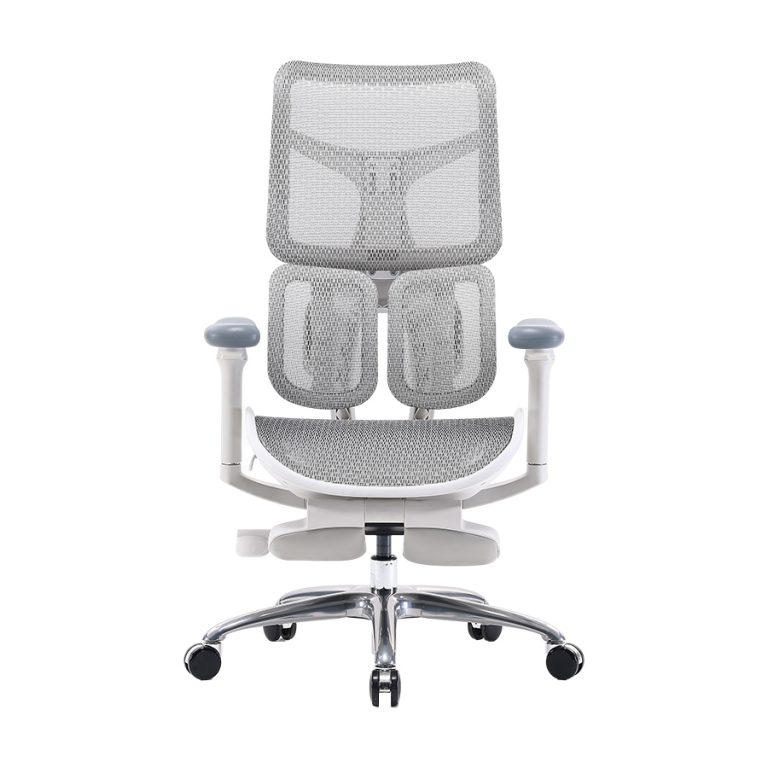
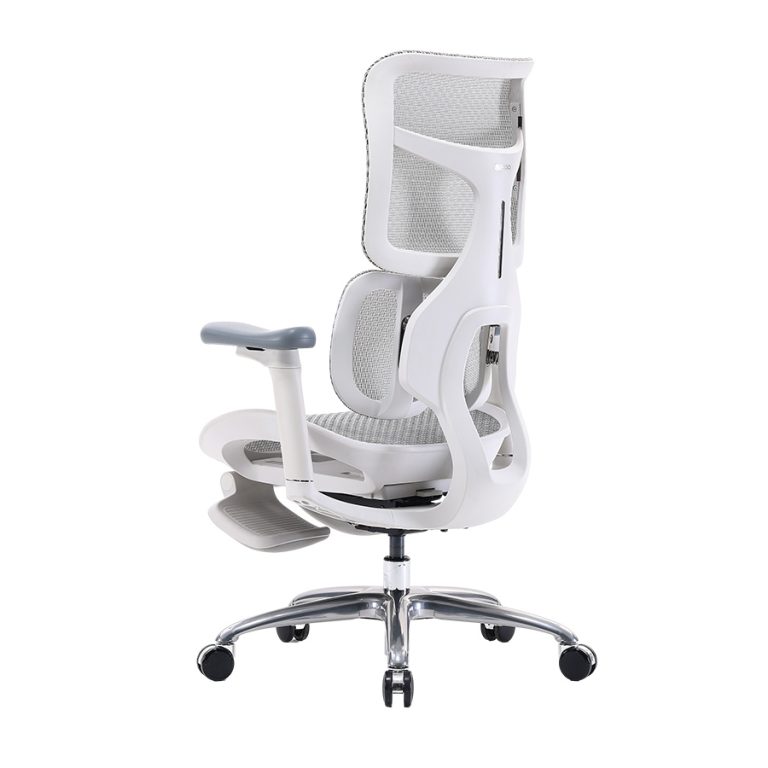
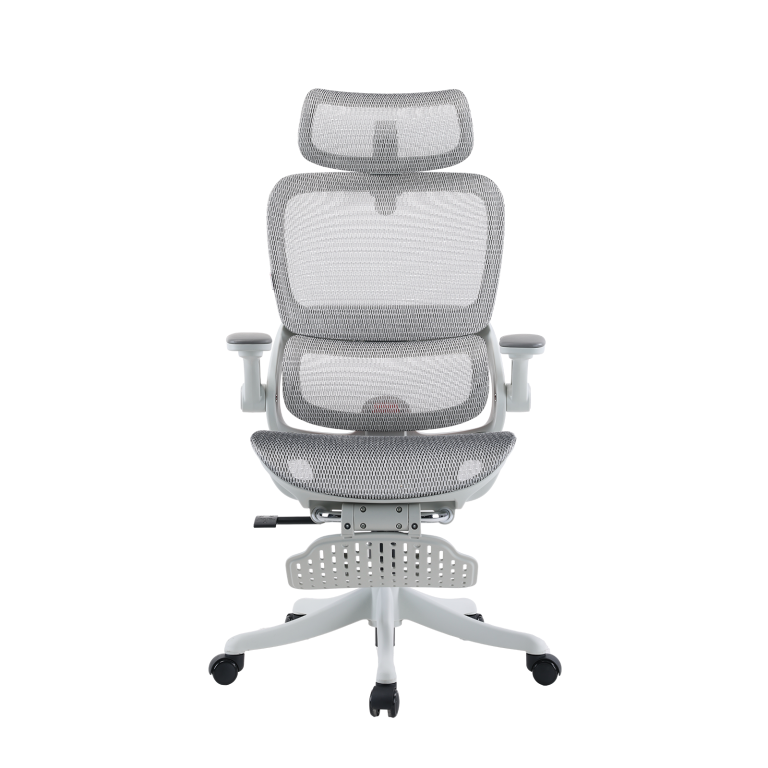
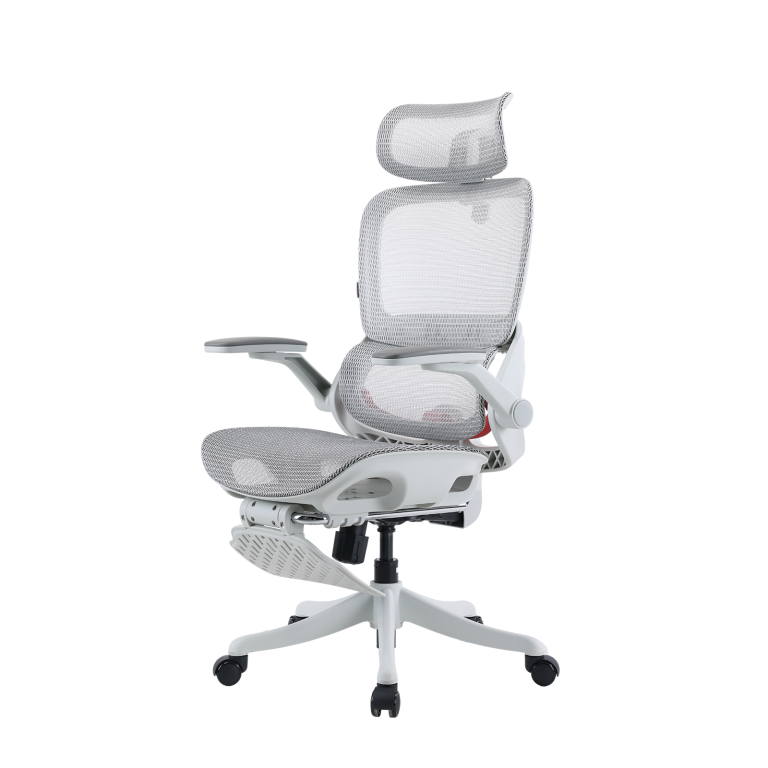
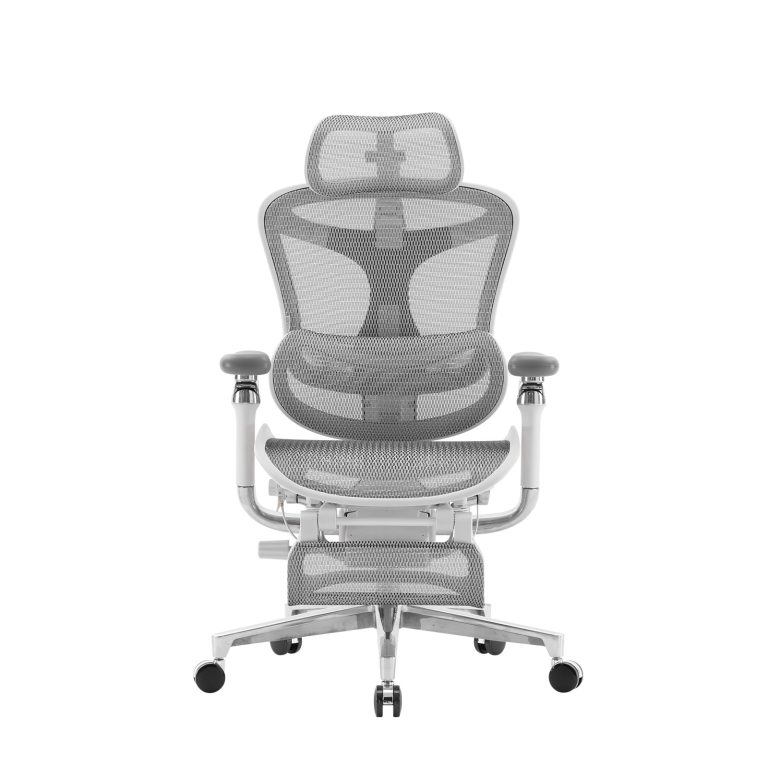
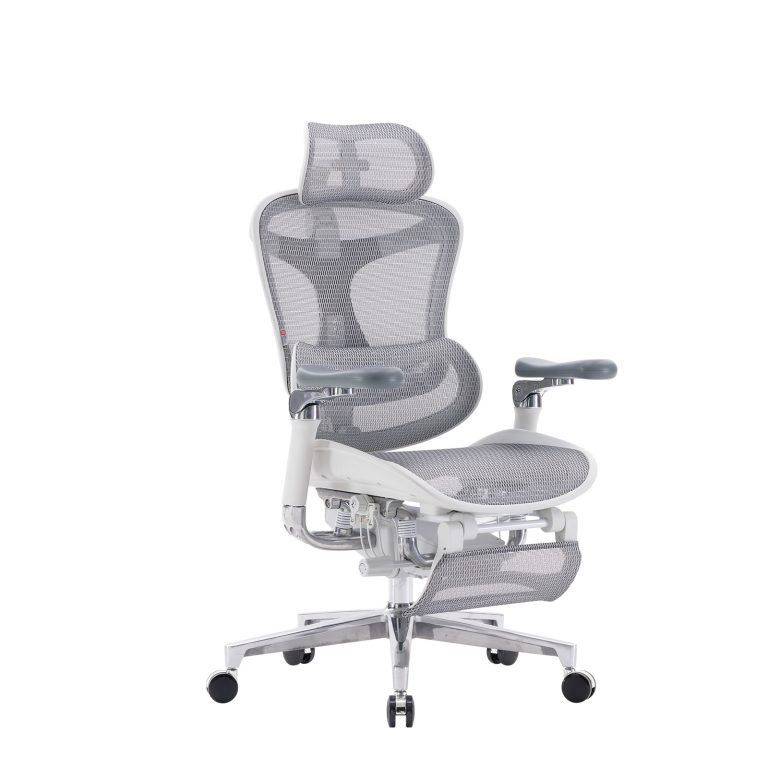
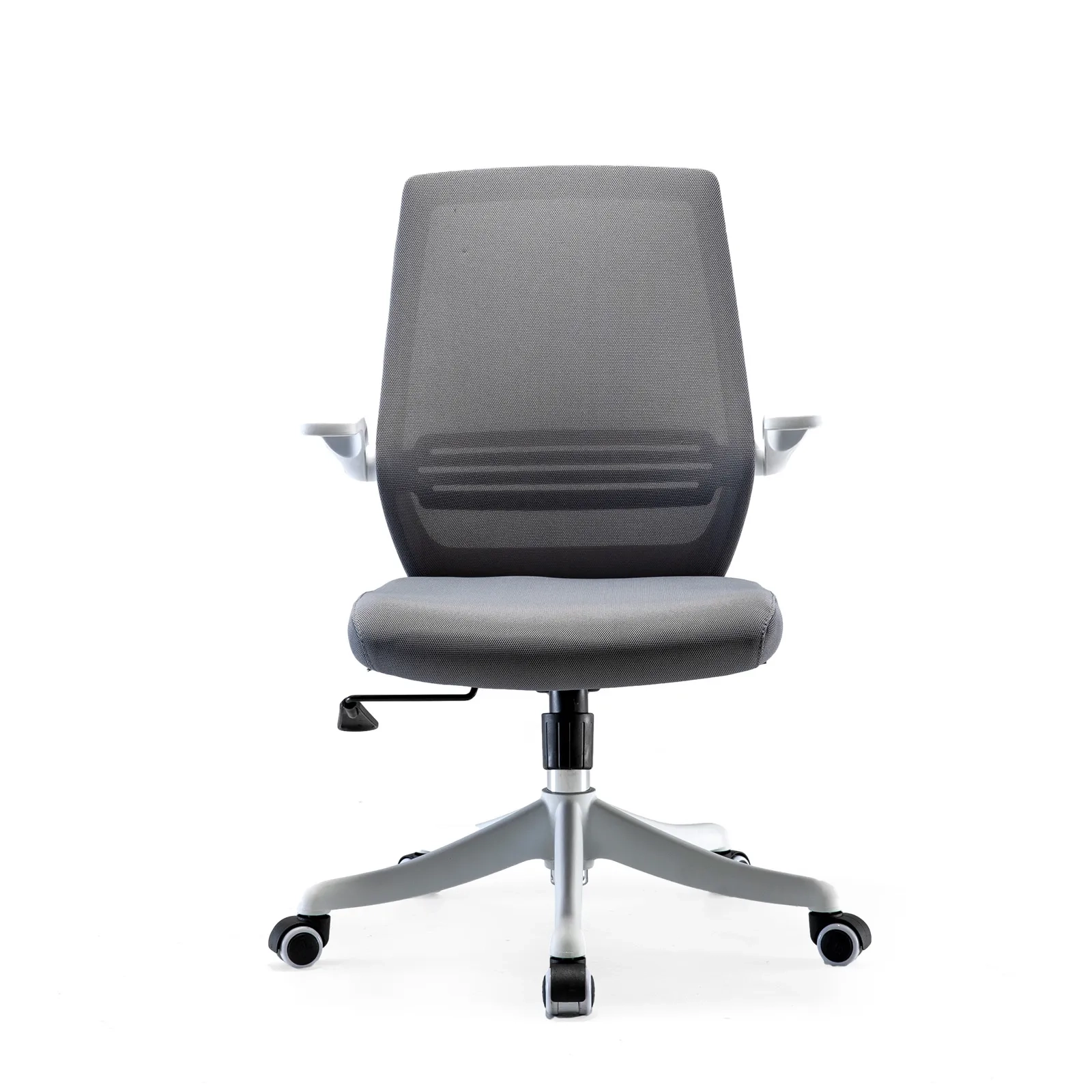
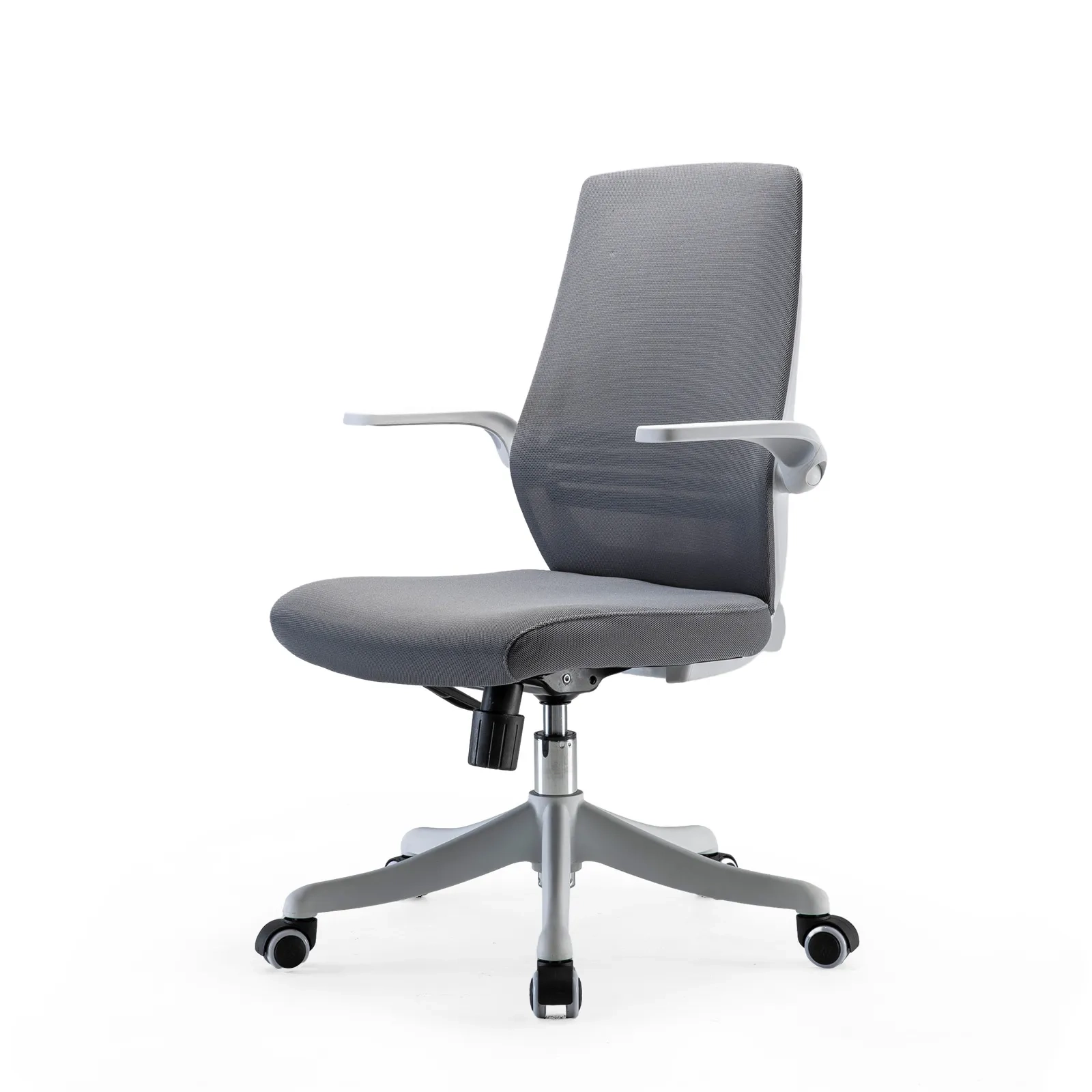
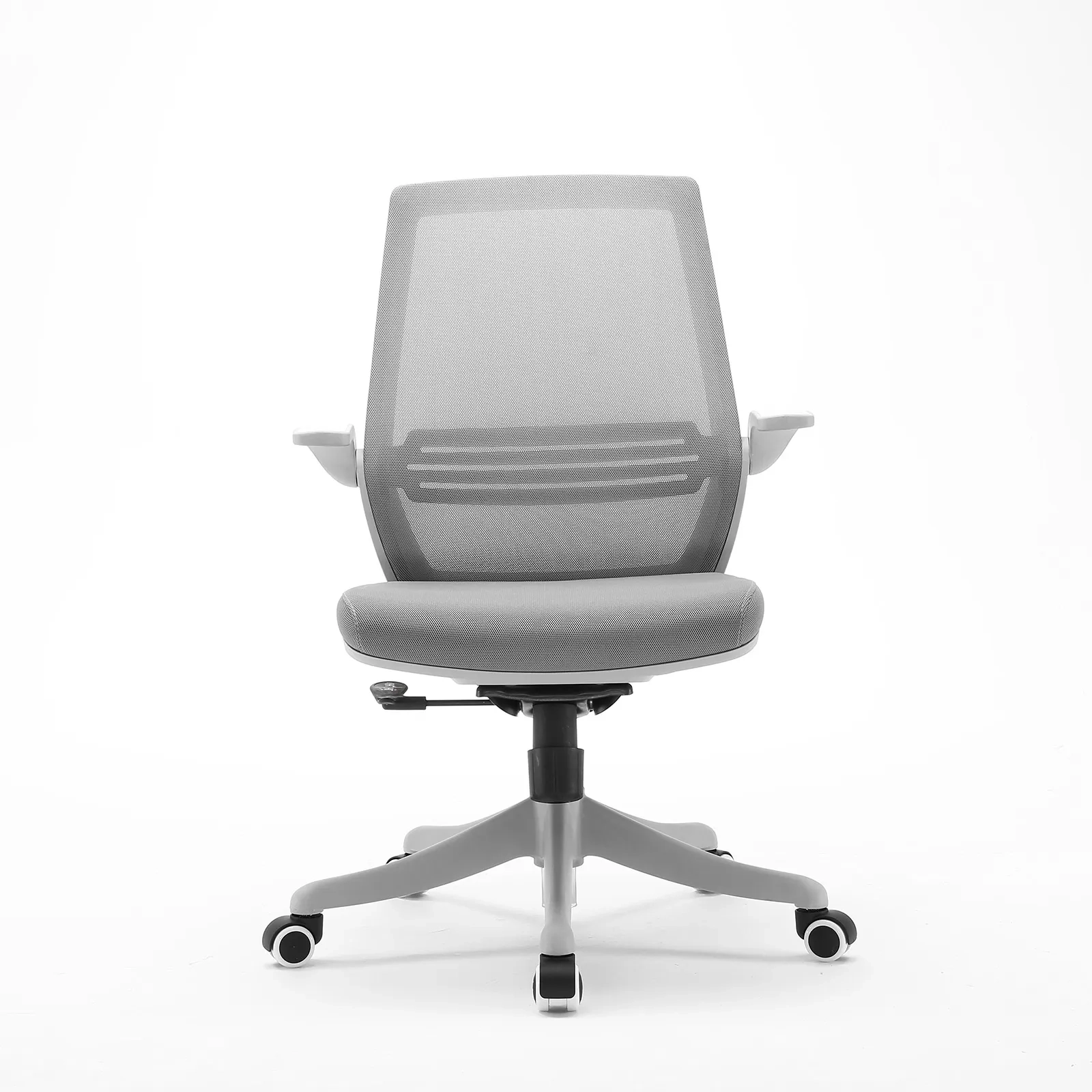
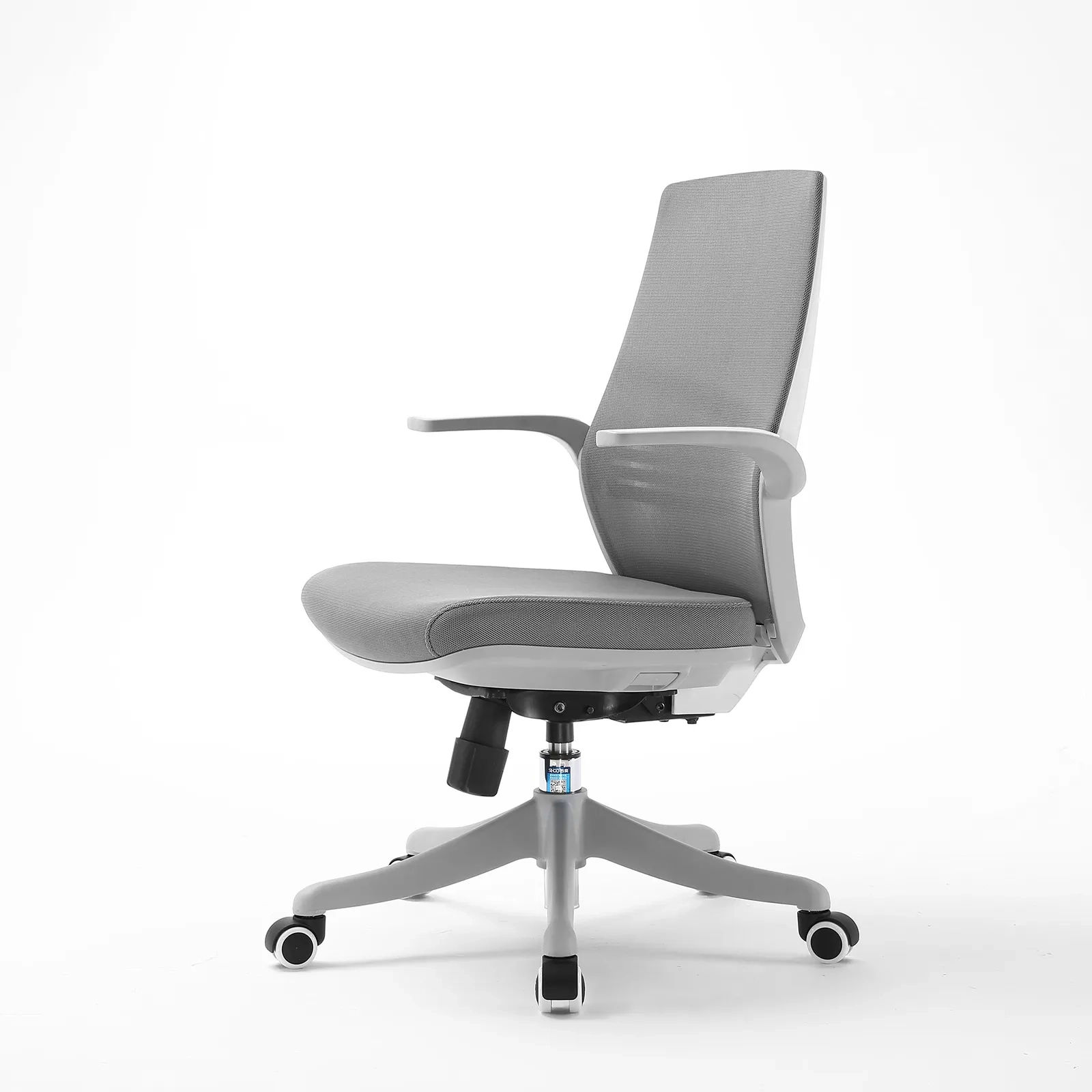
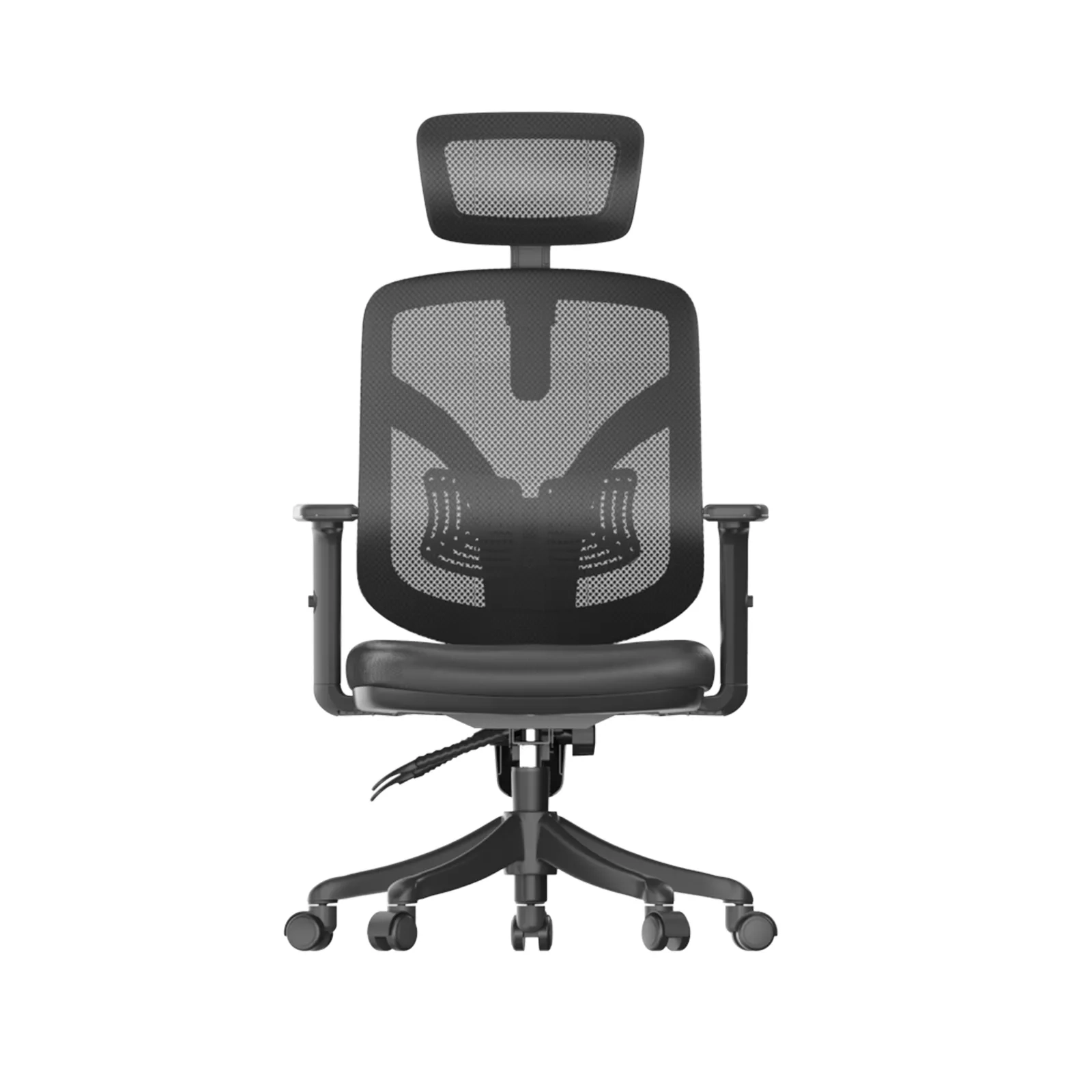
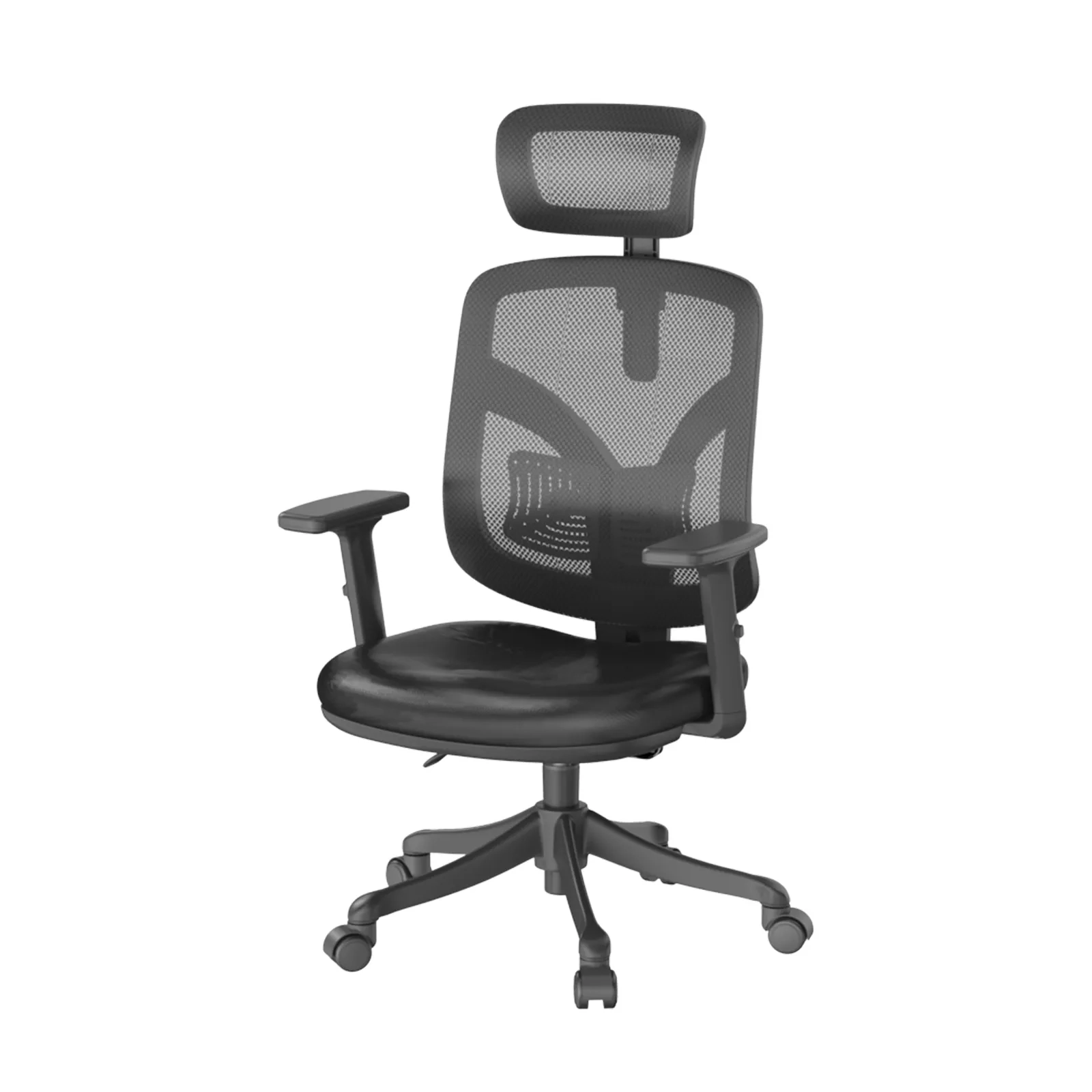
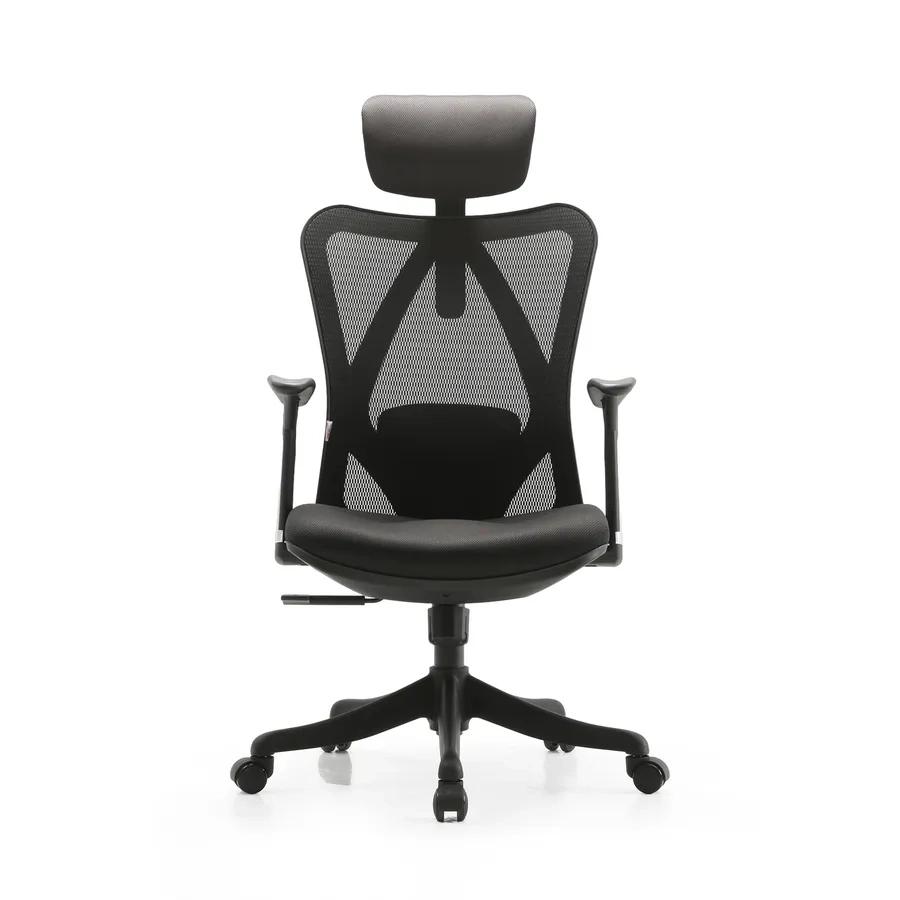
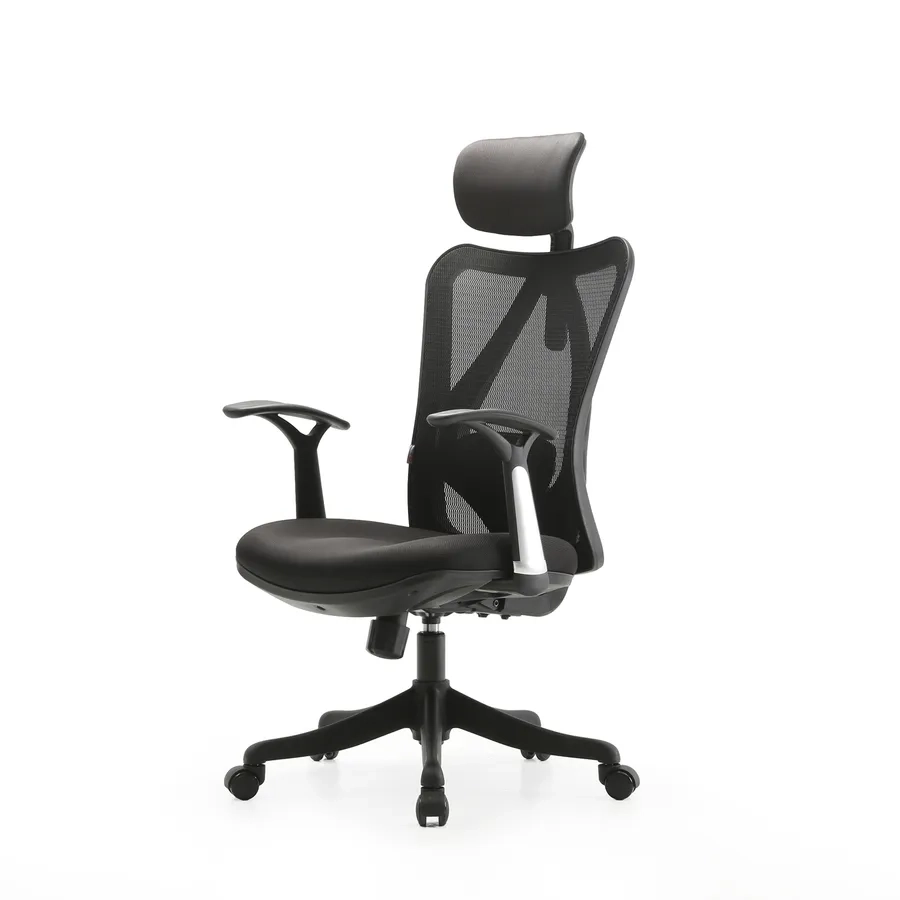
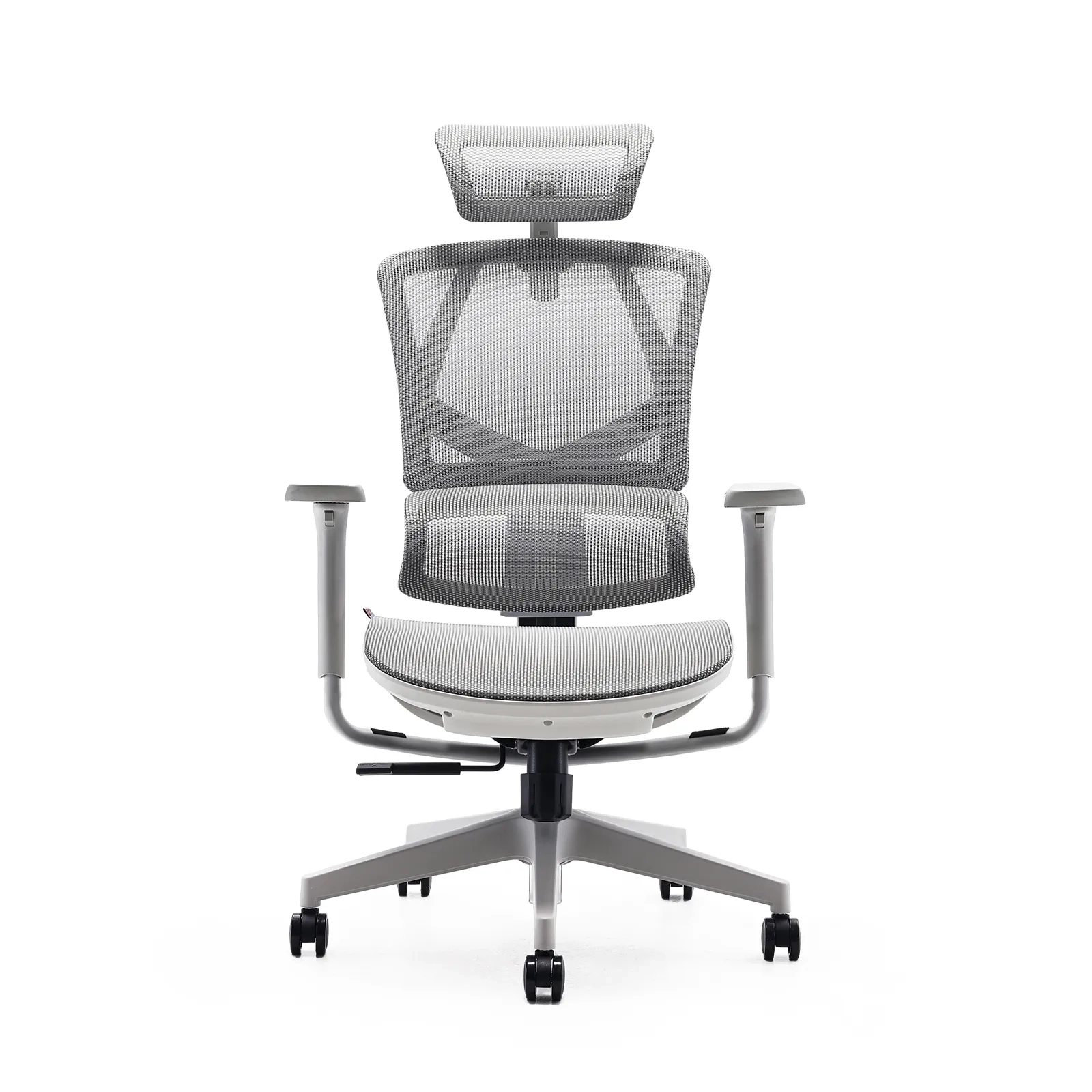
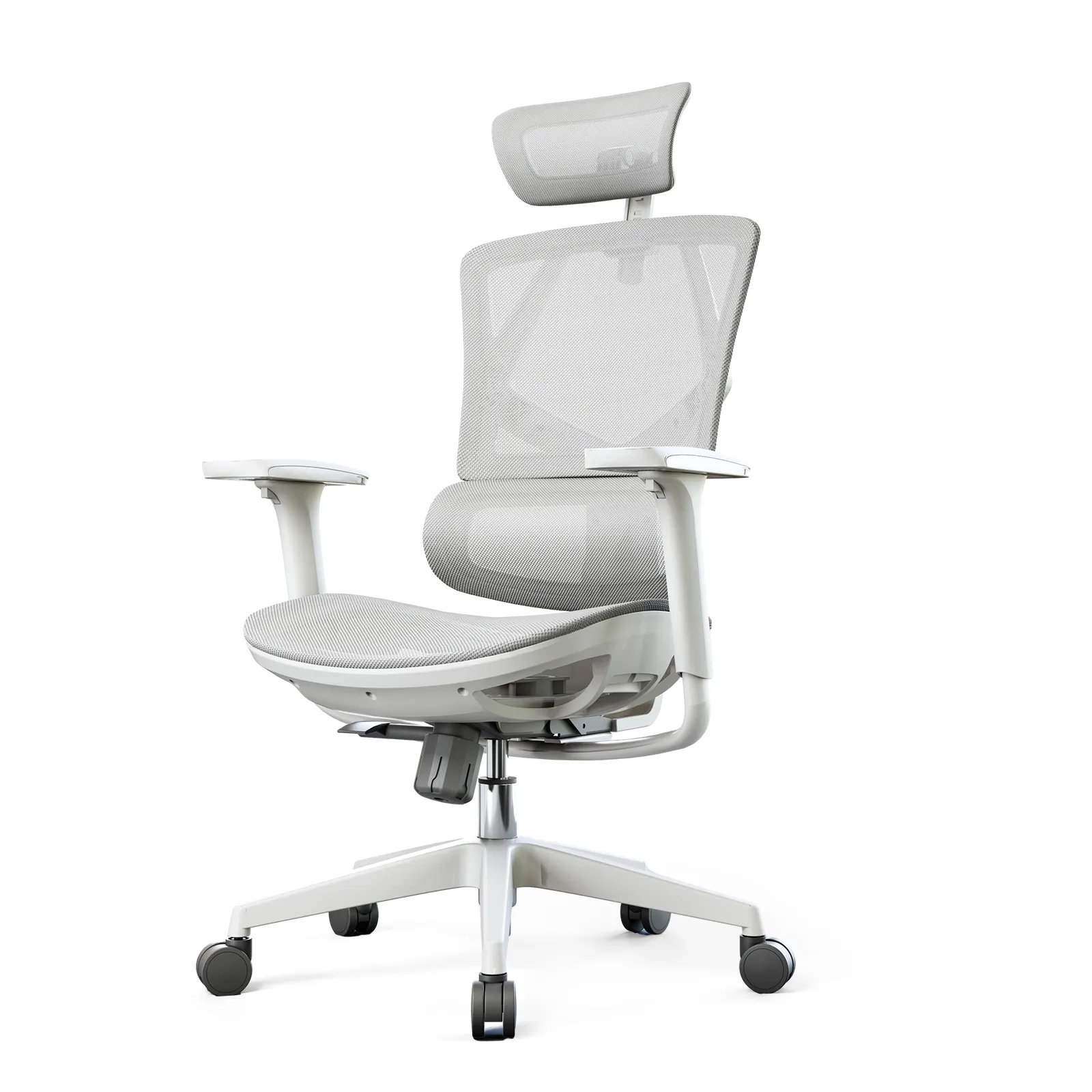
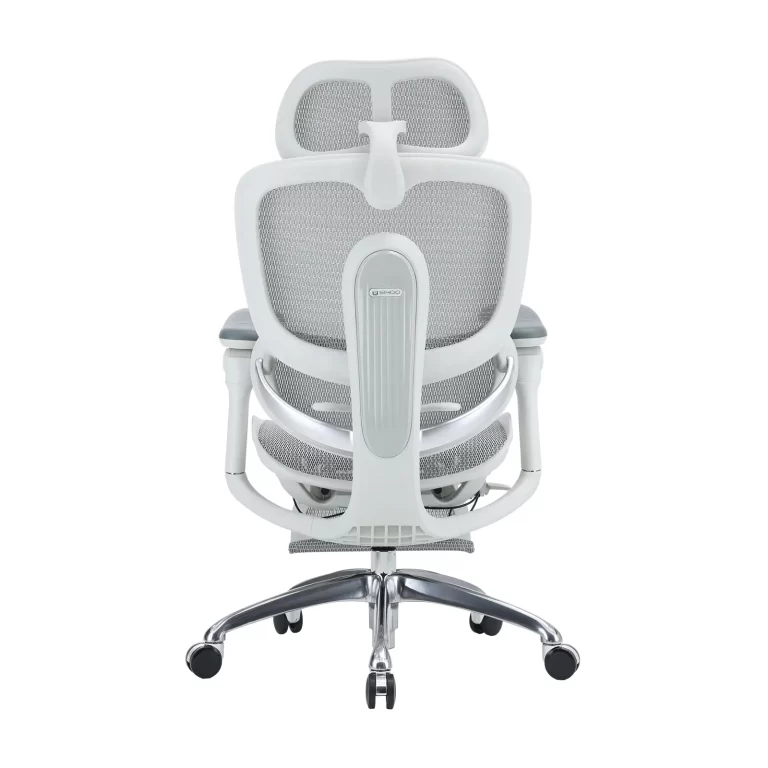
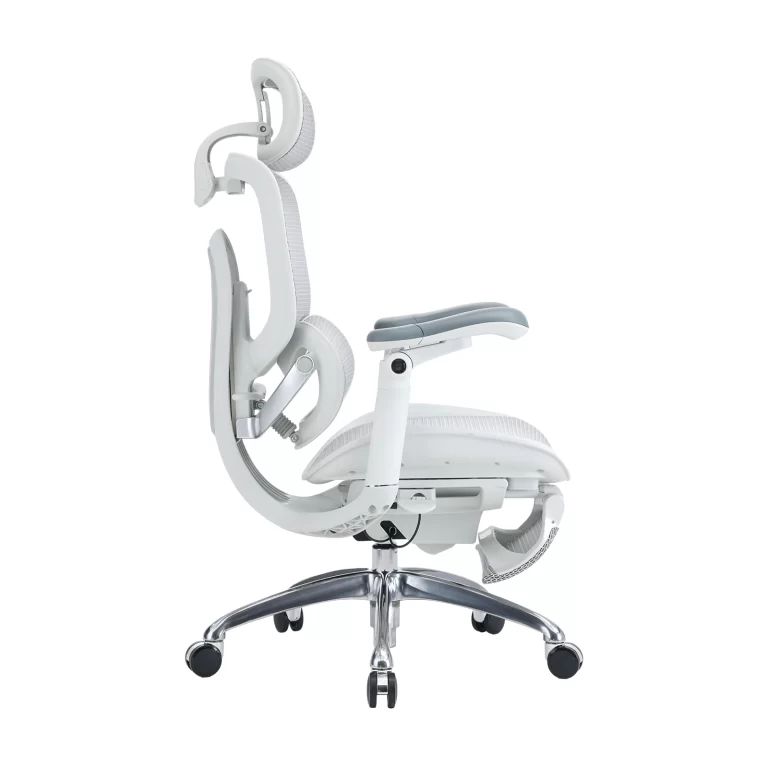
Brands like Sihoo have addressed these biomechanical needs by shifting from rigid frames to dynamic seating. For instance, their Doro series utilizes a specialized self-adaptive lumbar support mechanism. Instead of relying on manual dials that users often forget to adjust, this system uses flexible, weight-responsive joint joints. When you transition from an upright typing posture to a deep recline, the lumbar pad automatically shifts its angle and depth. This ensures continuous, tailored pressure against the lower spine, making it a highly practical office chair good for lower back stabilization during dynamic movement.
Additionally, their high-end models utilize advanced weight-sensing mechanisms. These systems automatically adjust the reclining tension based on the user’s body weight, ensuring smooth and balanced movement without requiring manual adjustment of heavy knobs. By combining flexible mesh materials with sturdy, certified frames, they create seating options that deliver both immediate comfort and long-term durability. This research-driven approach makes an office chair good for lower back health a practical reality for office workers and remote professionals alike.
How to Choose and Adjust an Ergonomic Chair for Maximum Support
Purchasing a premium ergonomic chair is only the first step toward long-term comfort; proper adjustment is essential to unlock its full health benefits. Without proper configuration, even an advanced seating system can fail to provide adequate support. To properly set up a chair for a standard 9-5 routine, users should follow a systematic, step-by-step approach:
- Seat Height Adjustment: Begin by adjusting the seat height so that your feet rest flat on the floor. Your knees should form a 90-degree angle, with your thighs parallel to the ground. This position stabilizes the pelvis and ensures your lower body weight is evenly distributed.
- Seat Depth Configuration: Slide the seat pan forward or backward so that there is a small gap—about two to three fingers wide—between the edge of the seat and the back of your knees. This prevents the seat from pressing against blood vessels while ensuring your lower back stays firmly against the backrest.
- Lumbar Support Alignment: Adjust the lumbar pad vertically until it rests directly in the curve of your lower back, typically just above the beltline. Adjust the depth so that you feel firm, comfortable support without feeling pushed forward away from the chair.
- Armrest Positioning: Raise or lower the armrests until your shoulders relax and your elbows rest at roughly a 90-degree angle while typing. This prevents your shoulders from shrugging and reduces strain on your upper back muscles.
Заключение
While an advanced ergonomic chair provides excellent support for the lower spine, it is most effective when paired with healthy daily habits. Ergonomic furniture is designed to minimize the strain of sitting, but the human body still requires regular movement to maintain optimal joint and muscle health. Even with high-quality seating, incorporating small movement habits throughout the day can significantly improve your well-being.
One of the most effective strategies is the 20-8-2 rule: for every half-hour of work, sit for 20 minutes, stand for 8 minutes, and stretch or walk for 2 minutes. This routine encourages regular movement, helping to rehydrate spinal discs and stimulate blood flow. Gentle exercises, such as seated cat-cow stretches, gentle torso twists, and hamstring stretches, can also help relieve muscle tension during brief breaks. Pairing an engineered office chair good for lower back support with regular movement habits creates a highly effective approach to protecting your spine, ensuring you finish your 9-5 workday feeling energized and free from chronic discomfort.
The contemporary corporate landscape is built on a sedentary paradigm. For millions of professionals worldwide, the workday starts and ends in a chair. A typical 9-5 schedule involves prolonged periods of immobility, often stretching far beyond the nominal eight hours when commuting, overtime, and evening digital habits are factored in. While the human musculoskeletal system is naturally engineered for dynamic movement, the demands of data entry, programming, financial analysis, and virtual conferencing force the body into a static, seated posture. Over time, this lack of movement takes a severe toll on the human body, particularly targeting the lumbar spine.
The Modern 9-5 Reality and the Silent Strain on the Lower Back
When an individual sits, the biomechanical load on the spine changes drastically compared to standing. In a standing position, the natural S-curve of the spine distributes body weight evenly across the intervertebral discs and muscles. However, when transitioning to a standard office chair, the pelvis tends to rotate backward, flattening the natural inward curve of the lower back—known as lumbar lordosis. This structural flattening increases the internal pressure within the lumbar discs by up to 40% to 50% compared to standing. Over a 9-5 schedule, this constant pressure forces the surrounding muscles, such as the erector spinae and multifidus, to remain in a state of continuous contraction to keep the torso upright. As these muscles tire, the load shifts onto the spinal ligaments and intervertebral discs, leading to the dull, persistent ache that many office workers accept as an inevitable part of their careers.
This structural strain is worsened by the physical exhaustion that builds up over the work week. By Tuesday or Wednesday afternoon, mental fatigue leads to posture deterioration. Slouching, leaning toward the monitor, and crossing the legs are common ways the body tries to cope with a poorly designed seat. These posture shifts create uneven pressure distribution across the lower back, pinching nerves and reducing blood flow to the spinal tissues. To break this cycle of physical strain, professionals must look past basic padding and invest in ergonomic engineering. Finding a dedicated office chair good for lower back alignment is no longer a luxury—it is a health necessity. The ideal seating solution must actively preserve your natural spinal curves, keeping you comfortable and pain-free throughout the longest workdays.
Ergonomic Features That Make an Office Chair Good for Lower Back Pain
To understand what makes an office chair effective for lower back health, one must examine the specific mechanics of the human lumbar region. The lumbar spine consists of five massive vertebrae (L1 to L5) designed to bear the majority of the upper body’s weight. Between these vertebrae lie intervertebral discs—fibrocartilaginous cushions that act as shock absorbers. When a chair fails to support these five vertebrae, the spine slumps into a “C-shaped” curve. This poor posture pinches the front of the discs and pushes the inner core (nucleus pulposus) backward, increasing the risk of disc bulges and chronic nerve pain.
True ergonomic support requires precise structural design. An effective lumbar support system must provide both vertical and depth adjustments to match the user’s specific spinal shape. Because every human body has a unique height, torso length, and spinal curvature, a fixed lumbar pad is rarely effective. Vertical adjustment ensures the apex of the chair’s cushion aligns perfectly with the L3-L5 vertebrae, which experience the highest mechanical stress during sitting. Depth adjustment regulates how firmly the support pushes against the lower spine, ensuring the lower back maintains its natural shape without forcing the user too far forward on the seat pan.
Furthermore, modern ergonomic research highlights the importance of dynamic or self-adaptive lumbar support systems. Static support structures can become uncomfortable over time because they do not adjust when a worker changes positions—such as leaning forward to type or reclining to read a report. Dynamic systems automatically shift their angle and pressure based on the user’s movements, providing continuous spinal support. By keeping the pelvis stable and maintaining the natural curve of the lower back, an advanced office chair good for lower back protection helps prevent muscle fatigue and shields the spinal discs from harmful compression.
The 9-5 Lumbar Journey
The value of an engineered office chair is best observed through the daily routine of a typical office employee. Each phase of the 9-5 workday presents unique physical demands and distinct pressures on the lumbar spine.
- The 9:00 AM Deep Focus Session: At the start of the workday, mental focus is high, and tasks often require intense data analysis, writing, or strategic planning. During these focused sessions, employees typically lean slightly forward, closer to their monitors. Without proactive support, this forward lean causes the pelvis to tilt back, putting intense strain on the lower back muscles. A high-quality chair counteracts this by offering a responsive backrest that moves with the user, ensuring the lower spine remains supported even when leaning forward.
- The 2:00 PM Post-Lunch Slump: As afternoon fatigue sets in, muscles naturally tire, and the body succumbs to gravity. This is when severe slouching occurs, as workers slide forward on their seats and let their lower backs collapse into a rounded shape. A chair equipped with an adaptive lumbar support system acts as a physical guard against this posture breakdown, supporting the lower back even when the user relaxes their core muscles.
- The 4:30 PM Collaborative Review and Recline: Toward the end of the day, tasks often shift toward reviewing documents, taking phone calls, or participating in remote meetings. During these activities, reclining offers a valuable opportunity to relieve spinal pressure. An advanced synchro-tilt mechanism allows the backrest to recline at a larger angle than the seat pan, opening up the hip angle and reducing pressure on the lower back discs while keeping the feet flat on the floor.
Key Structural Elements of a Lower Back Support Chair
When evaluating an office chair good for lower back comfort, look for these critical engineering components that actively relieve spinal compression:
| Structural Engine | Key Component | How It Protects Your Lower Back |
|---|---|---|
| Spinal Alignment Engine | Adaptive Lumbar Support | Dynamically tracks the L1-L5 vertebrae, automatically adjusting pressure as you shift postures. |
| S-Shaped Bionic Backrest | Mirrors the natural curves of the spine to prevent slouching without conscious effort. | |
| Pelvic & Base Stability | Waterfall Seat Edge | Curves downward at the front to eliminate pressure behind thighs and maintain healthy blood flow. |
| Synchro-Tilt Mechanism | Opens up the hip angle during recline, distributing upper body weight away from the lower discs. | |
| Upper Body Support | 3D/4D Coordinated Armrests | Supports arm weight to relieve tension in the shoulders and upper back. |
The Science behind Sihoo’s Seating Philosophy
A leading voice in the development of ergonomic furniture is Sihoo, a brand dedicated to applying advanced biomechanics to office seating. Their design philosophy focuses on the understanding that a chair should not be a static object, but an active support system that adapts to the human body. Through extensive research into spinal health, they have engineered seating solutions tailored to help professionals manage long hours of sitting without sacrificing physical well-being.
Brands like Sihoo have addressed these biomechanical needs by shifting from rigid frames to dynamic seating. For instance, their Doro series utilizes a specialized self-adaptive lumbar support mechanism. Instead of relying on manual dials that users often forget to adjust, this system uses flexible, weight-responsive joint joints. When you transition from an upright typing posture to a deep recline, the lumbar pad automatically shifts its angle and depth. This ensures continuous, tailored pressure against the lower spine, making it a highly practical office chair good for lower back stabilization during dynamic movement.
Additionally, their high-end models utilize advanced weight-sensing mechanisms. These systems automatically adjust the reclining tension based on the user’s body weight, ensuring smooth and balanced movement without requiring manual adjustment of heavy knobs. By combining flexible mesh materials with sturdy, certified frames, they create seating options that deliver both immediate comfort and long-term durability. This research-driven approach makes an office chair good for lower back health a practical reality for office workers and remote professionals alike.
How to Choose and Adjust an Ergonomic Chair for Maximum Support
Purchasing a premium ergonomic chair is only the first step toward long-term comfort; proper adjustment is essential to unlock its full health benefits. Without proper configuration, even an advanced seating system can fail to provide adequate support. To properly set up a chair for a standard 9-5 routine, users should follow a systematic, step-by-step approach:
- Seat Height Adjustment: Begin by adjusting the seat height so that your feet rest flat on the floor. Your knees should form a 90-degree angle, with your thighs parallel to the ground. This position stabilizes the pelvis and ensures your lower body weight is evenly distributed.
- Seat Depth Configuration: Slide the seat pan forward or backward so that there is a small gap—about two to three fingers wide—between the edge of the seat and the back of your knees. This prevents the seat from pressing against blood vessels while ensuring your lower back stays firmly against the backrest.
- Lumbar Support Alignment: Adjust the lumbar pad vertically until it rests directly in the curve of your lower back, typically just above the beltline. Adjust the depth so that you feel firm, comfortable support without feeling pushed forward away from the chair.
- Armrest Positioning: Raise or lower the armrests until your shoulders relax and your elbows rest at roughly a 90-degree angle while typing. This prevents your shoulders from shrugging and reduces strain on your upper back muscles.
Заключение
While an advanced ergonomic chair provides excellent support for the lower spine, it is most effective when paired with healthy daily habits. Ergonomic furniture is designed to minimize the strain of sitting, but the human body still requires regular movement to maintain optimal joint and muscle health. Even with high-quality seating, incorporating small movement habits throughout the day can significantly improve your well-being.
One of the most effective strategies is the 20-8-2 rule: for every half-hour of work, sit for 20 minutes, stand for 8 minutes, and stretch or walk for 2 minutes. This routine encourages regular movement, helping to rehydrate spinal discs and stimulate blood flow. Gentle exercises, such as seated cat-cow stretches, gentle torso twists, and hamstring stretches, can also help relieve muscle tension during brief breaks. Pairing an engineered office chair good for lower back support with regular movement habits creates a highly effective approach to protecting your spine, ensuring you finish your 9-5 workday feeling energized and free from chronic discomfort.
1600x1600-4-768x768.jpg)
1600x1600-8-768x768.jpg)