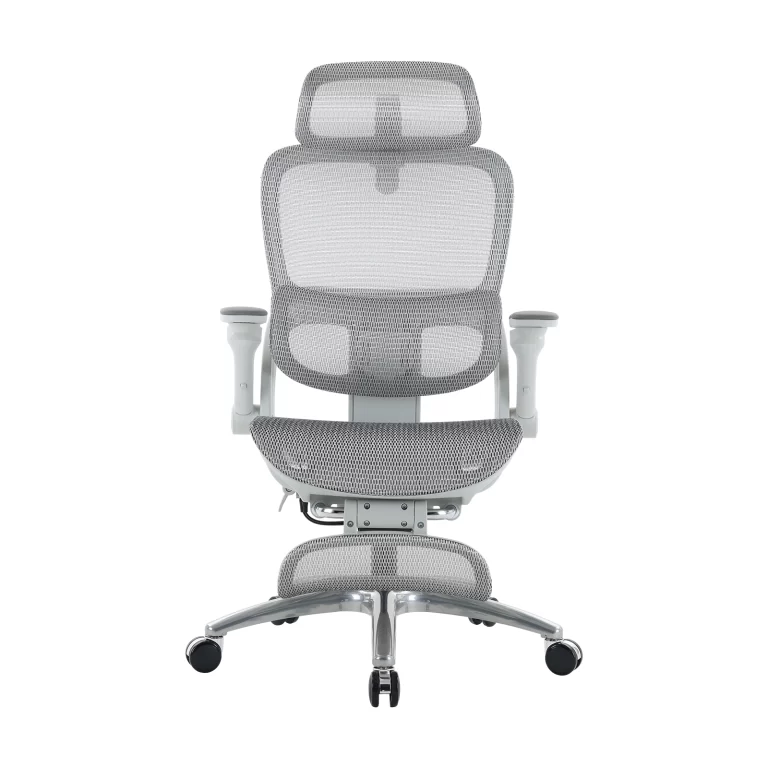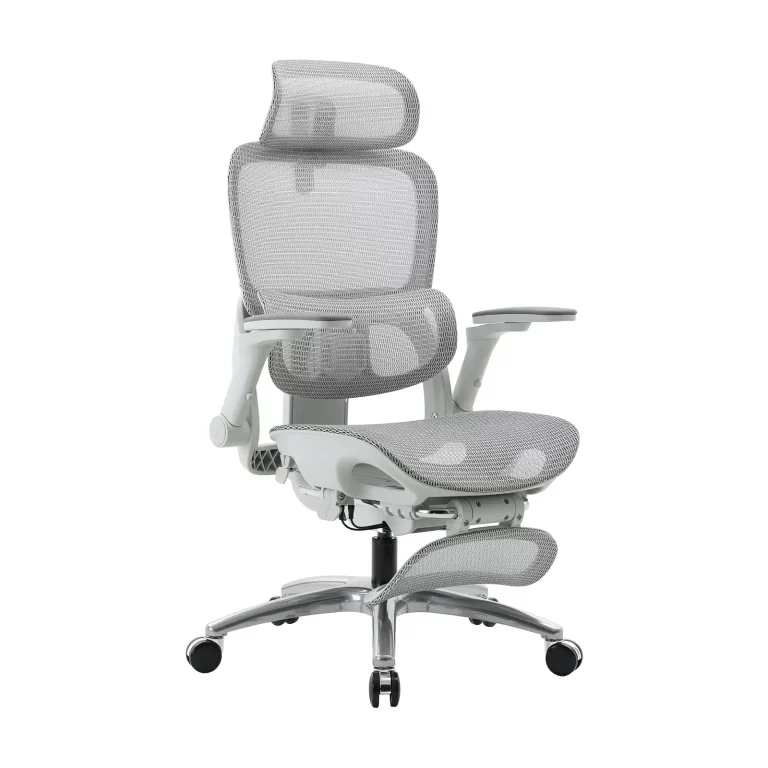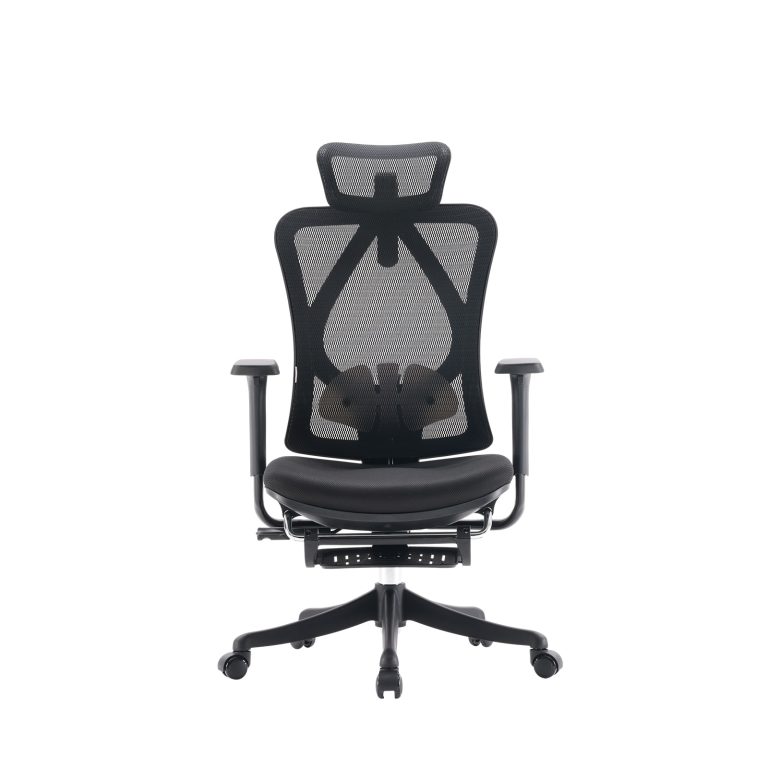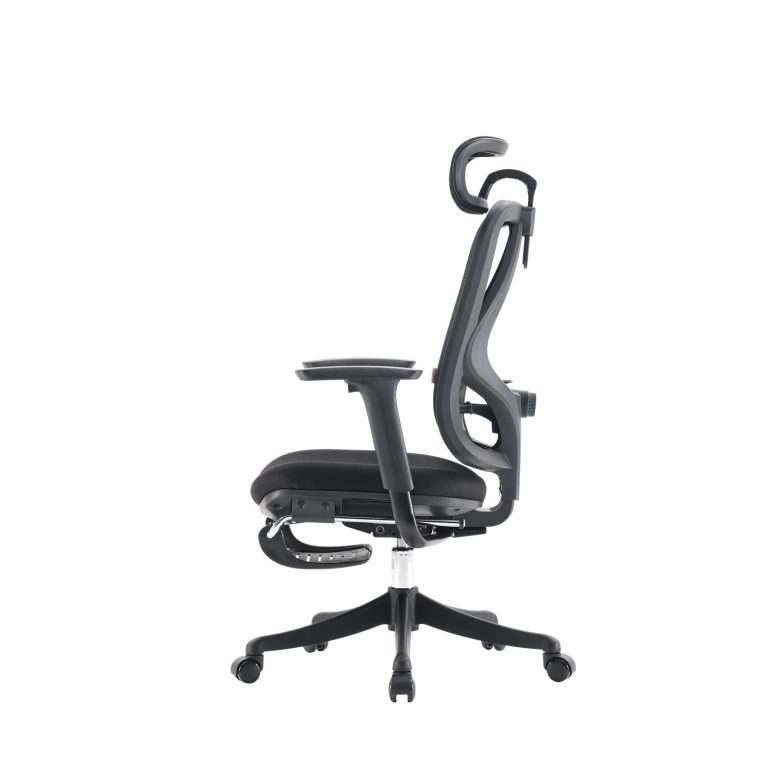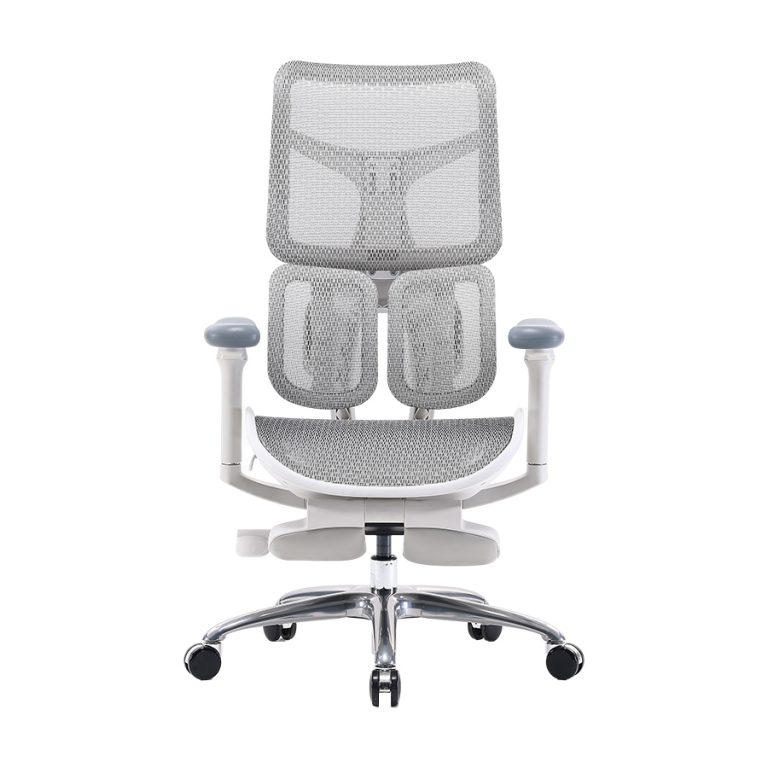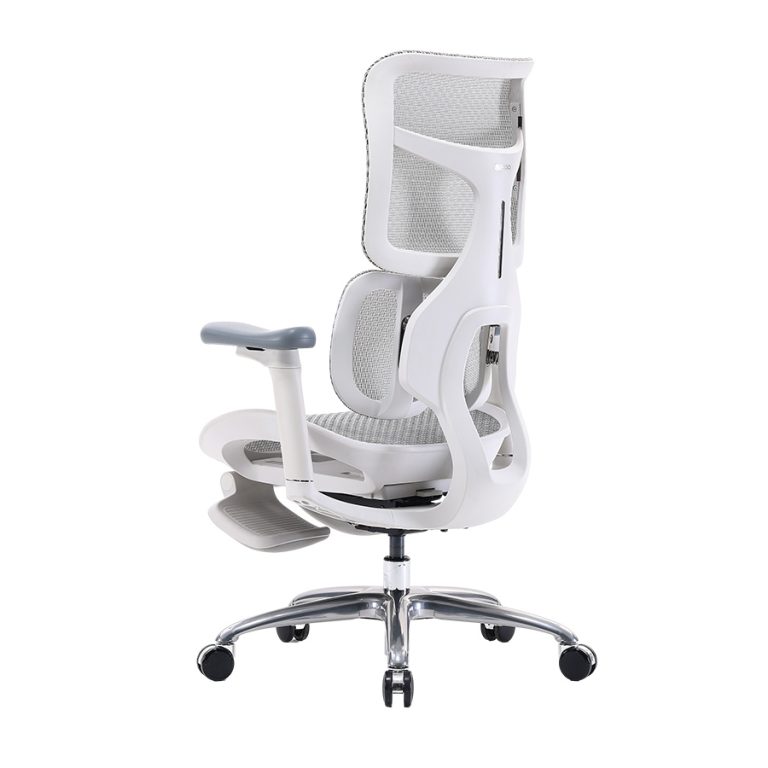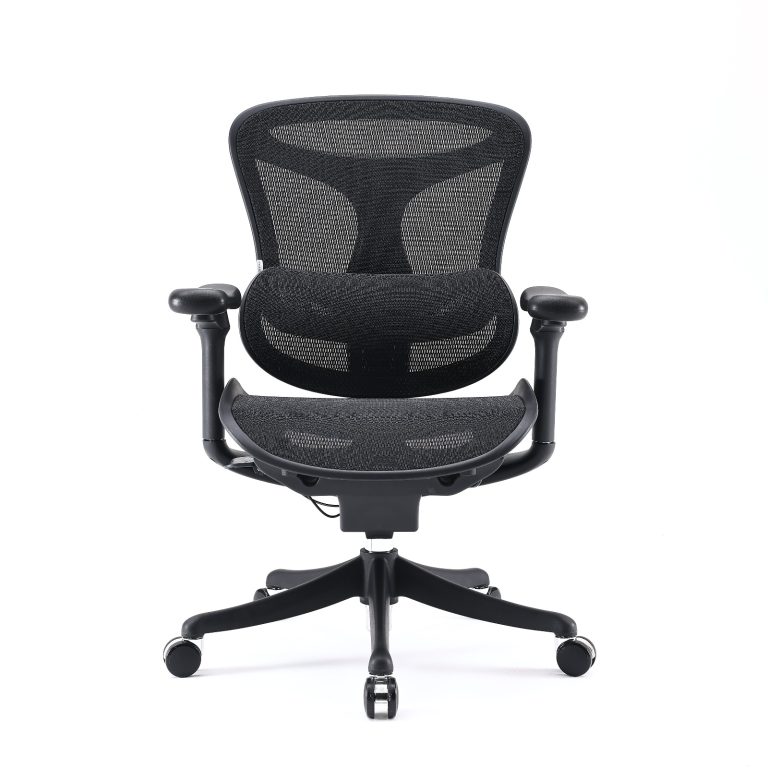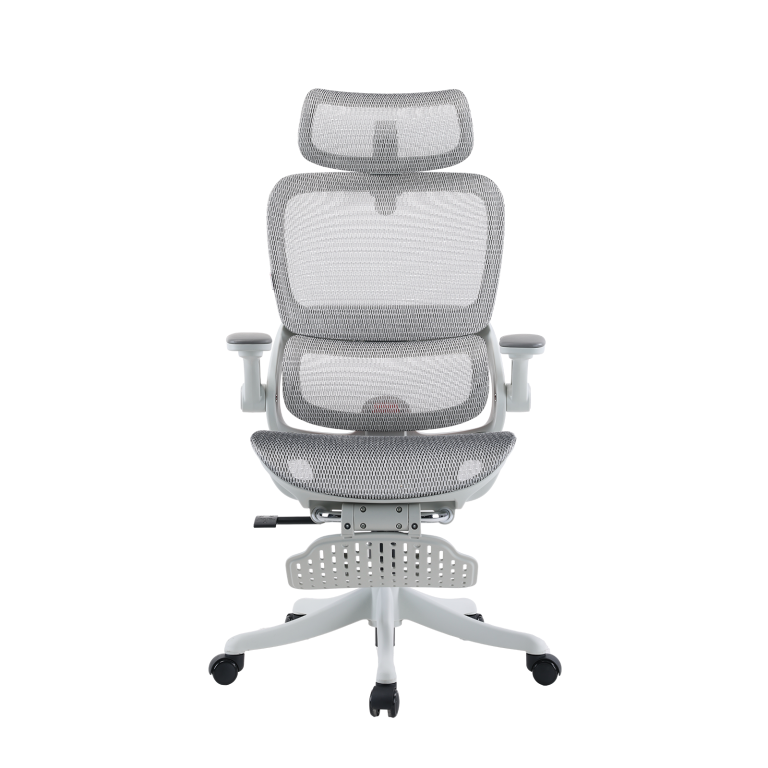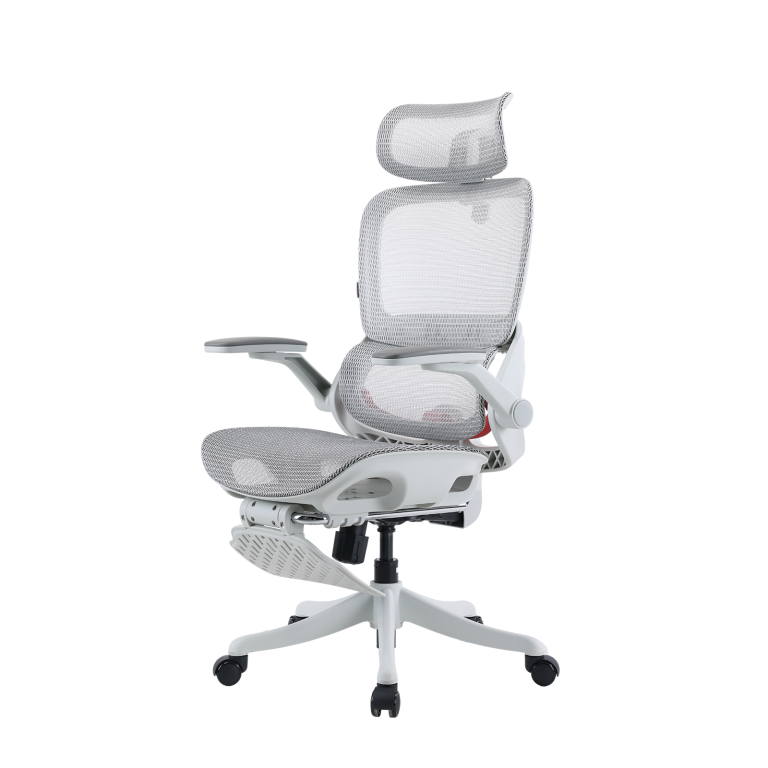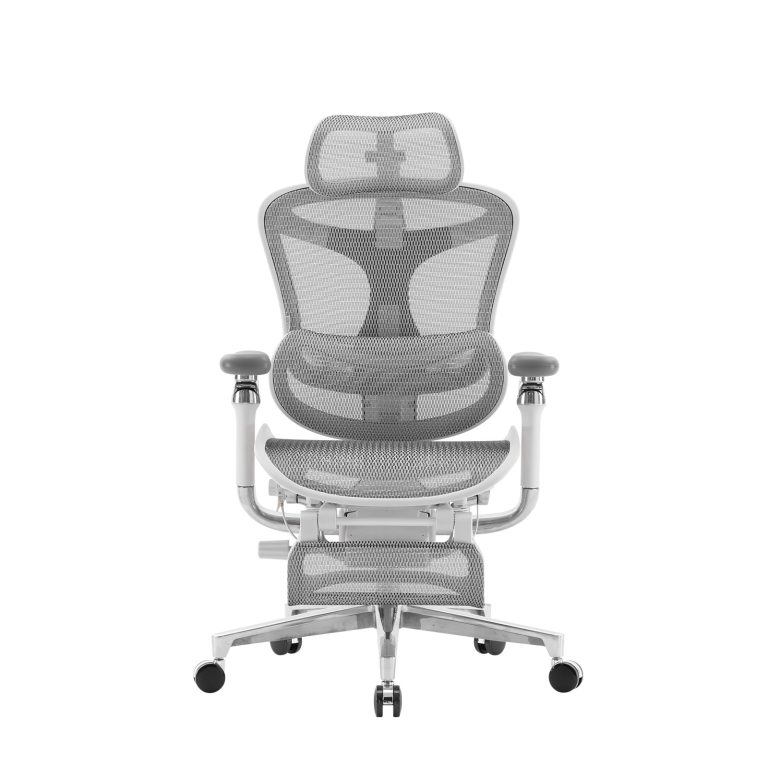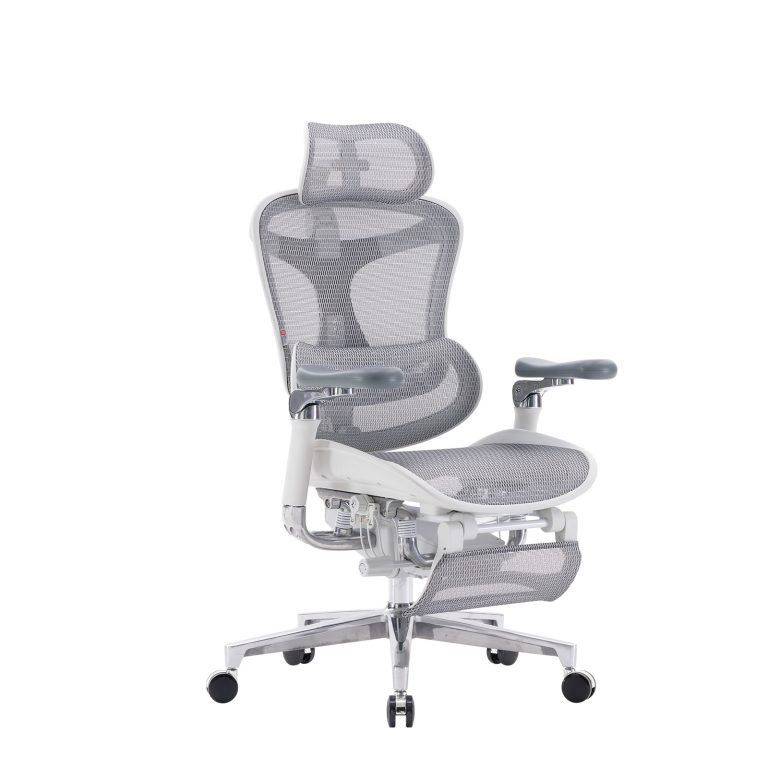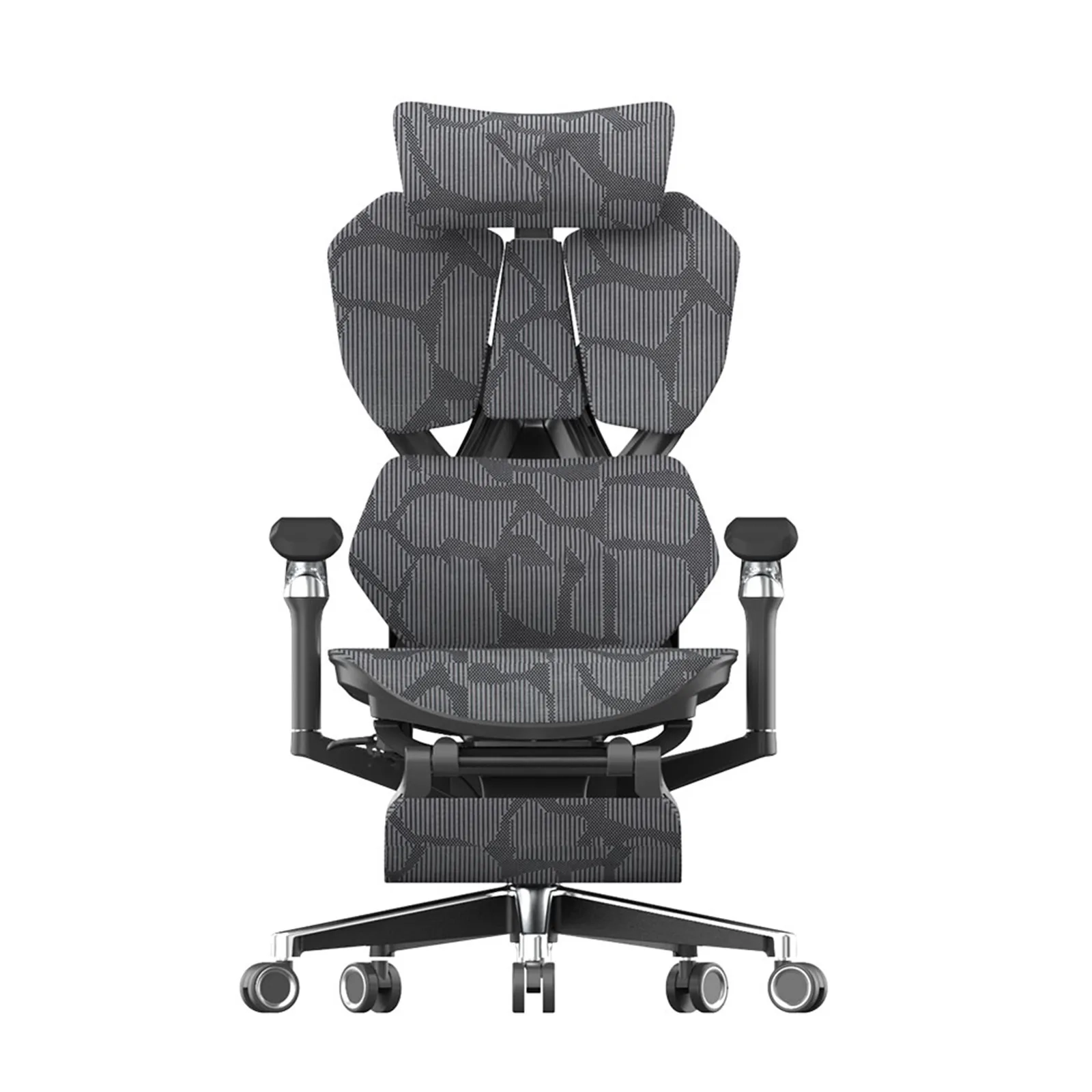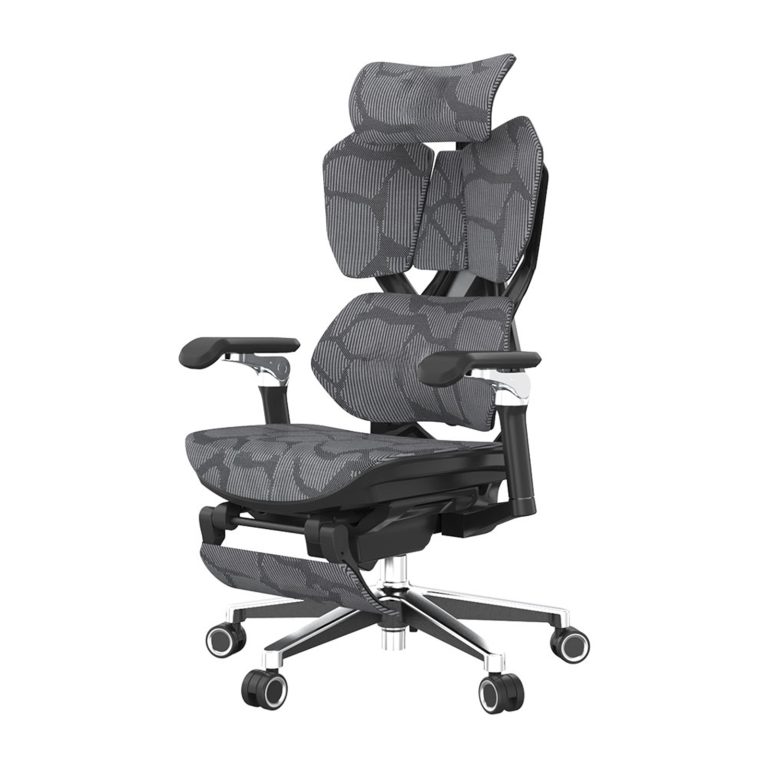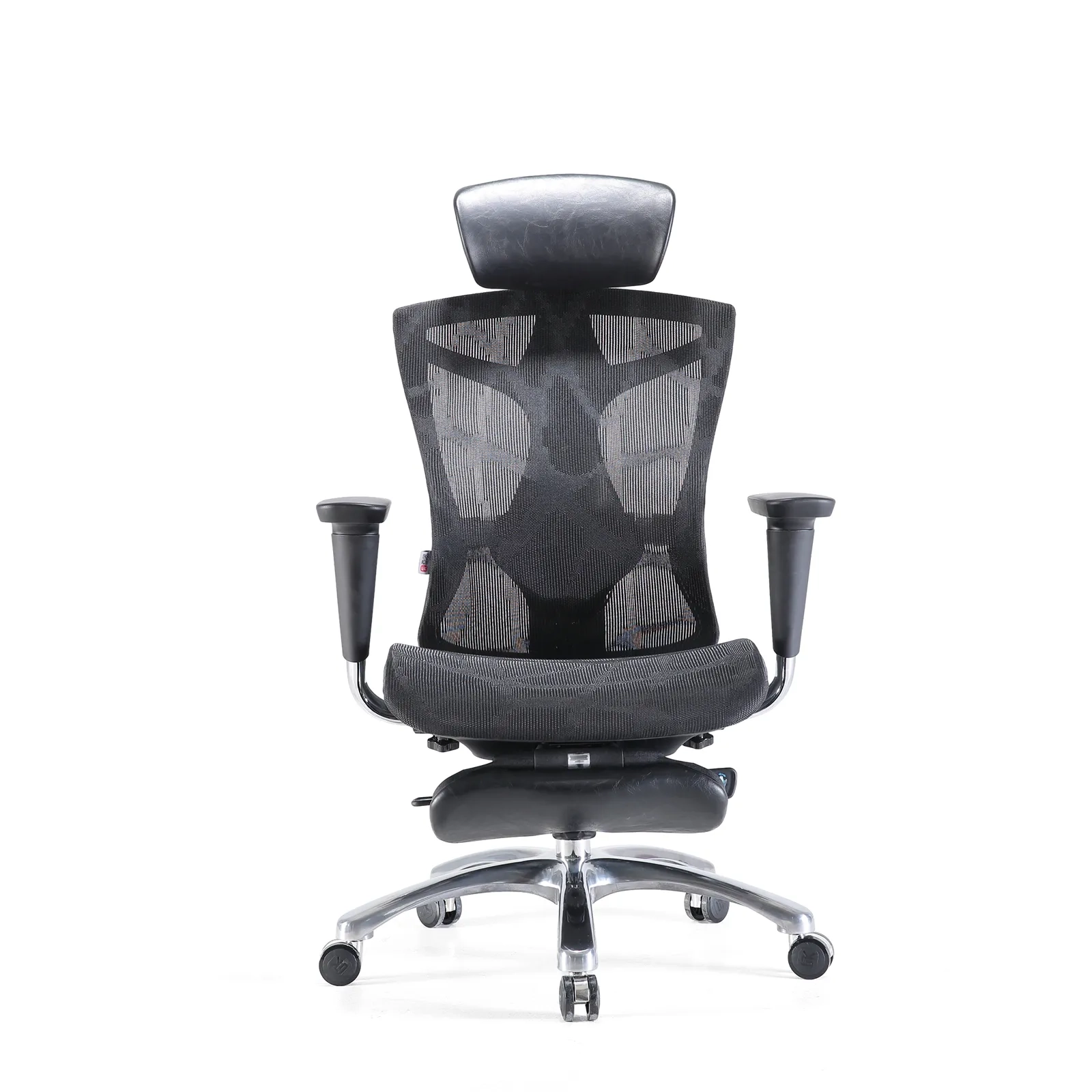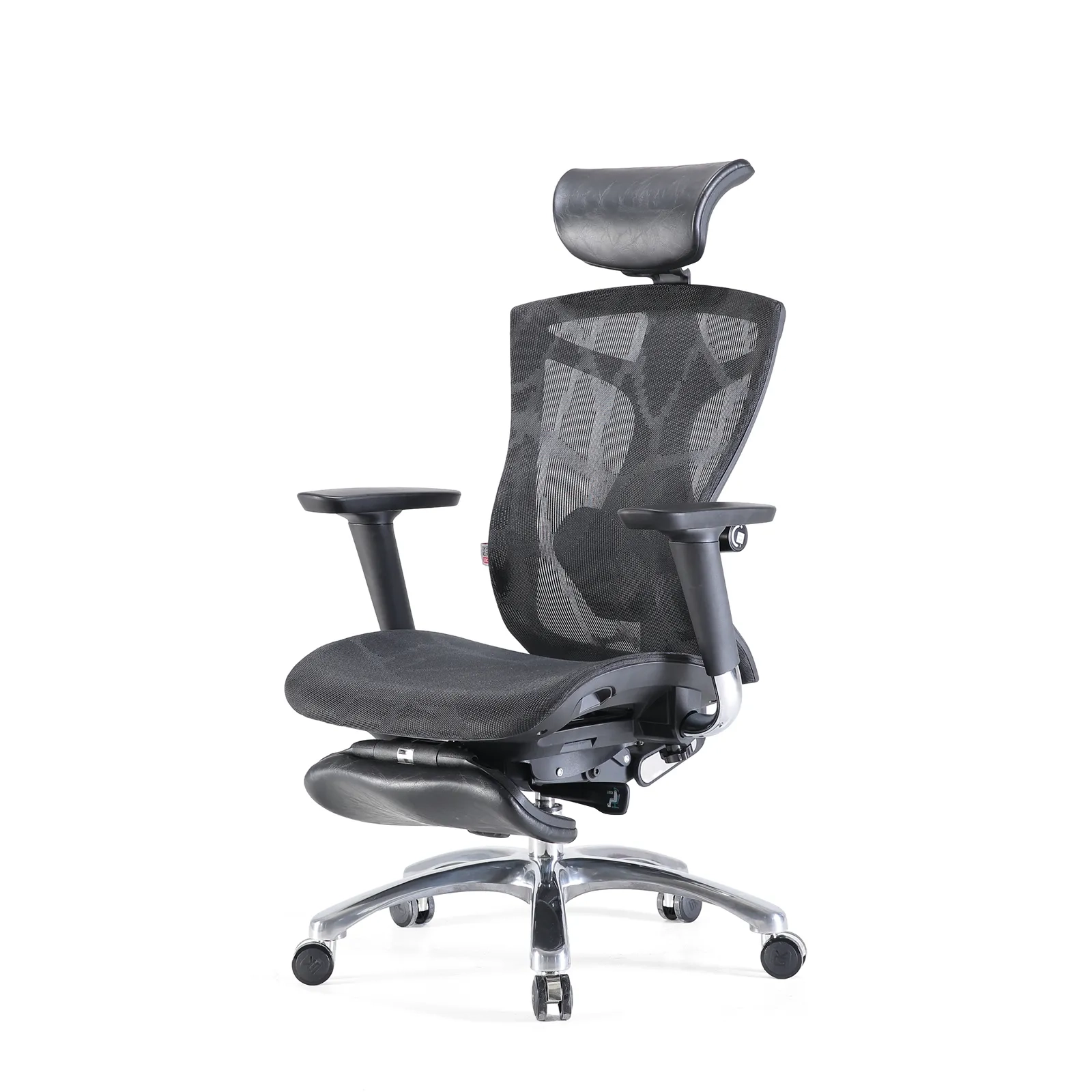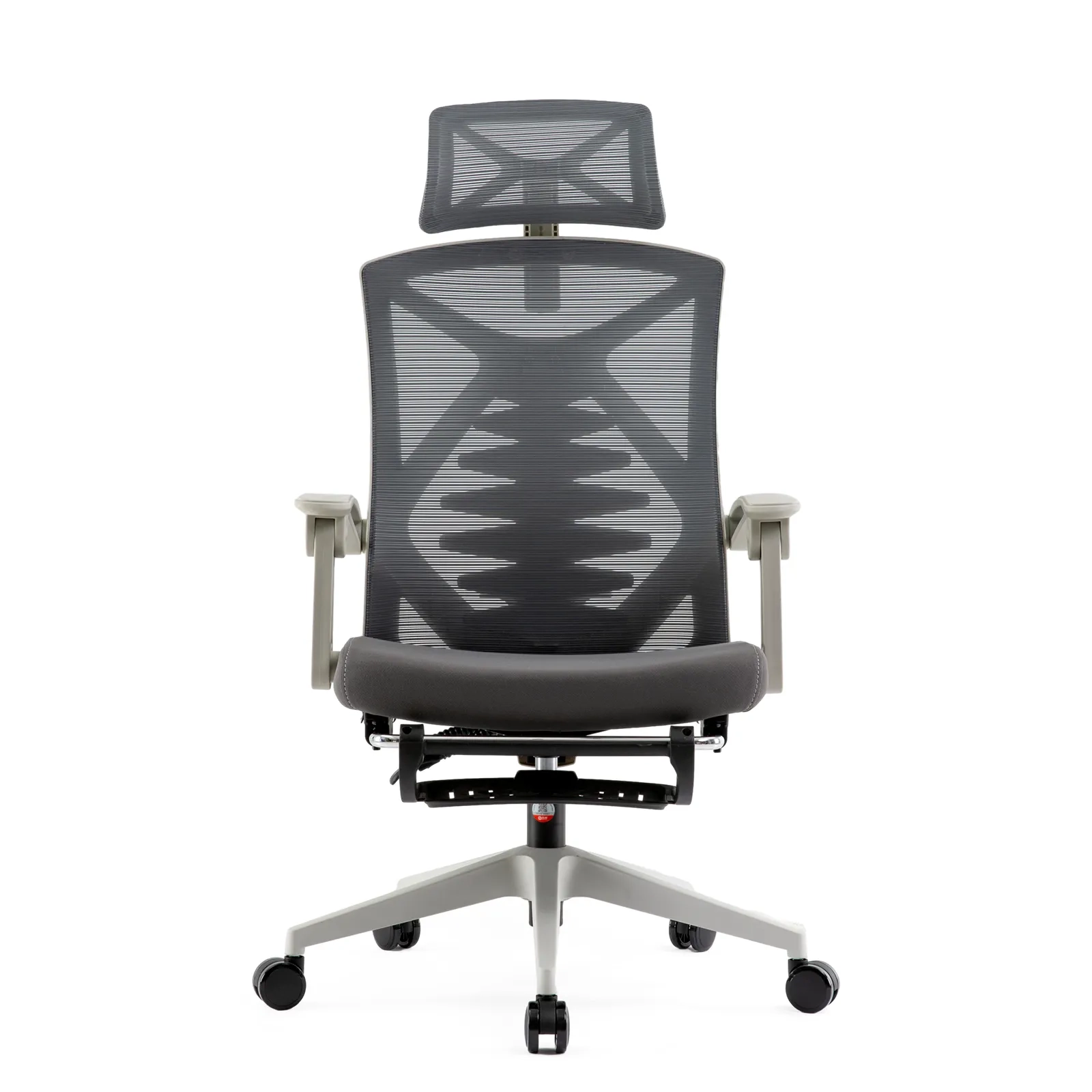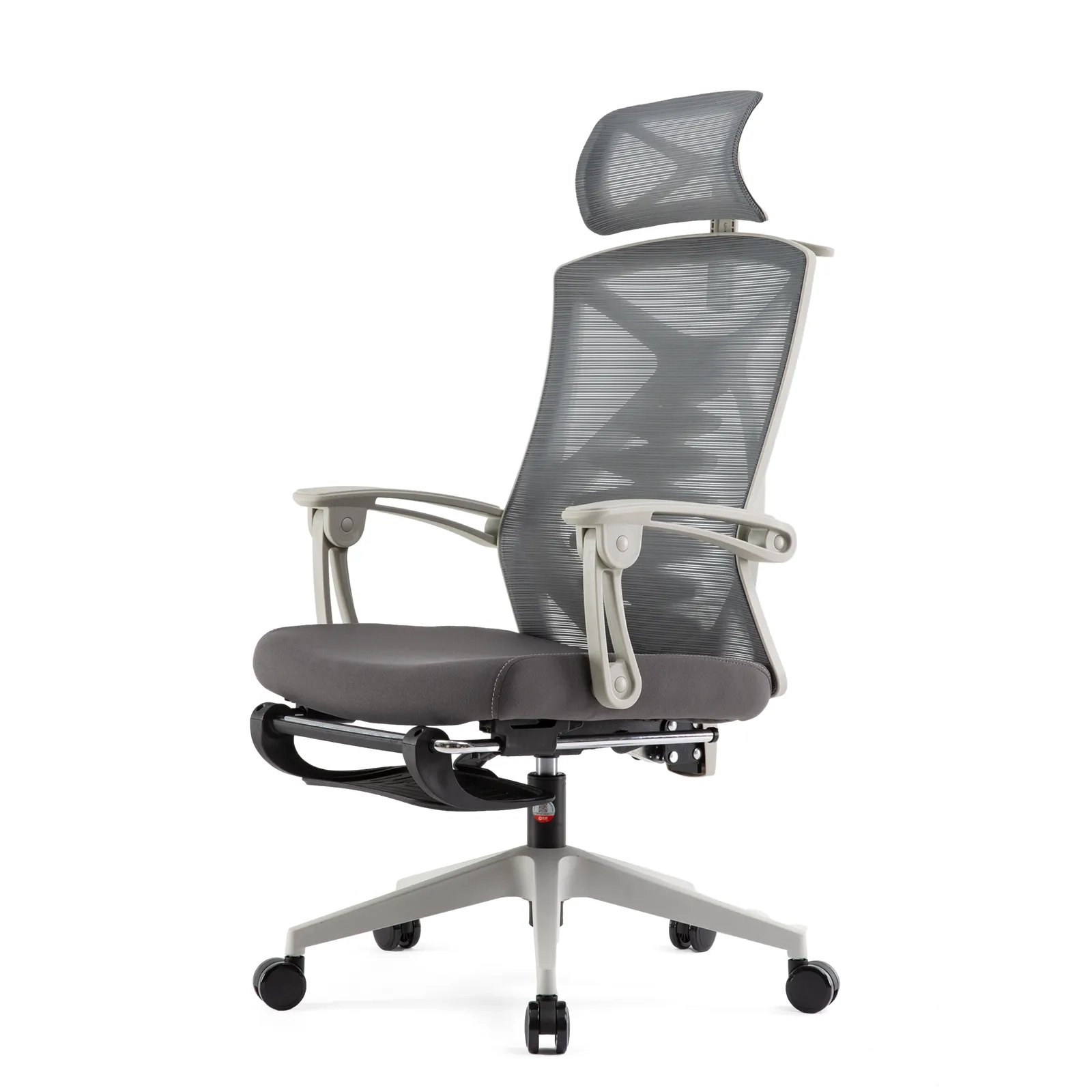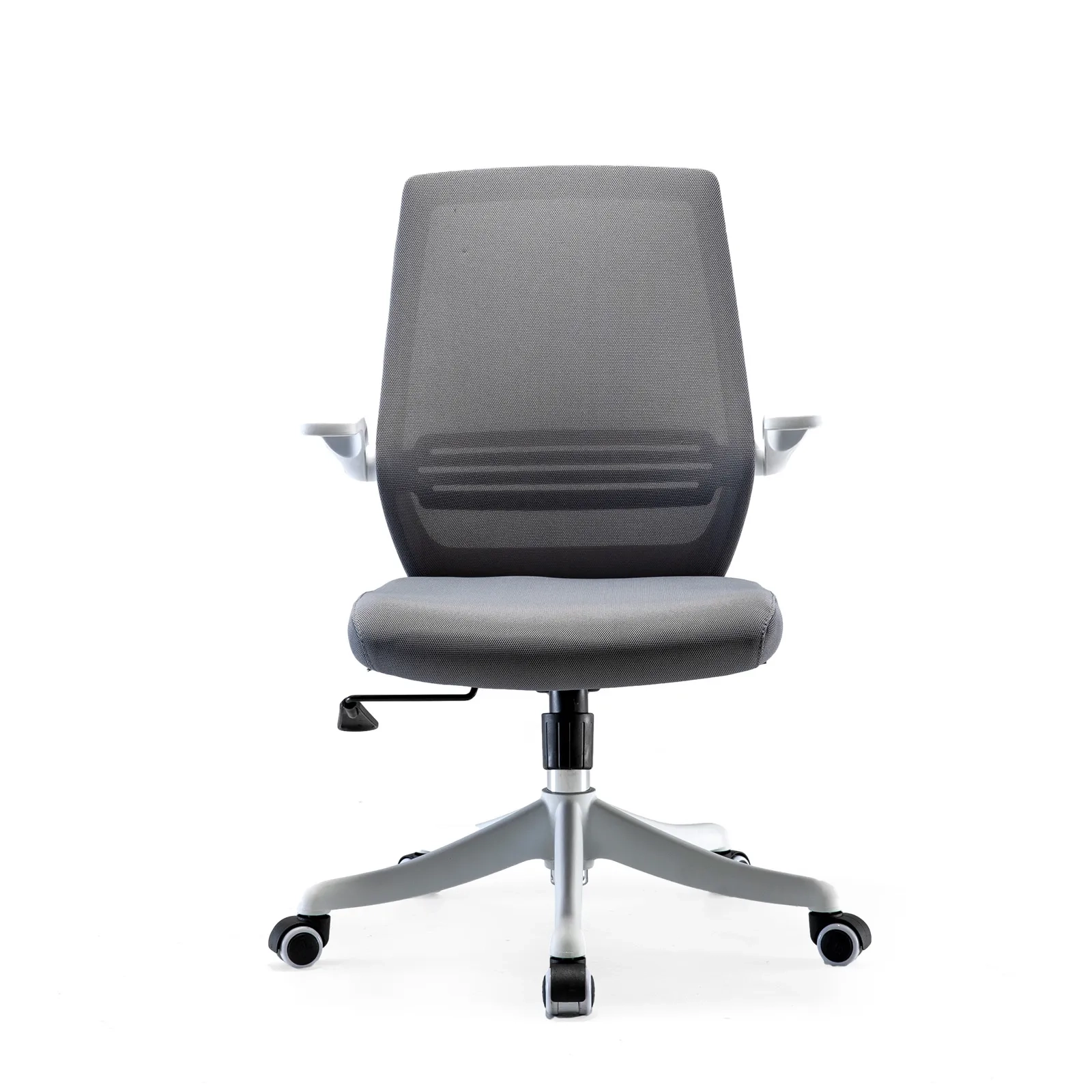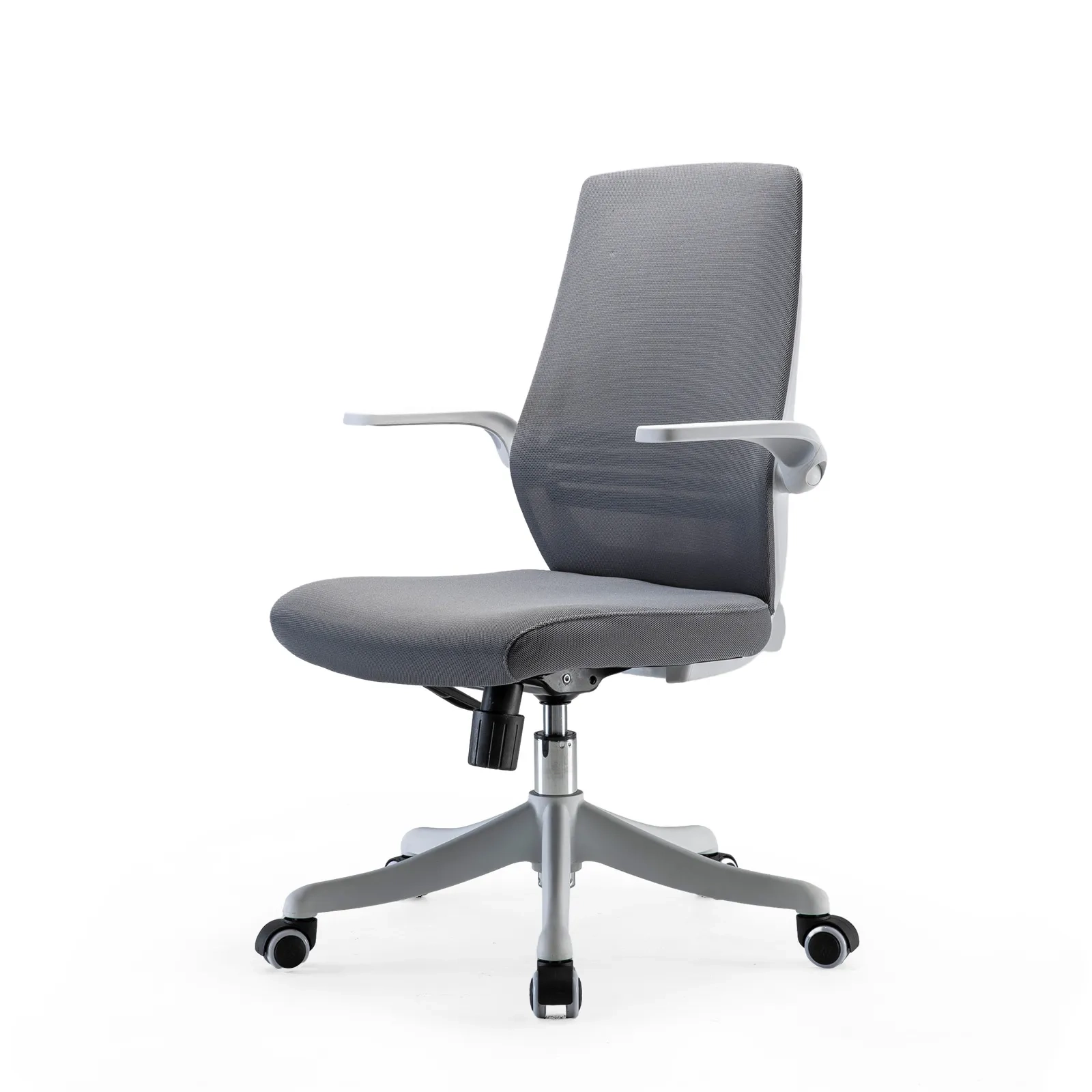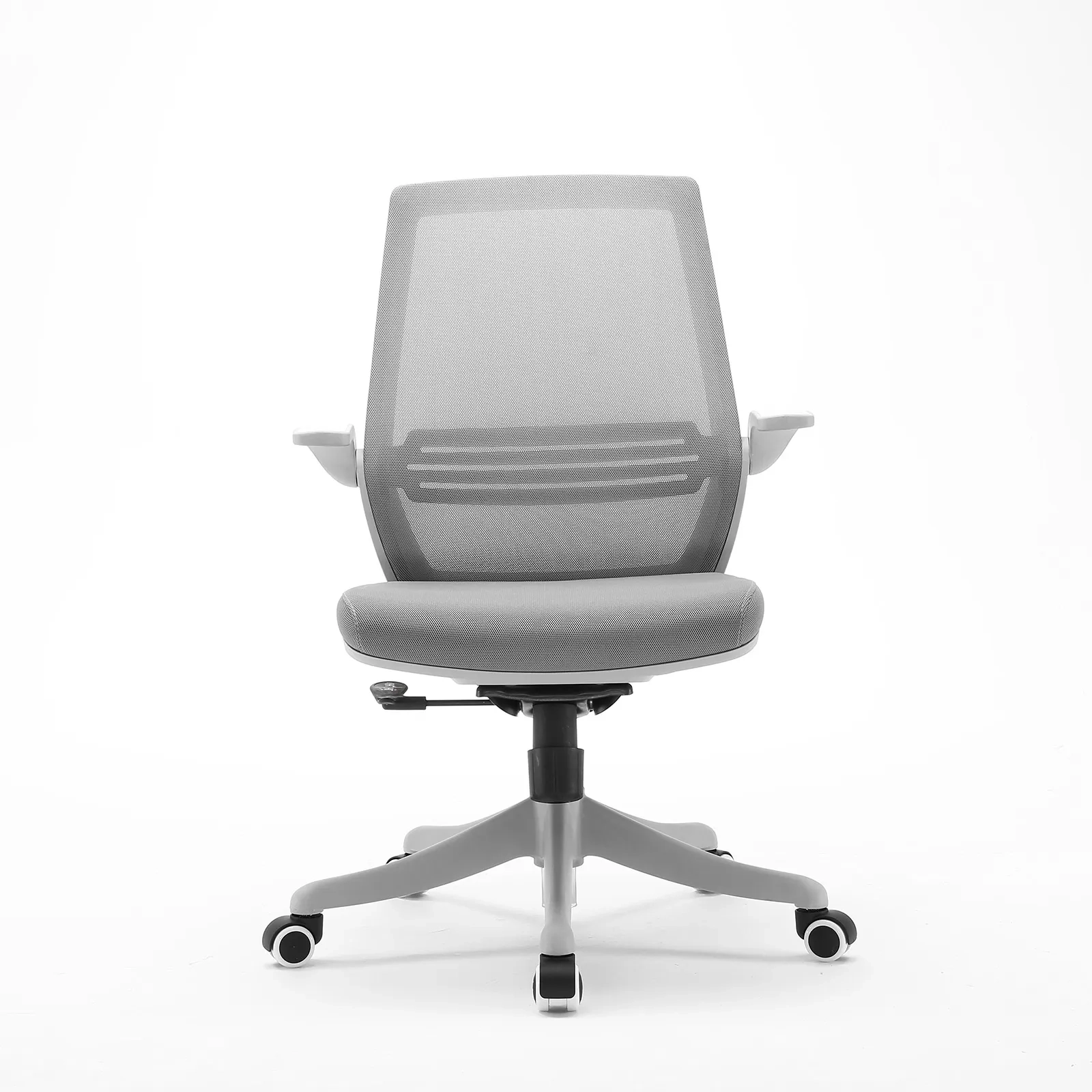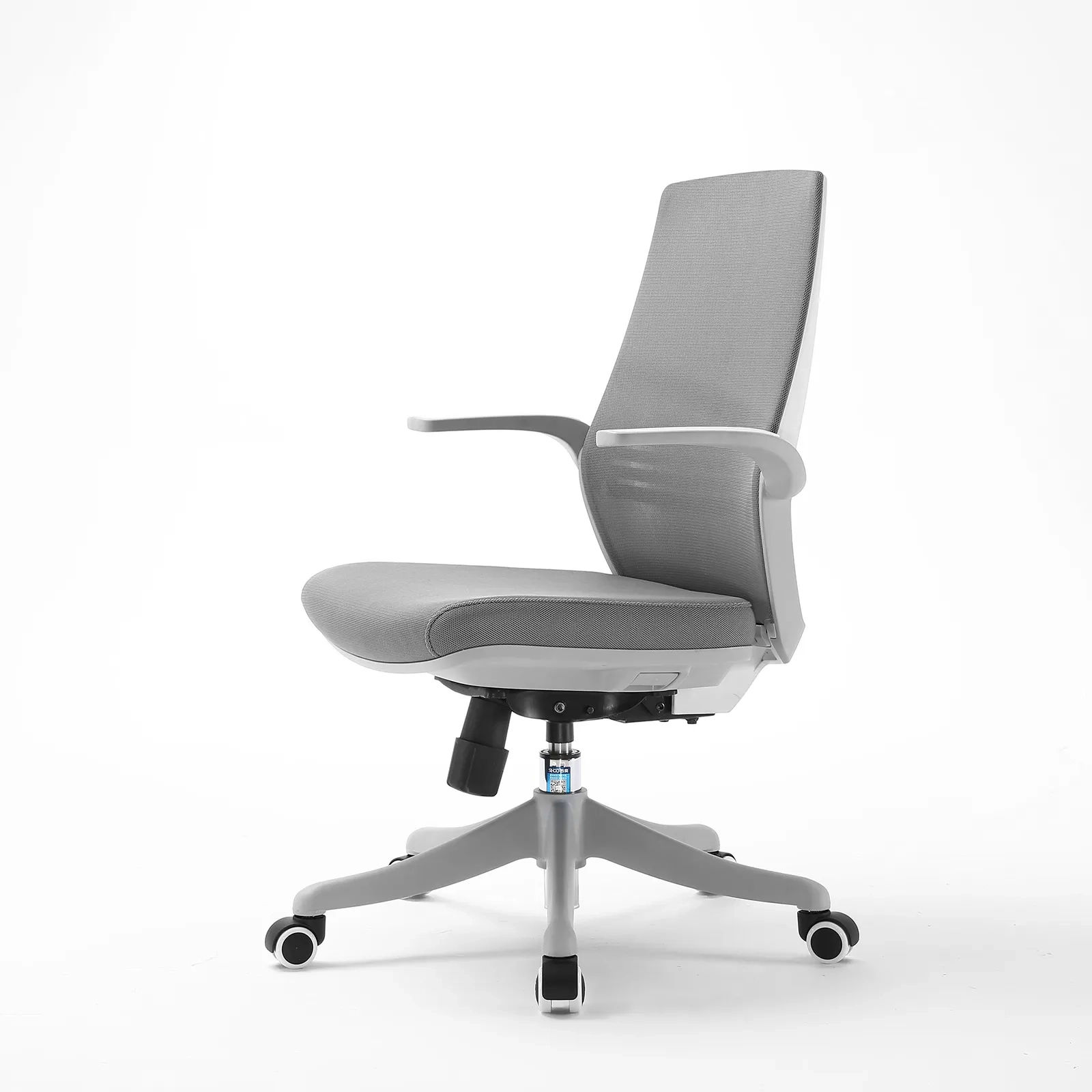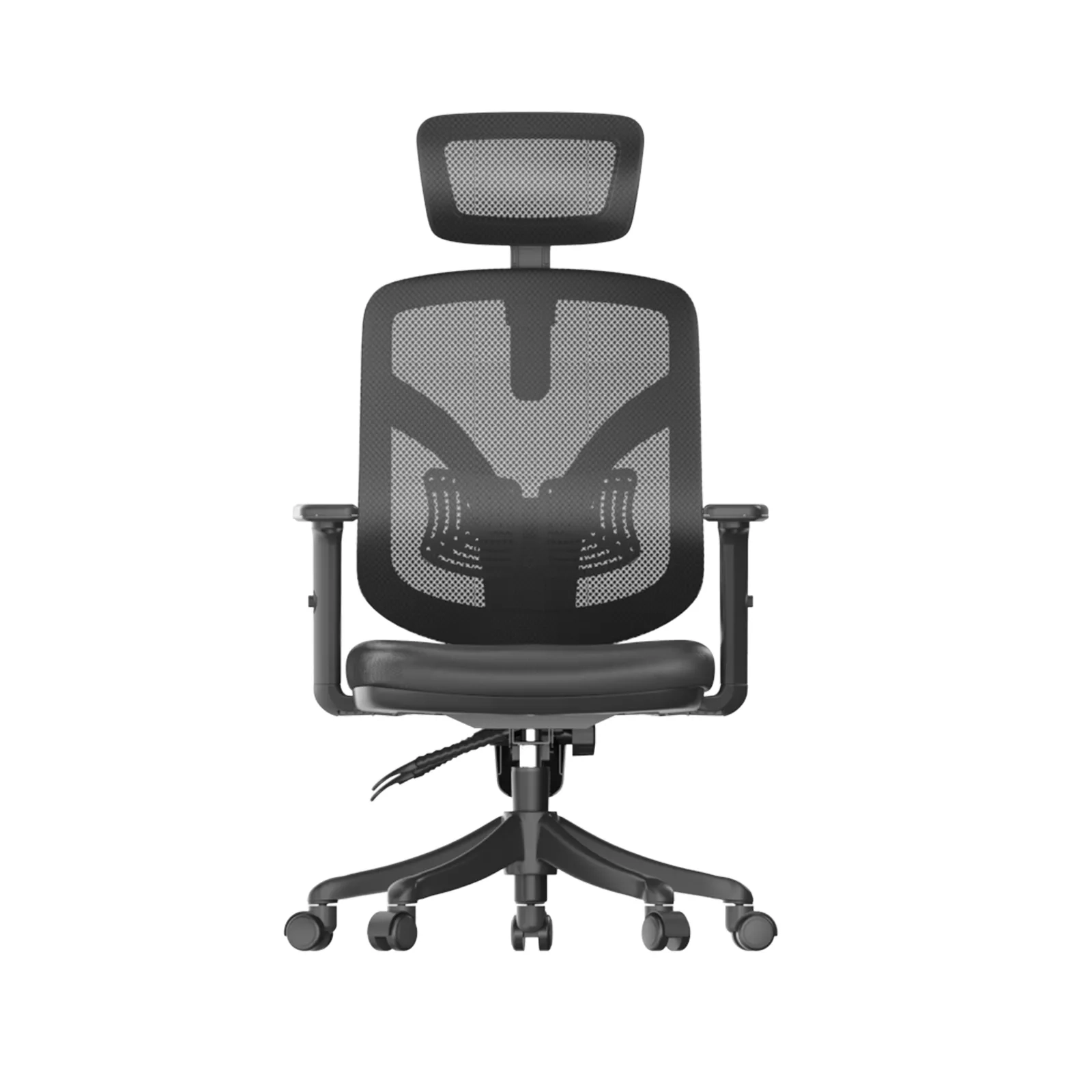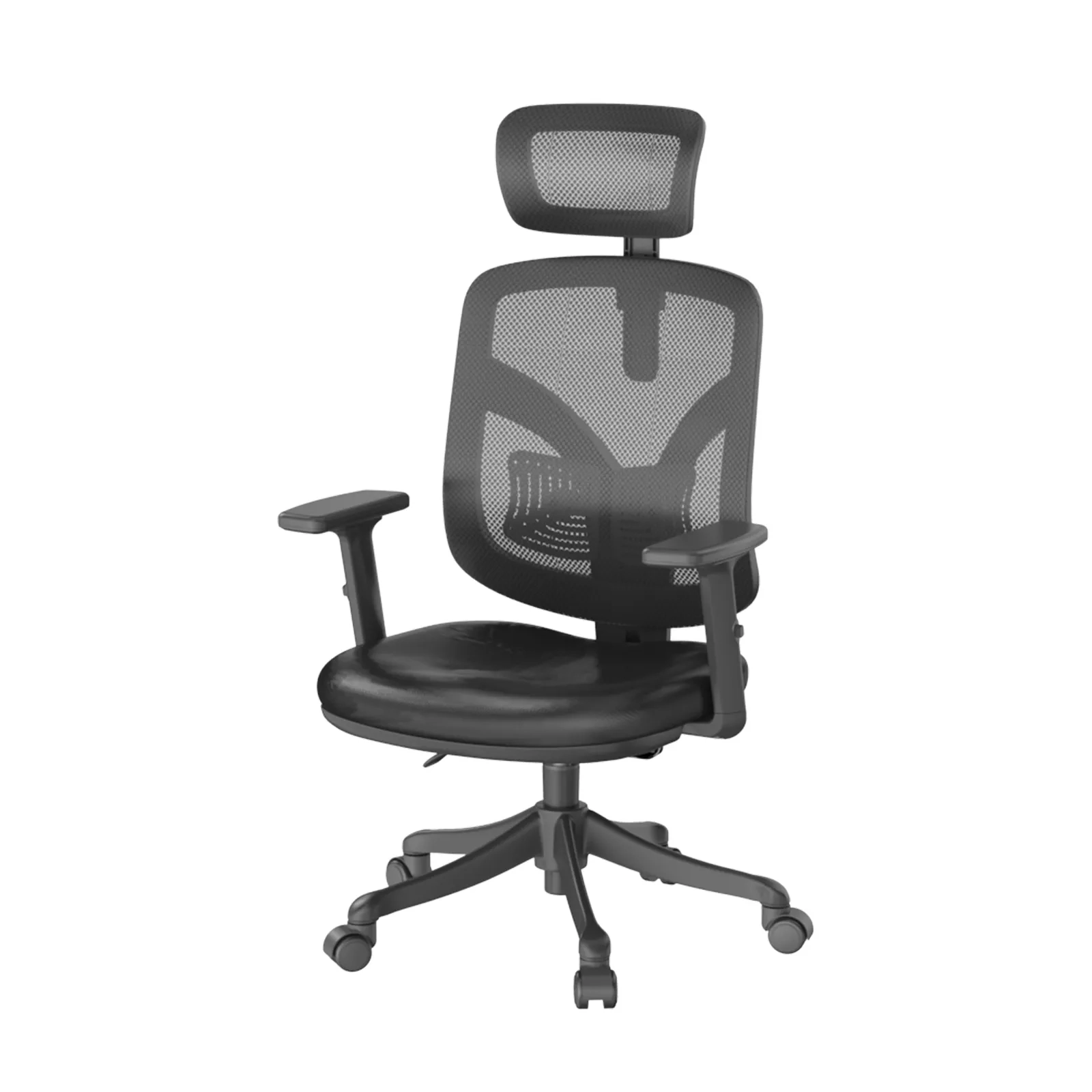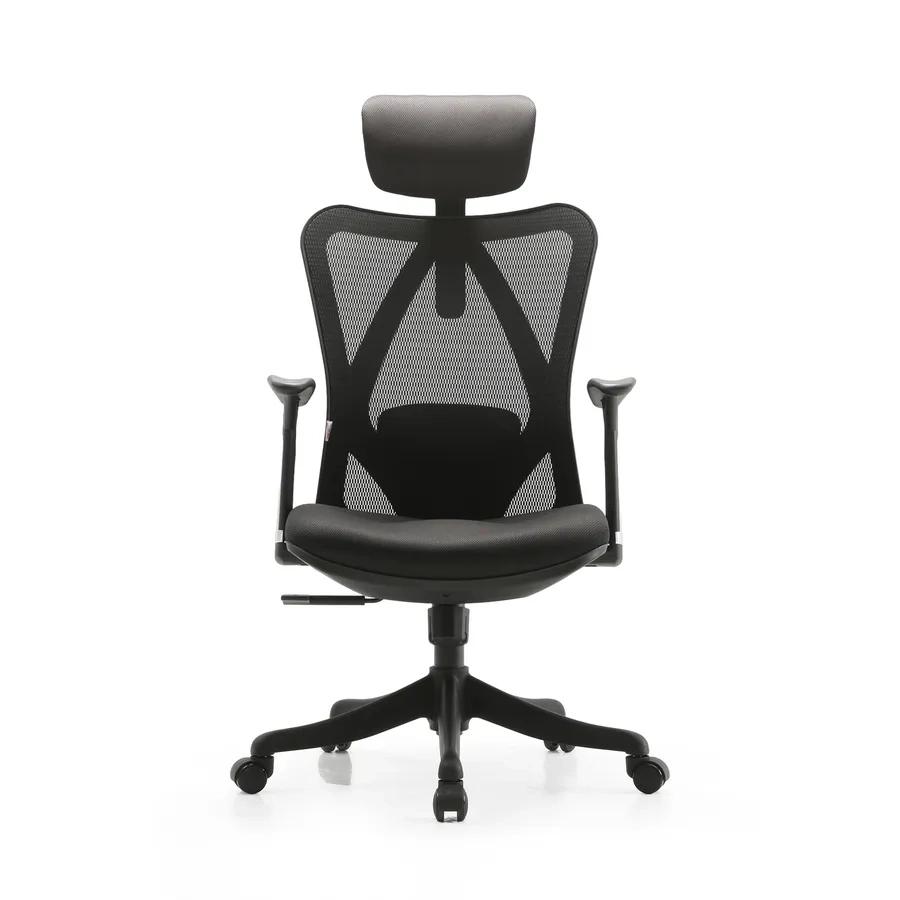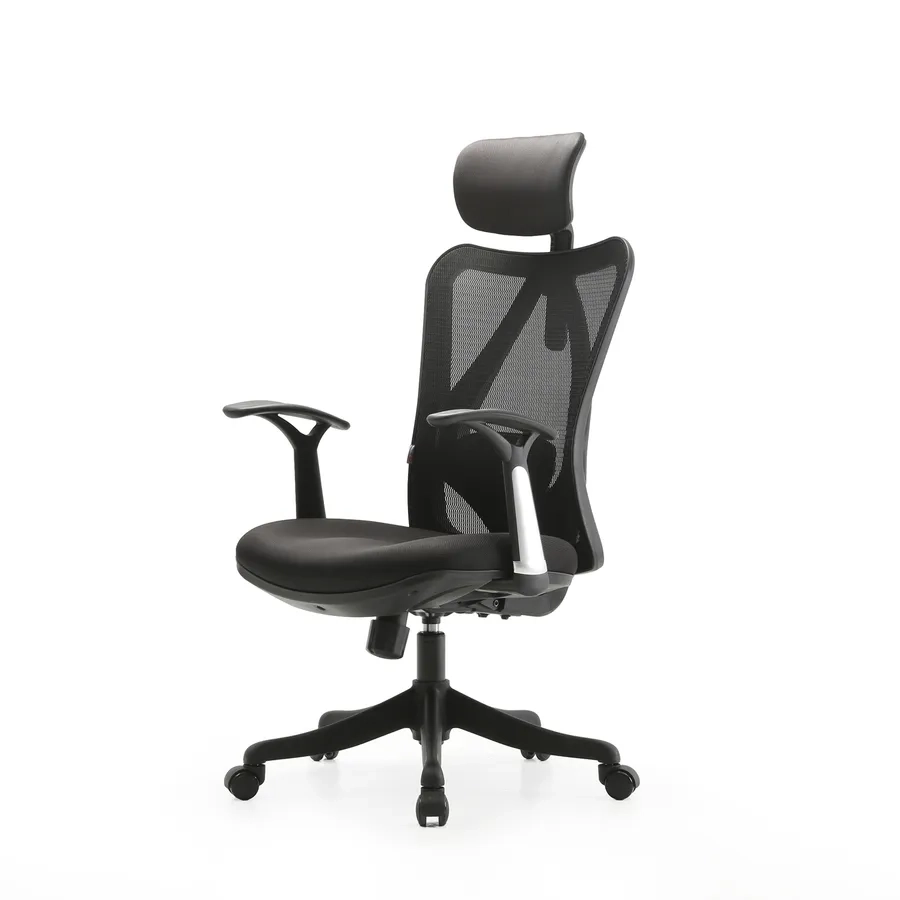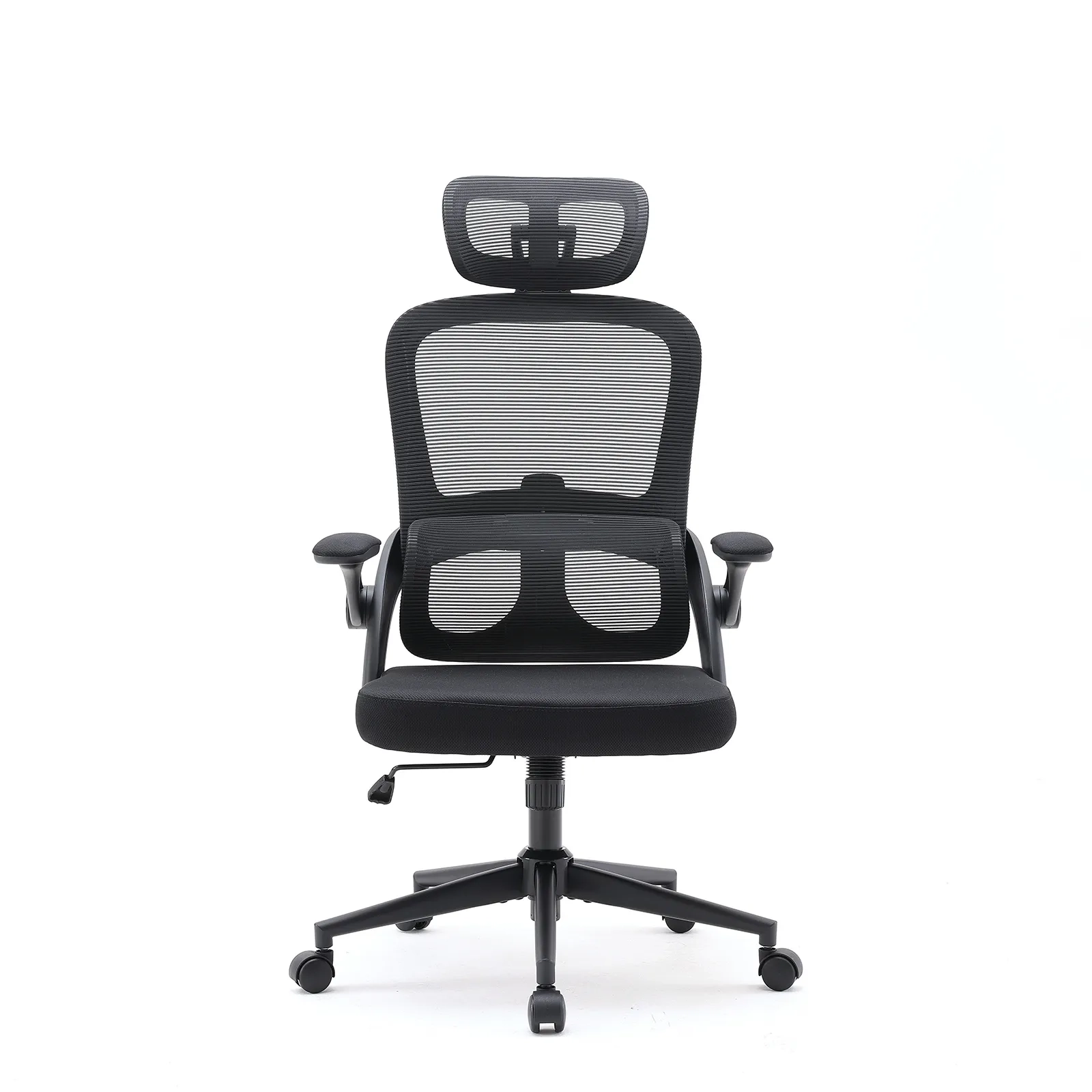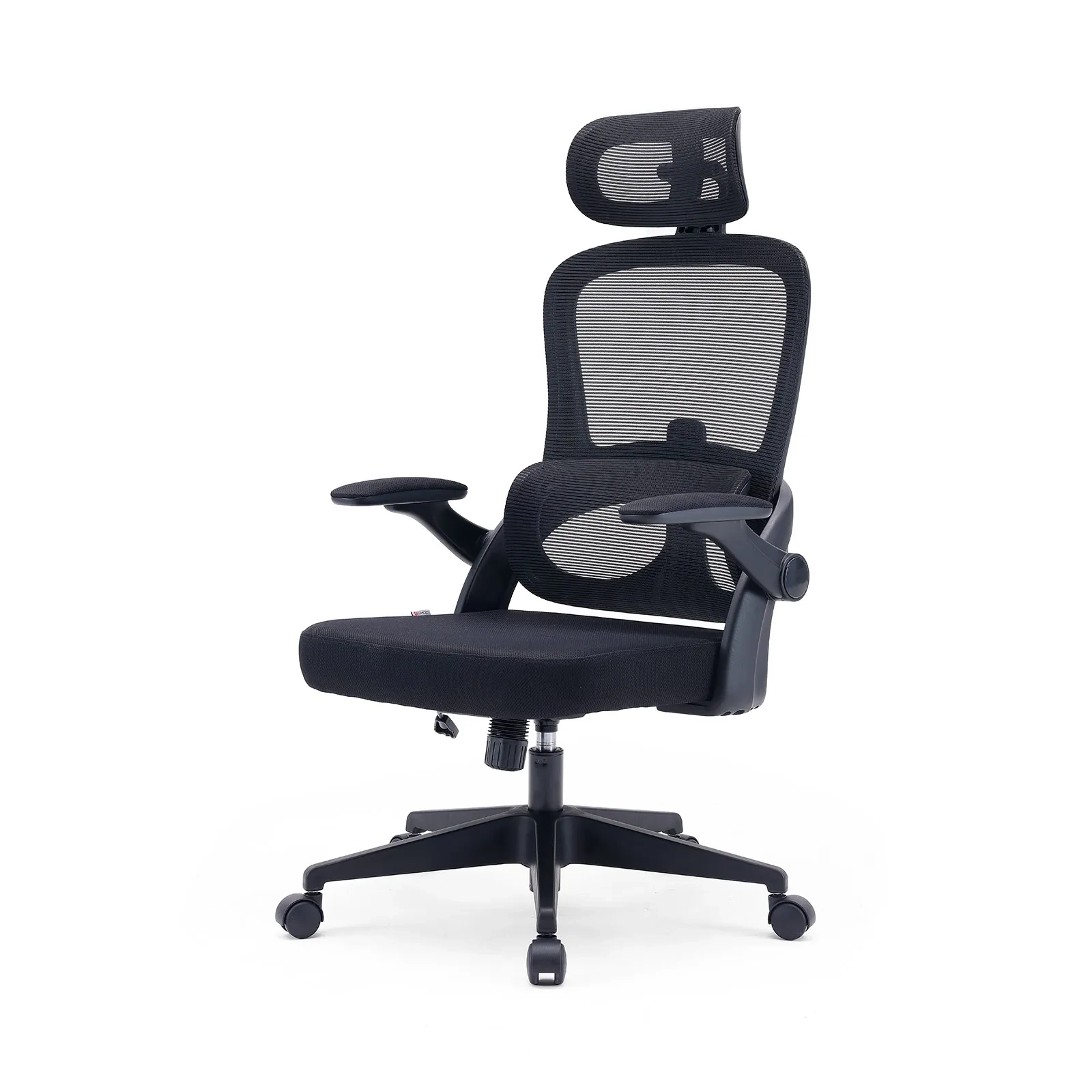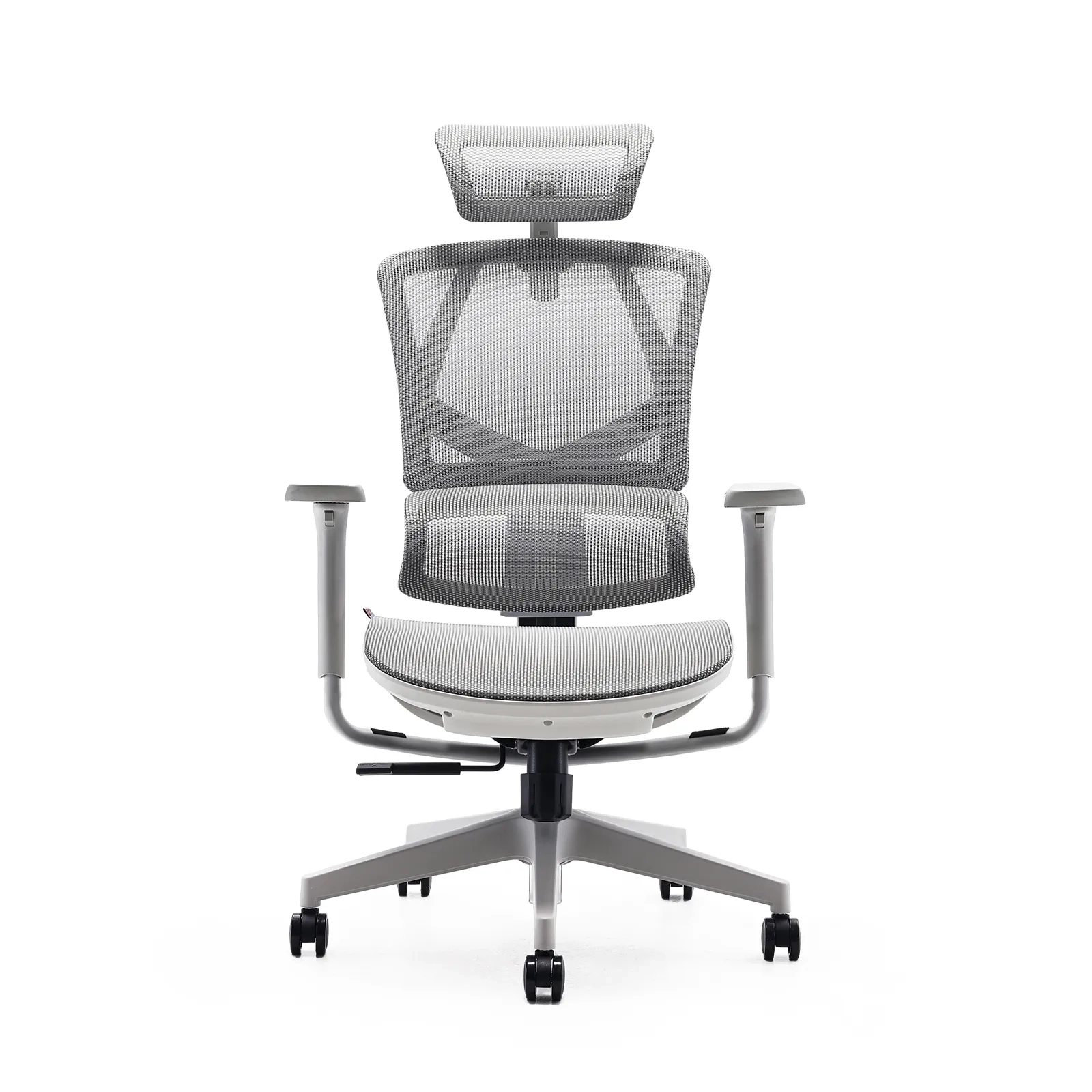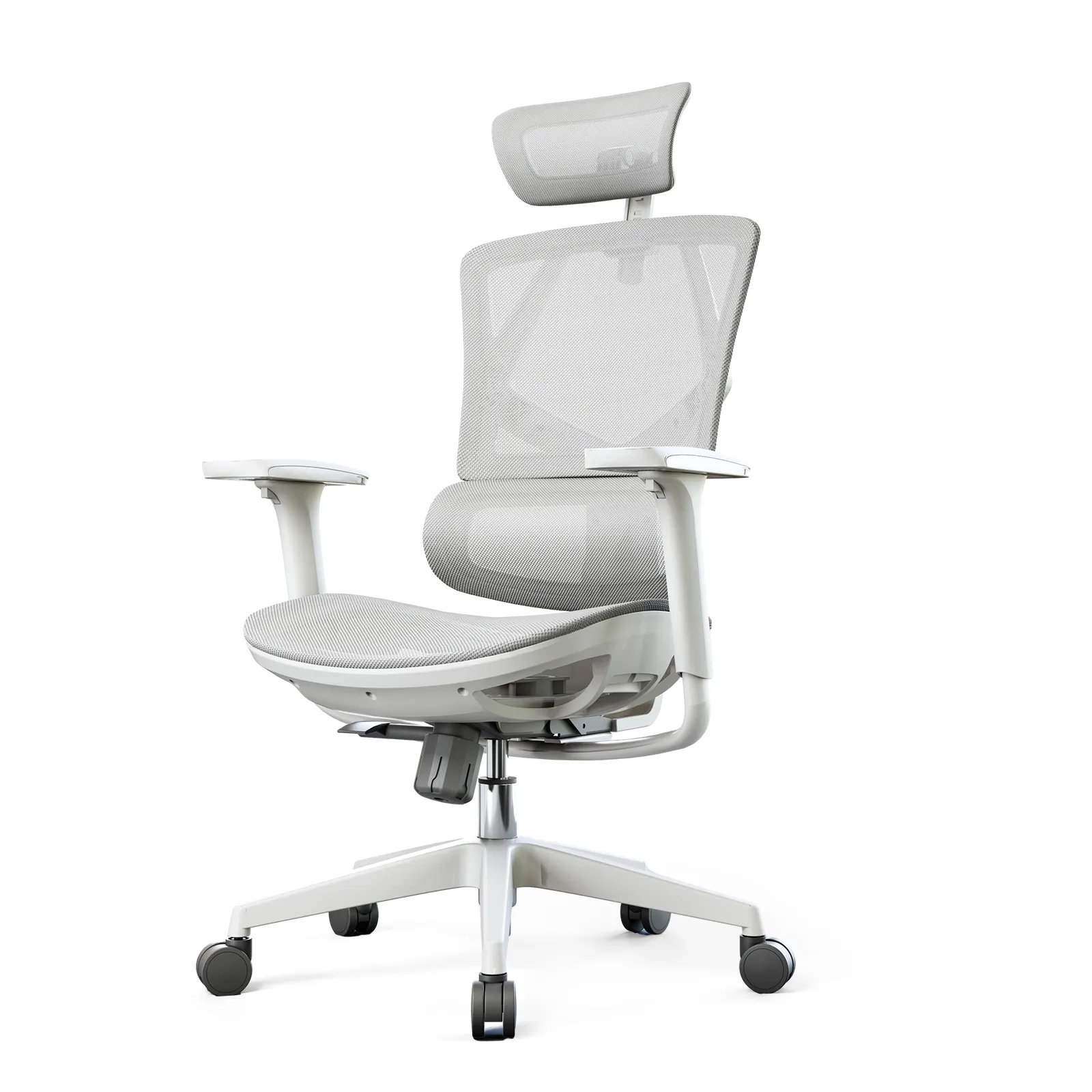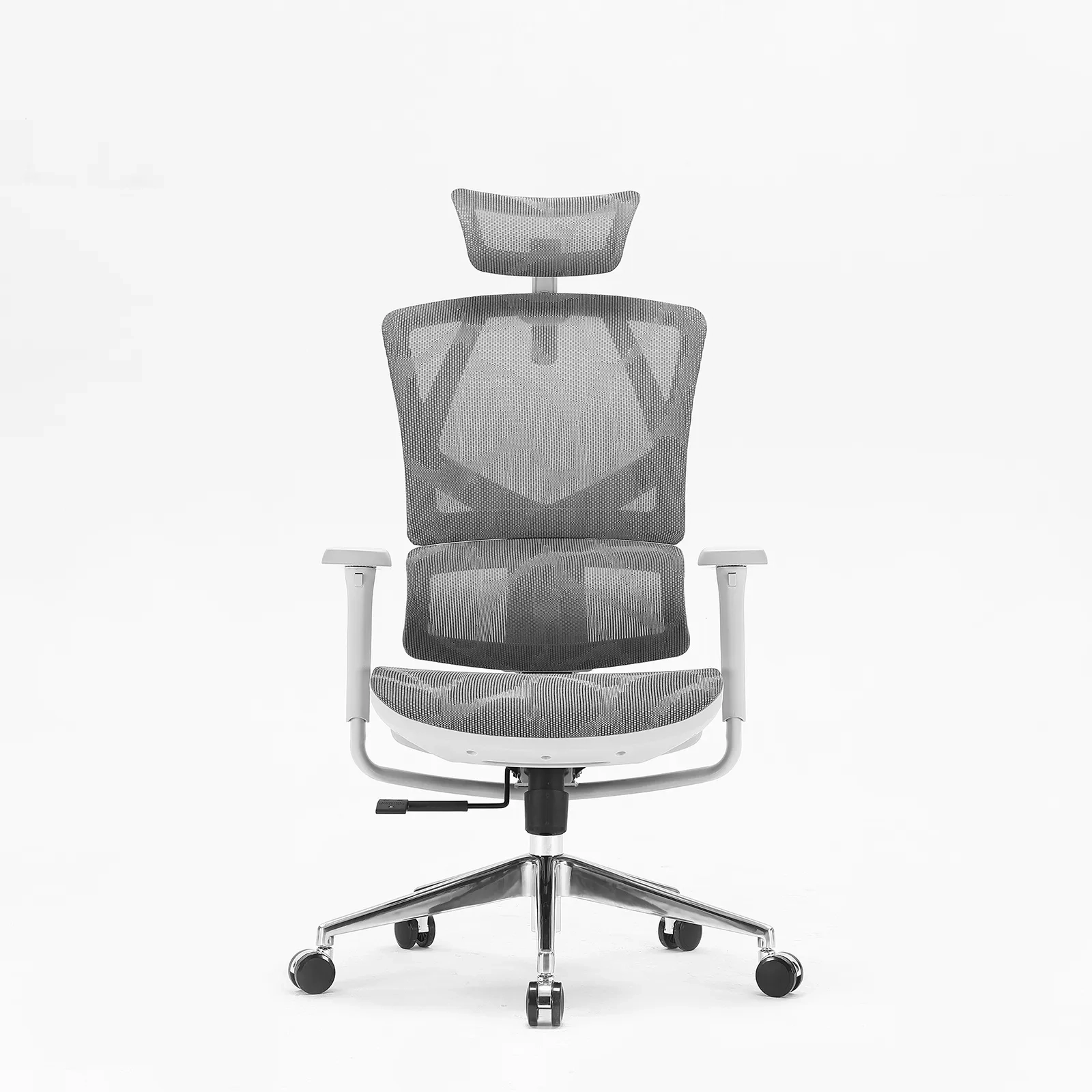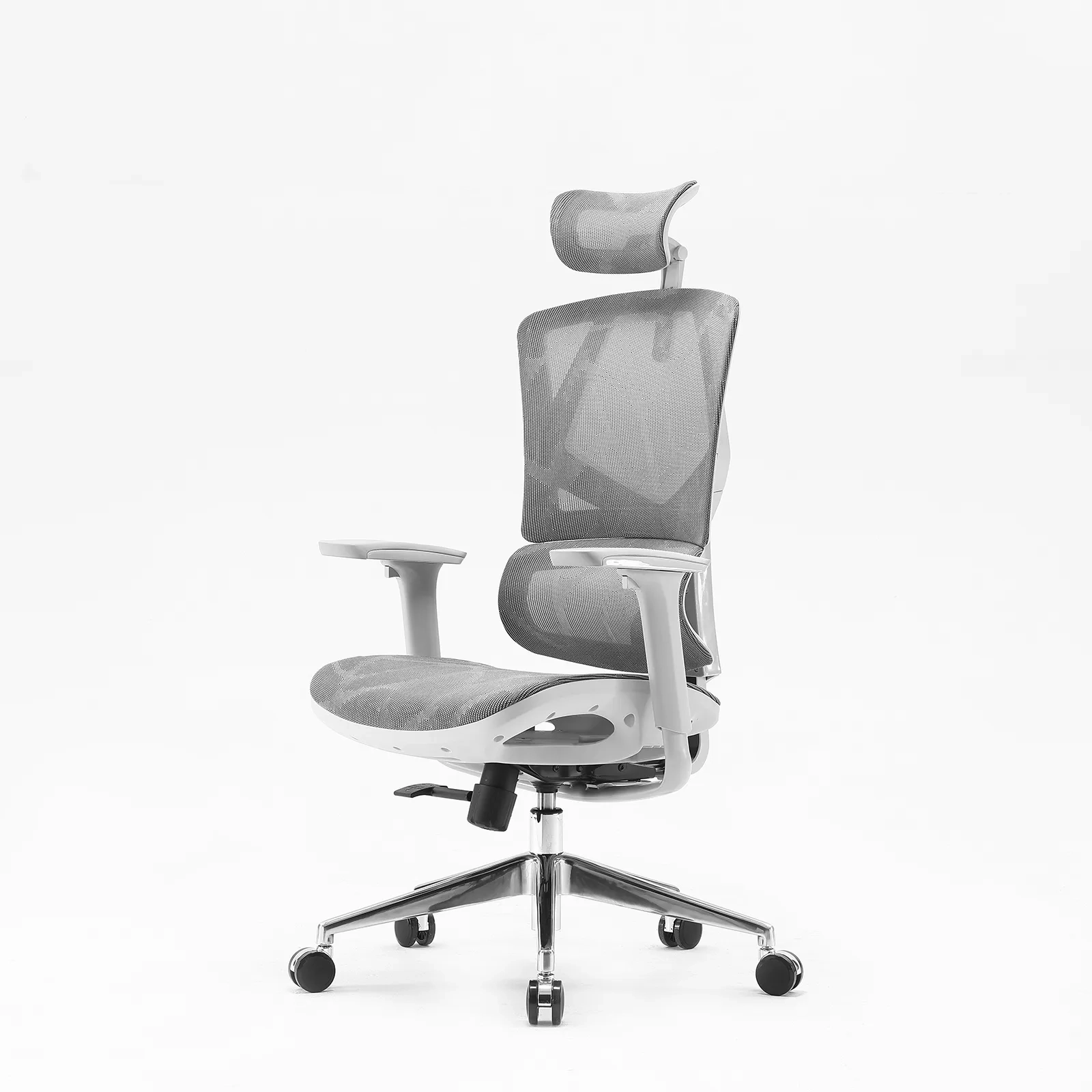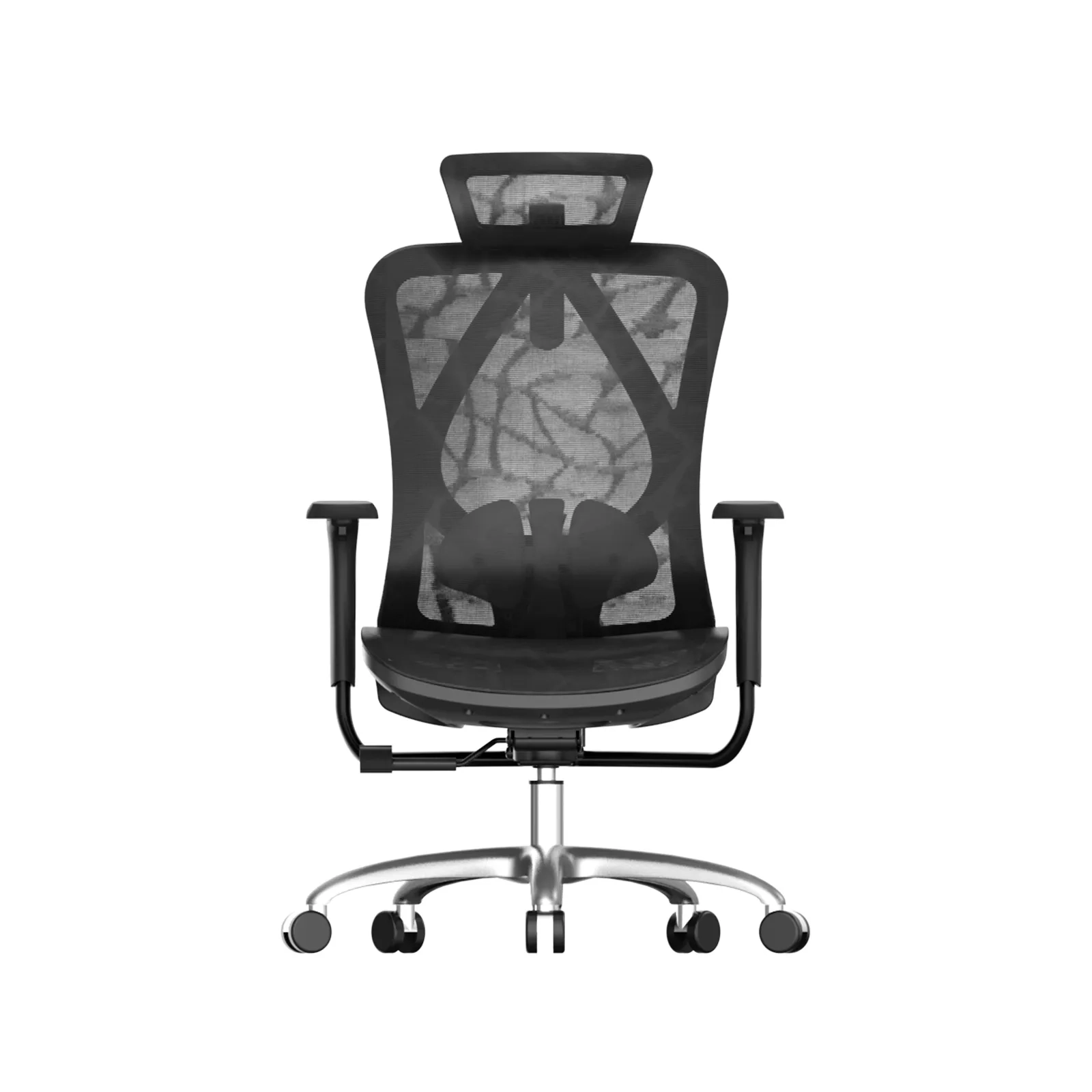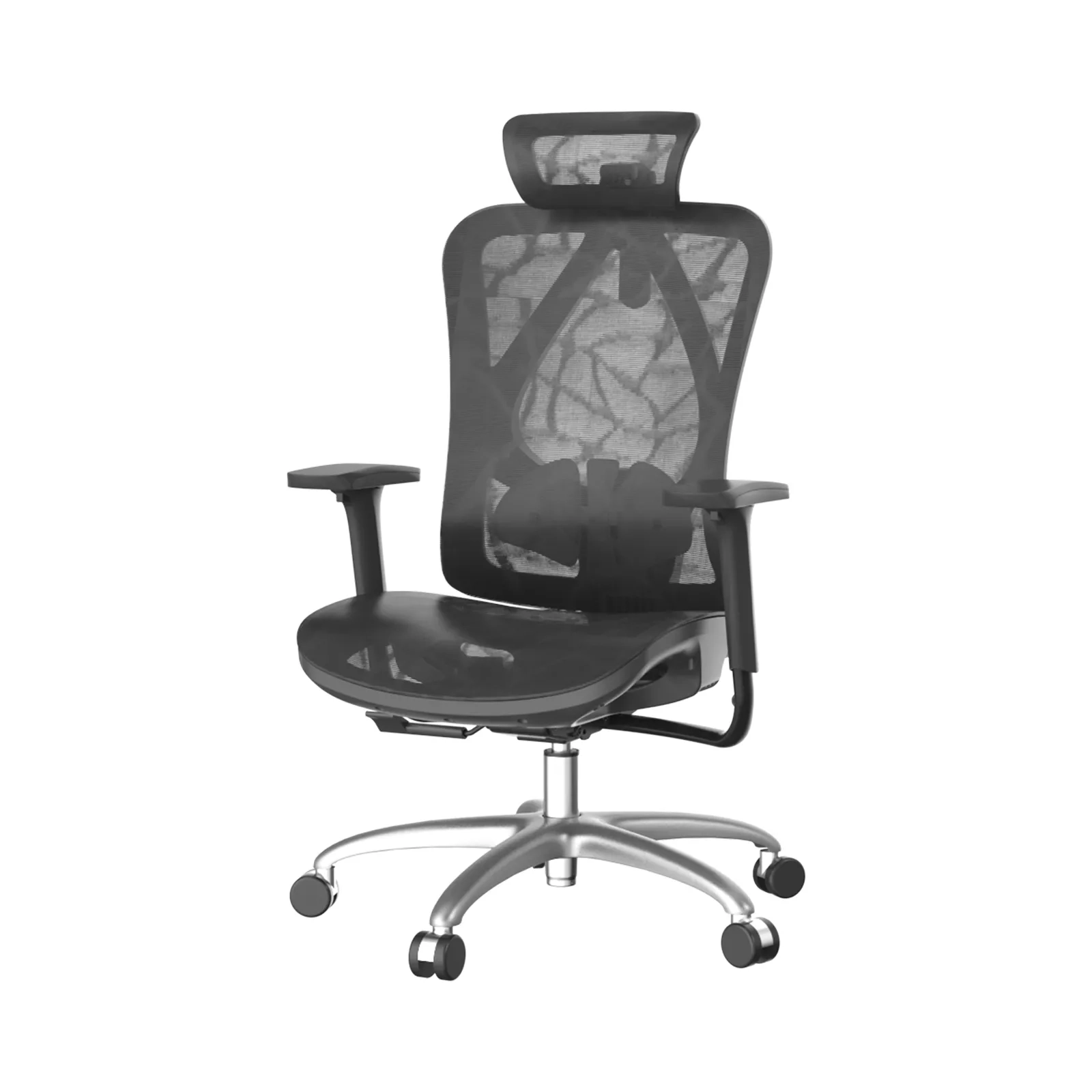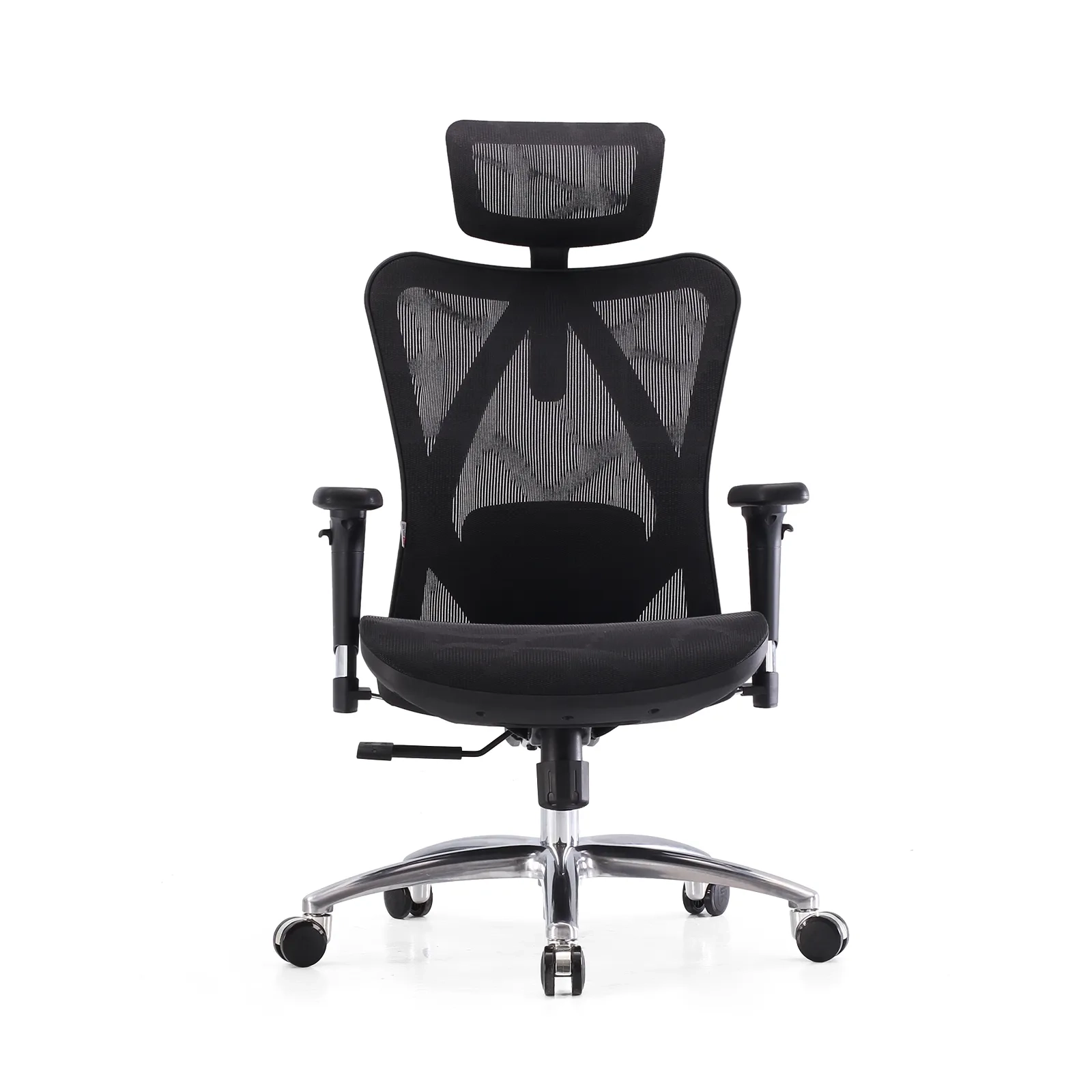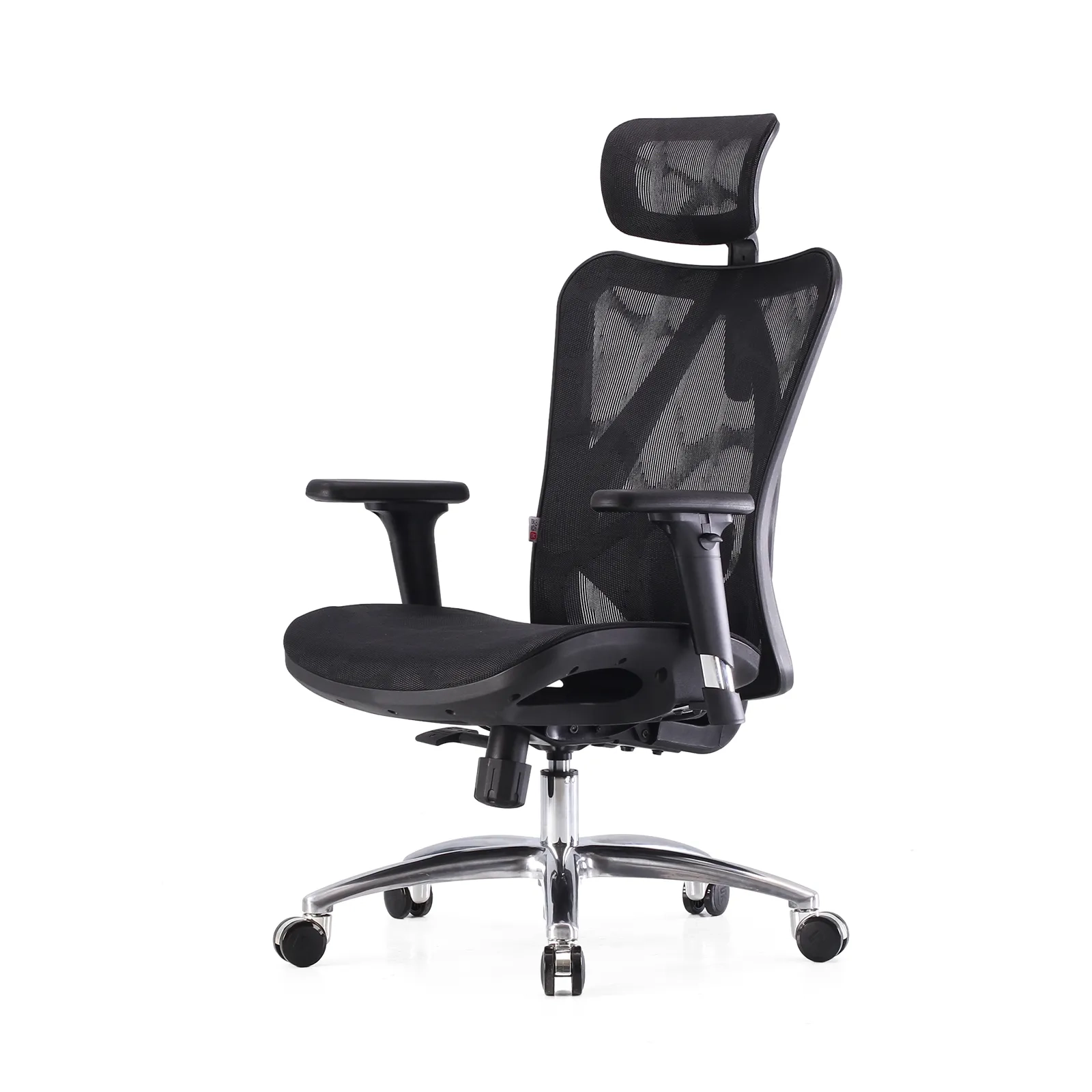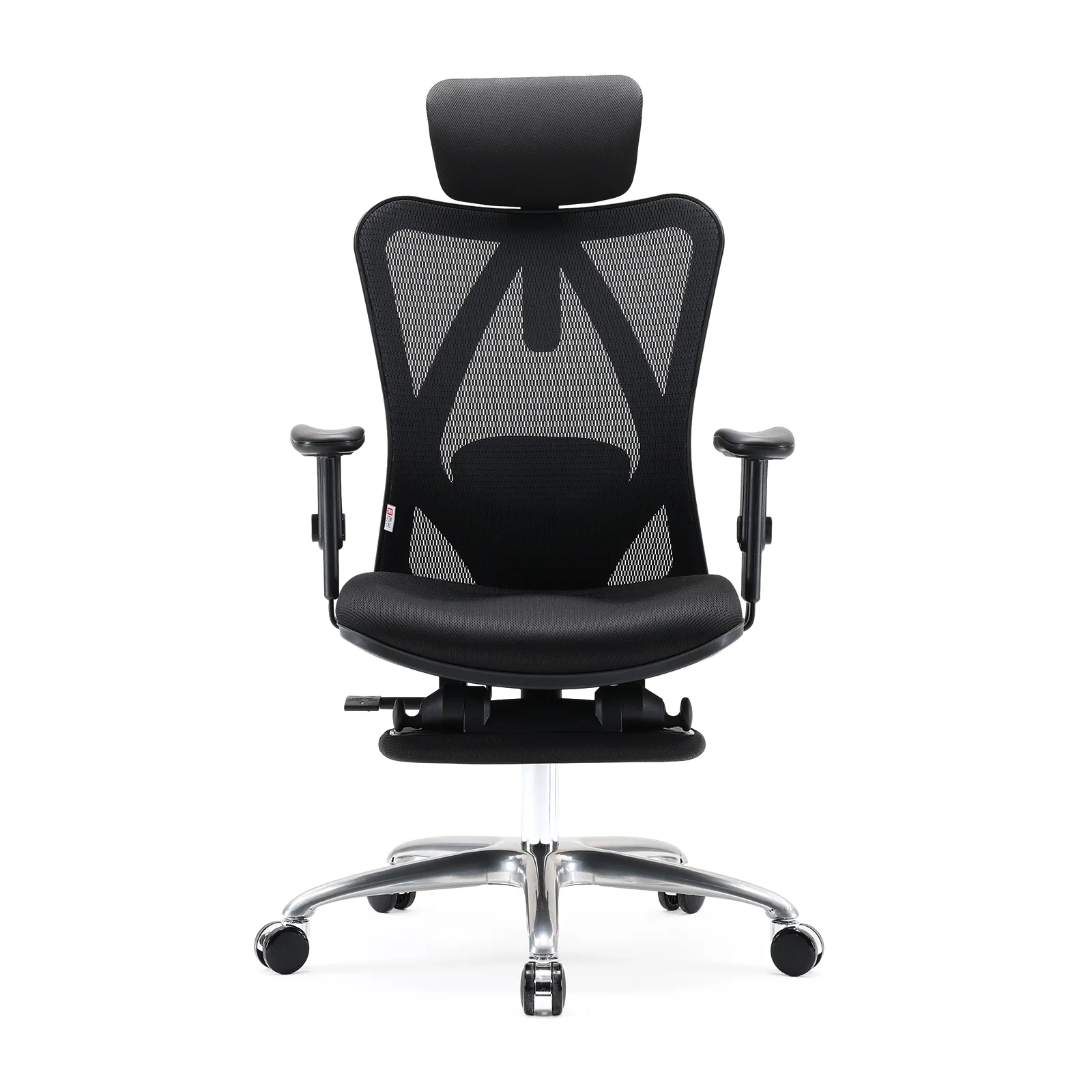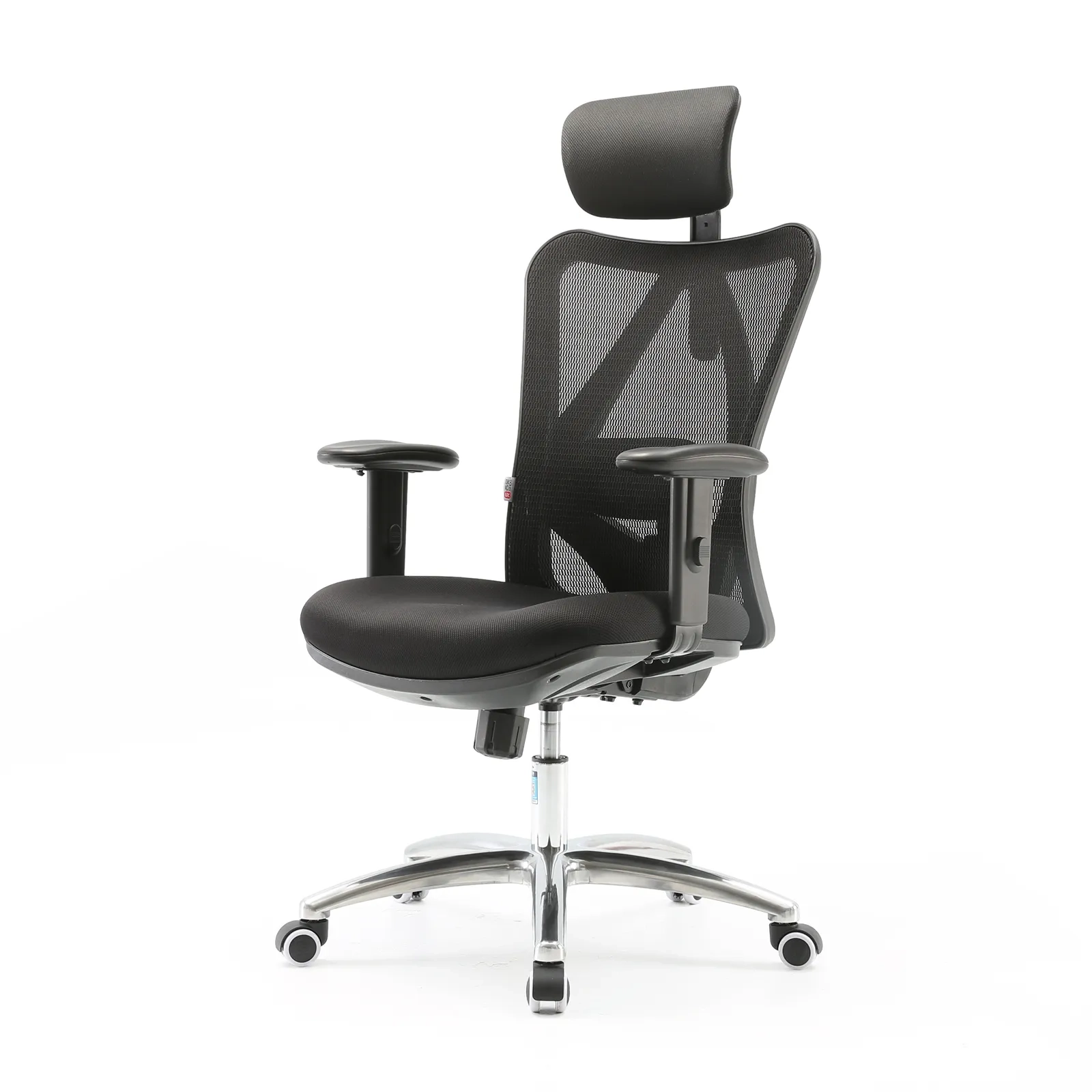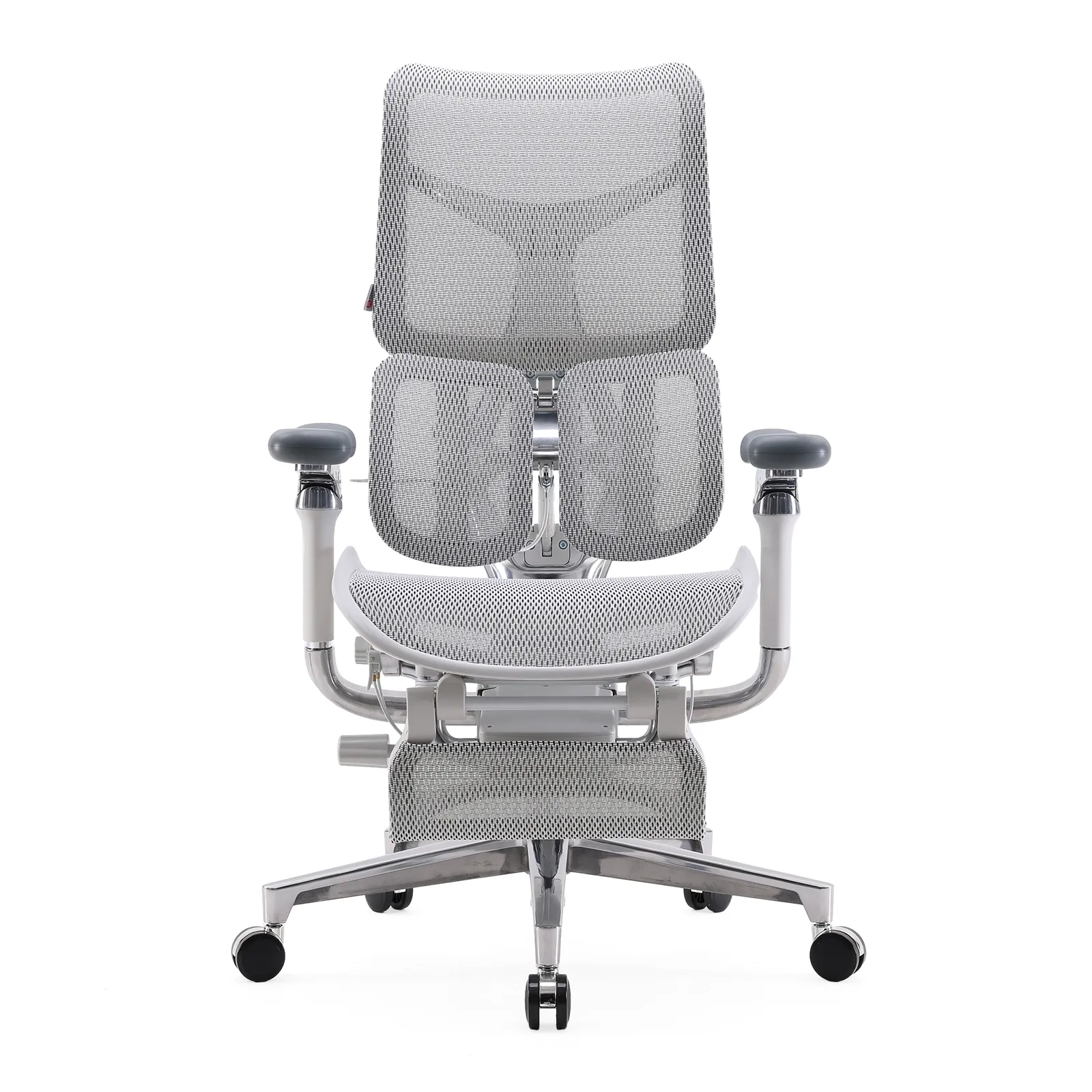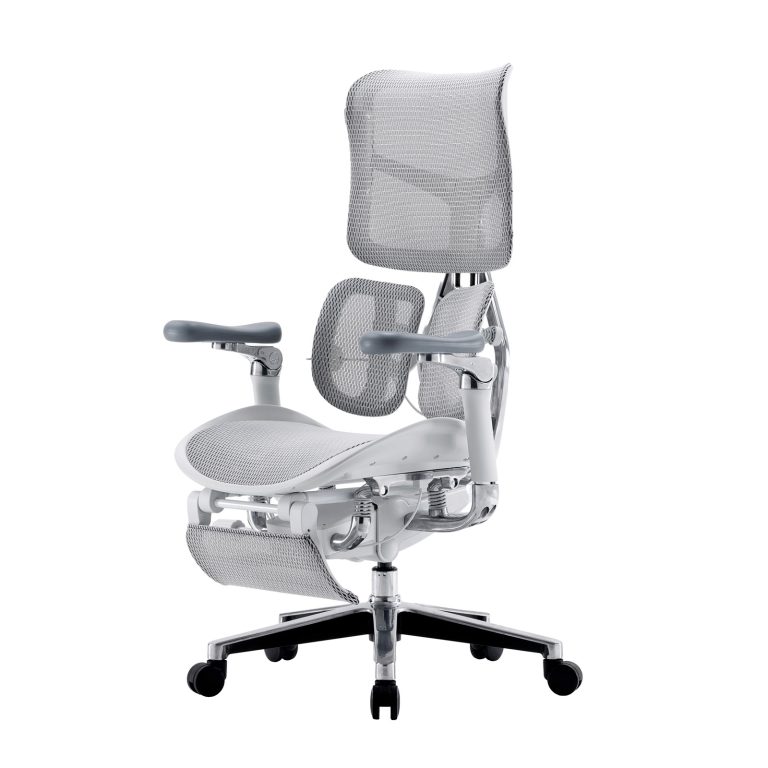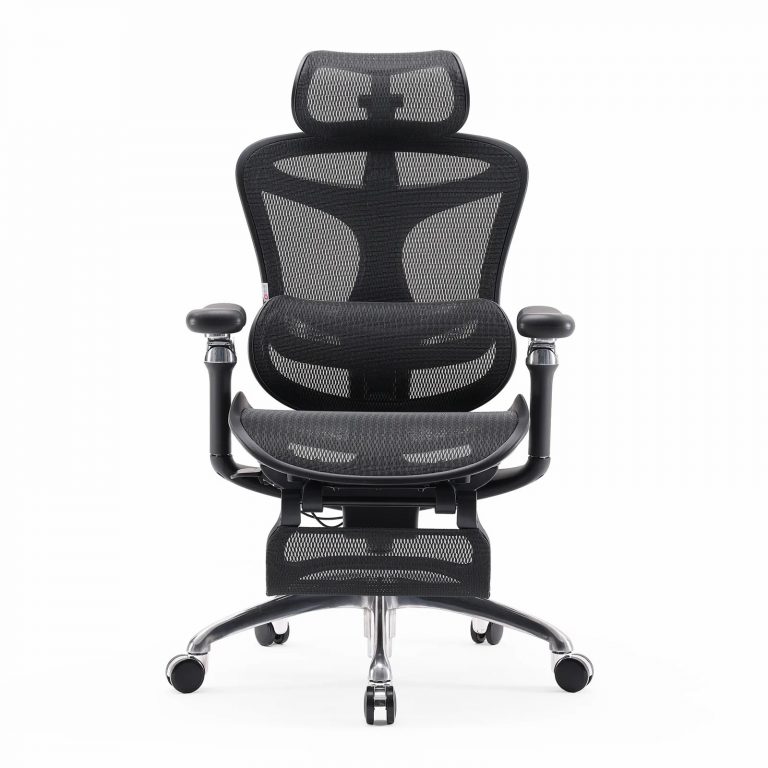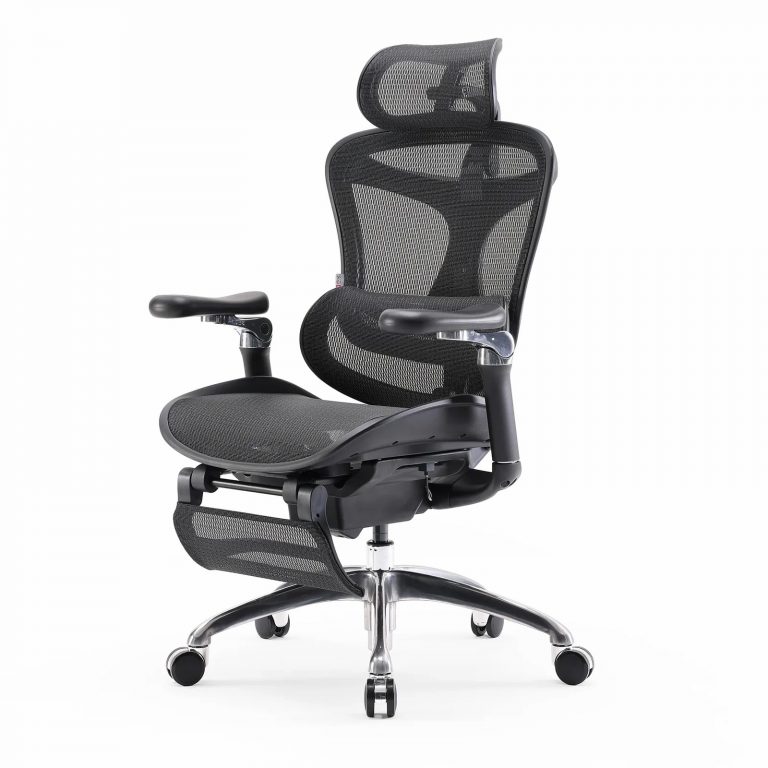









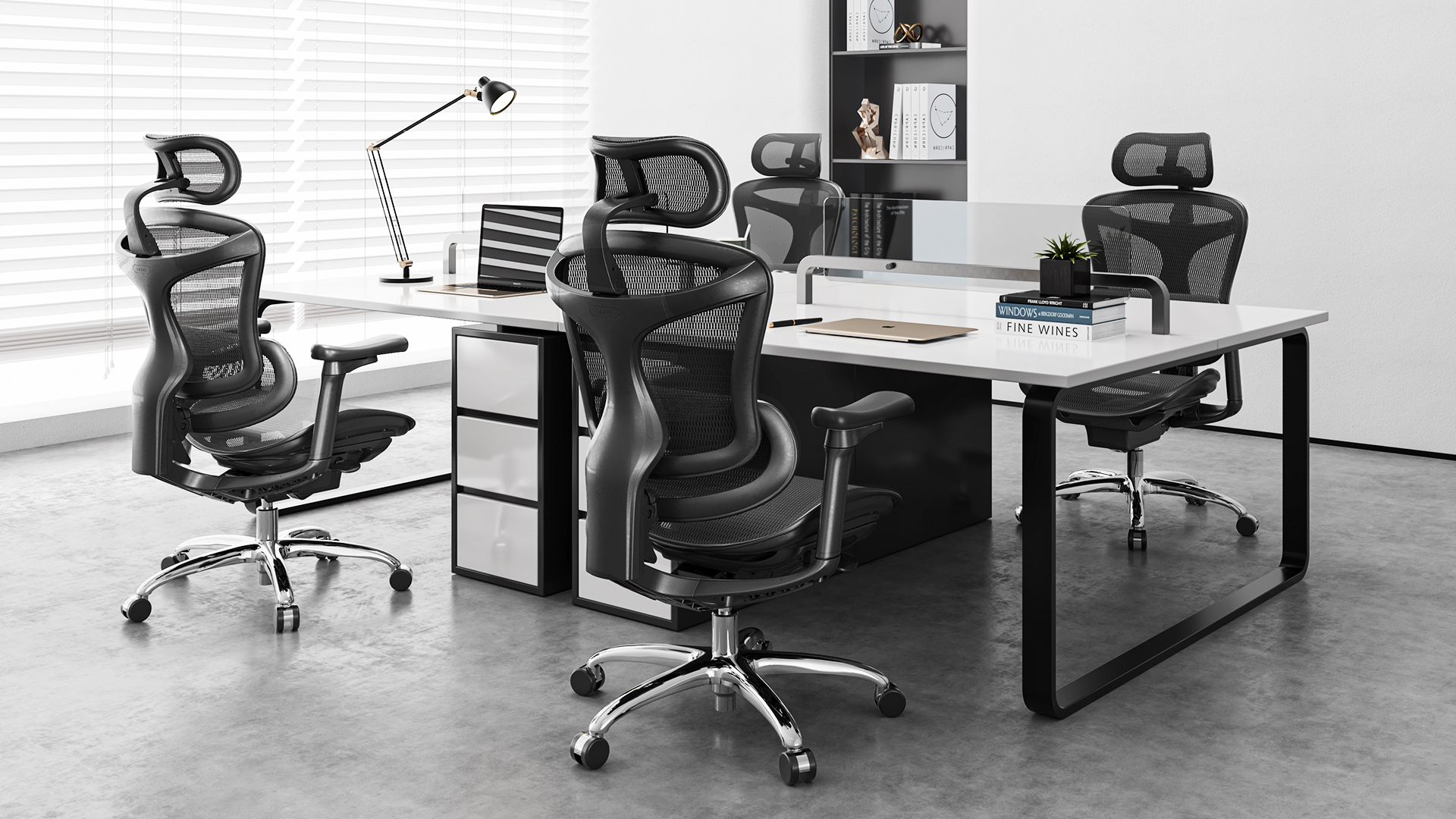
An office chair with lumbar support needs a clear and specific definition. Don’t stop at “lumbar support included.” Ask what type it is and how it adjusts. Then evaluate where it contacts the user’s back, who it fits, and how it works with the backrest and recline mechanism.
B2B buyers need to know whether the support is fixed, height-adjustable, depth-adjustable, dynamic, or part of a split-back design. They also need dimensions, control instructions, model-specific documents, sample approval, packaging details, and an after-sales plan. This guide turns a vague lumbar request into a clear spec.
Quick note: this is buying guidance, not medical advice. A chair can support a better workstation setup, but don’t market it as diagnosing, treating, or curing back problems.
The spec at a glance
| Area | Buyer should define | Supplier should provide |
| Lumbar type | Fixed, adjustable, dynamic, split back | Mechanism explanation |
| Position | Height and contact area | Dimensions or fit guidance |
| Pressure/depth | Fixed or adjustable | Adjustment range and controls |
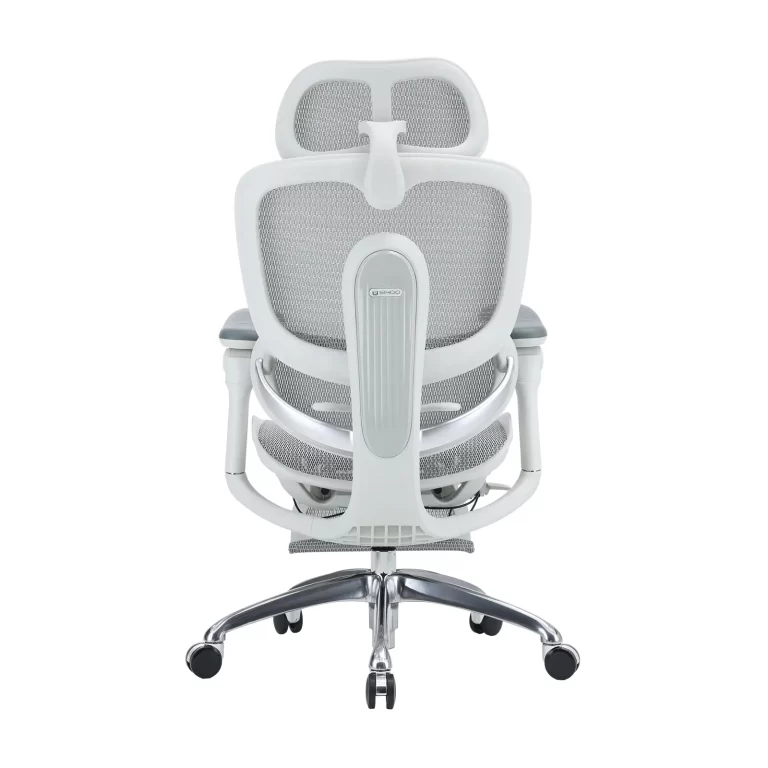
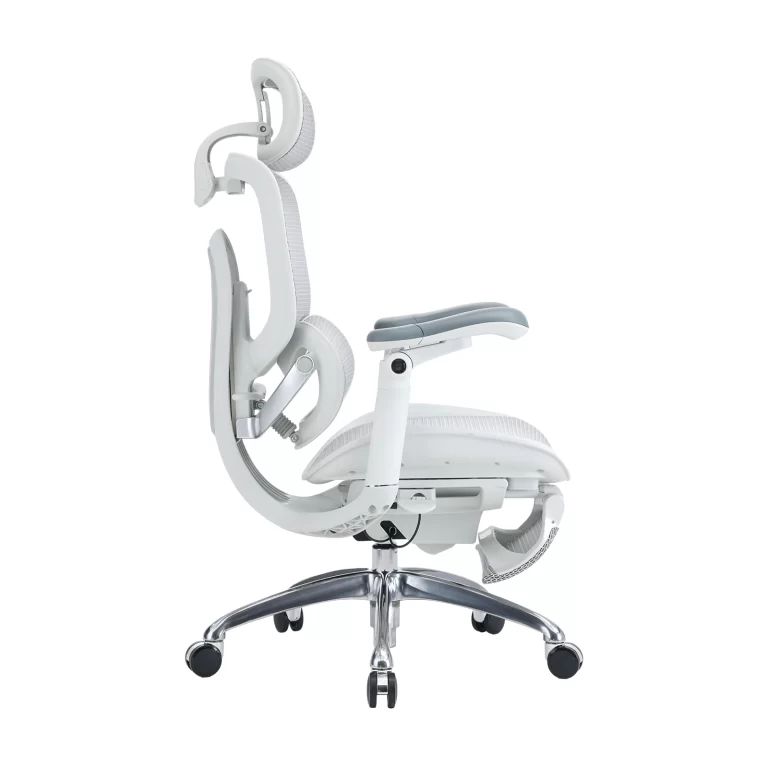
| Backrest | Shape, flexibility, recline behavior | Diagram and product spec |
| User range | Shared or assigned seating | Approved fit information |
| Material | Mesh, padded, integrated component | Material description |
| Durability | Intended commercial use | Relevant reports and QC process |
| Service | Replaceable part or integrated assembly | Parts and warranty procedure |
1. Define the lumbar support mechanism
Fixed contour
The backrest shape supports one general area. Fine for simpler chairs or known user groups, but it leaves little personal adjustment.
Height-adjustable support
The user slides the lumbar element up or down. Ask for the range and how it locks.
Depth- or pressure-adjustable support
The user changes how firmly the lumbar area presses on the back. Ask how the control works and whether the setting holds.
Soporte lumbar dinámico
The system moves as the user shifts or reclines. Ask what moves, what controls it, and which models use it.
Split-back support
Upper and lower back may have separate structures or independent movement. Ask how the sections interact and who the design targets.
Don’t assume the fanciest mechanism is the best one. The right pick depends on users, price tier, training, maintenance, and market position.
2. Say where the support touches the user
Check the lumbar element together with seat height, seat depth, backrest shape, and user dimensions. A position that works for one person may not suit another.
Ask for:
- Backrest dimensions
- Lumbar height range
- Lumbar depth or pressure range
- Seat-height range
- Seat-depth range
- Approved user-fit guidance
For shared workstations, adjustment range and intuitive controls earn their keep. For assigned seating, a simpler mechanism may be right if it matches the known user group.
Don’t publish height or weight claims until the SIHOO product team confirms them for the selected model.
3. Check how it behaves with recline
Lumbar support can feel different once the chair reclines. Ask:
- Does the lumbar element move with the backrest?
- Does pressure change during recline?
- Can you adjust support while seated?
- Are there lock positions?
- Is recline tension adjustable?
- Does the seat move with the backrest?
A supplier should explain the complete seating mechanism, not present lumbar support as an isolated component.
SIHOO publishes details about Tecnología Sitting Sense. Buyers should confirm which mechanism and product descriptions apply to a specific model.
4. Compare integrated and separate lumbar parts
An integrated lumbar structure can give a cleaner design and coordinated movement. A separate component may make adjustment or replacement easier. Neither is automatically better.
Compare:
- Adjustment range
- Stability
- Noise or movement
- User control
- Appearance
- Serviceability
- Part replacement
- Price positioning
Ask whether the lumbar component has its own part number and how a claim would be handled.
5. Match lumbar type to the product category
Different categories may need different specs:
- Value staff chair: clear basic support and durable build
- Shared task chair: wide adjustment range and easy controls
- Premium ergonomic chair: more adaptive or multi-directional support
- Executive chair: support paired with high-back comfort and visual presence
- Compact chair: enough support without taking up excessive space
Review the SIHOO ergonomic office chair category before deciding how many lumbar-support levels the range needs.
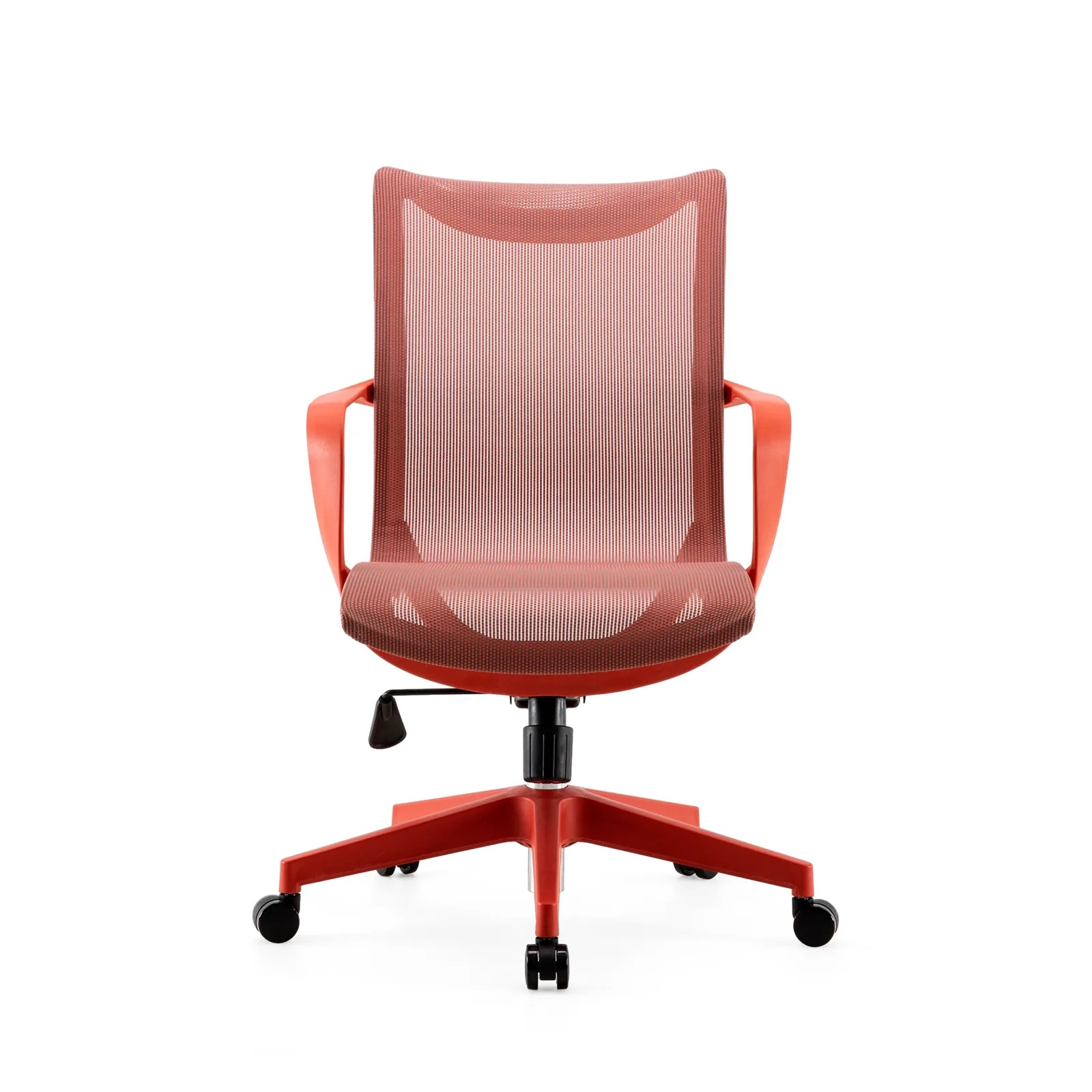
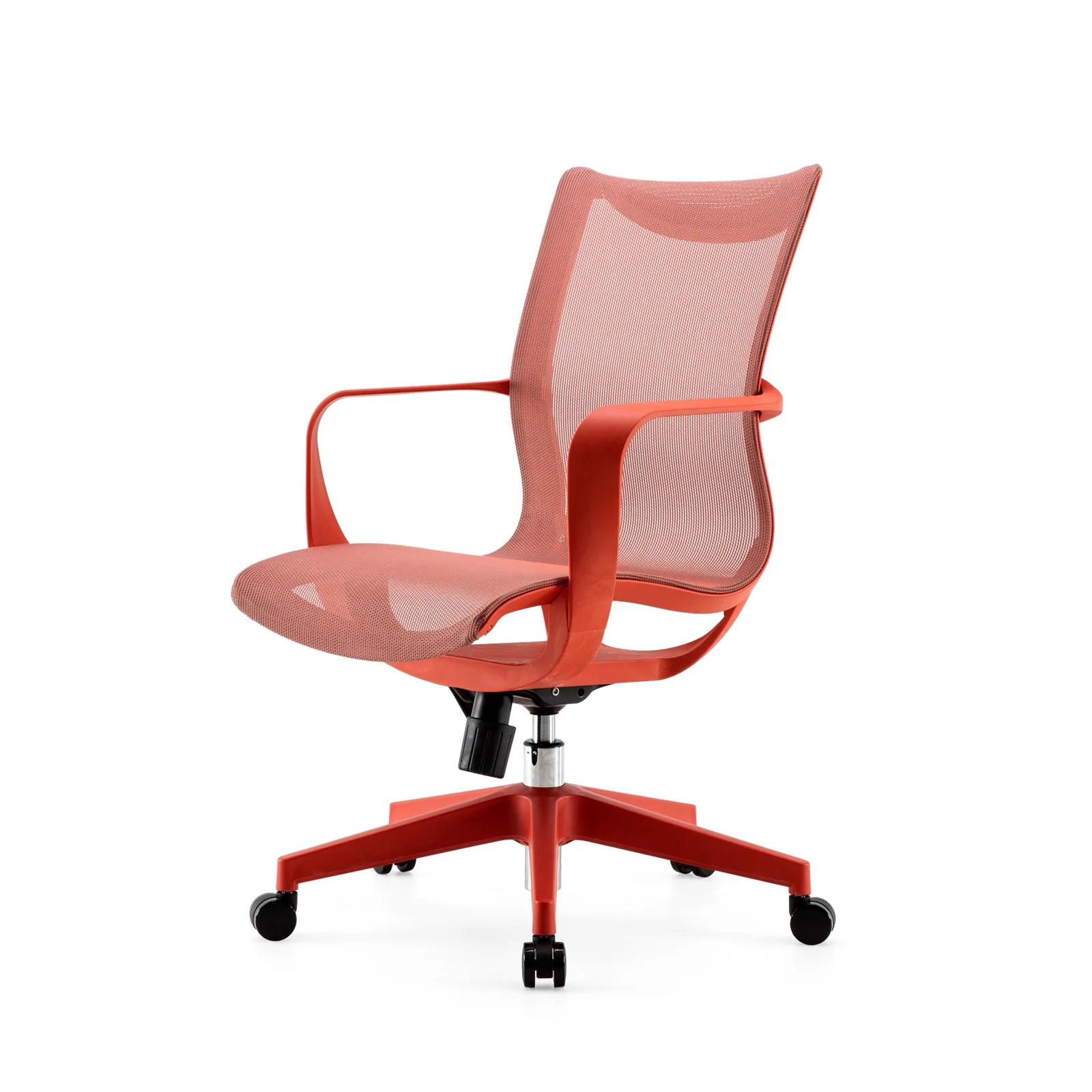
A few SIHOO model pages point in different directions:
Check current features and availability before comparing them.
6. Ask for diagrams and control instructions
Buyers, dealers, sales staff, and end users all need to understand the adjustment. Ask for:
- Mechanism diagram
- Control labels
- Adjustment steps
- Approved feature description
- Product images or video
- Troubleshooting guidance
If a control is hard to explain, it’ll generate returns or support tickets. Put control clarity on the sample scorecard.
7. Review the relevant documents
Depending on the destination market or project, ask for model-specific:
- Product specs
- Test reports
- Component information
- Assembly instructions
- Quality-control information
- Warranty terms
- Parts list
BIFMA publishes office-furniture standards information. Confirm the model, setup, standard, date, and scope of any report.
8. Plan for shared seating
For offices with hot desks or rotating staff, prioritize:
- Easy-to-find controls
- Easy-to-reset adjustments
- Enough seat-height and depth range
- Lumbar adjustment that needs no tools
- Durable controls
- Clear user instructions
A complex chair underperforms when users do not understand how to use its features. Consider a simple setup guide or an approved adjustment videos in the project delivery package.
9. Add lumbar details to the quote request
Send:
- Target market and buyer group
- Expected quantity
- Chair category and price tier
- Required lumbar type
- Adjustment needs
- Seat and backrest dimensions
- Recline needs
- Material preference
- Required documents
- Sample and delivery needs
Ask the supplier to mark each point as confirmed, optional, or unavailable. That’s far clearer than asking for “the best lumbar chair.”
10. Avoid these B2B content mistakes
- Calling every curved backrest “dynamic lumbar”
- Promising pain relief or treatment
- Publishing unverified user-fit ranges
- Comparing models without checking current specs
- Linking only to a homepage
- Omitting Contact, category, or technical pages
- Treating a general standard claim as model-level evidence
- Ignoring parts and after-sales support
Making the final call
The right wholesale office chair with lumbar support isn’t just the chair with the nicest label. It’s the model whose lumbar mechanism, adjustment range, seat and backrest size, recline behavior, documents, and service process fit the target market.
Define the mechanism instead of buying the label. Check it on the sample. Confirm the approved description and documents. Then point the reader to the right category, technical page, and inquiry path.
Start with the broader ergonomic office chair wholesale spec guide. Then check supplier capability with the ergonomic chair manufacturer checklist. For material details, use the mesh office chair wholesale checklist.
Request SIHOO lumbar-support chair recommendations with your market, quantity, user group, required adjustment, and destination. You can also view the SIHOO ergonomic office chair category before preparing the spec. For technical background, review Tecnología Sitting Sense.
1600x1600-4-768x768.jpg)
1600x1600-8-768x768.jpg)